Security Best in category 3 results Automation AI Tool

Popular AI tools in the Automation field of Security include BlinkOps、Cotool、Tracecat, etc., helping you quickly improve efficiency.

BlinkOps

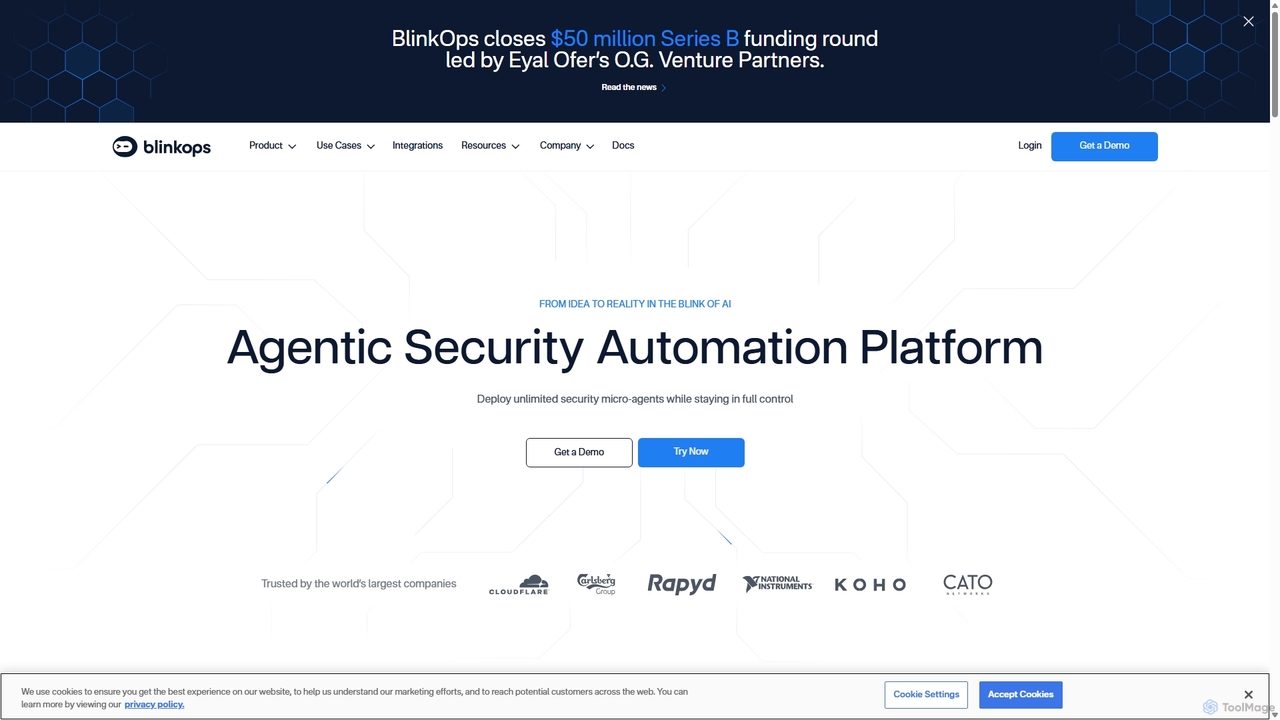
BlinkOps

BlinkOps is an agentic security automation platform that empowers security teams to convert natural language prompts into powerful, …

33.8K
Cotool

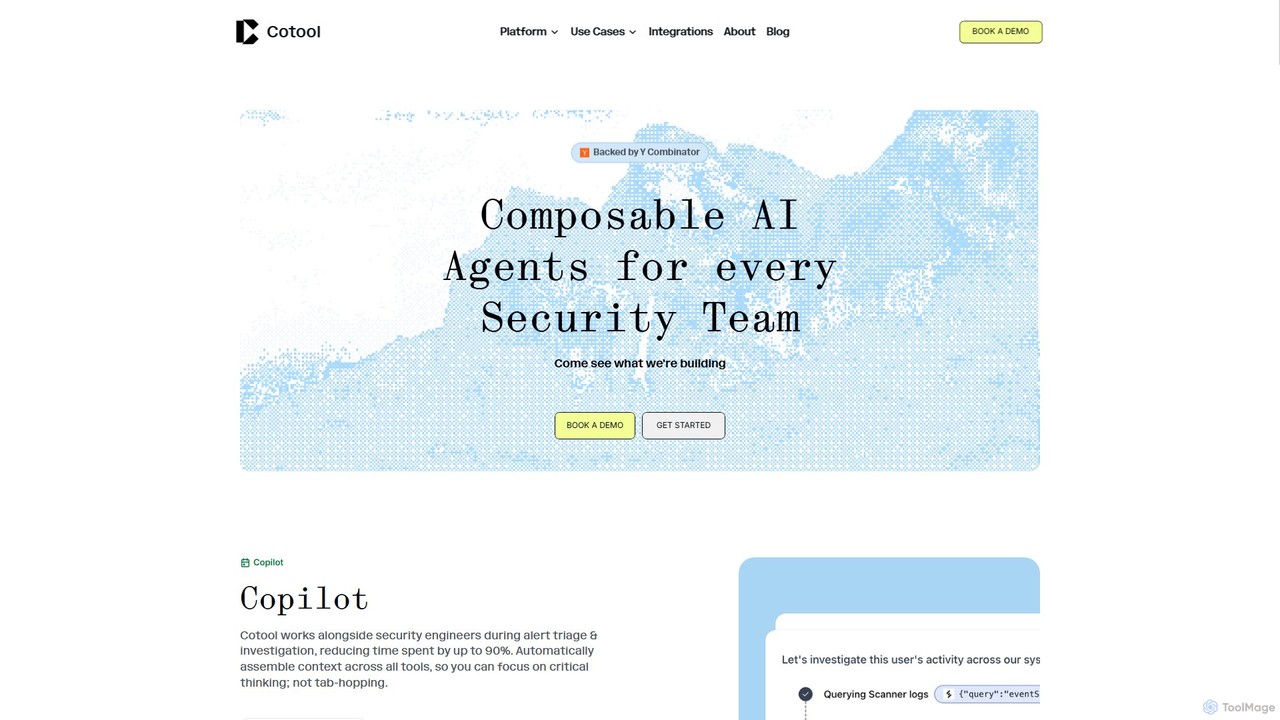
Cotool

Cotool is an AI security platform featuring composable agents designed for security teams. It automates alert triage, incident …

19.9K
Tracecat

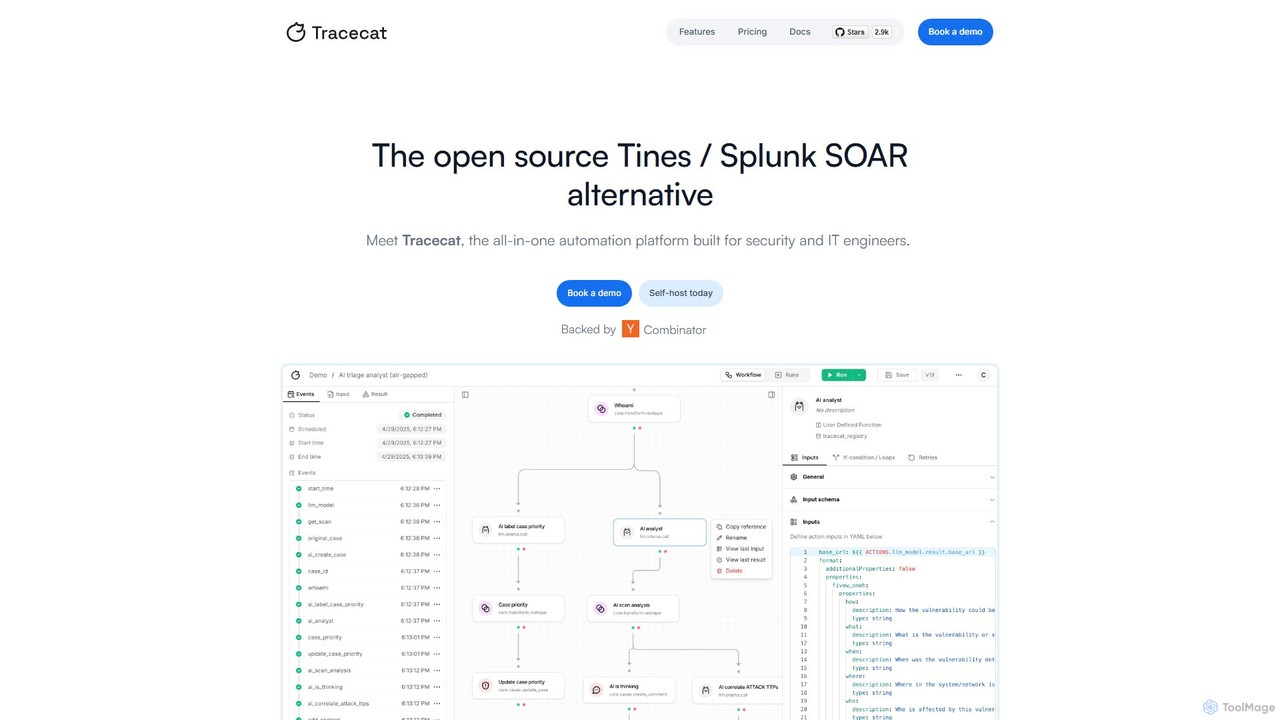
Tracecat

Tracecat is an open-source Security Orchestration, Automation, and Response (SOAR) platform designed for security and IT engineers. It …

7.5K

About Automation

Security Automation tools are a class of AI-powered solutions designed to automate security operations and incident response. These tools leverage machine learning, threat intelligence, and predefined playbooks to detect, analyze, and neutralize cyber threats with minimal human intervention. Their primary value lies in drastically reducing response times (MTTR), minimizing the risk of human error, and enabling security teams to focus on strategic initiatives rather than repetitive tasks. Unlike manual security processes, these platforms provide 24/7 monitoring and automated remediation capabilities, significantly enhancing an organization's security posture.

Core Features

  • Automated Threat Detection & Response: Automatically identifies and contains threats like malware, phishing, and suspicious user behavior based on real-time data analysis.
  • Security Orchestration (SOAR): Integrates disparate security tools (like SIEM, firewalls, EDR) into unified workflows, coordinating actions across the entire security stack.
  • Vulnerability Management Automation: Continuously scans systems for vulnerabilities, prioritizes them based on risk, and automates the patching or remediation process.
  • Automated Incident Triage: Uses AI to analyze and enrich security alerts, automatically filtering out false positives and prioritizing the most critical incidents for human review.
  • Compliance Automation: Automates the process of collecting evidence, running configuration checks, and generating reports for compliance standards like GDPR, HIPAA, and PCI DSS.

Use Cases

These tools are essential for Security Operations Center (SOC) analysts, IT security administrators, and compliance officers. They are used for automating responses to phishing attacks, managing software patch deployments across thousands of devices, and conducting continuous security audits to ensure regulatory compliance. This allows for a more proactive and efficient security management approach.

How to Choose

When selecting a Security Automation tool, consider its integration capabilities with your existing security stack (e.g., SIEM, EDR). Evaluate the flexibility and customizability of its playbook editor for creating tailored workflows. Assess its scalability to handle your organization's volume of alerts and data. Finally, consider the quality of its threat intelligence feeds and the level of technical support provided.

AutomationUse Cases

1

Automate Phishing Email Analysis and Remediation

A Security Operations Center (SOC) analyst is inundated with phishing alerts. Using a security automation tool, a playbook is triggered for every reported phishing email. The tool automatically analyzes email headers, extracts URLs and attachments, and detonates them in a sandbox. If malicious, it quarantines similar emails across all inboxes, blocks the sender's domain, and updates firewall rules—all within minutes, reducing a 30-minute manual task to under two minutes and preventing widespread infection.

2

Automate Vulnerability Scanning and Patch Deployment

An IT security team needs to manage vulnerabilities across hundreds of servers. A security automation platform is configured to perform weekly scans. When a critical vulnerability like 'Log4Shell' is detected, the tool automatically identifies all affected systems, checks for patch availability, and creates a change request ticket. Based on predefined policies for non-production environments, it can even automatically deploy the patch during a maintenance window, drastically reducing the window of exposure from days to hours.

3

Instantly Contain Malware-Infected Endpoints

An employee's laptop is infected with ransomware. The Endpoint Detection and Response (EDR) tool sends an alert to the automation platform. The platform immediately executes a containment playbook: it isolates the infected device from the network to prevent lateral movement, suspends the user's account to block access to other resources, and triggers a memory dump for forensic analysis. This automated, near-instantaneous response contains the threat before it can spread across the network, saving the company from a potential disaster.

4

Streamline Security Compliance Audits

A compliance officer is preparing for a PCI DSS audit. Instead of manually collecting evidence from dozens of systems, they use an automation tool. The tool is connected to cloud environments, servers, and security controls. It automatically runs checks against the PCI DSS framework, gathers configuration data, and collects logs as evidence. It then generates a comprehensive report highlighting compliant areas and flagging any gaps with remediation suggestions, reducing audit preparation time from weeks to a few days.

5

Automate User Access and Privilege Reviews

To enforce the principle of least privilege, an IT administrator uses an automation tool for quarterly access reviews. The system automatically generates a report of all user accounts and their access rights to critical applications. It flags dormant accounts (inactive for 90+ days) and users with excessive permissions (e.g., global admin rights). The tool then sends automated review requests to department managers, who can approve or revoke access with a single click, ensuring a clean and secure access environment.

6

Proactively Hunt for Threats with AI Automation

A threat hunter uses an AI automation platform to analyze terabytes of log data from various sources (network, endpoints, cloud). Instead of writing complex queries manually, they use the tool to identify anomalous patterns that may indicate an Advanced Persistent Threat (APT). The AI model flags a series of low-and-slow activities, such as unusual login times and small data exfiltrations, that would be missed by traditional rule-based systems. This allows the hunter to focus their investigation on high-probability threats, significantly improving their efficiency.

AutomationFrequently Asked Questions