Security Best in category 2 results Password Manager AI Tool

Popular AI tools in the Password Manager field of Security include my_legacy、PicKey, etc., helping you quickly improve efficiency.

PicKey

PicKey

PicKey is a revolutionary AI-powered visual password manager that eliminates the need for traditional master passwords. It allows …

3.5K
my_legacy

my_legacy

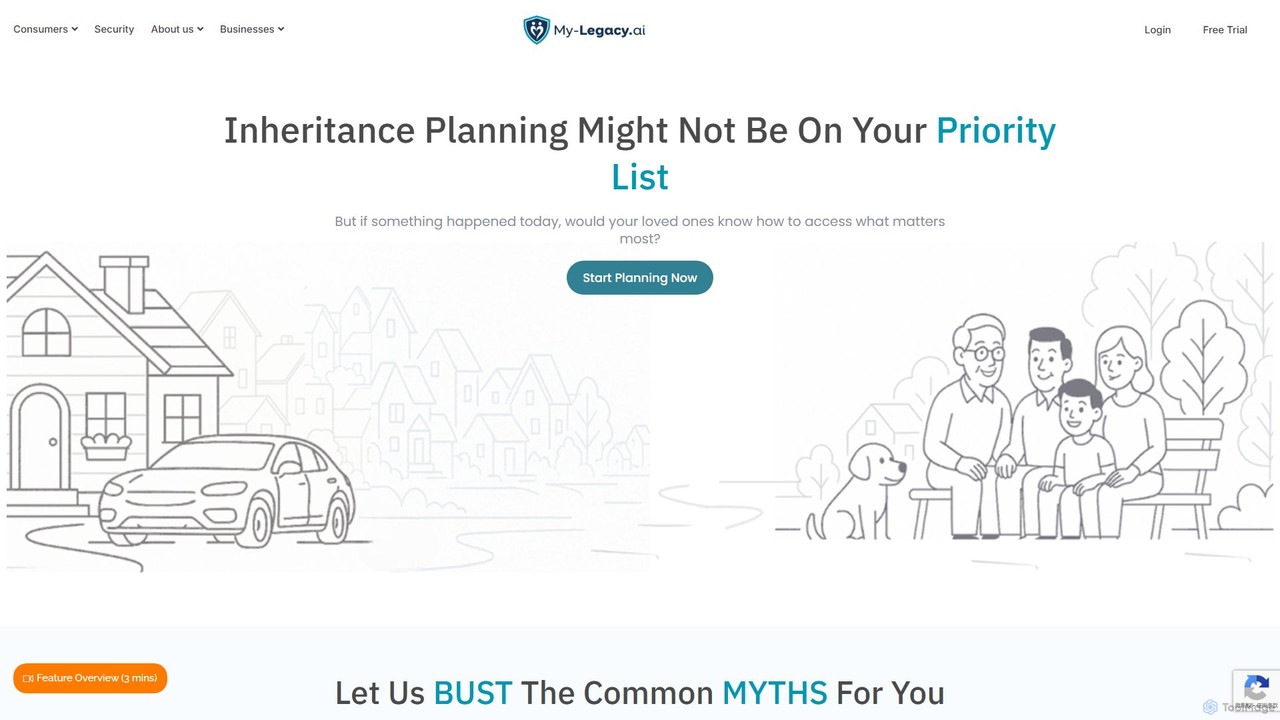
my_legacy is an AI-powered digital estate planning platform designed to help you organize, manage, and secure your entire …

7.5K

About Password Manager

A Password Manager is a software tool designed to securely store, manage, and organize all your login credentials in an encrypted digital vault. These tools use strong encryption algorithms, typically AES-256, to protect your data, accessible only through a single master password. They significantly enhance online security by enabling you to create and use unique, complex passwords for every account without the need to memorize them. Many password managers also offer features like automatic form filling, cross-device synchronization, and secure sharing to streamline your digital life.

Core Features

  • Encrypted Vault: Securely stores passwords, credit card details, and other sensitive notes using end-to-end encryption.
  • Password Generator: Creates strong, unique, and randomized passwords based on customizable criteria.
  • Auto-fill & Auto-login: Automatically fills login credentials on websites and applications for quick access.
  • Cross-Platform Sync: Synchronizes your password vault across multiple devices and platforms (desktop, mobile, browser).
  • Security Audit: Analyms your vault for weak, reused, or potentially compromised passwords and provides a security score.

Use Cases

Password managers are essential for individuals seeking to bolster their personal cybersecurity across social media, banking, and email accounts. In a business context, they are used by teams to securely share access to company software, cloud services, and admin panels without exposing the actual passwords. IT departments also leverage them for securely onboarding new employees and managing privileged access credentials.

How to Choose

When selecting a password manager, first consider its security model; look for zero-knowledge architecture, which ensures only you can access your data. Evaluate its platform compatibility to ensure it supports all your devices and web browsers. Assess the user interface for ease of use in saving and retrieving passwords. Finally, compare additional features like two-factor authentication (2FA) support, data breach monitoring, and secure file storage to find the tool that best fits your needs.


Password ManagerUse Cases

1

Securing a Personal Digital Life

For an individual user, managing dozens of unique passwords for banking, social media, and shopping sites can be overwhelming. A password manager solves this by creating and storing strong, unique passwords for every service in its encrypted vault. The user only needs to remember one master password. When logging in, the browser extension automatically fills in the correct credentials, providing both top-tier security and seamless access to all online accounts.

2

Streamlining Team Access to Shared Accounts

A marketing team needs shared access to social media platforms, analytics tools, and ad accounts. Instead of sharing passwords insecurely via chat or spreadsheets, a team lead uses a password manager. They create a shared vault containing the necessary credentials and grant access to team members. This allows everyone to log in without knowing the actual password. Access can be instantly revoked when a team member leaves, ensuring company assets remain secure.

3

Conducting a Personal Security Health Check

A user concerned about online security can use their password manager's audit feature. This tool scans their entire vault and generates a report highlighting weak passwords (e.g., 'password123'), reused passwords across multiple sites, and credentials that have appeared in known data breaches. The user can then systematically go through the list, using the built-in password generator to update vulnerable accounts with strong, unique passwords, drastically improving their overall security posture.

4

Securely Storing More Than Just Passwords

A freelancer needs to keep track of various sensitive details, including client Wi-Fi passwords, software license keys, and bank account numbers. Instead of storing them in plain text documents, they use the 'Secure Notes' feature of their password manager. Each piece of information is stored as an encrypted item in the vault. This centralizes all critical data, protects it from malware or device theft, and makes it securely accessible across all their devices whenever needed.

5

Facilitating Secure Emergency Access

A user wants to ensure their spouse can access critical online accounts, like banking or insurance portals, in case of an emergency. They use the password manager's 'Emergency Access' feature to designate their spouse as a trusted contact. They can set a waiting period (e.g., 48 hours). If the user becomes incapacitated, the spouse can request access. If the user doesn't deny the request within the waiting period, access to the password vault is securely granted, preventing lock-out from vital digital assets.

6

Responding Proactively to Data Breach Alerts

Many password managers offer a dark web monitoring service. An IT professional enables this feature, which continuously scans for their company's email domains in known data breaches. When the service detects a compromised employee credential on a third-party site, it sends an immediate alert. The IT professional can then instruct the employee to use the password generator to change the password for the breached account and any other accounts where it might have been reused, mitigating the threat before it escalates.

Password ManagerFrequently Asked Questions