

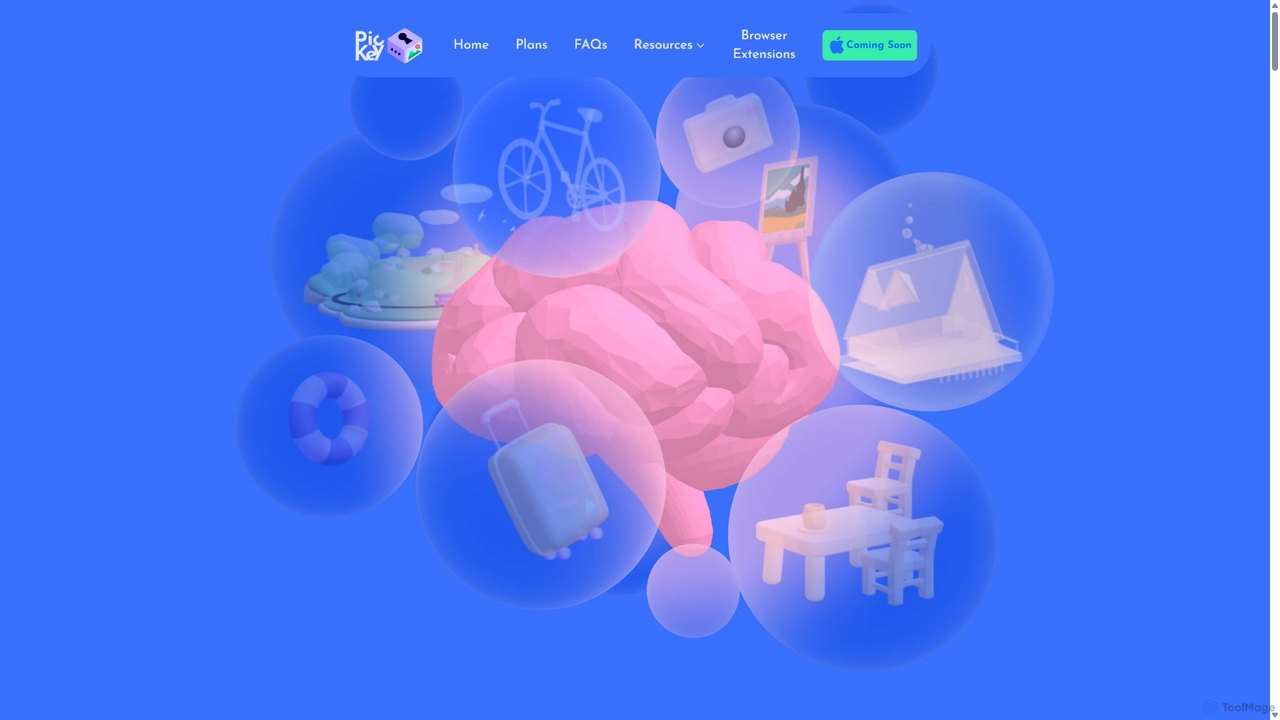
PicKey Overview
PicKey introduces a groundbreaking approach to digital security, transforming the way we manage and protect our online accounts. Tired of the endless cycle of creating, remembering, and resetting complex passwords? PicKey offers an elegant and powerful solution: a visual password manager. Instead of a master password that can be forgotten or stolen, PicKey uses a 'Master Key'—a unique combination of a personal image you cherish (a 'Memory') and an interactive 3D character (a 'Collectable'). This AI-driven system recognizes your unique world through your phone's camera, providing a login experience that is both seamless and incredibly secure.
The core philosophy behind PicKey is that memories are stronger and more personal than text strings. By linking your access to a visual cue from your own life, it creates a password that is as strong as a thousand words and infinitely easier to recall. The advanced AI is robust enough to handle minor changes in your environment, ensuring reliable access without compromising security. This innovative method is fortified by multiple layers of protection, including your device's security, your biometrics (fingerprint or face), and the unique visual key itself.
How to use PicKey
Getting started with PicKey is designed to be an intuitive and engaging process:
- Download the App: PicKey is available as a mobile application with companion browser extensions for a seamless experience across all your devices.
- Create Your Master Key: The first step is to create your visual password. You'll choose a 'Memory'—a photo of a specific place or object in your environment. Then, you'll pair it with a 'Collectable'—a fun 3D model from PicKey's library. This combination becomes your unique Master Key.
- Visual Login: To unlock your password vault, simply open the PicKey app and point your camera at the scene you chose as your Memory. The AI will recognize the image and, combined with your biometrics, grant you access without typing a single character.
- Autofill Passwords: Once unlocked, PicKey's phone autofill feature and browser plug-ins will automatically fill in your credentials for websites and applications, just like a traditional password manager.
- Manage and Share: You can store unlimited passwords, organize them into folders, add notes, and securely share credentials with family or colleagues, with full control over access duration.
Core Features of PicKey
- Visual Master Key: Replaces the traditional master password with a combination of a personal photo ('Memory') and a 3D model ('Collectable') for an unforgettable and secure login.
- Patented MagicPass™ Technology: An advanced security algorithm that doesn't store your actual passwords. Instead, it stores a unique index and regenerates the password on-demand, ensuring your credentials are never exposed in a database breach.
- Secure Password Sharing: Easily and safely share passwords with family and friends. Includes advanced features like 'Next of Kin' and 'Living Will' to manage digital assets posthumously.
- Gamified Security Journey: PicKey encourages users to improve their online safety. Track your progress, receive recommended actions, and earn badges, free Pro subscriptions, and new 3D collectables as you strengthen your security posture.
- Multi-Layered Security: Combines three levels of protection: your physical phone, your biometrics (fingerprint or Face ID), and your unique visual world via the camera.
- Cross-Platform Sync: Works seamlessly across your devices with a mobile app for phone autofill and browser plug-ins for desktop use.
- 3D Collectables Marketplace: Personalize your security experience by choosing from a wide range of fun and unique 3D characters to use in your Master Keys.
Use Cases for PicKey
PicKey is ideal for a wide range of users:
- Individuals Seeking Simplicity and Security: For anyone tired of password fatigue who wants a more intuitive yet highly secure way to manage their digital life.
- Families: The Pro-Family plan makes it easy to manage and share passwords for streaming services, online shopping, and other shared accounts among family members.
- Privacy-Conscious Users: The MagicPass™ technology offers peace of mind that actual passwords are never stored in a central database, minimizing risk.
- Elderly or Less Tech-Savvy Users: The visual login process can be much easier to remember and use than complex alphanumeric passwords.
Advantages of PicKey
PicKey stands out from traditional password managers with several key advantages. The primary benefit is the elimination of the master password, which is the single point of failure in most systems. The visual login is not only more secure but also more engaging and memorable. The patented MagicPass™ technology provides a superior security architecture by avoiding password storage. Furthermore, the gamified approach to security education actively helps users become safer online, turning a chore into a rewarding experience.
Pricing and Plans
PicKey offers a flexible pricing structure to suit different needs:
- Free Plan: Manage up to 40 passwords (unlimited for the first 10 days), use on any number of devices, create up to 4 MasterKeys, and use MagicPass™ passwords and autofill features.
- Pro Plan ($4/month, billed annually): Includes everything in the Free plan, plus unlimited password management, unlimited MasterKeys, secure password sharing, Next of Kin/Living Will features, password folders and notes, and stronger MagicPass™ options.
- Pro-Family Plan ($7/month, billed annually): Includes all Pro features, plus 5 additional licenses for family members, making it a comprehensive solution for households.
PicKey Alternatives
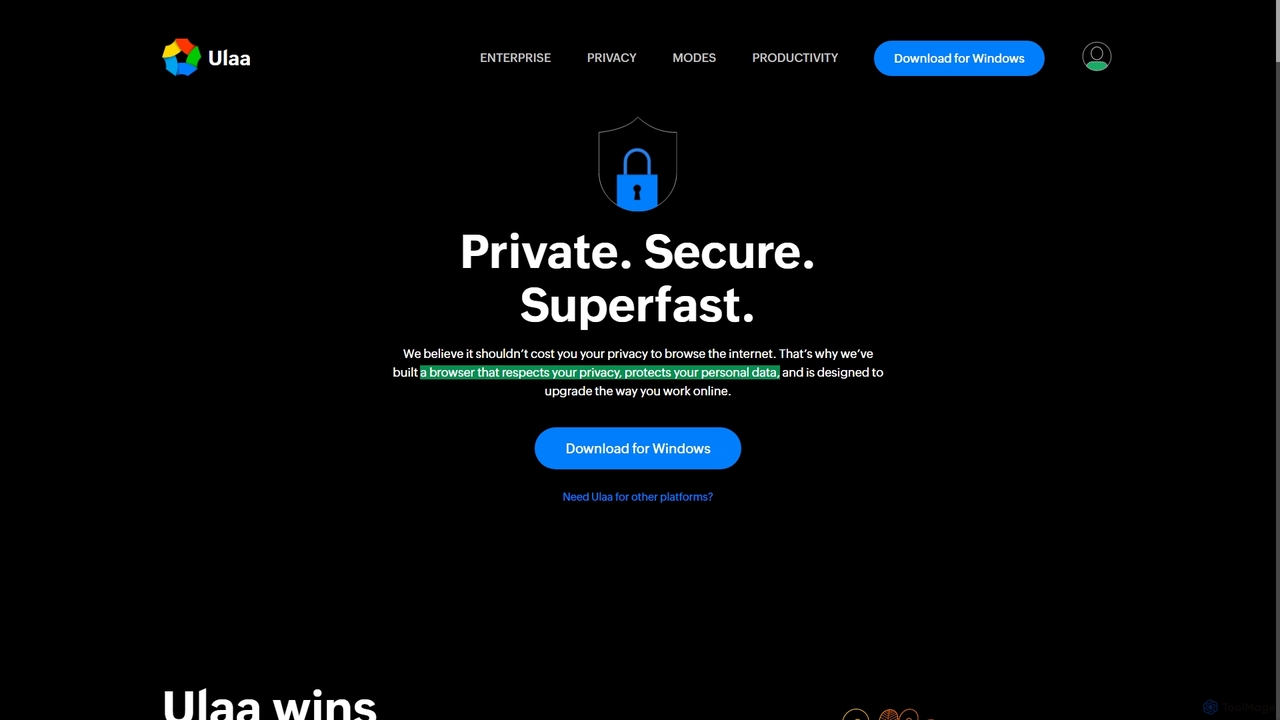
Ulaa Browser
Ulaa Browser, by Zoho, is a privacy-first, Chromium-based web browser designed for individuals and enterprises. It champions security with a built-in ad blocker, phishing protection, and unique browsing "Modes" to isolate work, personal, and other contexts. For businesses, Ulaa Enterprise offers advanced data loss prevention, centralized management, and AI-powered intelligence by Zia to create a secure and productive browsing environment.
Enterprise Software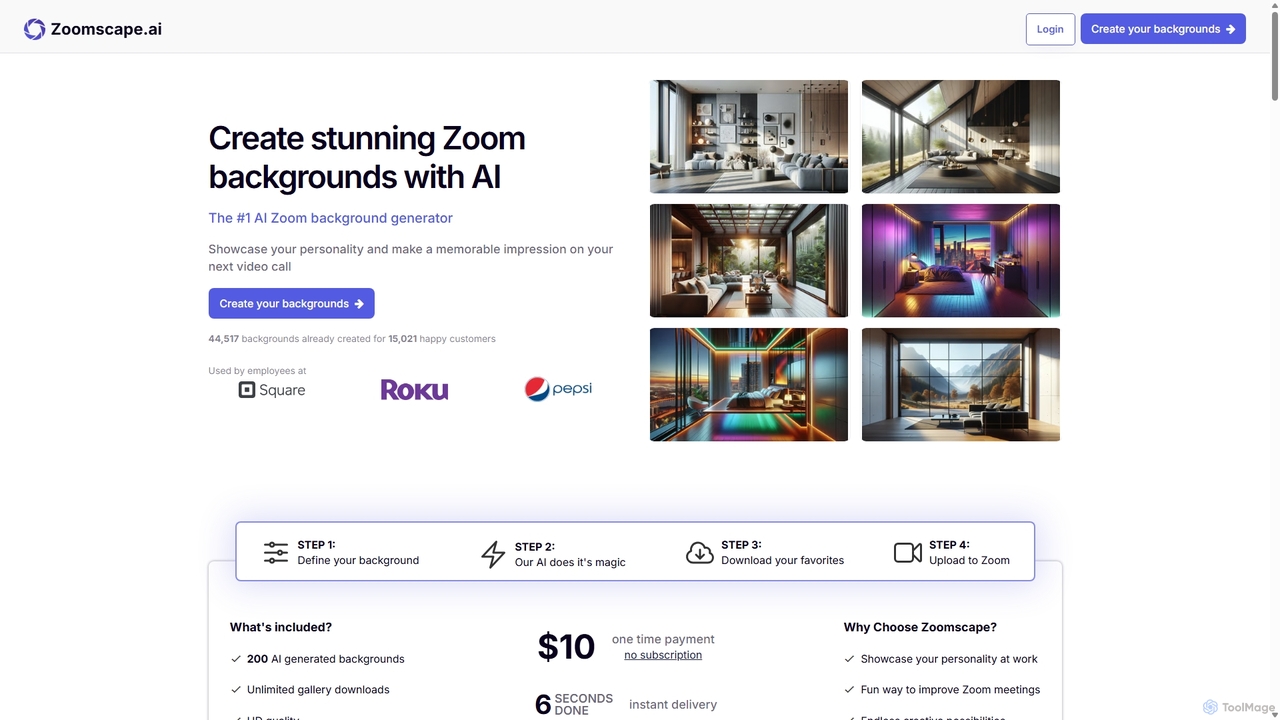
ZoomScape.ai
ZoomScape.ai is an AI-powered generator that creates hundreds of unique, stunning, and high-definition virtual backgrounds for Zoom and other video conferencing platforms. In seconds, you can generate personalized backdrops that showcase your personality, enhance your professional brand, and make your meetings more engaging.
Miscellaneous
Aaspassapp
aaspassapp is an AI-powered identity and access management platform designed to secure your digital life. It offers intelligent password generation, proactive breach monitoring, and adaptive multi-factor authentication. Ideal for both individuals and businesses, it simplifies security by automating access control and providing actionable insights to prevent threats before they happen.
Access Control
Microsoft Copilot
Microsoft Copilot is your everyday AI companion, enhancing productivity and creativity. It provides intelligent search, content generation, and image creation capabilities by leveraging the latest AI models like GPT-4 and DALL-E 3. Integrated across the Microsoft ecosystem, it assists with writing, coding, planning, and design tasks.
Image Generator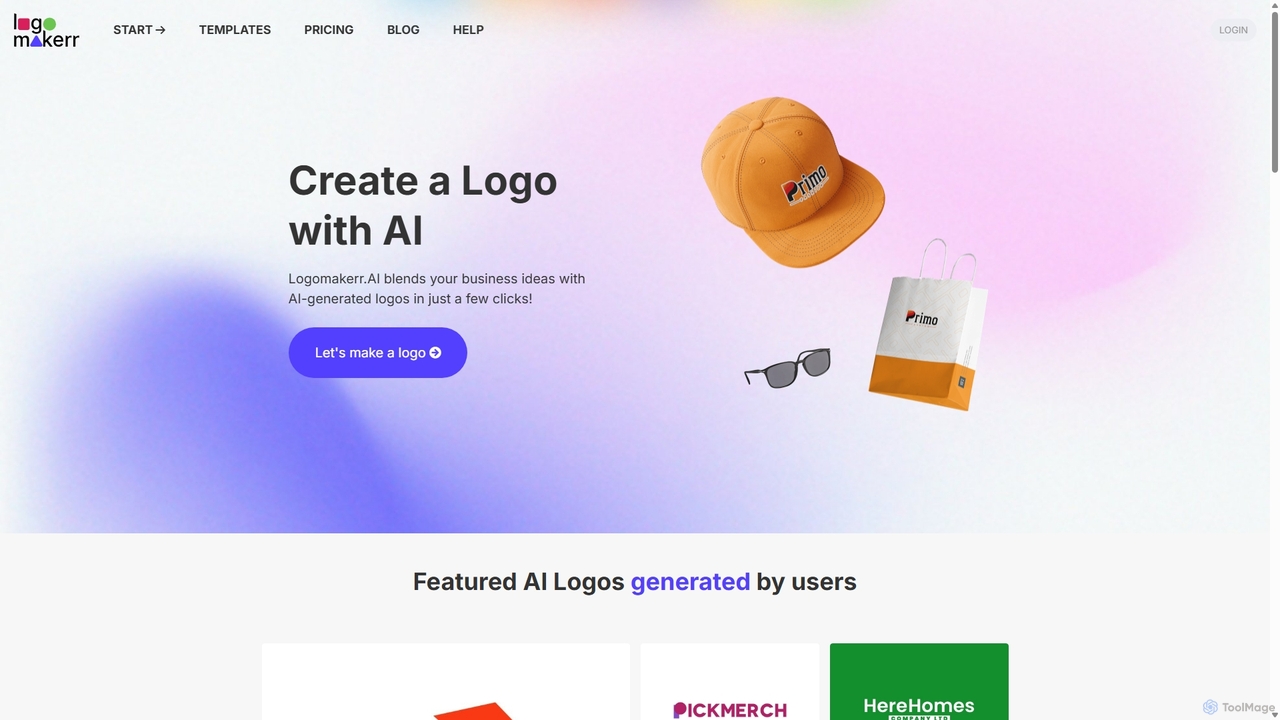
Logomakerr.ai
Logomakerr.ai is an AI-powered platform that enables users to create professional logos and complete brand kits in minutes. It's designed for startups, small businesses, and individuals without design experience, offering extensive customization options and a risk-free 'pay when you're satisfied' model.
Startup ToolsPicKey Categories
PicKey Jobs
PicKey Embed Widget
Copy this embed code to place the badge on your blog, article, or product site and send readers directly to this ToolMage detail page.

Related AI tools
Aaspassapp
aaspassapp is an AI-powered identity and access management platform designed to secure your digital life. It offers intelligent password generation, proactive breach monitoring, and adaptive multi-factor authentication. Ideal for both individuals and businesses, it simplifies security by automating access control and providing actionable insights to prevent threats before they happen.
Access ControlUlaa Browser
Ulaa Browser, by Zoho, is a privacy-first, Chromium-based web browser designed for individuals and enterprises. It champions security with a built-in ad blocker, phishing protection, and unique browsing "Modes" to isolate work, personal, and other contexts. For businesses, Ulaa Enterprise offers advanced data loss prevention, centralized management, and AI-powered intelligence by Zia to create a secure and productive browsing environment.
Enterprise SoftwareZoomScape.ai
ZoomScape.ai is an AI-powered generator that creates hundreds of unique, stunning, and high-definition virtual backgrounds for Zoom and other video conferencing platforms. In seconds, you can generate personalized backdrops that showcase your personality, enhance your professional brand, and make your meetings more engaging.
Miscellaneous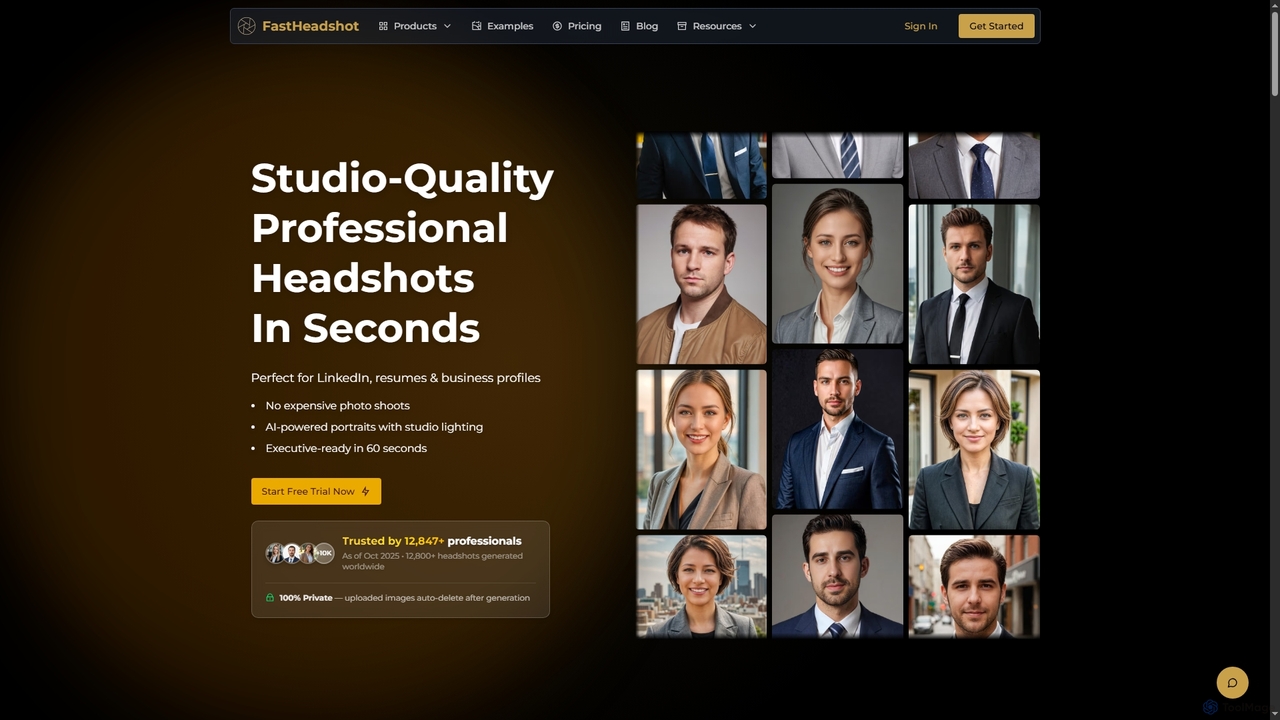
FastHeadshot
FastHeadshot is an AI-powered online tool that transforms any selfie into studio-quality professional headshots in seconds. Perfect for LinkedIn, resumes, and business profiles, it offers unmatched realism, customization, and absolute privacy with automatic photo deletion. Users can choose from various styles and backgrounds to create executive-ready portraits quickly and affordably.
Headshot Creator
MinimalChat
MinimalChat was a popular open-source, self-hostable AI chat platform known for its lightweight, minimalist design. It supported various GPT models, file uploads, and voice interactions, offering a private and flexible alternative to commercial services. Note: The project has ceased operations.
Code Assistant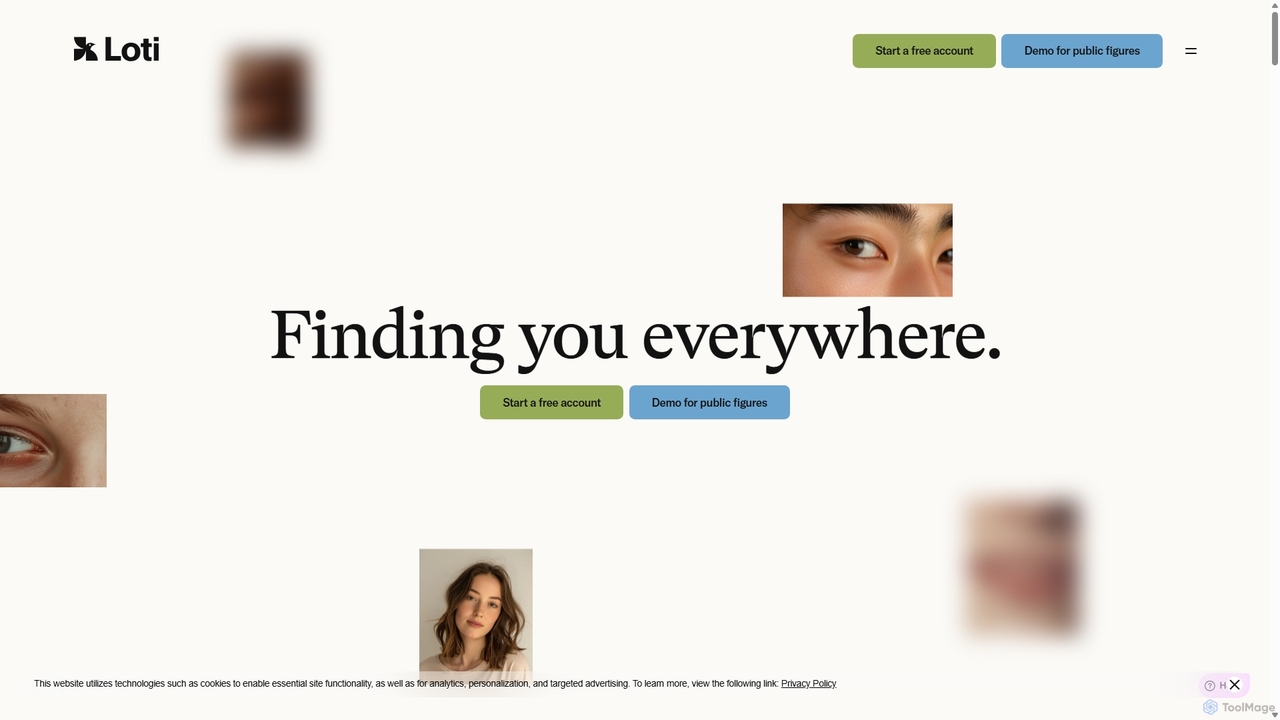
Loti AI
Loti AI is an AI-native digital identity protection platform that empowers individuals, public figures, and enterprises to control their online likeness. It continuously scans the internet for your face and voice, enabling you to quickly find and remove unauthorized content, deepfakes, and impersonations, ensuring your digital self remains secure and authentic.
ComplianceMicrosoft Copilot
Microsoft Copilot is your everyday AI companion, enhancing productivity and creativity. It provides intelligent search, content generation, and image creation capabilities by leveraging the latest AI models like GPT-4 and DALL-E 3. Integrated across the Microsoft ecosystem, it assists with writing, coding, planning, and design tasks.
Image GeneratorLogomakerr.ai
Logomakerr.ai is an AI-powered platform that enables users to create professional logos and complete brand kits in minutes. It's designed for startups, small businesses, and individuals without design experience, offering extensive customization options and a risk-free 'pay when you're satisfied' model.
Startup Tools
FamilyPro
FamilyPro is a subscription sharing platform that allows users to access premium digital services and AI tools like ChatGPT, Netflix, and Spotify at a fraction of the cost. Through a group buying model, it makes top-tier subscriptions affordable for everyone, backed by reliable customer support and a risk-free guarantee.
Learning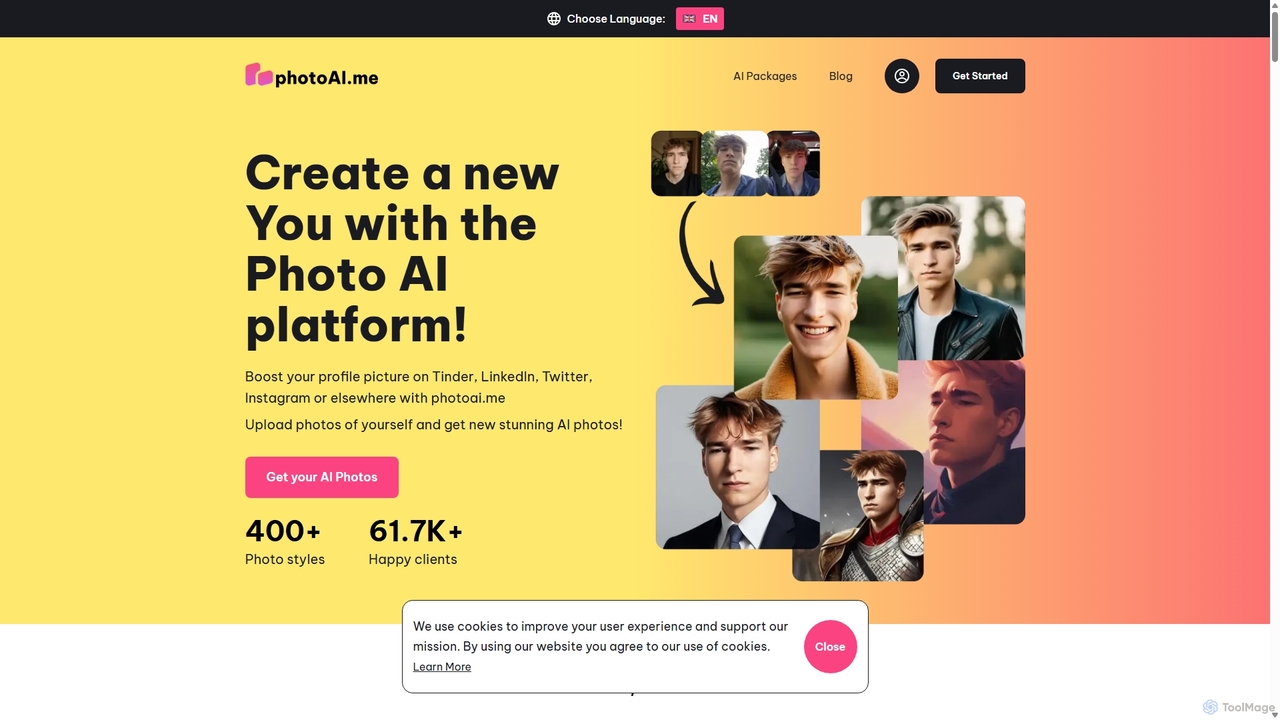
PhotoAI
PhotoAI is an AI-powered photo generator that transforms your selfies into hundreds of high-quality, stylized images. By uploading 10-20 of your photos, you can generate professional headshots for LinkedIn, captivating profile pictures for dating apps like Tinder, or creative avatars in various artistic styles such as Polaroid, vintage, or fantasy. The process is simple and fast, delivering over 100 unique AI-generated photos within hours, helping you enhance your digital presence effortlessly.
Photo Editing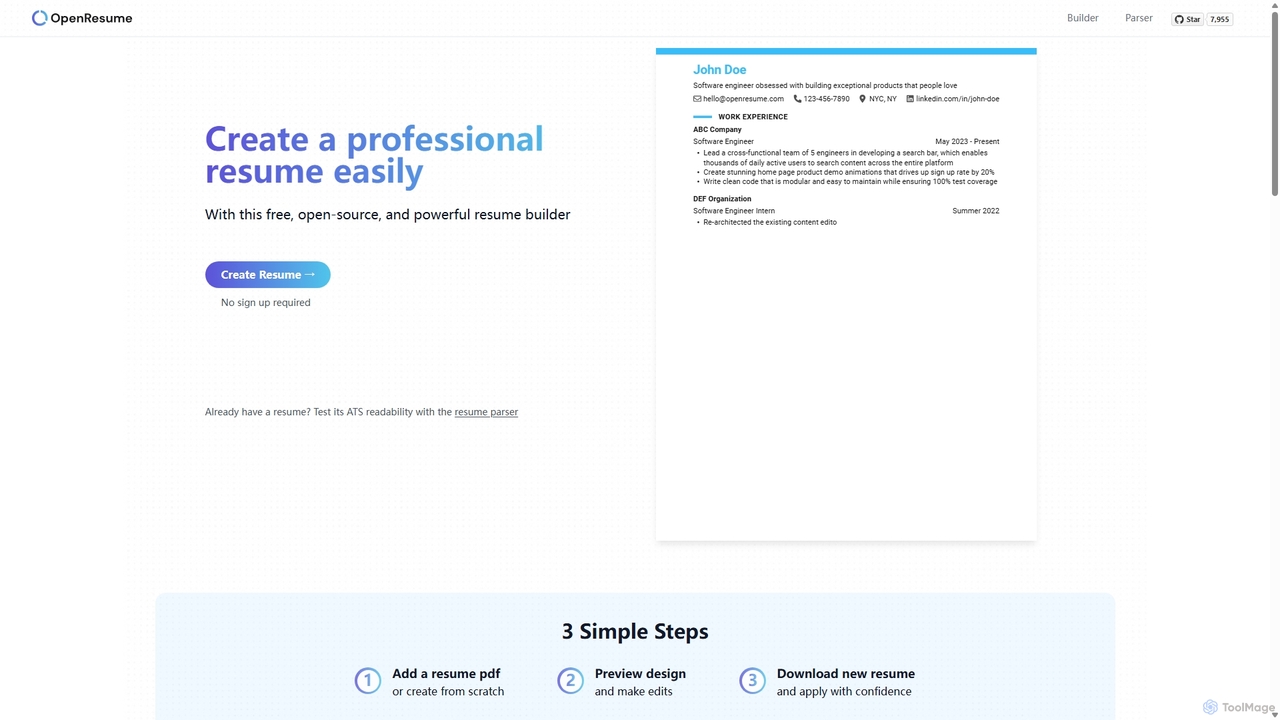
OpenResume
OpenResume is a free, open-source resume builder and ATS parser designed to help you create professional resumes with ease. It prioritizes user privacy with no sign-ups and local data storage, and is optimized for U.S. job market standards and Applicant Tracking Systems (ATS) to increase your chances of getting an interview.
Career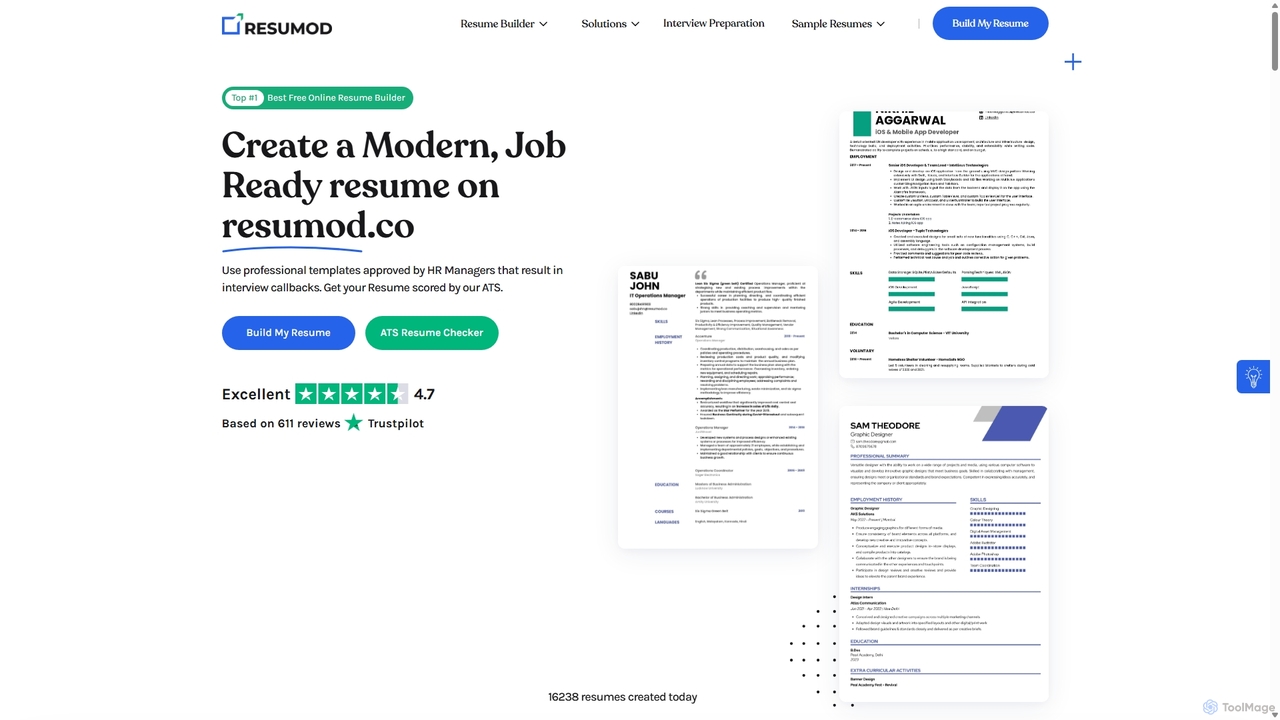
Resumod
Resumod is an AI-powered online resume builder designed to help job seekers create modern, professional, and ATS-optimized resumes in minutes. It offers a suite of tools including AI-driven content suggestions, professional templates, ATS scoring against job descriptions, and one-click conversion from LinkedIn profiles.
Job Search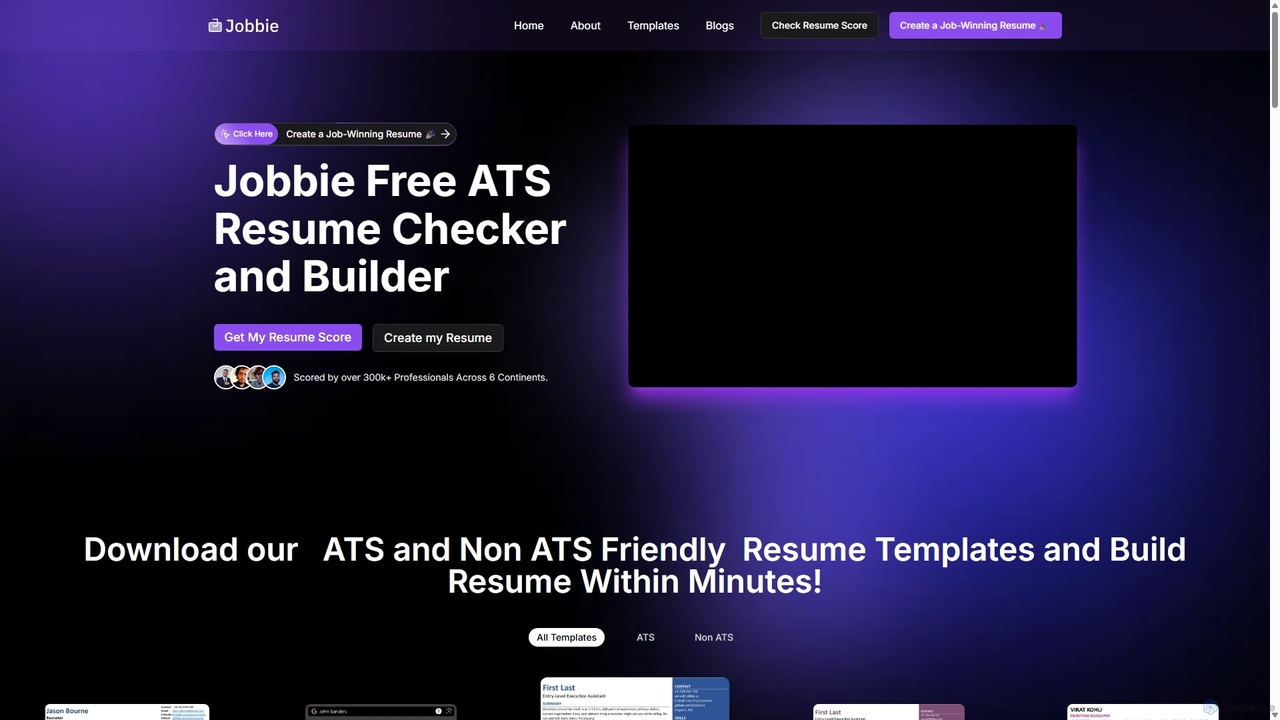
Jobbie
Jobbie is a free AI-powered platform designed to help job seekers create job-winning resumes. It features an advanced ATS resume checker that scores resumes against 30+ critical checkpoints, an AI resume builder for crafting impactful content, and a collection of professionally designed, ATS-friendly templates. Jobbie aims to increase interview callbacks by ensuring resumes are optimized for both automated systems and human recruiters.
Resume Builder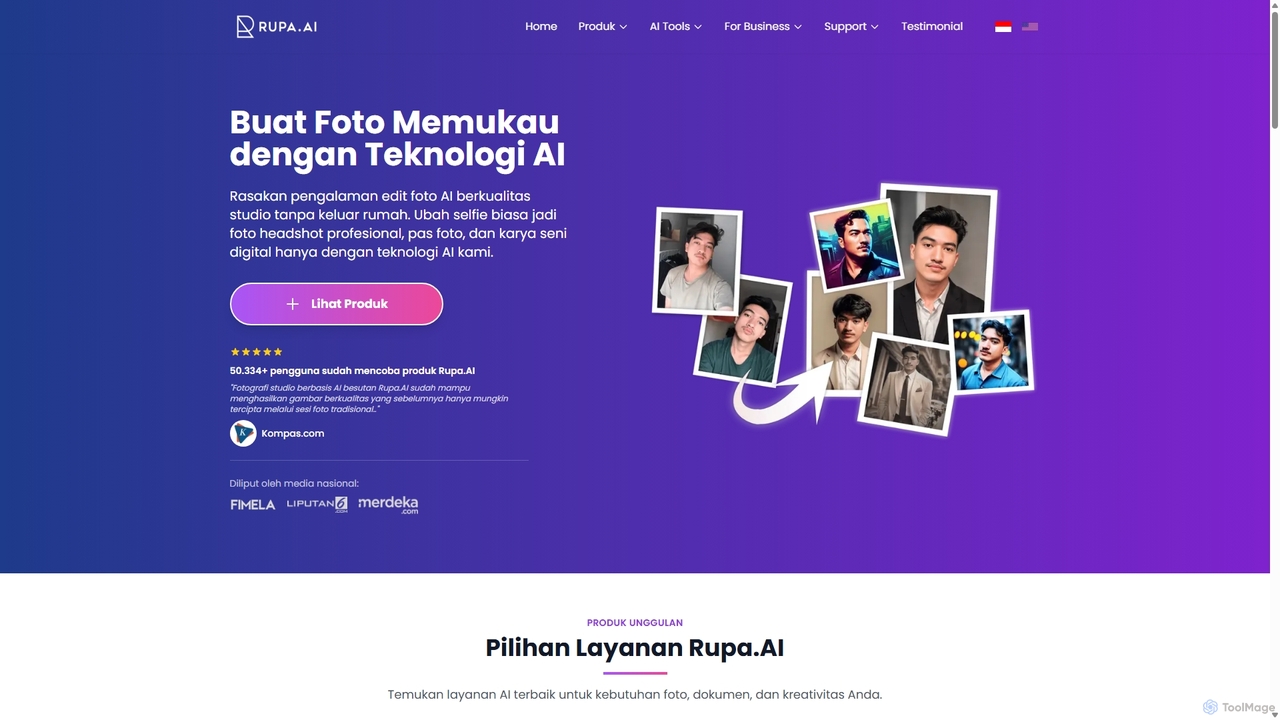
Rupa.AI
Rupa.AI is an AI-powered platform that transforms simple selfies into professional, studio-quality photos. It specializes in creating professional headshots, artistic portraits, couple photos, and more without the need for a physical photoshoot. It also features Aruna AI, a WhatsApp assistant for instant photo editing, image generation, and document analysis.
Generative Art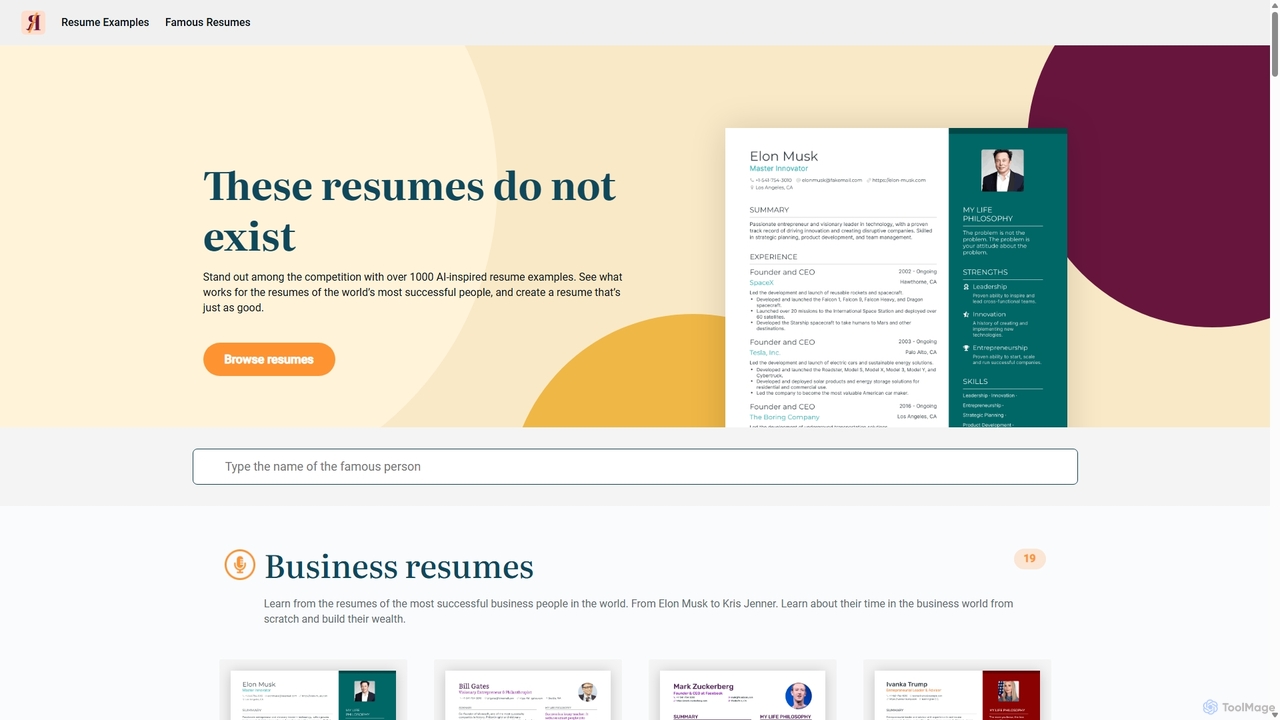
This Resume Does Not Exist
This Resume Does Not Exist is an AI-powered resource offering over 1000 resume examples inspired by the world's most successful people. Browse resumes of celebrities, business leaders, and athletes to gain inspiration for your own job application. See how their career achievements are framed and learn what makes a resume stand out. It's a creative tool for job seekers looking for fresh ideas and proven formats to showcase their skills and experience effectively.
Resume Building
PicKey Comments (0)
Sign in to comment.
Sign inNo comments yet.