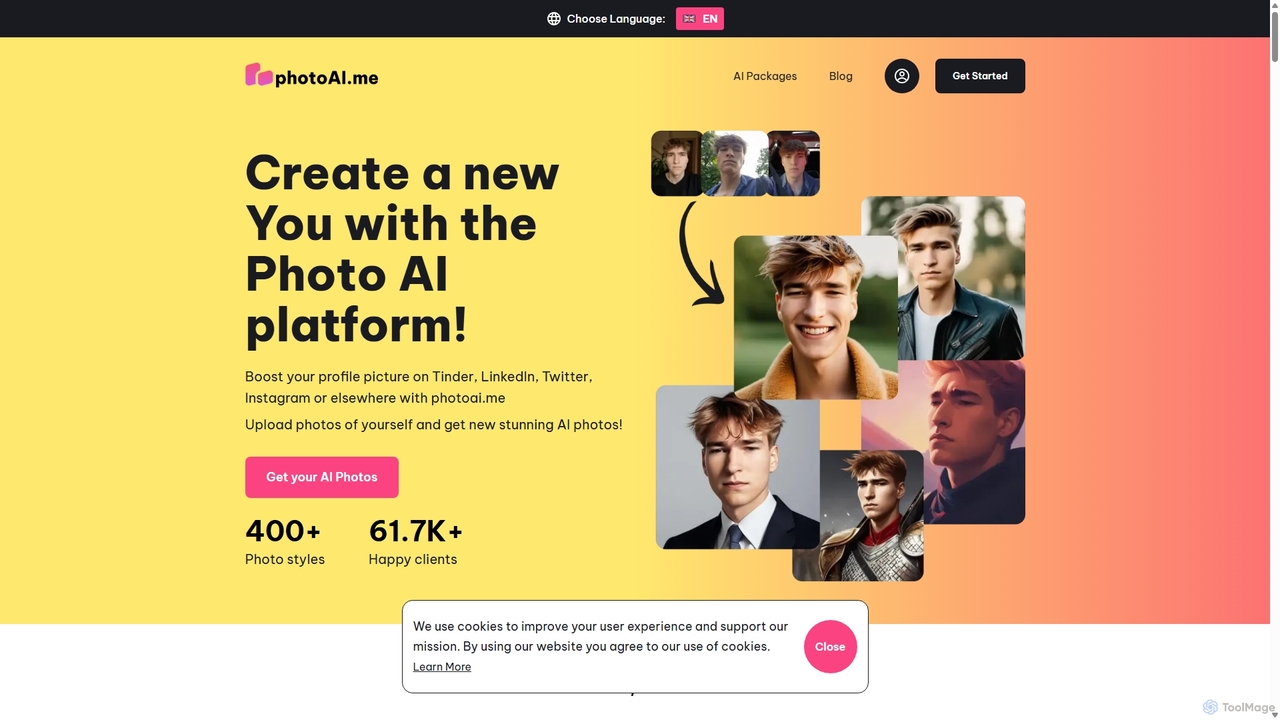
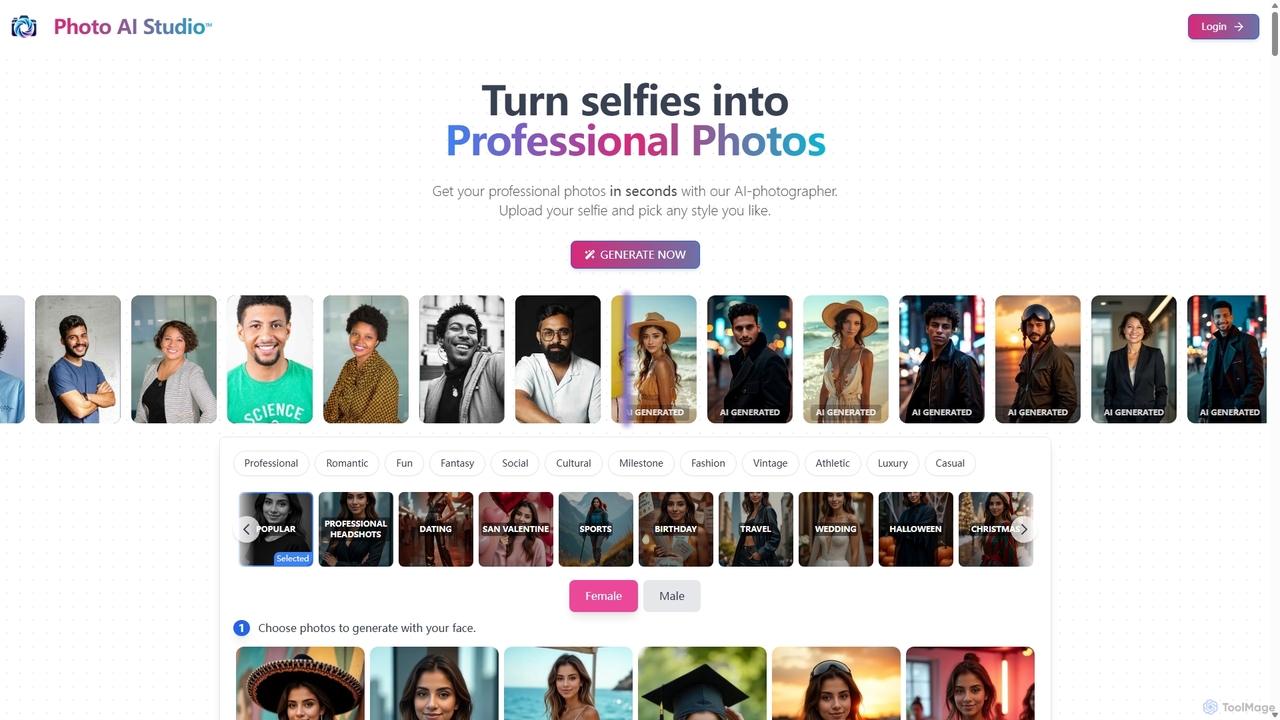
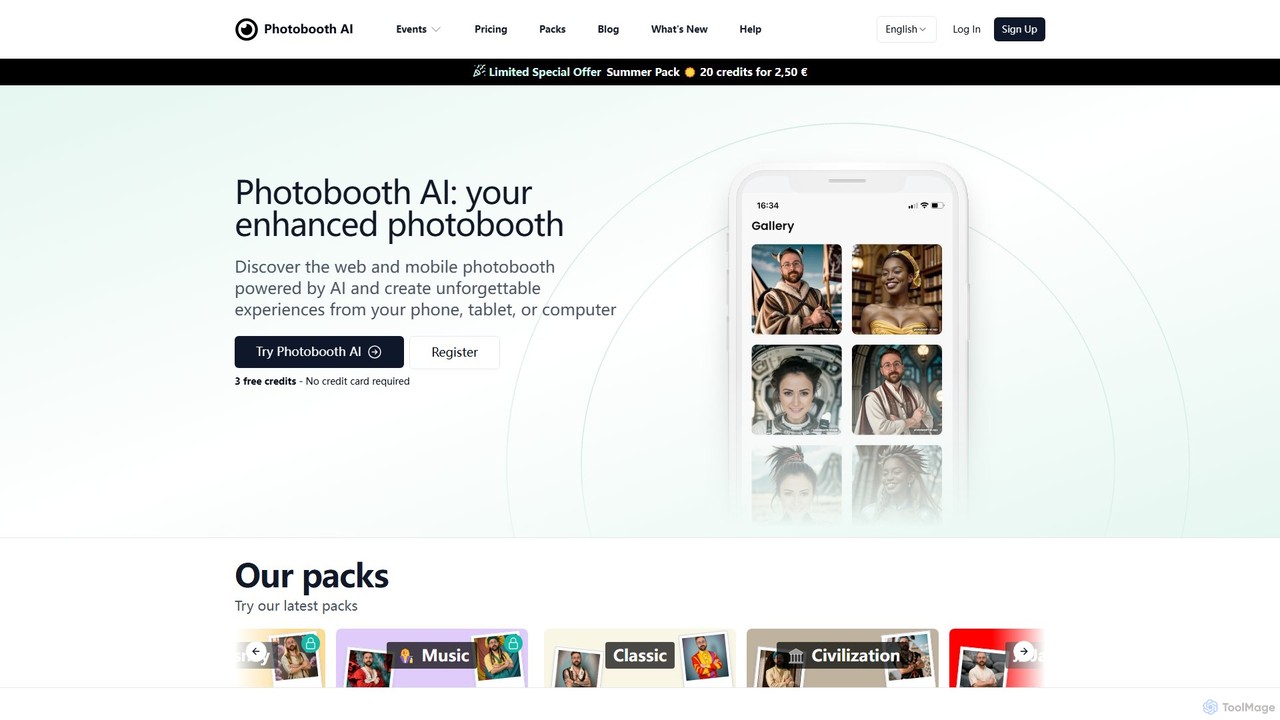
AI Photo Editing tools are a category of software leveraging artificial intelligence to enhance, modify, and transform images with unprecedented efficiency and creativity. These tools utilize advanced algorithms for tasks like object recognition, generative fill, and style transfer, enabling users to achieve professional-grade results quickly. They democratize complex editing processes, making sophisticated image manipulation accessible and enjoyable for everyone, from casual users to professional designers. As a key component of 'Fun Tools', they blend powerful technology with intuitive interfaces to spark creativity.
Core Features
- Background Removal & Replacement: Automatically detect and remove image backgrounds, or replace them with new scenes and environments.
- Object Removal & Generative Fill: Seamlessly erase unwanted objects or people from photos, and intelligently fill the void with AI-generated content.
- Image Upscaling & Enhancement: Increase image resolution and detail without losing quality, and automatically correct colors or lighting for optimal visuals.
- Style Transfer & Artistic Filters: Apply artistic styles from famous paintings or unique filters to transform photos into new visual artworks.
- Facial Retouching & Beautification: Enhance portraits by smoothing skin, removing blemishes, adjusting facial features, and whitening teeth naturally.
Use Cases
These AI photo editing tools are widely adopted by social media managers for creating engaging posts, e-commerce businesses for consistent product photography, and content creators looking to quickly produce high-quality visuals. Professional photographers use them to streamline post-production, while hobbyists enjoy transforming personal photos into unique artistic expressions. They significantly reduce manual effort in tasks that traditionally required extensive time and specialized skills.
How to Choose
When selecting an AI photo editing tool, consider its core AI capabilities, such as the accuracy of generative fill, background removal precision, and the quality of image enhancement. Evaluate the user interface for ease of use and intuitiveness, especially for beginners. Check for integration with other creative software and assess the pricing model based on your usage frequency and required features. Finally, review the quality of AI-generated outputs and the range of available artistic styles and effects.