ToolMage
Sign in

Best 2 Identity Management AI tools for Privacy

Popular Identity Management AI tools in Privacy include SkillBridge and PicKey, helping you work more efficiently.

SkillBridge
Freemium

SkillBridge

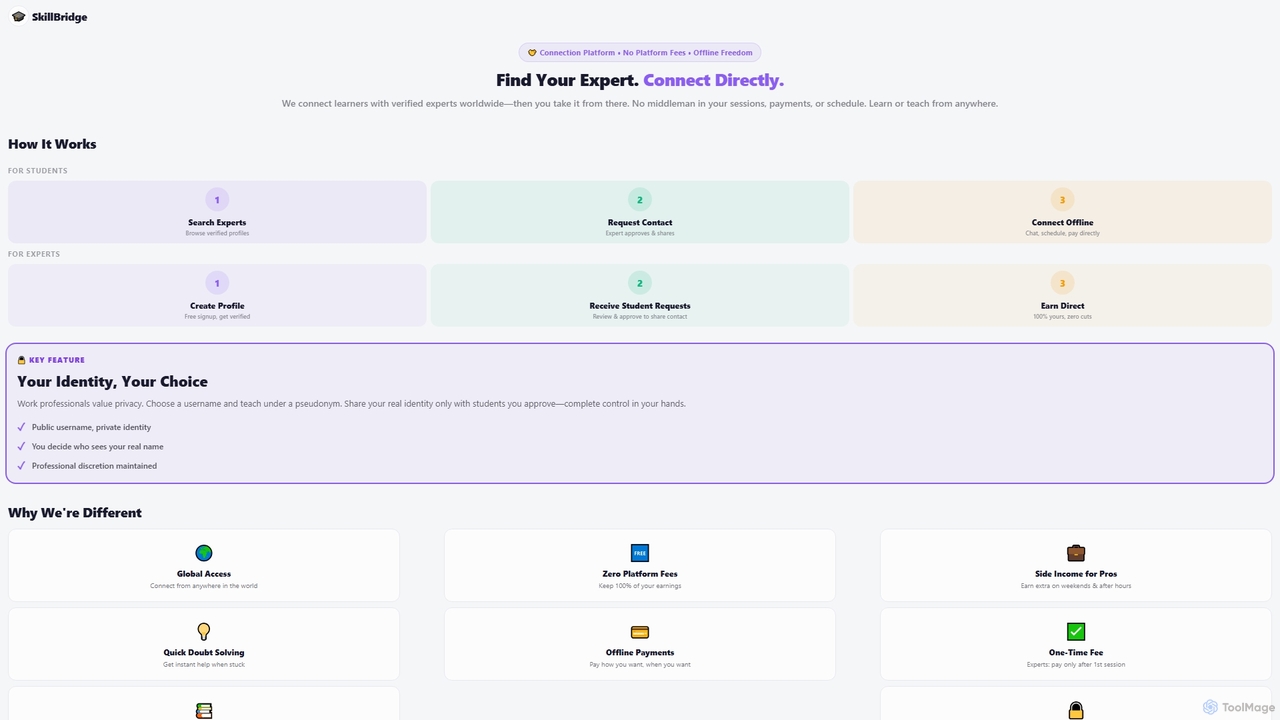
SkillBridge is a direct connection platform linking learners with verified experts globally for personalized, fee-free offline sessions. It facilitates skill mastery, academic support, and career guidance across diverse topics, emphasizing privacy and direct communication between users.

Tutoring
Visits 5.5KFavorites 32Likes 27
PicKey
Freemium

PicKey

PicKey is a revolutionary AI-powered visual password manager that eliminates the need for traditional master passwords. It allows you to log in securely using a unique combination of a personal photograph and a 3D collectible. With its patented MagicPass™ technology and intuitive interface, PicKey makes online security simple, fun, and highly secure for everyone.

Identity Management
Visits 5.4KFavorites 130Likes 135

About Identity Management

Identity Management tools are AI-powered solutions designed to securely manage and verify digital identities and access privileges across various systems. Leveraging advanced authentication and authorization mechanisms, they ensure that only authorized users can access specific resources. These tools are vital for enhancing data security, streamlining user access, and maintaining compliance within an organization's broader privacy framework.

Core Features

  • User Provisioning: Automates the creation, modification, and deletion of user accounts and access rights across multiple applications.
  • Single Sign-On (SSO): Allows users to access multiple applications with a single set of credentials, improving user experience and security.
  • Multi-Factor Authentication (MFA): Requires users to provide two or more verification factors to gain access, significantly boosting security.
  • Access Governance: Defines, enforces, and audits access policies to ensure compliance and prevent unauthorized access.
  • Identity Analytics: Uses AI to detect anomalous login patterns or access requests, identifying potential security threats.

Use Cases

Organizations utilize Identity Management tools to centralize user directories, manage employee access to internal systems, and control customer access to online services. They are essential for onboarding new employees, managing contractor access, and ensuring regulatory compliance like GDPR or HIPAA by strictly controlling who can view sensitive data.

How to Choose

When selecting an Identity Management solution, consider its integration capabilities with existing systems, the robustness of its authentication methods (e.g., MFA options), scalability to accommodate future growth, and compliance features for relevant regulations. Evaluate user experience for both administrators and end-users, and assess the vendor's security track record.

Identity Management use cases

1

Secure Employee Onboarding and Offboarding

HR and IT teams use Identity Management tools to automate the provisioning of access rights for new employees to all necessary applications and systems upon joining. Conversely, during offboarding, these tools instantly revoke all access, minimizing security risks and ensuring data privacy. This streamlines administrative tasks and maintains a secure access posture.

2

Centralized Customer Identity and Access Management (CIAM)

E-commerce platforms and online service providers deploy CIAM solutions to manage millions of customer identities. These tools provide secure registration, login, and profile management, often incorporating SSO and MFA, enhancing customer experience while protecting personal data and ensuring compliance with privacy regulations.

3

Enforcing Regulatory Compliance (e.g., GDPR, HIPAA)

Healthcare organizations and financial institutions leverage Identity Management to enforce strict access controls on sensitive patient or financial data. By defining granular access policies and providing audit trails, these tools help demonstrate compliance with regulations like HIPAA or GDPR, preventing unauthorized data access and potential legal penalties.

4

Implementing Zero Trust Security Architectures

Enterprises adopt Identity Management as a cornerstone of Zero Trust, verifying every user and device before granting access to any resource, regardless of their location. This involves continuous authentication and authorization, ensuring that even internal users must prove their identity and authorization for each access request, significantly reducing insider threat risks.

5

Managing Access for Third-Party Vendors and Contractors

Companies frequently collaborate with external vendors and contractors who require temporary access to specific internal systems. Identity Management tools allow IT administrators to provision time-limited, role-based access, ensuring that external parties only access what's necessary for their tasks and that their access is automatically revoked upon contract completion.

6

Detecting and Responding to Identity-Based Threats

Security teams utilize AI-powered Identity Management features, such as identity analytics and behavioral biometrics, to monitor user activity for unusual patterns. If an anomaly (e.g., login from an unusual location, excessive failed login attempts) is detected, the system can automatically trigger MFA challenges, block access, or alert security personnel, preventing account takeover attempts.

Identity Management FAQ

What is Identity Management?

Identity Management (IdM) is a framework of policies and technologies that manages digital identities and access rights for users across various systems and applications. It ensures that the right individuals have the right access to the right resources at the right time, contributing significantly to an organization's overall privacy and security posture.

How does Identity Management contribute to privacy?

Identity Management is fundamental to privacy by strictly controlling who can access sensitive data and systems. It prevents unauthorized access, enforces data protection policies, and provides audit trails for accountability. By managing user identities and permissions effectively, IdM tools minimize the risk of data breaches and ensure compliance with privacy regulations.

What is the difference between Identity Management and Access Management?

Identity Management (IdM) focuses on managing the lifecycle of digital identities, including user provisioning, de-provisioning, and identity verification. Access Management (AM), often a component of IdM, specifically deals with controlling what authenticated users can do once they've gained access, based on their roles and permissions. Together, they form a comprehensive system for secure access.

What are the key components of an Identity Management system?

A robust Identity Management system typically includes several key components:

  • User Provisioning: Automating account creation and management.
  • Authentication: Verifying user identities (e.g., passwords, MFA).
  • Authorization: Granting specific access rights based on roles.
  • Single Sign-On (SSO): Enabling access to multiple apps with one login.
  • Identity Governance and Administration (IGA): Managing access policies and compliance.
  • Directory Services: Storing user identity information.
Who benefits most from using Identity Management tools?

Identity Management tools benefit a wide range of organizations and individuals. Enterprises of all sizes, especially those with many employees, partners, or customers, gain from enhanced security, streamlined operations, and compliance adherence. IT administrators, security teams, HR departments, and end-users all experience improved efficiency and security through effective IdM implementation.