ToolMage
Sign in

Best 5 Authentication AI tools for Productivity

Popular Authentication AI tools in Productivity include World, ShareID, FacePlugin, LoginLlama, and PicKey, helping you work more efficiently.

PicKey
Freemium

PicKey

PicKey is a revolutionary AI-powered visual password manager that eliminates the need for traditional master passwords. It allows you to log in securely using a unique combination of a personal photograph and a 3D collectible. With its patented MagicPass™ technology and intuitive interface, PicKey makes online security simple, fun, and highly secure for everyone.

Identity Management
Visits 3.4KFavorites 117Likes 110
World
Free

World

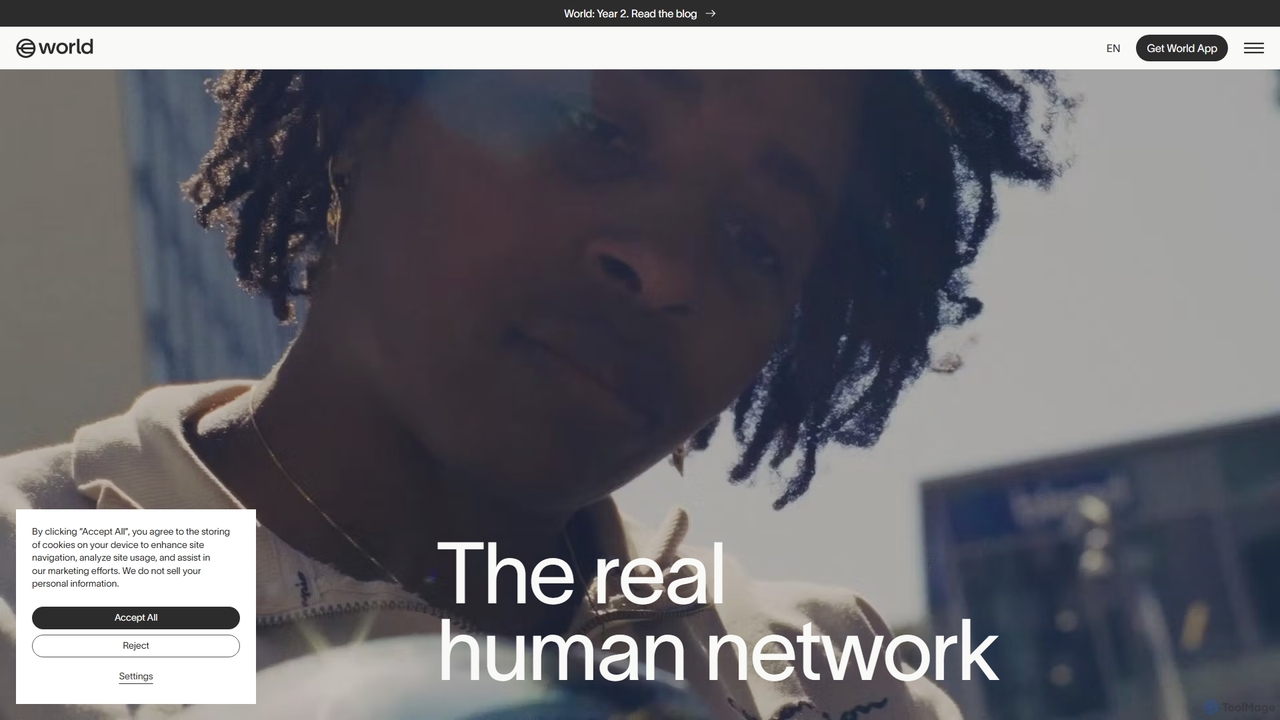
World is a decentralized identity and financial network designed for the AI era. It provides a universal 'proof of personhood' through World ID, allowing users to verify their humanity online while preserving privacy. The ecosystem includes the World App for managing identity and finances, and the Worldcoin (WLD) token, aiming to create a globally inclusive and user-owned digital economy.

Cryptocurrency
Visits 829.5KFavorites 108Likes 110
LoginLlama
Freemium

LoginLlama

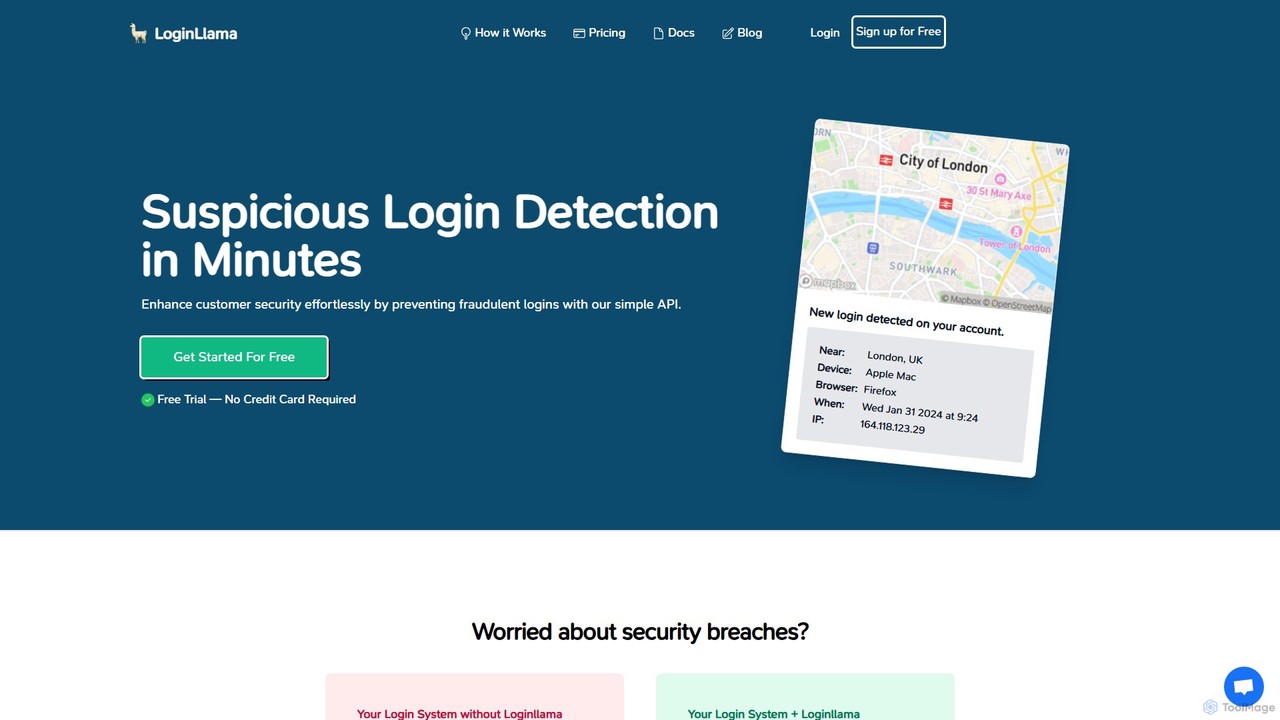
LoginLlama is an AI-powered API for developers that detects suspicious logins in real-time. By analyzing user behavior, IP origin, and other factors, it helps prevent account takeovers, credential stuffing, and phishing attacks. Integrate with a few lines of code to enhance your application's security and build customer trust.

Api
Visits 3.7KFavorites 131Likes 107
ShareID
Paid

ShareID

ShareID is an AI-powered identity verification platform that replaces passwords with secure, biometric authentication. It uses official ID documents and facial recognition to create a reusable digital identity, preventing fraud and ensuring regulatory compliance for businesses.

Api
Visits 9.4KFavorites 81Likes 75
FacePlugin
Paid

FacePlugin

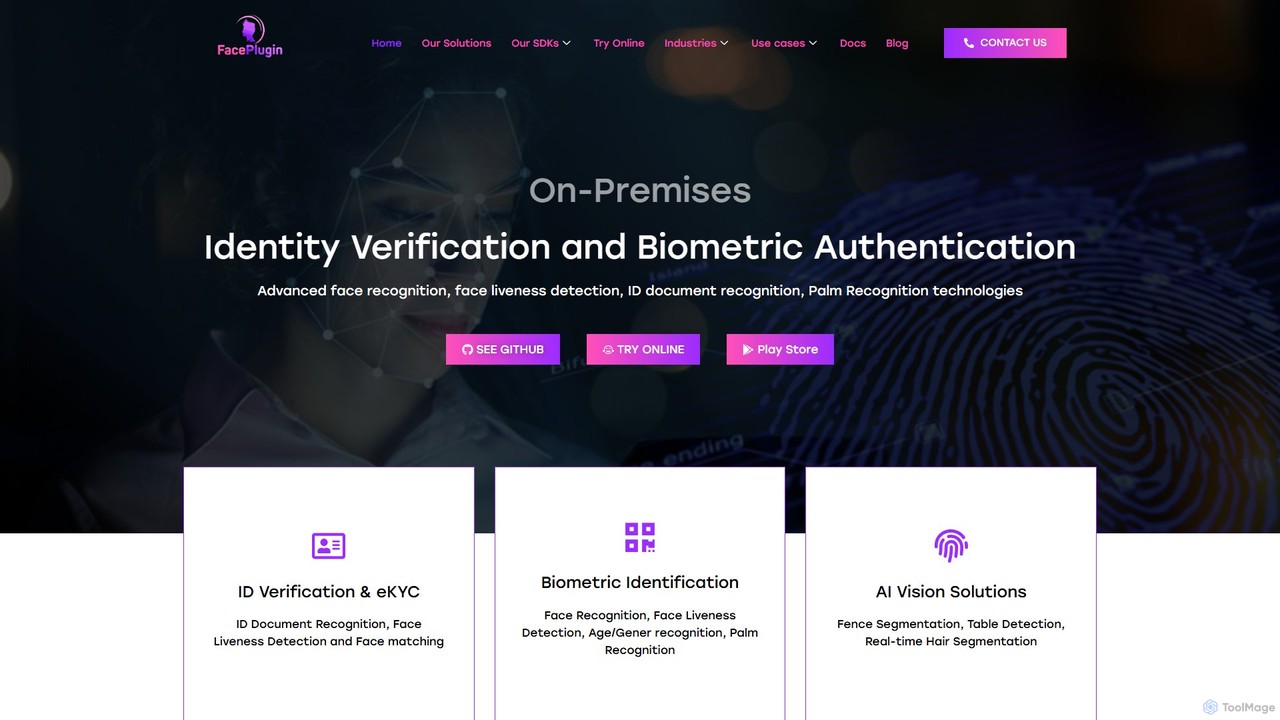
FacePlugin offers advanced, on-premise SDKs for identity verification, featuring face recognition, passive liveness detection, and ID document analysis. It provides a robust, secure, and developer-friendly solution for eKYC, biometric authentication, and fraud prevention, ensuring data privacy by processing information on-site or on-device.

Api & Sdk
Visits 7.3KFavorites 85Likes 91

About Authentication

Authentication tools are a class of AI-powered systems designed to verify a user's identity with high accuracy and security. These tools leverage machine learning algorithms to analyze unique biological or behavioral characteristics, such as facial features, voice patterns, or even typing rhythm. Their primary value lies in creating secure, yet frictionless, access to digital services, significantly reducing the risk of unauthorized access and fraud. As a component of productivity, they streamline workflows by replacing cumbersome traditional login methods with seamless verification.

Core Features

  • Biometric Recognition: Verifies identity using unique biological traits like face, fingerprint, iris, or voice patterns.
  • Behavioral Biometrics: Analyzes patterns in user actions, such as typing speed, mouse movements, or touchscreen interactions.
  • Liveness Detection: Prevents spoofing attacks by ensuring the biometric sample is from a live person, not a photo or recording.
  • Adaptive Authentication: Dynamically adjusts the level of security required based on risk factors like location, device, or user behavior.
  • Fraud Detection: Identifies and flags anomalous login attempts or transaction patterns in real-time.

Use Cases

These tools are critical in sectors requiring robust security. In finance, they secure mobile banking and payment approvals. For enterprises, they enable passwordless access to corporate networks and sensitive data. E-commerce platforms use them to prevent account takeover, while healthcare systems rely on them to protect patient records in compliance with regulations like HIPAA.

How to Choose

When selecting an authentication tool, consider its accuracy, specifically the False Acceptance Rate (FAR) and False Rejection Rate (FRR). Evaluate its integration capabilities via APIs and SDKs, and ensure it complies with industry standards (e.g., GDPR, CCPA). Also, assess the user experience for speed and ease of use, as well as the robustness of its anti-spoofing and liveness detection technologies.

Featured tool rankings

Authentication use cases

1

Securing High-Value Financial Transactions

A user of a mobile banking app needs to authorize a large fund transfer. Instead of relying on a simple password or PIN, the app initiates an AI-powered facial recognition scan. The system uses liveness detection to ensure the user is physically present by asking them to perform a simple head movement. This process verifies the user's identity in seconds, securely authorizing the transaction while preventing fraud from stolen credentials or spoofing attacks with photos.

2

Frictionless Access for Enterprise Employees

An enterprise wants to improve security and productivity by implementing passwordless logins. An employee starts their workday by sitting at their computer. A continuous authentication system works in the background, analyzing their unique behavioral biometrics like typing cadence and mouse movement patterns. This passive verification grants them seamless access to all their authorized applications without ever needing to type a password, reducing login friction and eliminating risks associated with weak or stolen passwords.

3

Preventing E-commerce Account Takeover

An e-commerce platform's risk engine detects a suspicious login attempt for a customer's account from an unrecognized device in a different country. Instead of blocking the user outright, the system triggers an adaptive, step-up authentication. It sends a push notification to the customer's registered mobile device, asking them to verify their identity using voice recognition by speaking a random phrase. This AI-driven check confirms the legitimate user's identity and blocks the fraudulent attempt, protecting the account without inconveniencing the actual customer.

4

HIPAA-Compliant Access to Patient Records

A healthcare provider needs to ensure that only authorized medical staff can access sensitive Electronic Health Records (EHR). To comply with HIPAA regulations, they deploy a multi-factor authentication system. A doctor accesses a patient's file by first scanning their fingerprint on a terminal, followed by a quick facial scan via the workstation's camera. The AI system verifies both biometric factors against the doctor's registered profile, granting secure and auditable access in seconds, thereby protecting patient privacy and maintaining regulatory compliance.

5

Automating Identity Verification for Customer Support

A customer calls their telecommunications provider for support. Instead of asking a series of tedious security questions ('What is your mother's maiden name?'), the automated IVR system uses AI-powered voice biometrics. It compares the caller's voiceprint to the one on file while they state their reason for calling. Within the first few seconds, the system authenticates the customer with high confidence. This allows the support agent to immediately access the customer's account and resolve the issue, reducing call time and improving customer satisfaction.

6

Enhancing Security for Online Gaming Platforms

An online gaming company aims to protect valuable player accounts from being hacked or sold. They integrate an AI authentication system that analyzes player behavior. The system learns a player's typical keystroke dynamics, mouse movement speed, and in-game navigation patterns. If it detects a significant deviation from this established profile—suggesting a different person is playing—it can trigger a secondary verification, like a push notification to their phone, or temporarily lock the account to prevent unauthorized asset transfers, securing the player's digital property.

Authentication FAQ

What are AI Authentication tools?

AI Authentication tools are advanced security systems that use artificial intelligence and machine learning to verify a person's identity. Unlike traditional methods that rely solely on what you know (passwords) or what you have (tokens), these tools analyze who you are (biometrics like face or voice) and how you act (behavioral biometrics like typing patterns). This approach provides a more secure and often seamless user experience, making it harder for unauthorized users to gain access.

How to choose the right AI Authentication tool?

Choosing the right tool depends on your specific needs. Consider the following factors:

  • Accuracy: Look at the False Acceptance Rate (FAR) and False Rejection Rate (FRR). A lower rate is better for both security and user experience.
  • Security Features: Does it include essential features like liveness detection to prevent spoofing?
  • Integration: Check for robust APIs and SDKs that can easily integrate with your existing applications and platforms.
  • Compliance: Ensure the tool complies with relevant data privacy regulations in your industry, such as GDPR, HIPAA, or CCPA.
  • User Experience: The process should be fast and intuitive for the end-user to avoid frustration and abandonment.
What's the difference between AI Authentication and traditional MFA?

Traditional Multi-Factor Authentication (MFA) adds layers of security by requiring multiple static credentials, like a password plus a one-time code from an app. AI Authentication enhances this by making the factors themselves intelligent and dynamic. It can use biometrics (face, voice) as a factor, which is harder to steal than a password. Furthermore, AI-based systems can use adaptive authentication, meaning they only ask for extra verification when risk is detected (e.g., a login from a new location), making the process smoother for legitimate users during normal activity.

What are the main benefits of using AI for authentication?

The primary benefits of using AI in authentication include:

  • Enhanced Security: AI can detect sophisticated fraud patterns and spoofing attempts that traditional systems might miss, providing stronger protection against account takeovers.
  • Improved User Experience: By enabling passwordless and frictionless methods like facial recognition or continuous behavioral analysis, AI reduces login friction for users.
  • Reduced Operational Costs: Automating identity verification and reducing password-related support tickets (like resets) can significantly lower operational overhead for businesses.
  • Adaptive Risk Management: AI allows for a dynamic security posture, increasing verification challenges only when risk is high, balancing security with convenience.
Is AI-based biometric authentication secure and private?

Yes, when implemented correctly. Reputable AI authentication systems do not store raw biometric data like a photo of your face. Instead, they convert the data into an encrypted mathematical representation (a template) that cannot be reverse-engineered. Security is further enhanced by liveness detection, which prevents attacks using photos or videos. For privacy, it's crucial to choose vendors who are transparent about their data handling practices and comply with regulations like GDPR, which mandate strict data protection and user consent protocols.