ToolMage
Sign in

Best 2 Test Automation AI tools for Software Development

Popular Test Automation AI tools in Software Development include Supatest and SandTest, helping you work more efficiently.

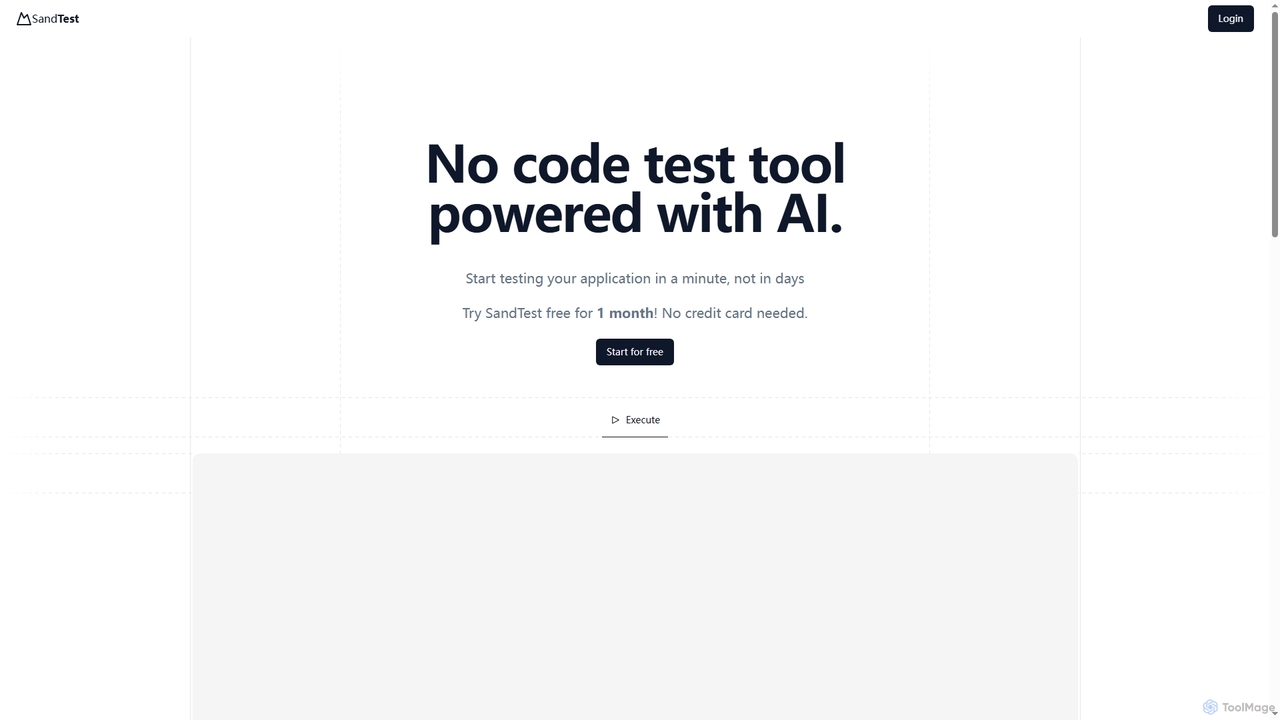
SandTest
Freemium

SandTest

SandTest is an AI-powered, no-code test automation tool designed to help businesses validate their applications rapidly. It enables users to start testing in minutes, streamlining the quality assurance process and enhancing productivity without complex setups.

Development Tools
Visits 3.5KFavorites 47Likes 40
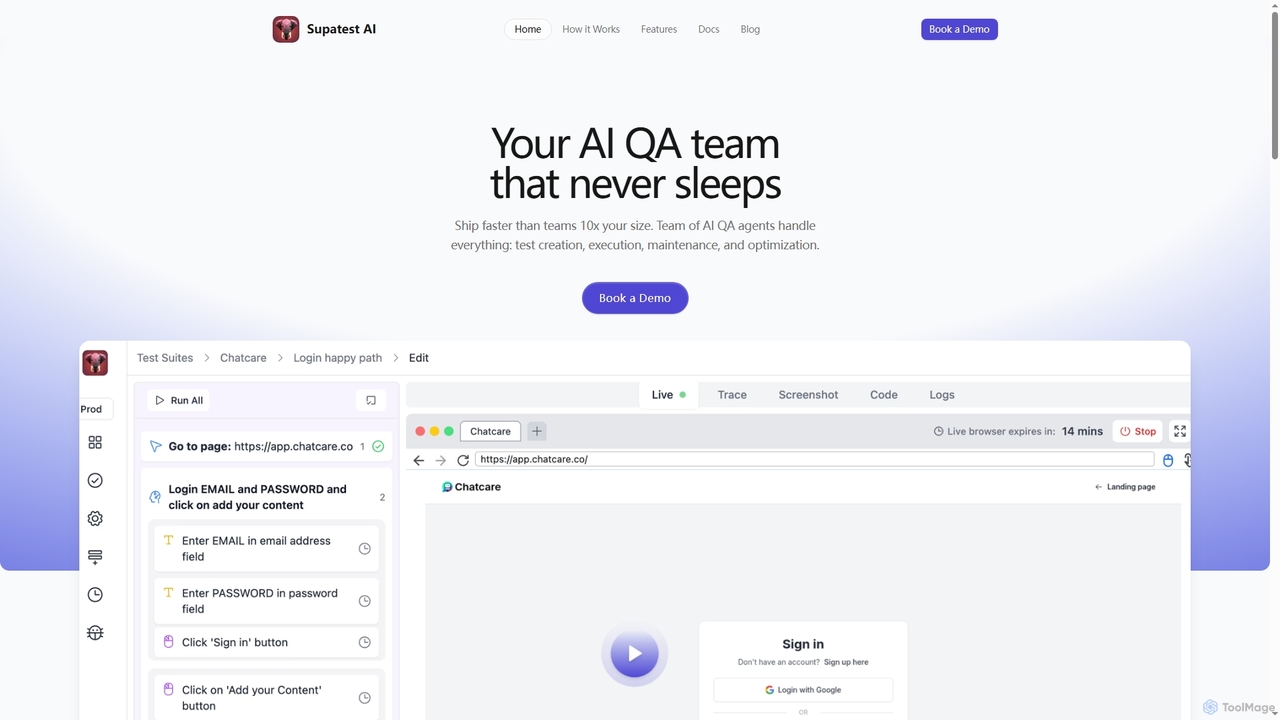
Supatest

Supatest

Supatest is an AI-powered quality assurance platform that acts as an autonomous QA team, enabling engineering teams to ship software faster. It handles test creation, execution, maintenance, and optimization, learning your product's intricacies to deliver evolving, self-healing test suites.

Development Tools
Visits 10.3KFavorites 103Likes 99

About Test Automation

Test Automation tools are a class of AI-powered software designed to automate the process of software testing. These tools leverage machine learning and computer vision to create, execute, and maintain test scripts with minimal human intervention. They significantly accelerate release cycles by identifying bugs earlier, improving test coverage, and reducing the manual effort associated with repetitive testing tasks. Unlike traditional automation, AI-driven tools can intelligently adapt to changes in the application's user interface, making tests more resilient and reliable.

Core Features

  • AI-Powered Test Generation: Automatically creates test cases by analyzing the application's user interface or user session data.
  • Self-Healing Scripts: Intelligently identifies and adapts to UI changes (e.g., element ID or location changes) to prevent test scripts from breaking.
  • Visual Regression Testing: Uses computer vision to detect unintended visual changes, bugs, and layout issues across different browsers and devices.
  • Smart Test Execution: Prioritizes which tests to run based on recent code changes, minimizing execution time in CI/CD pipelines.
  • API Testing Automation: Generates and runs tests for APIs automatically based on specifications, ensuring backend reliability.

Use Cases

These tools are essential for teams practicing Agile and DevOps, where rapid and frequent releases are standard. They are widely used for testing complex web applications, e--commerce platforms, and mobile apps that undergo constant updates. Quality Assurance (QA) engineers, developers, and DevOps teams use them to build robust regression test suites and integrate automated testing directly into their CI/CD pipelines.

How to Choose

When selecting a Test Automation tool, consider its support for your target platforms (web, mobile, API). Evaluate the strength of its AI capabilities, such as self-healing and visual testing accuracy. Assess its integration with your existing toolchain, including CI/CD systems (like Jenkins, GitLab) and bug tracking software (like Jira). Finally, consider the learning curve and whether it offers a low-code/no-code interface for non-programmers or a code-based approach for developers.

Featured tool rankings

Test Automation use cases

1

Automating UI Regression Testing for Web Apps

A Quality Assurance (QA) team is responsible for ensuring a complex e-commerce website functions correctly after every code update. Manually testing every feature is time-consuming and prone to error. By using an AI Test Automation tool, a QA engineer records a critical user journey, such as adding a product to the cart and checking out. The tool automatically generates a robust test script. When developers later update the UI, changing a button's ID, the tool's self-healing capability recognizes the button visually and updates the script locator automatically, preventing the test from failing unnecessarily. This reduces test maintenance time by over 70% and allows for daily regression testing.

2

Accelerating Mobile App Testing Across Devices

A mobile development team needs to test their new app on hundreds of different device and OS combinations before launch. Manually performing these tests is impossible within their tight deadlines. They use an AI-powered test automation platform that allows them to write a single test and execute it in parallel on a cloud-based device farm. The tool's visual AI capabilities compare the app's appearance on each device against the design specification, automatically flagging inconsistencies in layout, fonts, or colors that are specific to certain screen sizes. This process identifies critical device-specific bugs in hours instead of weeks, ensuring a high-quality user experience for all users at launch.

3

Intelligent API Test Generation and Validation

A backend development team is building a complex set of microservices. Ensuring each API endpoint works as expected and is secure is critical. Instead of manually writing hundreds of test cases in a tool like Postman, they provide their OpenAPI (Swagger) specification to an AI Test Automation tool. The AI analyzes the specification and automatically generates a comprehensive test suite. This includes positive tests (valid inputs), negative tests (invalid inputs), and security tests (e.g., checking for SQL injection vulnerabilities). When the API is updated, the tool can automatically regenerate tests, ensuring continuous validation and significantly improving the reliability and security of the backend services.

4

Optimizing Test Execution in CI/CD Pipelines

A DevOps team manages a CI/CD pipeline where a full regression suite of 2,000 tests runs on every code commit, taking over an hour to complete. This slows down development feedback loops. They integrate an AI Test Automation tool that analyzes the code changes in each commit. Based on this analysis, the AI intelligently selects and prioritizes a subset of tests (e.g., 150 tests) that are most relevant to the changes. This 'Test Impact Analysis' reduces the testing time for each pipeline run from over an hour to under 10 minutes. This allows developers to get faster feedback, merge code more frequently, and accelerate the overall delivery speed without sacrificing quality.

5

Automated Accessibility Compliance Testing

A frontend development team at a large corporation needs to ensure their public-facing website complies with Web Content Accessibility Guidelines (WCAG). Manually auditing for accessibility is complex and requires specialized expertise. They use an AI-powered test automation tool that automatically scans the entire website. The tool identifies common accessibility issues such as missing alt text for images, insufficient color contrast, and improper ARIA roles for dynamic components. It generates a detailed report with specific code locations and remediation suggestions. By integrating this scan into their development workflow, the team can catch and fix accessibility issues before they reach production, ensuring the site is usable by people with disabilities and avoiding potential legal risks.

6

Visual Validation for E-commerce Product Pages

An e-commerce marketing team frequently updates product pages with new images, descriptions, and pricing. A small CSS change can inadvertently break the layout on certain devices, leading to a poor user experience and lost sales. They set up an AI Test Automation tool to perform visual regression testing. Before deploying any changes, the tool takes screenshots of key product pages across multiple browsers and screen resolutions (desktop, tablet, mobile). It then uses AI to compare these new screenshots against approved baseline images, highlighting any pixel-level differences. This allows the team to instantly spot and fix visual bugs, like overlapping text or broken images, ensuring a consistent and professional appearance for all customers.

Test Automation FAQ

What is AI Test Automation?

AI Test Automation is an advanced approach to software testing that uses artificial intelligence (AI) and machine learning (ML) to enhance the creation, execution, and maintenance of automated tests. Unlike traditional automation that relies on hard-coded scripts, AI-powered tools can understand application elements contextually, automatically generate test cases, and adapt to UI changes without manual updates. Key features include self-healing scripts, visual testing, and intelligent test generation, which collectively make the testing process faster, more resilient, and more comprehensive.

How to choose the right AI Test Automation tool?

Choosing the right tool depends on your specific needs. Consider the following factors:

  • Platform Support: Ensure the tool supports the platforms you need to test (e.g., web, native mobile, API, desktop).
  • AI Capabilities: Evaluate the maturity of its AI features. Look for robust self-healing, accurate visual testing, and effective test generation to maximize benefits.
  • Integration Ecosystem: Check for seamless integration with your CI/CD pipeline (Jenkins, GitLab, etc.), version control (Git), and project management tools (Jira).
  • Ease of Use: Determine if you need a low-code/no-code solution for manual testers or a more flexible, code-based framework for developers.
  • Reporting and Analytics: A good tool should provide detailed reports, dashboards, and analytics to help you understand test results and identify quality trends.
What's the difference between AI Test Automation and traditional tools like Selenium?

The primary difference lies in intelligence and adaptability. Traditional tools like Selenium are frameworks that require developers to write explicit, step-by-step scripts. These scripts are brittle; they break easily when the application's UI changes (e.g., an element's ID is modified). AI Test Automation tools, in contrast, use AI to understand the UI more like a human does. They can identify elements based on visual appearance and context, not just rigid locators. This leads to 'self-healing' tests that automatically adapt to changes, drastically reducing maintenance effort. Additionally, AI tools can often generate tests automatically, whereas traditional tools require 100% manual script creation.

Who should use AI Test Automation tools?

AI Test Automation tools are beneficial for a wide range of roles within software development. This includes:

  • QA Engineers and Testers: To reduce manual testing effort, increase test coverage, and focus on more complex exploratory testing.
  • Developers: To run tests earlier in the development cycle (shift-left testing) and get faster feedback on their code within CI/CD pipelines.
  • DevOps Teams: To build more reliable and efficient automated testing stages in their delivery pipelines, accelerating release velocity.
  • Product Managers: To gain confidence in product quality and ensure a consistent user experience across platforms with features like visual testing.

They are particularly valuable for teams working on large, complex applications with frequent updates, where test maintenance is a significant bottleneck.

Can AI completely replace manual testers?

No, AI Test Automation is not intended to replace manual testers but to augment their capabilities. AI excels at handling repetitive, data-driven tasks like regression testing and cross-browser checks, freeing up human testers to focus on higher-value activities. Manual testers are still essential for exploratory testing, usability testing, and applying critical thinking and domain expertise to uncover complex bugs that automation might miss. The ideal approach is a synergy where AI handles the repetitive work, allowing QA professionals to apply their unique human intelligence to ensure overall product quality.