Task Management Best in category 2 results Automation AI Tool

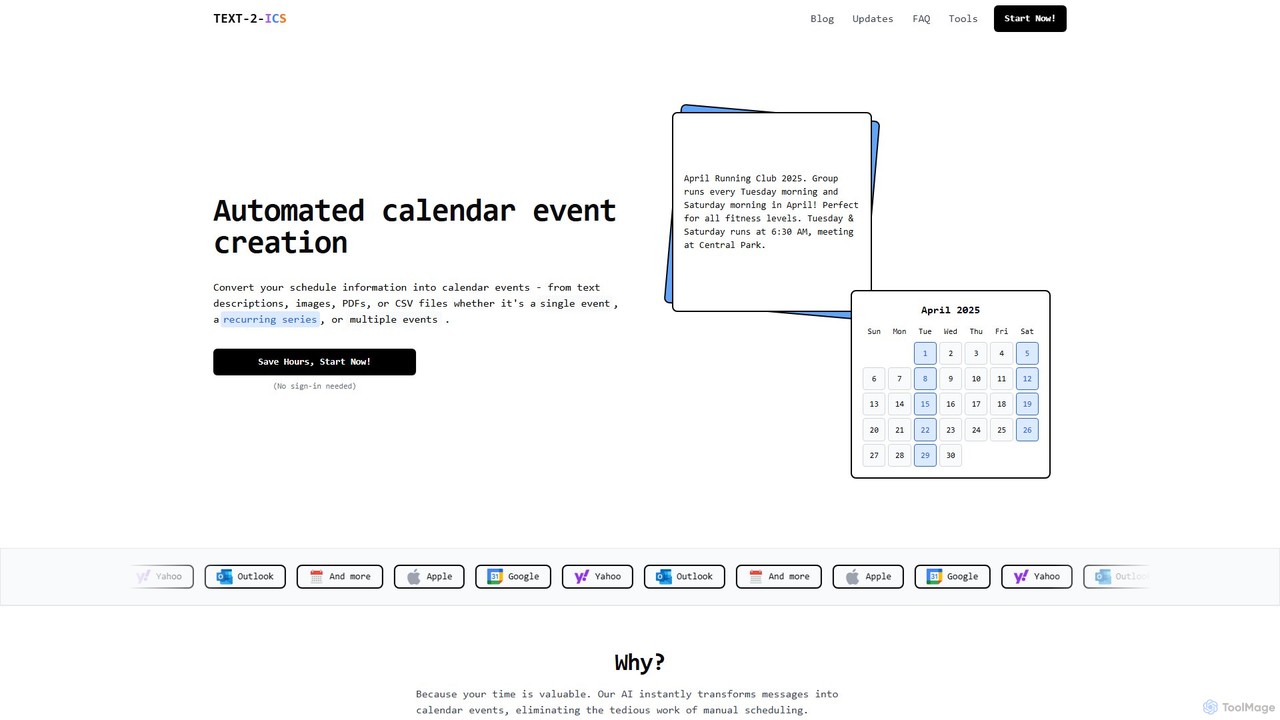
Popular AI tools in the Automation field of Task Management include Text-2-ICS、Antispace, etc., helping you quickly improve efficiency.

Free
Antispace

Antispace

Antispace is the world's first AI Operating System (AIOS) designed to eliminate boring work. It provides users with …

4.5K
Text-2-ICS

Text-2-ICS

An AI-powered tool that instantly converts text, images, PDFs, and CSV files into calendar events (.ics files). It …

13.4K

About Automation

Automation tools within task management are systems designed to execute repetitive tasks and workflows without manual intervention. They operate on rule-based logic, using triggers from various applications to initiate a sequence of predefined actions. This allows teams to automate routine processes like task creation, status updates, and notifications, significantly reducing administrative overhead. By connecting different apps and services, these tools ensure process consistency and accelerate project execution.

Core Features

  • Workflow Builder: A visual interface for creating multi-step automation rules using 'if-then' logic.
  • Trigger Library: A collection of pre-built event triggers, such as a new email, a form submission, or a change in task status.
  • Action Templates: Pre-defined actions that can be automated, including creating tasks, assigning users, posting messages, or updating fields.
  • Cross-App Connectivity: Deep integrations with third-party software (e.g., CRM, code repositories, communication platforms) to enable seamless workflows.

Use Cases

These tools are widely used by software development teams to sync tasks with code commits, marketing teams to manage content approval pipelines, and customer support teams to automatically create tickets from emails or social media mentions. Any team with structured, repeatable processes can benefit.

How to Choose

When selecting an automation tool, evaluate the breadth and depth of its app integrations. Consider the complexity of the workflows you need to build—some tools excel at simple two-step rules, while others support complex conditional logic. Also, assess the user interface's ease of use and the pricing model, which is often based on the number of automation runs per month.

AutomationUse Cases

1

Automate New Project Onboarding

For project managers, setting up a new project involves creating a repetitive set of initial tasks. Using an automation tool, they can create a rule: 'When a new project is created, automatically generate a standard task list'. This list can include tasks like 'Schedule kick-off meeting', 'Define project scope', and 'Assign team roles'. The tool then automatically populates the new project board, assigning tasks to predefined roles, saving significant setup time and ensuring no critical first steps are missed.

2

Sync Development Sprints with Tasks

Software development teams often struggle to keep their task boards aligned with their code repositories. An automation rule can bridge this gap. For example, a developer can set up a workflow: 'When a pull request is merged in GitHub for an issue linked to a task, automatically move that task from the 'In Review' column to the 'Done' column'. This eliminates the need for manual updates, provides real-time project visibility, and ensures the task board is always an accurate reflection of development progress.

3

Automate Client Request Triage

Client service teams receive requests through various channels, like shared email inboxes. Manually creating and assigning tasks for each email is time-consuming. An automation can be set up to monitor the inbox. When an email arrives from a VIP client or contains keywords like 'Urgent', the tool automatically creates a high-priority task, assigns it to the on-call support agent, and applies a 'High Priority' label. This ensures critical requests are addressed promptly without manual oversight.

4

Streamline Content Marketing Approval Workflows

Marketing teams follow a multi-stage process for content creation, from drafting to final approval. Automation can manage the handoffs between stages. For instance, a rule can be set: 'When a writer moves a task to the 'Ready for Review' column, automatically assign it to the editor and send a notification to the content-review Slack channel'. Once the editor moves it to 'Approved', another rule can assign it to the social media manager for scheduling. This keeps the content pipeline moving smoothly without manual coordination.

5

Generate Recurring Tasks for Financial Operations

Finance and operations teams deal with numerous time-sensitive, recurring tasks like monthly reporting and payroll. Instead of manually creating these tasks each month, an automation rule can handle it. A workflow can be set to 'On the first business day of every month, create a task titled 'Prepare Monthly Financial Report' and assign it to the finance lead'. This ensures that critical deadlines are never missed due to human error and frees up the team to focus on more strategic work rather than administrative setup.

6

Automate Meeting Follow-up Actions

For sales or account managers, post-meeting follow-ups are crucial but easy to forget. Automation can link their calendar to their task manager. A rule can be created: 'When a meeting with an external participant ends in Google Calendar, create a task to 'Send follow-up email' due in 24 hours'. The task can automatically include the meeting title and attendee list in its description. This creates a reliable system for follow-ups, improving client relations and ensuring no opportunities are lost.

AutomationFrequently Asked Questions