ToolMage
Sign in

Best 2 Scheduling AI tools for Task Management

Popular Scheduling AI tools in Task Management include Martin and Jarvis, helping you work more efficiently.

Jarvis
Freemium

Jarvis

Jarvis is an intelligent AI assistant designed to automate tasks, manage schedules, and streamline communication for busy professionals and teams. It acts as a central command hub, integrating with your existing tools to boost productivity and reclaim your time.

Workflow
Visits 3.5KFavorites 111Likes 120
Martin
Freemium

Martin

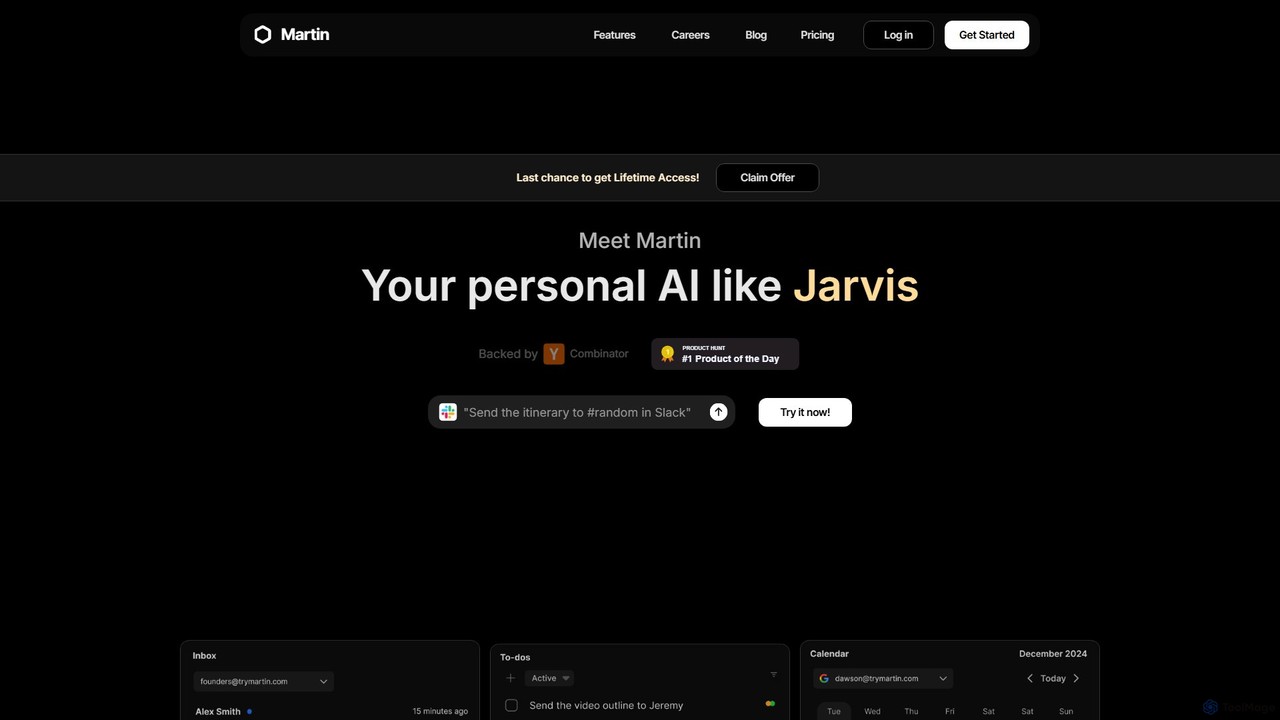
Martin is a personal AI assistant, like Jarvis, designed to streamline your life by managing tasks, communications, and schedules. Interact with Martin via text, call, email, or Slack to set reminders, send messages, manage your calendar, and automate daily workflows. It integrates seamlessly with your existing apps to boost your productivity.

Email Assistant
Visits 13.5KFavorites 110Likes 104

About Scheduling

AI Scheduling tools are a specialized category of task management software designed to automate and optimize the process of arranging meetings, appointments, and events. They leverage artificial intelligence to analyze multiple calendars, identify optimal time slots, and manage invitations with minimal human intervention. This eliminates the time-consuming back-and-forth communication typically required to coordinate schedules, especially among large groups or across different time zones. These tools enhance productivity by intelligently managing time-based commitments.

Core Features

  • Intelligent Availability Syncing: Automatically connects with multiple calendar platforms (e.g., Google Calendar, Outlook) to provide a real-time, unified view of availability.
  • Automated Time Slot Suggestion: AI algorithms analyze participants' schedules and preferences to propose the most suitable meeting times for everyone.
  • Conflict Detection & Resolution: Proactively identifies potential scheduling conflicts and suggests alternative slots to avoid double-booking.
  • Customizable Booking Pages: Allows users to create personalized booking links with custom availability rules, buffer times, and question forms.
  • Time Zone Automation: Automatically detects and converts time zones for all participants, ensuring clarity for global teams and clients.

Use Cases

AI Scheduling tools are widely used by sales teams for booking demos, recruiters for coordinating interviews, and consultants for managing client appointments. They are also valuable for project managers organizing team meetings and service-based businesses (like clinics or salons) that rely on appointment booking. Any professional who frequently schedules meetings with external or internal parties can benefit.

How to Choose

When selecting an AI Scheduling tool, consider its integration capabilities with your existing calendar, CRM, and video conferencing software. Evaluate the level of customization for booking rules and branding. Assess its suitability for team use, such as round-robin or collective scheduling features. Finally, consider the sophistication of its AI, such as natural language processing for scheduling via email, and a pricing model that aligns with your usage volume.

Featured tool rankings

Scheduling use cases

1

Automating Client Appointment Booking

A consultant or therapist can share a personal booking link with clients. Clients see the professional's real-time availability, select a convenient time slot, and book a session instantly. The tool automatically adds the event to both parties' calendars, sends confirmation emails, and can even process payments. This eliminates administrative overhead, reduces no-shows through automated reminders, and provides a seamless booking experience for clients.

2

Streamlining Sales Demo Scheduling

A sales development representative (SDR) can embed a scheduling link directly into their outreach emails. Prospects can click the link and book a demo with an available Account Executive (AE) without any back-and-forth. The tool can use round-robin assignment to distribute meetings evenly among AEs. This shortens the sales cycle, improves the prospect experience, and increases the conversion rate from initial contact to a scheduled meeting.

3

Coordinating Multi-Person Team Meetings

A project manager needs to schedule a critical meeting with ten team members across three different time zones. Instead of creating a poll or email chain, they use a scheduling tool to overlay everyone's connected calendars. The AI instantly identifies the few available slots that work for everyone. The manager selects the best option, and the tool sends out a calendar invitation to all participants, automatically including a video conference link.

4

Optimizing Candidate Interview Scheduling

A recruiter sets up a multi-stage interview workflow. When a candidate passes the initial screening, they receive a link to schedule a meeting with the hiring manager. If successful, they get another link to book a panel interview with three team members. The tool automatically finds a time when all three interviewers are free. This automates a complex, time-consuming process, improves the candidate experience, and allows recruiters to focus on sourcing and evaluation.

5

Managing Resource and Room Bookings

An office manager uses a scheduling tool to manage bookings for shared resources like meeting rooms, projectors, or company vehicles. Employees can see the real-time availability of each resource and book it for a specific time slot. The system prevents double-bookings and can be configured with rules, such as maximum booking duration or requiring approval for certain resources. This creates a fair and efficient system for resource allocation within an organization.

6

Personal Time Blocking and Habit Scheduling

A professional uses an AI scheduling assistant to protect their focus time. They set rules like 'Block 2 hours for deep work every morning' or 'Find 30 minutes for exercise 3 times a week'. The AI analyzes their calendar and automatically blocks out appropriate times, shifting them dynamically if more urgent meetings arise. This automates the discipline of time blocking, ensuring that personal and professional development goals are consistently met without manual calendar management.

Scheduling FAQ

What are AI Scheduling tools?

AI Scheduling tools are applications that use artificial intelligence to automate the process of finding optimal times for meetings and appointments. Unlike a standard calendar, they actively analyze the availability of all participants, suggest the best slots, and handle the entire booking process, including sending invitations and reminders. Their main purpose is to eliminate the manual back-and-forth communication required to coordinate schedules.

How do AI Scheduling tools differ from standard calendar apps?

Standard calendar apps (like Google Calendar or Apple Calendar) are passive tools for manually recording and viewing events. AI Scheduling tools are active and intelligent. Their key differentiators are:

  • Proactive Suggestions: They find optimal times instead of you having to search manually.
  • Automation: They handle the entire invitation and confirmation workflow.
  • Intelligence: They learn preferences and can manage complex scenarios like group polls or round-robin assignments.

In short, a calendar is a digital agenda, while an AI scheduler is a personal assistant for time management.

How do I choose the right AI Scheduling tool?

To choose the right tool, consider these factors:

  • Integrations: Does it sync seamlessly with your primary calendar (Google, Outlook, etc.), CRM, and video conferencing tools (Zoom, Teams)?
  • Use Case: Do you need it for individual use, or for a team with features like round-robin or collective availability?
  • Customization: Can you customize the booking page with your brand, set buffer times, and create different event types?
  • Ease of Use: Is the interface intuitive for both you and the person booking the meeting?
  • Pricing: Does the pricing model (per user, per feature) align with your budget and needs?
What is the main benefit of using an AI Scheduling tool?

The single biggest benefit is saving time and reducing cognitive load. Manually scheduling, especially with multiple people, involves a tedious process of checking calendars, proposing times, waiting for replies, and handling rescheduling. An AI scheduling tool automates this entire workflow, freeing up dozens of hours per month for professionals to focus on more valuable tasks rather than administrative coordination.

Can AI Scheduling tools manage different time zones automatically?

Yes, this is a core and essential feature of most AI scheduling tools. When you share a booking link, the tool automatically detects the recipient's location and displays your availability in their local time zone. This eliminates confusion and miscommunication, which are common when scheduling meetings with people in different parts of the world. The final calendar invitation will also show the correct time for each participant's respective time zone.