ToolMage
Sign in

Best 3 Resource Creation AI tools for Teaching

Popular Resource Creation AI tools in Teaching include quizmixer, ClassroomPlans, and Educator Lab, helping you work more efficiently.

ClassroomPlans
Paid

ClassroomPlans

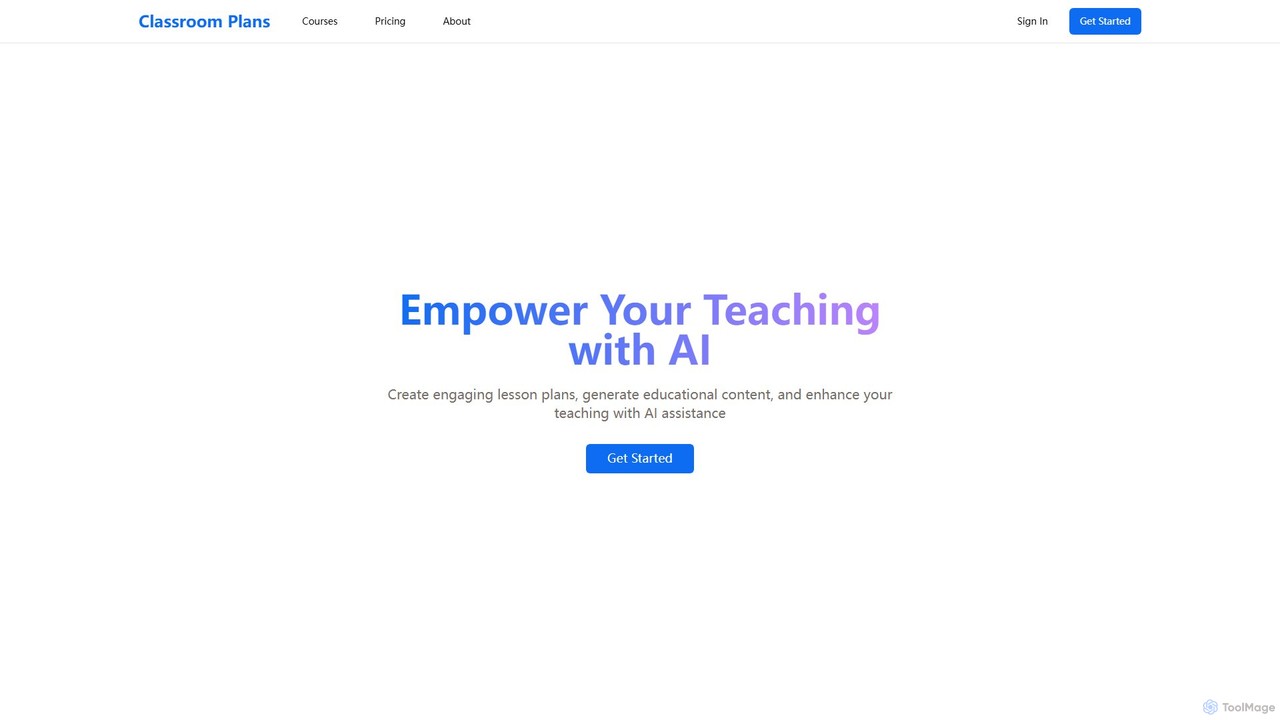
ClassroomPlans is an AI-powered platform designed for educators to streamline their workflow. It helps teachers create detailed lesson plans, custom quizzes, comprehensive study guides, and engaging activity worksheets, saving valuable time and enhancing the teaching experience across multiple subjects.

Lesson Planning
Visits 4.1KFavorites 87Likes 97
Educator Lab
Freemium

Educator Lab

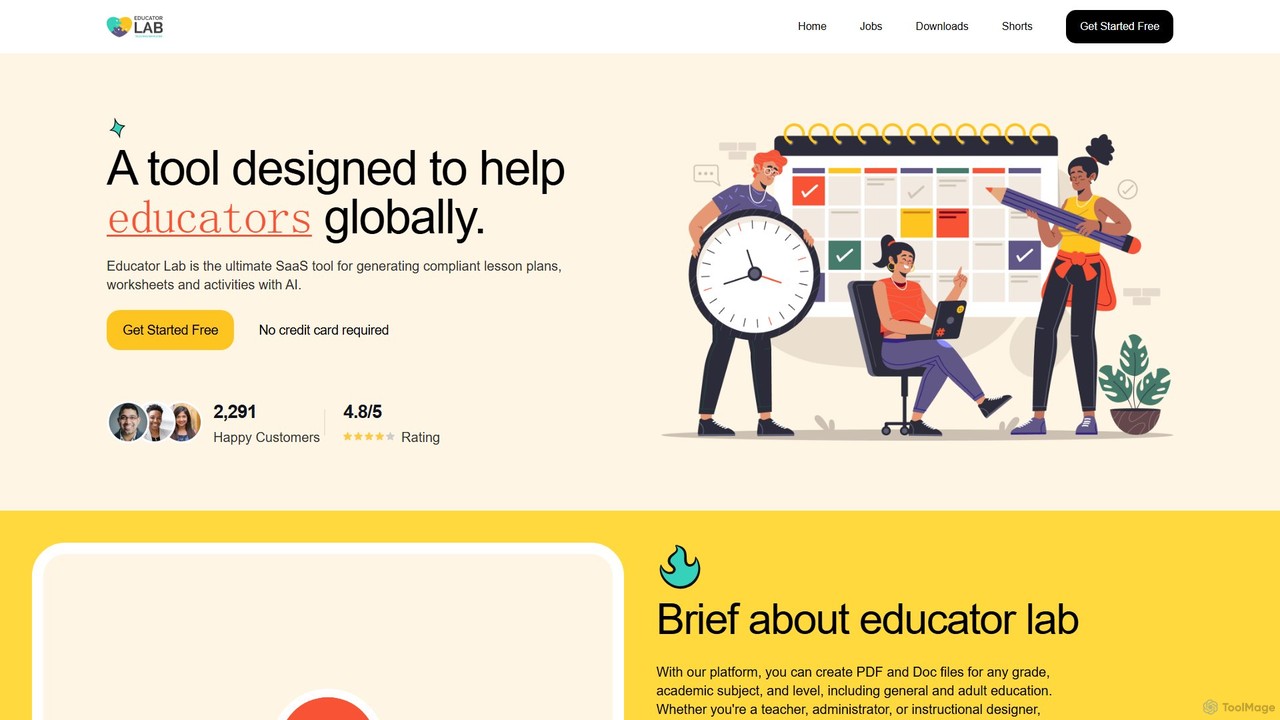
Educator Lab is an AI-powered SaaS platform designed for educators to effortlessly generate compliant lesson plans, worksheets, activities, and assessments. It streamlines the content creation process, saving valuable time and reducing stress for teachers, administrators, and instructional designers across all grade levels and subjects.

Lesson Planning
Visits 3.5KFavorites 133Likes 125
quizmixer
Freemium

quizmixer

quizmixer is an AI-powered quiz generator that transforms any content—such as text, PDFs, or YouTube videos—into engaging quizzes and assessments. Ideal for educators, students, and corporate trainers, it automates the creation of diverse question types, saving significant time and effort while enhancing learning and engagement.

Assessment
Visits 4.1KFavorites 95Likes 97

About Resource Creation

Resource Creation tools are AI-powered applications that automate the generation of educational materials for teachers and trainers. By leveraging generative AI models, these tools can transform simple text prompts, topics, or existing documents into structured content like quizzes, lesson plans, and worksheets. This significantly reduces the time spent on material preparation, enabling educators to produce diverse, engaging, and customized learning resources efficiently. They specialize in converting pedagogical goals into ready-to-use instructional content.

Core Features

  • Automated Content Generation: Instantly creates educational materials such as quizzes, flashcards, and summaries from a given topic or source text.
  • Customizable Templates: Offers various formats and templates for different types of learning activities, like multiple-choice questions or fill-in-the-blanks.
  • Curriculum Alignment: Generates content that can be aligned with specific learning standards, subjects, and grade levels.
  • Multi-format Export: Allows created resources to be exported into various formats like PDF, DOCX, or directly to learning management systems (LMS).

Use Cases

These tools are widely used by K-12 teachers, university professors, and corporate trainers. For instance, a history teacher can generate a comprehensive study guide for an upcoming exam in minutes. A corporate trainer can create interactive role-playing scenarios for a sales training program. Language instructors also use them to quickly produce vocabulary lists and grammar exercises.

How to Choose

When selecting a Resource Creation tool, consider the subject matter and grade level it supports. Evaluate the variety and quality of the generated content types (e.g., quizzes, lesson plans). Check for integration capabilities with your existing LMS or teaching platforms. Finally, assess the user interface's ease of use and the flexibility of customization options to ensure it meets your specific teaching style.

Featured tool rankings

Resource Creation use cases

1

Creating Differentiated Reading Comprehension Worksheets

A 4th-grade English teacher needs to prepare reading comprehension exercises for a short story, but the students have varying reading levels. Using an AI Resource Creation tool, the teacher uploads the story's text. They then request three versions of a worksheet: one with basic recall questions, one with inferential questions, and one that requires analysis of literary devices. The AI generates all three worksheets in under five minutes, complete with answer keys, allowing the teacher to provide tailored support for every student without spending hours on manual creation.

2

Generating a Lesson Plan for a Substitute Teacher

A high school biology teacher is unexpectedly out sick and needs to create a lesson plan for a substitute. Using a resource creation tool, they input the topic 'The Process of Mitosis', the grade level, and the class duration of 50 minutes. They also specify the need for a short introductory video suggestion, key vocabulary terms, a simple worksheet, and a concluding quiz. The AI tool generates a complete, structured lesson plan that the substitute can easily follow, ensuring a productive and on-topic class even in the teacher's absence.

3

Developing Corporate Training Onboarding Materials

A corporate trainer is tasked with creating an onboarding module for new sales hires about the company's flagship product. Instead of starting from scratch, they feed the product's technical specification document into an AI resource creator. The tool generates a series of micro-learning assets, including a summary of key features, a FAQ section for common customer questions, and several role-playing scenarios to practice sales pitches. This accelerates the development of standardized, high-quality training materials, ensuring new hires get up to speed quickly.

4

Creating Vocabulary Flashcards for Language Learning

A student learning Spanish wants to create a set of digital flashcards for a new chapter in their textbook. They use an AI tool and simply paste the chapter's vocabulary list. The tool automatically generates double-sided flashcards, with the Spanish word on one side and the English translation on the other. It can also add example sentences for context. The student can then export these flashcards to a study app, saving significant time compared to manually creating each card and allowing for more efficient, technology-aided revision.

5

Generating Math Problem Sets with Varied Difficulty

A middle school math teacher wants to give students extra practice on solving linear equations. To cater to different skill levels, they use an AI resource tool to generate problem sets. The teacher specifies the topic 'solving for x in linear equations' and requests 20 problems each for 'easy' (one-step equations), 'medium' (two-step equations), and 'hard' (equations with variables on both sides). The tool instantly produces three distinct problem sets with solutions, providing ample practice material that is perfectly scaffolded for student progress.

6

Drafting an Outline for a University Lecture

A university professor is preparing a new lecture on 'The Economic Impacts of Globalization'. To structure their thoughts, they use an AI resource creation tool. They input the lecture title and key sub-topics they want to cover, such as trade agreements, labor market effects, and environmental concerns. The AI generates a detailed lecture outline, including an introduction, logical sections for each sub-topic with key talking points, and a conclusion. This AI-generated structure serves as a strong foundation, saving the professor hours of initial planning and allowing them to focus on adding their expert insights and examples.

Resource Creation FAQ

What are AI Resource Creation tools for teaching?

AI Resource Creation tools are specialized applications that help educators automatically generate teaching materials. Instead of manually writing everything, a teacher can provide a topic, a piece of text, or a learning objective, and the AI will produce resources like quizzes, lesson plan outlines, worksheets, or study guides. They are designed to significantly reduce administrative workload and preparation time for educators.

How do AI Resource Creation tools differ from a general-purpose AI chatbot?

The main difference is specialization. A general-purpose AI chatbot (like ChatGPT) can generate text on any topic but lacks the specific structures and formats needed for education. AI Resource Creation tools are fine-tuned for pedagogical tasks. They offer templates for quizzes, lesson plans, and worksheets, and are often designed to align content with educational standards. They provide a more streamlined and purpose-built workflow for creating effective teaching materials.

Who can benefit from using AI Resource Creation tools?

A wide range of educators can benefit from these tools. This includes:

  • K-12 Teachers: For quickly creating daily lesson plans, worksheets, and quizzes.
  • University Professors: For drafting lecture outlines, generating discussion prompts, and creating exam questions.
  • Corporate Trainers: For developing onboarding materials, training modules, and assessment tests.
  • Tutors and Homeschooling Parents: For creating personalized learning materials tailored to individual student needs.
Is the content generated by these AI tools always accurate?

While AI Resource Creation tools are powerful, they are not infallible. The generated content should always be reviewed and fact-checked by the educator before use. The AI provides a strong first draft, but the teacher's professional judgment is essential to verify accuracy, ensure pedagogical soundness, and tailor the material to their specific students' context and needs. Think of it as an expert assistant, not a replacement for the teacher.

How to choose the right AI Resource Creation tool?

To choose the right tool, consider these factors:

  • Subject & Grade Level Focus: Does the tool specialize in your subject area (e.g., STEM, humanities) and target your students' age group?
  • Content Variety: Does it generate the types of resources you use most, such as worksheets, lesson plans, or interactive quizzes?
  • Customization & Control: How much control do you have over the output? Can you easily edit and adapt the generated materials?
  • Ease of Use: Is the interface intuitive and easy to navigate for a busy educator?
  • Integration: Does it integrate with your existing tools, like Google Classroom or other Learning Management Systems (LMS)?