
Team Management Best in category 1 results Employee Monitoring AI Tool

Popular AI tools in the Employee Monitoring field of Team Management include Timeglass, etc., helping you quickly improve efficiency.

Timeglass

Timeglass

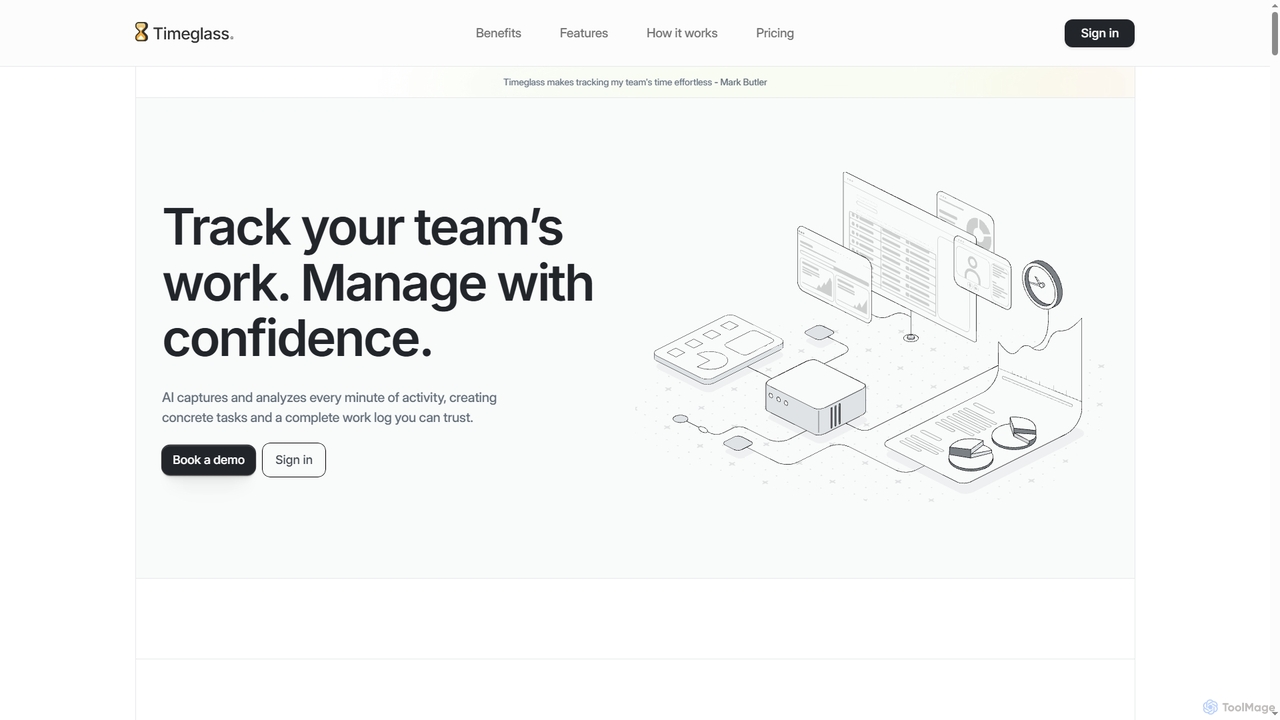
Timeglass is an AI-powered time tracking tool that automatically captures team activity through screenshots and app usage. It …

4.4K

About Employee Monitoring

Employee Monitoring tools are a class of software designed to track and analyze employee computer activity for productivity and security purposes. These tools operate by recording data such as application usage, websites visited, time spent on tasks, and idle periods. Their primary value lies in providing managers with objective data to optimize workflows, ensure compliance with company policies, and protect sensitive assets, especially in remote or hybrid work environments. This data-driven approach helps in identifying productivity bottlenecks and potential insider threats.

Core Features

  • Activity Tracking: Monitors application and website usage, active hours, and idle time to gauge engagement.
  • Productivity Analysis: Generates reports and dashboards to visualize productivity trends and patterns.
  • Screen Monitoring: Captures screenshots or real-time video of employee screens for compliance and training.
  • Insider Threat Detection: Alerts administrators to suspicious activities like unauthorized data transfers or access to sensitive files.
  • Time Tracking: Automatically logs work hours and categorizes time spent on different projects or tasks.

Applicable Scenarios

These tools are widely used by organizations with remote or distributed teams to maintain operational visibility. Industries like finance and healthcare use them to enforce strict regulatory compliance and data protection policies. Call centers and customer support teams also leverage them to analyze workflows and improve agent efficiency.

Selection Criteria

When choosing an Employee Monitoring tool, first verify its compliance with local labor laws and privacy regulations. Assess the granularity of monitoring features to match your specific needs without being overly intrusive. Evaluate its reporting capabilities and how well it integrates with your existing project management or HR software. Prioritize tools that offer transparency options for employees to foster trust.

Employee MonitoringUse Cases

1

Manage Remote Team Productivity

A manager of a distributed marketing team uses an employee monitoring tool to gain insights into daily operations without constant check-ins. The tool tracks application usage, showing which team members spend the most time in collaborative platforms versus distracting websites. By analyzing productivity reports, the manager identifies that a junior member is struggling with a specific design software. This allows for targeted training, improving the team member's efficiency and ensuring workloads are distributed more effectively based on data-driven performance insights.

2

Ensure Compliance in Financial Services

A compliance officer at an investment firm is tasked with preventing unauthorized trading and data breaches. They deploy an employee monitoring tool that logs all application usage and flags specific keywords related to non-compliant activities. The system can capture screenshots when an employee accesses a personal email client or a file-sharing website, creating an auditable record. This proactive monitoring helps the firm adhere to regulations like FINRA and GDPR, significantly reducing the risk of costly penalties and reputational damage.

3

Optimize Call Center Agent Performance

A call center supervisor notices a decline in the team's average handling time (AHT). Using an employee monitoring tool, they analyze application usage data and discover that agents are spending excessive time navigating between multiple complex systems to find customer information. The data clearly shows which applications are causing the longest delays. Armed with this insight, the supervisor works with IT to streamline the workflow, integrating systems or providing better training, which directly leads to a reduction in AHT and an increase in customer satisfaction.

4

Protect Intellectual Property from Insider Threats

A software development company needs to protect its proprietary source code. The IT security team implements an employee monitoring solution with insider threat detection capabilities. The tool is configured to send real-time alerts if an employee attempts to copy large amounts of data to a USB drive, upload files to an unauthorized cloud storage service, or access the code repository outside of normal working hours. This automated vigilance helps prevent accidental data leaks and malicious theft, safeguarding the company's most valuable digital assets.

5

Verify Billable Hours for Contractors

A digital agency works with several freelance designers and developers who bill by the hour. To ensure accurate invoicing and project budget management, the agency uses an employee monitoring tool with time tracking features. The tool automatically logs the time contractors spend on assigned projects, capturing screenshots as proof of work. This eliminates manual timesheets, prevents billing disputes, and provides both the agency and the contractors with a transparent, verifiable record of all work performed, fostering a relationship of trust.

6

Analyze Software Usage for IT Asset Management

An IT department is responsible for managing hundreds of software licenses across the company, many with high subscription costs. They use an employee monitoring tool to track application usage across all departments. After a 90-day analysis, the reports reveal that a premium project management software is only actively used by 20% of the employees who have a license. Based on this concrete data, the IT manager can reallocate licenses to those who need them and downgrade the subscription plan, resulting in significant cost savings without impacting productivity.

Employee MonitoringFrequently Asked Questions