ToolMage
Sign in

Best 4 Computer Vision AI tools for Technology

Popular Computer Vision AI tools in Technology include X-ray Interpreter, Greyparrot, HeHealth, and Rash Detector, helping you work more efficiently.

X-ray Interpreter
Freemium

X-ray Interpreter

X-ray Interpreter is an AI-powered platform that provides instant, detailed analysis of radiological images like X-rays, CT scans, MRIs, and ultrasounds. It offers a reliable second opinion for patients, families, and medical professionals, delivering easy-to-understand reports to empower informed healthcare decisions. The service is fast, secure, and cost-effective, with a free preview option.

Medical Imaging
Visits 82.9KFavorites 165Likes 164
Greyparrot
Paid

Greyparrot

Greyparrot is an AI-powered waste intelligence platform that uses computer vision to automate waste composition analysis and sorting in recycling facilities. By deploying AI-monitoring units on conveyor belts, it provides real-time data on waste streams, helping facilities increase recycling rates, improve sorting quality, and enhance operational efficiency. This technology empowers the waste management industry to make data-driven decisions and advance the circular economy.

Data Analytics
Visits 21KFavorites 145Likes 137
Rash Detector
Paid

Rash Detector

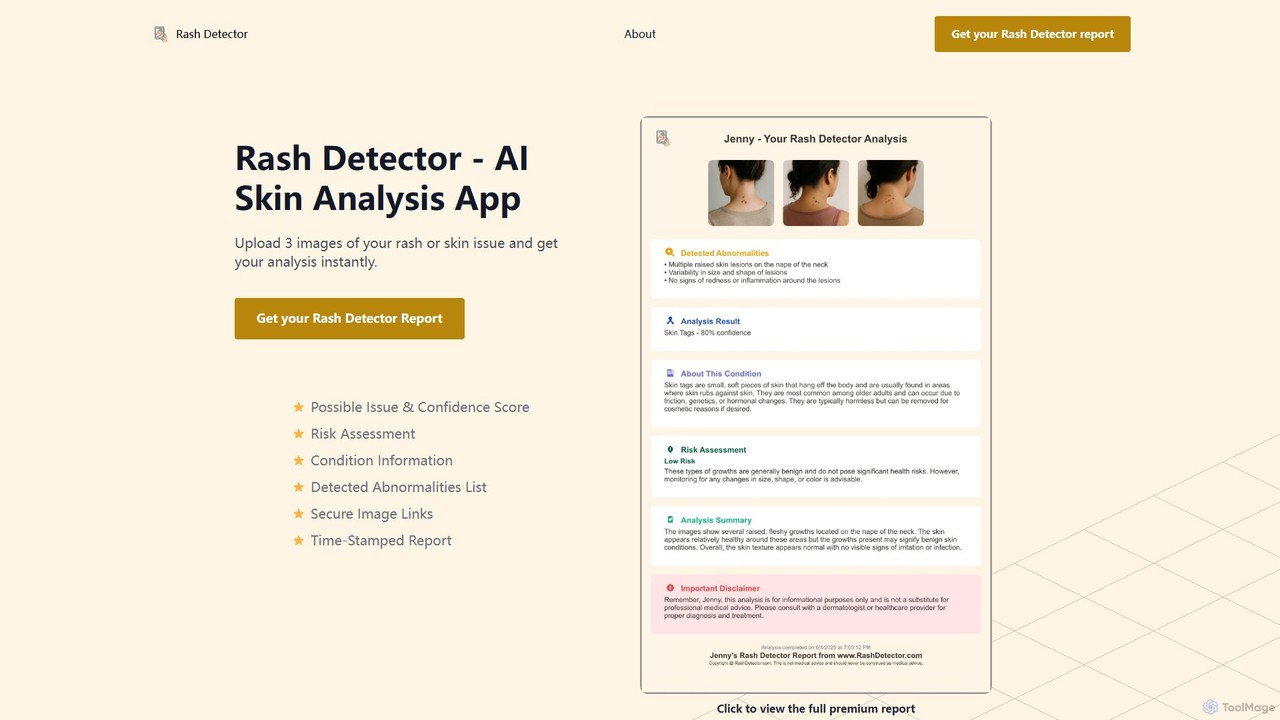
Rash Detector is an AI-powered skin analysis tool that provides instant insights into rashes and skin conditions. By uploading three photos, users receive a comprehensive report including possible issues with confidence scores, risk assessment, and detailed information. It's a fast, private, and simple way to get a preliminary understanding of a skin concern before consulting a doctor. Available on web and Android.

Symptom Analysis
Visits 6.5KFavorites 124Likes 152
HeHealth
Paid

HeHealth

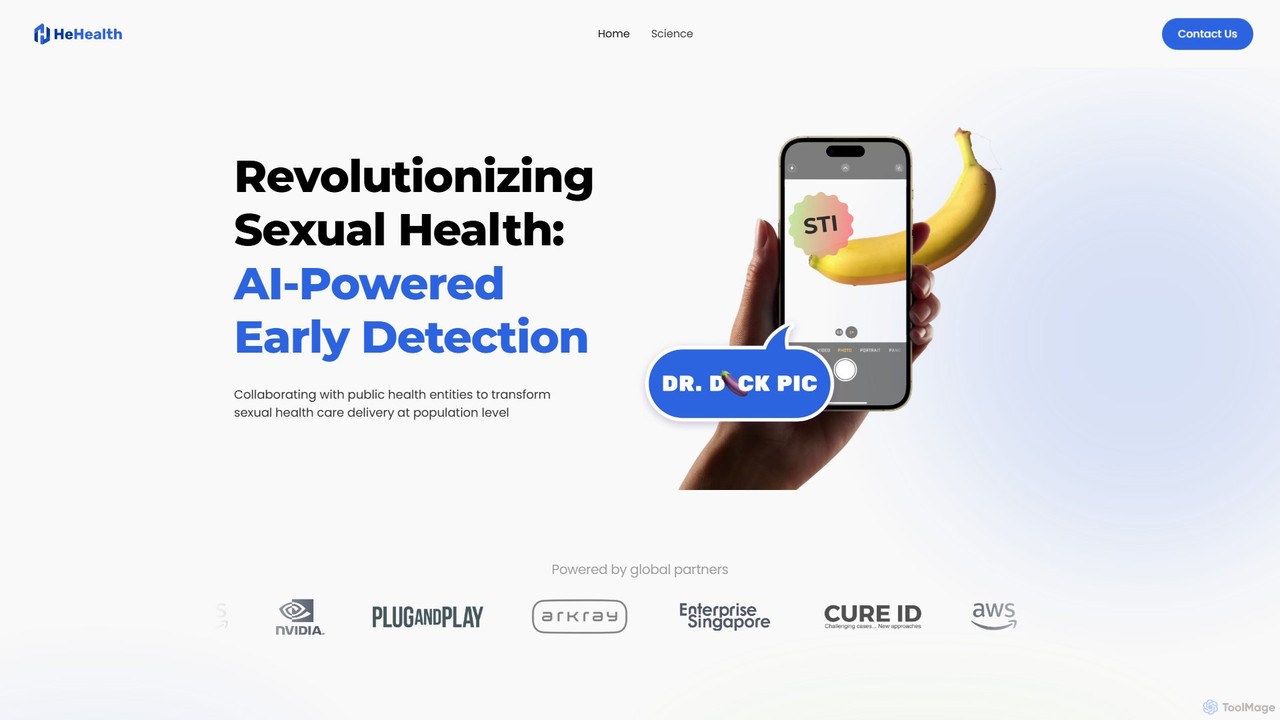
HeHealth is an AI-powered platform revolutionizing men's sexual health. It offers a discreet, accurate, and affordable way to get instant analysis of visual symptoms for early detection of STDs and other penile diseases, all from the privacy of home. Backed by scientific research and medical experts, it achieves ~94% accuracy.

Medical Diagnosis
Visits 7.7KFavorites 181Likes 183

About Computer Vision

Computer Vision tools are a class of AI software that enables computers and systems to derive meaningful information from digital images, videos, and other visual inputs. These tools utilize deep learning models, particularly convolutional neural networks (CNNs), to interpret and understand the visual world, mimicking human sight. This allows for the automation of tasks requiring visual understanding, such as object detection, image recognition, and scene analysis. As a key field within Technology and AI, computer vision is the core engine behind applications ranging from autonomous vehicles to medical imaging diagnostics.

Core Features

  • Object Detection: Identifies and locates specific objects within an image or video stream.
  • Image Classification: Assigns a label or category to an entire image based on its content.
  • Facial Recognition: Detects, analyzes, and verifies human faces for identification or authentication.
  • Optical Character Recognition (OCR): Extracts and converts text from images or documents into machine-readable format.
  • Semantic Segmentation: Associates each pixel in an image with a class label, enabling detailed scene understanding.

Applicable Scenarios

Computer Vision is widely adopted across various industries. In manufacturing, it's used for automated quality control and defect detection on production lines. Healthcare professionals leverage it for analyzing medical scans like X-rays and MRIs to assist in diagnosis. The retail sector uses it for inventory management and in-store customer behavior analysis, while the automotive industry relies on it for developing self-driving car perception systems.

Selection Criteria

When choosing a Computer Vision tool, consider the following: accuracy and performance metrics for your specific task (e.g., detection precision). Evaluate the processing speed (latency) to ensure it meets real-time or batch processing needs. Assess its scalability to handle your data volume and the quality of its API and SDK for seamless integration. Finally, consider the model's support for specific domains and its customization capabilities.

Computer Vision use cases

1

Automated Quality Control in Manufacturing

A quality control manager in a manufacturing plant uses a computer vision system to automate product inspection. Cameras positioned along the assembly line capture high-resolution images of each product. The AI model, trained to identify defects, analyzes these images in real-time to detect scratches, misalignments, or missing components. When a defect is found, the system automatically flags the item and diverts it for review, ensuring higher product quality and reducing reliance on manual inspection.

2

Retail Shelf Monitoring and Analytics

A retail operations manager uses computer vision to monitor shelf inventory and product placement. In-store cameras periodically scan the aisles, and an AI tool analyzes the footage to identify out-of-stock items, misplaced products, and incorrect price tags. The system generates real-time alerts for store staff to restock shelves or correct errors. It also provides analytics on product visibility and customer engagement, helping optimize store layout and merchandising strategies.

3

Medical Image Analysis for Diagnostics

A radiologist employs a computer vision tool to assist in analyzing medical scans like MRIs or CT scans. After a scan is taken, the AI software processes the image to detect and highlight potential anomalies, such as tumors, fractures, or other pathologies, which might be subtle to the human eye. The tool provides quantitative measurements and comparisons to a database of known cases. This serves as a valuable second opinion, helping the radiologist make a more accurate and faster diagnosis.

4

Autonomous Vehicle Perception Systems

An automotive engineer developing a self-driving car integrates multiple computer vision APIs. Cameras mounted around the vehicle continuously capture the environment. The vision system processes this data to perform several tasks simultaneously: it detects and classifies other vehicles, pedestrians, and cyclists; reads traffic signs and signals; and identifies lane markings. This comprehensive understanding of the surroundings is critical for the car's navigation and decision-making module to operate safely.

5

Intelligent Security and Surveillance

A security firm implements a computer vision-powered surveillance system for a corporate campus. The system analyzes feeds from hundreds of cameras in real-time. It can automatically detect unauthorized access in restricted areas, identify abandoned packages, and monitor crowd density. Using facial recognition, it can also grant access to authorized personnel at secure entry points or flag the presence of individuals on a watchlist, significantly enhancing security operations and response times.

6

Document Digitization and Data Extraction

An accounting firm uses a computer vision tool with Optical Character Recognition (OCR) to automate invoice processing. Employees scan paper invoices, and the AI tool analyzes the images. It identifies and extracts key information such as vendor name, invoice number, date, and line items. This extracted data is then automatically populated into the accounting software, eliminating manual data entry, reducing human error, and accelerating the accounts payable workflow significantly.

Computer Vision FAQ

What is Computer Vision?

Computer Vision is a field of artificial intelligence (AI) that trains computers to interpret and understand the visual world. Using digital images from cameras and videos, along with deep learning models, machines can accurately identify and classify objects and then react to what they 'see'. It aims to automate tasks that the human visual system can do, such as recognition, detection, and tracking.

How to choose a Computer Vision tool or API?

When selecting a Computer Vision tool, consider these factors:

  • Task Specificity: Ensure the tool excels at your primary task, whether it's OCR, facial recognition, or object detection.
  • Accuracy & Performance: Review its documented accuracy metrics (e.g., precision, recall) and processing speed (latency) to see if they meet your requirements.
  • Scalability: Determine if the service can handle your expected volume of images or video streams without performance degradation.
  • Integration: Check for well-documented APIs, SDKs in your preferred programming language, and ease of integration into your existing workflow.
  • Customization: Assess if you can train or fine-tune the model with your own data for improved performance on specific tasks.
What's the difference between Computer Vision and Image Processing?

Image Processing focuses on manipulating an image to enhance it or extract some information from it. It treats the image as a 2D signal and applies signal processing techniques. Examples include sharpening an image or removing noise. Computer Vision, on the other hand, is about understanding the content of an image. It uses image processing as a preliminary step to then perform higher-level tasks like recognizing that the image contains a cat. In short, image processing modifies pixels, while computer vision interprets them.

What are the main applications of Computer Vision?

Computer Vision has a wide range of applications across many industries. Some of the most prominent include:

  • Healthcare: Analyzing medical images (X-rays, MRIs) for disease detection and diagnosis.
  • Automotive: Powering perception systems in self-driving cars and advanced driver-assistance systems (ADAS).
  • Manufacturing: Automating quality control and defect detection on production lines.
  • Retail: Enabling cashierless checkouts, inventory management, and customer behavior analysis.
  • Security: Enhancing surveillance systems with facial recognition and anomaly detection.
How does Computer Vision work?

Computer Vision works by using algorithms and deep learning models, most notably Convolutional Neural Networks (CNNs), to process and analyze visual data. The process typically involves several stages: acquiring an image, processing it to enhance features, and then using a trained model to understand it. These models are trained on massive datasets of labeled images, allowing them to learn to recognize patterns, features, objects, and scenes. When presented with a new image, the model can then apply this learned knowledge to make predictions about the image's content.