ToolMage
Sign in

Best 2 Virtual Assistant for Technology

Popular Virtual Assistant in Technology include Praktika and Lingolette, helping you work more efficiently.

Praktika
Freemium

Praktika

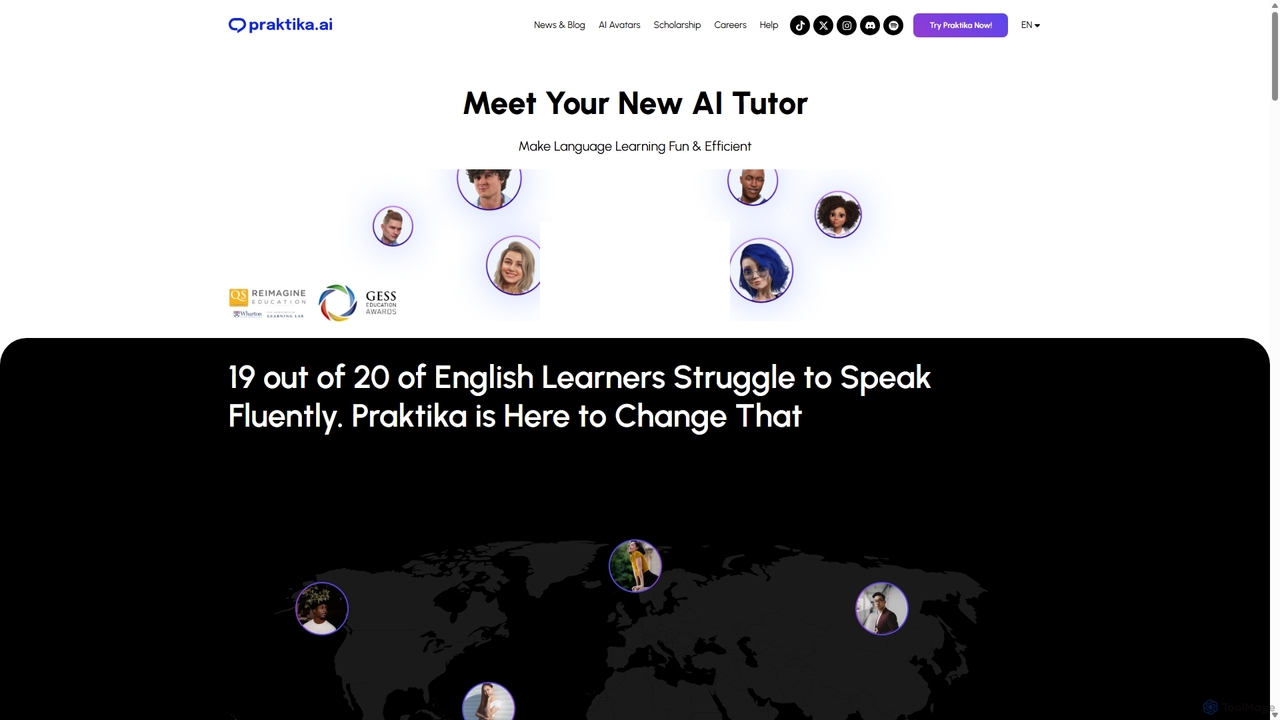
Praktika is an AI-powered language learning app that helps you master English and other languages through conversation with ultra-realistic AI avatars. It offers personalized lessons, real-time feedback, and a pressure-free environment to improve fluency, pronunciation, and confidence 24/7.

Language Learning
Visits 236.3KFavorites 141Likes 135
Lingolette
Freemium

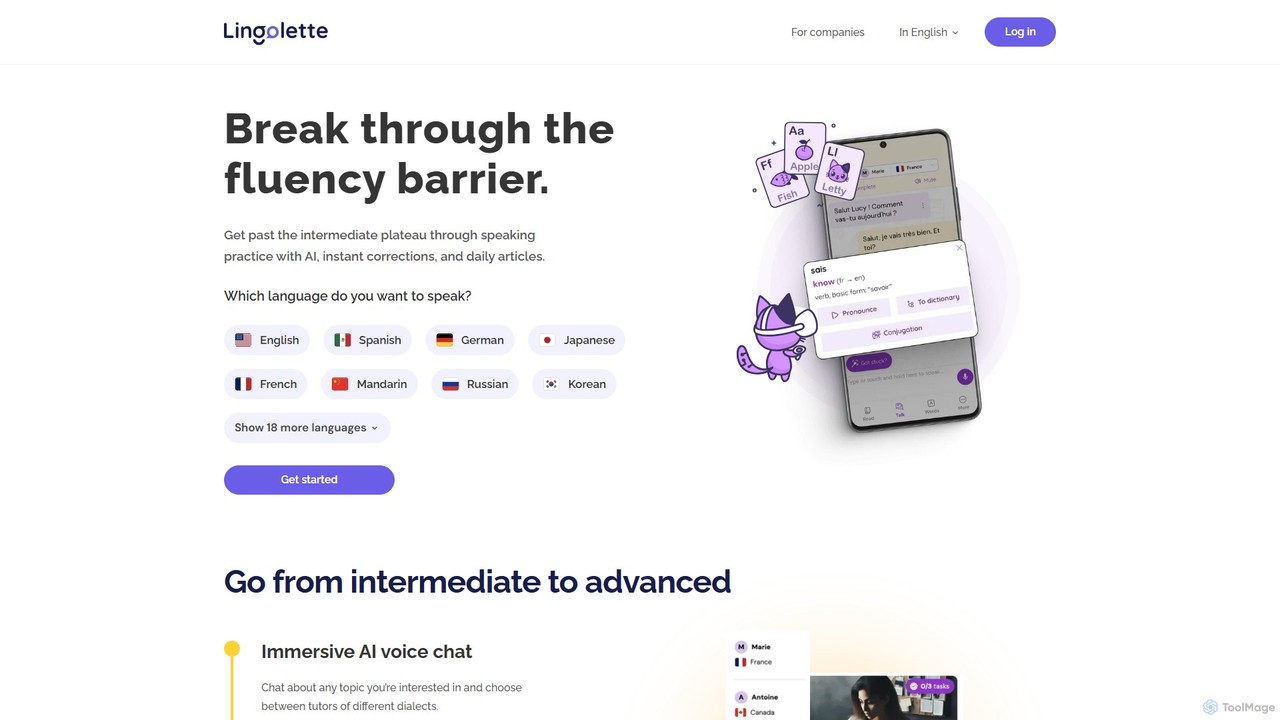
Lingolette

Lingolette is an AI-powered language learning platform designed to help intermediate learners achieve fluency. Through immersive AI voice chat, personalized daily articles, and instant corrections, it provides a safe and effective environment for practicing speaking and writing. Supporting over 25 languages, Lingolette acts as a 24/7 practice partner, adapting to your pace, interests, and learning level, making it an affordable and flexible alternative to traditional language schools.

Language Learning
Visits 10.8KFavorites 84Likes 99

About Virtual Assistant

Virtual Assistants are AI-powered software agents designed to perform tasks and provide information based on user commands. These tools leverage Natural Language Processing (NLP) and machine learning to understand voice or text inputs and execute a wide range of actions. Their primary value lies in automating daily routines, streamlining information access, and integrating with various digital services to create a more connected and efficient user experience. As a core component of modern technology, they act as a personal or professional command center, simplifying complex digital interactions.

Core Features

  • Natural Language Understanding: Accurately interprets spoken or written commands in conversational language.
  • Task Automation: Schedules appointments, sends emails, sets reminders, and manages to-do lists automatically.
  • Information Retrieval: Answers questions by searching the internet, connected databases, or device files.
  • Device & App Control: Integrates with smart home devices, mobile apps, and software to perform actions on the user's behalf.
  • Personalization: Learns user preferences, habits, and context over time to provide more relevant and proactive assistance.

Use Cases

Virtual Assistants are widely used for personal productivity, helping individuals manage their schedules and communications. In a business context, they can automate administrative tasks, schedule team meetings, and even handle initial customer service inquiries. They are also central to smart home ecosystems, enabling voice control over lighting, climate, and entertainment systems, as well as in-car systems for hands-free navigation and communication.

How to Choose

When selecting a Virtual Assistant, consider its ecosystem and platform compatibility (e.g., iOS, Android, Windows). Evaluate its integration capabilities with the apps and services you use most frequently, such as calendars, email clients, and project management tools. Assess the privacy policy and data control options to ensure they align with your requirements. Finally, determine if you need a general-purpose assistant for broad tasks or a specialized one for specific functions like meeting transcription or customer support.

Featured tool rankings

Virtual Assistant use cases

1

Personal Productivity and Schedule Management

A busy professional uses a virtual assistant on their smartphone to streamline their daily workflow. By using voice commands like "Schedule a meeting with the marketing team for tomorrow at 10 AM" or "Remind me to submit the quarterly report by Friday," they can manage their calendar and to-do list hands-free while commuting. The assistant automatically checks for calendar conflicts, sends invitations, and sets location-aware reminders. This saves significant time compared to manually opening apps and typing, allowing the professional to focus on more strategic tasks.

2

Smart Home Automation and Control

A homeowner uses a virtual assistant integrated into a smart speaker to manage their home environment. With simple voice commands, they can control various connected devices. For example, saying "Good morning" can trigger a routine that slowly raises the lights, starts the coffee maker, and reads the day's weather forecast and news headlines. Similarly, "Movie night" can dim the lights, close the blinds, and turn on the TV and sound system. This centralizes control of multiple devices, creating a seamless and convenient living experience without needing to interact with individual apps for each device.

3

Hands-Free In-Car Operation

A driver uses their car's built-in virtual assistant or one connected via their smartphone to stay focused on the road. They can ask for directions to a new destination, and the assistant will provide turn-by-turn navigation. They can also make calls or send text messages by dictating them, for example, "Call Sarah" or "Text Mark I'm running 10 minutes late." This allows for safe and legal communication and control over entertainment, like changing a playlist or podcast, without taking their hands off the steering wheel or their eyes off the road, significantly improving driving safety.

4

Automated Meeting Scheduling and Summarization

A project manager uses a specialized virtual assistant to handle the logistics of team meetings. Instead of manually checking everyone's availability, they instruct the assistant: "Find a 30-minute slot for the project sync next week with the design and engineering teams." The AI assistant accesses team calendars, identifies a common free time, sends out invitations, and books a conference room. During the meeting, another specialized assistant can record the audio, generate a real-time transcript, and create a concise summary with key decisions and action items, which is then automatically distributed to all attendees.

5

Accessibility Support for Users

A user with a visual impairment relies on a virtual assistant integrated into their operating system to navigate their digital world. They use voice commands to open applications, compose and listen to emails, and browse the web. The assistant reads on-screen text aloud, describes images using AI, and helps them interact with user interface elements they cannot see. This technology transforms a complex visual interface into an accessible, voice-controlled experience, empowering users with disabilities to use computers and smartphones with greater independence and efficiency.

6

Basic Customer Service Automation

A small e-commerce business implements a virtual assistant on its website to handle frequently asked questions. When a customer opens the chat window, the assistant greets them and offers help. Customers can ask questions like "What is your return policy?" or "Where is my order?" The virtual assistant, connected to the company's knowledge base and order tracking system, provides instant, accurate answers 24/7. This frees up human support agents to focus on more complex issues, reduces customer wait times, and improves overall service efficiency without requiring a large support team.

Virtual Assistant FAQ

What is a Virtual Assistant?

A Virtual Assistant is an AI-powered software application that understands natural language commands (voice or text) to perform tasks for a user. They act as a personal or professional aid, capable of managing schedules, retrieving information, controlling smart devices, and interacting with other applications. Unlike simple command-line interfaces, they use Natural Language Processing (NLP) to interpret conversational requests, making them highly intuitive. Common examples include Apple's Siri, Google Assistant, and Amazon Alexa.

How to choose the right Virtual Assistant?

Choosing the right virtual assistant depends on your specific needs and existing technology ecosystem. Consider the following factors:

  • Platform and Ecosystem: Choose an assistant that integrates well with your devices (e.g., Siri for Apple products, Google Assistant for Android and Google services).
  • Integration Capabilities: Check if it connects with the third-party apps you use daily, such as Spotify, Todoist, or your smart home devices.
  • Primary Use Case: Determine if you need a general-purpose assistant for daily tasks or a specialized one for business functions like scheduling or customer support.
  • Privacy Controls: Review the assistant's data privacy policy and the control you have over your personal information and command history.
What's the difference between a Virtual Assistant and a Chatbot?

While both use conversational AI, they differ in scope and purpose. A Virtual Assistant (like Siri or Alexa) is a broad, often personalized agent integrated into an operating system or device. It can perform a wide variety of tasks across multiple applications. A Chatbot is typically more specialized and task-oriented, found on websites or messaging platforms to handle specific queries, such as customer support, lead generation, or answering FAQs. In short, virtual assistants are generalists for a user, while chatbots are specialists for a business or service.

What are the main functions of a Virtual Assistant?

Virtual assistants are designed to perform a wide array of functions to simplify users' digital lives. Key functions include:

  • Answering Questions: Providing quick answers to factual queries by searching the web.
  • Managing Schedules: Setting alarms, reminders, timers, and adding events to a calendar.
  • Communication: Making calls, sending text messages, and reading emails aloud.
  • Controlling Media: Playing music, podcasts, or videos from various streaming services.
  • Device and Smart Home Control: Adjusting device settings (like screen brightness) and managing connected smart home gadgets (lights, thermostats, etc.).
Are Virtual Assistants secure and private?

Security and privacy are major considerations for virtual assistant providers. Most major assistants use encryption to protect data both in transit and at rest. However, they often require access to personal data (like contacts, location, and calendar) to function effectively. Users typically have control over these permissions and can review or delete their voice command history. It is crucial for users to review the privacy policy of any virtual assistant they use, understand what data is collected, and configure the privacy settings to a level they are comfortable with.