ToolMage
Sign in

Best 5 Ai Video Creation AI tools for Video Generation

Popular Ai Video Creation AI tools in Video Generation include MovieFlow, Vidfly, Kling O1, Unreel, and Veo3Video, helping you work more efficiently.

Unreel
Paid

Unreel

Unreel is an AI influencer creator tool designed to generate complete, ready-to-post 60-second TikTok videos. It automates the entire video production process, including scripts, hooks, voice, face, and captions, enabling businesses to promote products daily without extensive editing or hiring human creators. It offers a fast, scalable solution for social media marketing.

Digital Content
Visits 6.5KFavorites 44Likes 46
MovieFlow
Freemium

MovieFlow

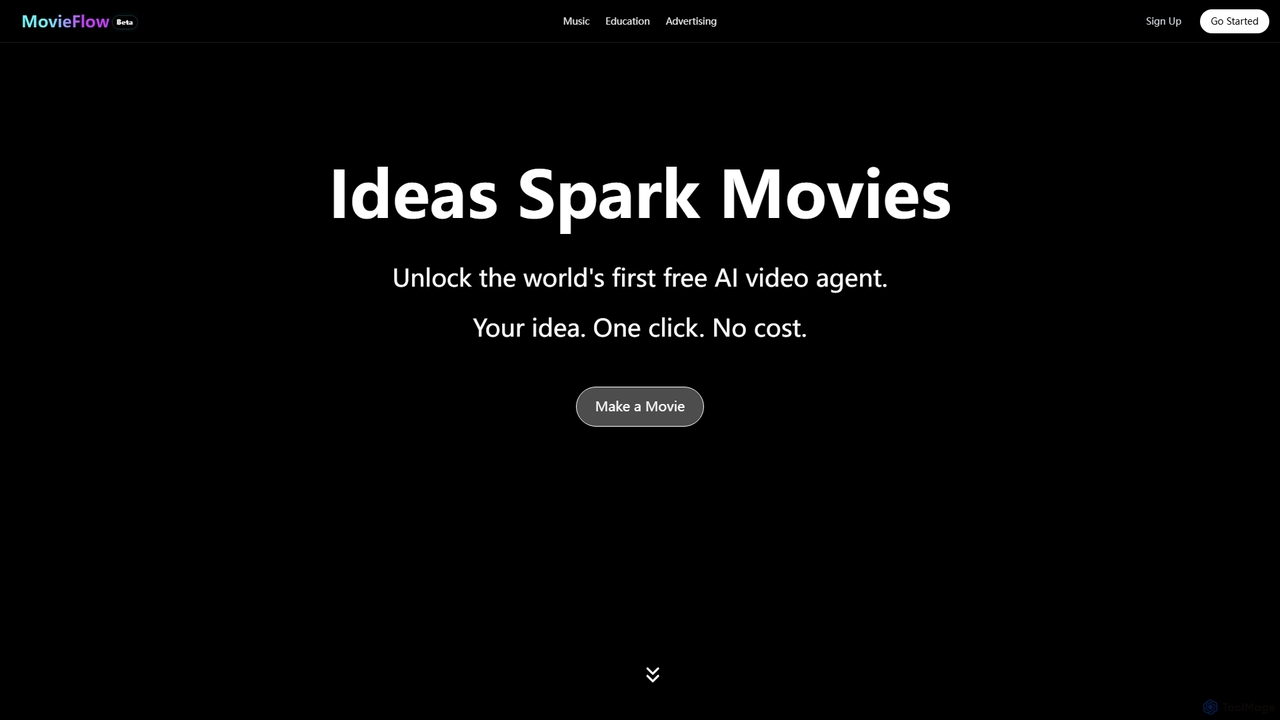
MovieFlow is an innovative AI movie studio that transforms your ideas into cinematic videos with a single click. It offers a free AI video agent for generating content for music, education, and advertising, alongside premium plans for enhanced features like HD downloads and no watermarks.

Video Editing
Visits 123KFavorites 49Likes 61
Kling O1
Paid

Kling O1

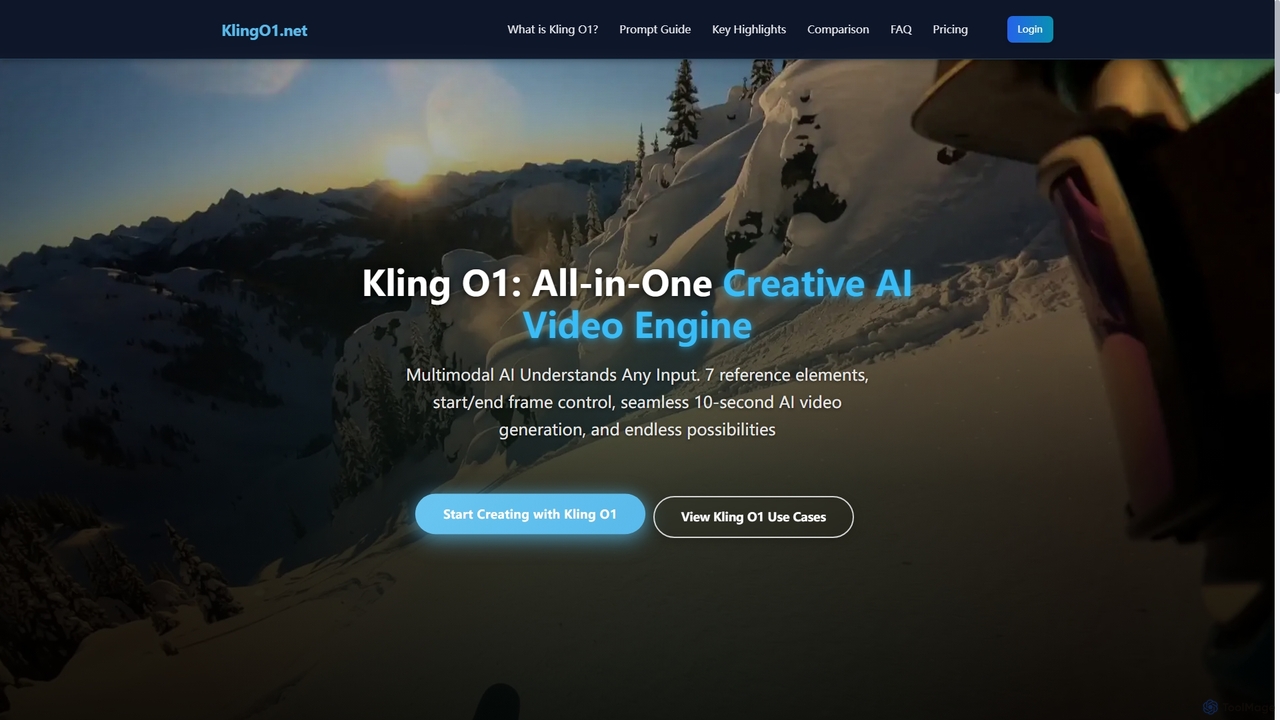
Kling O1 is the world's first unified multimodal AI video model, enabling effortless creation, editing, and generation of high-fidelity videos from text, images, and video references. It offers advanced features like consistent character generation, multi-task fusion, and flexible duration control for diverse creative projects, running entirely in the cloud without special hardware.

Multimodal Generation
Visits 7.2KFavorites 94Likes 105
Vidfly
Freemium

Vidfly

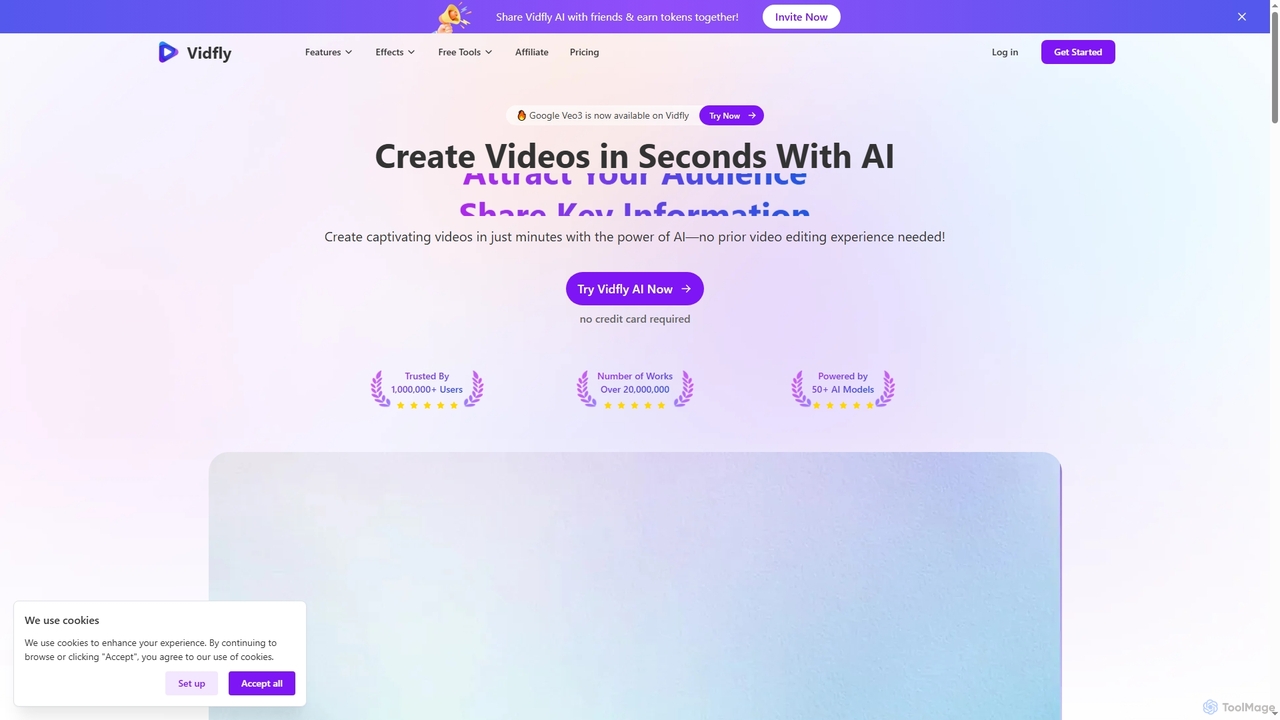
Vidfly is an AI-powered video generator that enables users to create captivating videos from scripts, text, or images in minutes, without prior editing experience. It leverages over 50 AI models to reduce production costs, save time, and boost engagement for various content needs.

Video Editing
Visits 80.8KFavorites 102Likes 112
Veo3Video
Paid

Veo3Video

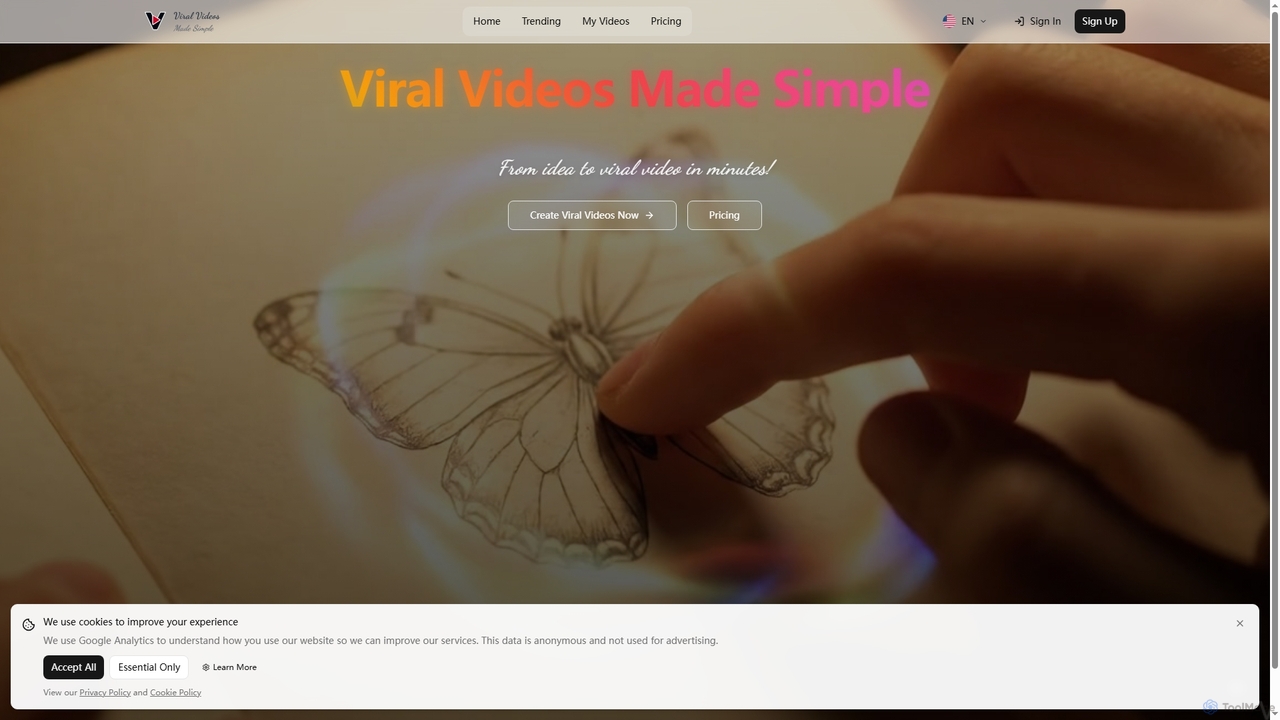
Veo3Video is an AI-powered video generator designed to simplify the creation of viral-ready videos. It enables users to transform ideas into high-quality video content in minutes, offering a cost-effective and efficient solution for various content creation needs.

Social Media Content
Visits 6.4KFavorites 150Likes 148

About Ai Video Creation

AI Video Creation tools are a class of software that automates the entire video production process using artificial intelligence. These tools transform various inputs, such as text prompts, scripts, images, or audio files, into fully-realized videos, often complete with voiceovers, music, and scene transitions. They leverage advanced models like text-to-video synthesis and generative AI to handle tasks from storyboarding to final rendering. This approach significantly reduces the time, cost, and technical skill required compared to traditional video production workflows.

Core Features

  • Text-to-Video Synthesis: Generates video clips or entire scenes directly from textual descriptions or scripts.
  • AI-Powered Scripting: Assists in writing or refining video scripts and structuring narrative flow.
  • Automated Voiceover & Narration: Creates human-like voiceovers from text using advanced text-to-speech (TTS) technology.
  • AI Avatar Presenters: Generates realistic or stylized digital humans to act as presenters or characters in the video.
  • Smart Scene Composition: Automatically selects and arranges stock footage, images, and generated clips to match the script's context.

Use Cases

AI Video Creation tools are widely used by marketing teams for creating social media ads and promotional content, by educators for developing engaging explainer videos, and by businesses for producing internal training materials. Content creators also use them to repurpose articles into video formats for platforms like YouTube, streamlining their content pipeline.

How to Choose

When selecting an AI Video Creation tool, consider the types of input it supports (text, image, audio). Evaluate the level of customization available for editing scenes, characters, and voiceovers. Assess the output video quality, resolution, and available styles. Finally, consider the pricing model and whether it aligns with your usage volume and budget.


Ai Video Creation use cases

1

Creating Promotional Videos for Social Media

A marketing manager for a direct-to-consumer brand needs to create a short, engaging video ad for a new product launch on Instagram and TikTok. Instead of a lengthy production process, they use an AI Video Creation tool. They input a simple text prompt describing the product's key features and target audience, along with a few product images. The AI generates a complete 30-second video, including a script, an AI-generated voiceover, upbeat background music, and dynamic scenes combining the product images with relevant stock footage. This allows the manager to produce multiple ad variations for A/B testing in under an hour.

2

Developing Animated Explainer Videos

An online course creator wants to produce an animated explainer video for a complex topic in physics. Traditionally, this would require hiring an animator and a voice actor. Using an AI Video Creation tool, the creator inputs their detailed script. The AI suggests a storyboard, generates animated scenes with characters and graphics that visualize the concepts, and produces a clear, professional narration using a chosen AI voice. The creator can then easily adjust the timing, replace specific visuals, and fine-tune the script, completing the entire video production process independently in a single afternoon.

3

Producing Corporate Training Modules

An HR department needs to create a series of standardized training videos for new hires on company policies. To ensure consistency and easy updates, they use an AI Video Creation tool with an AI avatar feature. They finalize the training script and select a professional-looking AI avatar to be the presenter. The tool generates a video where the avatar delivers the training content clearly. When a policy is updated, the HR team simply edits the text script, and the AI re-renders the video with the updated narration from the same avatar, saving significant time and resources compared to re-shooting with a human presenter.

4

Automating YouTube Channel Content from Articles

A content creator runs a popular blog and wants to expand their reach to YouTube without investing heavily in video production. They use an AI Video Creation tool to repurpose their existing blog posts. By simply providing the URL of an article, the AI summarizes the key points, generates a video script, and creates a corresponding video. The tool automatically sources relevant stock videos and images, adds a text-to-speech narration, and includes on-screen text overlays for emphasis. This workflow allows the creator to convert a 2,000-word article into a 5-minute video in minutes, maintaining a consistent publishing schedule on a new platform.

5

Generating E-commerce Product Showcase Videos

An e-commerce store owner with hundreds of products wants to add a short video to each product page to increase engagement and conversion rates. Manually creating videos for each item is not feasible. They use an AI Video Creation platform that integrates with their product catalog. For each product, the tool pulls the title, description, and images. It then automatically generates a 15-second video that showcases the images in a slideshow format, overlays key features as text, and adds a generic but pleasant background track. This process is automated for the entire catalog, providing a scalable solution to enhance product listings with video content.

6

Rapidly Producing News Summary Videos

A digital news outlet needs to quickly produce video summaries of their articles to share on social media and keep their audience engaged. A journalist uses an AI Video Creation tool to paste the text of a breaking news story. The AI identifies the key entities (people, places, events), generates a concise summary script, and pulls relevant, licensed news footage and images from integrated media libraries. It assembles these assets into a 60-second news brief, complete with a professional-sounding AI narration and on-screen headlines. This enables the outlet to publish a video version of a story within minutes of the article going live, maximizing its reach and impact.

Ai Video Creation FAQ

What is AI Video Creation?

AI Video Creation refers to the use of artificial intelligence to automate the end-to-end process of producing a video. Unlike simple clip generators, these tools often handle multiple stages of production, including scriptwriting, voiceover generation, scene selection from stock or AI-generated media, and final assembly. They are designed to transform a basic input, like a text prompt or an article URL, into a polished, ready-to-publish video with minimal manual intervention.

How does AI Video Creation differ from traditional video editing software?

The main difference lies in the workflow and level of automation. Traditional video editing software (like Adobe Premiere Pro or Final Cut Pro) requires users to manually import footage, cut clips, arrange them on a timeline, and add effects. AI Video Creation tools automate most of these steps. The user provides a high-level input (like a script), and the AI handles the creative and technical assembly, such as finding relevant visuals and syncing them with a generated voiceover. It's a generative process rather than a manual editing process.

What kind of inputs can AI Video Creation tools use?

AI Video Creation tools are versatile and can accept a wide range of inputs to start the production process. Common input types include:

  • Simple Text Prompts: A short sentence or phrase describing the desired video content.
  • Detailed Scripts: A full script that the AI uses to structure scenes and narration.
  • Article URLs: The AI analyzes the web page content to create a summary video.
  • Images or Audio Files: Using existing media as a starting point to build a video around.
  • Data Files: Some specialized tools can convert data from spreadsheets (e.g., CSV) into animated charts and data-driven videos.

Who is the ideal user for AI Video Creation tools?

These tools are ideal for users who need to produce video content efficiently and at scale, often without deep technical video editing skills. This includes:

  • Marketers: For creating social media ads, product demos, and content marketing videos quickly.
  • Content Creators: To repurpose blog posts, create faceless YouTube channels, or supplement their main content.
  • Educators and Trainers: For developing instructional videos and e-learning modules without a production team.
  • Small Business Owners: To create professional-looking promotional materials on a limited budget.
Essentially, anyone who values speed and automation over granular, manual control in the video production process can benefit.

How to choose the right AI Video Creation tool?

Choosing the right tool depends on your specific needs. Consider these factors:

  • Primary Use Case: Are you creating marketing ads, educational content, or data visualizations? Different tools specialize in different styles.
  • Customization Level: How much control do you need over the final output? Some tools are highly automated, while others offer more manual editing capabilities.
  • Quality and Realism: Evaluate the quality of the generated visuals, AI voices, and avatars. Check if the style matches your brand's aesthetic.
  • Integrations: Does the tool connect with stock media libraries, your social media accounts, or other software in your workflow?
  • Pricing: Compare plans based on the number of videos, video length, resolution (e.g., 1080p), and access to premium features.