ToolMage
Sign in

Best 4 Animation AI tools for Video Generation

Popular Animation AI tools in Video Generation include CreatePorn, WigglePet, Interior Deco, and QuantumSketch, helping you work more efficiently.

WigglePet
Freemium

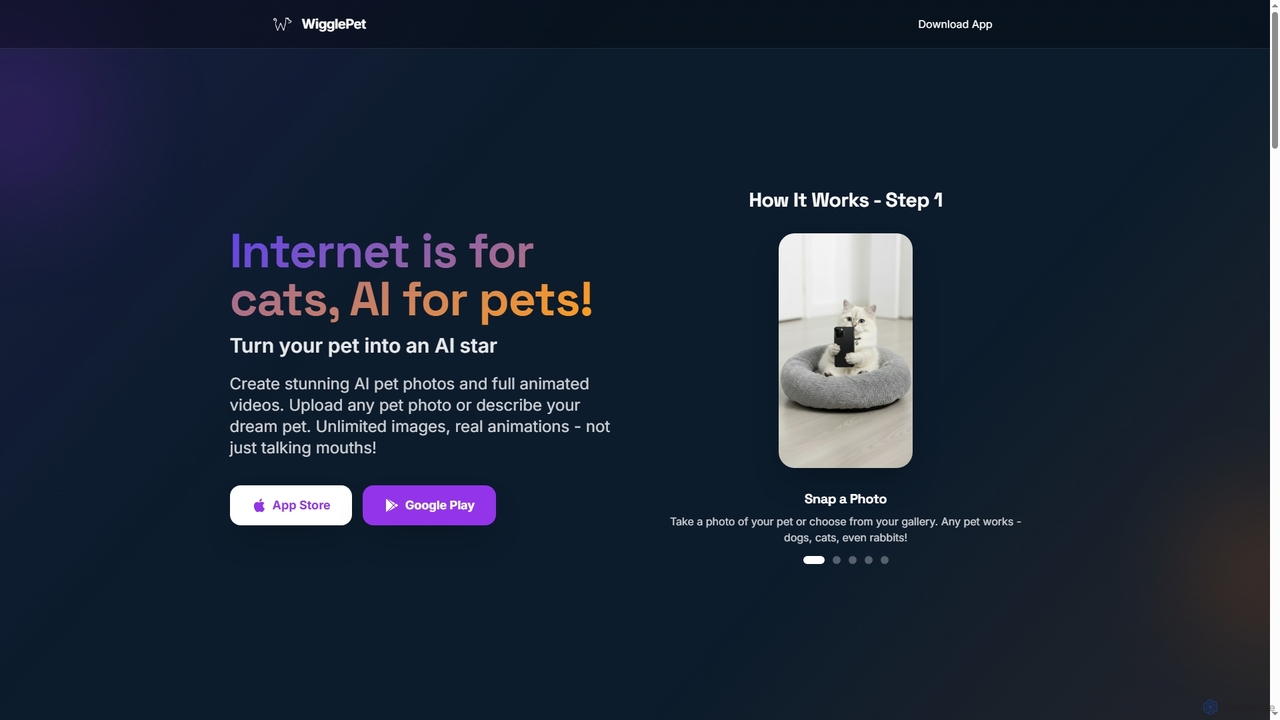
WigglePet

WigglePet is an innovative AI tool that transforms your pet's photos into engaging animated videos, lifelike talking and singing performances, and artistic portraits or avatars. Easily create viral-ready content for social media, personalized digital art, and unique pet memorials with full-body animations.

Pets
Visits 11.4KFavorites 23Likes 23
QuantumSketch
Freemium

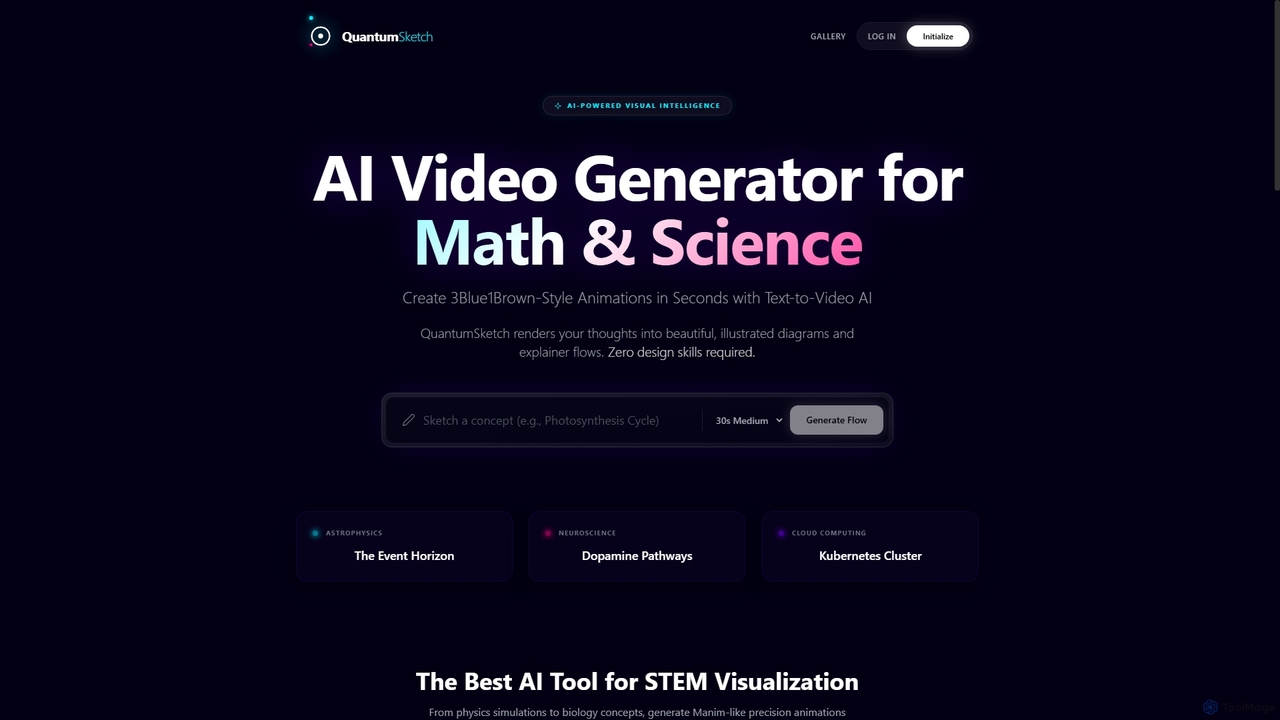
QuantumSketch

QuantumSketch is an AI-powered text-to-animation video maker designed for creating scientific, mathematical, and explanatory content. It transforms complex concepts described in text into visually stunning, 3Blue1Brown-style animated diagrams and explainer videos in seconds, requiring zero design skills.

Learning
Visits 4.4KFavorites 80Likes 84
Interior Deco
Paid

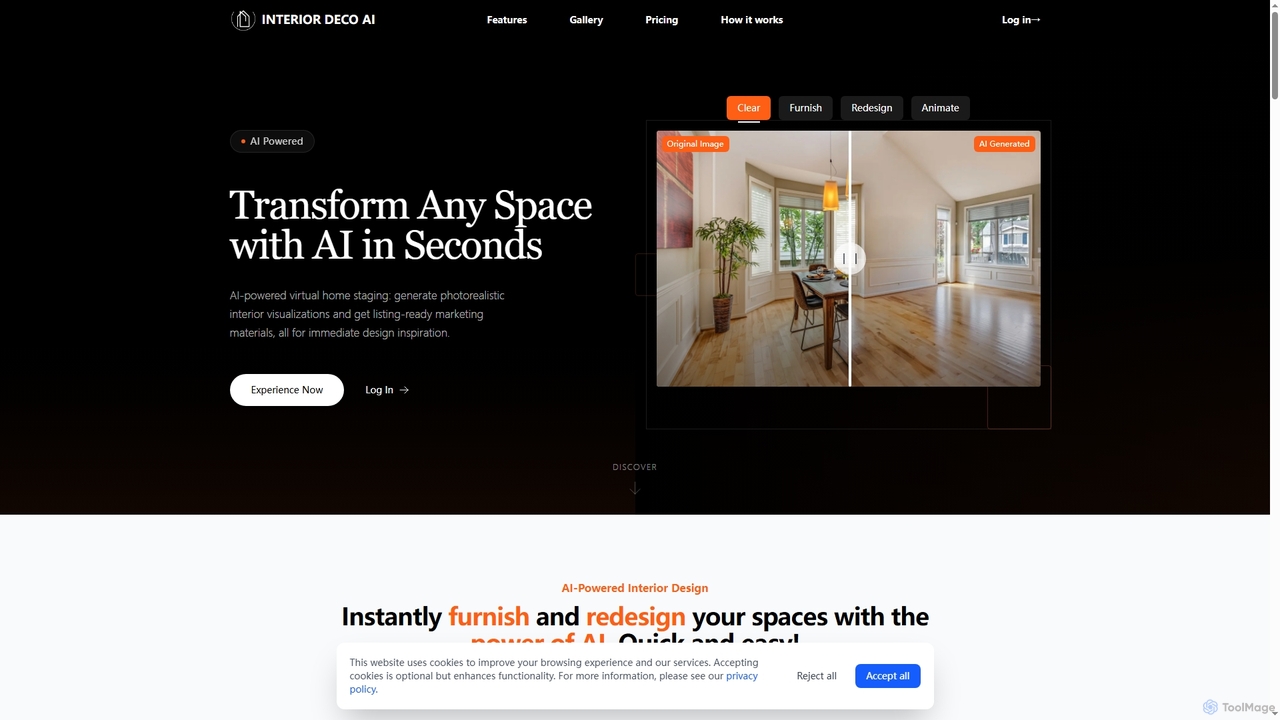
Interior Deco

Interior Deco is an AI-powered platform that transforms any room or property image into redesigned furnished visuals and animated videos. It's perfect for real estate agents, interior designers, and homeowners looking to create appealing property listings and visualize design ideas efficiently.

Home Decor
Visits 5.8KFavorites 83Likes 94
CreatePorn
Freemium

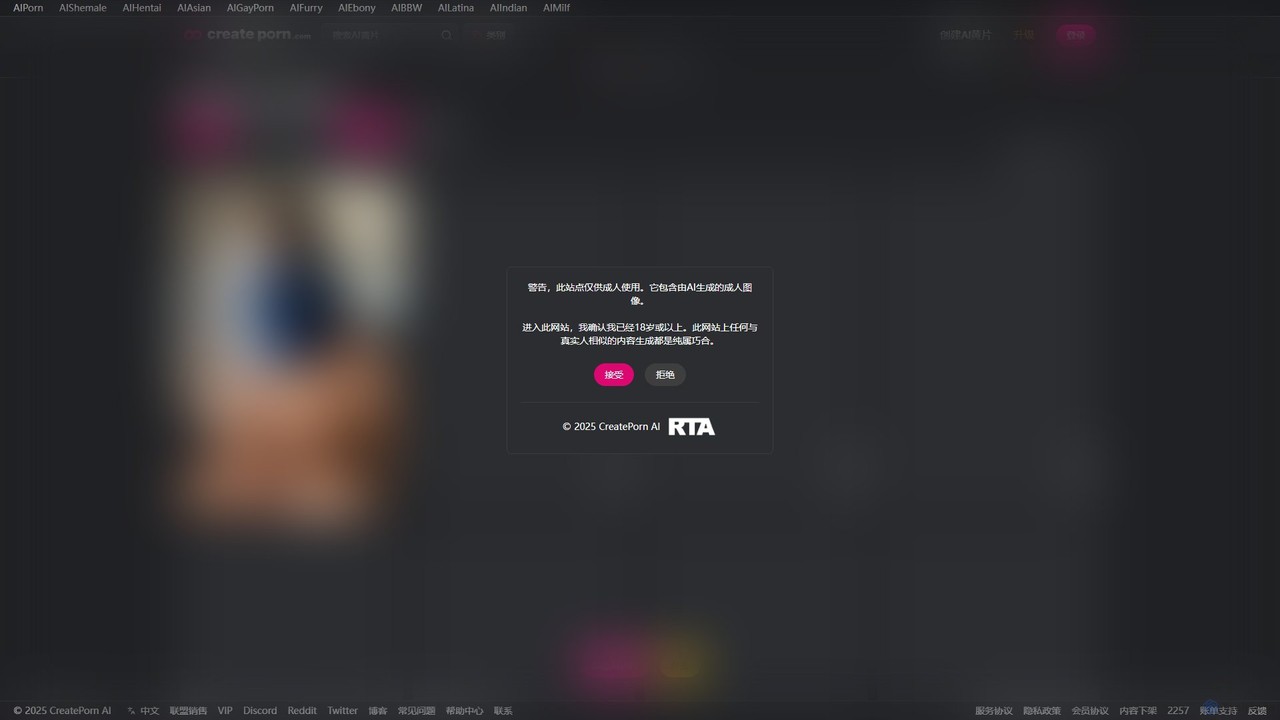
CreatePorn

CreatePorn is an AI-powered platform for generating high-quality, custom adult images and GIFs. Users can choose from a vast array of styles, from photorealistic to anime, and combine various tags to create unique, explicit content. The platform offers advanced controls like aspect ratio, negative prompts, and prompt adherence, catering to both casual users and creative enthusiasts. It operates on a freemium model, providing free access with options to upgrade for enhanced features.

Generative Art
Visits 4MFavorites 102Likes 111

About Animation

AI Animation tools are specialized platforms that leverage artificial intelligence to create dynamic visual sequences and motion graphics. These tools utilize advanced algorithms, including generative adversarial networks (GANs) and neural rendering, to automate keyframe generation, character rigging, and scene composition. They empower creators to produce high-quality animated content for various media, from explainer videos to interactive experiences, significantly reducing production time and complexity. By streamlining traditionally labor-intensive processes, AI animation democratizes access to professional-grade motion design.

Core Features

  • Automated Character Rigging: Automatically creates skeletal structures for 2D/3D models, simplifying character movement setup.
  • Intelligent Keyframe Generation: AI predicts and generates intermediate frames, ensuring smooth and natural motion between defined poses.
  • Lip-Syncing & Facial Animation: Synchronizes character mouth movements with audio and generates expressive facial gestures.
  • Style Transfer for Animation: Applies artistic styles from images or videos to entire animated sequences.
  • Motion Capture Refinement: Cleans up and enhances raw motion capture data, making character movements more fluid.

Applicable Scenarios

AI animation tools are invaluable for content creators, marketers, and game developers. They enable the rapid creation of animated explainers for product launches, dynamic social media advertisements that capture attention, and interactive character animations for virtual reality experiences. These tools significantly accelerate the animation pipeline, allowing for more iterative design and faster delivery of visual assets across various digital platforms.

How to Choose

When selecting an AI animation tool, consider its specific animation capabilities (e.g., 2D vs. 3D, character vs. motion graphics), ease of use for your skill level, and integration with existing creative software. Evaluate the quality of its AI-generated output, the level of creative control offered, and the availability of pre-built assets or templates to match your project needs and budget.

Featured tool rankings

Animation use cases

1

Creating Animated Explainer Videos for Product Launches

A marketing team uses AI animation to quickly produce engaging, animated explainer videos for new product features. By leveraging pre-built templates and AI-driven character movements, they can convey complex ideas simply and visually appealingly. This approach significantly reduces reliance on expensive animation studios and accelerates content deployment, allowing for faster market entry and improved customer understanding of product benefits.

2

Developing Game Character Walk Cycles and Emotes

Game designers utilize AI animation to generate diverse walk, run, and idle cycles, as well as various emotes, for multiple in-game characters from a single motion input or text description. The AI automatically adjusts for character proportions and stylistic requirements, saving animators hundreds of hours on repetitive tasks. This ensures consistent quality across the game's cast and allows for more rapid iteration in character development.

3

Producing Dynamic Social Media Motion Graphics

Digital marketers employ AI animation tools to create eye-catching animated posts and stories for platforms like Instagram and TikTok. By inputting text, images, or short video clips, the AI generates dynamic text animations, transitions, and effects. This allows for rapid content iteration and A/B testing, enabling marketers to quickly adapt to trends and maximize engagement without requiring extensive graphic design or animation skills.

4

Automating Lip-Sync for Voiceovers and Dialogue

Voice actors and content creators use AI animation to automatically synchronize character lip movements with recorded dialogue. The AI analyzes audio waveforms and applies appropriate mouth shapes to animated characters, ensuring natural-looking speech without manual keyframing. This feature is ideal for podcasts with visual elements, educational content, or any project requiring efficient and accurate dialogue animation, saving significant time and effort.

5

Visualizing Architectural Walkthroughs and Product Demos

Architects, real estate developers, and product designers leverage AI animation to transform static 3D models into dynamic animated walkthroughs or product demonstrations. The AI can generate realistic camera paths, environmental effects like lighting changes, and even add animated people or vehicles. This provides clients and stakeholders with a more immersive and realistic preview of future spaces or product functionalities, enhancing presentations and decision-making processes.

6

Generating Animated Infographics for Data Visualization

Data analysts, educators, and journalists use AI animation to convert complex data sets into easily digestible animated infographics. The tools can animate charts, graphs, and data points, illustrating trends and insights dynamically. This makes presentations more engaging and helps audiences grasp information quickly, significantly enhancing the impact of reports, educational materials, and news stories by transforming static data into compelling visual narratives.

Animation FAQ

What are AI Animation tools?

AI Animation tools are specialized software applications that use artificial intelligence to automate and assist in the creation of animated content. Unlike traditional animation, which relies heavily on manual keyframing and rigging, these tools leverage machine learning to generate character movements, facial expressions, lip-syncing, and scene transitions, significantly streamlining the animation pipeline. They are designed to make animation more accessible and efficient for creators of all skill levels, from beginners to seasoned professionals.

How do AI Animation tools differ from general AI Video Generation tools?

While both fall under the broader umbrella of AI media creation, AI Animation tools specifically focus on generating and manipulating *animated* elements, characters, and motion graphics. General AI Video Generation might create realistic footage from text or images, or edit existing video, often aiming for photorealism. Animation tools, however, emphasize controlled movement, character performance, and stylistic rendering, often starting from models or abstract concepts rather than photorealistic inputs, giving creators more precise control over the artistic outcome.

What are the core capabilities of AI Animation software?

AI Animation software typically offers a range of powerful capabilities. These include automated character rigging from 2D or 3D models, intelligent keyframe interpolation for smooth motion, AI-driven lip-syncing and facial expression generation, and style transfer to apply artistic looks across sequences. Many tools also feature motion capture data refinement, scene composition assistance, and dynamic camera movement suggestions, all powered by advanced AI algorithms to simplify complex animation tasks and enhance creative output.

Who can benefit most from using AI Animation tools?

AI Animation tools are highly beneficial for a wide range of users, including independent content creators, YouTubers, social media marketers, small animation studios, game developers, and educators. They enable individuals and teams with limited animation expertise or resources to produce professional-quality animated content quickly and cost-effectively. This expands their creative possibilities, allows for rapid prototyping, and helps them reach a broader audience with engaging visual narratives, democratizing access to complex animation processes.

How do I choose the best AI Animation tool for my project?

To select the best AI animation tool, consider your specific animation needs (e.g., 2D vs. 3D, character-focused vs. motion graphics), your budget, and your technical skill level. Evaluate the quality of the AI-generated output, the availability of customization options, and its integration with other software you use. Look for tools that offer a good balance of automation and creative control, along with a robust library of assets and templates that align with your project's artistic vision and production requirements.