Video Generation Best in category 1 results Multimodal Video AI Tool

Popular AI tools in the Multimodal Video field of Video Generation include Wan25, etc., helping you quickly improve efficiency.

Wan25

Wan25

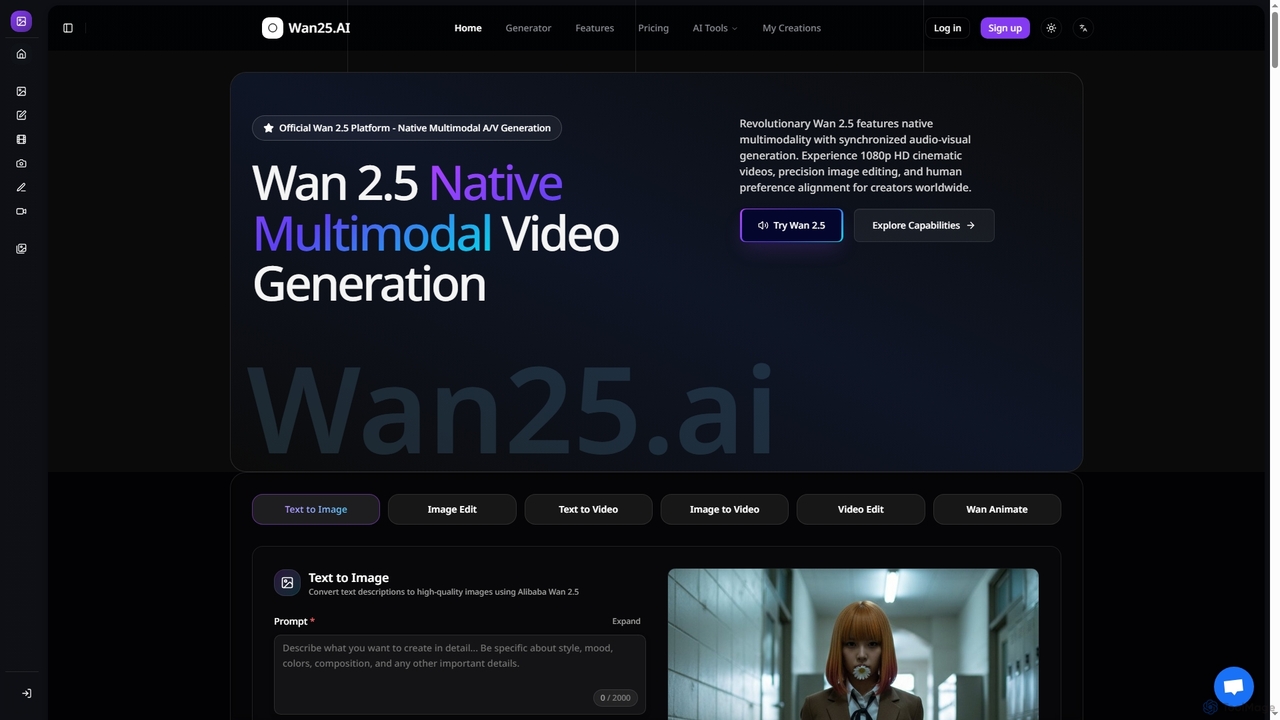
Wan25 is a revolutionary native multimodal AI platform for synchronized audio-visual content generation. It creates 1080p HD cinematic …

40.3K

About Multimodal Video

Multimodal Video tools are a sophisticated class of AI video generators that create or modify video content using a combination of different input types, such as text, images, and audio. Unlike models that rely on a single input, these tools synthesize information from multiple sources to produce more contextually rich and precisely controlled video outputs. This capability is highly valuable for creating dynamic marketing assets, detailed product visualizations, and engaging educational content where visual, textual, and auditory elements must be perfectly synchronized. Their primary advantage lies in offering enhanced creative control and the ability to generate highly specific, nuanced video narratives.

Core Features

  • Multi-Input Synthesis: Combines text prompts with images, audio tracks, or other video clips to guide the generation process.
  • Image-to-Video Animation: Animates a static source image based on textual descriptions of motion or action.
  • Audio-Driven Generation: Creates video scenes or character animations that sync directly with a voiceover, music, or sound effects.
  • Consistent Style Transfer: Applies a consistent visual style from a reference image across an entire generated video sequence.
  • Video-to-Video Modification: Alters existing video clips using text prompts to change objects, styles, or environments while preserving core motion.

Use Cases

These tools are frequently used by marketing teams to produce compelling ad campaigns by merging product images with descriptive text and brand music. Digital artists and animators leverage them to bring concept art to life with specified movements and atmospheres. Additionally, educational content creators can generate clear explainer videos by syncing voiceovers with animated diagrams and text overlays for enhanced learning.

How to Choose

When selecting a Multimodal Video tool, first consider the specific input combinations it supports (e.g., text + image, image + audio). Evaluate the quality of synchronization between modalities, such as lip-sync accuracy or motion timing with audio cues. Also, assess the level of granular control offered over editing elements and the tool's integration capabilities with your existing creative software and workflow.

Multimodal VideoUse Cases

1

Create Dynamic Product Advertisements

A marketing manager for an e-commerce brand needs to create a short, eye-catching video ad for social media. They upload a high-resolution image of their product, provide a text prompt like 'Animate this bottle rotating slowly on a clean, minimalist background with soft lighting,' and add a royalty-free music track. The multimodal AI tool synthesizes these inputs to generate a 15-second video where the product smoothly animates in sync with the mood of the music, saving significant time and budget compared to traditional video production.

2

Animate Storybook Illustrations

A children's book author wants to create promotional content by bringing their illustrations to life. They upload a static drawing of a character, provide a text prompt describing the action ('The fox wags its tail and blinks its eyes'), and record a short voiceover narration. The AI tool animates the character's movements as described, synchronizing the blinks and tail wags with the pacing of the narration. This allows the author to quickly produce engaging video snippets for social media without needing animation skills.

3

Generate Audio-Reactive Music Visualizers

A musician or DJ wants to create a unique visualizer for their new track to post on YouTube. They upload their audio file and a piece of abstract cover art. The multimodal AI analyzes the audio's tempo, rhythm, and frequency changes. It then generates a video where the visual elements from the cover art warp, pulse, and change color in direct reaction to the music. This creates a captivating and professional-looking music video with minimal effort, enhancing the listener's experience.

4

Produce Educational Explainer Videos

An online course instructor needs to explain a complex biological process. They provide a simple diagram as an image, a text script detailing each step, and a voiceover recording. The multimodal tool uses the script to animate the diagram, highlighting different parts as they are mentioned in the voiceover. It can add arrows, labels, and simple animations to illustrate the flow of the process, turning a static and complex topic into an easy-to-follow animated video, greatly improving student comprehension.

5

Generate Content for Virtual Influencers

A social media manager for a brand with a virtual influencer needs to create daily content. They use a consistent image of their digital avatar, provide a text prompt for the dialogue and desired emotion ('speaking excitedly about a new product'), and use a text-to-speech voice that matches the character. The AI tool generates a short video clip of the avatar speaking the lines with corresponding facial expressions and gestures, enabling the rapid creation of diverse and engaging content without complex 3D animation software.

6

Pre-visualize Film and Game Cinematics

A game developer or film director needs to quickly visualize a scene from a script. They upload a piece of concept art or a storyboard panel (image) and provide a text prompt describing the action and camera movement ('The character draws their sword as the camera slowly pushes in'). The AI generates a short, animated sequence based on these inputs. This serves as an effective pre-visualization (previz) clip, helping the team align on the creative vision and plan shots before committing to expensive, full-scale production.

Multimodal VideoFrequently Asked Questions