CueCam Presenter
A powerful Mac application that transforms your webcam into a professional presentation studio. It integrates a teleprompter, smart …
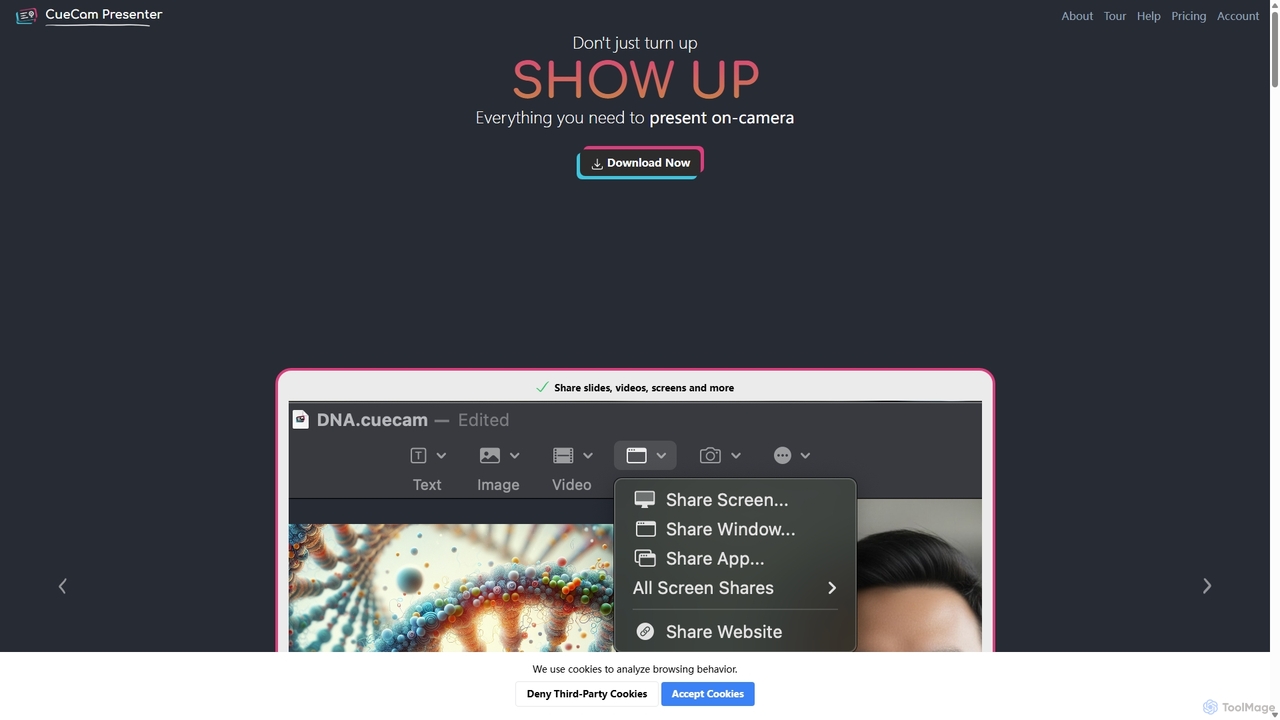
A powerful Mac application that transforms your webcam into a professional presentation studio. It integrates a teleprompter, smart cue cards, screen sharing, and live annotation via iPad. Ideal for remote calls, video recording, and live streaming, it simplifies complex production workflows into a single "next" button.
About Presentation
AI Presentation tools are a class of software that automates the creation of compelling slide decks and video presentations from simple text prompts or documents. These tools leverage large language models (LLMs) to generate structured content and generative AI to create relevant visuals, layouts, and designs. They significantly reduce the time and effort required for manual design and content organization, allowing users to focus on the core message. Many also offer features to convert the final slides into a video format, often with an AI-powered avatar as the presenter.
Core Features
- Automated Slide Generation: Instantly creates a complete presentation structure, including titles, bullet points, and content, from a single topic or prompt.
- AI-Powered Design: Automatically applies professional templates, color palettes, fonts, and layouts consistent with your brand or topic.
- Content & Script Assistance: Generates speaker notes, summarizes complex information, and can rewrite text for clarity and impact.
- Visual Asset Creation: Suggests or generates relevant images, icons, and data visualizations to enhance slides.
- Video & Avatar Export: Transforms static slides into dynamic video presentations, often featuring a realistic AI avatar to narrate the content.
Use Cases
These tools are widely used by business professionals for creating sales pitches and reports, marketers for developing webinar content and product demos, and educators for building engaging lecture materials. They are ideal for any scenario where presentations need to be created quickly without sacrificing quality.
How to Choose
When selecting an AI Presentation tool, consider the quality and variety of design templates, the level of customization available after generation, and its integration capabilities with data sources. Also, evaluate the quality of the AI avatar and voice options if video output is a priority, along with the available export formats (e.g., PPTX, PDF, MP4).
PresentationUse Cases
Rapidly Create Custom Sales Pitches
A sales manager needs to prepare a tailored presentation for a potential client in under an hour. Instead of starting from scratch, they input a prompt detailing the client's industry, pain points, and the proposed solution. The AI tool generates a complete, professionally designed 10-slide deck with relevant industry imagery and data points. The manager makes minor edits and exports it, saving over 90% of the usual creation time and enabling a highly responsive sales process.
Automate Employee Onboarding and Training
An HR department is tasked with converting dense company policy documents into accessible training modules for new hires. They upload the documents into an AI presentation tool. The tool automatically summarizes key policies into concise slides, adds illustrative icons, and generates a complete video presentation narrated by a friendly AI avatar. This standardizes the training experience and makes it available on-demand, freeing up HR staff for more interactive sessions.
Generate Content for Marketing Webinars
A marketing team is planning a webinar for a new software feature launch. They provide the AI tool with a brief outline of the feature's benefits and target audience. The AI generates a full webinar script and a corresponding slide deck, complete with a compelling introduction, feature explanations, use cases, and a call-to-action slide. This allows the team to focus on promotion and delivery rather than spending days on content creation.
Transform Lecture Notes into Engaging Slides
A university professor wants to make their online courses more visually engaging. They upload their text-based lecture notes for a specific topic. The AI presentation tool structures the content into a logical flow of slides, creates diagrams to explain complex concepts, and suggests relevant academic images. The professor can then easily record a voiceover or use an AI avatar to create a complete video lecture for their learning management system.
Develop Professional Investor Update Reports
A startup founder needs to create a concise and polished quarterly update for investors. They input key metrics, milestones achieved, and future goals into the AI tool. It generates a clean, data-driven presentation that visualizes financial data in charts and graphs. The founder can then use the tool to create a short video summary presented by an AI avatar, providing a professional and efficient update that respects investors' time.
Convert Blog Posts into Social Media Videos
A content creator wants to repurpose their popular blog articles into short-form videos for platforms like LinkedIn and YouTube. They simply paste the article's URL into the AI presentation tool. The AI extracts the key points, creates a series of summary slides with bold visuals, and produces a short, shareable video with an AI voiceover. This strategy dramatically increases the reach of their content by adapting it for different media formats.