Wonda
Wonda is an innovative platform for creating personalized and immersive training experiences. It enables educators and corporate trainers …
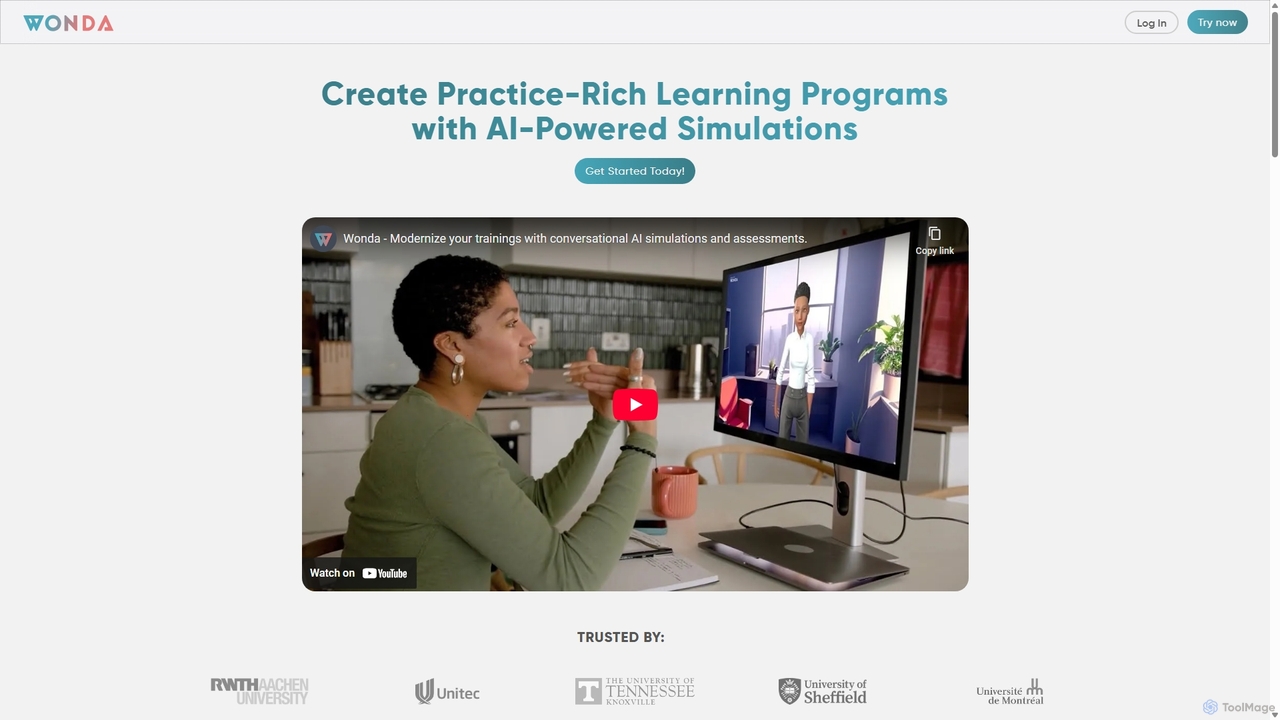
Wonda is an innovative platform for creating personalized and immersive training experiences. It enables educators and corporate trainers to build realistic simulations, branching scenarios, and interactive role-playing exercises for various sectors, including healthcare, business, and education, to develop critical soft skills in a safe, virtual environment.
About Authoring
Authoring tools in Virtual & Augmented Reality are specialized platforms designed for creating, designing, and publishing immersive VR and AR experiences. These tools provide environments and functionalities that enable developers, designers, and content creators to build interactive 3D scenes, integrate assets, define user interactions, and deploy applications across various VR headsets and AR-enabled devices. They bridge the gap between complex coding and intuitive visual development, making the creation of virtual worlds and augmented overlays more accessible.
Core Features
- 3D Scene Editor: Visually arrange 3D models, environments, and interactive elements within a virtual or augmented space.
- Interaction Design: Define how users interact with the environment and objects, including gaze, hand tracking, and controller inputs.
- Asset Management: Import, organize, and optimize 3D models, textures, audio, and video for VR/AR performance.
- Scripting/Visual Programming: Implement complex logic and behaviors using code or intuitive node-based visual scripting interfaces.
- Multi-platform Publishing: Export and deploy created experiences to various platforms like Oculus, SteamVR, ARKit, ARCore, and WebXR.
Applicable Scenarios
These tools are essential for professionals in various fields, including game development, architectural visualization, industrial training, and educational content creation. They allow for rapid prototyping of immersive experiences, development of interactive simulations, and creation of engaging marketing content that leverages the power of VR and AR.
How to Choose
When selecting an Authoring tool, consider its compatibility with your target VR/AR platforms, the level of coding required (no-code/low-code vs. full scripting), its asset pipeline integration capabilities, and collaboration features for team projects. Evaluate the community support, learning curve, and pricing model to ensure it aligns with your project's scope and budget.
AuthoringUse Cases
Design Immersive Training Simulations
Industrial trainers or educators can use VR/AR authoring tools to create realistic, interactive training modules for complex machinery operation or emergency response. By simulating real-world scenarios, trainees can practice procedures in a safe, controlled environment, reducing risks and improving retention without needing physical equipment or dangerous situations.
Create Interactive Product Showcases
Marketing teams and product designers can leverage authoring tools to build interactive VR/AR experiences that allow customers to explore products in 3D. Users can virtually inspect features, customize options, and even place virtual models in their real environment via AR, enhancing engagement and purchase decisions before physical prototypes are available.
Develop Architectural Walkthroughs
Architects and real estate developers utilize VR authoring tools to transform 2D blueprints into immersive 3D walkthroughs. Clients can virtually explore proposed buildings, apartments, or commercial spaces, gaining a realistic sense of scale, layout, and design elements. This significantly improves client understanding and feedback, streamlining the design and sales process.
Build Interactive Educational Content
Educators and content creators can develop engaging VR/AR applications for learning complex subjects. For instance, a biology teacher could create an AR experience allowing students to dissect a virtual frog on their desk, or a history professor could build a VR tour of ancient Rome. This hands-on, immersive approach enhances comprehension and makes learning more memorable.
Prototype VR/AR Games and Experiences
Game developers and independent creators use authoring tools to rapidly prototype and iterate on new VR/AR game mechanics and interactive experiences. These tools provide visual scripting and asset integration, allowing for quick testing of ideas, level design, and character interactions before committing to extensive coding, significantly accelerating the development cycle.
Develop AR-Powered Marketing Campaigns
Marketing agencies and brands can create engaging augmented reality campaigns using authoring tools. This includes developing interactive AR filters for social media, virtual try-on experiences for fashion, or AR-enhanced print ads that bring static content to life. These campaigns offer novel ways to connect with consumers, driving brand awareness and product engagement.