ToolMage
Sign in

Best 1 Website Builder AI tools for Website & App Building

Popular Website Builder AI tools in Website & App Building include dg1, helping you work more efficiently.

dg1
Paid

dg1

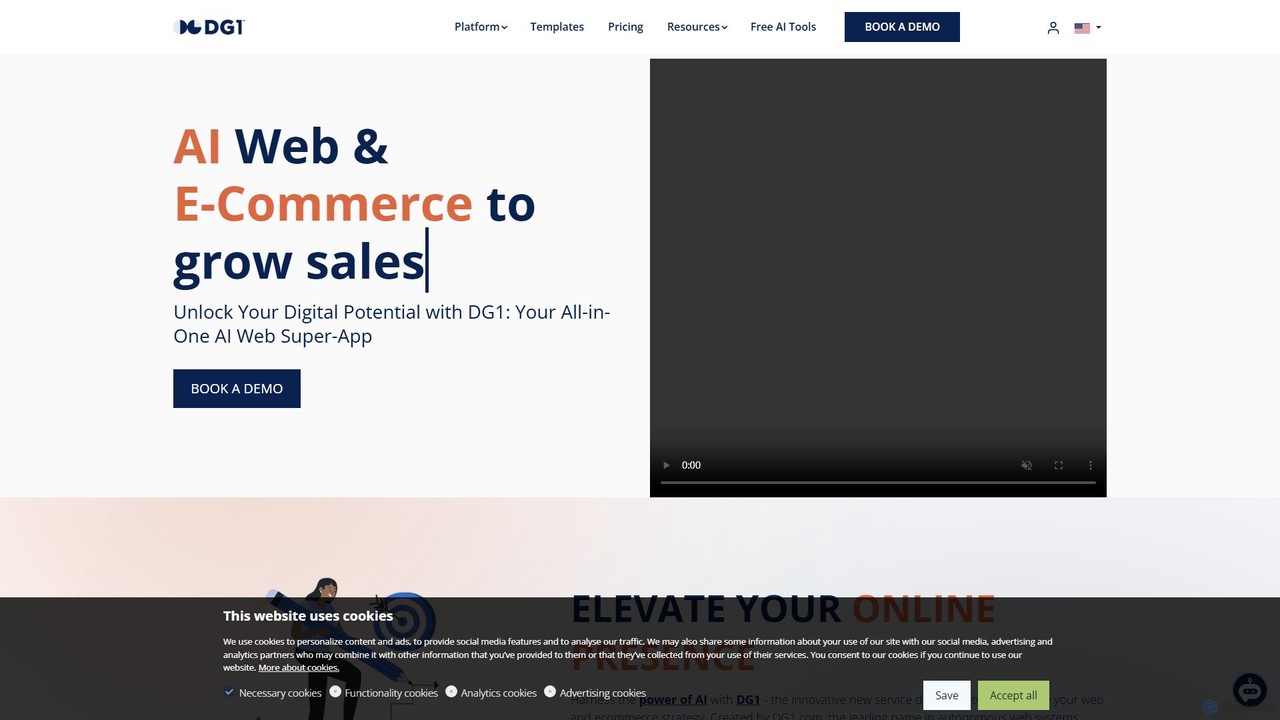
dg1 is an all-in-one AI-powered platform for building and managing websites, e-commerce stores, and marketing campaigns. It integrates a voice-controlled AI assistant, GPT-4 for content creation, advanced e-commerce tools, a booking system, and a mobile app, all designed to help SMEs automate operations, reduce costs, and accelerate digital growth.

Platform
Visits 11.8KFavorites 150Likes 144

About Website Builder

AI Website Builders are tools that leverage artificial intelligence to automatically generate complete, functional websites from simple text prompts or user inputs. They analyze your industry and goals to create unique layouts, write relevant copy, and select appropriate imagery, significantly accelerating the development process. This technology empowers users without technical skills to establish a professional online presence quickly and efficiently. Unlike traditional template-based builders, AI-driven platforms offer a more personalized and rapid starting point for website creation.

Core Features

  • AI Design Generation: Creates unique website layouts, color palettes, and typography based on a description of your business or brand.
  • Automated Content Creation: Generates SEO-friendly headlines, paragraphs, and call-to-action text tailored to your specified pages.
  • Intelligent Image Selection: Automatically finds and suggests royalty-free images that match your website's content and style.
  • No-Code Customization: Provides an intuitive drag-and-drop editor to refine and personalize the AI-generated design and content.
  • Built-in SEO Assistance: Optimizes meta titles, descriptions, and alt tags automatically to improve search engine visibility from the start.

Use Cases

These tools are ideal for small business owners, freelancers, and entrepreneurs who need to launch a professional website rapidly without hiring a developer. They are also highly effective for marketers creating dedicated landing pages for campaigns, or for individuals building personal portfolios, blogs, or event websites.

How to Choose

When selecting an AI Website Builder, evaluate the quality and uniqueness of the initial AI-generated designs. Assess the flexibility of the post-generation editor for customization. Consider the scope of built-in features like SEO tools, e-commerce capabilities, and third-party integrations. Finally, review the hosting performance, security, and pricing models to ensure they align with your long-term needs.

Website Builder use cases

1

Launch a Small Business Website in Minutes

A local coffee shop owner needs an online presence to display their menu, hours, and location. Instead of spending weeks with a designer, they use an AI Website Builder. They enter the prompt: 'A cozy, modern coffee shop in downtown Seattle specializing in artisanal espresso and pastries.' The AI instantly generates a complete website with a homepage, a menu page populated with sample items, a contact page with a map, and a gallery with stock photos of coffee. The owner then spends 30 minutes replacing the text and images with their own, launching a professional site the same day.

2

Create a Professional Freelancer Portfolio

A freelance writer wants to showcase their published articles and services to attract new clients. They use an AI builder and provide a simple description: 'A professional portfolio for a tech and business writer.' The AI generates a clean, minimalist design with sections for 'About Me', 'Services', 'Portfolio', and 'Contact'. It even creates placeholder portfolio entries, which the writer easily replaces with links and summaries of their work. The result is a polished, mobile-responsive portfolio that enhances their professional brand.

3

Generate High-Converting Landing Pages

A marketing team is launching a new software product and needs to create several landing pages for A/B testing different value propositions. Using an AI Website Builder, they can generate a unique landing page for each campaign angle in minutes. They simply input the target audience and key benefits for each version. The AI produces distinct layouts, headlines, and call-to-action buttons, allowing the team to test multiple concepts quickly and identify the most effective design without involving developers.

4

Build a Simple E-commerce Store

An artist wants to sell their prints online but lacks the technical skills to set up a complex e-commerce platform. They choose an AI Website Builder with integrated e-commerce functionality. By describing their art style ('vibrant abstract canvas prints'), the AI generates a beautiful gallery-style storefront. It automatically creates product pages, a shopping cart, and a secure checkout process. The artist only needs to upload their product images and set prices to start selling online.

5

Set Up a Personal Blog or Hobby Site

A passionate home cook wants to share recipes through a personal blog. They use an AI builder, describing their desired blog as 'a warm and friendly food blog with easy-to-follow recipes and large photos.' The AI creates a blog layout with a recipe index, an 'About' page, and a contact form. It also suggests categories like 'Desserts', 'Main Courses', and 'Appetizers'. This allows the blogger to focus entirely on creating content rather than wrestling with web design and plugins.

6

Create a Website for an Event or Conference

An organizer for a local tech conference needs a website to share information and sell tickets. Time is limited. They use an AI builder and input the event name, date, location, and a brief description. The AI generates a one-page site with sections for the event schedule, speaker profiles, venue details with a map, and a prominent 'Buy Tickets' button linked to a ticketing platform. The entire process is completed in less than two hours, providing a professional hub for attendees.

Website Builder FAQ

What is an AI Website Builder?

An AI Website Builder is a tool that uses artificial intelligence to automate the design and initial content creation of a website. Unlike traditional builders that start with a blank template, you provide a text prompt describing your business or purpose, and the AI generates a unique, nearly complete website in seconds. This includes creating a layout, writing copy, and selecting images, which you can then customize using a no-code editor.

How do AI Website Builders differ from traditional builders like WordPress?

The main difference lies in the starting process and level of automation. Traditional builders like WordPress or Squarespace provide templates that you must manually populate and design. AI Website Builders generate a custom, pre-populated site for you based on your input, saving significant initial setup time. While traditional builders may offer deeper customization options, AI builders excel at speed and ease of use, making them ideal for users who want to get online quickly with minimal design effort.

Who is the ideal user for an AI Website Builder?

AI Website Builders are best suited for individuals and small businesses without technical or design expertise who need a professional website quickly. This includes freelancers, consultants, artists, local businesses, and entrepreneurs. They are also excellent for creating single-purpose sites like marketing landing pages, event pages, or online portfolios where speed of creation is a priority.

Can I customize a website after it's generated by AI?

Yes, almost all AI Website Builders provide a user-friendly, no-code editor (often drag-and-drop) to modify the generated site. You can change text, replace images, adjust colors and fonts, and add or remove sections. The degree of customization can vary between platforms, so it's important to check how much control you have over the final design before committing to a tool.

What key features should I look for in an AI Website Builder?

When choosing an AI Website Builder, consider these four key features:

  • Design Quality: Assess the aesthetic appeal and uniqueness of the websites it generates.
  • Customization Flexibility: Ensure its editor allows you to make the necessary changes to fit your brand.
  • Integrated Tools: Look for built-in SEO features, analytics, contact forms, and e-commerce capabilities.
  • Hosting and Performance: Check for reliable hosting, fast loading speeds, and mobile responsiveness.