ToolMage
Sign in

Best 2 Widgets AI tools for Website Tools

Popular Widgets AI tools in Website Tools include HallofTarot and Docuyond, helping you work more efficiently.

Freemium

Docuyond

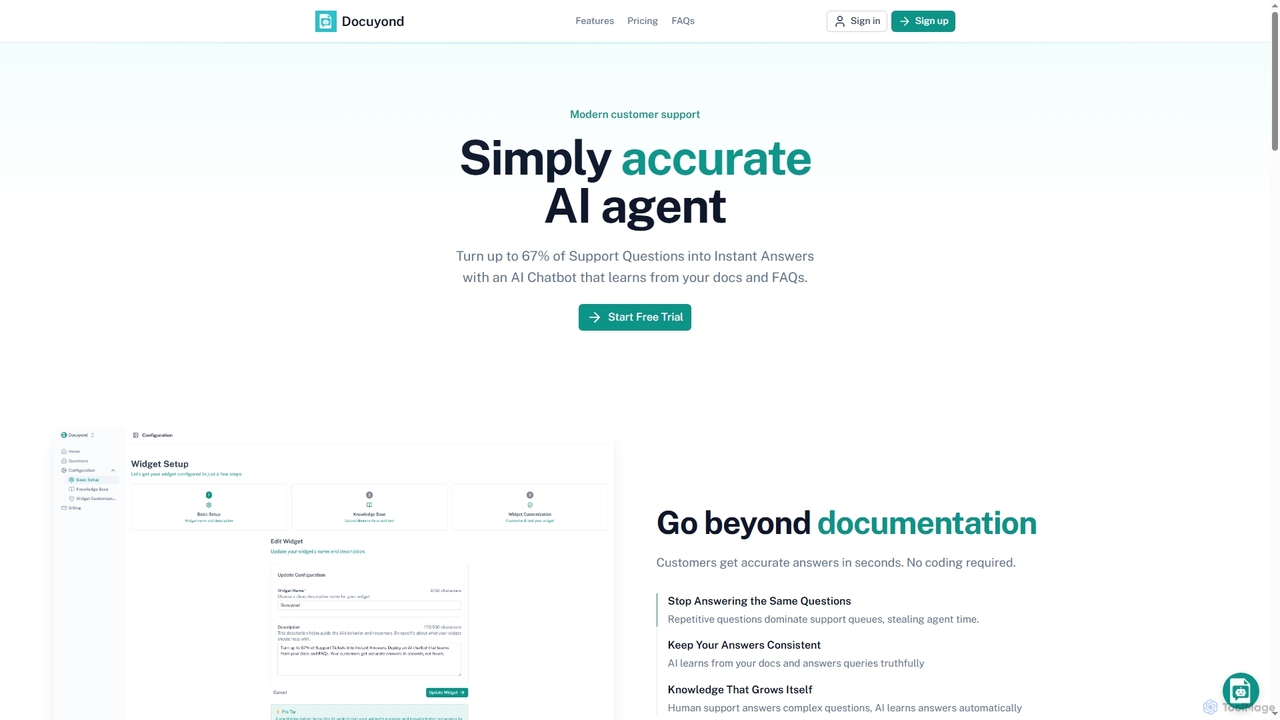
Docuyond is an AI agent designed to revolutionize customer support by transforming documentation and FAQs into instant, accurate answers. It helps businesses reduce support costs by up to 67% by automating routine queries, allowing human agents to focus on complex issues. With no coding required, it offers a customizable, always-learning chatbot that integrates seamlessly into any website.

Automation
Visits 3.5KFavorites 97Likes 97
Freemium

HallofTarot

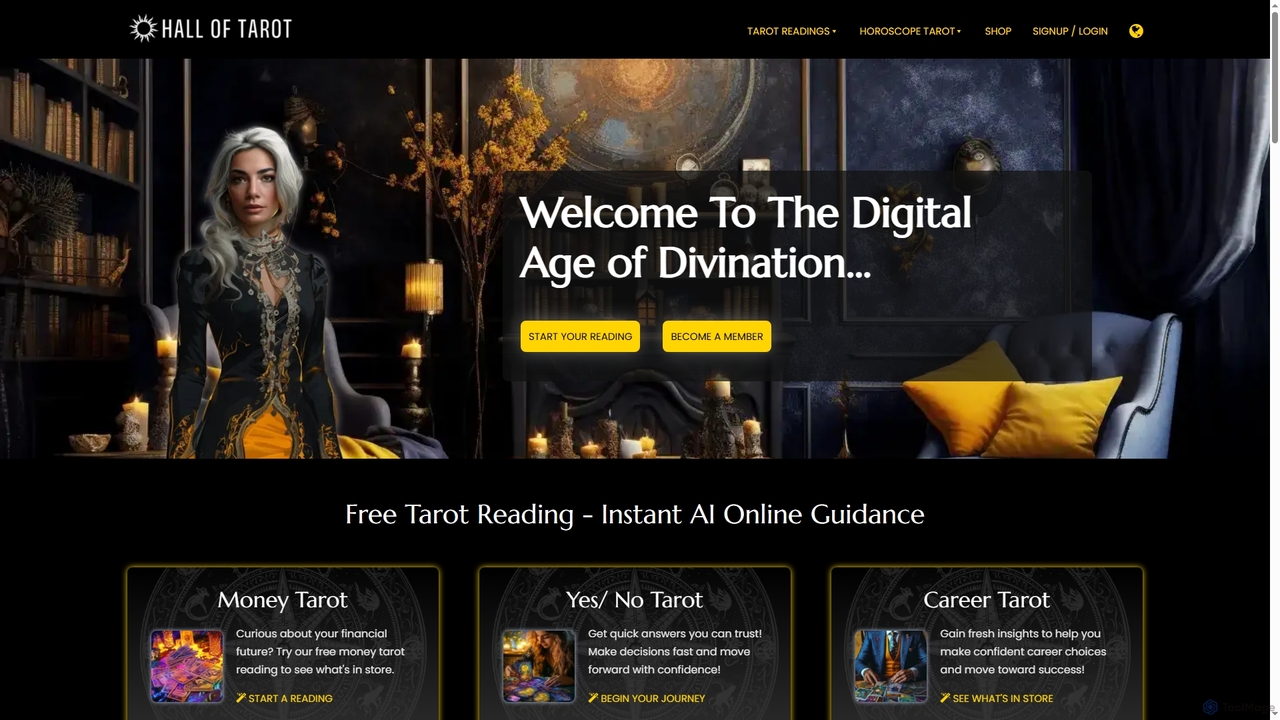
HallofTarot offers free, AI-powered online tarot readings for instant, personalized guidance across various life aspects like love, career, and finance. It combines ancient tarot wisdom with cutting-edge AI to provide clarity and insights anytime, anywhere, on any device. A customizable widget is also available for website integration.

Self Help
Visits 8.6KFavorites 94Likes 111

About Widgets

AI Widgets are pre-built, embeddable components that add specific artificial intelligence capabilities to a website or application. These tools operate by providing a simple code snippet that integrates complex AI functions, such as natural language processing or machine learning, directly into a user interface. This allows website owners and developers to quickly deploy advanced features like chatbots, recommendation engines, or intelligent search bars without building the underlying AI models from scratch. They offer a streamlined way to enhance user engagement and automate tasks on any digital platform.

Core Features

  • Simple Integration: Easily added to any website using a few lines of code, such as a JavaScript snippet or an iframe.
  • Focused Functionality: Each widget is designed to perform a specific task, like customer support, lead generation, or content recommendation.
  • No-Code Customization: Allows for visual adjustments to match brand identity and modification of basic behaviors without coding.
  • Backend AI Processing: Connects to a powerful cloud-based AI service to handle complex computations and data processing seamlessly.

Use Cases

AI Widgets are widely used across various sectors. E-commerce sites use them for personalized product recommendations and 24/7 customer support chatbots. SaaS companies embed them for interactive user onboarding and lead qualification. Content publishers might use them to provide AI-powered search or content summarization for their readers, improving content discoverability.

How to Choose

When selecting an AI Widget, consider its specific function and how well it aligns with your business goal. Evaluate its ease of integration, customization options, and compatibility with your existing platform (e.g., WordPress, Shopify). Also, review the pricing model—whether it's based on usage, subscriptions, or a flat fee—and ensure it fits your budget and scalability needs.

Featured tool rankings

Widgets use cases

1

Automate Customer Support with an AI Chatbot Widget

An e-commerce store manager integrates an AI chatbot widget onto their website. The widget is customized with the store's branding and pre-loaded with product information and FAQs. When visitors have questions about shipping, returns, or product details, the chatbot provides instant, 24/7 answers. This reduces the load on the human support team, improves customer satisfaction by eliminating wait times, and can even guide users to a purchase, directly impacting sales and operational efficiency.

2

Increase E-commerce Sales with Personalized Recommendations

A marketing team for an online fashion retailer embeds a product recommendation widget on their product and cart pages. The widget uses AI to analyze a user's browsing history, items in their cart, and the behavior of similar shoppers. It then displays a dynamic carousel of relevant items, such as 'You might also like' or 'Frequently bought together'. This strategy effectively increases the average order value and enhances the user's shopping experience by making discovery easier.

3

Generate Qualified Leads with an Interactive AI Form

A B2B SaaS company replaces its static 'Contact Us' form with an interactive AI form widget. Instead of simple fields, the widget engages visitors in a brief, automated conversation, asking qualifying questions like 'What is your company size?' or 'What is your main challenge?'. Based on the answers, it can route the lead to the correct sales team or schedule a demo directly, ensuring the sales team spends time on high-potential prospects only.

4

Implement Intelligent Site Search for Content Discovery

A large content publisher or knowledge base website integrates an AI search widget. Unlike traditional keyword-based search, this widget understands natural language and user intent. Visitors can ask questions like 'How do I set up my account for the first time?' and receive direct answers or links to the most relevant articles, not just a list of pages containing the keywords. This significantly improves user experience and makes valuable content more accessible.

5

Streamline Appointment Booking with a Scheduling Widget

A service-based business, like a consulting firm or a salon, embeds an AI scheduling widget on their website. The widget syncs with their calendar availability and interacts with clients to find a suitable time slot. It can handle appointment confirmations, reminders, and cancellations automatically. This eliminates the back-and-forth emails typically required for scheduling and reduces no-shows, freeing up significant administrative time for the staff.

6

Collect In-depth User Feedback with a Conversational Survey

A product manager uses an AI survey widget to gather feedback on a new feature. Instead of a long, static survey, the widget initiates a conversational poll that adapts its questions based on the user's previous answers. This makes the feedback process more engaging and yields higher completion rates. The AI can also perform real-time sentiment analysis on open-ended responses, providing immediate, actionable insights to the product team.

Widgets FAQ

What are AI Widgets?

AI Widgets are self-contained, embeddable software components that add specific AI-powered functionality to a website or app. They are designed for easy integration, usually via a simple copy-paste code snippet. This allows users, even those without technical skills, to add advanced features like chatbots, recommendation engines, or intelligent search without complex coding. They act as a user-friendly front-end for powerful backend AI services.

How do I choose the right AI Widget for my website?

To choose the right AI Widget, consider these four key factors:

  • Functionality: Does it solve a specific problem you have (e.g., customer support, lead generation, appointment booking)? Ensure its features align with your goals.
  • Integration: How easy is it to install? Check for compatibility with your platform (e.g., WordPress, Shopify, custom site) and the level of technical skill required.
  • Customization: Can you change its appearance (colors, fonts) and behavior to match your brand and specific needs?
  • Pricing: Does the cost structure (e.g., monthly subscription, pay-per-use) align with your budget and expected traffic?
What is the difference between an AI Widget and an AI API?

The main difference is in the level of implementation and required expertise. An AI Widget is a pre-built, ready-to-use component with a user interface that you can quickly embed on your site. An AI API (Application Programming Interface) is a toolkit for developers to build custom applications. Using an API requires programming to create the user interface and connect it to the AI service. In short, widgets prioritize speed and ease of use for non-developers, while APIs offer maximum flexibility and control for developers.

What are the key benefits of using AI Widgets?

The primary benefits of using AI Widgets are speed, cost-effectiveness, and accessibility. They allow for the rapid deployment of advanced AI features that would otherwise take significant time and investment to develop from scratch. They are often more affordable than custom solutions and enable teams without dedicated AI engineers to leverage powerful technology. This helps businesses improve user engagement, automate routine processes, and gain valuable insights from user interactions quickly.

Who are AI Widgets best suited for?

AI Widgets are ideal for a wide range of users. This includes:

  • Small Business Owners: Who want to add advanced features like 24/7 customer support without a large budget or technical team.
  • Marketers: Who aim to increase engagement and conversions through interactive elements like lead-gen bots or recommendation engines.
  • E-commerce Managers: Who need to personalize the shopping experience and automate support to boost sales.
  • Developers: Who want to quickly add standard AI functionality to a project, allowing them to focus on core, unique features.