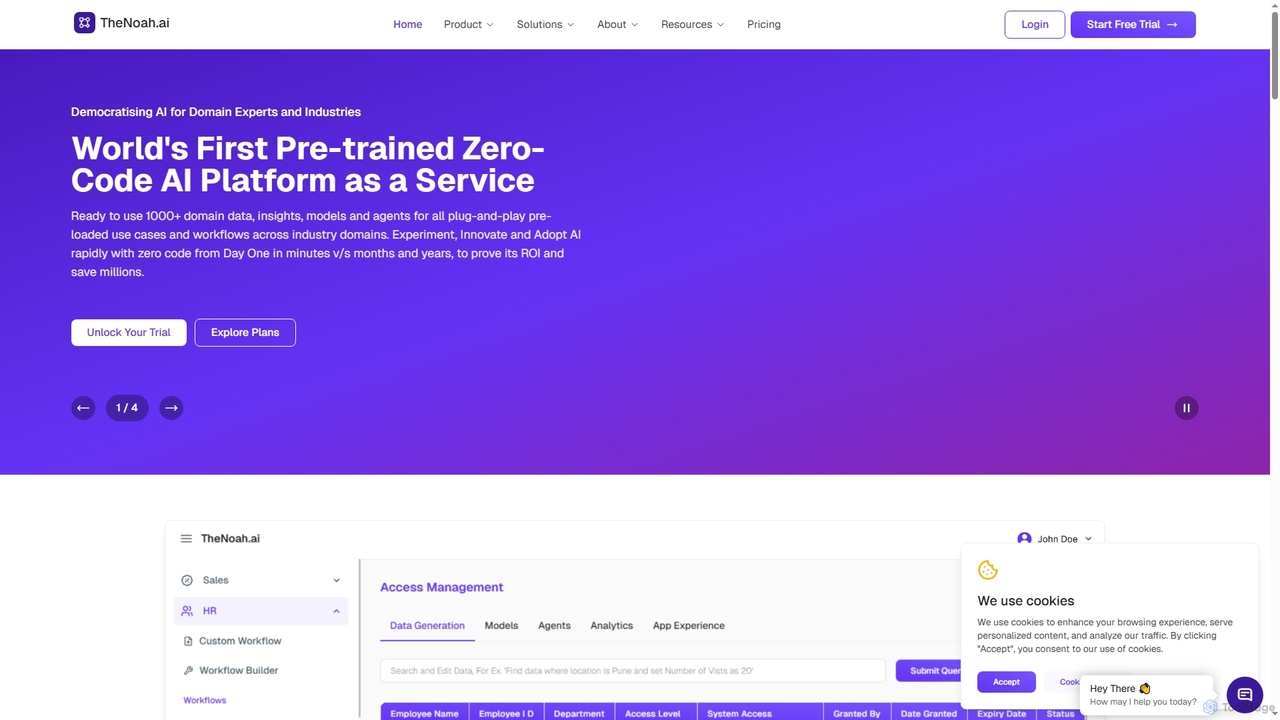
TheNoah
TheNoah is the world's first pre-trained, zero-code AI platform designed for enterprises and domain experts. It offers over …
TheNoah is the world's first pre-trained, zero-code AI platform designed for enterprises and domain experts. It offers over 1000 ready-to-use domain-specific models, AI agents, and data simulation capabilities to rapidly automate workflows, generate actionable insights, and accelerate AI adoption across industries without requiring technical expertise.
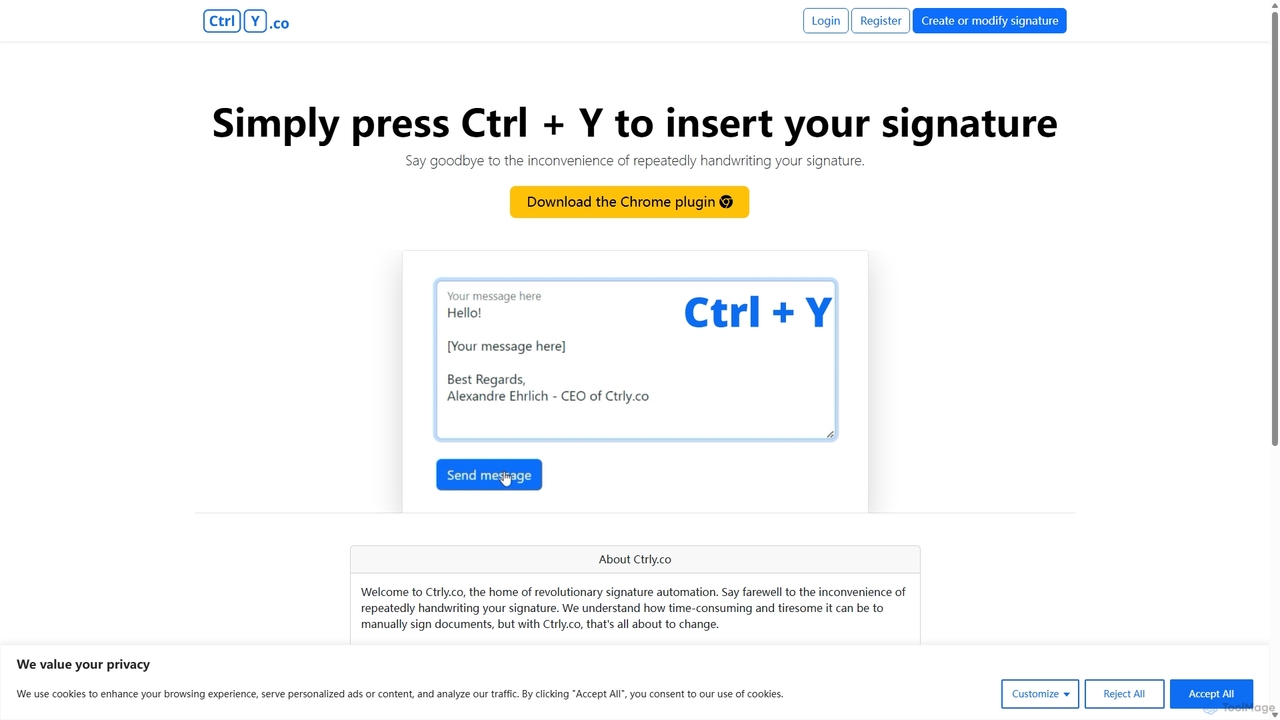
Ctrly
Ctrly is a revolutionary Chrome extension that automates your signature process. Simply press Ctrl + Y to instantly …
Ctrly is a revolutionary Chrome extension that automates your signature process. Simply press Ctrl + Y to instantly insert your pre-saved digital signature into any web-based document, email, or form. It eliminates the need for printing, signing, and scanning, saving you valuable time and boosting productivity. Ideal for professionals, entrepreneurs, and anyone who frequently signs digital documents, Ctrly streamlines your workflow with unparalleled ease and efficiency.
About Workflow
AI Workflow tools are platforms designed to automate complex, multi-step processes by connecting various AI models, applications, and data sources. They typically use a visual, node-based interface that allows users to build and manage sequences of tasks without extensive coding. These tools empower users to create sophisticated autonomous systems that can handle everything from data processing and content generation to customer interaction. By chaining together different AI capabilities, workflow tools move beyond single-task automation to create comprehensive, end-to-end solutions.
Core Features
- Visual Workflow Builder: Design and manage complex processes using a drag-and-drop interface with nodes and connectors.
- Multi-App & API Integration: Connect seamlessly with a wide range of third-party applications, databases, and AI model APIs.
- AI Model Chaining: Link different AI models in sequence, where the output of one model becomes the input for the next.
- Event-Based Triggers: Automate workflows to start based on specific events, such as a new email, a form submission, or a schedule.
- Logic and Conditionals: Implement rules, loops, and conditional paths to create dynamic and intelligent workflows that adapt to different inputs.
Use Cases
These tools are valuable across various sectors. Marketing teams use them to automate content creation pipelines, from topic research to social media scheduling. Development teams build automated code review and deployment processes. In customer service, they power intelligent ticket routing and response generation systems, significantly improving efficiency and response times.
How to Choose
When selecting an AI Workflow tool, first evaluate its integration library to ensure it supports the apps and services crucial to your operations. Consider the balance between ease of use (no-code interfaces) and advanced capabilities (custom scripting). Assess the pricing model based on your expected volume of executions or tasks. Finally, check for robust error handling and debugging features to maintain workflow reliability.
WorkflowUse Cases
Automate Content Creation Pipeline
A marketing team can use an AI workflow tool to streamline their entire content lifecycle. The process starts when a new topic is added to a project management board. This triggers a workflow that uses an AI to conduct initial research and generate a detailed article outline. Once approved, another AI model writes a full draft. The draft is then automatically sent to an AI-powered proofreader for grammar and style checks. Finally, the tool generates social media posts based on the article and schedules them for publication, reducing the manual effort from days to a few hours.
Intelligent Customer Support Ticket Routing
A customer service department can implement an AI workflow to automatically triage incoming support tickets. When a new ticket is created via email or a web form, the workflow is triggered. An AI model analyzes the ticket's content to determine its category (e.g., 'Billing', 'Technical Issue', 'Feature Request') and urgency. Based on this analysis, the workflow automatically routes the ticket to the appropriate support agent or team, adds relevant tags, and sends an initial confirmation email to the customer with an estimated response time. This ensures faster resolution and balances the workload among agents.
Automate Market Research and Reporting
A business analyst can set up a workflow to automate the collection and summarization of market research. The workflow can be scheduled to run weekly, where it scrapes news articles, industry reports, and social media mentions related to specific keywords. An AI model then processes this unstructured data, extracts key insights, performs sentiment analysis, and identifies emerging trends. The final step involves the AI generating a concise summary report with charts and key bullet points, which is then automatically emailed to stakeholders. This transforms a time-consuming manual task into a fully automated intelligence briefing.
Enrich and Qualify New Sales Leads
For a sales team, an AI workflow can automate the lead enrichment and qualification process. When a new lead signs up through a web form, the workflow triggers. It takes the lead's email address and uses various data enrichment tools to find their company name, job title, and social media profiles. Next, an AI model scores the lead based on predefined criteria (e.g., company size, industry, job title seniority). High-scoring leads are automatically added to the CRM, assigned to a sales representative, and a personalized introductory email is drafted. Low-scoring leads are added to a nurturing email sequence. This allows the sales team to focus their efforts on the most promising prospects.
Automate Software Development and DevOps Tasks
Developers can leverage AI workflows to accelerate their development lifecycle. For instance, a workflow can be triggered by a new pull request in a code repository. The workflow first runs automated tests. If the tests pass, an AI code review agent analyzes the code for potential bugs, style inconsistencies, and performance issues, leaving comments directly on the pull request. Upon approval, the workflow can proceed to build the application, deploy it to a staging environment, and run integration tests. Finally, it sends a notification to the team's communication channel with the results, streamlining the entire CI/CD pipeline.
Personalize E-commerce Customer Journeys
An e-commerce store can use an AI workflow to create highly personalized experiences for shoppers. When a user browses a product, a workflow can track their behavior. If they abandon their cart, the workflow waits for a set period, then triggers an AI to generate a personalized follow-up email that includes the items left behind and suggests similar products. For repeat customers, a workflow can analyze their purchase history to send targeted promotions or new arrival notifications via their preferred communication channel (email or SMS), significantly boosting engagement and conversion rates.