Nimo
Nimo is an AI orchestrator that unifies all your AI workflows, applications, and agents onto a single, infinite …
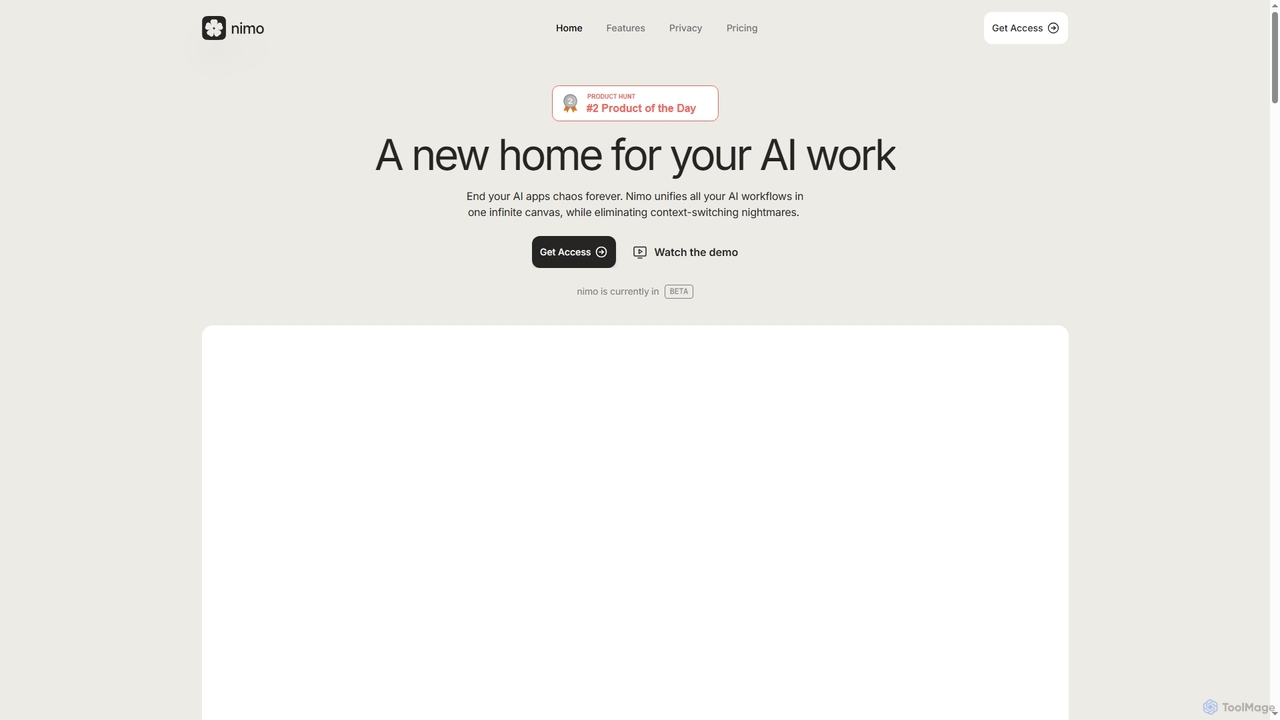
Nimo is an AI orchestrator that unifies all your AI workflows, applications, and agents onto a single, infinite canvas. It eliminates context-switching, enhances productivity, and allows users to organize AI conversations and outputs meaningfully. With over 100 integrated apps and a focus on privacy by storing data locally on Mac, Nimo transforms how you interact with AI for daily tasks and complex projects.
About Workspace
AI Workspaces are integrated platforms designed to centralize various AI tools, data, and collaborative workflows into a single, unified environment. These tools leverage large language models and knowledge graphs to connect disparate information sources like documents, notes, and tasks. The primary value of an AI Workspace is to streamline complex processes, enhance team productivity, and create a single source of truth, eliminating the need to constantly switch between different applications. They transform static information into an interactive knowledge base that teams can query and build upon.
Core Features
- Unified Knowledge Base: Consolidates all company documents, meeting notes, and data into a searchable and intelligent repository.
- Integrated AI Assistant: Provides a conversational interface to find information, summarize documents, generate content, and automate tasks within the workspace.
- Collaborative Editing: Enables real-time co-creation of documents, whiteboards, and project plans with AI-powered suggestions and completions.
- Connected Workflows: Links tasks, projects, and documents, allowing AI to track progress, identify dependencies, and suggest next steps.
- Custom Automations: Allows users to build no-code or low-code automations that connect different AI functions and third-party apps.
Use Cases
AI Workspaces are particularly effective for knowledge-intensive teams and organizations. Project management teams use them to centralize all project assets and communications. Content and marketing teams leverage them as a hub for brainstorming, drafting, and managing editorial calendars. Enterprises deploy them as a central nervous system for corporate knowledge, allowing employees to instantly find answers to complex questions.
How to Choose
When selecting an AI Workspace, consider its integration capabilities with your existing tool stack (e.g., Slack, Google Drive, Jira). Evaluate the depth and breadth of its AI features—does it excel at search, content generation, or task automation? Assess the collaboration features, security protocols for sensitive data, and the scalability of its pricing model as your team grows. The user interface and ease of adoption are also critical factors for team-wide implementation.
WorkspaceUse Cases
Centralizing Project Management Workflows
A project manager for a software development team uses an AI Workspace to create a central hub for a new product launch. They upload all project briefs, market research documents, and meeting notes into the unified knowledge base. The integrated AI assistant automatically summarizes key decisions from meeting transcripts and generates a task list with suggested assignees and deadlines. Team members collaborate on technical specifications within the workspace's editor, and the AI helps track dependencies between tasks, flagging potential delays before they occur. This centralizes communication and reduces time spent searching for information across emails and different apps by over 30%.
Streamlining Content Creation and Strategy
A marketing team uses an AI Workspace as their content operations hub. They start by brainstorming blog post ideas with the AI assistant, which suggests topics based on SEO data stored in their knowledge base. Once a topic is chosen, a writer drafts the article in the collaborative editor, where the AI provides real-time suggestions for improving clarity and tone. An editor leaves comments, and the AI summarizes the feedback for the writer. All approved content, brand guidelines, and performance metrics are stored in the workspace, creating a single source of truth that helps the team maintain consistency and quickly onboard new members.
Building a Corporate Knowledge Management System
A large enterprise deploys an AI Workspace to replace its outdated intranet and various wikis. All internal policies, technical documentation, and historical project data are migrated into the workspace. Now, when an employee has a question, such as 'What is our data privacy policy for EU customers?', they can ask the AI assistant directly instead of searching through folders. The AI synthesizes information from multiple documents to provide a direct, accurate answer with source links. This system reduces the burden on HR and IT support teams and empowers employees to find information autonomously, accelerating decision-making and problem-solving across the organization.
Accelerating Research and Analysis
A financial analyst uses an AI Workspace to conduct research on a potential investment. They upload dozens of financial reports, industry analyses, and news articles into a dedicated project space. The analyst then uses the AI assistant to ask complex questions like, 'Summarize the key risks mentioned across all these documents' or 'Compare the revenue growth of Company A and Company B over the last three years.' The AI quickly extracts and synthesizes the relevant data points, presenting them in a concise summary. This allows the analyst to move from data collection to strategic analysis much faster, improving the quality and speed of their investment recommendations.
Automating Sales Team Operations
A sales team integrates their CRM and call recording software with an AI Workspace. After a sales call, the audio recording is automatically transcribed and summarized by the AI, highlighting action items and customer objections. This summary is then used to auto-populate fields in the CRM and generate a draft follow-up email for the sales representative. The workspace also serves as a central repository for sales playbooks and competitor information. New sales reps can ask the AI questions like 'What are the key differentiators against Competitor X?' and receive instant, actionable answers, significantly reducing their ramp-up time.
Enhancing Personal Productivity and Knowledge Management
A freelance consultant uses an AI Workspace as their personal 'second brain'. They connect it to their web browser to save interesting articles, clip notes from online research, and organize project ideas. When starting a new client project, they can ask the AI, 'Pull all my notes related to marketing analytics from the past six months and create an outline for a project proposal.' The AI gathers the scattered information and structures it into a coherent document. This allows the consultant to leverage their past knowledge efficiently, saving hours of manual organization and ensuring they never lose a valuable insight.