AtomicComponents
Design Systems
AI TOOL COMPARISON
What is the difference, and which fits your workflow? Compare features, usage, pricing models and traffic side by side.
Design Systems
Design To Code
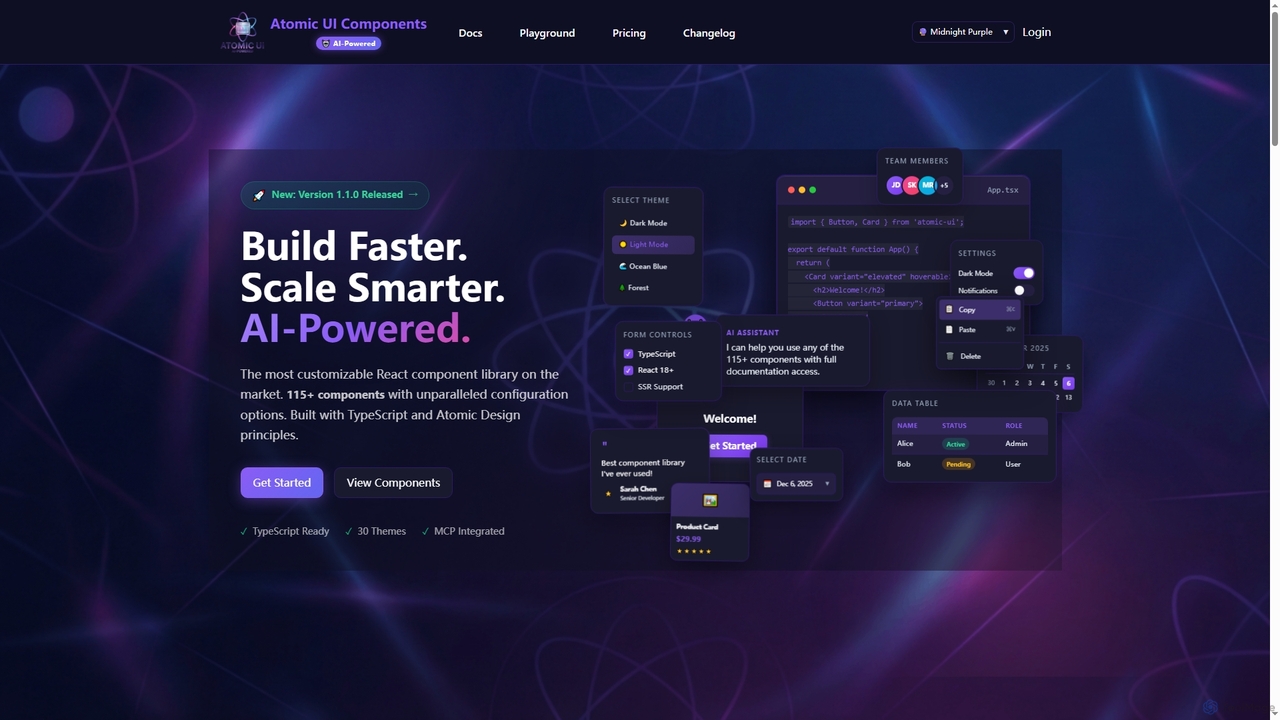
AtomicComponents is an AI-powered React component library designed for building modern, scalable, and accessible user interfaces faster. It offers over 115 highly customizable components, 30 built-in themes, and seamless integration with AI assistants like Claude and GitHub Copilot via its Model Context Protocol (MCP) server.
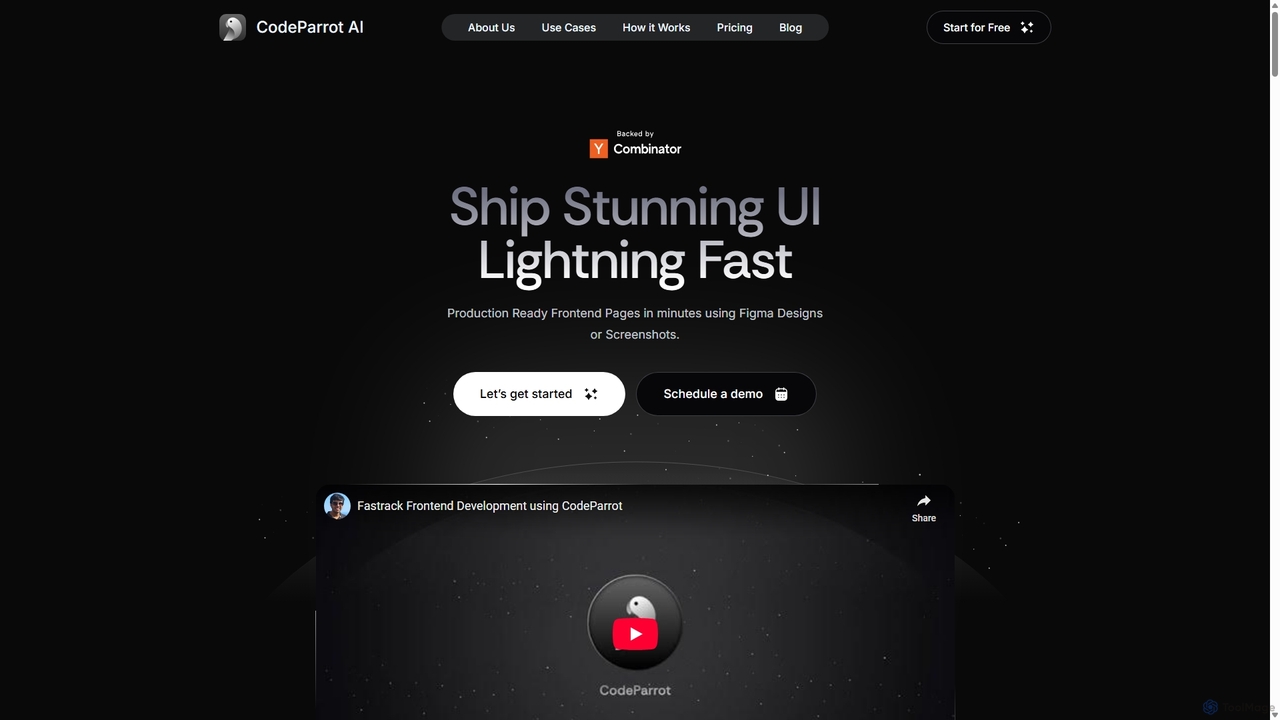
CodeParrot is an AI-powered copilot that transforms Figma designs and screenshots into production-ready frontend code. It intelligently understands your existing codebase, reuses components, and adheres to your coding standards, dramatically accelerating UI development for frameworks like React, Vue, and Angular.
Compare product focus, pricing models and audiences. Highlighted rows indicate different listed information; unknown pricing does not mean free.
| Quick facts | AtomicComponents | CodeParrot |
|---|---|---|
| Pricing model | Freemium | Freemium |
| Product type | Web | Extensions |
| Primary focus | Design Systems | Design To Code |
| Audience and roles | Frontend Developer · Product Manager · Software Developer · Technical Lead · UI/UX Designer · Web Developer | Frontend Engineer · Full-Stack Developer · Product Manager · Software Developer · UI/UX Designer |
| Categories | Design Systems · Code Generation · Frontend Frameworks · Ui Components | Design To Code · Code Generation · Developer Tools |
| Added | Dec 13, 2025 | Sep 10, 2025 |
| Updated | Nov 19, 2026 | Nov 19, 2026 |
Explore the listed product descriptions, features and workflows. Taxonomy labels alone are not feature evaluations.
AtomicComponents is a cutting-edge React component library that redefines UI development by integrating AI-powered assistance with unparalleled customization. Built with TypeScript and adhering to Atomic Design principles, it provides developers with a robust toolkit of over 115 production-ready components, ranging from foundational atoms to complex organisms. This library is engineered for consistency, scalability, and maintainability, ensuring a unified design language across applications while significantly accelerating the development process.
To begin using AtomicComponents, developers first install the package into their React 18+ TypeScript project via npm or yarn. Components can then be imported and utilized directly in their application code, leveraging extensive configuration options and 30 built-in themes for rapid UI construction. For enhanced productivity, developers can integrate AtomicComponents with AI assistants like Claude Desktop or GitHub Copilot. This involves configuring the Model Context Protocol (MCP) server within their development environment (e.g., VS Code). Once connected, AI assistants can be queried using natural language to discover components, retrieve detailed props, access usage examples from Storybook, and even browse theme styles, streamlining the coding workflow.
AtomicComponents is ideal for frontend developers and teams looking to build modern, high-quality React applications with increased efficiency. It's perfectly suited for projects requiring a consistent design language, rapid prototyping, and scalable UI architecture. Companies can leverage it to accelerate the development of complex web applications, internal tools, and customer-facing platforms. Furthermore, its AI integration makes it invaluable for developers who utilize AI coding assistants to streamline component discovery, code generation, and documentation lookup, fostering a more intelligent development workflow. Non-commercial projects can also benefit from its comprehensive features under the MIT license.
The primary advantage of AtomicComponents lies in its unique blend of deep customization and AI-powered assistance, making it the most configurable React component library on the market. It significantly boosts developer productivity by providing battle-tested, type-safe, and accessible components that can be composed quickly. The AI integration, powered by the MCP server, offers context-aware assistance, allowing developers to interact with the library's documentation through natural language, reducing manual searches and accelerating code generation. This leads to faster development cycles, improved code quality, easier maintenance, and a consistently unified user experience across all applications.
AtomicComponents offers transparent pricing with both monthly and yearly options (saving 10% annually), alongside a 30-day money-back guarantee. Plans include:
Payment methods accepted include all major credit cards (Visa, MasterCard, American Express) and various Stripe payment methods like Apple Pay and Google Pay. Users can upgrade or downgrade their plans at any time from their dashboard; upgrades are prorated and take effect immediately, while downgrades take effect at the end of the billing cycle.
CodeParrot is a revolutionary AI tool designed for frontend developers, full-stack engineers, and founders, positioning itself as the offspring of Figma and Github Copilot. Its primary function is to bridge the gap between design and development by converting visual designs from Figma or simple screenshots into high-quality, production-ready frontend code. Unlike other code generation tools, CodeParrot's key differentiator is its ability to understand and integrate with your existing codebase. This means it can reuse your custom components, apply your project's themes, and follow your established coding standards, ensuring that the generated code is not just functional but also consistent and maintainable.
The platform supports a wide array of modern tech stacks, including React, Vue, Angular, React Native, and Flutter, making it a versatile solution for various development needs. By automating the mundane and time-consuming task of translating UI designs into code, CodeParrot allows developers to focus on more complex logic and creative problem-solving, significantly boosting productivity and enabling teams to ship stunning user interfaces at lightning speed.
Getting started with CodeParrot is designed to be a seamless integration into your existing workflow. The process is straightforward:
CodeParrot is valuable for a range of professionals and scenarios:
The primary advantage of CodeParrot is its ability to generate context-aware code. By understanding your project's unique structure, it produces code that is immediately useful and requires minimal refactoring. This leads to significant time savings (building UIs in minutes, not days), improved code quality and consistency, and a more streamlined workflow. It empowers developers to build better products faster, raising the standard of user experiences they can deliver.
CodeParrot offers a freemium model with a 14-day free trial that doesn't require a credit card.
Their taxonomy shows where the products overlap and where each one has a more distinct focus. Unknown fields are shown explicitly and are never filled with assumptions.
Traffic is shown on the same scale so differences in market visibility are not visually understated.
Both charts share the same months and vertical scale. Each tool identifies its latest reporting month; missing months are left blank, not counted as zero. Regional and source visit counts are estimates calculated from the reported shares.
No data available
| Country/region | Percentage | Estimated visits |
|---|---|---|
| 🇮🇳India | 39.47% | 1.4K |
| 🇺🇸United States | 28% | 976 |
| 🇮🇩Indonesia | 16.16% | 563 |
| 🇩🇪Germany | 8.42% | 293 |
| 🇵🇹Portugal | 7.95% | 277 |
Ratings, comments, favorites, and likes are community signals—not a substitute for product fit.
AtomicComponents is an AI-powered, highly customizable React component library built with TypeScript and Atomic Design principles. It offers over 115 production-ready components and 30 built-in themes to accelerate UI development and ensure consistency.
AtomicComponents uses its Model Context Protocol (MCP) server to provide AI assistants like Claude and GitHub Copilot direct, real-time access to all component documentation, props, examples, and 30 theme styles. This enables natural language queries for component discovery and code generation within your IDE.
The free plan includes full access to the component library, all 30 themes, and community support. It is available for non-commercial organizations and projects under the MIT License.
Yes, you can change your plan at any time from your dashboard. Upgrades are prorated and take effect immediately, while downgrades take effect at the end of your current billing cycle.
AtomicComponents accepts all major credit cards (Visa, MasterCard, American Express) and supports various payment methods through Stripe, including Apple Pay and Google Pay.
This page is assembled from ToolMage product listings, taxonomy, traffic statistics and on-site user feedback. It is not a hands-on test or an independent review.