ToolMage
Sign in

AI TOOL COMPARISON

Brewit vs Sequel

What is the difference, and which fits your workflow? Compare features, usage, pricing models and traffic side by side.

Jump to key differences

Product overview

Brewit Product overview

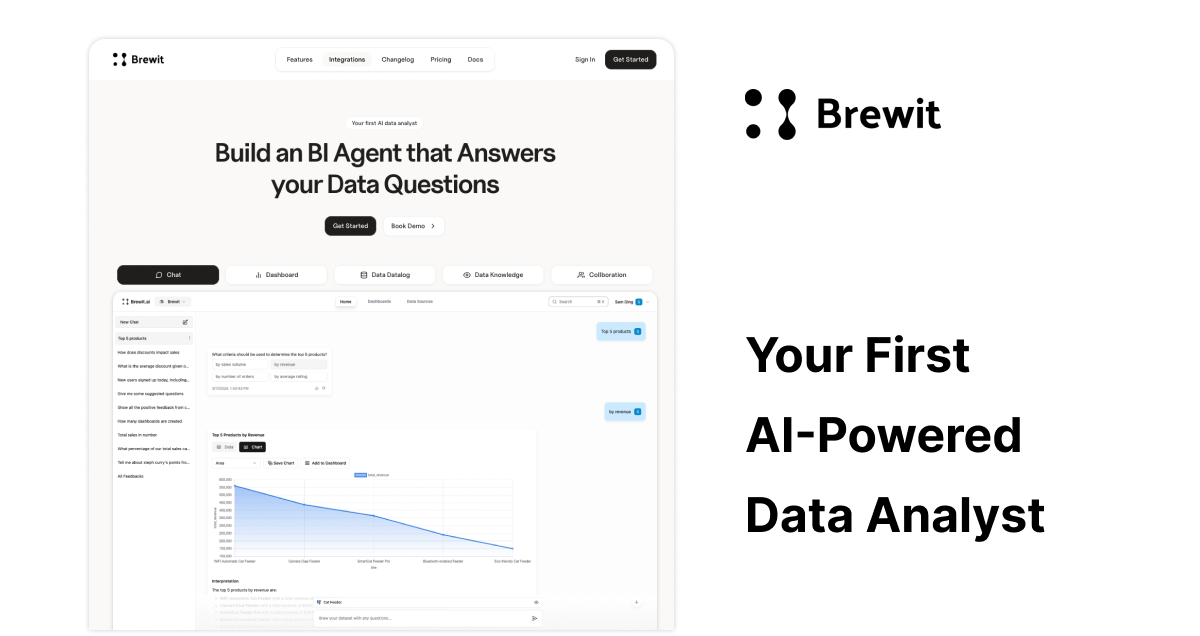
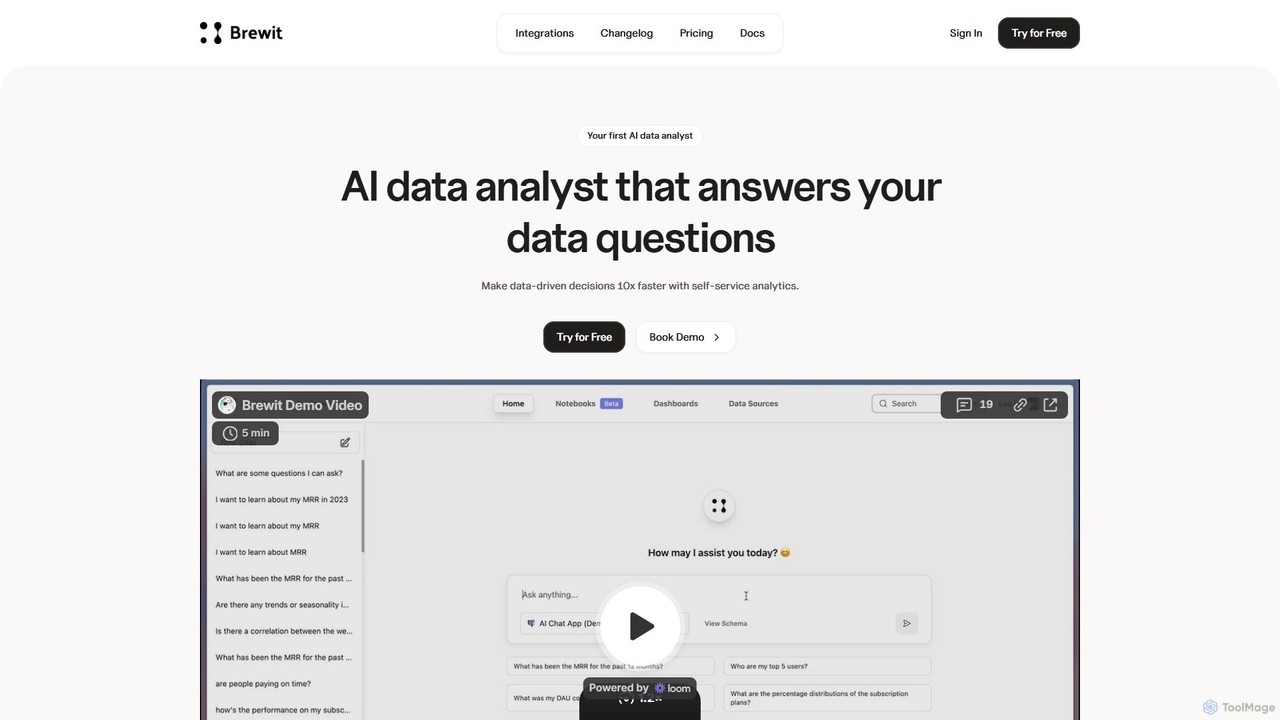
Brewit is an AI-powered analytics platform that enables users to perform self-service data analysis. Connect to your databases, chat in natural language to query data, generate SQL, and create interactive visualizations and reports. It simplifies business intelligence, making data accessible to everyone in the organization, regardless of their technical skills.

Preview

Sequel Product overview

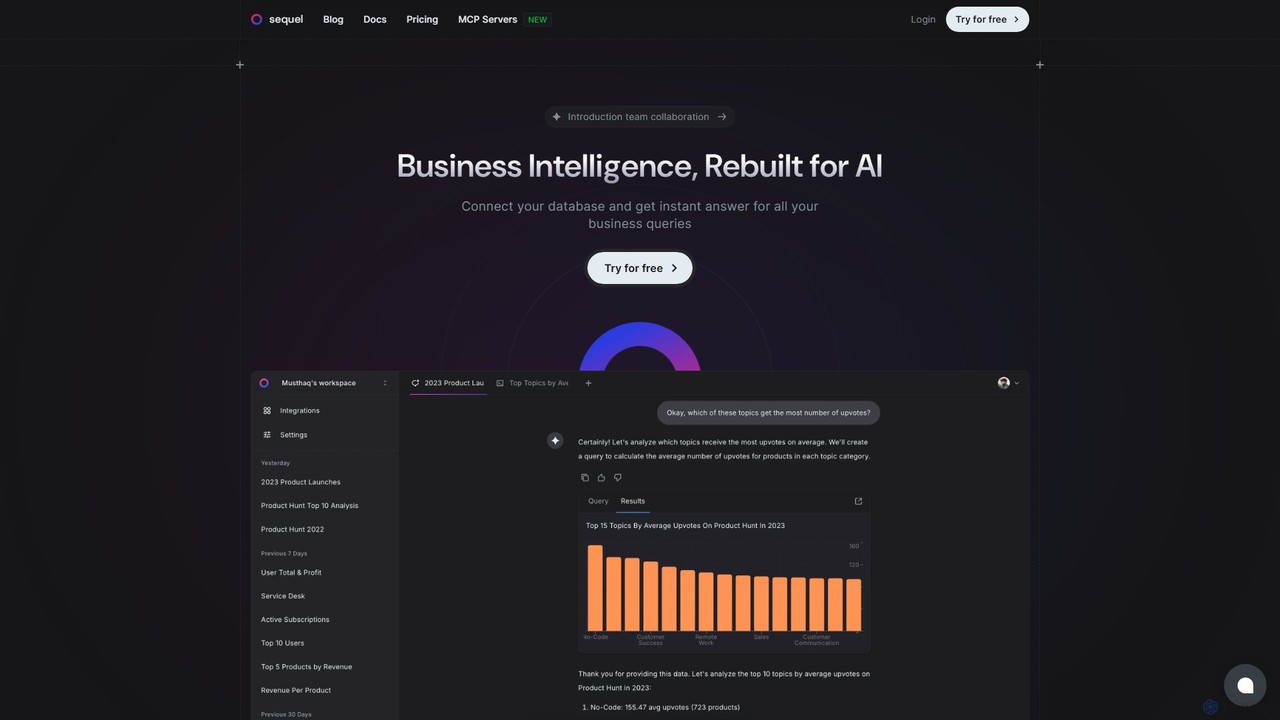
Sequel is an AI-powered Business Intelligence platform that allows you to interact with your databases using natural language. Connect your data, ask questions in plain English, and instantly receive reports, visualizations, and insights without writing a single line of SQL.

Preview

Quick facts

Compare product focus, pricing models and audiences. Highlighted rows indicate different listed information; unknown pricing does not mean free.

Brewit VS Sequel — Quick facts
Quick factsBrewitSequel
Pricing modelFreemiumFreemium
Product typeWebWeb
Primary focusDatabaseBusiness Intelligence
Audience and rolesNo data availableNo data available
CategoriesDatabase · No CodeBusiness Intelligence · Database · Data Analysis
AddedAug 17, 2025Aug 13, 2025
UpdatedNov 19, 2026Nov 19, 2026

Features, usage and use cases

Explore the listed product descriptions, features and workflows. Taxonomy labels alone are not feature evaluations.

Brewit

Brewit is a transformative AI-powered analytics tool designed to democratize data analysis across organizations. It empowers teams to make better, data-driven decisions 10 times faster and at a fraction of the cost of traditional business intelligence solutions. By connecting directly to your existing databases and data warehouses, Brewit allows users to interact with their data using simple, natural language. Ask a question, and the platform's advanced AI, powered by models like GPT-4 Turbo, automatically writes the necessary SQL queries, analyzes the data, and generates insightful charts and visualizations.

The platform is built around a conversational interface, making complex data exploration as easy as chatting with a colleague. It eliminates the need for technical expertise in SQL or data science, allowing marketing, sales, and product teams to get the answers they need on their own. To ensure the reliability and accuracy of the AI's responses, Brewit incorporates a built-in semantic layer and data catalog. This allows data teams to define business logic, add descriptions to tables and columns, and manage a data dictionary, ensuring that the AI consistently uses the correct context for its analysis.

How to use Brewit

Using Brewit is a streamlined, three-step process designed for simplicity and power:

  1. Connect Your Data Source: Easily connect to a wide range of databases and data warehouses, including PostgreSQL, MySQL, Snowflake, BigQuery, Microsoft SQL Server, and Databricks. You can also upload CSV or Excel files to the Brewit Workbook. The platform supports secure connections via SSH tunnels for databases behind firewalls.
  2. Analyze with Natural Language: Use the intuitive chat interface to ask questions about your data in plain English. For example, you could ask, "What were our top 10 selling products last quarter?" or "Show me the user growth trend month-over-month." Brewit translates your request into a SQL query, executes it, and provides an answer with recommended charts.
  3. Build and Share Insights: Turn your analysis into compelling stories. Use the Notion-style notebook editor to create beautiful, dynamic reports and dashboards. Drag and drop charts from your chat conversations, add text, and organize your findings. You can then share these dashboards and reports with your team to foster a data-informed culture.

Core Features of Brewit

  • AI-Powered Conversational Analytics: Chat with your data in natural language to get instant answers, SQL queries, and visualizations.
  • Broad Data Integration: Native connectors for major databases and warehouses like Snowflake, BigQuery, PostgreSQL, MySQL, and more.
  • Notion-Style Notebook Editor: Create dynamic, layered reports and dashboards with a user-friendly, block-based editor.
  • Automated Semantic Layer: A built-in data catalog to manage business logic, ensuring the AI provides accurate and consistent answers.
  • Embeddable Analytics: An API to embed the Brewit chat agent directly into your own applications, websites, or internal tools.
  • Text-to-SQL Evaluation Module: A powerful feature for data teams to test and validate the accuracy of the AI's SQL generation against their own database.
  • Workspace Analytics: Dashboards to monitor user activity and engagement within the Brewit platform.
  • Secure Connections: Support for connecting to databases via SSH tunnels, ensuring your data remains secure.

Use Cases for Brewit

Brewit is versatile and can be applied across various business functions:

  • Sales Teams: Can track performance metrics, analyze sales funnels, and identify top-performing regions without waiting for a data analyst.
  • Marketing Departments: Can measure campaign effectiveness, analyze customer behavior, and understand channel ROI in real-time.
  • Product Managers: Can monitor feature adoption, track user engagement, and analyze user feedback to inform product roadmaps.
  • Data Teams: Can accelerate their workflow, quickly prototype dashboards, and empower business users with a trusted self-service tool, freeing up their time for more complex strategic projects.

Advantages of Brewit

Brewit offers a significant competitive edge by making data analysis accessible, fast, and reliable. Its primary advantage is the democratization of data, breaking down the barriers between data and decision-makers. The platform's speed and cost-effectiveness provide a high return on investment. The emphasis on accuracy, with features like the semantic layer and evaluation module, builds trust in the AI-generated insights. Finally, its flexibility, with extensive integrations and an embeddable API, allows it to fit seamlessly into any existing data stack and workflow.

Pricing and Plans

Brewit's pricing information is not publicly listed on the website, which is common for enterprise-focused SaaS platforms. They likely offer a tiered pricing model based on usage, features, and the number of users. Typically, this includes a free trial or a starter plan to allow teams to test the platform. For detailed information on enterprise plans and custom pricing, it is recommended to contact the Brewit sales team directly through their website's "Get Started" call-to-action.

Sequel

Sequel is a revolutionary Business Intelligence (BI) platform designed to democratize data access for teams of all sizes. It addresses the common frustration of slow, cumbersome reporting processes by enabling users to query their databases using simple, natural language. Instead of waiting for technical teams to write complex SQL scripts, you can ask questions directly and get immediate, actionable answers. This transforms data from a bottleneck into a real-time asset, empowering confident, insight-driven decision-making.

The platform is built around an intelligent AI that understands the nuances of your database schema. This allows it to accurately translate your plain-language questions into the correct queries, retrieve the relevant data, and present it in an easily digestible format. Whether you need a quick statistic, a detailed report, or a visual chart, Sequel delivers it on the fly. It's a game-changer for business users who need data independence and for data professionals looking to reduce their backlog of ad-hoc requests.

How to use Sequel

Getting started with Sequel is a straightforward process designed to get you to your insights as quickly as possible:

  1. Sign Up: Create a free account on the Sequel website using your email or a social login.
  2. Connect Your Database: Once logged into your dashboard, connect to your existing database. Sequel supports a wide range of databases and services, including PostgreSQL, MySQL, ClickHouse, Snowflake, BigQuery, Supabase, AWS, and more. The connection process is secure and intuitive.
  3. Chat with Your Data: Use the chat-based interface to ask questions in natural language. For example, you could ask, "What were our total sales last quarter by region?" or "Show me a bar chart of new user sign-ups per day this month."
  4. Generate and Visualize: Sequel will instantly process your request, query the database, and return the answer. This can be in the form of a direct answer, a structured report, or a dynamic chart or graph.
  5. (Optional) Use the SQL Editor: For power users and data analysts who prefer to write their own queries, Sequel includes a full-featured SQL editor. This provides the flexibility to perform highly complex analyses while still benefiting from Sequel's collaborative environment.

Core Features of Sequel

  • Natural Language Querying: Interact with your database using a chat interface. Ask questions in plain English and get instant answers.
  • Automatic Report Generation: Create comprehensive reports across your entire database without any SQL knowledge.
  • Dynamic Data Visualization: Instantly generate various charts and graphs (bar charts, line graphs, etc.) simply by asking.
  • AI-Powered Insights: The AI can analyze your data to provide proactive suggestions, identify trends, and uncover hidden insights you might have missed.
  • Intelligent Schema Understanding: The AI automatically learns and understands your database structure, ensuring accurate query mapping and results.
  • Broad Database Support: Extensive connectivity with popular SQL databases, data warehouses, and cloud database providers.
  • Integrated SQL Editor: A powerful tool for SQL experts to write, run, and manage their own queries within the platform.
  • Team Collaboration: Share insights and reports easily with your team, fostering a data-driven culture.

Use Cases for Sequel

Sequel is versatile and valuable for various roles and departments:

  • Business Teams (Sales, Marketing, Operations): Non-technical users can self-serve their data needs, tracking KPIs, analyzing campaign performance, or monitoring operational metrics without relying on the data team.
  • Product Managers: Analyze user behavior, track feature adoption, and query product data to inform roadmap decisions.
  • Founders and Executives: Gain a high-level, real-time overview of business performance by asking critical questions on the go.
  • Data Analysts and Engineers: Accelerate their workflow by using natural language for routine queries and the SQL editor for complex tasks. This frees them up to focus on more strategic data initiatives.

Advantages of Sequel

Sequel offers a significant competitive edge by being faster, more intuitive, and more powerful than many alternatives. Users praise its ability to instantly understand complex data structures without manual training. Key advantages include:

  • Speed: Eliminates the long wait times associated with traditional reporting cycles.
  • Accessibility: Makes data analysis accessible to everyone in the organization, regardless of their technical skill level.
  • Efficiency: Frees up valuable time for both data consumers and data professionals.
  • Accuracy: The smart AI ensures that natural language queries are translated into accurate and effective SQL.
  • Flexibility: Seamlessly serves both non-technical users with its chat interface and technical users with its robust SQL editor.

Pricing and Plans

Sequel offers a flexible pricing structure to suit different needs, including a free-to-start option.

  • Free Plan: $0. Includes 1 database connection, 1 user, and 50 AI queries per month. Ideal for individuals and small projects.
  • Professional Plan: $19 per user/month. Includes 10 databases, 1 user (with options to add more), 1000 AI queries per user/month, and access to premium integrations. An AI Slack Bot is also a planned feature for this tier.
  • Team Plan: Custom pricing. Offers unlimited databases, users, and AI queries, along with all premium features. Designed for larger teams and enterprises.
  • Self-Hosted Plan: Custom pricing. For organizations that require hosting Sequel within their own cloud or on-premises infrastructure for maximum control and security.

Positioning

Their taxonomy shows where the products overlap and where each one has a more distinct focus. Unknown fields are shown explicitly and are never filled with assumptions.

Categories

Shared
Database
Only Brewit
No Code
Only Sequel
Business IntelligenceData Analysis

Tags

Shared
business intelligencedata analysisdatabasedata visualizationnatural language queryno-codereportingSQL
Only Brewit
AI analyticsdashboardtext to sql
Only Sequel
AI chatbot

Audience and roles

Shared
No listed items
Only Brewit
No listed items
Only Sequel
No listed items

Traffic comparison

Traffic is shown on the same scale so differences in market visibility are not visually understated.

How to interpret the traffic data

Both charts share the same months and vertical scale. Each tool identifies its latest reporting month; missing months are left blank, not counted as zero. Regional and source visit counts are estimates calculated from the reported shares.

Brewit

No data available

Sequel monthly traffic:

Latest traffic · 2026-05

Monthly visits
6.4K
Avg. visit duration
0:17
Pages per visit
1.71
Bounce rate
38.78%
Data updated 2026-06-15

Monthly traffic trend

  • 2025-09: 12.9K
  • 2026-01: 17.3K
  • 2026-02: 10.1K
  • 2026-03: 11.2K
  • 2026-04: 8.5K
  • 2026-05: 6.4K

Top regions

Top 5 countries/regions
Country/regionPercentageEstimated visits
🇮🇳India36.37%2.3K
🇻🇳Vietnam32.71%2.1K
🇺🇸United States21.34%1.4K
🇹🇷Turkey9.58%618

Search keywords

bigquerry standrd sql formatcodex mysql connectsequel databasesequel db"snowflake" sql-formatter

Community signals

Ratings, comments, favorites, and likes are community signals—not a substitute for product fit.

Brewit

Rating
No data available
Comments
0
Favorites
194
Likes
179

Sequel

Rating
No data available
Comments
0
Favorites
166
Likes
182

Brewit vs Sequel · Comparison FAQ

What do Brewit and Sequel have in common?
Both tools are listed under Database. These categories indicate overlapping use cases; compare their detailed descriptions for workflows, capabilities and limitations.
Are Brewit and Sequel free?
Listed pricing models: Brewit — Freemium; Sequel — Freemium. Missing pricing is not proof of a free plan, and freemium does not mean every feature is free. Check official sites for current plans, limits and trials.
How should I choose between Brewit and Sequel?
The primary listed category is Database for Brewit, and Business Intelligence for Sequel. Compare features, steps and use cases, then verify pricing, data permissions and deployment needs. This page does not include hands-on testing and does not declare a winner from traffic or tags.

Sources and comparison methodology

This page is assembled from ToolMage product listings, taxonomy, traffic statistics and on-site user feedback. It is not a hands-on test or an independent review.

  • Feature and plan descriptions reflect information in the listings, not real-time guarantees. Verify pricing, quotas, availability and privacy terms on the official sites.
  • Traffic uses the reporting months shown. Missing statistics do not mean zero visits, and different periods do not establish growth or superiority. Regional and source visit counts are estimates based on shares.
  • Different tags indicate differences in the listings, not proof that the other product lacks a capability. Ratings, favorites and visits are not used to declare a winner.

Related comparisons