ToolMage
Sign in

AI TOOL COMPARISON

Briefer vs Deepnote

What is the difference, and which fits your workflow? Compare features, usage, pricing models and traffic side by side.

Jump to key differences

Product overview

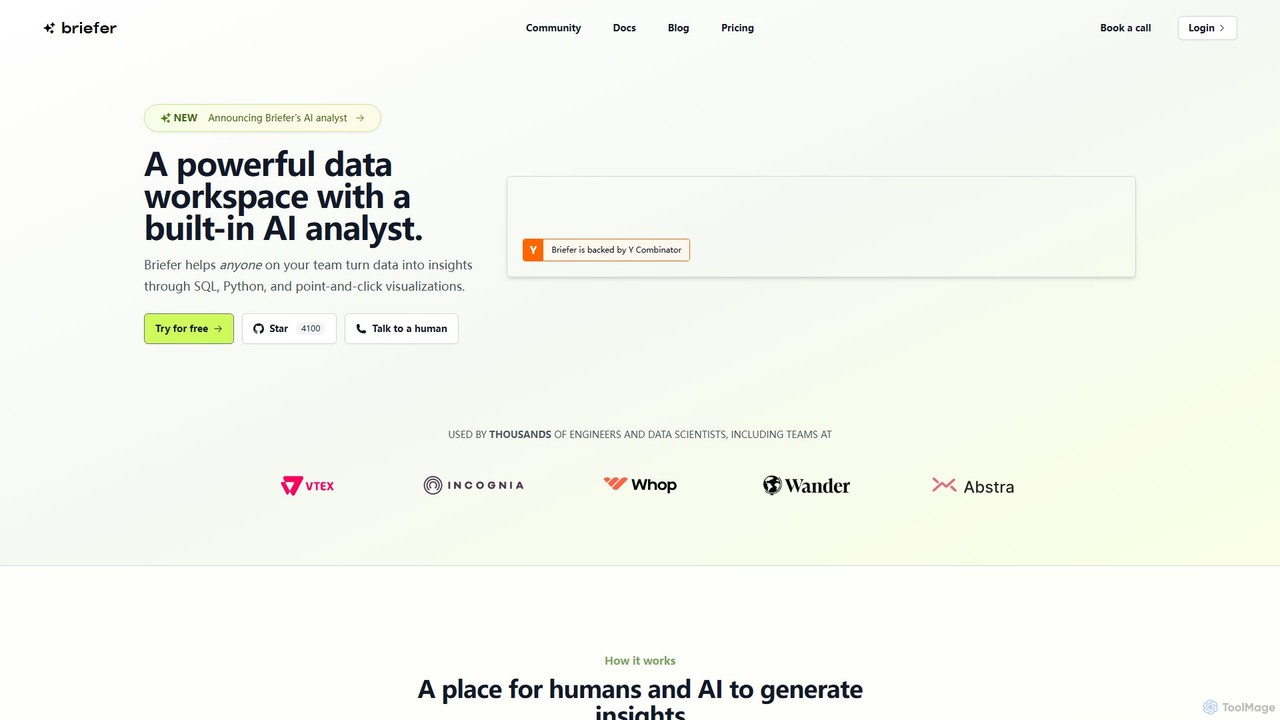
Briefer Product overview

Briefer is a collaborative data platform featuring a built-in AI analyst. It empowers teams to transform data into actionable insights using SQL, Python, and interactive visualizations within a unified workspace. Designed for both technical and non-technical users, it streamlines data analysis, reporting, and real-time collaboration, accelerating data-driven decision-making. It is backed by Y Combinator and offers both cloud-hosted and self-hosted open-source versions.

Preview

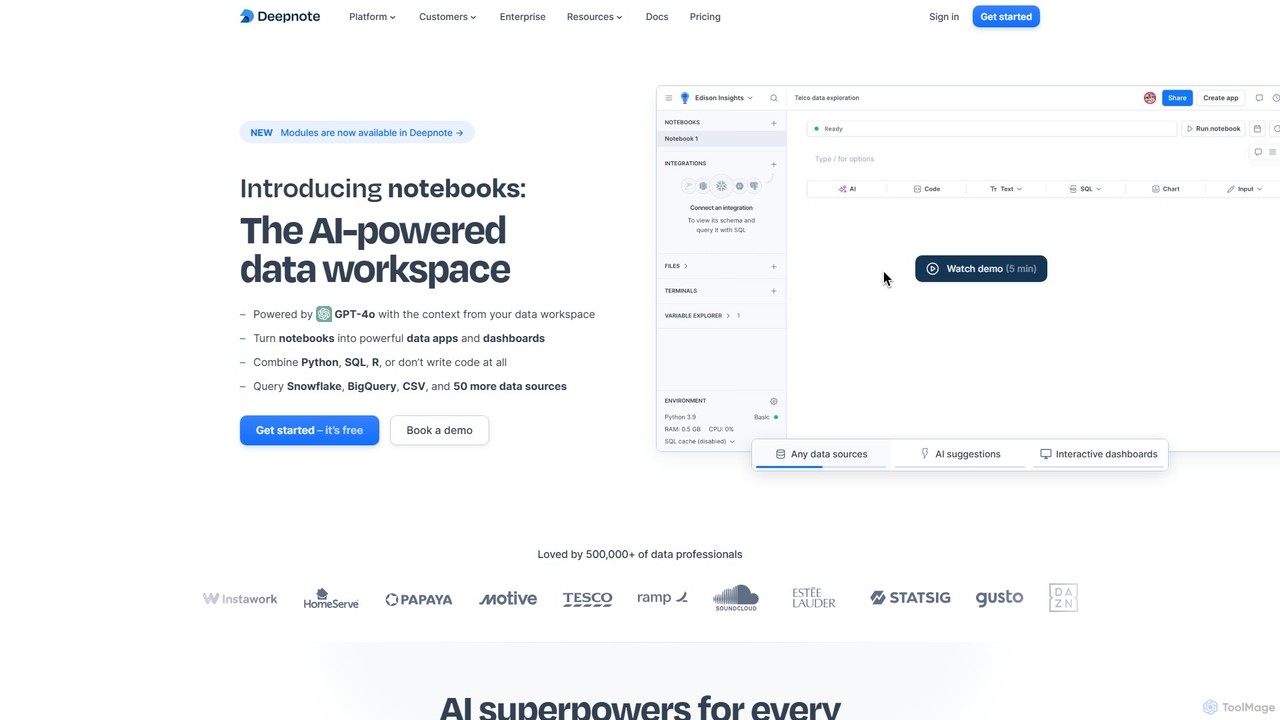
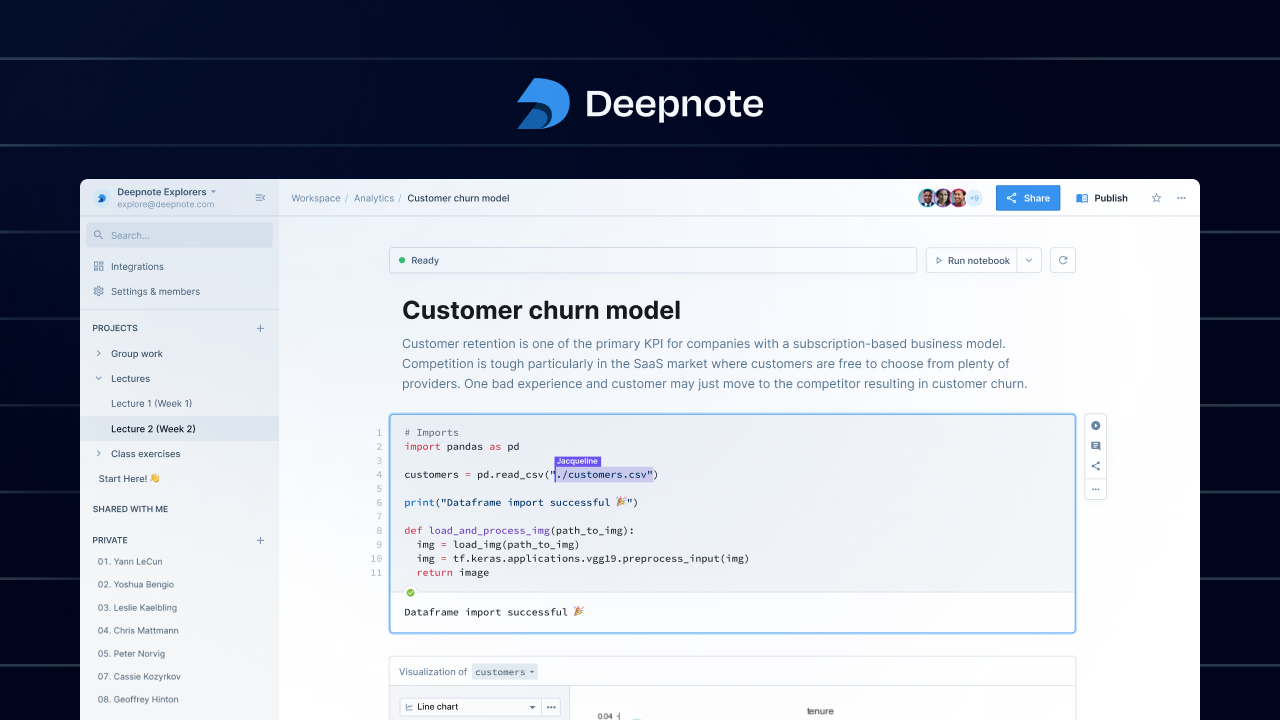
Deepnote Product overview

Deepnote is an AI-powered, collaborative data science notebook for teams. It unifies Python, SQL, and R in a single cloud-based workspace, enabling users to explore data, build machine learning models, and create interactive dashboards and apps with ease. Powered by GPT-4o, it automates analysis and code generation, making data science accessible to all skill levels.

Preview

Quick facts

Compare product focus, pricing models and audiences. Highlighted rows indicate different listed information; unknown pricing does not mean free.

Briefer VS Deepnote — Quick facts
Quick factsBrieferDeepnote
Pricing modelFreemiumFreemium
Product typeWebWeb
Primary focusDatabaseBusiness Intelligence
Audience and rolesNo data availableNo data available
CategoriesDatabase · CollaborationBusiness Intelligence · Analytics · Data Science · Collaboration
AddedAug 14, 2025Aug 11, 2025
UpdatedNov 19, 2026Nov 19, 2026

Features, usage and use cases

Explore the listed product descriptions, features and workflows. Taxonomy labels alone are not feature evaluations.

Briefer

Briefer is a comprehensive and collaborative data platform designed to bridge the gap between raw data and actionable insights. It provides a powerful data workspace equipped with a built-in AI analyst, enabling anyone on a team, from data scientists to business stakeholders, to explore, analyze, and share data effectively. By integrating SQL, Python, and point-and-click visualizations into a single, notebook-style interface, Briefer streamlines the entire data workflow, fostering a truly data-driven culture.

How to use Briefer

Getting started with Briefer involves a straightforward, five-step process designed for maximum efficiency:

  1. Connect Your Data Sources: Easily connect Briefer to a wide range of databases, including Postgres, BigQuery, Redshift, Snowflake, MySQL, and more. You can also import data from CSV files.
  2. Query with the AI Analyst: Write and execute SQL queries directly within Briefer documents. Leverage the AI assistant to help write complex queries, or simply describe what you need and let the AI analyst agent handle the entire analysis, from writing SQL to generating charts.
  3. Analyze and Model with Python: Every SQL query result is automatically available as a Python dataframe. Use Python blocks for in-depth exploratory analysis, creating advanced visualizations, or building and training predictive models with AI-assisted coding to fix errors and accelerate development.
  4. Visualize and Build Dashboards: Transform your data into insightful charts and graphs using simple point-and-click tools. Combine text, queries, code, and visualizations into a single page, then publish it as an interactive dashboard or a static report. Add filters, sliders, and inputs to create powerful data apps.
  5. Collaborate and Share: Work with your team in real-time with multiplayer editing, comments, and mentions. Schedule notebooks to run automatically and send PDF reports via email or Slack. Share your findings with stakeholders using clean, presentation-ready formats or public links.

Core Features of Briefer

  • AI Analyst Agent: An intelligent agent that can autonomously perform entire data analyses. It writes and executes SQL, runs Python code, and plots graphs based on natural language prompts, showing its work for full transparency.
  • Integrated SQL & Python Notebooks: A seamless environment where SQL query results instantly become Python dataframes, eliminating the need to switch between tools for querying and advanced analysis.
  • Interactive Dashboards and Data Apps: Build and publish dynamic dashboards with interactive filters, dropdowns, and date selectors, allowing non-technical users to explore data independently.
  • Real-time Collaboration: Features multiplayer editing, in-line comments, and a presentation mode that hides code, making it easy for technical and non-technical team members to collaborate on the same page.
  • Scheduled Executions and Alerts: Automate your workflows by scheduling notebooks to run on a recurring basis. Receive notifications and PDF reports directly in your email or Slack channels.
  • Flexible Deployment: Offers a fully managed cloud version for ease of use and a self-hostable open-source version for complete control over your data and infrastructure.

Use Cases for Briefer

Briefer is versatile and can be applied to numerous data-intensive tasks across a business, including:

  • Business Intelligence (BI): Create and automate company-wide KPI dashboards and reports.
  • Customer Analytics: Perform customer segmentation, analyze churn drivers, and calculate lifetime value.
  • Product Analytics: Analyze user behavior, track feature adoption, and evaluate A/B test results.
  • Sales & Marketing Analysis: Forecast demand, analyze marketing campaign performance, and perform revenue attribution.
  • Machine Learning Prototyping: Rapidly build, train, and monitor predictive models for tasks like retention analysis or demand forecasting.

Advantages of Briefer

Briefer offers a distinct competitive edge by combining several key benefits:

  • Democratized Data Access: Its user-friendly interface and AI analyst empower everyone in an organization to work with data, not just data experts.
  • Accelerated Insight Generation: The AI-powered features and integrated workflow significantly reduce the time from data connection to insight delivery.
  • Enhanced Collaboration: Breaks down silos between teams by providing a single source of truth for data analysis and reporting.
  • Full Transparency and Auditability: The AI analyst operates within the notebook, making every step of the analysis visible and verifiable.
  • Cost-Effective and Flexible: With a generous free open-source plan and scalable paid tiers, it fits the needs of teams of all sizes, from startups to large enterprises.

Pricing and Plans

Briefer offers three distinct plans to cater to different team sizes and requirements:

  • Open-source: A free, self-hosted plan that includes unlimited users. It provides core features like Python, SQL, notebooks, dashboards, and unlimited scheduled runs. Users must bring their own API key for AI features and manage their own compute instances. Support is available through the community.
  • Professional: Priced at $129/month plus $15/month per user, this plan is hosted by Briefer and includes 10 free seats. It contains everything in the open-source plan, plus Briefer's AI Analyst, PDF exports, Slack integration, large compute instances, and premium support via Slack and email.
  • Enterprise: A custom-priced plan for large organizations with specific needs. It includes all Professional features plus options for self-hosting, Single Sign-On (SSO), granular permissions for documents and data sources, custom compute instances, and premium priority support.

Deepnote

Deepnote is a next-generation data workspace designed for analytics and data science teams. It revolutionizes the traditional notebook experience by integrating powerful AI capabilities, real-time collaboration, and a seamless multi-language environment. Unlike legacy tools like Jupyter, Deepnote is a cloud-native platform that eliminates setup hassles and fosters teamwork. It allows users to connect to over 50 data sources, write and execute Python, SQL, and R code in the same notebook, and instantly visualize results. With its AI copilot, powered by GPT-4o, users can generate, debug, and explain code, or even perform entire analyses by simply describing their goals in natural language. This makes complex data tasks faster for experts and more accessible for beginners. Deepnote transforms static analyses into dynamic, shareable data apps and dashboards, complete with interactive inputs and scheduled updates, making it an end-to-end solution for moving from raw data to actionable insights.

How to use Deepnote

Getting started with Deepnote is straightforward and requires no local installation. 1. **Sign Up:** Create a free account on the Deepnote website. Since it's browser-based, you can start immediately. 2. **Create a Workspace:** Organize your work by creating a workspace for your team or project. You can create folders to manage different analyses. 3. **Connect Your Data:** Integrate with your data sources in seconds. Deepnote supports over 50 connectors, including Snowflake, BigQuery, PostgreSQL, Amazon S3, and you can also upload CSV files directly. 4. **Start a Notebook:** Create a new notebook. You can use a combination of code blocks (Python, SQL, R), text blocks (Markdown), and no-code chart blocks. 5. **Leverage AI:** Use the AI assistant to accelerate your workflow. Type a prompt to generate SQL queries, write Python code for analysis, create visualizations, or debug errors. The AI is context-aware of your data schema and existing code. 6. **Collaborate in Real-Time:** Invite teammates to your notebook by sharing a link. Work together simultaneously, leave comments on specific cells, and review changes with version history, just like in Google Docs. 7. **Build and Share:** Turn your notebook into an interactive data app or dashboard. Arrange your cells, hide code blocks, and add input widgets like sliders and dropdowns. Share your live, interactive report with stakeholders with a single click.

Core Features of Deepnote

  • AI-Powered Workspace: Powered by GPT-4o, it offers AI code generation, completion, debugging, and automated analysis from natural language prompts.
  • Collaborative Notebooks: Real-time, Google Docs-style collaboration with commenting, version history, and granular permissions.
  • Multi-Language Support: Seamlessly combine Python, SQL, and R in a single notebook environment.
  • Interactive Apps & Dashboards: Turn notebooks into polished, interactive data applications and dashboards with no-code UI elements.
  • Extensive Integrations: Natively connect to over 50 data warehouses, databases, and file storages like Snowflake, BigQuery, Redshift, and S3.
  • Scheduled Runs & APIs: Automate your workflows by scheduling notebooks to run hourly, daily, or weekly, and deploy notebooks as production-ready APIs.
  • Scalable Cloud Hardware: Access powerful cloud machines, including high-memory CPUs and GPUs, on-demand without any setup.
  • Enterprise-Grade Security: SOC 2 Type II, HIPAA, and GDPR compliant, with features like SSO, RBAC, and options for private deployments.

Use Cases for Deepnote

Deepnote is versatile and supports a wide range of data-related tasks: Business Intelligence: Building interactive sales reports, customer 360 dashboards, and analyzing NPS data. Data Science & Machine Learning: Developing churn prediction models, implementing lead scoring algorithms, fine-tuning LLMs like LLaMA 7B, and performing protein visualizations. Data Analytics: Conducting A/B test evaluations, analyzing AWS costs, and performing quick data explorations. ETL & Automation: Creating pipelines to sync data between services (e.g., Salesforce to Notion) and scheduling regular data processing jobs. Education & Research: Providing a zero-setup, collaborative environment for teaching data science courses and conducting research projects.

Advantages of Deepnote

Deepnote offers significant advantages over traditional tools. Its **AI-first approach** dramatically increases productivity for all users, from analysts to scientists. The **cloud-native, collaborative environment** removes friction in teamwork, eliminating environment setup and version control issues. By **unifying the entire data workflow**—from data connection and exploration to building and sharing interactive apps—it creates a single source of truth and accelerates the path to insight. Its **security and scalability** make it suitable for both small startups and large enterprises, ensuring data is protected and compute resources are always available. Finally, its **freemium model and free Education plan** make powerful data tools accessible to everyone.

Pricing and Plans

Deepnote offers a tiered pricing structure to suit different needs:

  • Free Plan: Designed for individuals and small teams, it includes up to 3 editors, 5 projects, unlimited basic machines, and limited AI features.
  • Pro Plan ($9/editor/month): Aimed at individual professionals, this plan offers unlimited projects, full Deepnote AI capabilities, background execution, scheduled notebooks, and more powerful machines with monthly compute credits.
  • Team Plan ($39/editor/month): Built for data teams, it includes everything in Pro plus unlimited viewers, premium integrations, a 30-day revision history, and significantly more compute credits.
  • Enterprise Plan (Custom Pricing): For large organizations with advanced security and support needs. It offers custom contracts, priority support, SSO, audit logs, single-tenancy deployment options, and volume discounts.
  • Education Plan: 100% free for students, teachers, and researchers, providing most of the features of the Team plan.

Positioning

Their taxonomy shows where the products overlap and where each one has a more distinct focus. Unknown fields are shown explicitly and are never filled with assumptions.

Categories

Shared
Collaboration
Only Briefer
Database
Only Deepnote
Business IntelligenceAnalyticsData Science

Tags

Shared
business intelligencedashboarddata analysisdata sciencedata visualizationmachine learningnotebookpythonSQL
Only Briefer
AI analystcollaborative workspaceY Combinator
Only Deepnote
collaborationgpt-4ojupyter

Audience and roles

Shared
No listed items
Only Briefer
No listed items
Only Deepnote
No listed items

Traffic comparison

Traffic is shown on the same scale so differences in market visibility are not visually understated.

How to interpret the traffic data

Both charts share the same months and vertical scale. Each tool identifies its latest reporting month; missing months are left blank, not counted as zero. Regional and source visit counts are estimates calculated from the reported shares.

Briefer monthly traffic:

Latest traffic · 2026-05

Monthly visits
1.5K
Avg. visit duration
0:52
Pages per visit
1.97
Bounce rate
37.87%
Data updated 2026-06-11

Monthly traffic trend

  • 2025-09: 11.1K
  • 2026-01: 5.7K
  • 2026-02: 6K
  • 2026-03: 2.7K
  • 2026-04: 1.1K
  • 2026-05: 1.5K

Top regions

Top 5 countries/regions
Country/regionPercentageEstimated visits
🇺🇸United States100%1.5K

Search keywords

brieferbriefer briefestbrieffolderbrieforagce compute instance curl command not found

Deepnote monthly traffic:

Latest traffic · 2026-05

Monthly visits
192.9K
Avg. visit duration
3:17
Pages per visit
4.1
Bounce rate
37.96%
Data updated 2026-06-15

Monthly traffic trend

  • 2025-09: 259K
  • 2026-01: 240.1K
  • 2026-02: 223.9K
  • 2026-03: 223K
  • 2026-04: 214.7K
  • 2026-05: 192.9K

Top regions

Top 5 countries/regions
Country/regionPercentageEstimated visits
🇺🇸United States33.17%64K
🇧🇷Brazil24.76%47.8K
🇨🇴Colombia14.24%27.5K
🇮🇳India13.94%26.9K
🇮🇹Italy13.89%26.8K

Traffic sources

Source typePercentageEstimated visits
Direct80.96%156.2K
Referral13.45%25.9K
Email5.59%10.8K

Search keywords

deepnotedeepnote chat with collaboratordeepnote costdeepnote logindeepnote manual python

Community signals

Ratings, comments, favorites, and likes are community signals—not a substitute for product fit.

Briefer

Rating
No data available
Comments
0
Favorites
183
Likes
162

Deepnote

Rating
No data available
Comments
0
Favorites
161
Likes
181

Briefer vs Deepnote · Comparison FAQ

What do Briefer and Deepnote have in common?
Both tools are listed under Collaboration. These categories indicate overlapping use cases; compare their detailed descriptions for workflows, capabilities and limitations.
Are Briefer and Deepnote free?
Listed pricing models: Briefer — Freemium; Deepnote — Freemium. Missing pricing is not proof of a free plan, and freemium does not mean every feature is free. Check official sites for current plans, limits and trials.
How should I choose between Briefer and Deepnote?
The primary listed category is Database for Briefer, and Business Intelligence for Deepnote. Compare features, steps and use cases, then verify pricing, data permissions and deployment needs. This page does not include hands-on testing and does not declare a winner from traffic or tags.

Sources and comparison methodology

This page is assembled from ToolMage product listings, taxonomy, traffic statistics and on-site user feedback. It is not a hands-on test or an independent review.
  • Feature and plan descriptions reflect information in the listings, not real-time guarantees. Verify pricing, quotas, availability and privacy terms on the official sites.
  • Traffic uses the reporting months shown. Missing statistics do not mean zero visits, and different periods do not establish growth or superiority. Regional and source visit counts are estimates based on shares.
  • Different tags indicate differences in the listings, not proof that the other product lacks a capability. Ratings, favorites and visits are not used to declare a winner.

Related comparisons