Compass
Business Intelligence
AI TOOL COMPARISON
What is the difference, and which fits your workflow? Compare features, usage, pricing models and traffic side by side.
Business Intelligence
Business Intelligence
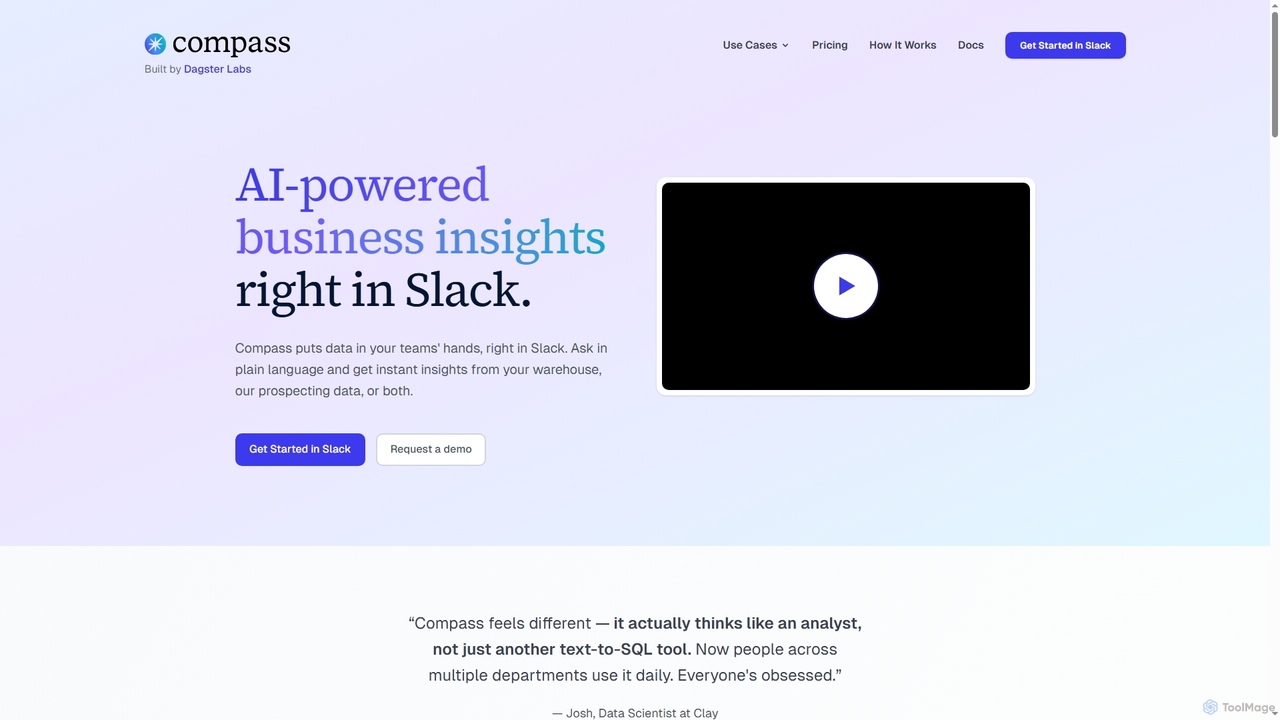
Compass is an AI-powered data assistant that operates directly within Slack. It enables teams to get fast, trusted business insights by asking questions in plain language, connecting to your data warehouse or using its built-in prospecting data.
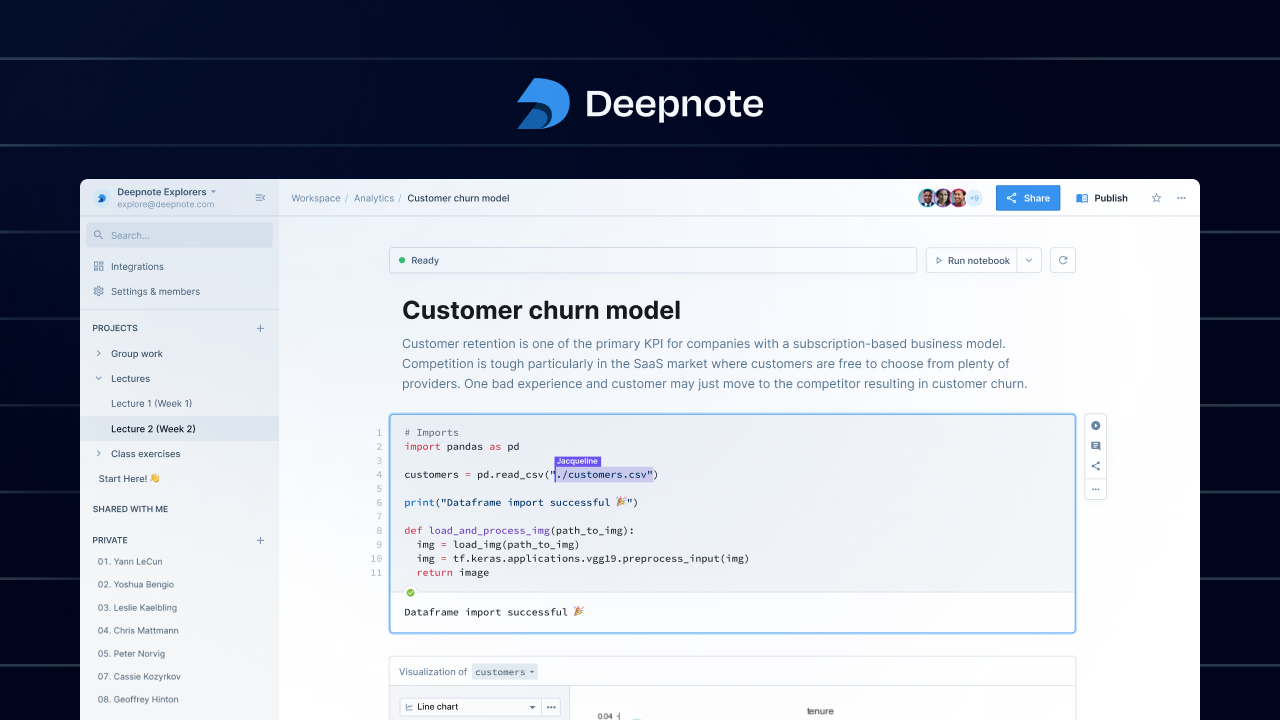
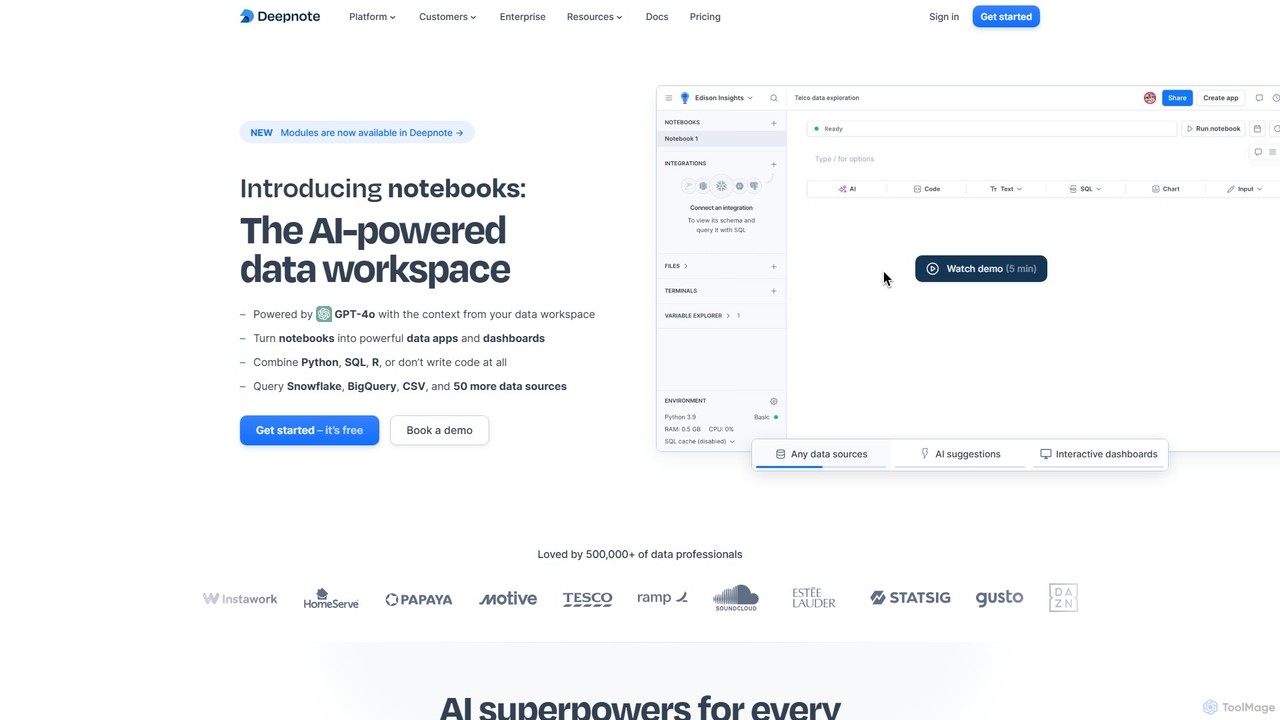
Deepnote is an AI-powered, collaborative data science notebook for teams. It unifies Python, SQL, and R in a single cloud-based workspace, enabling users to explore data, build machine learning models, and create interactive dashboards and apps with ease. Powered by GPT-4o, it automates analysis and code generation, making data science accessible to all skill levels.
Compare product focus, pricing models and audiences. Highlighted rows indicate different listed information; unknown pricing does not mean free.
| Quick facts | Compass | Deepnote |
|---|---|---|
| Pricing model | Freemium | Freemium |
| Product type | Web | Web |
| Primary focus | Business Intelligence | Business Intelligence |
| Audience and roles | CEO · Customer Success · Data Analyst · Executive · HR Manager · Marketer · Product Manager · Recruiter · Sales Leader · Sales Representative | No data available |
| Categories | Business Intelligence · Analytics · Collaboration · Lead Generation | Business Intelligence · Analytics · Data Science · Collaboration |
| Added | Dec 5, 2025 | Aug 11, 2025 |
| Updated | Nov 19, 2026 | Nov 19, 2026 |
Explore the listed product descriptions, features and workflows. Taxonomy labels alone are not feature evaluations.
Compass is a Slack-native AI data assistant designed to put data insights directly into the hands of business teams. It allows users to query their company's data warehouse or Compass's curated prospecting data using natural language. This eliminates the need to navigate complex dashboards or wait for data analysts, enabling faster, data-driven decisions across various departments like sales, marketing, and operations. The platform is built with data governance in mind, allowing data teams to control context and ensure accuracy through a GitOps workflow, making all analyses transparent and auditable.
To use Compass, start by integrating it with your Slack workspace. You can then choose your data source: either connect Compass directly to your company's data warehouse (such as Snowflake, BigQuery, or Redshift) or start immediately with Compass's built-in prospecting data. Once set up, team members can simply @mention Compass in any Slack channel and ask questions in plain English, like "which deals in my pipeline are at risk this quarter?" or "find me fintech companies in New York with >200 employees." Compass will reply instantly with summaries, visualizations, and actionable insights.
Compass is ideal for various business functions. Sales teams can use it for pipeline analysis, identifying at-risk deals, and monitoring engagement patterns. Business development representatives (BDRs) and recruiters can leverage the prospecting data to build qualified lead lists and talent pools instantly. Executives and CEOs can get high-level business performance metrics without waiting for reports. Customer success teams can monitor customer health, while product marketers can analyze market trends and identify new opportunities, all from within Slack.
The primary advantage of Compass is its ability to democratize data access, allowing non-technical users to self-serve insights without burdening the data team. This significantly speeds up decision-making. By integrating into the existing workflow of Slack, it increases adoption and collaboration around data. Its unique governance model ensures that while access is easy, the data remains secure, controlled, and trustworthy. The dual-data source model (your data + prospecting data) offers flexibility for different team needs.
Compass offers a freemium model with several tiers:
Deepnote is a next-generation data workspace designed for analytics and data science teams. It revolutionizes the traditional notebook experience by integrating powerful AI capabilities, real-time collaboration, and a seamless multi-language environment. Unlike legacy tools like Jupyter, Deepnote is a cloud-native platform that eliminates setup hassles and fosters teamwork. It allows users to connect to over 50 data sources, write and execute Python, SQL, and R code in the same notebook, and instantly visualize results. With its AI copilot, powered by GPT-4o, users can generate, debug, and explain code, or even perform entire analyses by simply describing their goals in natural language. This makes complex data tasks faster for experts and more accessible for beginners. Deepnote transforms static analyses into dynamic, shareable data apps and dashboards, complete with interactive inputs and scheduled updates, making it an end-to-end solution for moving from raw data to actionable insights.
Getting started with Deepnote is straightforward and requires no local installation. 1. **Sign Up:** Create a free account on the Deepnote website. Since it's browser-based, you can start immediately. 2. **Create a Workspace:** Organize your work by creating a workspace for your team or project. You can create folders to manage different analyses. 3. **Connect Your Data:** Integrate with your data sources in seconds. Deepnote supports over 50 connectors, including Snowflake, BigQuery, PostgreSQL, Amazon S3, and you can also upload CSV files directly. 4. **Start a Notebook:** Create a new notebook. You can use a combination of code blocks (Python, SQL, R), text blocks (Markdown), and no-code chart blocks. 5. **Leverage AI:** Use the AI assistant to accelerate your workflow. Type a prompt to generate SQL queries, write Python code for analysis, create visualizations, or debug errors. The AI is context-aware of your data schema and existing code. 6. **Collaborate in Real-Time:** Invite teammates to your notebook by sharing a link. Work together simultaneously, leave comments on specific cells, and review changes with version history, just like in Google Docs. 7. **Build and Share:** Turn your notebook into an interactive data app or dashboard. Arrange your cells, hide code blocks, and add input widgets like sliders and dropdowns. Share your live, interactive report with stakeholders with a single click.
Deepnote is versatile and supports a wide range of data-related tasks: Business Intelligence: Building interactive sales reports, customer 360 dashboards, and analyzing NPS data. Data Science & Machine Learning: Developing churn prediction models, implementing lead scoring algorithms, fine-tuning LLMs like LLaMA 7B, and performing protein visualizations. Data Analytics: Conducting A/B test evaluations, analyzing AWS costs, and performing quick data explorations. ETL & Automation: Creating pipelines to sync data between services (e.g., Salesforce to Notion) and scheduling regular data processing jobs. Education & Research: Providing a zero-setup, collaborative environment for teaching data science courses and conducting research projects.
Deepnote offers significant advantages over traditional tools. Its **AI-first approach** dramatically increases productivity for all users, from analysts to scientists. The **cloud-native, collaborative environment** removes friction in teamwork, eliminating environment setup and version control issues. By **unifying the entire data workflow**—from data connection and exploration to building and sharing interactive apps—it creates a single source of truth and accelerates the path to insight. Its **security and scalability** make it suitable for both small startups and large enterprises, ensuring data is protected and compute resources are always available. Finally, its **freemium model and free Education plan** make powerful data tools accessible to everyone.
Deepnote offers a tiered pricing structure to suit different needs:
Their taxonomy shows where the products overlap and where each one has a more distinct focus. Unknown fields are shown explicitly and are never filled with assumptions.
Traffic is shown on the same scale so differences in market visibility are not visually understated.
Both charts share the same months and vertical scale. Each tool identifies its latest reporting month; missing months are left blank, not counted as zero. Regional and source visit counts are estimates calculated from the reported shares.
| Country/region | Percentage | Estimated visits |
|---|---|---|
| 🇺🇸United States | 78.22% | 1K |
| 🇨🇦Canada | 21.78% | 280 |
| Country/region | Percentage | Estimated visits |
|---|---|---|
| 🇺🇸United States | 33.17% | 64K |
| 🇧🇷Brazil | 24.76% | 47.8K |
| 🇨🇴Colombia | 14.24% | 27.5K |
| 🇮🇳India | 13.94% | 26.9K |
| 🇮🇹Italy | 13.89% | 26.8K |
| Source type | Percentage | Estimated visits |
|---|---|---|
| Direct | 80.96% | 156.2K |
| Referral | 13.45% | 25.9K |
| 5.59% | 10.8K |
Ratings, comments, favorites, and likes are community signals—not a substitute for product fit.
No, Compass does not charge per user. All plans, including the Free plan, support unlimited users. Pricing is based on the number of 'Answers' and connected Slack channels, not the number of seats. You can even earn free Answers by inviting teammates.
An 'Answer' is defined as either one live question-and-reply interaction (a Q&A turn) or a single scheduled answer posted by Compass. If a scheduled answer is delivered to multiple channels, each delivery is counted as a separate Answer.
On paid plans (Starter and Team), Compass will continue to provide answers, and the overage will be billed at your plan's specified rate for that month ($0.70/Answer for Starter, $0.50/Answer for Team). On the Free plan, you will not be able to get more answers until you upgrade your plan or the next month begins.
No, the Free plan does not expire. It includes 20 Answers every month, allowing you to use Compass continuously for free with limited usage.
Yes, you can upgrade your plan or add more channels at any time. For annual plans, changes can be co-termed upon renewal.
This page is assembled from ToolMage product listings, taxonomy, traffic statistics and on-site user feedback. It is not a hands-on test or an independent review.