ToolMage
Sign in

AI TOOL COMPARISON

Bunnyshell vs GitLab

What is the difference, and which fits your workflow? Compare features, usage, pricing models and traffic side by side.

Jump to key differences

Product overview

Bunnyshell Product overview

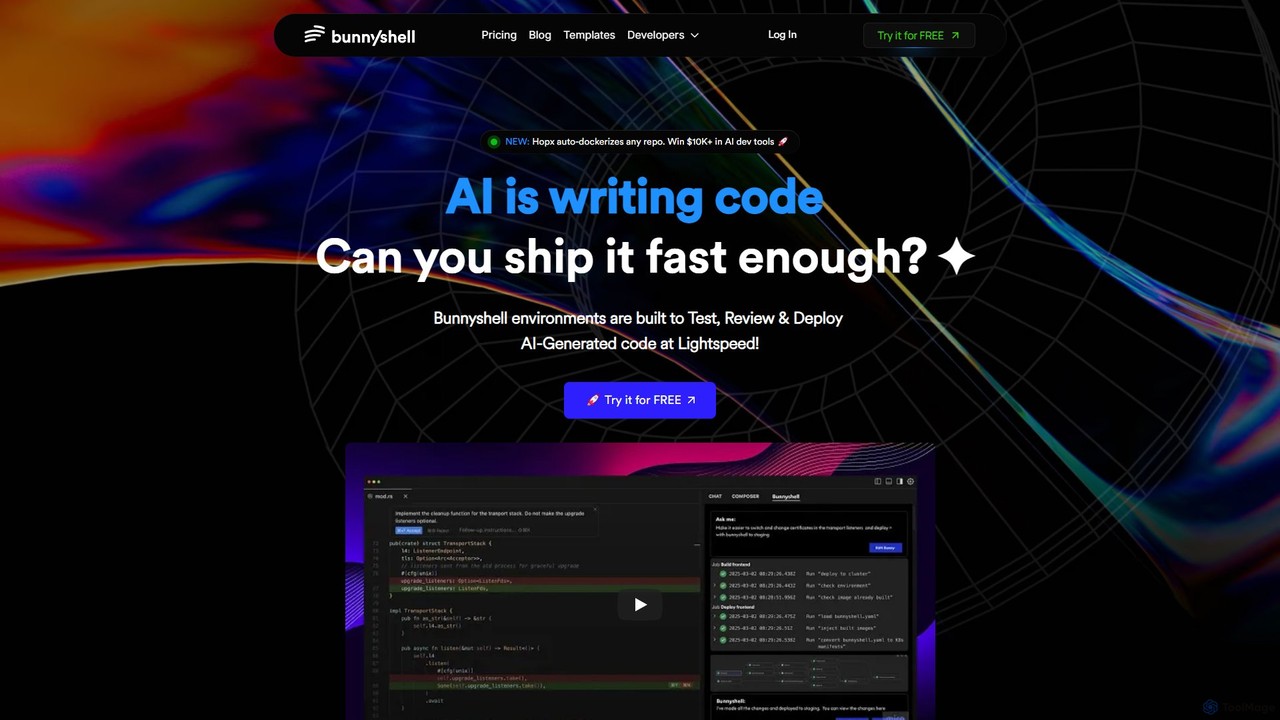
Bunnyshell is an AI-orchestrated Environments as a Service (EaaS) platform that automates the creation of ephemeral, production-like environments. It's designed to accelerate the testing, review, and deployment of code, especially AI-generated code, enabling teams to ship software up to 100x faster while reducing cloud costs by up to 70%.

Preview

GitLab Product overview

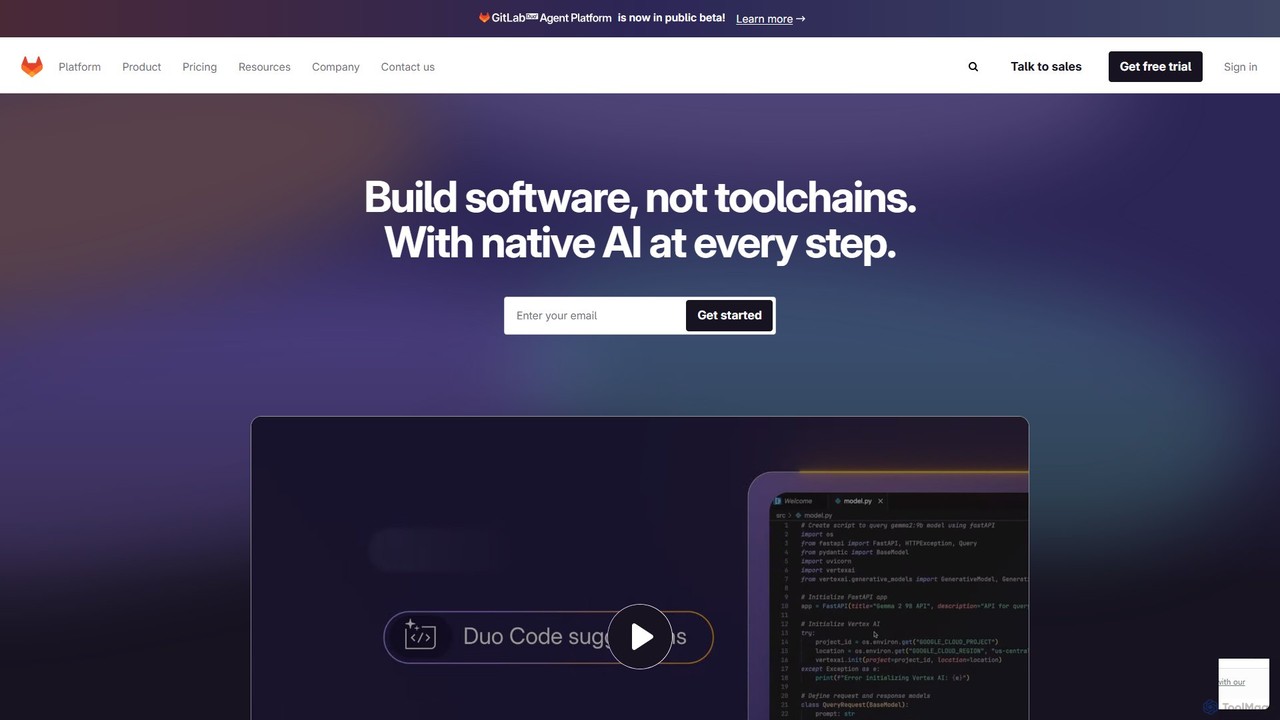
GitLab is a comprehensive, AI-powered DevSecOps platform that unifies the entire software development lifecycle into a single application. It provides source code management, CI/CD, security scanning, and project management, enhanced by GitLab Duo, its suite of AI capabilities, to accelerate software delivery and improve developer productivity.

Preview

Quick facts

Compare product focus, pricing models and audiences. Highlighted rows indicate different listed information; unknown pricing does not mean free.

Bunnyshell VS GitLab — Quick facts
Quick factsBunnyshellGitLab
Pricing modelFreemiumFreemium
Product typeWebWeb
Primary focusInfrastructureCode Assistant
Audience and rolesNo data availableNo data available
CategoriesInfrastructure · Devops · Testing · Project ManagementCode Assistant · Devops · Project Management
AddedAug 6, 2025Aug 13, 2025
UpdatedNov 19, 2026Nov 19, 2026

Features, usage and use cases

Explore the listed product descriptions, features and workflows. Taxonomy labels alone are not feature evaluations.

Bunnyshell

Bunnyshell is a powerful Environments as a Service (EaaS) platform designed to revolutionize the software development lifecycle. In an era where AI is increasingly writing code, Bunnyshell provides the critical infrastructure to test, review, and deploy this code at unprecedented speeds. It addresses the common bottlenecks in development pipelines by offering AI-orchestrated, ephemeral, and production-like environments for every pull request. This ensures that developers can work in isolated, secure, and consistent settings, eliminating configuration drift and hidden bugs before they reach production.

The platform's core mission is to empower development teams to move from weekly deployments to multiple deployments per day. By automating environment provisioning and management, Bunnyshell frees developers from complex DevOps tasks, allowing them to focus on writing quality code. It seamlessly integrates with existing workflows and toolchains, including GitHub, GitLab, Bitbucket, Kubernetes, and all major cloud providers, ensuring a smooth and rapid adoption process without requiring changes to the current stack.

How to use Bunnyshell

Getting started with Bunnyshell is designed to be straightforward and fast, requiring no deep DevOps expertise. The typical workflow is as follows:

  1. Connect Your Repository: Integrate Bunnyshell with your Git provider (GitHub, GitLab, Bitbucket).
  2. Define Your Environment: Use a simple `bunnyshell.yml` file in your repository to define your application stack, or leverage Bunnyshell's AI-assisted setup and templates. The new Hopx feature can even auto-dockerize any repository, simplifying this step further.
  3. Automated Environment Creation: Bunnyshell automatically spins up a new, isolated, and fully-functional preview environment for every pull request. This environment is a perfect replica of production.
  4. Test and Review: Use the unique URL for each ephemeral environment to conduct thorough testing, UI/UX reviews, and stakeholder feedback sessions in a live setting.
  5. Merge and Deploy: Once the pull request is approved and merged, Bunnyshell automatically tears down the ephemeral environment and can be configured to trigger a deployment to your staging or production environments.
  6. Manage via CLI/API: For advanced users and automation, Bunnyshell provides a full-featured Command Line Interface (CLI) and API to manage environments programmatically.

Core Features of Bunnyshell

  • AI-Orchestrated Environments: Automates the creation, management, and teardown of development environments.
  • Ephemeral & Preview Environments: Instantly creates isolated, shareable environments for every pull request, enabling parallel development and faster review cycles.
  • Production-Like Replicas: Ensures environments are identical to production, minimizing the "it works on my machine" problem and catching bugs early.
  • Cloud Cost Optimization: Automatically detects and shuts down idle environments, leading to cloud infrastructure cost savings of up to 70%.
  • Seamless Integrations: Works out-of-the-box with popular tools like GitHub, GitLab, Kubernetes, Docker, and major cloud providers (AWS, Azure, DigitalOcean).
  • Enterprise-Grade Security: Features SOC 2 compliance, Single Sign-On (SSO), on-premise deployment options, and data anonymization to meet enterprise security standards.
  • Developer Productivity Tools: Includes a full API & CLI, DORA metrics for performance tracking, and fast build systems to enhance the developer experience.
  • Hopx Auto-Dockerizer: A new feature that automatically containerizes any repository, lowering the barrier to entry for container-based development.

Use Cases for Bunnyshell

Bunnyshell is ideal for a wide range of teams and scenarios:

  • AI-Powered Teams: Rapidly test and deploy AI-generated code, ensuring that the high velocity of code creation is matched by deployment speed.
  • High-Velocity Development: Enables teams practicing CI/CD to move from weekly or bi-weekly releases to multiple deployments per day, stress-free.
  • Quality Assurance & Code Review: Provides QA engineers and product managers with live, testable environments for every feature, improving feedback quality and speed.
  • Complex Microservices Architectures: Simplifies the management of complex applications by allowing developers to spin up the entire stack for testing a single service change.
  • DevOps Automation: Reduces the burden on DevOps teams by empowering developers to self-serve their own environments, cutting down setup time from days to minutes.

Advantages of Bunnyshell

The primary advantages of adopting Bunnyshell are speed, efficiency, and reliability. Teams report a 100x increase in deployment velocity, moving from slow, risky releases to a continuous flow of updates. The platform significantly reduces cloud waste through its auto-shutdown feature. By providing secure, isolated, and consistent environments, it enhances code quality and system stability. Ultimately, Bunnyshell simplifies the entire development-to-deployment process, allowing companies to innovate faster and stay ahead of the competition.

Pricing and Plans

Bunnyshell offers a flexible pricing model with a 14-day free trial to get started.

  • Personal Plan: Starting at $20/month. Includes 2 CPUs, 4 GB RAM, 25 GB Storage. Perfect for small projects and individual developers.
  • Pro Plan: Starting at $40/month. Includes 4 CPUs, 8 GB RAM, 50 GB Storage. Ideal for more complex applications and daily use.
  • Turbo Plan: Starting at $80/month. Includes 6 CPUs, 12 GB RAM, 100 GB Storage. Designed for AI engineers and complex deployment pipelines.
  • Business/Enterprise Plan: Custom pricing is available for larger teams with specific needs like on-premise deployment, SSO, and dedicated support. A demo can be booked to discuss these requirements.

All paid plans include key features like Preview Environments, Sandbox AI Environments, and Modern CI/CD capabilities.

GitLab

What is GitLab

GitLab is an all-in-one, open-core DevSecOps platform that enables teams to collaborate on software development from concept to production. It provides a single application for the entire software development lifecycle (SDLC), eliminating the need for a complex toolchain of disparate applications. By integrating source code management, continuous integration/continuous delivery (CI/CD), security testing, monitoring, and project management, GitLab offers unprecedented visibility and control over the development process. Recently, GitLab has integrated a powerful suite of AI features, branded as GitLab Duo, which acts as an intelligent assistant across the entire platform. This AI integration helps developers write better code faster, identify and fix vulnerabilities, summarize issues, and streamline workflows, making GitLab a truly comprehensive and intelligent solution for modern software development.

How to use GitLab

Getting started with GitLab involves a straightforward workflow that covers the entire development lifecycle:

  1. Create a Project: Start by creating a new project, which will host your Git repository, issue tracker, CI/CD pipelines, and more.
  2. Source Code Management: Push your code to the repository. Collaborate with your team using branches, merge requests (MRs), and code reviews.
  3. Leverage AI with GitLab Duo: While coding in your IDE, use GitLab Duo Code Suggestions to get real-time code completions. Use AI Chat to ask questions, refactor code, or generate tests.
  4. Automate with CI/CD: Define your build, test, and deployment stages in a .gitlab-ci.yml file. GitLab Runners will automatically execute these pipelines on every commit or merge request.
  5. Integrate Security (DevSecOps): Configure security scans like Static Application Security Testing (SAST), Dynamic Application Security Testing (DAST), and Secret Detection to run within your CI/CD pipelines. GitLab will report vulnerabilities directly in the merge request.
  6. Manage Projects and Plan Work: Use GitLab Issues, Epics, and Boards for agile project management. Track progress, plan sprints, and visualize your workflow from idea to release.
  7. Deploy and Monitor: Deploy your application to various environments (staging, production) and use GitLab's monitoring features to track application performance and stability.

Core Features of GitLab

  • AI-Powered DevSecOps (GitLab Duo): Includes Code Suggestions, AI Chat in the IDE, code generation, test generation, vulnerability explanation and resolution, and summarization of issues and merge requests.
  • Source Code Management (SCM): Provides robust, scalable Git-based repositories with fine-grained access controls, code reviews, and merge request workflows.
  • Continuous Integration & Delivery (CI/CD): Industry-leading, built-in CI/CD to automate building, testing, and deploying applications. Highly configurable and scalable.
  • Integrated Security Scanning: A full suite of security tools, including SAST, DAST, Dependency Scanning, Container Scanning, and Secret Detection, integrated directly into the development workflow.
  • Enterprise Agile Planning: Advanced project management tools like Epics, Roadmaps, Value Stream Analytics, and portfolio management to align development work with business objectives.
  • Package & Container Registry: Built-in registries for managing Docker containers, npm packages, Maven artifacts, and more.
  • Governance and Compliance: Features like compliance pipelines, audit logs, and vulnerability management dashboards to meet enterprise security and regulatory requirements.

Use Cases for GitLab

GitLab is versatile and can be adapted for various teams and organizations:

  • Startups and Small Teams: Utilize the Free or Premium plans to establish a complete, cost-effective DevOps workflow from day one without managing multiple tools.
  • Large Enterprises: Leverage the Ultimate plan for advanced security, compliance, and portfolio management to standardize DevSecOps practices across hundreds of teams.
  • Open Source Projects: Use the generous free tier to host code, collaborate with the community, and automate builds and tests.
  • DevSecOps Transformation: Companies can use GitLab to shift security left, embedding automated security testing and vulnerability management directly into the CI/CD pipeline, catching issues earlier and reducing risk.
  • Cloud-Native Development: Teams building microservices and deploying to Kubernetes can use GitLab's integrated container registry and Kubernetes integration for a seamless workflow.

Advantages of GitLab

The primary advantage of GitLab is its single-platform approach, which offers several key benefits:

  • Reduced Toolchain Complexity: Replaces multiple point solutions (e.g., GitHub, Jenkins, Jira, SonarQube) with a single, unified interface, reducing integration costs and administrative overhead.
  • Enhanced Collaboration and Visibility: A single source of truth for all development activities improves communication and provides end-to-end visibility across the entire lifecycle.
  • Accelerated Delivery Cycles: Tightly integrated CI/CD, testing, and AI assistance help teams automate more, reduce manual handoffs, and release software faster.
  • Built-in Security and Compliance: DevSecOps is a core part of the platform, not an afterthought, enabling teams to build more secure software from the start.
  • Scalability and Flexibility: Offers multiple deployment options (SaaS, Self-Managed, Dedicated) to meet the needs of any organization, from small teams to the largest public companies.

Pricing and Plans

GitLab offers a tiered pricing model to suit different needs, available as a cloud-hosted (GitLab.com) or self-managed solution.

  • Free Plan: $0/user/month. Ideal for individuals and small projects. Includes source code management, CI/CD (with 400 compute minutes/month), and 5 licensed users.
  • Premium Plan: $29/user/month (billed annually). For scaling teams needing enhanced productivity. Includes everything in Free, plus AI Chat and Code Suggestions in the IDE, priority support, advanced project management, release controls, and 10,000 compute minutes/month.
  • Ultimate Plan: Contact Sales for pricing. For enterprises requiring advanced security and compliance. Includes everything in Premium, plus advanced application security testing (DAST, Fuzz Testing), software supply chain security, vulnerability management, portfolio management, and 50,000 compute minutes/month.
  • Add-ons:
    • GitLab Duo Pro: $19/user/month. Extends AI capabilities across the GitLab UI for Premium and Ultimate customers.
    • GitLab Duo Enterprise: Contact Sales. The most comprehensive AI offering with features like root cause analysis and vulnerability resolution.
    • Compute Minutes & Storage: Available for purchase as needed.

Positioning

Their taxonomy shows where the products overlap and where each one has a more distinct focus. Unknown fields are shown explicitly and are never filled with assumptions.

Categories

Shared
DevopsProject Management
Only Bunnyshell
InfrastructureTesting
Only GitLab
Code Assistant

Tags

Shared
CI/CDdevops
Only Bunnyshell
AI developmentCloud Cost ManagementdockerEaaSEnvironment as a ServiceEphemeral EnvironmentskubernetesPreview EnvironmentsSoftware DeploymentTesting Environment
Only GitLab
AI code assistantcode repositorycontinuous integrationDevSecOpsGitproject managementsoftware developmentversion control

Audience and roles

Shared
No listed items
Only Bunnyshell
No listed items
Only GitLab
No listed items

Traffic comparison

Traffic is shown on the same scale so differences in market visibility are not visually understated.

How to interpret the traffic data

Both charts share the same months and vertical scale. Each tool identifies its latest reporting month; missing months are left blank, not counted as zero. Regional and source visit counts are estimates calculated from the reported shares.

Bunnyshell monthly traffic:

Latest traffic · 2026-05

Monthly visits
31.3K
Avg. visit duration
0:17
Pages per visit
1.73
Bounce rate
39.76%
Data updated 2026-06-15

Monthly traffic trend

  • 2025-09: 24.6K
  • 2026-01: 19.2K
  • 2026-02: 15.1K
  • 2026-03: 16.8K
  • 2026-04: 22.3K
  • 2026-05: 31.3K

Top regions

Top 5 countries/regions
Country/regionPercentageEstimated visits
🇺🇸United States32.09%10K
🇮🇳India29.56%9.3K
🇻🇳Vietnam17.11%5.4K
🇫🇷France10.94%3.4K
🇧🇷Brazil10.3%3.2K

Search keywords

alternative to vercelbunnyshellcoolify alternativesokteto alternativessite like vercel

GitLab monthly traffic:

Latest traffic · 2026-05

Monthly visits
1.6M
Avg. visit duration
0:43
Pages per visit
1.55
Bounce rate
71.04%
Data updated 2026-06-15

Monthly traffic trend

  • 2025-09: 1.5M
  • 2026-01: 1.7M
  • 2026-02: 1.7M
  • 2026-03: 2M
  • 2026-04: 1.8M
  • 2026-05: 1.6M

Top regions

Top 5 countries/regions
Country/regionPercentageEstimated visits
🇺🇸United States33.27%526.5K
🇮🇳India29.83%472.1K
🇩🇪Germany14.09%223K
🇫🇷France11.96%189.3K
🇮🇩Indonesia10.85%171.7K

Traffic sources

Source typePercentageEstimated visits
Direct83.5%1.3M
Referral12.55%198.6K
Email3.95%62.5K

Search keywords

githubgit labgitlabgitlab careersgitlab pricing

Community signals

Ratings, comments, favorites, and likes are community signals—not a substitute for product fit.

Bunnyshell

Rating
No data available
Comments
0
Favorites
160
Likes
170

GitLab

Rating
No data available
Comments
0
Favorites
186
Likes
186

Bunnyshell vs GitLab · Comparison FAQ

What do Bunnyshell and GitLab have in common?
Both tools are listed under Devops、Project Management. These categories indicate overlapping use cases; compare their detailed descriptions for workflows, capabilities and limitations.
Are Bunnyshell and GitLab free?
Listed pricing models: Bunnyshell — Freemium; GitLab — Freemium. Missing pricing is not proof of a free plan, and freemium does not mean every feature is free. Check official sites for current plans, limits and trials.
How should I choose between Bunnyshell and GitLab?
The primary listed category is Infrastructure for Bunnyshell, and Code Assistant for GitLab. Compare features, steps and use cases, then verify pricing, data permissions and deployment needs. This page does not include hands-on testing and does not declare a winner from traffic or tags.

Sources and comparison methodology

This page is assembled from ToolMage product listings, taxonomy, traffic statistics and on-site user feedback. It is not a hands-on test or an independent review.

  • Feature and plan descriptions reflect information in the listings, not real-time guarantees. Verify pricing, quotas, availability and privacy terms on the official sites.
  • Traffic uses the reporting months shown. Missing statistics do not mean zero visits, and different periods do not establish growth or superiority. Regional and source visit counts are estimates based on shares.
  • Different tags indicate differences in the listings, not proof that the other product lacks a capability. Ratings, favorites and visits are not used to declare a winner.

Related comparisons