ToolMage
Sign in

AI TOOL COMPARISON

Bunnyshell vs Release

What is the difference, and which fits your workflow? Compare features, usage, pricing models and traffic side by side.

Jump to key differences

Product overview

Bunnyshell Product overview

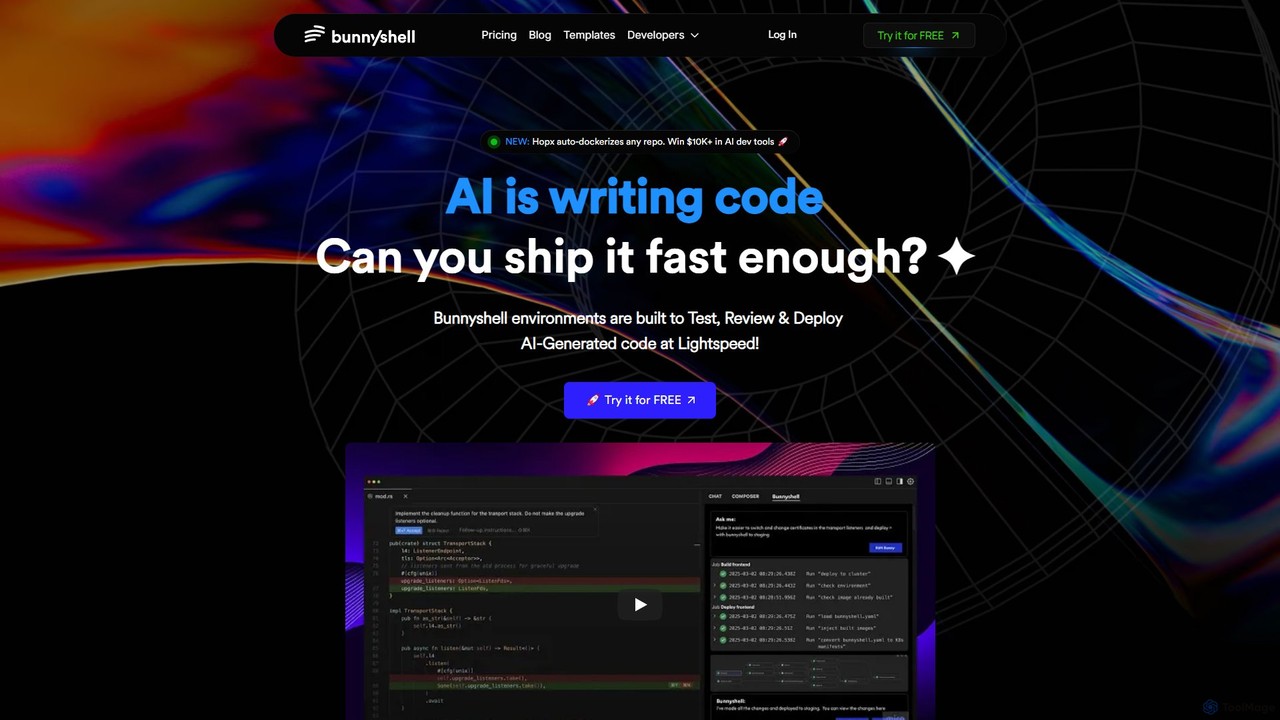
Bunnyshell is an AI-orchestrated Environments as a Service (EaaS) platform that automates the creation of ephemeral, production-like environments. It's designed to accelerate the testing, review, and deployment of code, especially AI-generated code, enabling teams to ship software up to 100x faster while reducing cloud costs by up to 70%.

Preview

Release Product overview

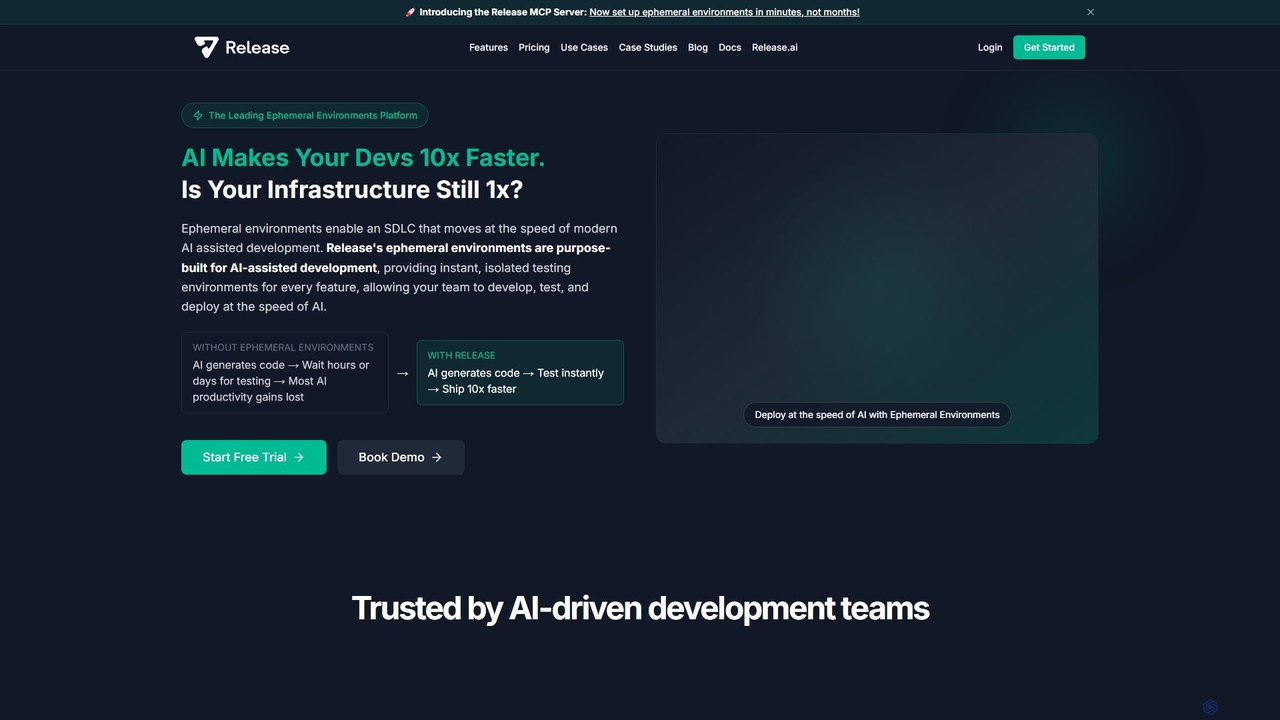
Release is an AI-powered ephemeral environments platform that accelerates software development. It provides instant, isolated testing environments for every feature or pull request, eliminating infrastructure bottlenecks. By integrating with AI development tools and IDEs, Release enables teams to test and deploy code up to 10x faster.

Preview

Quick facts

Compare product focus, pricing models and audiences. Highlighted rows indicate different listed information; unknown pricing does not mean free.

Bunnyshell VS Release — Quick facts
Quick factsBunnyshellRelease
Pricing modelFreemiumFreemium
Product typeWebWeb
Primary focusInfrastructureDevops
Audience and rolesNo data availableNo data available
CategoriesInfrastructure · Devops · Testing · Project ManagementDevops · Testing · Infrastructure
AddedAug 6, 2025Aug 12, 2025
UpdatedNov 19, 2026Nov 19, 2026

Features, usage and use cases

Explore the listed product descriptions, features and workflows. Taxonomy labels alone are not feature evaluations.

Bunnyshell

Bunnyshell is a powerful Environments as a Service (EaaS) platform designed to revolutionize the software development lifecycle. In an era where AI is increasingly writing code, Bunnyshell provides the critical infrastructure to test, review, and deploy this code at unprecedented speeds. It addresses the common bottlenecks in development pipelines by offering AI-orchestrated, ephemeral, and production-like environments for every pull request. This ensures that developers can work in isolated, secure, and consistent settings, eliminating configuration drift and hidden bugs before they reach production.

The platform's core mission is to empower development teams to move from weekly deployments to multiple deployments per day. By automating environment provisioning and management, Bunnyshell frees developers from complex DevOps tasks, allowing them to focus on writing quality code. It seamlessly integrates with existing workflows and toolchains, including GitHub, GitLab, Bitbucket, Kubernetes, and all major cloud providers, ensuring a smooth and rapid adoption process without requiring changes to the current stack.

How to use Bunnyshell

Getting started with Bunnyshell is designed to be straightforward and fast, requiring no deep DevOps expertise. The typical workflow is as follows:

  1. Connect Your Repository: Integrate Bunnyshell with your Git provider (GitHub, GitLab, Bitbucket).
  2. Define Your Environment: Use a simple `bunnyshell.yml` file in your repository to define your application stack, or leverage Bunnyshell's AI-assisted setup and templates. The new Hopx feature can even auto-dockerize any repository, simplifying this step further.
  3. Automated Environment Creation: Bunnyshell automatically spins up a new, isolated, and fully-functional preview environment for every pull request. This environment is a perfect replica of production.
  4. Test and Review: Use the unique URL for each ephemeral environment to conduct thorough testing, UI/UX reviews, and stakeholder feedback sessions in a live setting.
  5. Merge and Deploy: Once the pull request is approved and merged, Bunnyshell automatically tears down the ephemeral environment and can be configured to trigger a deployment to your staging or production environments.
  6. Manage via CLI/API: For advanced users and automation, Bunnyshell provides a full-featured Command Line Interface (CLI) and API to manage environments programmatically.

Core Features of Bunnyshell

  • AI-Orchestrated Environments: Automates the creation, management, and teardown of development environments.
  • Ephemeral & Preview Environments: Instantly creates isolated, shareable environments for every pull request, enabling parallel development and faster review cycles.
  • Production-Like Replicas: Ensures environments are identical to production, minimizing the "it works on my machine" problem and catching bugs early.
  • Cloud Cost Optimization: Automatically detects and shuts down idle environments, leading to cloud infrastructure cost savings of up to 70%.
  • Seamless Integrations: Works out-of-the-box with popular tools like GitHub, GitLab, Kubernetes, Docker, and major cloud providers (AWS, Azure, DigitalOcean).
  • Enterprise-Grade Security: Features SOC 2 compliance, Single Sign-On (SSO), on-premise deployment options, and data anonymization to meet enterprise security standards.
  • Developer Productivity Tools: Includes a full API & CLI, DORA metrics for performance tracking, and fast build systems to enhance the developer experience.
  • Hopx Auto-Dockerizer: A new feature that automatically containerizes any repository, lowering the barrier to entry for container-based development.

Use Cases for Bunnyshell

Bunnyshell is ideal for a wide range of teams and scenarios:

  • AI-Powered Teams: Rapidly test and deploy AI-generated code, ensuring that the high velocity of code creation is matched by deployment speed.
  • High-Velocity Development: Enables teams practicing CI/CD to move from weekly or bi-weekly releases to multiple deployments per day, stress-free.
  • Quality Assurance & Code Review: Provides QA engineers and product managers with live, testable environments for every feature, improving feedback quality and speed.
  • Complex Microservices Architectures: Simplifies the management of complex applications by allowing developers to spin up the entire stack for testing a single service change.
  • DevOps Automation: Reduces the burden on DevOps teams by empowering developers to self-serve their own environments, cutting down setup time from days to minutes.

Advantages of Bunnyshell

The primary advantages of adopting Bunnyshell are speed, efficiency, and reliability. Teams report a 100x increase in deployment velocity, moving from slow, risky releases to a continuous flow of updates. The platform significantly reduces cloud waste through its auto-shutdown feature. By providing secure, isolated, and consistent environments, it enhances code quality and system stability. Ultimately, Bunnyshell simplifies the entire development-to-deployment process, allowing companies to innovate faster and stay ahead of the competition.

Pricing and Plans

Bunnyshell offers a flexible pricing model with a 14-day free trial to get started.

  • Personal Plan: Starting at $20/month. Includes 2 CPUs, 4 GB RAM, 25 GB Storage. Perfect for small projects and individual developers.
  • Pro Plan: Starting at $40/month. Includes 4 CPUs, 8 GB RAM, 50 GB Storage. Ideal for more complex applications and daily use.
  • Turbo Plan: Starting at $80/month. Includes 6 CPUs, 12 GB RAM, 100 GB Storage. Designed for AI engineers and complex deployment pipelines.
  • Business/Enterprise Plan: Custom pricing is available for larger teams with specific needs like on-premise deployment, SSO, and dedicated support. A demo can be booked to discuss these requirements.

All paid plans include key features like Preview Environments, Sandbox AI Environments, and Modern CI/CD capabilities.

Release

Release is a pioneering ephemeral environments platform designed to synchronize infrastructure speed with the rapid pace of AI-assisted development. In modern software development, AI tools can generate code at an unprecedented rate, but traditional staging and testing environments create significant bottlenecks, nullifying these productivity gains. Release addresses this challenge by providing on-demand, isolated, and fully functional testing environments for every feature, branch, and pull request (PR).

The core of the platform is the Release MCP (Model Context Protocol) Server, an innovative AI-powered engine that transforms the complex process of setting up environments. What traditionally took weeks or months of manual configuration can now be accomplished in minutes. The MCP Server analyzes your application's codebase, automatically detects frameworks, dependencies, and database requirements, and then generates an optimized configuration template. This allows development teams to eliminate manual setup and focus on building and shipping high-quality software.

How to use Release

Using Release is designed to be a seamless part of the development workflow:

  1. Onboard Your Application: Start by pointing the Release MCP Server to your code repository. It will run an analysis to understand your stack, including Dockerfiles, package.json, frameworks like React or Next.js, and database configurations.
  2. Generate Configuration: Within minutes, the MCP Server generates a complete and optimized environment configuration. This plan is ready for immediate deployment.
  3. Integrate with Your Workflow: Release integrates directly into your existing tools, most notably your IDE (e.g., Cursor). This allows you to manage environments without ever leaving your development context.
  4. Automated Environment Creation: Once configured, Release automatically spins up a new, isolated ephemeral environment for every pull request or feature branch. This enables parallel testing without any conflicts.
  5. Manage with Natural Language: Interact with your running environments using the conversational AI of the MCP Server. You can ask for deployment statuses, check logs, or debug issues with simple English commands like "what's the status of my feature branch deployments?" or "help me debug 500 errors on the API."
  6. AI-Powered Debugging: Grant AI agents access to your environment logs. The platform can then automatically analyze error patterns, identify root causes (e.g., incorrect environment variables), and suggest fixes, drastically reducing troubleshooting time.
  7. Automatic Cleanup: Ephemeral environments are automatically decommissioned and cleaned up when the corresponding branch is merged or closed, preventing resource waste and eliminating manual maintenance.

Core Features of Release

  • AI-Powered Onboarding (MCP Server): Automatically analyzes codebases and generates optimal environment configurations in minutes.
  • Instant Ephemeral Environments: Creates complete, isolated, full-stack environments for every PR and feature branch on-demand.
  • Conversational Management & Debugging: Use natural language requests within your IDE to manage, monitor, and troubleshoot environments.
  • AI-Powered Log Analysis: AI agents can access runtime logs to proactively identify issues, pinpoint root causes, and suggest solutions.
  • Complete Database Integration: Automatically provisions stateful services like databases for each environment, and can help populate test data and manage schema migrations.
  • IDE Integration: Seamlessly integrates with developer tools like Cursor, keeping environment management within the natural development flow.
  • Stack-Agnostic: Works with any technology stack, from simple applications to complex, multi-service enterprise systems.
  • Automated Lifecycle Management: Fully automates the creation, maintenance, and teardown of environments, freeing up DevOps resources.

Use Cases for Release

Release is ideal for modern development teams looking to maximize their velocity and efficiency:

  • AI Development Teams: Provides the necessary infrastructure to keep pace with AI-assisted code generation, enabling rapid testing and iteration of AI features and models.
  • High-Velocity DevOps: Eliminates deployment queues and staging bottlenecks, allowing teams to confidently push multiple releases per day.
  • Parallel Feature Branch Testing: Enables developers and AI agents to test new features in fully isolated environments, preventing conflicts and ensuring code quality.
  • ML/AI Workload Validation: Allows for testing and validation of machine learning models in production-like environments that are optimized for AI/ML workloads.
  • Replacing Traditional Staging: Modernizes the SDLC by replacing slow, monolithic, and costly staging environments with fast, on-demand ephemeral environments.

Advantages of Release

The primary advantage of Release is the massive acceleration of the development lifecycle. By removing infrastructure as a bottleneck, teams can ship features up to 10x faster. This preserves the return on investment in AI development tools. It enables true parallel development, improves developer happiness by removing tedious infrastructure tasks, and reduces the hidden costs associated with maintaining persistent staging servers. The automated, AI-optimized nature of the platform ensures that infrastructure scales seamlessly with development velocity.

Pricing and Plans

Release operates on a freemium model. There is a free trial available for teams to get started and experience the platform's benefits. For larger teams and enterprise use cases with specific needs, Release offers tailored plans. Detailed pricing information is available upon booking a personalized demo with their engineering team through the official website.

Positioning

Their taxonomy shows where the products overlap and where each one has a more distinct focus. Unknown fields are shown explicitly and are never filled with assumptions.

Categories

Shared
DevopsTesting
Only Bunnyshell
InfrastructureProject Management
Only Release
Infrastructure

Tags

Shared
AI developmentCI/CDdevopsEphemeral Environmentskubernetes
Only Bunnyshell
Cloud Cost ManagementdockerEaaSEnvironment as a ServicePreview EnvironmentsSoftware DeploymentTesting Environment
Only Release
developer toolsinfrastructuresoftware developmentstaging environmenttesting

Audience and roles

Shared
No listed items
Only Bunnyshell
No listed items
Only Release
No listed items

Traffic comparison

Traffic is shown on the same scale so differences in market visibility are not visually understated.

How to interpret the traffic data

Both charts share the same months and vertical scale. Each tool identifies its latest reporting month; missing months are left blank, not counted as zero. Regional and source visit counts are estimates calculated from the reported shares.

Bunnyshell monthly traffic:

Latest traffic · 2026-05

Monthly visits
31.3K
Avg. visit duration
0:17
Pages per visit
1.73
Bounce rate
39.76%
Data updated 2026-06-15

Monthly traffic trend

  • 2025-09: 24.6K
  • 2026-01: 19.2K
  • 2026-02: 15.1K
  • 2026-03: 16.8K
  • 2026-04: 22.3K
  • 2026-05: 31.3K

Top regions

Top 5 countries/regions
Country/regionPercentageEstimated visits
🇺🇸United States32.09%10K
🇮🇳India29.56%9.3K
🇻🇳Vietnam17.11%5.4K
🇫🇷France10.94%3.4K
🇧🇷Brazil10.3%3.2K

Search keywords

alternative to vercelbunnyshellcoolify alternativesokteto alternativessite like vercel

Release monthly traffic:

Latest traffic · 2026-05

Monthly visits
17.4K
Avg. visit duration
0:10
Pages per visit
1.59
Bounce rate
42.93%
Data updated 2026-06-15

Monthly traffic trend

  • 2025-09: 20.9K
  • 2026-01: 24.8K
  • 2026-02: 21.2K
  • 2026-03: 17.3K
  • 2026-04: 13.3K
  • 2026-05: 17.4K

Top regions

Top 5 countries/regions
Country/regionPercentageEstimated visits
🇺🇸United States48.38%8.4K
🇻🇳Vietnam17.5%3.1K
🇮🇳India13.8%2.4K
🇫🇷France10.76%1.9K
🇹🇭Thailand9.56%1.7K

Search keywords

does launchdarkly integrate with flxbl ci/cd toolenvironment presetreleasereleases.com operationa statuswhat happen to release.com

Community signals

Ratings, comments, favorites, and likes are community signals—not a substitute for product fit.

Bunnyshell

Rating
No data available
Comments
0
Favorites
160
Likes
170

Release

Rating
No data available
Comments
0
Favorites
144
Likes
155

Bunnyshell vs Release · Comparison FAQ

What do Bunnyshell and Release have in common?
Both tools are listed under Devops、Testing. These categories indicate overlapping use cases; compare their detailed descriptions for workflows, capabilities and limitations.
Are Bunnyshell and Release free?
Listed pricing models: Bunnyshell — Freemium; Release — Freemium. Missing pricing is not proof of a free plan, and freemium does not mean every feature is free. Check official sites for current plans, limits and trials.
How should I choose between Bunnyshell and Release?
The primary listed category is Infrastructure for Bunnyshell, and Devops for Release. Compare features, steps and use cases, then verify pricing, data permissions and deployment needs. This page does not include hands-on testing and does not declare a winner from traffic or tags.

Sources and comparison methodology

This page is assembled from ToolMage product listings, taxonomy, traffic statistics and on-site user feedback. It is not a hands-on test or an independent review.
  • Feature and plan descriptions reflect information in the listings, not real-time guarantees. Verify pricing, quotas, availability and privacy terms on the official sites.
  • Traffic uses the reporting months shown. Missing statistics do not mean zero visits, and different periods do not establish growth or superiority. Regional and source visit counts are estimates based on shares.
  • Different tags indicate differences in the listings, not proof that the other product lacks a capability. Ratings, favorites and visits are not used to declare a winner.

Related comparisons