Codespell
Code Assistant
AI TOOL COMPARISON
What is the difference, and which fits your workflow? Compare features, usage, pricing models and traffic side by side.
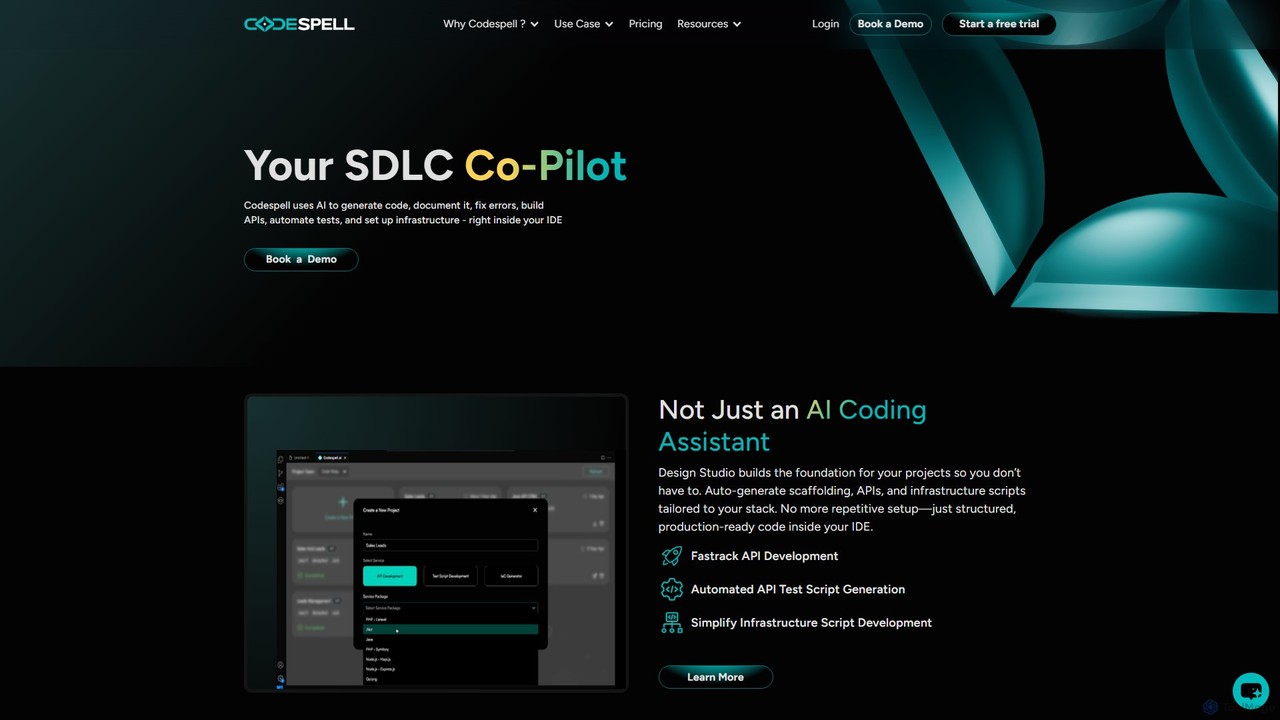
Codespell is an AI-powered SDLC co-pilot that integrates into your IDE to accelerate software development. It goes beyond code completion, helping generate code, create APIs, automate tests, document logic, and fix errors, streamlining the entire development lifecycle.
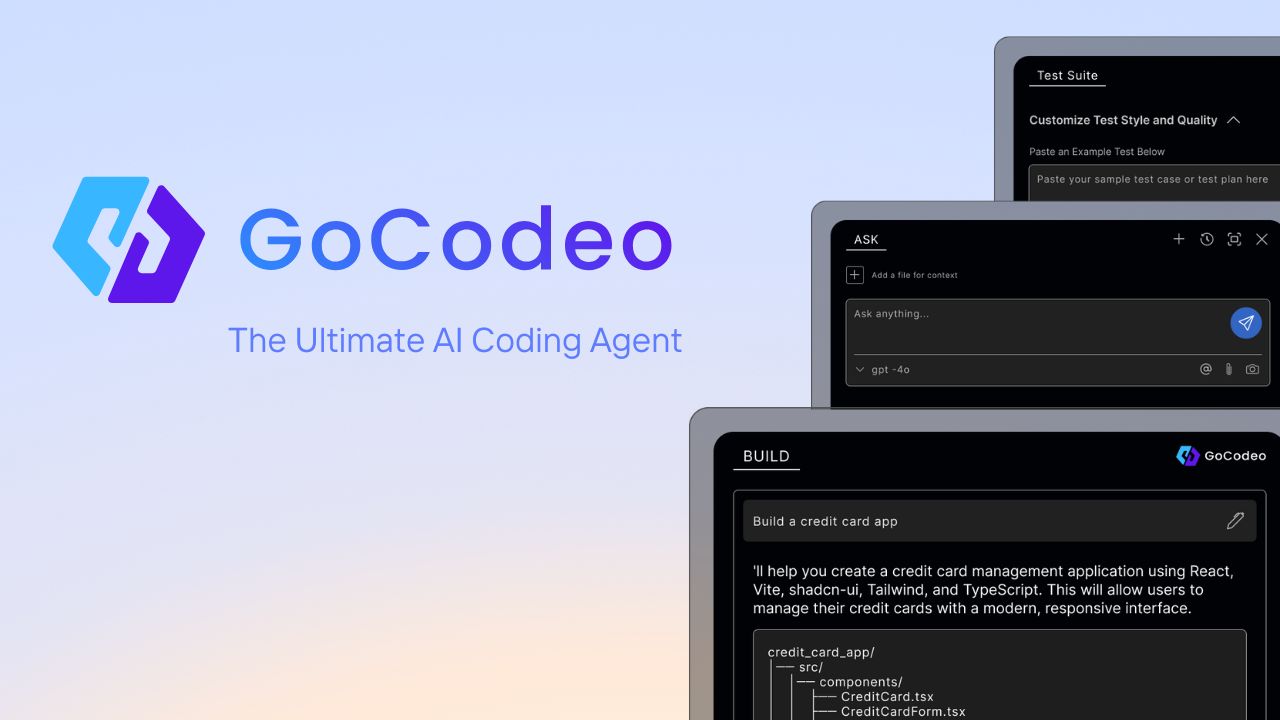
gocodeo is an AI coding agent integrated directly into your IDE (VS Code, IntelliJ) to accelerate the entire software development lifecycle. It helps developers build, test, and deploy projects faster through real-time code generation, automated testing, and seamless integrations. Supporting over 25 frameworks and 100+ tools, it transforms your IDE into an intelligent, context-aware workspace.
Compare product focus, pricing models and audiences. Highlighted rows indicate different listed information; unknown pricing does not mean free.
| Quick facts | Codespell | gocodeo |
|---|---|---|
| Pricing model | Freemium | Freemium |
| Product type | Extensions | Extensions |
| Primary focus | Code Assistant | Code Assistant |
| Audience and roles | No data available | No data available |
| Categories | Code Assistant · Low Code No Code · Testing · Automation | Code Assistant · Low Code No Code · Testing · Automation |
| Added | Aug 16, 2025 | Aug 11, 2025 |
| Updated | Nov 19, 2026 | Nov 19, 2026 |
Explore the listed product descriptions, features and workflows. Taxonomy labels alone are not feature evaluations.
Codespell presents itself as a comprehensive AI Co-Pilot for the Software Development Life Cycle (SDLC), designed to significantly accelerate the journey from concept to deployment. Unlike standard AI coding assistants that focus solely on code completion, Codespell offers a holistic suite of tools that integrate directly into your development environment. It aims to reduce manual coding effort by 30-50% by automating repetitive and complex tasks across the development spectrum.
The platform is built on two core pillars: the Design Studio and the AI Coding Sidekick. The Design Studio acts as a foundational tool, automatically generating project scaffolding, APIs, and infrastructure scripts tailored to your specific technology stack. This eliminates the tedious setup phase, allowing developers to start with structured, production-ready code. The AI Coding Sidekick assists with day-to-day coding tasks through simple commands called "spells." These spells enable developers to instantly generate documentation, explain complex logic, refactor code for optimization, create unit tests, and clean up errors, all without leaving the IDE.
Using Codespell is designed to be a seamless part of a developer's existing workflow. First, you install the Codespell extension into your preferred IDE, such as VS Code, JetBrains, or Eclipse. Once integrated, you can interact with the AI in several ways:
/doc will generate comprehensive documentation for it. Using /unit will create corresponding unit tests, and /optimize will suggest structural improvements./explain, /doc, /unit, /optimize, and /clear to perform complex tasks.Codespell is valuable for individual developers, small teams, and large enterprises looking to boost productivity. Key use cases include:
/explain and /doc spells to understand and document old codebases before refactoring./optimize for code structure and /unit for test coverage.The primary advantage of Codespell is its focus on the entire SDLC, not just coding. By automating setup, documentation, and testing, it frees up developers to focus on building core features. Its deep integration into the IDE means less context-switching, leading to higher efficiency. The collaborative features make it a powerful tool for teams, ensuring consistency and shared standards. Finally, the promise of reducing manual coding effort by up to 50% presents a significant return on investment by accelerating delivery times and reducing development costs.
Codespell offers a freemium model with a 1-month free trial to get started.
Usage counts for features like Task Completions and Design Studios are pooled and shared across the entire team for multi-license purchases.
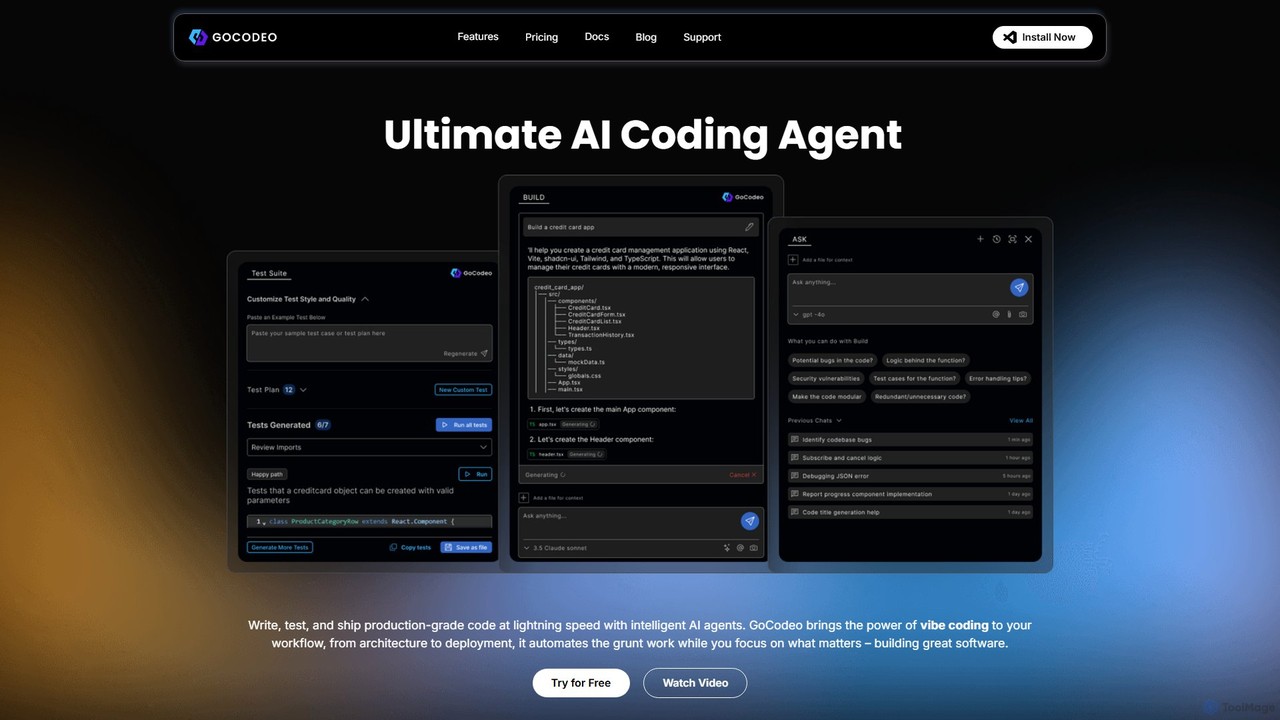
gocodeo is a comprehensive AI-driven development platform designed to function as an intelligent coding agent directly within your Integrated Development Environment (IDE). It fundamentally streamlines the entire software development lifecycle (SDLC) by automating repetitive and time-consuming tasks, allowing developers to focus on high-level logic and innovation. Built around a philosophy of 'vibe coding,' gocodeo aims to create a seamless, intuitive, and highly productive coding experience. The platform is structured around three core pillars: BUILD, ASK, and TEST.
The BUILD functionality transforms project development. With simple prompts or even by uploading an image of a UI mockup, gocodeo can generate entire project structures, complete with necessary files and configurations. It supports over 25 popular frontend and backend frameworks, ensuring a ready-to-code setup in seconds. A key innovation is the Model Context Protocol (MCP), which enables gocodeo to integrate with over 100 external tools like GitHub, Notion, Stripe, and Perplexity. This allows for complex, context-aware workflows, such as raising pull requests or seeding a database directly from the IDE. Furthermore, it offers one-click integration with Supabase and one-prompt deployment to Vercel, dramatically simplifying backend setup and deployment processes.
The ASK feature acts as an AI-powered code companion. It provides a context-aware chat interface where developers can ask questions, get detailed code explanations, and even generate documentation. By using the '@' symbol, you can reference specific files and code blocks, ensuring the AI's responses are highly relevant to your current project. It also includes an AI-powered web search (@Web) feature, allowing you to get coding insights without ever leaving your IDE, alongside smart CLI recommendations and debugging assistance.
Finally, the TEST module ensures code quality and reliability. gocodeo can generate production-ready tests in under 30 seconds. It offers AI-driven insights into test failures, helping you debug smarter and faster. You can run tests, refine code with context-aware AI suggestions, and even create and save reusable custom test cases, embedding a robust testing culture directly into your development workflow.
Getting started with gocodeo is straightforward and designed for quick integration into your existing workflow. Here's a typical process:
gocodeo is versatile for various development scenarios. Developers can use it to rapidly prototype a new web application by generating the full-stack boilerplate for a chosen framework. A frontend developer can convert a Figma or sketch image directly into React or Vue components. For backend tasks, it can auto-generate API endpoints, connect to a Supabase database, and write the necessary logic. It's also invaluable for maintaining existing projects, as developers can quickly generate tests for legacy code or ask the AI to explain complex functions, significantly reducing onboarding time and maintenance overhead.
The primary advantage of gocodeo is its holistic approach to developer productivity. By integrating build, query, and test functionalities into a single IDE extension, it drastically reduces context-switching. The context-awareness, powered by MCP and file referencing, ensures that the AI's output is highly accurate and useful. This leads to faster development cycles, higher code quality through automated testing, and a smoother, more enjoyable coding experience. Furthermore, its support for multiple powerful AI models gives users the flexibility to choose the best tool for their specific task.
gocodeo operates on a freemium model to cater to both individual developers and teams.
gocodeo emphasizes privacy and ownership: it does not store or use your code for training, and you retain full ownership of all generated code.
Their taxonomy shows where the products overlap and where each one has a more distinct focus. Unknown fields are shown explicitly and are never filled with assumptions.
Traffic is shown on the same scale so differences in market visibility are not visually understated.
Both charts share the same months and vertical scale. Each tool identifies its latest reporting month; missing months are left blank, not counted as zero. Regional and source visit counts are estimates calculated from the reported shares.
No data available
| Country/region | Percentage | Estimated visits |
|---|---|---|
| 🇺🇸United States | 43.56% | 10K |
| 🇮🇳India | 31.75% | 7.3K |
| 🇻🇳Vietnam | 9.69% | 2.2K |
| 🇩🇪Germany | 7.54% | 1.7K |
| 🇧🇷Brazil | 7.46% | 1.7K |
Ratings, comments, favorites, and likes are community signals—not a substitute for product fit.
This page is assembled from ToolMage product listings, taxonomy, traffic statistics and on-site user feedback. It is not a hands-on test or an independent review.