ToolMage
Sign in

AI TOOL COMPARISON

Cursor vs SpellBox

What is the difference, and which fits your workflow? Compare features, usage, pricing models and traffic side by side.

Jump to key differences

Product overview

Cursor Product overview

Cursor is an AI-first code editor designed for modern software development. Built as a fork of VS Code, it integrates powerful AI capabilities directly into the editing experience, allowing developers to chat with their codebase, generate, edit, and debug code with unprecedented speed and context-awareness.

Preview

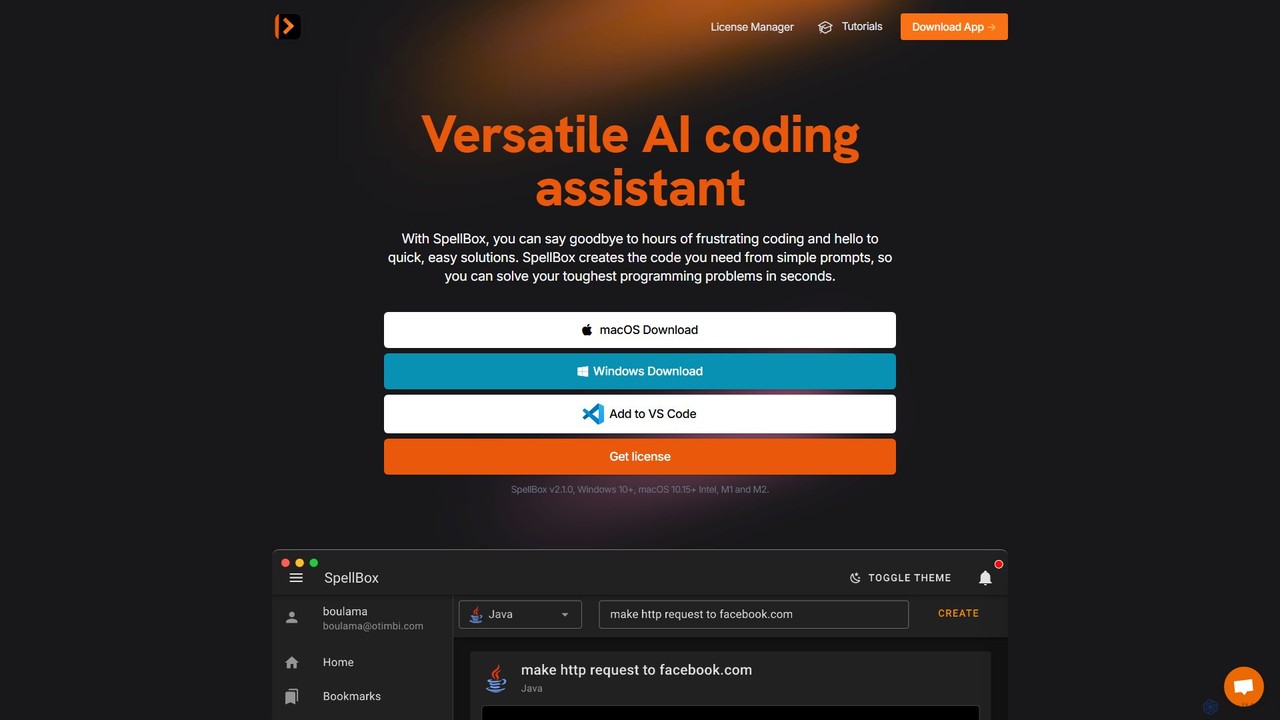
SpellBox Product overview

SpellBox is an AI-powered programming assistant designed to accelerate software development. It generates, explains, and helps you manage code snippets from simple natural language prompts. Available as a standalone desktop app and a VS Code extension, it supports major programming languages to help developers and students solve complex problems, reduce debugging time, and boost productivity.

Preview

Quick facts

Compare product focus, pricing models and audiences. Highlighted rows indicate different listed information; unknown pricing does not mean free.

Cursor VS SpellBox — Quick facts
Quick factsCursorSpellBox
Pricing modelFreemiumPaid
Product typeAppWeb
Primary focusCode GenerationCode Assistant
Audience and rolesNo data availableNo data available
CategoriesCode Generation · Code Assistant · Developer ToolsCode Assistant · Programming · Developer Tools
AddedAug 2, 2025Aug 4, 2025
UpdatedNov 19, 2026Nov 19, 2026

Features, usage and use cases

Explore the listed product descriptions, features and workflows. Taxonomy labels alone are not feature evaluations.

Cursor

Cursor is a revolutionary AI-native code editor engineered to significantly accelerate the software development lifecycle. It is built on the solid foundation of Visual Studio Code, which means developers can enjoy a familiar interface and retain access to their favorite extensions, themes, and keybindings, all while benefiting from deeply integrated, state-of-the-art AI functionalities. Unlike other AI coding assistants that operate in a separate window, Cursor embeds AI directly into the core workflow, making it a seamless and intuitive partner for any programming task.

The editor's standout feature is its ability to understand the entire context of your project. You can point the AI to specific files or folders using the '@' symbol, enabling it to provide highly relevant and accurate suggestions, code generations, or explanations based on your entire codebase. This makes it incredibly powerful for tasks like understanding legacy code, implementing features that span multiple files, or hunting down complex bugs.

How to use Cursor

Getting started with Cursor is straightforward:

  1. Download and install the Cursor application from its official website. It's available for macOS, Windows, and Linux.
  2. Open any of your existing project folders. Since it's a VS Code fork, it will recognize your project structure immediately.
  3. To chat with the AI about your code, press Cmd+L (Mac) or Ctrl+L (Windows/Linux). You can ask it to explain concepts, suggest an implementation plan, or find relevant code snippets.
  4. To generate or edit code, highlight a section of code (or just place your cursor) and press Cmd+K (Mac) or Ctrl+K (Windows/Linux). A prompt will appear, allowing you to describe the changes you want, such as "Refactor this function to be more efficient" or "Add error handling."
  5. Reference your entire codebase by typing '@' in the chat or edit prompt, followed by a file or symbol name. For example: "Based on the schema in @models/user.ts, create an API endpoint for user creation."
  6. Use the built-in AI-powered debugger to identify and fix issues with a single click.
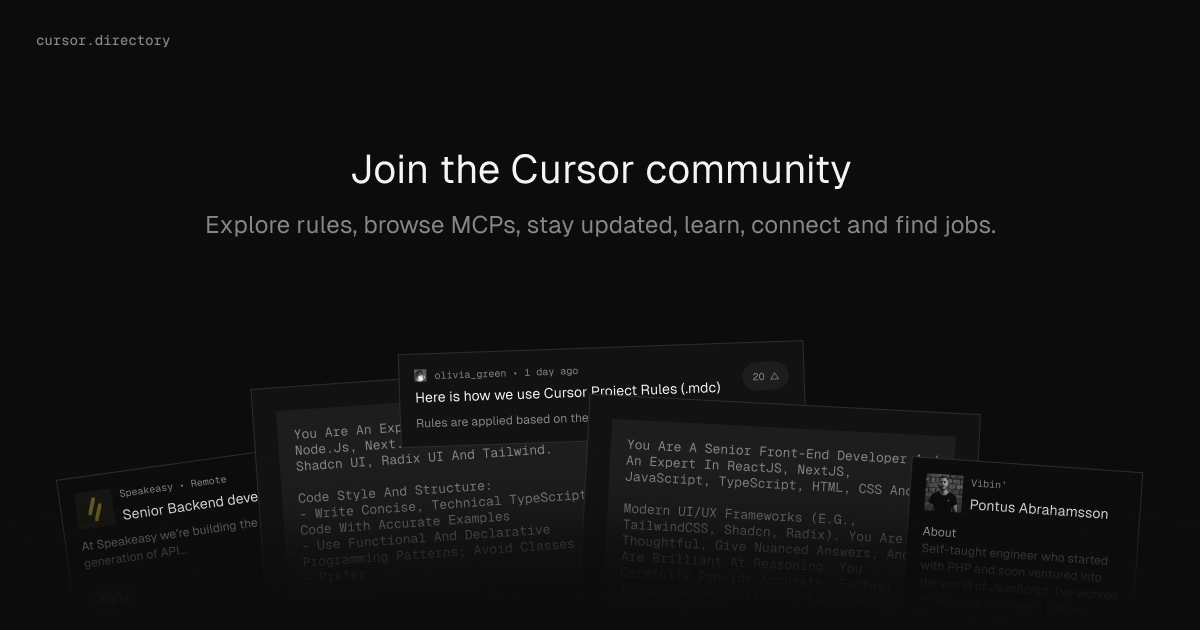
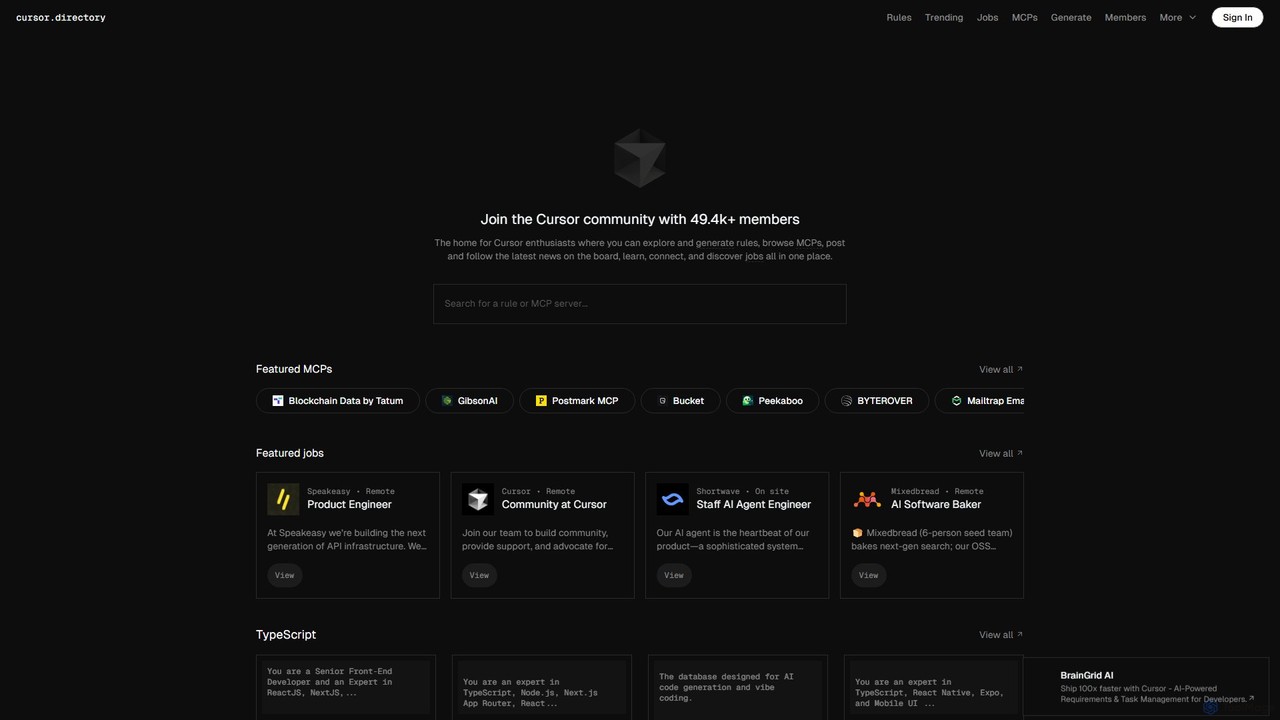
  7. Explore and apply "Cursor Rules" from the Cursor Directory to customize the AI's behavior for specific frameworks or coding standards, such as ensuring all new components follow Next.js best practices.

Core Features of Cursor

  • Codebase-Aware AI Chat: Engage in a conversation with an AI that has full context of your entire project repository.
  • Inline AI Editing & Generation: Generate, refactor, and edit code directly within the editor using natural language prompts.
  • One-Click Bug Fixes: Automatically diagnose and fix linter errors, runtime exceptions, and other bugs.
  • Generate from Scratch: Create new files, components, tests, and documentation from a high-level description.
  • VS Code Extension Compatibility: Continue using all your favorite extensions from the VS Code marketplace.
  • Customizable "Rules": Define specific guidelines and best practices for the AI to follow, ensuring consistent and high-quality code output. This is supported by a community-driven Cursor Directory.
  • Migration & Onboarding: Quickly get up to speed on a new or unfamiliar codebase by asking the AI to explain how different parts work together.

Use Cases for Cursor

Cursor is versatile and can be applied across the development spectrum:

  • Rapid Prototyping: Quickly scaffold new applications or features for frameworks like React, Vue, Next.js, or Django by describing the desired functionality.
  • Legacy Code Maintenance: Safely refactor and modernize old codebases by having the AI explain complex logic and suggest improvements.
  • Test-Driven Development: Generate comprehensive unit and integration tests for your functions and components automatically.
  • Learning New Technologies: Use Cursor as a learning companion to understand new programming languages, frameworks, or libraries by asking for explanations and examples in the context of your project.
  • API Integration: When working with a new API, provide the documentation to Cursor and ask it to write the necessary client-side code.

Advantages of Cursor

The primary advantage of Cursor is its deep, contextual integration of AI into the development workflow. This leads to:

  • Increased Productivity: Automate repetitive and time-consuming tasks, allowing developers to focus on high-level problem-solving.
  • Improved Code Quality: Leverage AI to enforce best practices, catch bugs early, and write cleaner, more maintainable code.
  • Faster Onboarding: New team members can become productive faster by using the AI to navigate and understand existing codebases.
  • Seamless Experience: By building on VS Code, Cursor offers a world-class editor experience without a steep learning curve.

Pricing and Plans

Cursor operates on a freemium model:

  • Free Plan: Offers a limited number of "slow" GPT-3.5 queries and a smaller set of "fast" GPT-4 queries per month, suitable for individual developers or those wanting to try the tool.
  • Pro Plan: A paid monthly subscription for individual professionals, offering a significantly higher number of fast GPT-4 queries, access to the latest AI models, and features like "Codebase-aware context".
  • Business Plan: Designed for teams, this plan includes all Pro features plus team management, centralized billing, and enhanced security and privacy controls.

SpellBox

SpellBox is a versatile AI coding assistant designed to streamline the programming workflow for developers, students, and professionals across various industries. By translating simple, natural language prompts into functional code, SpellBox eliminates the need to spend hours on syntax errors, debugging, or searching for solutions online. It empowers users to solve complex programming challenges in seconds, allowing them to focus on building high-quality software.

The tool is available as a standalone desktop application for both Windows (10+) and macOS (10.15+ for Intel, M1, and M2), and also as a fully integrated extension for Visual Studio Code. This dual availability ensures that developers can access its powerful features within their preferred environment, whether it's a dedicated app or directly inside their favorite code editor.

How to use SpellBox

Getting started with SpellBox is straightforward. First, download the desktop application for your operating system or install the extension directly from the VS Code Marketplace. Once installed, you can immediately start leveraging its AI capabilities:

  1. Generate Code: Simply type a description of the function or code you need. For example, 'Solve orbital mechanics problem to find eccentricity of orbit in C++' or 'create a function to solve a quadratic equation in MATLAB'. SpellBox will generate the corresponding code snippet instantly.
  2. Explain Code: If you encounter a piece of code you don't understand, select the snippet and ask SpellBox for an explanation. It will provide a clear, concise breakdown of the code's logic and purpose, saving you valuable research time.
  3. Bookmark Snippets: Save frequently used or important code snippets with the bookmarking feature. This allows for quick retrieval, which is especially useful for developers working on multiple projects or those who need to reuse code blocks often.

Core Features of SpellBox

  • AI Code Generation: The primary feature of SpellBox is its ability to write code using AI. Just provide a prompt, and the tool generates accurate code in a wide range of programming languages, from simple scripts to complex algorithms.
  • Code Explanation: This feature acts as an instant tutor. It helps users quickly grasp the functionality of any code snippet, improving comprehension and learning speed, which is perfect for both students and professionals adapting to new codebases.
  • Code Bookmarking: A productivity-enhancing feature that allows you to save and organize your generated or favorite code snippets. This creates a personal, easily accessible code library for future use.
  • VS Code Integration: The dedicated VS Code extension brings all of SpellBox's features directly into the editor, providing a seamless and uninterrupted coding experience.
  • Code Optimization (Coming Soon): An upcoming feature that will analyze existing code and suggest more efficient or performant alternatives, helping you refactor and improve your codebase.

Use Cases for SpellBox

SpellBox is a valuable tool for anyone who writes code:

  • Professional Developers: Quickly find solutions to coding problems, generate boilerplate code, and understand legacy systems, significantly reducing development time and allowing more focus on core application logic.
  • Students and Learners: Use it as a learning aid to understand complex algorithms, see how concepts are implemented in different languages, and get instant help with assignments without getting stuck on syntax.
  • Data Scientists & Analysts: Rapidly generate scripts for data manipulation, analysis, and visualization in languages like Python or MATLAB.
  • Hobbyists and Prototypers: Accelerate project development by quickly generating code for various functionalities, turning ideas into reality faster.

Advantages of SpellBox

The main advantage of SpellBox is its efficiency. It provides instant solutions, reduces time spent on routine coding tasks and debugging, and streamlines the development process. By integrating directly into the developer's workflow via the VS Code extension, it minimizes context switching. Its support for major programming languages makes it a versatile tool for a wide array of projects. Ultimately, SpellBox helps developers write better code, faster.

Pricing and Plans

SpellBox is offered with a straightforward licensing model. The 'Spellbox early bird' license is available for a one-time payment of $40 (discounted from the regular price of $65). This license includes:

  • Unlimited code generation
  • A one-year license for updates and support
  • Use on an unlimited number of computers (macOS and Windows)
  • The ability to bookmark generated code

The company offers a 5-day money-back guarantee from the date of purchase, providing a risk-free opportunity to try the tool.

Positioning

Their taxonomy shows where the products overlap and where each one has a more distinct focus. Unknown fields are shown explicitly and are never filled with assumptions.

Categories

Shared
Code AssistantDeveloper Tools
Only Cursor
Code Generation
Only SpellBox
Programming

Tags

Shared
javascriptpythonsoftware development
Only Cursor
AI assistantcode editorcode generationdebuggingdeveloper toolsgpt-4ideprogrammingrefactoringtypescriptVS Code
Only SpellBox
AI codingc++code explanationcode generatordebugdeveloper toolMATLABprogramming assistantVS Code extension

Audience and roles

Shared
No listed items
Only Cursor
No listed items
Only SpellBox
No listed items

Traffic comparison

Traffic is shown on the same scale so differences in market visibility are not visually understated.

How to interpret the traffic data

Both charts share the same months and vertical scale. Each tool identifies its latest reporting month; missing months are left blank, not counted as zero. Regional and source visit counts are estimates calculated from the reported shares.

Cursor monthly traffic:

Latest traffic · 2026-05

Monthly visits
179.4K
Avg. visit duration
0:35
Pages per visit
3.59
Bounce rate
45.07%
Data updated 2026-06-15

Monthly traffic trend

  • 2025-09: 365.8K
  • 2026-01: 329.7K
  • 2026-02: 255K
  • 2026-03: 275.2K
  • 2026-04: 192.2K
  • 2026-05: 179.4K

Top regions

Top 5 countries/regions
Country/regionPercentageEstimated visits
🇺🇸United States49.77%89.3K
🇨🇳China22.85%41K
🇩🇪Germany9.76%17.5K
🇻🇳Vietnam9.67%17.3K
🇦🇷Argentina7.95%14.3K

Traffic sources

Source typePercentageEstimated visits
Direct85.37%153.1K
Referral12.45%22.3K
Email2.18%3.9K

Search keywords

cursorcursor careerscursor directorycursor rulesrobinhood mcp

SpellBox monthly traffic:

Latest traffic · 2026-05

Monthly visits
1K
Avg. visit duration
0:52
Pages per visit
1.7
Bounce rate
39.67%
Data updated 2026-06-15

Monthly traffic trend

  • 2025-09: 3.9K
  • 2026-01: 3.7K
  • 2026-02: 1.4K
  • 2026-03: 1.5K
  • 2026-04: 936
  • 2026-05: 1K

Top regions

Top 5 countries/regions
Country/regionPercentageEstimated visits
🇮🇳India100%1K

Search keywords

csharp string contains only numbershow to count the number of vowels in a string pythonhow to count vowerls constanants and numbers ina string pythonphp program to print out the multiplication table upto6*6 and outputspellbox

Community signals

Ratings, comments, favorites, and likes are community signals—not a substitute for product fit.

Cursor

Rating
No data available
Comments
0
Favorites
181
Likes
173

SpellBox

Rating
No data available
Comments
0
Favorites
191
Likes
184

Cursor vs SpellBox · Comparison FAQ

What do Cursor and SpellBox have in common?
Both tools are listed under Code Assistant、Developer Tools. These categories indicate overlapping use cases; compare their detailed descriptions for workflows, capabilities and limitations.
Are Cursor and SpellBox free?
Listed pricing models: Cursor — Freemium; SpellBox — Paid. Missing pricing is not proof of a free plan, and freemium does not mean every feature is free. Check official sites for current plans, limits and trials.
How should I choose between Cursor and SpellBox?
The primary listed category is Code Generation for Cursor, and Code Assistant for SpellBox. Compare features, steps and use cases, then verify pricing, data permissions and deployment needs. This page does not include hands-on testing and does not declare a winner from traffic or tags.

Sources and comparison methodology

This page is assembled from ToolMage product listings, taxonomy, traffic statistics and on-site user feedback. It is not a hands-on test or an independent review.

  • Feature and plan descriptions reflect information in the listings, not real-time guarantees. Verify pricing, quotas, availability and privacy terms on the official sites.
  • Traffic uses the reporting months shown. Missing statistics do not mean zero visits, and different periods do not establish growth or superiority. Regional and source visit counts are estimates based on shares.
  • Different tags indicate differences in the listings, not proof that the other product lacks a capability. Ratings, favorites and visits are not used to declare a winner.

Related comparisons