FlowTask
Document Generation
AI TOOL COMPARISON
What is the difference, and which fits your workflow? Compare features, usage, pricing models and traffic side by side.
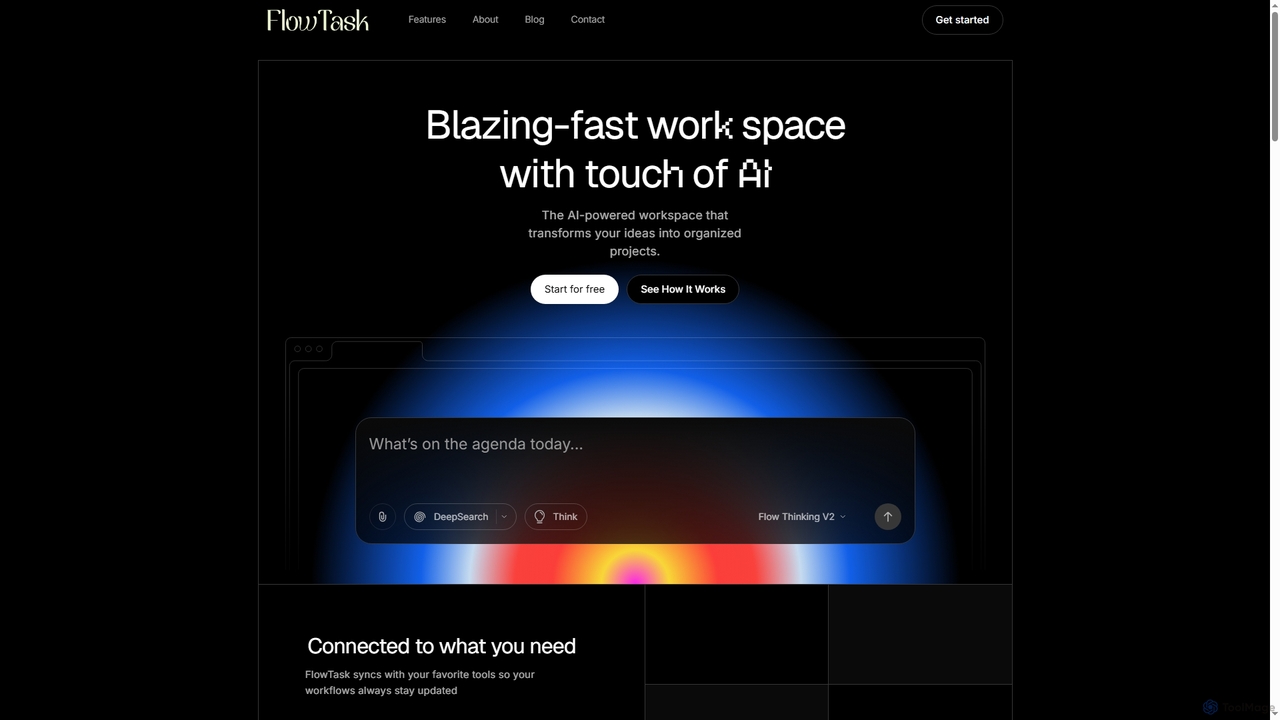
FlowTask is an AI-powered workspace designed to automatically structure projects, tasks, and documents in real-time. It transforms simple prompts into organized workflows, detects tasks and deadlines as you type, and provides instant summaries and cross-workspace search, streamlining productivity for individuals and teams.
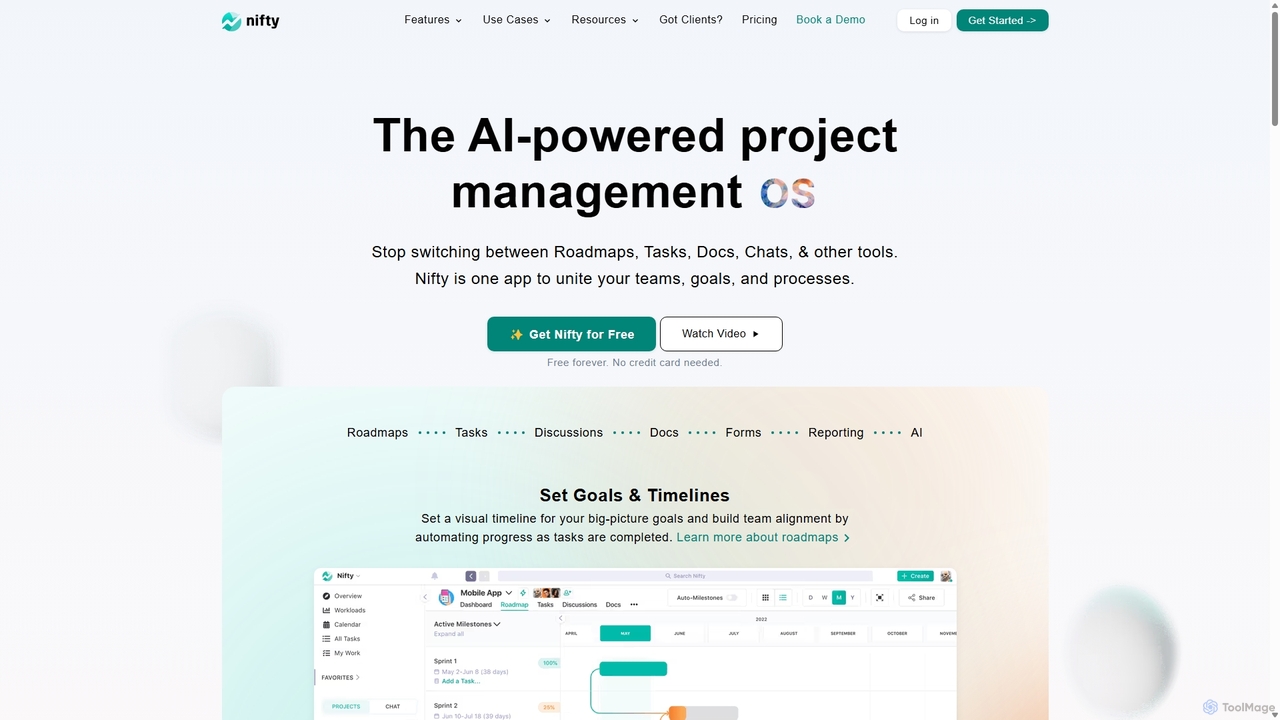
NiftyPM is an AI-powered, all-in-one project management operating system designed to unite teams, goals, and processes. It consolidates roadmaps, tasks, documents, and team chat into a single collaborative workspace, eliminating the need to switch between multiple tools. With its Orbit AI, NiftyPM streamlines workflows, automates reporting, and enhances overall productivity for various teams, including engineering, marketing, and sales.
Compare product focus, pricing models and audiences. Highlighted rows indicate different listed information; unknown pricing does not mean free.
| Quick facts | FlowTask | NiftyPM |
|---|---|---|
| Pricing model | Freemium | Freemium |
| Product type | Web | Web |
| Primary focus | Document Generation | Collaboration |
| Audience and roles | Administrator · Business Owner · Content Creator · Knowledge Worker · Marketing Manager · Product Manager · Project Manager · Researcher · Team Lead | Agency Owner · Client Manager · HR Manager · IT Manager · Marketing Manager · Product Manager · Project Manager · Sales Representative · Software Developer · Team Lead |
| Categories | Document Generation · Workflow Automation · Note Taking · Project Management · Task Management | Collaboration · Workflow Automation · Project Management · Task Management |
| Added | Jan 8, 2026 | Sep 10, 2025 |
| Updated | Nov 19, 2026 | Nov 19, 2026 |
Explore the listed product descriptions, features and workflows. Taxonomy labels alone are not feature evaluations.
FlowTask is an innovative AI workspace that goes beyond simple text generation or blank canvas tools. It specializes in building fully organized pages, tasks, and documents in real-time, eliminating the need for manual setup or dragging blocks. By leveraging advanced AI, FlowTask transforms simple prompts into ready-to-use project structures, complete with tasks, forms, documents, timelines, and templates, all generated instantly from a single input.
To use FlowTask, you simply start typing your ideas or project plans. The AI will automatically detect tasks, deadlines, and requirements, adding them to your workspace. You can also input a simple prompt, and FlowTask will convert it into a structured document or project plan. Ideas, links, notes, or tasks can be captured from any page and automatically synced into your workspace. For quick insights, you can generate instant summaries of long documents or project updates with a single click. The platform is accessible via desktop and mobile browsers, ensuring flexibility.
FlowTask is ideal for a variety of use cases where efficient organization and project structuring are crucial. It excels in project management, allowing teams to quickly set up and manage complex projects without manual configuration. Content creators can use it to transform ideas into structured articles or marketing plans. Knowledge workers benefit from its ability to organize notes and ideas, creating a personal knowledge hub. Teams can leverage its collaboration features, shared workflows, and admin controls for streamlined operations, while individuals can use it for personal task management and idea capture.
The primary advantage of FlowTask lies in its ability to automate the creation and organization of entire workspaces, saving significant time compared to traditional manual tools. It offers real-time task detection and intelligent structuring, ensuring nothing is missed and projects stay on track. The platform emphasizes privacy, ensuring that user data, workspaces, and prompts remain secure and are not used for training. Its seamless integration capabilities allow users to connect existing tools and easily import/export content. Furthermore, FlowTask provides a clean, minimal UI that promotes focus, alongside powerful features like cross-workspace search and one-click summaries for enhanced productivity.
FlowTask offers simple, transparent pricing for teams of all sizes, including a free option:
NiftyPM is a comprehensive, AI-powered project management platform that serves as a central operating system for your team's work. It is designed to eliminate the fragmentation caused by using multiple disparate tools for different aspects of a project. By bringing together project roadmaps, task management, collaborative documents, team communication, and automated reporting into one intuitive interface, NiftyPM fosters team alignment, enhances productivity, and provides operational clarity across all projects.
The platform is built for cross-functional collaboration, catering to the specific needs of various departments such as engineering, sales, marketing, product development, client management, and IT. With its powerful Orbit AI, NiftyPM helps teams plan, prioritize, and execute tasks more efficiently, automating routine work and providing intelligent insights to streamline workflows at scale.
Getting started with NiftyPM is a straightforward process designed for quick adoption. First, you can sign up for a free account in minutes without needing a credit card. Once registered, you can either create a new project from scratch or import existing data from other popular project management tools like Asana, Jira, Trello, ClickUp, and more. You can also import from .CSV or Excel files to pick up right where you left off. After setting up your project, you can define your high-level goals and timelines using the visual Roadmaps feature. Then, break down these goals into actionable tasks, which can be organized and tracked using various views like Kanban, List, Timeline, or Calendar. Invite your team members to collaborate in real-time through project-specific Discussions, one-click video calls, and a centralized Team Chat. Use the Docs & Files hub to create, share, and manage all project-related documentation, including native Nifty Docs or integrated Google Docs. Finally, leverage the automated reporting and dashboard features to monitor progress, track team workloads, and ensure all projects stay on schedule.
NiftyPM is versatile and can be adapted for numerous professional environments:
NiftyPM offers a significant advantage by consolidating the functionality of multiple applications into one cohesive platform. This reduces subscription costs and eliminates the inefficiency of context-switching between different tools. Its intuitive, aesthetically pleasing user interface encourages team adoption and consistent use. The powerful AI and automation features handle repetitive tasks, freeing up teams to focus on strategic work. Furthermore, its flexibility and robust feature set make it a scalable solution that can grow with your business, from small startups to large enterprises.
NiftyPM offers a flexible pricing structure with a 14-day free trial and no per-user fees, making it highly scalable.
Their taxonomy shows where the products overlap and where each one has a more distinct focus. Unknown fields are shown explicitly and are never filled with assumptions.
Traffic is shown on the same scale so differences in market visibility are not visually understated.
Both charts share the same months and vertical scale. Each tool identifies its latest reporting month; missing months are left blank, not counted as zero. Regional and source visit counts are estimates calculated from the reported shares.
| Source type | Percentage | Estimated visits |
|---|---|---|
| Direct | 100% | 13.3K |
| Country/region | Percentage | Estimated visits |
|---|---|---|
| 🇺🇸United States | 28.64% | 21.3K |
| 🇫🇷France | 22.07% | 16.4K |
| 🇮🇳India | 19.82% | 14.7K |
| 🇻🇳Vietnam | 16.59% | 12.3K |
| 🇪🇹Ethiopia | 12.88% | 9.6K |
| Source type | Percentage | Estimated visits |
|---|---|---|
| Direct | 78% | 57.9K |
| Referral | 22% | 16.3K |
Ratings, comments, favorites, and likes are community signals—not a substitute for product fit.
FlowTask distinguishes itself by building entire, ready-to-use project structures like tasks, forms, documents, timelines, and templates from a single prompt. Unlike ChatGPT, which provides answers, or Notion, which offers blank pages, FlowTask gives you a complete, organized workspace without manual setup or dragging blocks.
Yes, FlowTask is accessible and works on both desktop and mobile browsers. It does not require a separate application download.
Yes, FlowTask ensures your workspaces, documents, and prompts remain fully private. The platform explicitly states that it does not train on your data, prioritizing your privacy and security.
Yes, FlowTask is designed to integrate easily with your existing workflows. You can import content, export pages, and connect your current tools to enhance your productivity.
FlowTask offers three plans: Starter (Free forever with basic features), Pro ($19/Month for unlimited projects and advanced AI automations), and Teams ($39/Month for unlimited workspaces, team collaboration, and priority support).
This page is assembled from ToolMage product listings, taxonomy, traffic statistics and on-site user feedback. It is not a hands-on test or an independent review.