FlowTask
Document Generation
AI TOOL COMPARISON
What is the difference, and which fits your workflow? Compare features, usage, pricing models and traffic side by side.
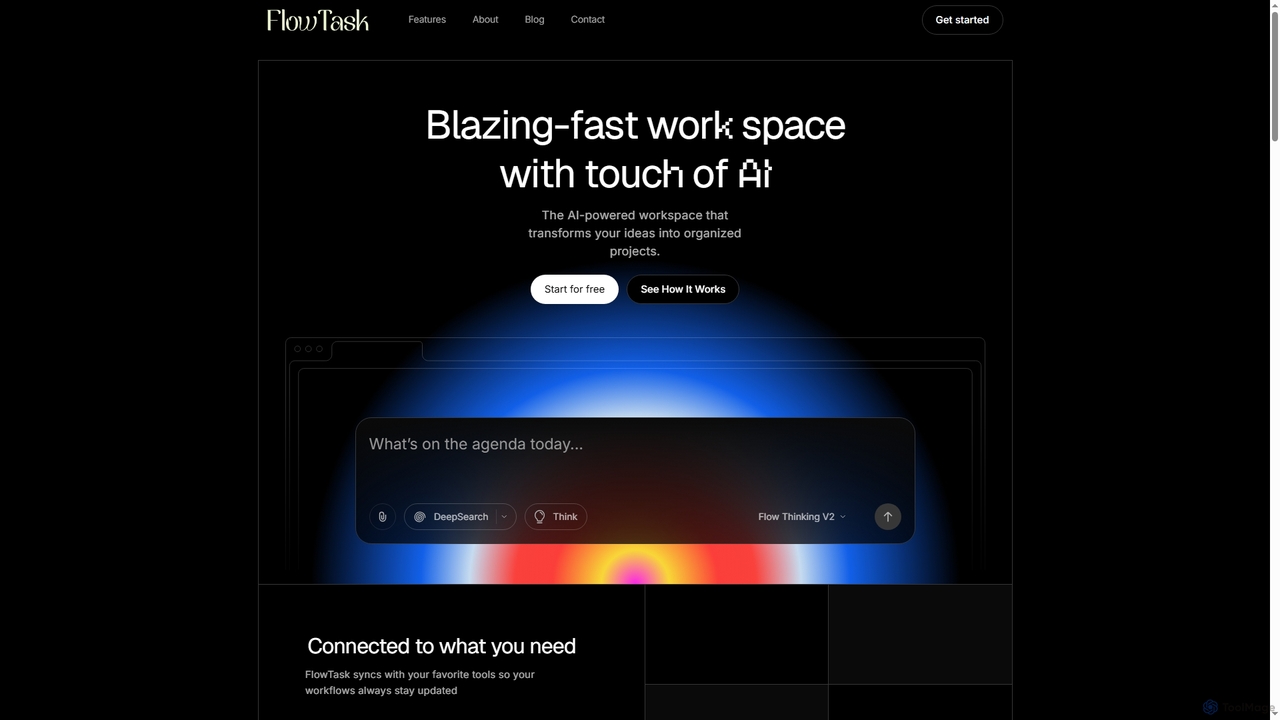
FlowTask is an AI-powered workspace designed to automatically structure projects, tasks, and documents in real-time. It transforms simple prompts into organized workflows, detects tasks and deadlines as you type, and provides instant summaries and cross-workspace search, streamlining productivity for individuals and teams.
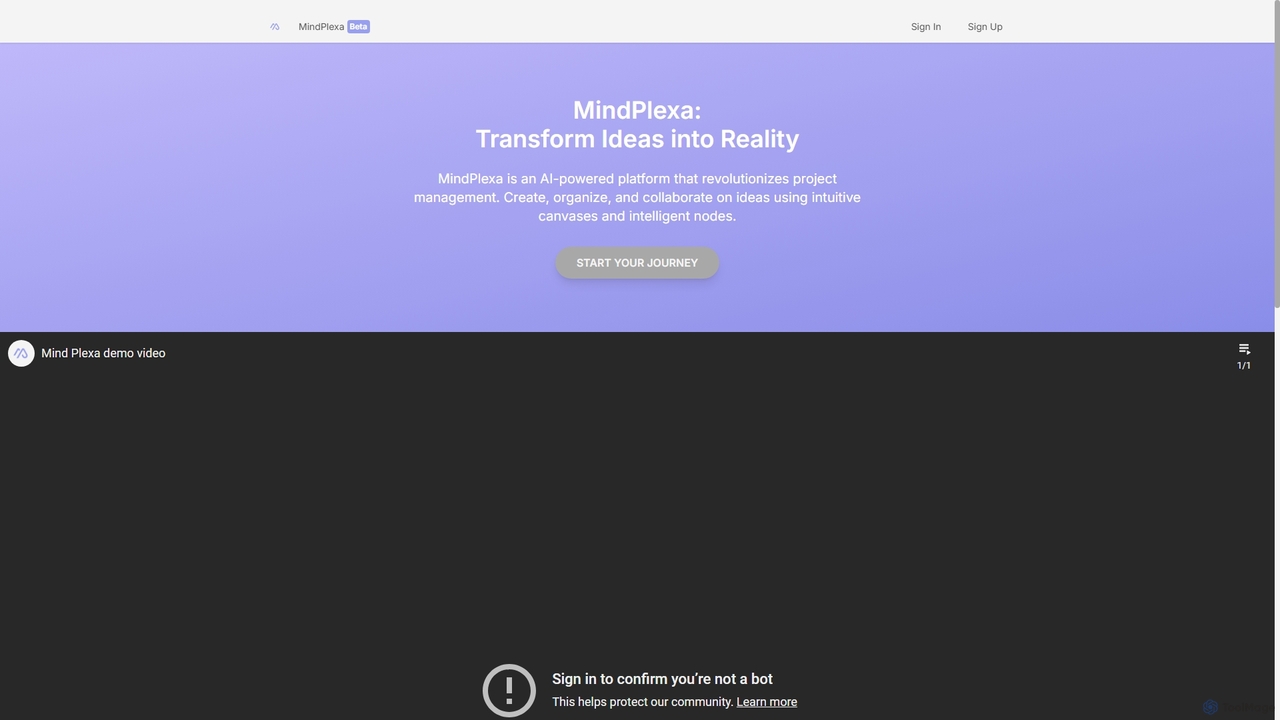
MindPlexa is an AI-powered productivity platform that transforms ideas into actionable projects. It combines visual mind mapping with intelligent project management, allowing users to create, organize, and collaborate on ideas using intuitive canvases and smart nodes. The AI assistant helps generate project layouts, suggest tasks, and streamline workflows, making it an ideal tool for teams and individuals looking to boost creativity and efficiency.
Compare product focus, pricing models and audiences. Highlighted rows indicate different listed information; unknown pricing does not mean free.
| Quick facts | FlowTask | MindPlexa |
|---|---|---|
| Pricing model | Freemium | Freemium |
| Product type | Web | Web |
| Primary focus | Document Generation | Teamwork |
| Audience and roles | Administrator · Business Owner · Content Creator · Knowledge Worker · Marketing Manager · Product Manager · Project Manager · Researcher · Team Lead | Business Strategist · Consultant · Content Creator · Founder · Marketing Manager · Product Manager · Project Manager · Software Developer · Team Lead · UX/UI Designer |
| Categories | Document Generation · Workflow Automation · Note Taking · Project Management · Task Management | Teamwork · Mind Mapping · Project Management · Task Management |
| Added | Jan 8, 2026 | Sep 22, 2025 |
| Updated | Nov 19, 2026 | Nov 19, 2026 |
Explore the listed product descriptions, features and workflows. Taxonomy labels alone are not feature evaluations.
FlowTask is an innovative AI workspace that goes beyond simple text generation or blank canvas tools. It specializes in building fully organized pages, tasks, and documents in real-time, eliminating the need for manual setup or dragging blocks. By leveraging advanced AI, FlowTask transforms simple prompts into ready-to-use project structures, complete with tasks, forms, documents, timelines, and templates, all generated instantly from a single input.
To use FlowTask, you simply start typing your ideas or project plans. The AI will automatically detect tasks, deadlines, and requirements, adding them to your workspace. You can also input a simple prompt, and FlowTask will convert it into a structured document or project plan. Ideas, links, notes, or tasks can be captured from any page and automatically synced into your workspace. For quick insights, you can generate instant summaries of long documents or project updates with a single click. The platform is accessible via desktop and mobile browsers, ensuring flexibility.
FlowTask is ideal for a variety of use cases where efficient organization and project structuring are crucial. It excels in project management, allowing teams to quickly set up and manage complex projects without manual configuration. Content creators can use it to transform ideas into structured articles or marketing plans. Knowledge workers benefit from its ability to organize notes and ideas, creating a personal knowledge hub. Teams can leverage its collaboration features, shared workflows, and admin controls for streamlined operations, while individuals can use it for personal task management and idea capture.
The primary advantage of FlowTask lies in its ability to automate the creation and organization of entire workspaces, saving significant time compared to traditional manual tools. It offers real-time task detection and intelligent structuring, ensuring nothing is missed and projects stay on track. The platform emphasizes privacy, ensuring that user data, workspaces, and prompts remain secure and are not used for training. Its seamless integration capabilities allow users to connect existing tools and easily import/export content. Furthermore, FlowTask provides a clean, minimal UI that promotes focus, alongside powerful features like cross-workspace search and one-click summaries for enhanced productivity.
FlowTask offers simple, transparent pricing for teams of all sizes, including a free option:
MindPlexa is a revolutionary AI-powered platform designed to serve as a comprehensive productivity playground, seamlessly bridging the gap between initial ideas and fully realized projects. It redefines project management and brainstorming by offering a dynamic, visual-first approach. At its core, MindPlexa provides users with interactive canvases—infinite digital workspaces where concepts can be mapped out, connected, and expanded upon without creative constraints. This visual environment is perfect for teams and individuals who think better visually and need to see the bigger picture of their projects.
The platform's power is amplified by its use of 'Intelligent Nodes'. These are not just simple text boxes; they are customizable, interconnected data points that can represent tasks, notes, files, deadlines, or any piece of information. The AI engine intelligently links these nodes, suggesting relationships and hierarchies, thus helping to build a logical and organized structure from a chaotic brainstorm. This transforms a simple mind map into a powerful, actionable project plan.
Getting started with MindPlexa is an intuitive process designed to get you from idea to execution quickly:
MindPlexa is versatile and can be adapted for numerous professional scenarios:
MindPlexa stands out by offering a unique combination of creativity and structure. Its primary advantage is the ability to maintain the creative flow of brainstorming while seamlessly transitioning into structured project management. Unlike traditional list-based tools, its visual nature helps teams better understand project context and dependencies. The integration of AI automates the most tedious parts of planning, saving valuable time and reducing manual effort. This allows teams to focus on high-value creative and strategic work, ultimately leading to faster innovation and more organized execution.
MindPlexa operates on a freemium model, making it accessible for everyone from individuals to large enterprises.
Specific pricing details for the paid plans are available on the MindPlexa website.
Their taxonomy shows where the products overlap and where each one has a more distinct focus. Unknown fields are shown explicitly and are never filled with assumptions.
Traffic is shown on the same scale so differences in market visibility are not visually understated.
Both charts share the same months and vertical scale. Each tool identifies its latest reporting month; missing months are left blank, not counted as zero. Regional and source visit counts are estimates calculated from the reported shares.
| Source type | Percentage | Estimated visits |
|---|---|---|
| Direct | 100% | 13.3K |
No data available
Ratings, comments, favorites, and likes are community signals—not a substitute for product fit.
FlowTask distinguishes itself by building entire, ready-to-use project structures like tasks, forms, documents, timelines, and templates from a single prompt. Unlike ChatGPT, which provides answers, or Notion, which offers blank pages, FlowTask gives you a complete, organized workspace without manual setup or dragging blocks.
Yes, FlowTask is accessible and works on both desktop and mobile browsers. It does not require a separate application download.
Yes, FlowTask ensures your workspaces, documents, and prompts remain fully private. The platform explicitly states that it does not train on your data, prioritizing your privacy and security.
Yes, FlowTask is designed to integrate easily with your existing workflows. You can import content, export pages, and connect your current tools to enhance your productivity.
FlowTask offers three plans: Starter (Free forever with basic features), Pro ($19/Month for unlimited projects and advanced AI automations), and Teams ($39/Month for unlimited workspaces, team collaboration, and priority support).
This page is assembled from ToolMage product listings, taxonomy, traffic statistics and on-site user feedback. It is not a hands-on test or an independent review.