FlowTask
Document Generation
AI TOOL COMPARISON
What is the difference, and which fits your workflow? Compare features, usage, pricing models and traffic side by side.
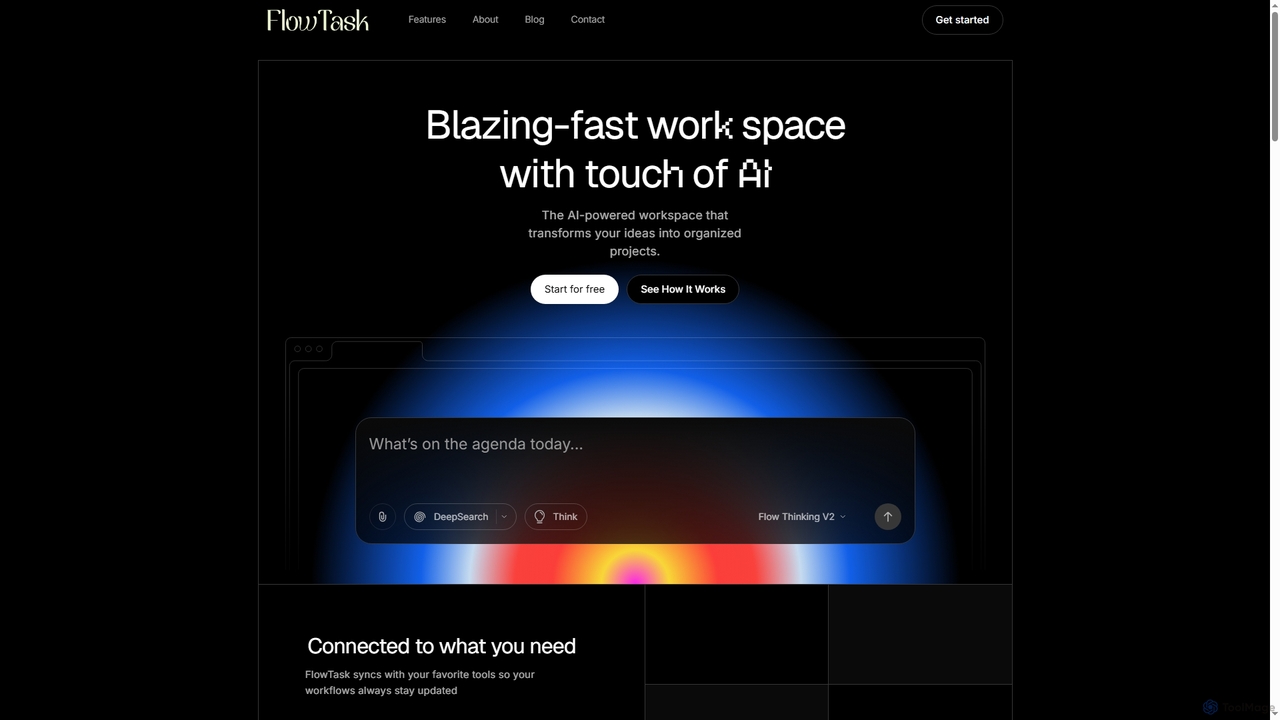
FlowTask is an AI-powered workspace designed to automatically structure projects, tasks, and documents in real-time. It transforms simple prompts into organized workflows, detects tasks and deadlines as you type, and provides instant summaries and cross-workspace search, streamlining productivity for individuals and teams.
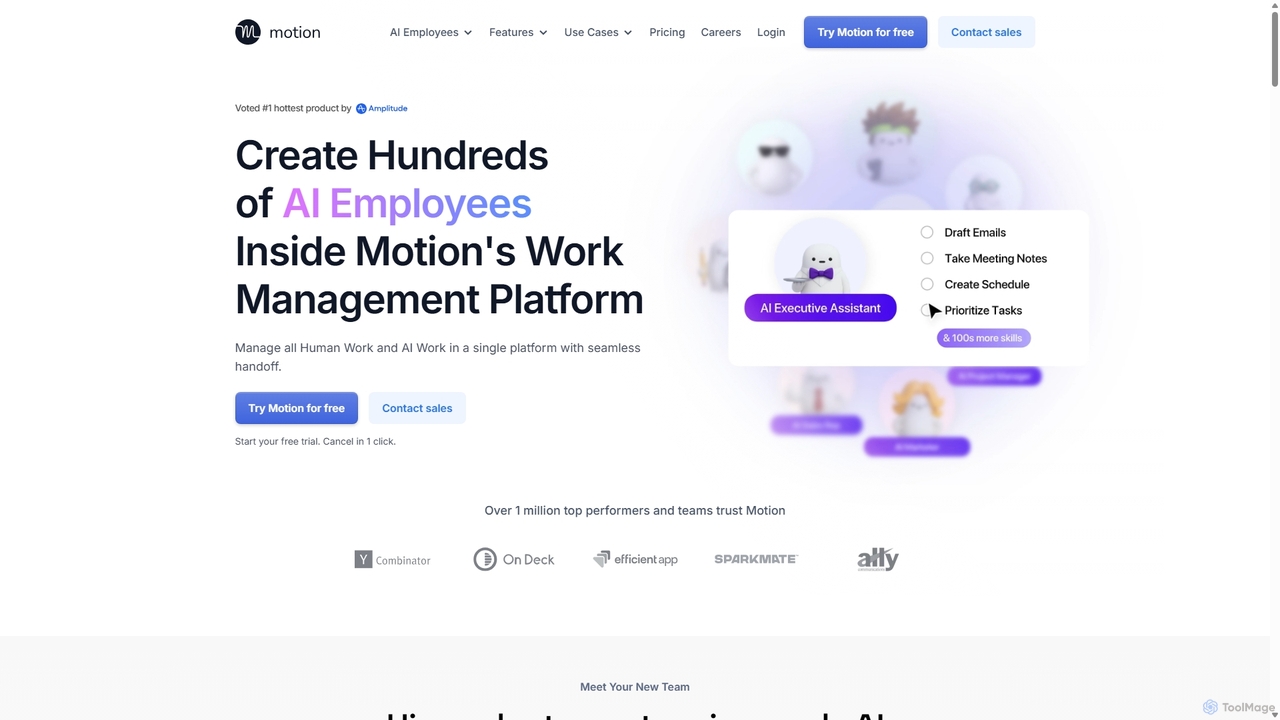
Motion is an AI-powered platform that provides a suite of AI Employees and productivity tools to automate tasks, manage projects, and organize schedules. It's designed to 10x your team's output by handling everything from calendar management and email replies to sales outreach and customer support, all within a single integrated workspace.
Compare product focus, pricing models and audiences. Highlighted rows indicate different listed information; unknown pricing does not mean free.
| Quick facts | FlowTask | Motion |
|---|---|---|
| Pricing model | Freemium | Paid |
| Product type | Web | Web |
| Primary focus | Document Generation | Virtual Assistant |
| Audience and roles | Administrator · Business Owner · Content Creator · Knowledge Worker · Marketing Manager · Product Manager · Project Manager · Researcher · Team Lead | Content Creator · Customer Support · Executive Assistant · Founder · Marketing Manager · Project Manager · Recruiter · Sales Representative · Software Developer · Team Lead |
| Categories | Document Generation · Workflow Automation · Note Taking · Project Management · Task Management | Virtual Assistant · Calendar Management · Project Management · Task Management |
| Added | Jan 8, 2026 | Sep 7, 2025 |
| Updated | Nov 19, 2026 | Nov 19, 2026 |
Explore the listed product descriptions, features and workflows. Taxonomy labels alone are not feature evaluations.
FlowTask is an innovative AI workspace that goes beyond simple text generation or blank canvas tools. It specializes in building fully organized pages, tasks, and documents in real-time, eliminating the need for manual setup or dragging blocks. By leveraging advanced AI, FlowTask transforms simple prompts into ready-to-use project structures, complete with tasks, forms, documents, timelines, and templates, all generated instantly from a single input.
To use FlowTask, you simply start typing your ideas or project plans. The AI will automatically detect tasks, deadlines, and requirements, adding them to your workspace. You can also input a simple prompt, and FlowTask will convert it into a structured document or project plan. Ideas, links, notes, or tasks can be captured from any page and automatically synced into your workspace. For quick insights, you can generate instant summaries of long documents or project updates with a single click. The platform is accessible via desktop and mobile browsers, ensuring flexibility.
FlowTask is ideal for a variety of use cases where efficient organization and project structuring are crucial. It excels in project management, allowing teams to quickly set up and manage complex projects without manual configuration. Content creators can use it to transform ideas into structured articles or marketing plans. Knowledge workers benefit from its ability to organize notes and ideas, creating a personal knowledge hub. Teams can leverage its collaboration features, shared workflows, and admin controls for streamlined operations, while individuals can use it for personal task management and idea capture.
The primary advantage of FlowTask lies in its ability to automate the creation and organization of entire workspaces, saving significant time compared to traditional manual tools. It offers real-time task detection and intelligent structuring, ensuring nothing is missed and projects stay on track. The platform emphasizes privacy, ensuring that user data, workspaces, and prompts remain secure and are not used for training. Its seamless integration capabilities allow users to connect existing tools and easily import/export content. Furthermore, FlowTask provides a clean, minimal UI that promotes focus, alongside powerful features like cross-workspace search and one-click summaries for enhanced productivity.
FlowTask offers simple, transparent pricing for teams of all sizes, including a free option:
Motion introduces a revolutionary approach to productivity by offering a team of enterprise-grade AI Employees that you can hire and deploy in minutes. This platform is designed for top performers and teams aiming to significantly boost their output and streamline their workflows. Motion combines a full suite of AI-powered productivity software with customizable AI agents, creating a single, unified environment for both managing and executing work.
At its core, Motion allows you to delegate tasks to specialized AI Employees. These include Alfred, the AI Executive Assistant for scheduling and emails; Chip, the AI Sales Representative for CRM updates and lead chasing; Clide, the AI Customer Support Specialist; Suki, the AI Marketing Associate for content creation; and many more. You can even build your own custom AI Employee using natural language, tailoring its skills to your specific business needs without any technical expertise.
Getting started with Motion is intuitive. First, you sign up for a free trial to access the platform. You can then choose from a roster of pre-built AI Employees or create a new one from scratch by simply describing its role and responsibilities in plain English. Next, you connect Motion to your existing tools like Gmail, Outlook, Salesforce, Slack, and Zoom. This allows your AI Employees to access the necessary context and data to perform their jobs effectively. You can then assign tasks, such as 'draft replies to all non-urgent emails,' 'summarize the last meeting with Client X,' or 'create a social media content plan for next week.' Motion's unique human-in-the-loop system ensures you can review and approve the AI's work, maintaining full control.
Motion is versatile and can be applied across various business functions. For sales teams, it can automate post-call actions like updating Salesforce, creating demo slides, and scheduling follow-ups. Marketing teams can use it to generate daily social media content in a consistent brand voice. Customer support can leverage Motion to answer tickets using knowledge bases and escalate urgent issues. Project managers can automatically create entire project plans from a scope document, assign tasks, and monitor deadlines without manual check-ins. For executives, it can manage complex schedules and draft email replies, freeing up valuable time.
Motion's primary advantage is its ability to function as a true AI workforce, going far beyond a simple chatbot. It allows users to build powerful agents that complete real, end-to-end work with high accuracy. The natural language interface for creating skills makes automation accessible to everyone, not just engineers. By integrating AI Employees directly into a comprehensive productivity suite, Motion eliminates the need for multiple disparate tools. This unified approach ensures the AI has the full context of your business, leading to highly personalized and effective automation. Furthermore, its enterprise-grade security (SOC 2 Type 2 compliant) ensures your data is always private and secure.
Motion offers a 7-day free trial to explore its features. After the trial, you can choose from two main plans:
For larger organizations with specific needs, Motion offers custom Enterprise plans with dedicated support and custom-built AI Employees. You can contact their sales team for a quote.
Their taxonomy shows where the products overlap and where each one has a more distinct focus. Unknown fields are shown explicitly and are never filled with assumptions.
Traffic is shown on the same scale so differences in market visibility are not visually understated.
Both charts share the same months and vertical scale. Each tool identifies its latest reporting month; missing months are left blank, not counted as zero. Regional and source visit counts are estimates calculated from the reported shares.
| Source type | Percentage | Estimated visits |
|---|---|---|
| Direct | 100% | 13.3K |
| Country/region | Percentage | Estimated visits |
|---|---|---|
| 🇺🇸United States | 66.89% | 481.4K |
| 🇬🇧United Kingdom | 17.96% | 129.3K |
| 🇦🇺Australia | 5.71% | 41.1K |
| 🇨🇦Canada | 5.04% | 36.3K |
| 🇮🇳India | 4.4% | 31.7K |
| Source type | Percentage | Estimated visits |
|---|---|---|
| Direct | 93.02% | 669.5K |
| Referral | 3.67% | 26.4K |
| 3.31% | 23.8K |
Ratings, comments, favorites, and likes are community signals—not a substitute for product fit.
FlowTask distinguishes itself by building entire, ready-to-use project structures like tasks, forms, documents, timelines, and templates from a single prompt. Unlike ChatGPT, which provides answers, or Notion, which offers blank pages, FlowTask gives you a complete, organized workspace without manual setup or dragging blocks.
Yes, FlowTask is accessible and works on both desktop and mobile browsers. It does not require a separate application download.
Yes, FlowTask ensures your workspaces, documents, and prompts remain fully private. The platform explicitly states that it does not train on your data, prioritizing your privacy and security.
Yes, FlowTask is designed to integrate easily with your existing workflows. You can import content, export pages, and connect your current tools to enhance your productivity.
FlowTask offers three plans: Starter (Free forever with basic features), Pro ($19/Month for unlimited projects and advanced AI automations), and Teams ($39/Month for unlimited workspaces, team collaboration, and priority support).
This page is assembled from ToolMage product listings, taxonomy, traffic statistics and on-site user feedback. It is not a hands-on test or an independent review.