

ToolMage
Sign in
Flowtext
Automation · 1.6K monthly visits

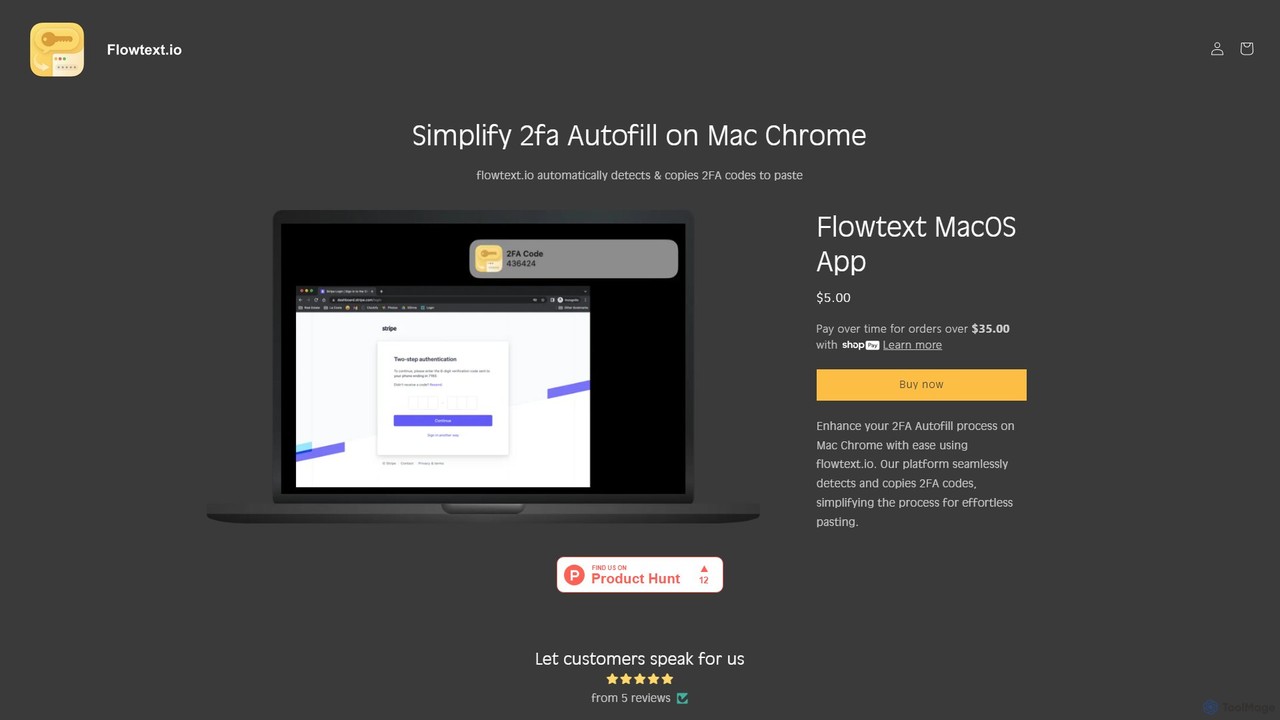
Flowtext is a macOS application designed to streamline your two-factor authentication (2FA) workflow. It automatically detects 2FA codes from SMS messages in iMessage and instantly copies them to your clipboard, eliminating the need to manually switch apps and copy-paste codes when logging into services on Google Chrome. This enhances both productivity and security.

VS
GitBrain
Code Assistant · 3.4K monthly visits

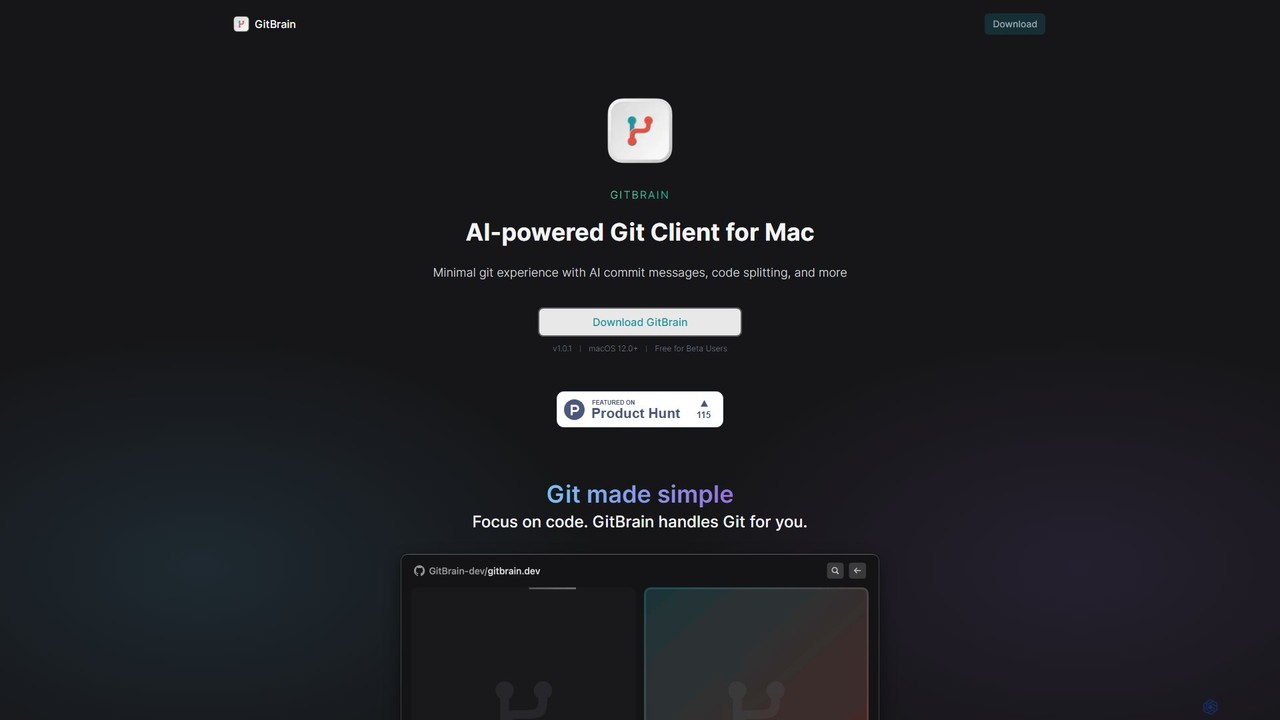
GitBrain is an AI-powered Git client for Mac designed to streamline your workflow. It automatically splits code changes into logical commits, generates clear commit messages, and provides AI-powered code summaries for self-review. With a native macOS interface, IDE integration, and a keyboard-first design, GitBrain simplifies Git management, allowing developers to focus on coding.

Flowtext vs GitBrain: pricing, features, traffic, and use cases

Compare Flowtext and GitBrain across positioning, pricing, traffic, and user feedback using structured factual data.

Updated Aug 5, 2026

Product overview

Flowtext Product overview

Flowtext is a macOS application designed to streamline your two-factor authentication (2FA) workflow. It automatically detects 2FA codes from SMS messages in iMessage and instantly copies them to your clipboard, eliminating the need to manually switch apps and copy-paste codes when logging into services on Google Chrome. This enhances both productivity and security.
Preview

GitBrain Product overview

GitBrain is an AI-powered Git client for Mac designed to streamline your workflow. It automatically splits code changes into logical commits, generates clear commit messages, and provides AI-powered code summaries for self-review. With a native macOS interface, IDE integration, and a keyboard-first design, GitBrain simplifies Git management, allowing developers to focus on coding.

Preview

Detailed feature comparison

FeatureFlowtextGitBrain
Primary categoryAutomationCode Assistant
Added2025-08-112025-08-05
PricingPaidFreemium
Official websiteflowtext.iogitbrain.dev
Product typeAppApp
Performance data
User ratingNot verifiedNot verified
Comments00
Monthly visits1.6K3.4K
Monthly growth107.9%Not verified
Favorites98134
DetailsView detailsView details

Flowtext vs GitBrain monthly traffic

Compare Flowtext and GitBrain by monthly reach, traffic trend, visit depth, top regions, and acquisition sources.

How to interpret the traffic data

In the Flowtext vs GitBrain monthly traffic comparison, Flowtext currently shows 1.6K visits and GitBrain shows 3.4K; GitBrain has about 2.2 times the visible traffic of Flowtext, an absolute difference of about 1.8K visits. This reflects visible reach, not feature quality or paid users.

Only Flowtext has complete third-party traffic details; GitBrain uses visits recorded inside ToolMage. These scopes cannot estimate market share directly, and on-site views should not be treated as the product’s total website traffic.

Flowtext monthly traffic:

Latest traffic

Monthly visits
1.6K
Avg. visit duration
0:00
Pages per visit
1.18
Bounce rate
38.1%
Data updated 2026-06-15

Monthly traffic trend

  • 2025/9: 314 Monthly visits
  • 2026/1: 1.5K Monthly visits
  • 2026/2: 1.6K Monthly visits
  • 2026/3: 2.1K Monthly visits
  • 2026/4: 764 Monthly visits
  • 2026/5: 1.6K Monthly visits

Top regions

Top 5 countries/regions
Country/regionPercentageTraffic
🇺🇸United States100%1.6K

Search keywords

sms autofill chrome mac

GitBrain monthly traffic:

Latest traffic

Monthly visits
3.4K
Traffic-based selection guidance: The current traffic scope is not sufficient for a reliable product ranking. Treat monthly visits as a market-interest signal, then decide using taxonomy, use cases, pricing, and a like-for-like trial rather than reading exposure as product capability.

Usage comparison

Compare the core capabilities of Flowtext and GitBrain

Flowtext Core features

Automation
Authentication
Clipboard Manager

GitBrain Core features

Automation
Code Assistant
Version Control

Use cases

Flowtext Use cases

automation
macos
productivity
2FA
Chrome
clipboard
iMessage
security
SMS
two-factor authentication

GitBrain Use cases

automation
macos
productivity
AI
code assistant
code review
commit message
developer
Git
version control

Flowtext vs GitBrain:In-depth comparison and selection guidance

First decide whether the products solve the same kind of need

This in-depth Flowtext vs GitBrain comparison uses only the product records, taxonomy, audience, traffic, and community signals available on this page. Flowtext is primarily listed under “Automation”, while GitBrain is primarily listed under “Code Assistant”, so the first decision is whether your actual task matches their recorded scope.

The structured fields currently show these decision-relevant differences: Primary category (Flowtext: Automation; GitBrain: Code Assistant); Pricing (Flowtext: Paid; GitBrain: Freemium); Monthly visits (Flowtext: 1.6K; GitBrain: 3.4K); Favorites (Flowtext: 98; GitBrain: 134); Website (Flowtext: flowtext.io; GitBrain: gitbrain.dev). These facts are more useful for selection than brand visibility alone.

What market visibility and monthly traffic mean

In the Flowtext vs GitBrain monthly traffic comparison, Flowtext currently shows 1.6K visits and GitBrain shows 3.4K; GitBrain has about 2.2 times the visible traffic of Flowtext, an absolute difference of about 1.8K visits. This reflects visible reach, not feature quality or paid users.

Only Flowtext has complete third-party traffic details; GitBrain uses visits recorded inside ToolMage. These scopes cannot estimate market share directly, and on-site views should not be treated as the product’s total website traffic.

The current traffic scope is not sufficient for a reliable product ranking. Treat monthly visits as a market-interest signal, then decide using taxonomy, use cases, pricing, and a like-for-like trial rather than reading exposure as product capability.

Product positioning, use cases, and roles

Flowtext and GitBrain currently overlap in shared categories: Automation; shared tags: automation, macos, and productivity. This can place both on the same shortlist, but it does not prove equal implementation, depth, or cost.

Flowtext's unique categories/tags are Authentication, Clipboard Manager, 2FA, Chrome, clipboard, iMessage, security, and SMS; GitBrain's are Code Assistant, Version Control, AI, code assistant, code review, commit message, developer, and Git. These unique fields are the strongest differentiators: validate the product whose recorded scope matches the task instead of following traffic alone.

What ratings, comments, and favorites can tell you

Flowtext has no verified rating, 0 comments, 98 favorites, and 92 likes;GitBrain has no verified rating, 0 comments, 134 favorites, and 149 likes。

Neither product has enough rating or comment samples for a credible reputation ranking.

Selection guidance by actual need

When to evaluate Flowtext first

Put Flowtext on the priority trial list when the task aligns with “Automation” and especially Authentication, Clipboard Manager, 2FA, Chrome, clipboard, and iMessage. This follows recorded positioning and does not imply unlisted capabilities are absent.

Flowtext also currently records: pricing is paid, product type is app, 1.6K verified monthly visits, no verified user rating. Verify any hard requirement around price, platform, or reach before trial, and do not let sparse review data substitute for testing.

When to evaluate GitBrain first

Put GitBrain on the priority trial list when the task aligns with “Code Assistant” and especially Code Assistant, Version Control, AI, code assistant, code review, and commit message. This follows recorded positioning and does not imply unlisted capabilities are absent.

GitBrain also currently records: pricing is freemium, product type is app, 3.4K on-site monthly views, no verified user rating. Verify any hard requirement around price, platform, or reach before trial, and do not let sparse review data substitute for testing.

How to validate the recommendation before deciding

The available data describes positioning, public visibility, and community signals, but it cannot prove output quality, speed, integration effort, privacy, or long-term cost in your workflow. Before deciding, run the same representative tasks in Flowtext and GitBrain, then record completion time, accuracy, manual corrections, and the real paid threshold. A like-for-like trial turns this comparison into a defensible adoption decision.

Comparison FAQ

How should I choose between Flowtext and GitBrain?
Compare positioning, pricing, taxonomy, and traffic maturity, then verify the latest details on each official website.
Where does this comparison data come from?
The factual baseline is derived from product, taxonomy, traffic, and community data. Reviewed editorial conclusions show their source and verification date.
What do unknown fields mean?
Unknown means there is not enough reliable evidence; the page does not fill gaps with assumptions.