GitBrain
Code Assistant
AI TOOL COMPARISON
What is the difference, and which fits your workflow? Compare features, usage, pricing models and traffic side by side.
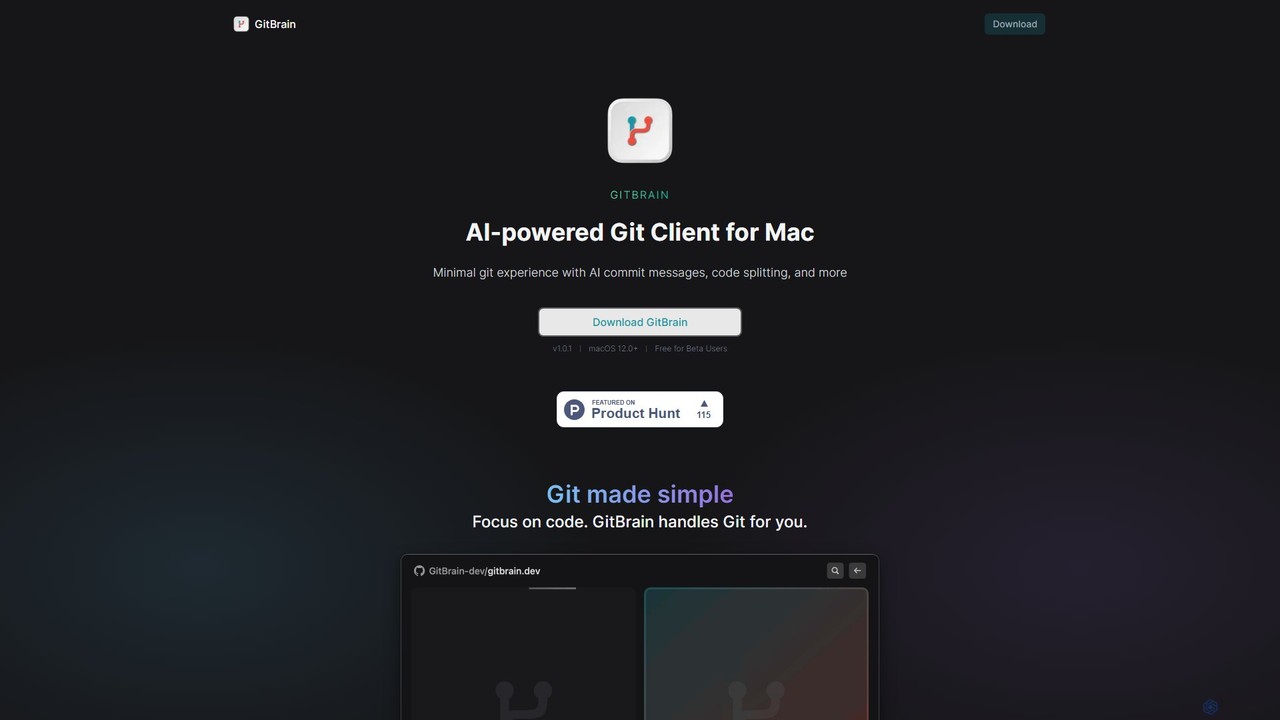
GitBrain is an AI-powered Git client for Mac designed to streamline your workflow. It automatically splits code changes into logical commits, generates clear commit messages, and provides AI-powered code summaries for self-review. With a native macOS interface, IDE integration, and a keyboard-first design, GitBrain simplifies Git management, allowing developers to focus on coding.
GitButler is a next-generation version control client that allows developers to organize their work into multiple virtual branches simultaneously. It automates the process of managing changes, enabling parallel work on different features and bug fixes without the overhead of traditional Git branches, streamlining the entire development workflow.
Compare product focus, pricing models and audiences. Highlighted rows indicate different listed information; unknown pricing does not mean free.
| Quick facts | GitBrain | GitButler |
|---|---|---|
| Pricing model | Freemium | Freemium |
| Product type | App | App |
| Primary focus | Code Assistant | Code Assistant |
| Audience and roles | No data available | No data available |
| Categories | Code Assistant · Version Control · Automation | Code Assistant · Version Control · Task Management |
| Added | Aug 5, 2025 | Aug 1, 2025 |
| Updated | Nov 19, 2026 | Nov 19, 2026 |
Explore the listed product descriptions, features and workflows. Taxonomy labels alone are not feature evaluations.
GitBrain is a revolutionary AI-powered Git client built exclusively for macOS. It aims to simplify the entire Git workflow, making developers more productive by automating tedious version control tasks. Instead of manually staging files, writing commit messages, and structuring your commit history, GitBrain handles it for you. It intelligently analyzes your code changes, groups them into logical units, and suggests clean, descriptive commits, allowing you to focus purely on writing great code.
Designed from the ground up as a native Mac application, GitBrain offers a lightweight, fast, and seamless experience. It integrates perfectly with the macOS environment, featuring a menu bar icon, a floating panel, and beautiful light and dark mode themes that match your system's appearance. This focus on native performance ensures that the app is responsive and feels right at home on your Mac.
Using GitBrain is designed to be an intuitive and seamless process that integrates directly into your existing development workflow:
GitBrain is ideal for individual developers and teams looking to improve their version control practices:
The primary advantage of GitBrain is its ability to boost developer productivity by abstracting away the complexities of Git. It transforms a command-line-heavy process into an intuitive, AI-assisted experience. This leads to better-organized and more meaningful Git histories, which improves team collaboration and long-term project maintainability. Its native Mac design ensures it's not just powerful but also a pleasure to use.
GitBrain is currently available for free during its Beta period for all users on macOS 12.0 and newer. The developers have indicated this is a promotional offer for early adopters, and pricing plans may be introduced after the official release. Users are encouraged to download and use the tool for free while it's in beta.
GitButler is an innovative, open-source Git client designed to revolutionize the way developers interact with version control. It addresses the common complexities and frustrations of managing work-in-progress by introducing a powerful concept: virtual branches. This tool acts as an intelligent assistant, or 'butler', that automatically organizes uncommitted changes, allowing developers to work on multiple tasks in parallel within the same working directory.
Traditionally, developers have to use `git stash` or create temporary feature branches to switch contexts, which can be cumbersome and lead to a messy commit history. GitButler eliminates this friction. It observes file changes in real-time and allows you to visually separate them into distinct, isolated virtual branches. This means you can be fixing a bug, developing a new feature, and refactoring code simultaneously, all without interfering with each other.
Using GitButler is designed to be intuitive and integrate seamlessly into your existing workflow:
GitButler is versatile and benefits developers in various scenarios:
The primary advantage of GitButler is the significant boost in productivity and reduction in mental overhead. It transforms Git from a command-line chore into a seamless, visual experience. By handling the tedious aspects of branch management, it allows developers to stay in a state of flow and focus on what truly matters: writing great code. The result is a cleaner commit history, faster development cycles, and a more enjoyable and less error-prone version control process.
GitButler is currently open-source and free to use. As a community-driven project, it offers its full feature set without charge for individual developers and teams. Future enterprise-level features or cloud services may be introduced with specific pricing plans, but the core client is committed to remaining free.
Their taxonomy shows where the products overlap and where each one has a more distinct focus. Unknown fields are shown explicitly and are never filled with assumptions.
Traffic is shown on the same scale so differences in market visibility are not visually understated.
Both charts share the same months and vertical scale. Each tool identifies its latest reporting month; missing months are left blank, not counted as zero. Regional and source visit counts are estimates calculated from the reported shares.
No data available
| Country/region | Percentage | Estimated visits |
|---|---|---|
| 🇺🇸United States | 53.49% | 57.8K |
| 🇨🇳China | 15.45% | 16.7K |
| 🇭🇰Hong Kong | 11.24% | 12.1K |
| 🇯🇵Japan | 10.43% | 11.3K |
| 🇳🇬Nigeria | 9.39% | 10.1K |
| Source type | Percentage | Estimated visits |
|---|---|---|
| Direct | 68.33% | 73.8K |
| Referral | 29.62% | 32K |
| 2.05% | 2.2K |
Ratings, comments, favorites, and likes are community signals—not a substitute for product fit.
This page is assembled from ToolMage product listings, taxonomy, traffic statistics and on-site user feedback. It is not a hands-on test or an independent review.