marimo
Data Visualization
AI TOOL COMPARISON
What is the difference, and which fits your workflow? Compare features, usage, pricing models and traffic side by side.
Data Visualization
Data Visualization
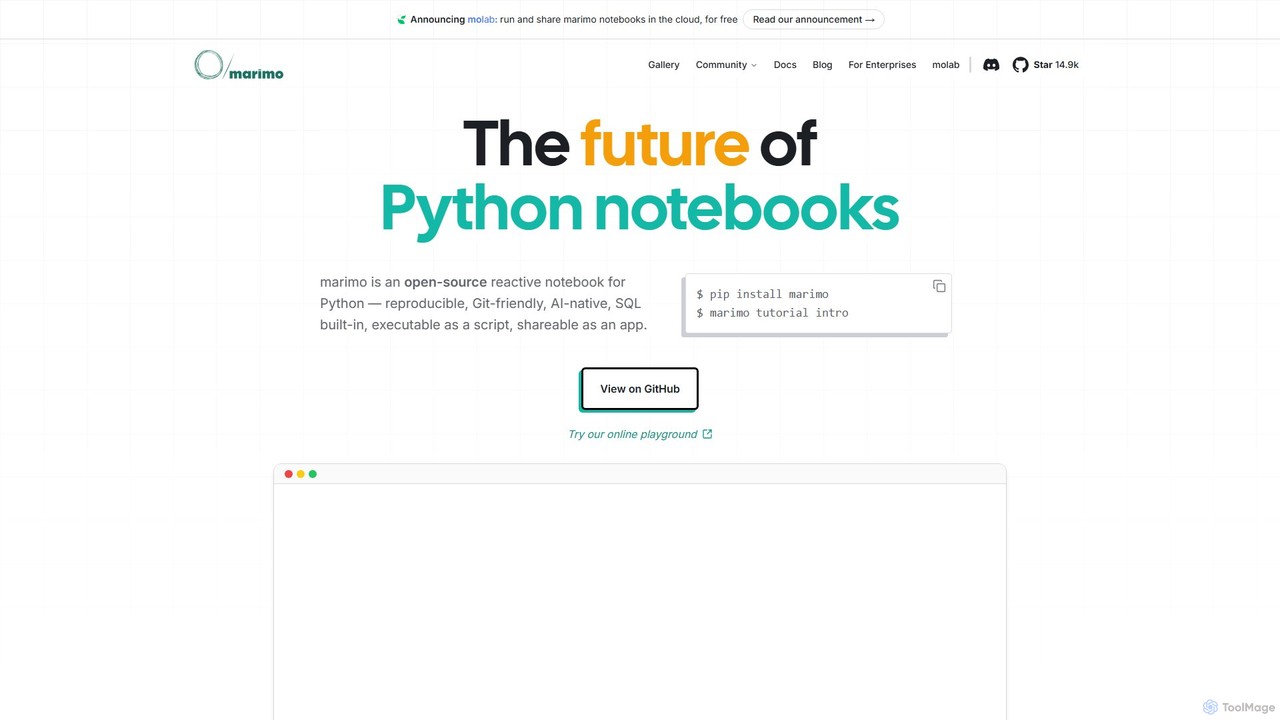
marimo is an open-source reactive Python notebook for modern data science and AI. It offers a reproducible, Git-friendly, and interactive environment where notebooks are pure Python scripts. Features include built-in AI assistance, SQL cells, and the ability to share notebooks as web apps, streamlining the workflow from experiment to production.
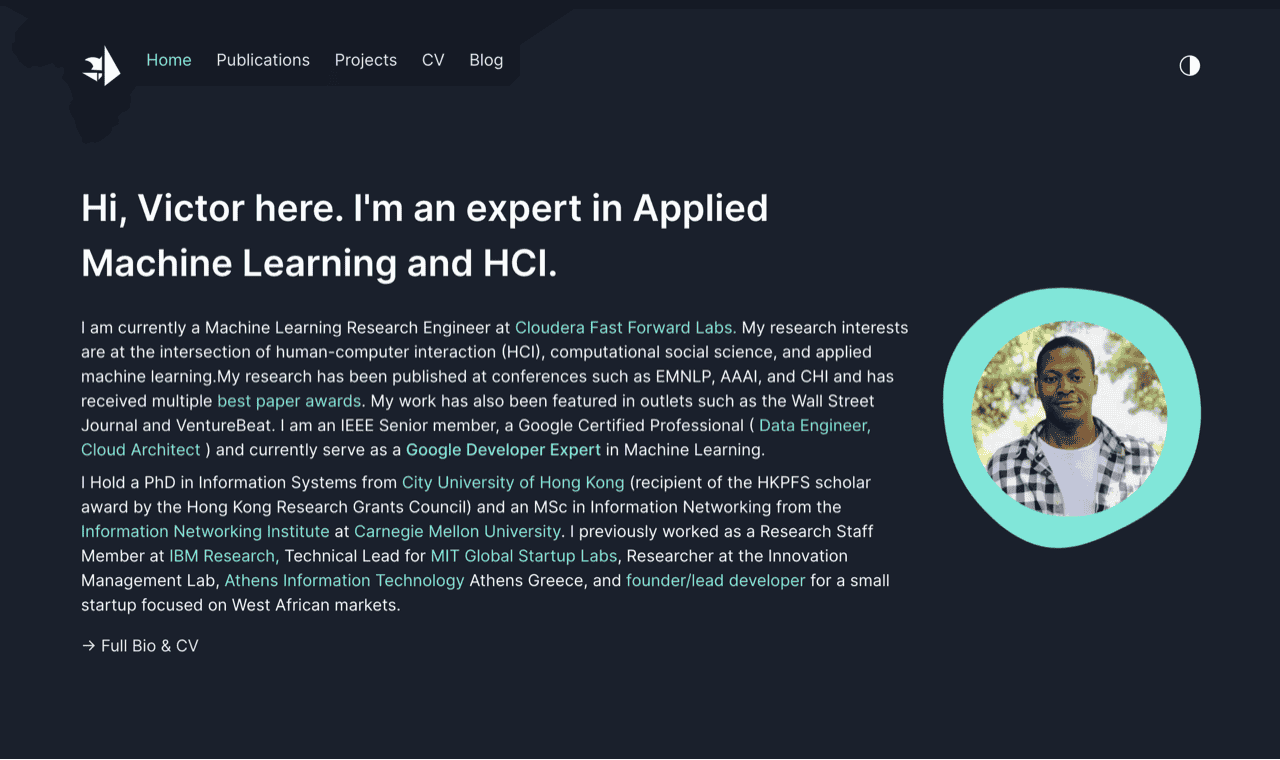
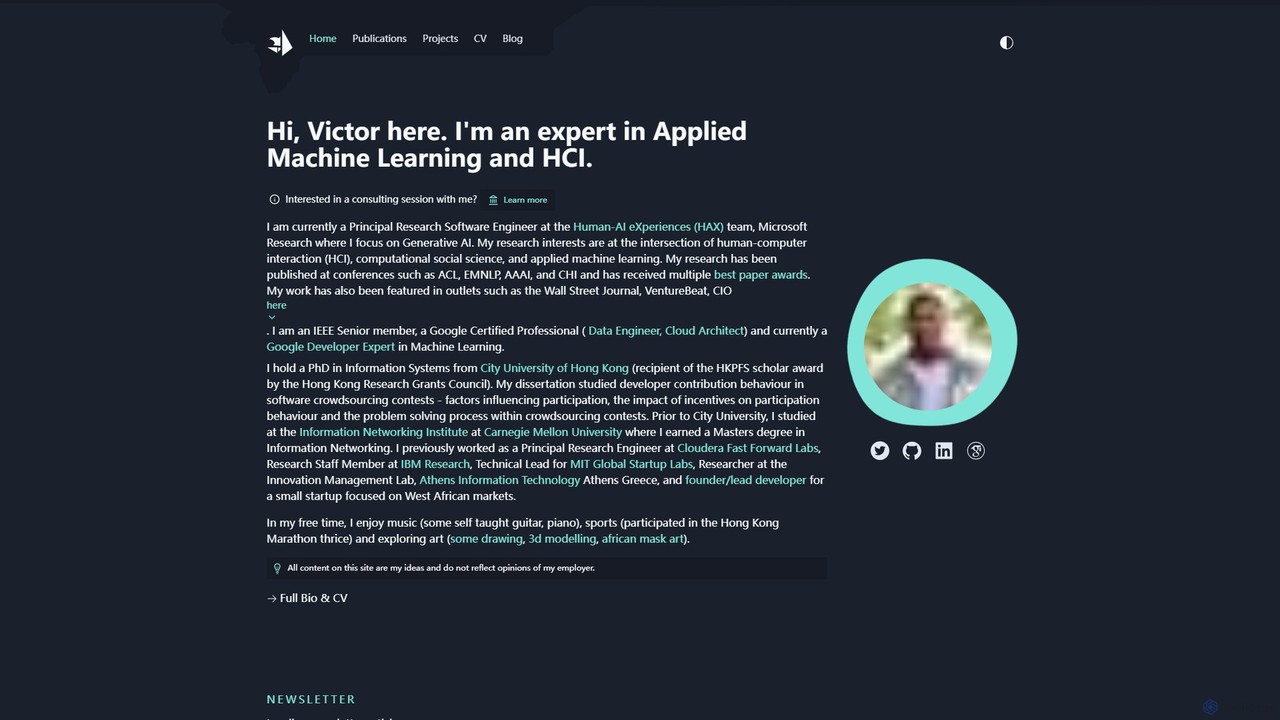
A comprehensive resource hub by Victor Dibia, a leading researcher in Applied ML and HCI. It features open-source AI tools like AutoGen Studio and LIDA, in-depth articles, research papers, and talks on generative AI, multi-agent systems, and human-computer interaction. A valuable platform for developers, researchers, and AI enthusiasts.
Compare product focus, pricing models and audiences. Highlighted rows indicate different listed information; unknown pricing does not mean free.
| Quick facts | marimo | victordibia |
|---|---|---|
| Pricing model | Freemium | Free |
| Product type | Web | Web |
| Primary focus | Data Visualization | Data Visualization |
| Audience and roles | No data available | No data available |
| Categories | Data Visualization · Notebook · Development | Data Visualization · Low Code No Code · Research · Writing |
| Added | Aug 2, 2025 | Aug 4, 2025 |
| Updated | Nov 19, 2026 | Nov 19, 2026 |
Explore the listed product descriptions, features and workflows. Taxonomy labels alone are not feature evaluations.
marimo is a revolutionary open-source Python notebook that reimagines interactive computing for the modern era of data science and artificial intelligence. Unlike traditional notebooks that store content in error-prone JSON files, marimo notebooks are pure Python scripts (.py files). This fundamental design choice makes them reproducible, Git-friendly, testable, and reusable as standard Python modules. marimo introduces a reactive execution model, where updating a single cell automatically triggers the execution of all dependent cells, eliminating hidden state and the tedious manual task of re-running code to ensure consistency. This creates a fluid, intuitive, and error-resistant development environment.
Developed by a team with extensive experience from Google, Palantir, and the PyData ecosystem, marimo is built to bridge the gap between experimental prototyping and production-ready applications. It empowers developers and data scientists to build complex, interactive web applications directly from their notebooks without writing any frontend code. These notebooks can be seamlessly shared as interactive HTML files powered by WebAssembly or deployed as robust web apps using the marimo command-line interface.
Getting started with marimo is straightforward and designed for a smooth developer experience. First, install it using pip:
$ pip install marimoOnce installed, you can launch the introductory tutorial to familiarize yourself with its reactive paradigm:
$ marimo tutorial introTo create or edit a notebook, simply run the marimo command with a Python file:
$ marimo edit my_notebook.pyInside the web-based editor, you can write Python code in cells, just like in other notebooks. However, marimo's power lies in its special features. You can bind UI elements like sliders and dropdowns directly to Python variables. When a user interacts with a widget, the corresponding variable updates, and all downstream cells that use this variable reactively re-run. You can also write SQL queries directly in dedicated SQL cells to interact with databases like DuckDB, SQLite, Postgres, and more. To share your work, you can either run it as a read-only application or export it to a self-contained HTML file:
# Run as an interactive app
$ marimo run my_notebook.py

# Export to HTML
$ marimo export my_notebook.py --to html
The integrated AI assistant can be used to generate code, explain concepts, and debug issues, supporting models from OpenAI, Anthropic, Google Gemini, and local models via Ollama.
marimo's versatility makes it suitable for a wide range of applications across different domains:
marimo offers significant advantages over traditional notebook environments like Jupyter:
marimo is fundamentally a free and open-source project. The core marimo notebook library and its command-line interface are available for anyone to use without charge. You can install and run it on your local machine or your own servers. Additionally, the project offers molab, a cloud-based platform to run and share marimo notebooks, which is also currently available for free. This positions marimo as a highly accessible tool for individuals, students, and professional teams alike.
Victor Dibia's website serves as a central hub and portfolio for his extensive work in the fields of Applied Machine Learning (ML) and Human-Computer Interaction (HCI). As a Principal Research Software Engineer at Microsoft Research, Victor focuses on cutting-edge areas like Generative AI and multi-agent systems. This platform is not a single application but rather a rich ecosystem of open-source projects, insightful articles, academic publications, and technical talks. It provides a direct window into the mind of a leading expert, offering invaluable resources for anyone interested in the practical application and theoretical underpinnings of modern AI.
The site meticulously documents his journey and contributions, from his award-winning research papers at top conferences like ACL and CHI to his practical, open-source tools that empower developers and researchers worldwide. It's a testament to his expertise, recognized by his status as a Google Developer Expert in Machine Learning and an IEEE Senior member. The content bridges the gap between complex academic research and real-world implementation, making it an essential destination for both seasoned professionals and aspiring learners in the AI space.
To leverage the resources on Victor Dibia's website, users can navigate through its well-organized sections:
The platform is valuable for a diverse audience:
All the resources on the Victor Dibia website, including his blog, research papers, and open-source projects (like AutoGen Studio and LIDA), are available completely free of charge. He does mention the availability of consulting sessions, for which interested parties would need to reach out directly for details.
Their taxonomy shows where the products overlap and where each one has a more distinct focus. Unknown fields are shown explicitly and are never filled with assumptions.
Traffic is shown on the same scale so differences in market visibility are not visually understated.
Both charts share the same months and vertical scale. Each tool identifies its latest reporting month; missing months are left blank, not counted as zero. Regional and source visit counts are estimates calculated from the reported shares.
| Country/region | Percentage | Estimated visits |
|---|---|---|
| 🇺🇸United States | 41.19% | 64.5K |
| 🇩🇪Germany | 28.12% | 44K |
| 🇨🇦Canada | 13.42% | 21K |
| 🇰🇷Korea, Republic of | 8.79% | 13.8K |
| 🇬🇧United Kingdom | 8.48% | 13.3K |
| Source type | Percentage | Estimated visits |
|---|---|---|
| Direct | 70.5% | 110.4K |
| Referral | 27.55% | 43.1K |
| 1.95% | 3.1K |
| Country/region | Percentage | Estimated visits |
|---|---|---|
| 🇺🇸United States | 37.7% | 8.5K |
| 🇮🇳India | 25.61% | 5.7K |
| 🇻🇳Vietnam | 14.63% | 3.3K |
| 🇬🇧United Kingdom | 11.38% | 2.6K |
| 🇮🇩Indonesia | 10.68% | 2.4K |
Ratings, comments, favorites, and likes are community signals—not a substitute for product fit.
This page is assembled from ToolMage product listings, taxonomy, traffic statistics and on-site user feedback. It is not a hands-on test or an independent review.