ToolMage
Sign in

AI TOOL COMPARISON

Screenshot Coder vs Superflex

What is the difference, and which fits your workflow? Compare features, usage, pricing models and traffic side by side.

Jump to key differences

Product overview

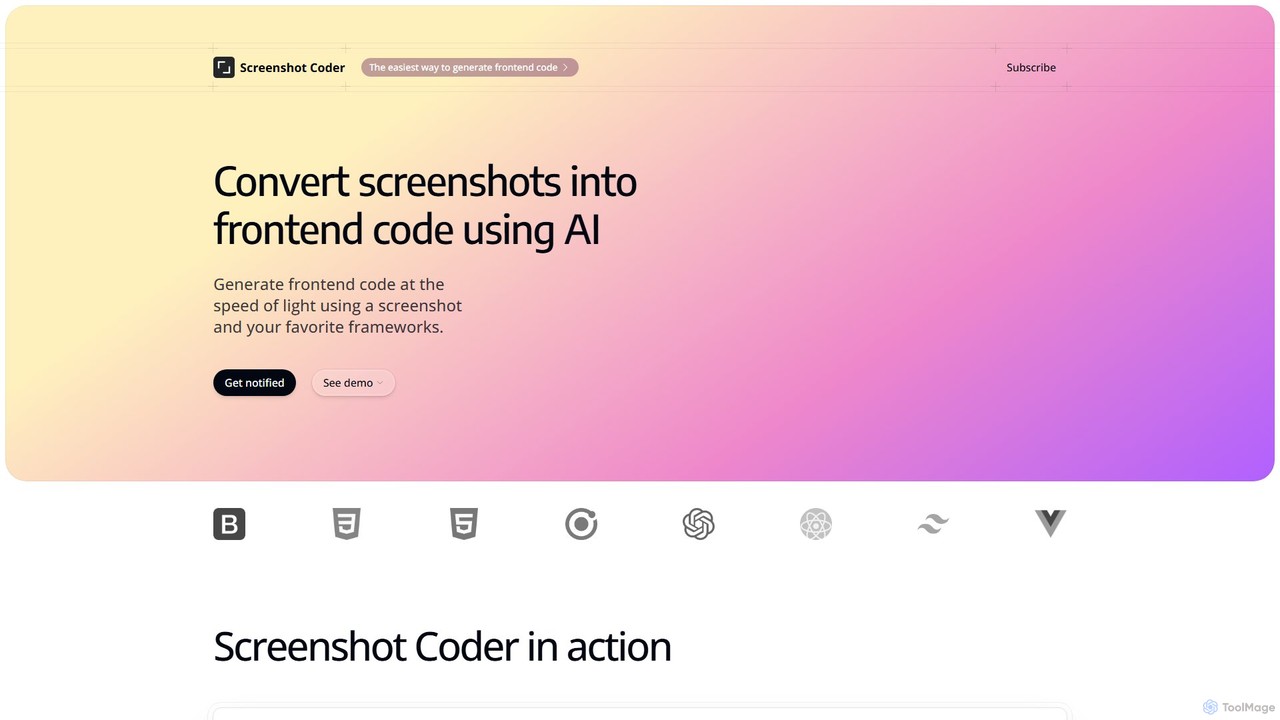
Screenshot Coder Product overview

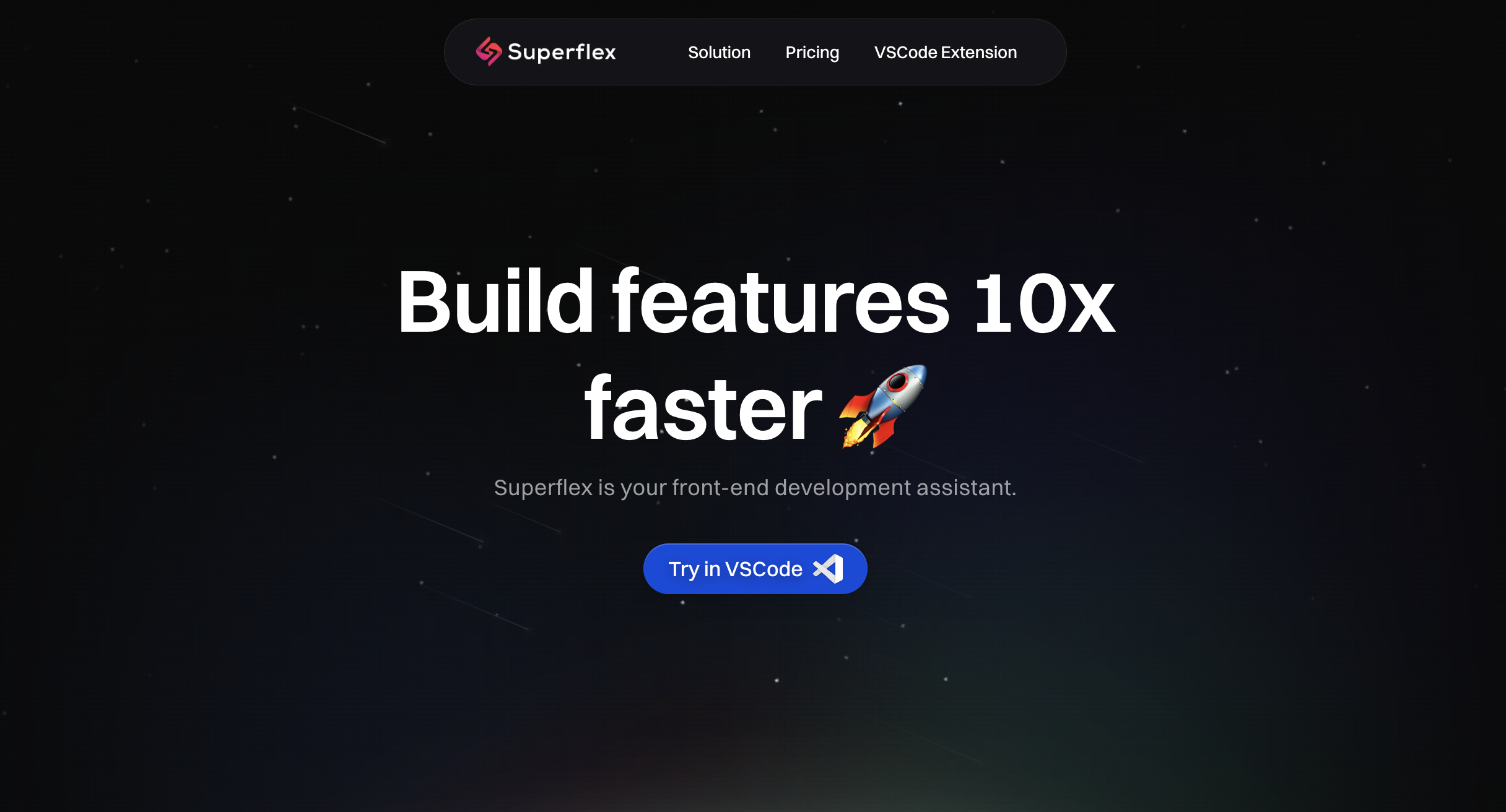
Screenshot Coder is an AI-powered tool that instantly converts screenshots of UI designs into clean, production-ready frontend code. It supports popular frameworks like React, Bootstrap, and Tailwind CSS, dramatically accelerating the development workflow from design to implementation.

Preview

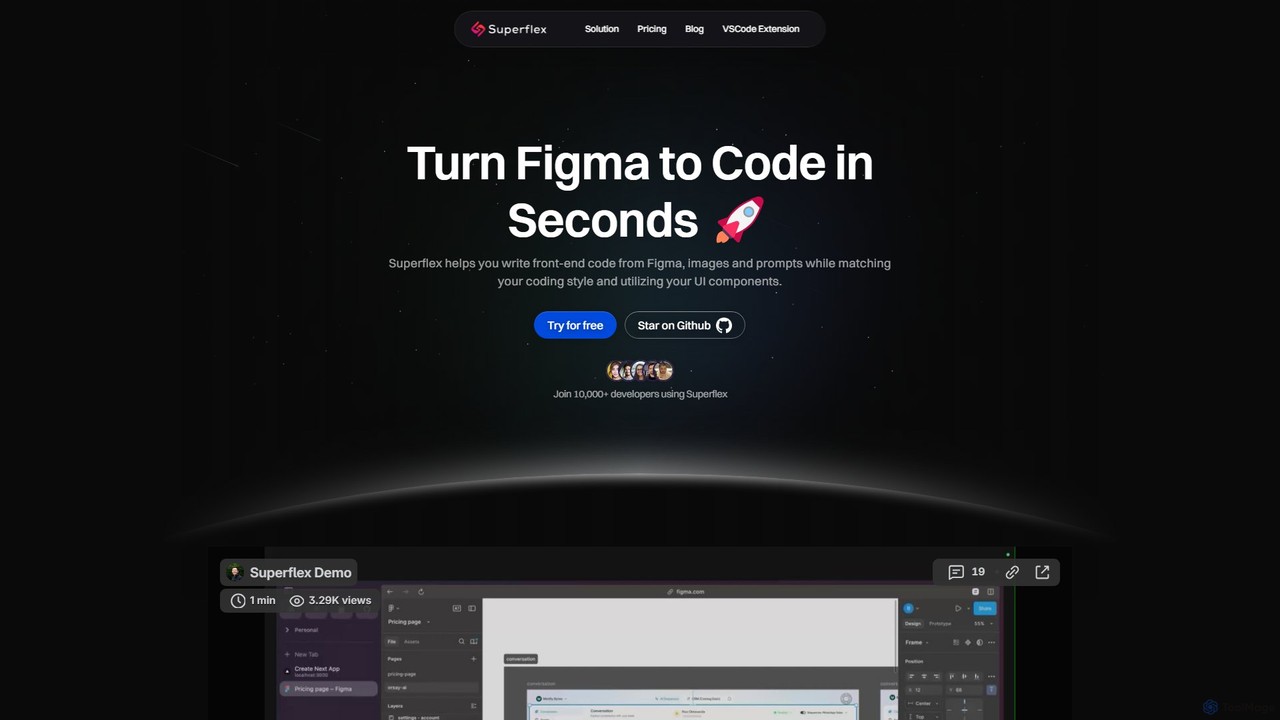
Superflex Product overview

Superflex is an AI-powered tool that transforms Figma designs, images, and text prompts into production-ready front-end code in seconds. It accelerates development by analyzing your existing codebase to reuse UI components and adapting to your unique coding style. Ideal for developers and teams looking to boost productivity and bridge the gap between design and implementation.

Preview

Quick facts

Compare product focus, pricing models and audiences. Highlighted rows indicate different listed information; unknown pricing does not mean free.

Screenshot Coder VS Superflex — Quick facts
Quick factsScreenshot CoderSuperflex
Pricing modelFreemiumFreemium
Product typeWebWeb
Primary focusDesign To CodeDesign To Code
Audience and rolesNo data availableNo data available
CategoriesDesign To Code · Code Generation · Developer ToolsDesign To Code · Code Generation · Developer Tools
AddedAug 11, 2025Aug 7, 2025
UpdatedNov 19, 2026Nov 19, 2026

Features, usage and use cases

Explore the listed product descriptions, features and workflows. Taxonomy labels alone are not feature evaluations.

Screenshot Coder

Screenshot Coder is a revolutionary AI-powered development tool designed to bridge the gap between design and code. It empowers developers and designers to transform static screenshots of user interfaces into dynamic, high-quality frontend code with unprecedented speed and accuracy. By simply uploading an image of a web design, mockup, or even an existing application, users can generate clean, well-structured code for a variety of modern frameworks, including React, Bootstrap, and Tailwind CSS. This process eliminates the tedious and time-consuming task of manually translating visual designs into functional components, allowing development teams to focus on building core logic and features.

The platform is engineered for efficiency and ease of use. Its intelligent AI engine analyzes the visual elements within a screenshot—identifying layouts, colors, fonts, buttons, inputs, and other components—and intelligently translates them into a coherent code structure. The generated code is not just a rough approximation; it is designed to be clean, readable, and maintainable, adhering to best practices for the chosen framework. This makes Screenshot Coder an invaluable asset for rapid prototyping, accelerating development cycles, and ensuring greater consistency between the initial design and the final product.

How to use Screenshot Coder

Using Screenshot Coder is a straightforward, three-step process designed for maximum efficiency:

  1. Upload Your Screenshot: Begin by uploading a high-resolution screenshot of the user interface you want to code. This can be a design from tools like Figma or Sketch, a PNG/JPG file, or even a screenshot of an existing website you wish to replicate or modernize.
  2. Select Your Framework: Choose your desired output technology stack. Screenshot Coder supports multiple popular frontend frameworks and libraries, such as React for component-based architecture, Tailwind CSS for utility-first styling, and Bootstrap for a responsive grid system.
  3. Generate and Export Code: With a single click, the AI will process the image and generate the corresponding code. You can then review the code, make any necessary adjustments in your own editor, and copy or export it directly into your project. The entire process takes just seconds.

Core Features of Screenshot Coder

  • AI-Powered Image Analysis: Utilizes advanced computer vision to accurately detect and interpret UI elements from any screenshot.
  • Multi-Framework Support: Generates code for a wide range of popular frontend technologies, including React, Bootstrap, and Tailwind CSS, with more frameworks planned for the future.
  • Clean and Maintainable Code: Produces well-structured, readable, and semantic code that is easy for developers to understand, modify, and integrate.
  • Responsive Design Generation: The generated code is built with responsiveness in mind, ensuring a seamless user experience across different devices and screen sizes.
  • High-Speed Conversion: Transforms designs into code in a matter of seconds, reducing frontend development time by hours or even days.
  • Component-Based Output: For frameworks like React, the tool generates code structured into reusable components, promoting best practices and scalability.

Use Cases for Screenshot Coder

Screenshot Coder is versatile and can be applied in various scenarios:

  • Rapid Prototyping: Quickly convert design mockups into interactive HTML prototypes to validate ideas and gather user feedback.
  • Accelerating Frontend Development: Generate boilerplate code for UI components and layouts, freeing up developers to focus on complex business logic and functionality.
  • Streamlining Designer-Developer Handoff: Designers can provide screenshots, and developers can get a functional code base as a starting point, reducing ambiguity and misinterpretation.
  • Learning and Education: A great tool for junior developers or designers learning to code, as it shows how visual elements translate into real-world code structures.
  • Modernizing Legacy Systems: Take screenshots of outdated application interfaces and generate modern code using frameworks like React and Tailwind CSS.

Advantages of Screenshot Coder

The primary advantage of Screenshot Coder is the massive boost in productivity. It automates a significant portion of the frontend development process, allowing for faster project delivery. It also enhances collaboration between design and development teams by providing a tangible, code-based link between the visual concept and the final implementation. The tool promotes consistency and reduces the likelihood of human error that can occur during manual coding. By handling the initial UI coding, it empowers developers to invest their expertise in more critical aspects of the application.

Pricing and Plans

Screenshot Coder operates on a freemium model, making it accessible to everyone.

  • Free Plan: Perfect for trying out the tool. Users get their first 3 code generations for free without needing a credit card. This allows you to test its capabilities and see the quality of the generated code.
  • Paid Plans: For professional and frequent use, users can upgrade to a paid plan. While the tool is currently in development and detailed pricing will be announced at launch, future plans are expected to offer a higher number of monthly generations, access to all supported and upcoming frameworks, priority support, and potentially team-based features.

Sign up on the website to get notified about the official launch and any early-bird offers.

Superflex

Superflex is a cutting-edge AI tool designed to revolutionize the front-end development workflow. It empowers developers and teams to convert design assets into high-quality, production-ready code with remarkable speed and accuracy. By taking inputs directly from Figma, images, or even simple text prompts, Superflex eliminates the tedious and time-consuming process of manually translating visual designs into functional user interfaces. It's built for professional developers who want to accelerate their workflow, reduce boilerplate code, and focus on building complex application logic.

The platform's intelligence lies in its ability to understand and adapt to your existing project. Superflex analyzes your codebase to identify and utilize your custom UI components, ensuring that the generated code is consistent with your design system and architectural patterns. This adaptability makes it a powerful ally in maintaining code quality and scalability, preventing the 'spaghetti code' that can arise from inconsistent development practices.

How to use Superflex

Using Superflex is a straightforward process designed to integrate seamlessly into a developer's existing workflow:

  1. Provide an Input: Start by connecting your Figma account to import designs directly. Alternatively, you can upload a screenshot or image of a UI, or simply describe the component you want to build using a text prompt.
  2. Codebase Integration: For optimal results, allow Superflex to analyze your project's repository. This enables the AI to learn your coding style, component structure (e.g., React, Next.js), and styling conventions (e.g., Tailwind CSS, Styled Components).
  3. Generate Code: With the input and context, Superflex generates the corresponding front-end code in seconds. The output is not just a generic snippet but is tailored to your project's specific needs.
  4. Review and Integrate: The generated code can be reviewed and copied directly into your project. With the VSCode extension, this process is even more streamlined, allowing you to generate and insert code without leaving your editor.
  5. Iterate and Refine: Use the generated code as a solid foundation. Since it matches your style, you can confidently make edits and build upon it to add complex functionality.

Core Features of Superflex

  • Multi-Source Input: Converts designs from Figma, images, and text prompts into code.
  • Codebase-Aware Generation: Analyzes your existing code to reuse your UI components and libraries.
  • Coding Style Adaptation: Matches your formatting, naming conventions, and architectural patterns (e.g., React, Next.js, Svelte).
  • Production-Ready Output: Generates clean, maintainable, and responsive HTML, CSS, and JavaScript code.
  • VSCode Extension: Provides a seamless in-editor experience for maximum productivity.
  • Team Collaboration: Offers team plans with centralized billing, shared access, and priority support to boost an entire team's velocity.
  • Zero Data Retention Policy: The Team Plan ensures your proprietary code is never stored, providing enhanced security and confidentiality.

Use Cases for Superflex

Superflex is versatile and can be applied in various scenarios to enhance front-end development:

  • Rapid Prototyping: Quickly transform wireframes or high-fidelity mockups into interactive web prototypes.
  • Component Creation: Generate individual UI components like buttons, cards, and forms from a Figma design layer or an image.
  • Landing Page Development: Build entire landing pages or marketing sites from a complete design file in minutes.
  • Design System Implementation: Accelerate the process of building a component library based on an established design system in Figma.
  • Modernizing Legacy UIs: Take screenshots of old interfaces and generate modern, responsive code using new frameworks.

Advantages of Superflex

The primary advantage of Superflex is a massive boost in development speed, with claims of up to an 80% increase in front-end velocity. It bridges the often-problematic gap between design and development, ensuring high fidelity to the original design. By automating the creation of UI code, it frees up developers to concentrate on more complex tasks like state management, API integration, and business logic. The code's consistency and adherence to project standards also lead to a more maintainable and scalable codebase over time.

Pricing and Plans

Superflex offers a tiered pricing structure to suit different needs:

  • Free Plan: Ideal for individuals and hobbyists. Includes 1 project, 15 premium requests/month, and 100 basic requests/month. It supports image and prompt-to-code but requires a paid plan for Figma integration.
  • Individual Pro Plan ($19/month, billed yearly): The most popular choice for professionals. Includes Figma integration, unlimited projects, 250 premium requests/month, unlimited basic requests, and priority email support.
  • Team Plan ($199/month, billed yearly): Designed for teams and organizations. Includes 5 licenses (with an option to add more), advanced Figma-to-code generation, unlimited premium requests, priority Slack support, centralized billing, and a zero data retention policy for maximum security.

All paid plans come with a 30-day money-back guarantee.

Positioning

Their taxonomy shows where the products overlap and where each one has a more distinct focus. Unknown fields are shown explicitly and are never filled with assumptions.

Categories

Shared
Design To CodeCode GenerationDeveloper Tools
Only Screenshot Coder
No listed items
Only Superflex
No listed items

Tags

Shared
ai code generatordesign to codedeveloper toolfrontend developmentreact
Only Screenshot Coder
bootstrapprototypingscreenshot to codeTailwind CSSUI/UX
Only Superflex
figma to codeNextJSUI componentsvscode extension

Audience and roles

Shared
No listed items
Only Screenshot Coder
No listed items
Only Superflex
No listed items

Traffic comparison

Traffic is shown on the same scale so differences in market visibility are not visually understated.

How to interpret the traffic data

Both charts share the same months and vertical scale. Each tool identifies its latest reporting month; missing months are left blank, not counted as zero. Regional and source visit counts are estimates calculated from the reported shares.

Screenshot Coder monthly traffic:

Latest traffic · 2026-05

Monthly visits
427
Avg. visit duration
0:00
Pages per visit
1.01
Bounce rate
37.24%
Data updated 2026-06-15

Monthly traffic trend

  • 2025-09: 388
  • 2026-01: 0
  • 2026-02: 0
  • 2026-03: 291
  • 2026-04: 17
  • 2026-05: 427

Top regions

Top 5 countries/regions
Country/regionPercentageEstimated visits
🇮🇳India100%427

Search keywords

coder screenshotscreenshot of frontend codescreenshot to codescreenshot-to-code

Superflex monthly traffic:

Latest traffic · 2026-05

Monthly visits
3K
Avg. visit duration
0:10
Pages per visit
1.67
Bounce rate
39%
Data updated 2026-06-15

Monthly traffic trend

  • 2025-09: 10.5K
  • 2026-01: 14.6K
  • 2026-02: 9.5K
  • 2026-03: 9.9K
  • 2026-04: 7.5K
  • 2026-05: 3K

Top regions

Top 5 countries/regions
Country/regionPercentageEstimated visits
🇺🇸United States38.91%1.2K
🇩🇪Germany23.11%687
🇮🇳India15.91%473
🇵🇰Pakistan13.99%416
🇮🇩Indonesia8.08%240

Search keywords

all html <input> typesbest ai for codingfigma sitessuperflexxhr

Community signals

Ratings, comments, favorites, and likes are community signals—not a substitute for product fit.

Screenshot Coder

Rating
No data available
Comments
0
Favorites
182
Likes
175

Superflex

Rating
No data available
Comments
0
Favorites
187
Likes
170

Screenshot Coder vs Superflex · Comparison FAQ

What do Screenshot Coder and Superflex have in common?
Both tools are listed under Design To Code、Code Generation、Developer Tools. These categories indicate overlapping use cases; compare their detailed descriptions for workflows, capabilities and limitations.
Are Screenshot Coder and Superflex free?
Listed pricing models: Screenshot Coder — Freemium; Superflex — Freemium. Missing pricing is not proof of a free plan, and freemium does not mean every feature is free. Check official sites for current plans, limits and trials.
How should I choose between Screenshot Coder and Superflex?
The primary listed category is Design To Code for Screenshot Coder, and Design To Code for Superflex. Compare features, steps and use cases, then verify pricing, data permissions and deployment needs. This page does not include hands-on testing and does not declare a winner from traffic or tags.

Sources and comparison methodology

This page is assembled from ToolMage product listings, taxonomy, traffic statistics and on-site user feedback. It is not a hands-on test or an independent review.
  • Feature and plan descriptions reflect information in the listings, not real-time guarantees. Verify pricing, quotas, availability and privacy terms on the official sites.
  • Traffic uses the reporting months shown. Missing statistics do not mean zero visits, and different periods do not establish growth or superiority. Regional and source visit counts are estimates based on shares.
  • Different tags indicate differences in the listings, not proof that the other product lacks a capability. Ratings, favorites and visits are not used to declare a winner.

Related comparisons