

ChatBotKit Apps Overview
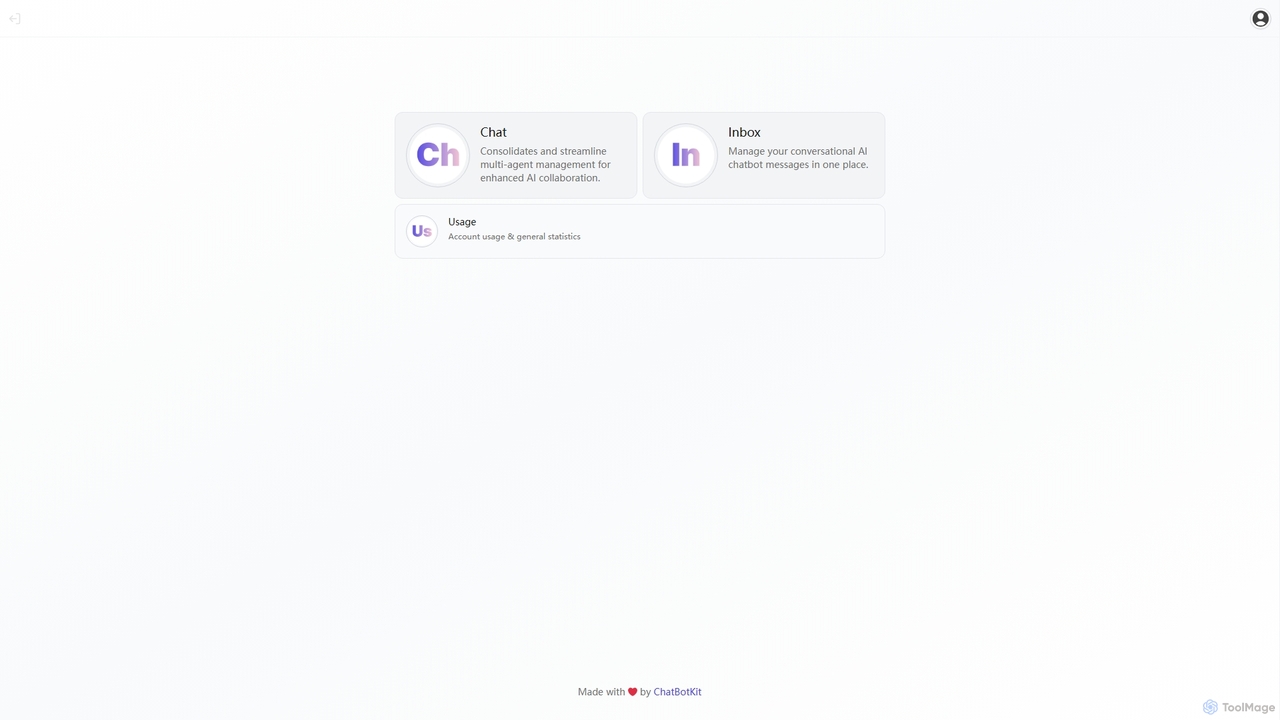
ChatBotKit Apps is the central command center for the entire ChatBotKit ecosystem, offering a powerful and integrated suite of applications to manage every aspect of your conversational AI. It's designed for developers, marketers, and customer support teams who need a robust platform to create, deploy, and optimize sophisticated AI chatbots. From a single, intuitive dashboard, users can access specialized tools that streamline workflows, provide deep insights, and enable complex AI collaborations.
The platform consolidates critical functions into distinct yet interconnected applications. The 'Inbox' app provides a unified view of all user conversations across different channels, allowing support teams to monitor interactions, intervene when necessary, and ensure a seamless customer experience. The 'Chat' app is a more advanced feature for managing multi-agent systems, enabling different specialized AI bots to collaborate on solving complex user queries. Finally, the 'Usage' app offers a comprehensive analytics dashboard, providing vital statistics on message volume, user engagement, and overall bot performance to drive data-informed improvements.
How to use ChatBotKit Apps
Getting started with ChatBotKit Apps is a straightforward process designed for both technical and non-technical users:
- Sign Up: Create an account on the ChatBotKit platform to gain access to the Apps dashboard.
- Create a Bot: Use the intuitive chatbot builder to create your first AI agent. You can train it on your own data, such as website content, documents, or FAQs, to ensure it aligns with your brand's voice and knowledge.
- Configure Integrations: Connect your chatbot to various platforms. Embed it on your website with a simple widget, or integrate it with messaging services like Slack, Discord, or WhatsApp.
- Manage Conversations: Navigate to the 'Inbox' app within the dashboard. Here, you can monitor all incoming messages, track conversation history, and take over from the bot if human intervention is required.
- Analyze Performance: Open the 'Usage' app to view detailed analytics. Track key metrics like the number of conversations, popular queries, and resolution rates to understand how your bot is performing and identify areas for optimization.
- Scale with Multi-Agent Systems: For advanced use cases, utilize the 'Chat' app to orchestrate multiple bots. For example, you could have one bot for sales inquiries and another for technical support, with a master bot routing users to the correct agent.
Core Features of ChatBotKit Apps
- Unified Inbox: A centralized hub to manage all chatbot conversations from various channels in one place, facilitating seamless human-agent handoff.
- Multi-Agent Management: Consolidate and streamline the management of multiple AI agents, enabling sophisticated collaboration and specialized task handling.
- Usage Analytics: A detailed dashboard providing statistics on account usage, message counts, user engagement, and other key performance indicators.
- No-Code Chatbot Builder: An intuitive interface for creating and training AI chatbots without writing a single line of code. Simply provide your data, and the platform handles the rest.
- Powerful Integrations: Seamlessly deploy chatbots on websites, mobile apps, and popular messaging platforms like Slack, Discord, and more.
- Developer API: A comprehensive API for developers to build custom integrations and extend the platform's functionality.
Use Cases for ChatBotKit Apps
ChatBotKit Apps is versatile and can be applied across various business functions:
- Automated Customer Support: Deploy a 24/7 chatbot to answer frequently asked questions, resolve common issues, and reduce the workload on human support agents. The Inbox allows agents to step in for complex queries.
- Lead Generation and Sales: Engage website visitors proactively, qualify leads by asking relevant questions, schedule demos, and route high-value prospects directly to the sales team.
- Internal Helpdesk: Create an internal chatbot to assist employees with HR policies, IT troubleshooting, and onboarding processes, improving internal efficiency.
- E-commerce Assistance: Guide customers through their shopping journey, provide product recommendations, track orders, and handle return requests.
Advantages of ChatBotKit Apps
The primary advantage of ChatBotKit Apps is its integrated and centralized approach. Instead of using disparate tools, businesses get a single, cohesive platform to manage the entire chatbot lifecycle. This leads to enhanced efficiency, better collaboration between teams, and a consistent user experience. The ability to scale from a simple FAQ bot to a complex, multi-agent system on the same platform makes it a future-proof solution for businesses of all sizes. Furthermore, its powerful analytics provide actionable insights, enabling continuous improvement and optimization of your conversational AI strategy.
Pricing and Plans
ChatBotKit offers a freemium model with various tiers to suit different needs:
- Free Plan: Ideal for individuals and small projects, offering basic features with certain usage limits.
- Basic Plan: Designed for startups and small businesses, providing more messages, bots, and access to standard features.
- Plus Plan: A popular choice for growing businesses, offering higher limits, advanced features, and priority support.
- Pro Plan: Tailored for large organizations with high-volume needs, including premium features and enhanced support.
- Enterprise Plan: Custom solutions for enterprises requiring bespoke integrations, dedicated infrastructure, and enterprise-grade security.
Each paid plan typically comes with a free trial, allowing users to explore the features before committing.
ChatBotKit Apps Alternatives
ChatBotKit
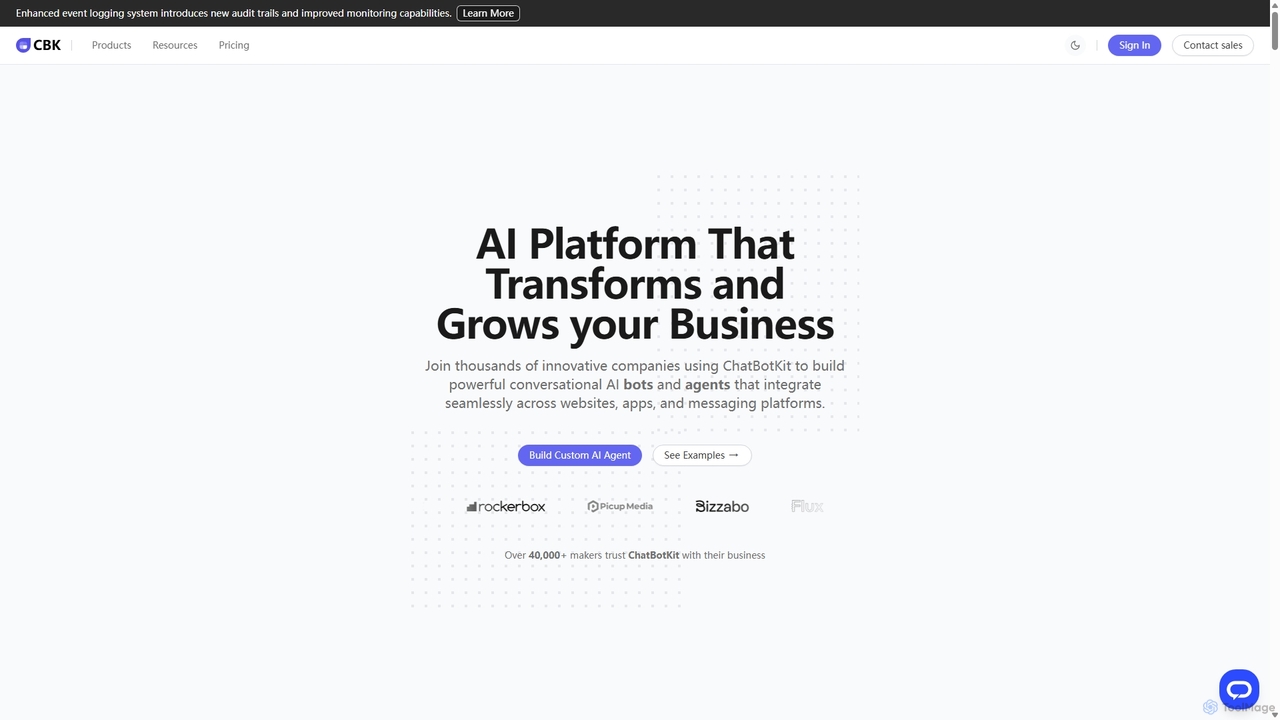
ChatBotKit is a comprehensive conversational AI platform for building, deploying, and managing custom AI bots and agents. It offers a suite of modular tools, seamless integrations with websites and messaging apps like Slack and WhatsApp, and intuitive templates for rapid development. Ideal for businesses seeking to enhance customer engagement, automate tasks, and streamline workflows with powerful, customizable AI solutions.
Chatbots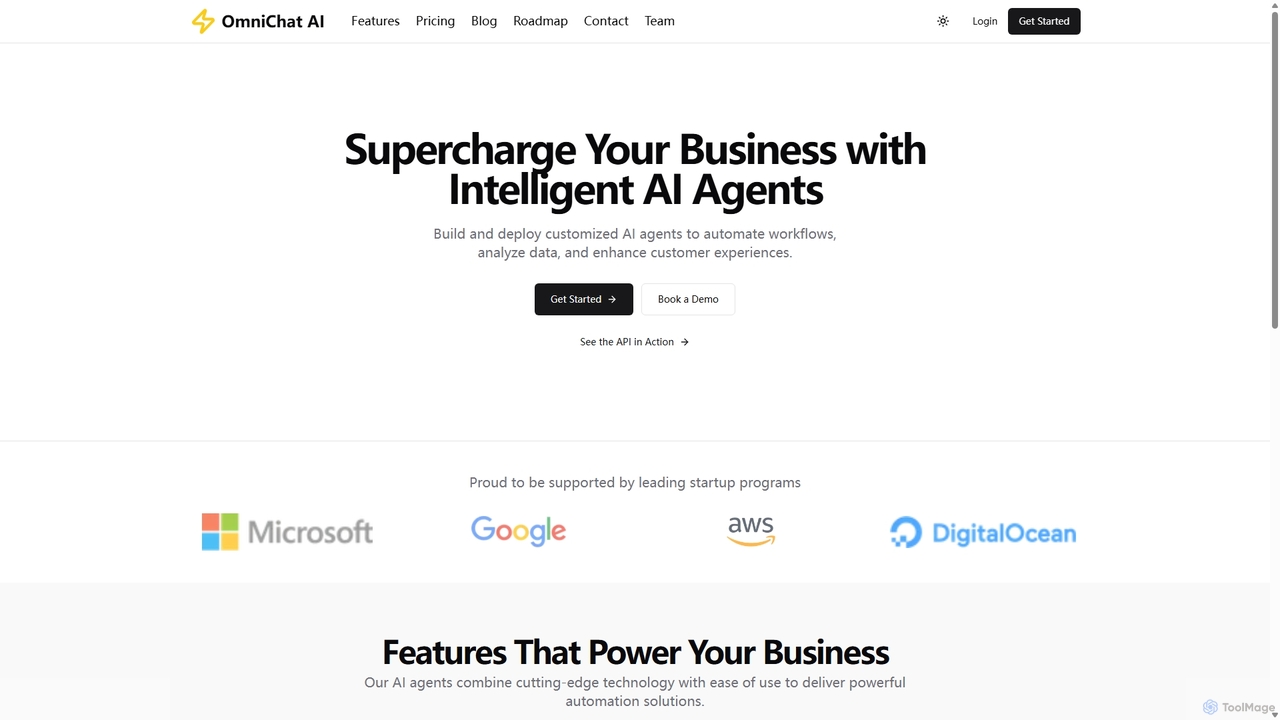
OmniChat AI
OmniChat AI is a powerful SaaS platform for building and deploying custom AI agents without coding. It enables businesses to automate workflows, analyze data, and enhance customer experiences through intelligent, API-integratable agents with advanced analytics and enterprise-grade security.
Chatbot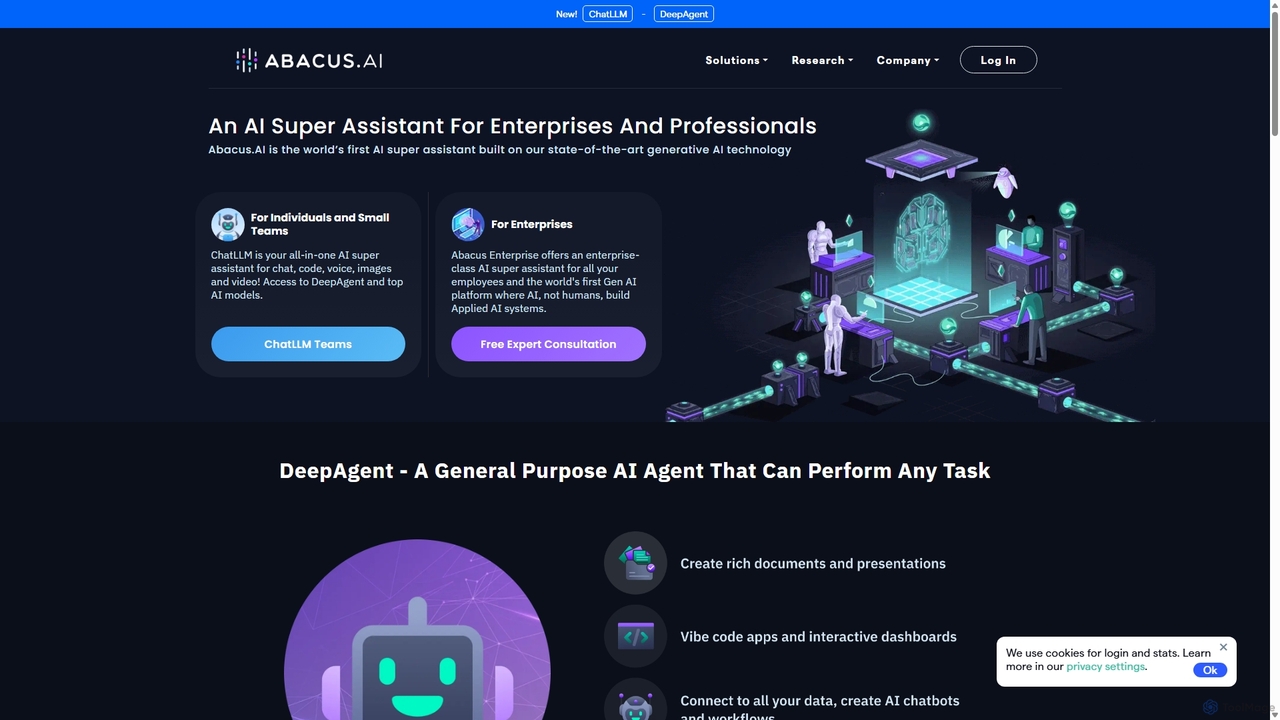
Abacus.AI
Abacus.AI is an advanced AI super assistant and generative AI platform designed for both enterprises and individuals. It enables the creation of AI agents, custom chatbots, and automated workflows to enhance productivity, analyze data, and build applied AI systems with minimal human intervention.
Chatbot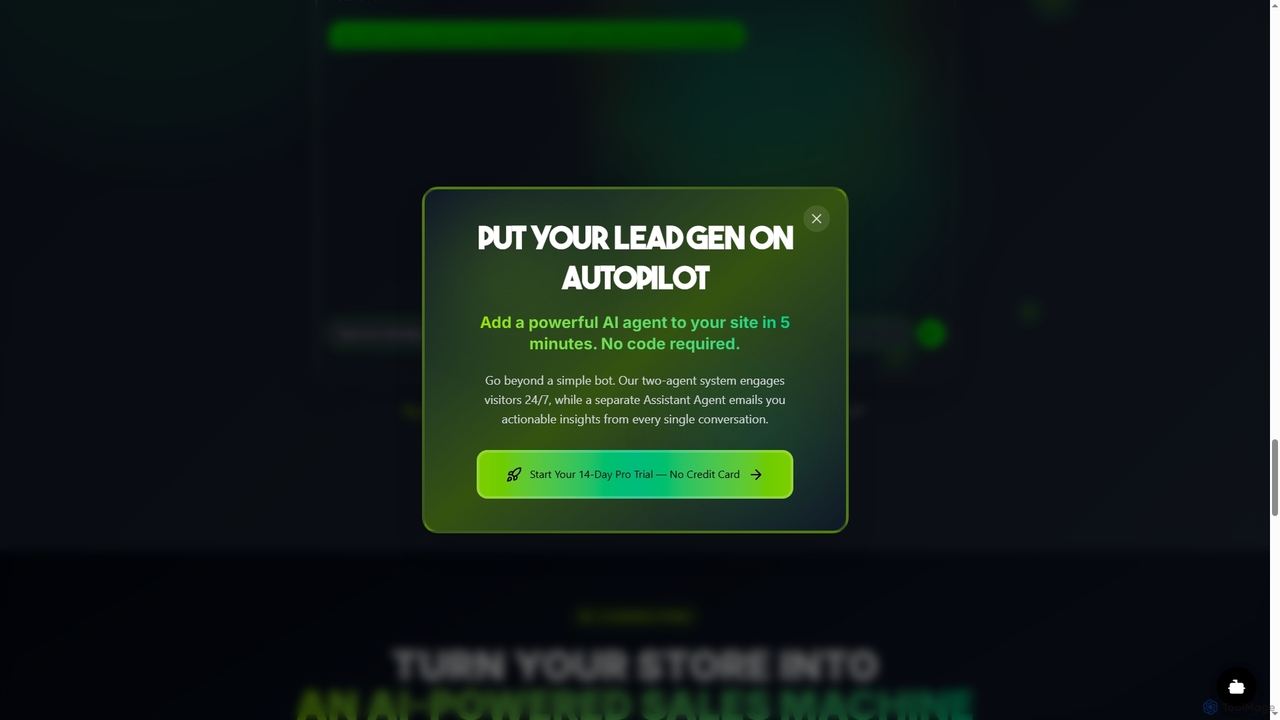
AgentiveAIQ
A no-code platform for building and deploying specialized AI agents in minutes. Designed to convert website visitors into customers, automate support, and generate leads with industry-specific agents for e-commerce, real estate, sales, and more.
Chatbot
Botmagic
Botmagic is a no-code AI platform for building and deploying intelligent chatbots. It enables businesses to automate customer support, generate leads, and enhance user engagement across websites and messaging apps without any coding knowledge. Train your bot on your own data for personalized, accurate conversations.
ChatbotChatBotKit Apps Categories
ChatBotKit Apps Jobs
ChatBotKit Apps Embed Widget
Copy this embed code to place the badge on your blog, article, or product site and send readers directly to this ToolMage detail page.

Related AI tools
ChatBotKit
ChatBotKit is a comprehensive conversational AI platform for building, deploying, and managing custom AI bots and agents. It offers a suite of modular tools, seamless integrations with websites and messaging apps like Slack and WhatsApp, and intuitive templates for rapid development. Ideal for businesses seeking to enhance customer engagement, automate tasks, and streamline workflows with powerful, customizable AI solutions.
ChatbotsOmniChat AI
OmniChat AI is a powerful SaaS platform for building and deploying custom AI agents without coding. It enables businesses to automate workflows, analyze data, and enhance customer experiences through intelligent, API-integratable agents with advanced analytics and enterprise-grade security.
Chatbot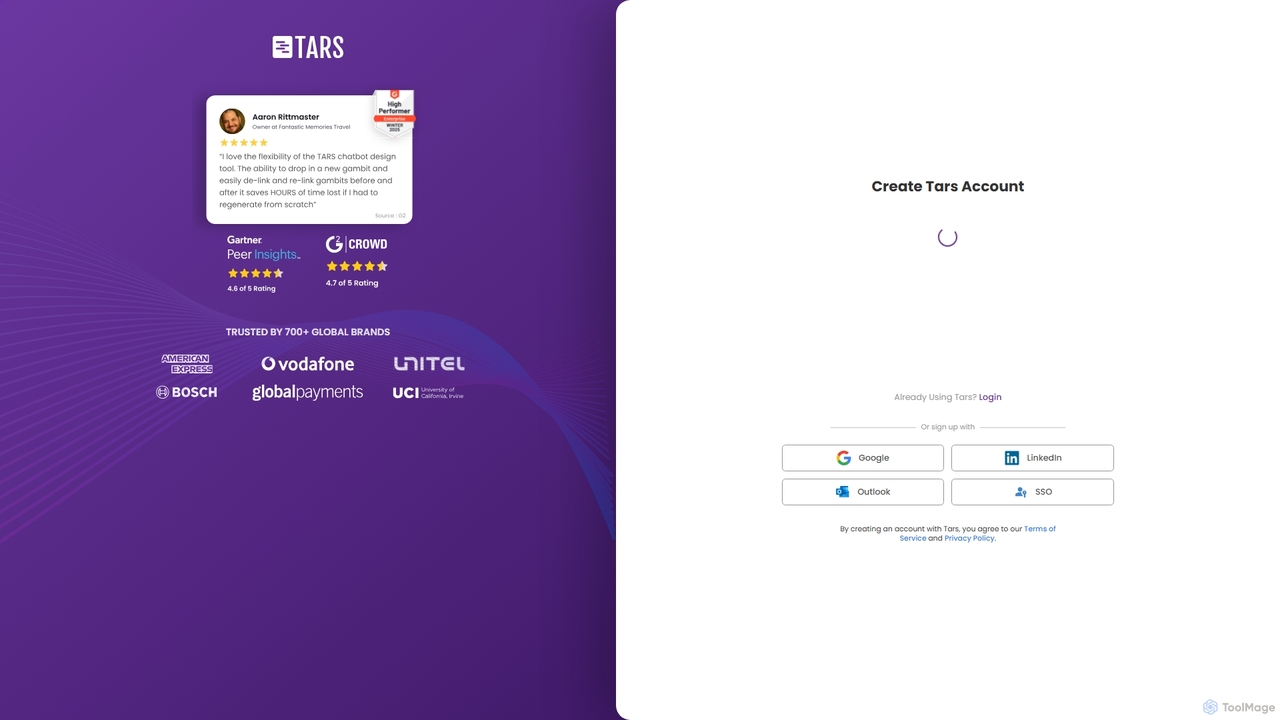
Tars
Tars is a powerful no-code chatbot builder that helps businesses create automated conversational workflows for websites and WhatsApp. It focuses on boosting lead generation, qualifying prospects, and enhancing customer engagement without needing any programming skills.
ChatbotsAgentiveAIQ
A no-code platform for building and deploying specialized AI agents in minutes. Designed to convert website visitors into customers, automate support, and generate leads with industry-specific agents for e-commerce, real estate, sales, and more.
ChatbotBotmagic
Botmagic is a no-code AI platform for building and deploying intelligent chatbots. It enables businesses to automate customer support, generate leads, and enhance user engagement across websites and messaging apps without any coding knowledge. Train your bot on your own data for personalized, accurate conversations.
Chatbot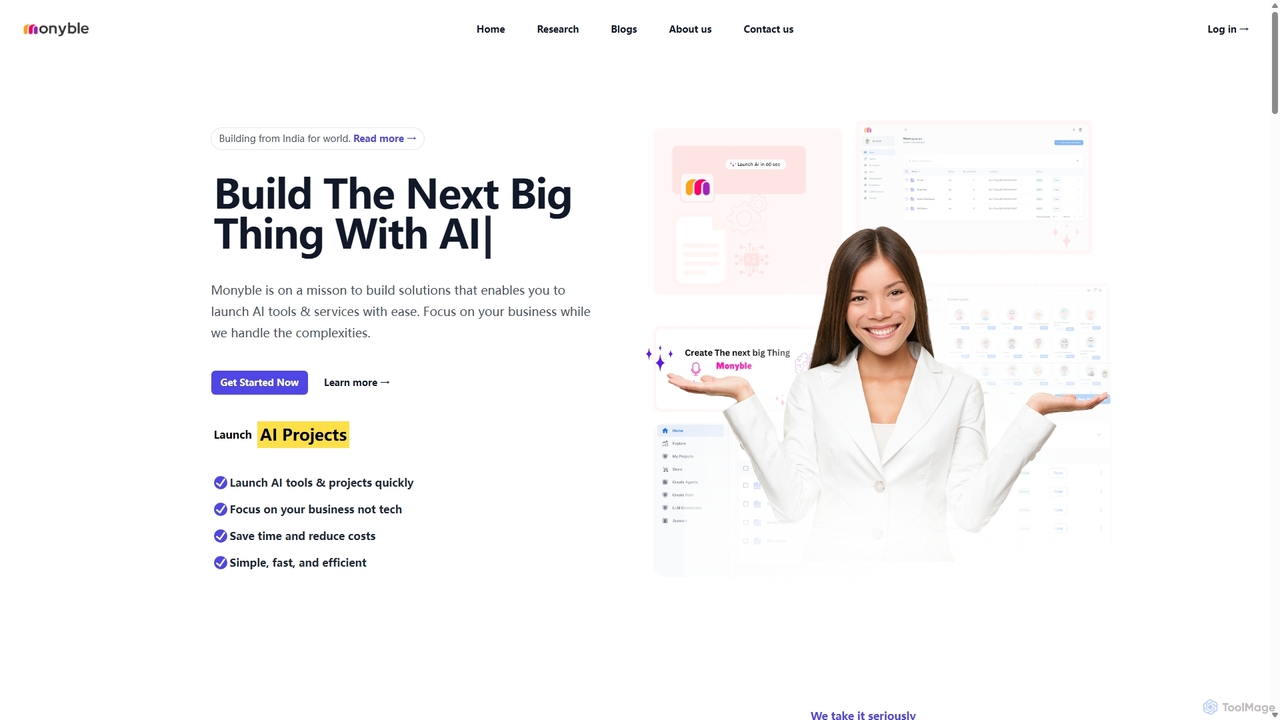
Monyble
Monyble is a no-code AI platform designed to empower businesses and individuals to build and launch sophisticated AI tools and services with ease. It simplifies the complexities of AI development, enabling users to focus on business growth while leveraging cutting-edge technology for marketing, customer support, HR, and more.
Ai Solutions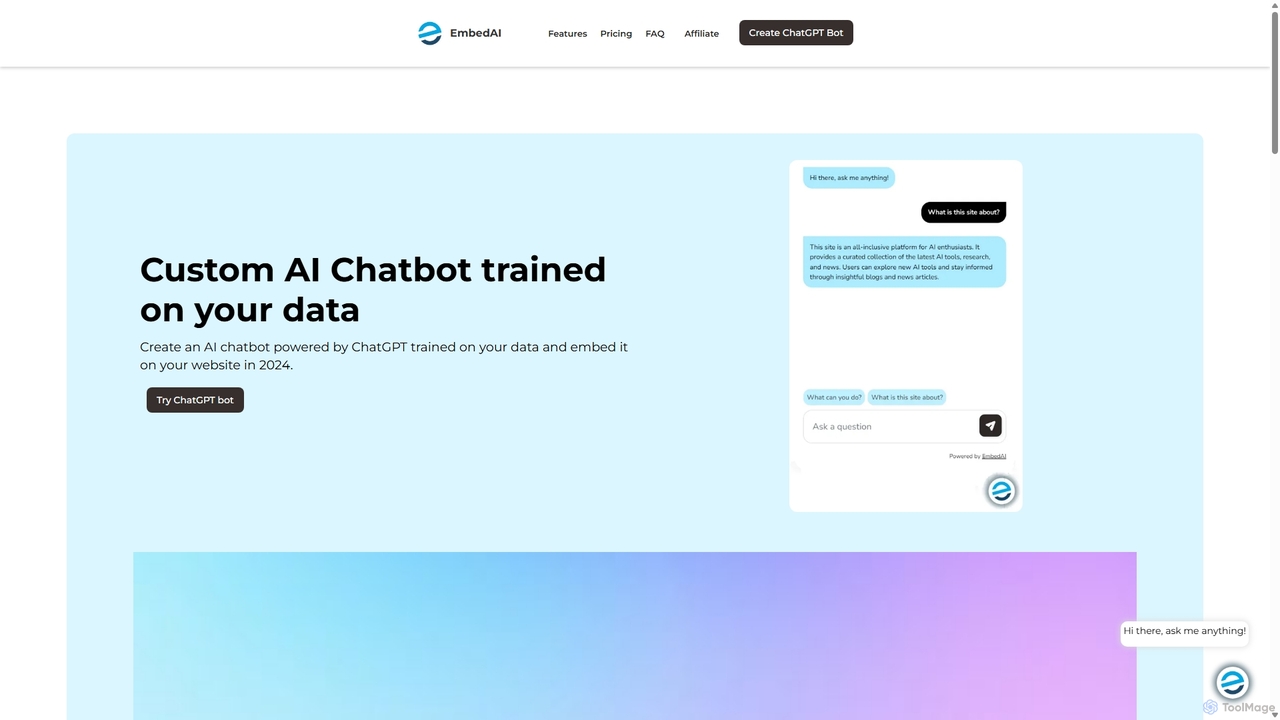
EmbedAI
EmbedAI is an AI chatbot builder that allows you to create custom ChatGPT & Gemini-powered chatbots trained on your own data. Easily upload files, link websites, or use YouTube videos to train your bot. Customize its appearance and embed it on your website to automate customer support, enhance user engagement, and provide instant answers in over 100 languages.
Chatbots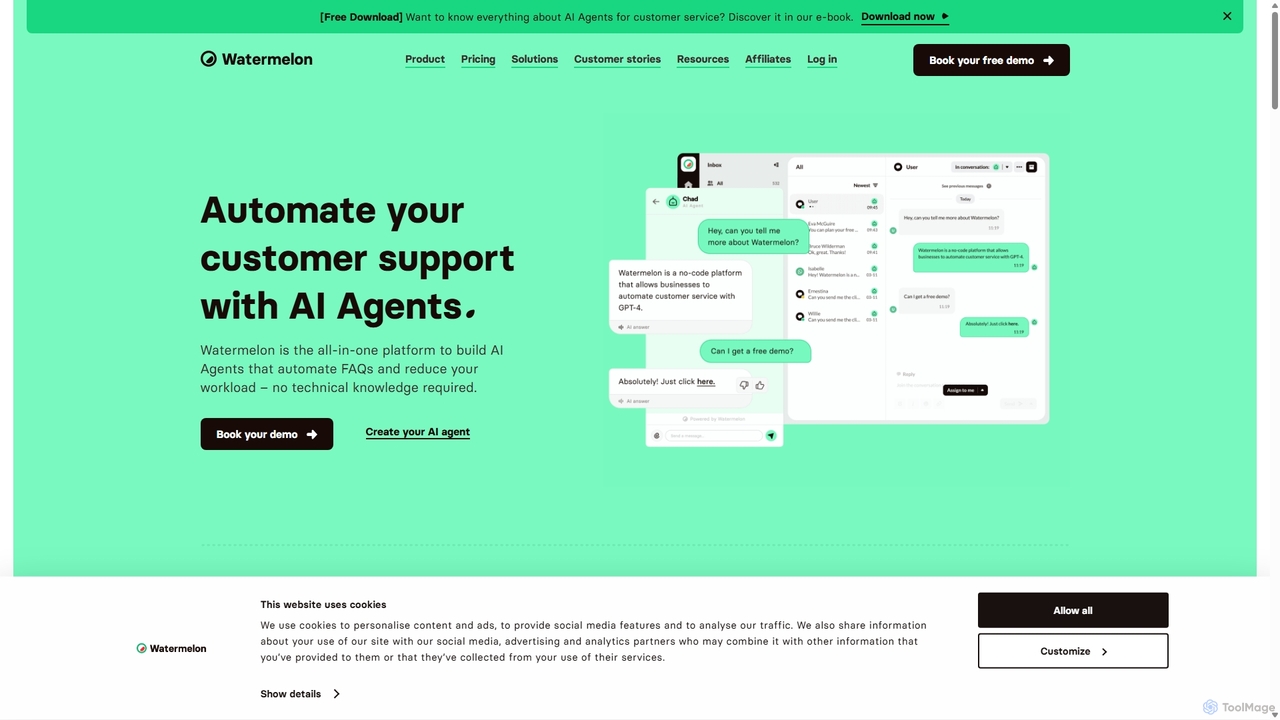
Watermelon
Watermelon is an advanced AI agent platform designed to revolutionize customer service. It enables businesses to build and deploy fully autonomous AI agents powered by GPT-4o to handle customer interactions efficiently across multiple channels like websites, WhatsApp, and social media, improving satisfaction and reducing workload.
Chatbot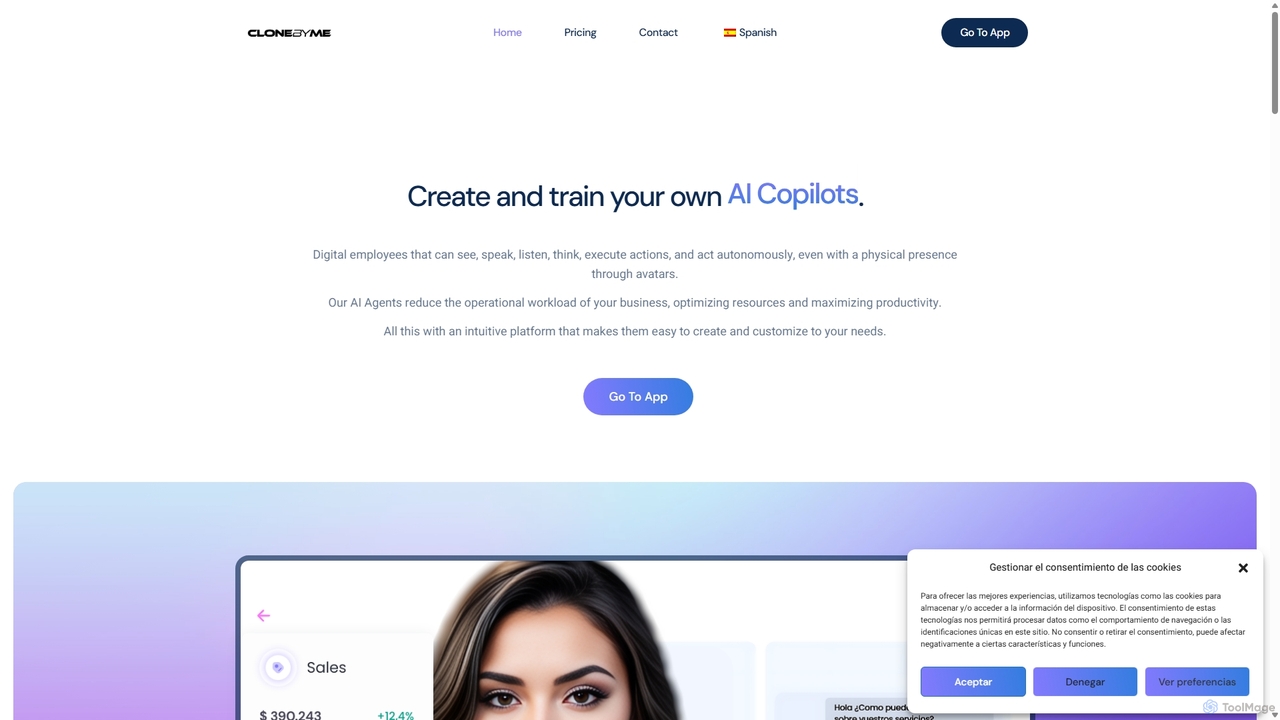
CloneByMe
CloneByMe is an intuitive platform for creating and training personalized AI Agents, Copilots, and Experts. These digital employees, complete with 2D/3D avatars and custom voices, can automate tasks, provide 24/7 support, and integrate seamlessly into websites or kiosks to enhance business productivity and customer experience, with a strong focus on data privacy through local deployment options.
Digital Human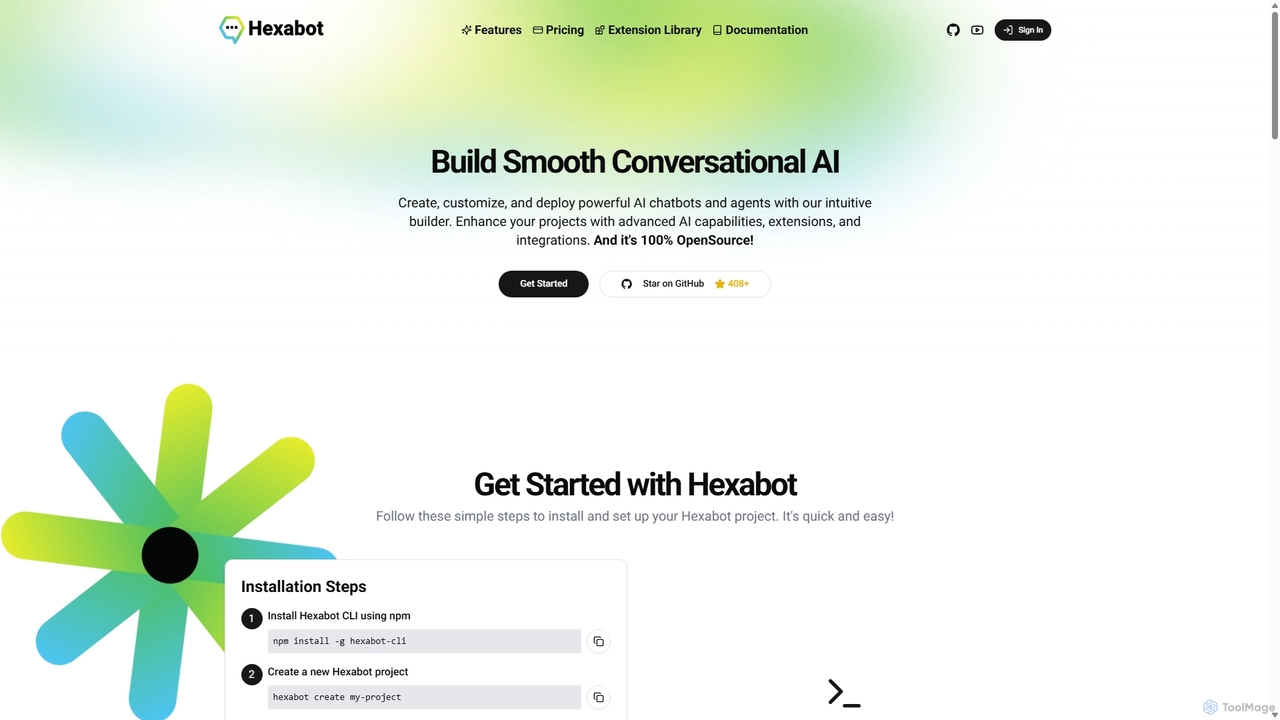
Hexabot
Hexabot is a 100% open-source platform for building, customizing, and deploying powerful AI chatbots and agents. It offers an intuitive low-code builder, on-premise hosting for data privacy, and a vast library of extensions. Ideal for developers and businesses seeking to enhance customer experience and automate workflows across multiple channels and languages.
Chatbot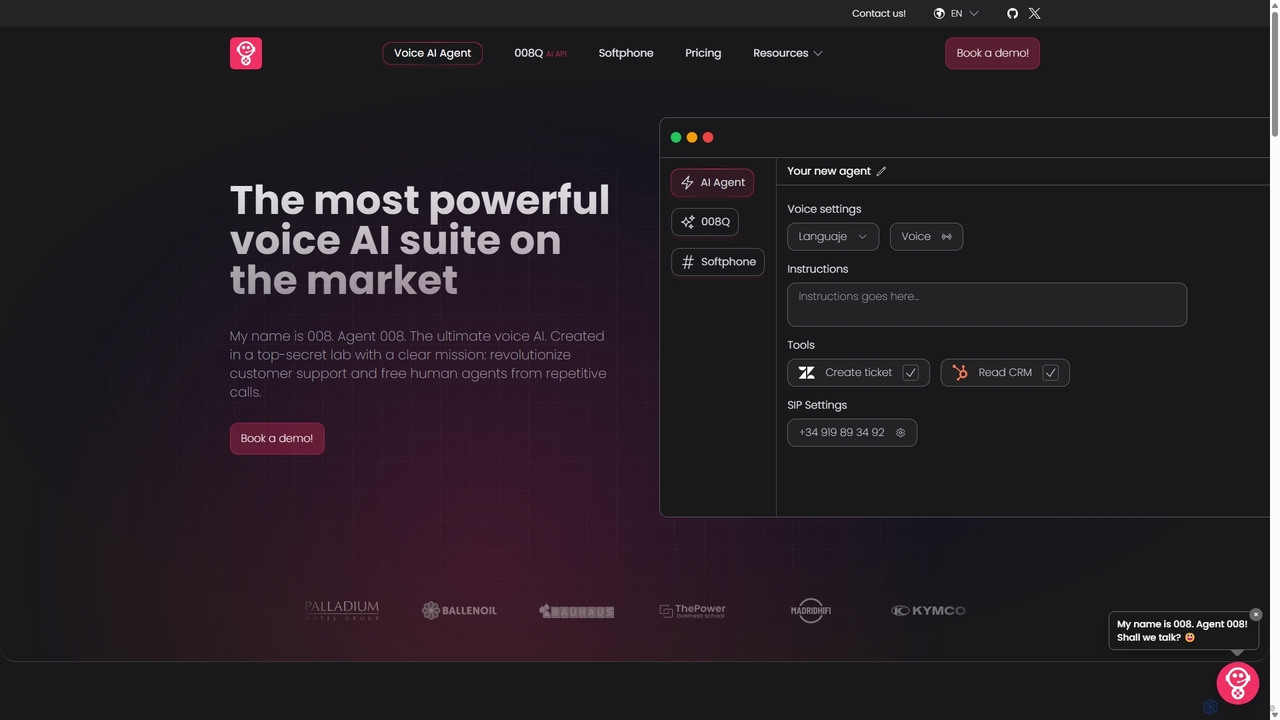
008agent
008agent is a powerful Voice AI suite designed to revolutionize customer support. It enables businesses to build and deploy intelligent, multilingual voice AI agents in minutes without coding. These agents can handle various call types, integrate with CRMs and other tools to execute tasks, and operate 24/7, freeing human agents for more complex issues.
Voice Assistant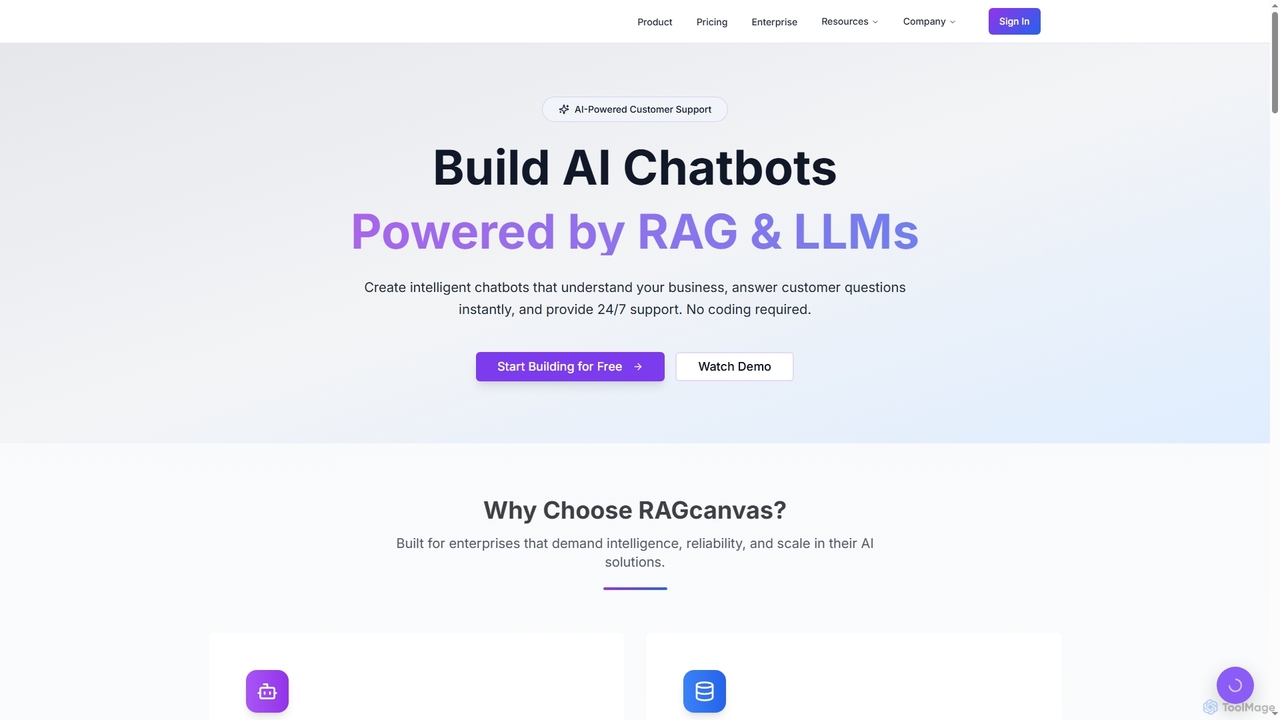
RAGcanvas
RAGcanvas is an advanced AI-powered chatbot builder designed for businesses to create intelligent, context-aware customer support and sales automation agents without requiring any coding. By leveraging Retrieval-Augmented Generation (RAG) and leading Large Language Models (LLMs), it instantly answers customer questions, automates workflows, and provides 24/7 support. It offers enterprise-grade security, lightning-fast performance, and seamless integration across various platforms, effectively transforming website visitors into engaged customers.
Sales & MarketingAbacus.AI
Abacus.AI is an advanced AI super assistant and generative AI platform designed for both enterprises and individuals. It enables the creation of AI agents, custom chatbots, and automated workflows to enhance productivity, analyze data, and build applied AI systems with minimal human intervention.
Chatbot
Wave AI
Wave AI is a powerful conversational AI platform for building intelligent chatbots and virtual assistants. It enables businesses to automate customer support, enhance user engagement, and streamline communication across various digital channels with its advanced NLP and intuitive visual builder.
Chatbots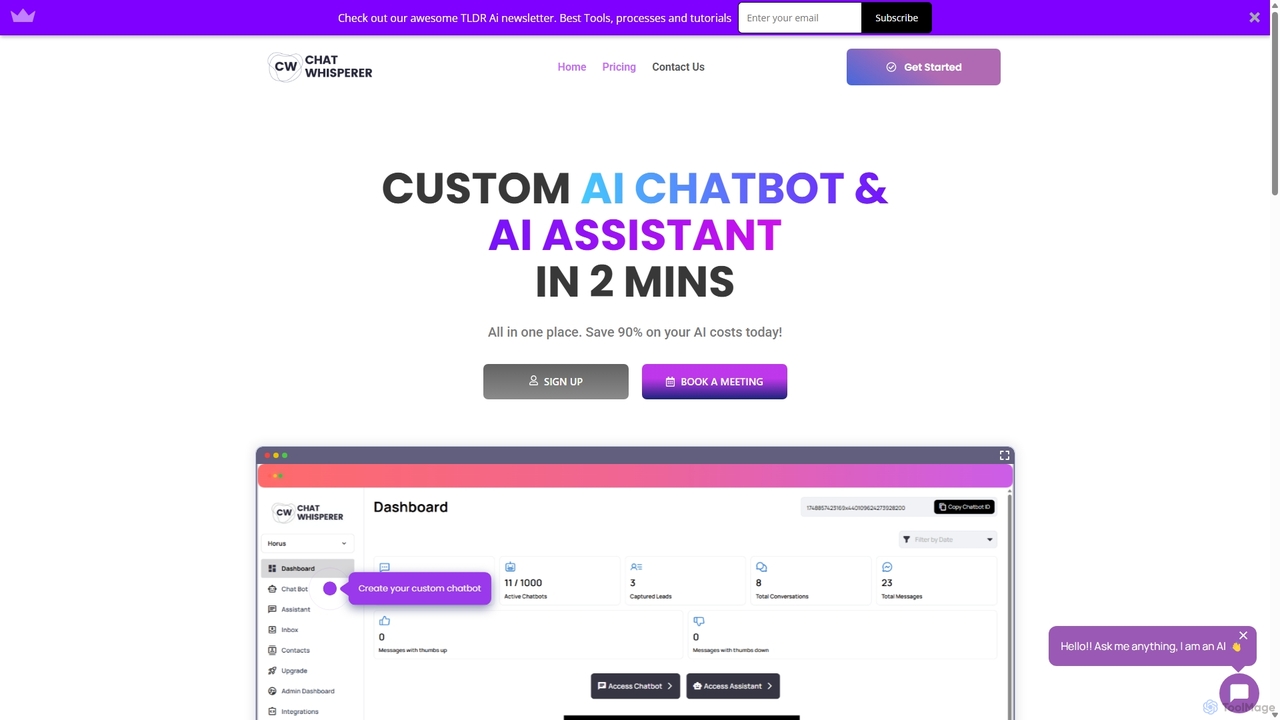
Chat Whisperer
Chat Whisperer is an all-in-one AI platform that enables businesses to create custom AI chatbots and assistants in minutes. It leverages powerful models like GPT and Claude to automate customer support, streamline workflows, and enhance team collaboration. By connecting data from websites, PDFs, and other documents, it provides instant, accurate answers to queries, saving up to 90% on AI costs with a flexible pay-per-use model. It's designed for scalability, security, and seamless integration with existing business tools.
Lead Generation
ChatBotKit Apps Comments (0)
Sign in to comment.
Sign inNo comments yet.