

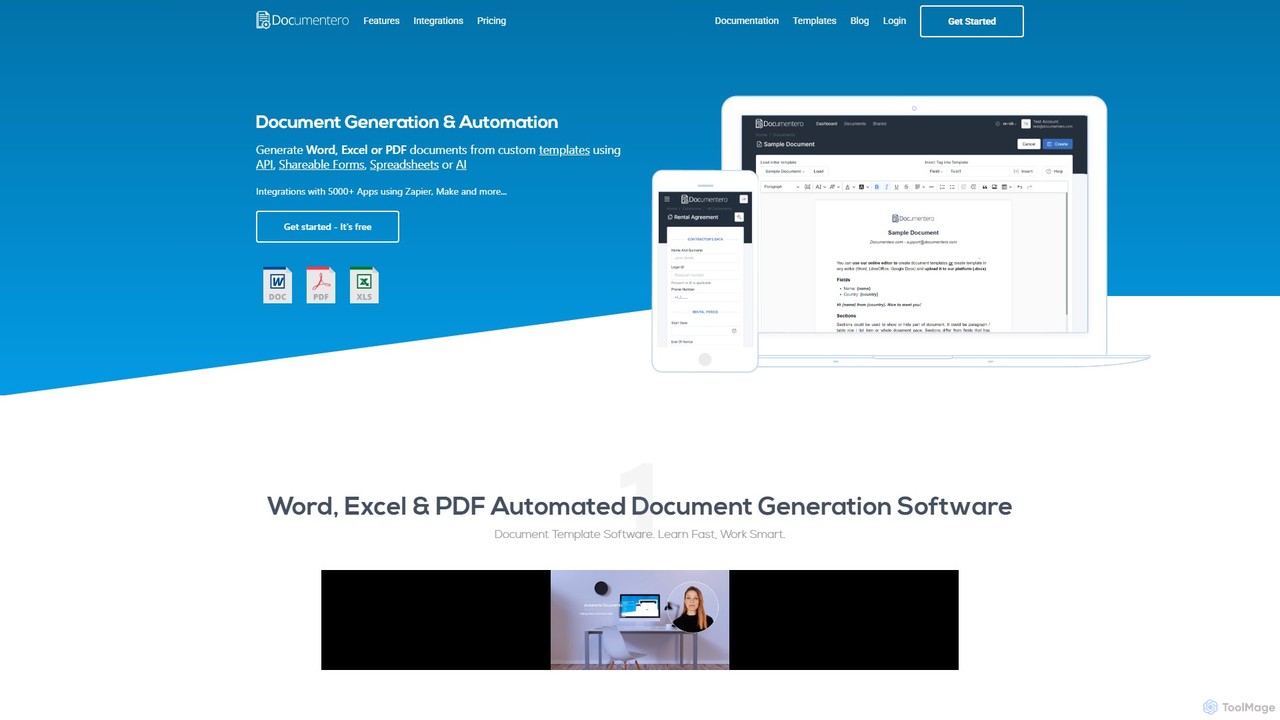
Documentero Overview
Documentero is a comprehensive document generation and automation software designed to streamline and simplify the creation of complex, data-driven documents. By leveraging familiar Microsoft Word (.docx) and Excel (.xlsx) files as templates, it allows businesses and individuals to automate repetitive document workflows with ease. The core principle of Documentero is to insert dynamic data into predefined templates, transforming static files into personalized, ready-to-use documents on a large scale.
The platform is incredibly versatile, catering to a wide array of industries and use cases. Whether you need to generate legal agreements, financial invoices, HR offer letters, or detailed project reports, Documentero provides the tools to do so efficiently. It eliminates the tedious and error-prone process of manually copying and pasting information, ensuring consistency and accuracy across all generated documents.
How to use Documentero
Using Documentero is a straightforward, multi-step process designed for both technical and non-technical users:
- Choose or Create a Template: Start by either selecting one of the 1,000+ professionally designed templates from the extensive gallery or by uploading your own existing Word or Excel document.
- Insert Placeholders: Edit your template and add simple placeholders (tags) in curly brackets, such as
{client_name},{invoice_date}, or{total_amount}, wherever you want dynamic data to appear. The system automatically detects repeated fields. - Add Advanced Logic (Optional): For more complex documents, you can implement smart features. Use conditional sections to show or hide content based on specific data values. Create dynamic tables that automatically populate with multiple rows of data, like line items in an invoice. You can also embed formulas in Excel templates for automatic calculations.
- Provide Data: Connect your data source. You can input data manually through the app's interface, upload a data file, or integrate Documentero with your existing systems (like a CRM or ERP) using its powerful API for fully automated workflows.
- Generate Documents: With a single click or an API call, Documentero merges your template with the provided data to instantly generate a polished, final document. The output can then be downloaded, emailed, or stored as needed.
Core Features of Documentero
- Template-Based Automation: Utilizes standard .docx and .xlsx files, making it easy to get started without learning a new document editor.
- Dynamic Placeholders: Simple and intuitive tag system (e.g.,
{field_name}) for inserting text, numbers, and other data. - Conditional Sections: Display or hide entire paragraphs, pages, or sections of a document based on logical conditions.
- Dynamic Tables: Automatically generate table rows from a list of data, perfect for invoices, reports, and lists.
- Rich Content Integration: Embed images, charts, diagrams, and even formatted HTML or Markdown directly into your documents.
- Calculations and Formulas: Leverage the power of Excel formulas within your .xlsx templates to perform automatic calculations.
- Extensive Template Gallery: Access over 1,000 pre-built templates for various industries, including legal, finance, HR, sales, and more.
- API for Integration: A robust API allows for seamless integration into existing applications, websites, and business workflows for complete automation.
Use Cases for Documentero
Documentero is adaptable to countless business processes across different sectors:
- Finance & Accounting: Automate the generation of invoices, receipts, financial statements, and budget reports.
- Legal & Contracts: Instantly create customized legal agreements, non-disclosure agreements (NDAs), service contracts, and lease agreements.
- Human Resources: Streamline the creation of job offers, employment contracts, performance evaluations, and payslips.
- Sales & Marketing: Generate personalized sales proposals, quotes, brochures, and marketing campaign reports.
- Real Estate: Create property sales contracts, rental agreements, inspection reports, and property listings.
- Operations & Logistics: Automate purchase orders, delivery notes, inventory lists, and maintenance forms.
Advantages of Documentero
Implementing Documentero offers significant benefits:
- Increased Efficiency: Drastically reduces the time and manual effort required to create documents, freeing up valuable employee time.
- Enhanced Accuracy: Eliminates human error associated with manual data entry and copy-pasting, leading to more reliable documents.
- Brand Consistency: Ensures all documents follow a standardized, professional format that aligns with your brand identity.
- Scalability: Effortlessly generate hundreds or thousands of documents on-demand or in batches via the API.
- Flexibility: The use of familiar Word and Excel formats provides a low learning curve and high degree of customization.
Pricing and Plans
Documentero typically offers a range of pricing plans to suit different needs, from individual users to large enterprises. This often includes a free or trial tier that allows users to test the platform's capabilities with a limited number of document generations. Paid plans are usually structured based on factors like the monthly volume of documents, access to the API, and advanced features like conditional logic and priority support. For the most accurate and up-to-date pricing information, it is recommended to visit the official Documentero website.
Traffic
Latest traffic
Status
Monthly traffic trend
- 2025-9: 98.0K
- 2026-1: 113.9K
- 2026-2: 94.7K
- 2026-3: 109.8K
- 2026-4: 97.8K
- 2026-5: 119.9K
Geography
Top 5 countries / regions
- 🇺🇸United States59.5%
- 🇮🇳India18.6%
- 🇻🇳Vietnam8.8%
- 🇰🇪Kenya6.7%
- 🇳🇬Nigeria6.5%
Traffic sources
| Source type | Percentage |
|---|---|
Direct | 78.9% |
Referral | 19.4% |
Email | 1.8% |
Top keywords
| Keyword | Cost per click |
|---|---|
| clinical trial signup sheet | $0.00 |
| documentero | $1.94 |
| teacher input form for evaluation template word | $0.00 |
| travel bucket list template excel | $0.00 |
| what forms does my youth program need? | $0.00 |
Documentero Alternatives
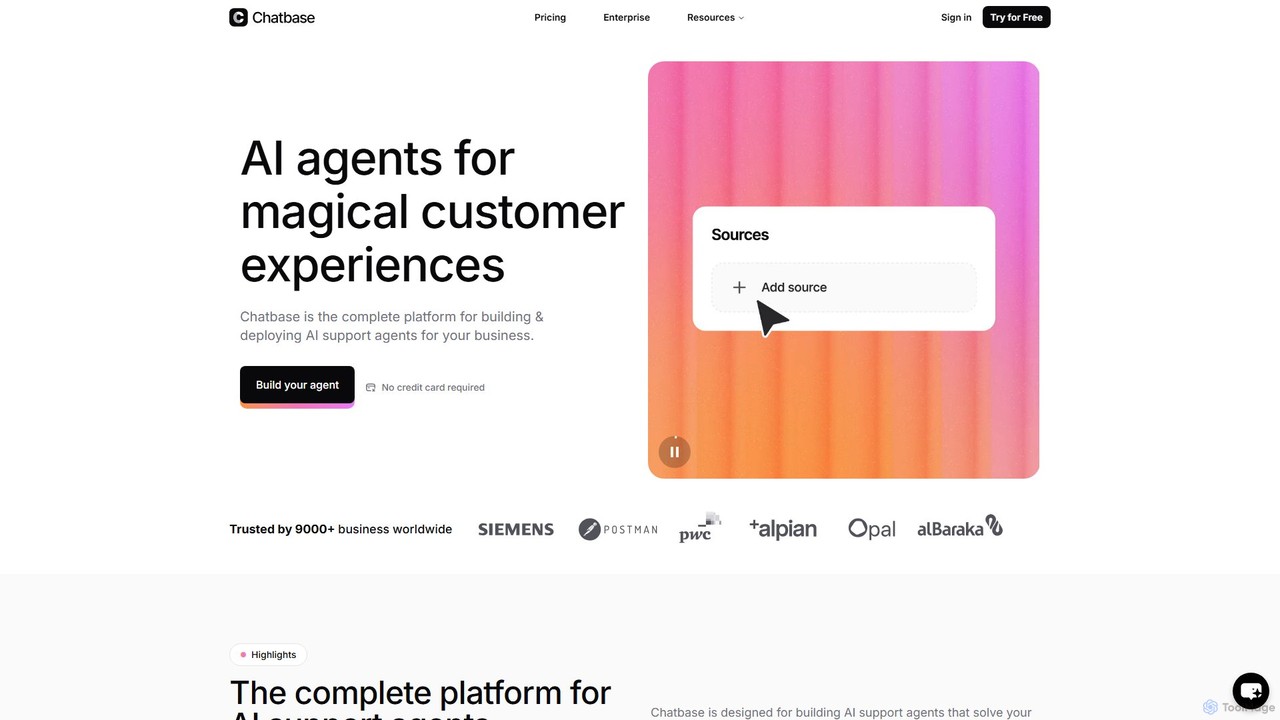
Chatbase
Chatbase is a comprehensive platform for building and deploying AI-powered support agents. Train custom chatbots on your business data to provide instant, personalized answers, automate tasks, and enhance customer experiences. It integrates with your existing tools, supports over 80 languages, and offers enterprise-grade security, making it a complete solution for modern customer service.
Chatbot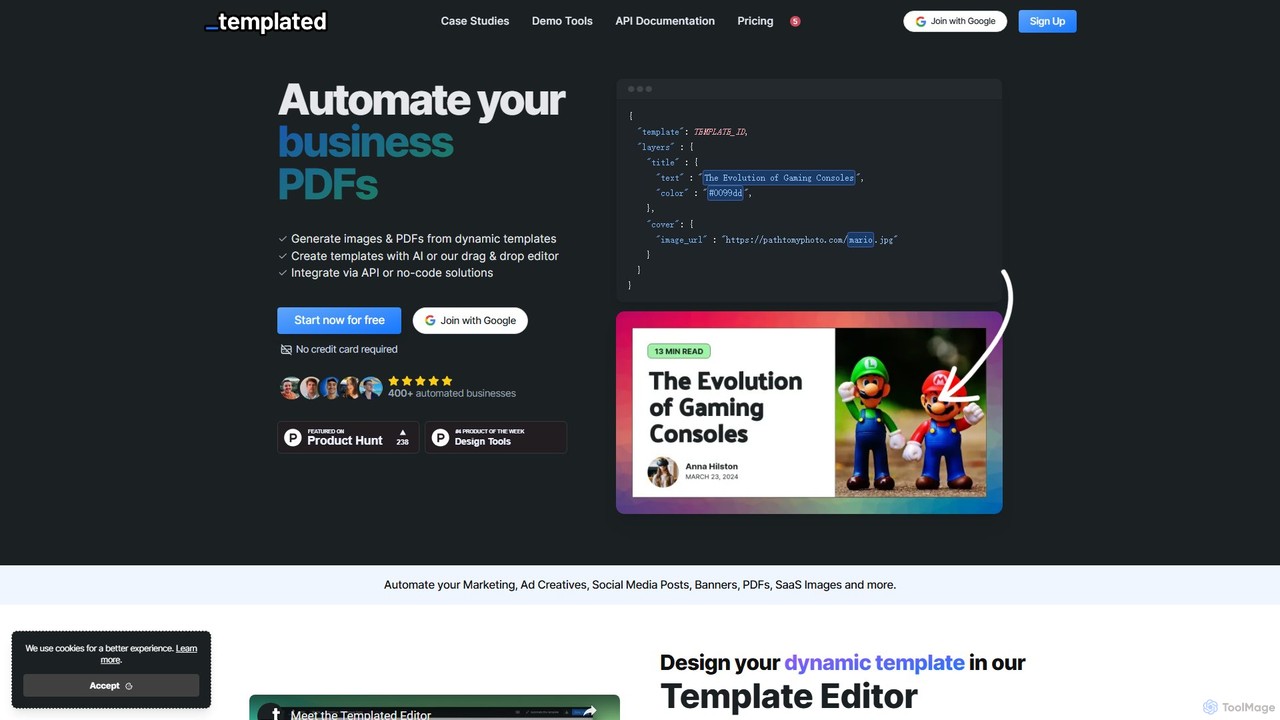
Templated
Templated is an API-first platform for automating the generation of images and PDFs from dynamic templates. It empowers businesses to create personalized marketing assets, social media content, ad creatives, and documents at scale. With an AI template generator, a user-friendly drag-and-drop editor, and seamless integrations with no-code platforms like Zapier and Make, Templated streamlines creative workflows for developers and marketers alike.
Image Generation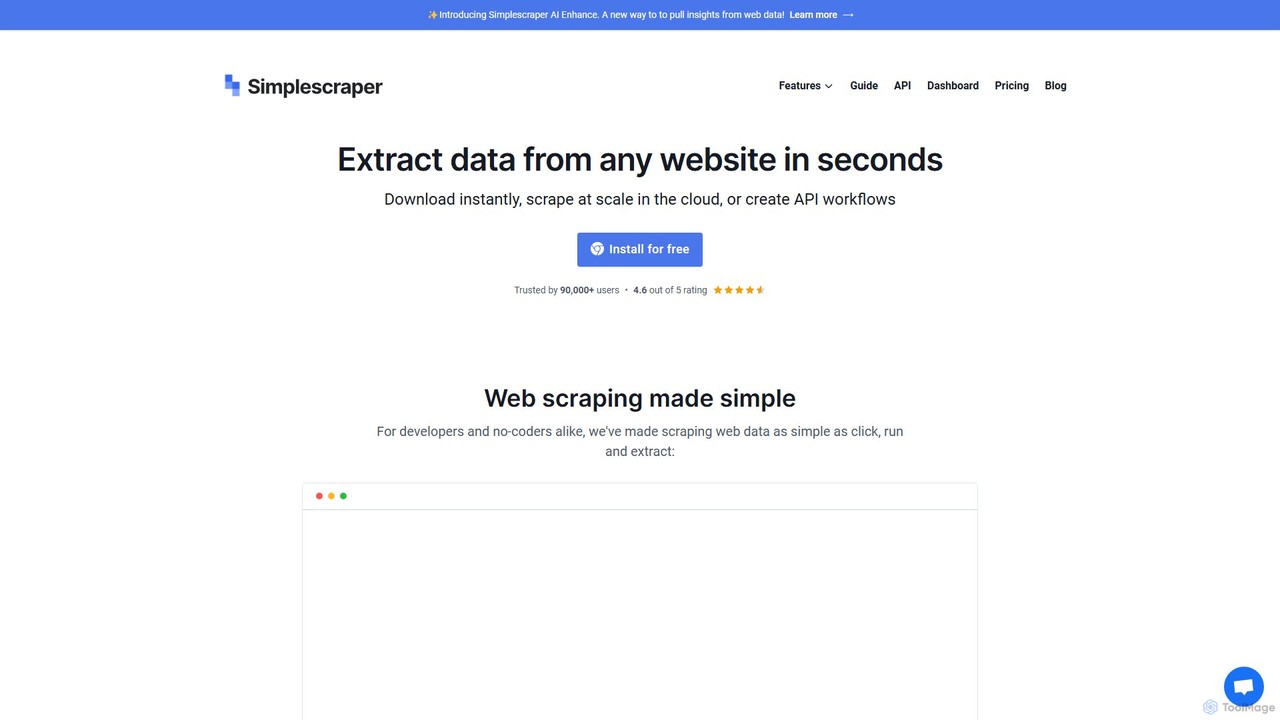
Simplescraper
Simplescraper is a powerful web scraping tool that extracts data from any website in seconds. It offers a user-friendly Chrome extension for no-code data selection, cloud-based automation for large-scale scraping, and an innovative AI Enhance feature to pull insights using simple prompts. Turn websites into structured data (CSV, JSON) or instant APIs, and integrate with tools like Google Sheets and Airtable.
Web Scraping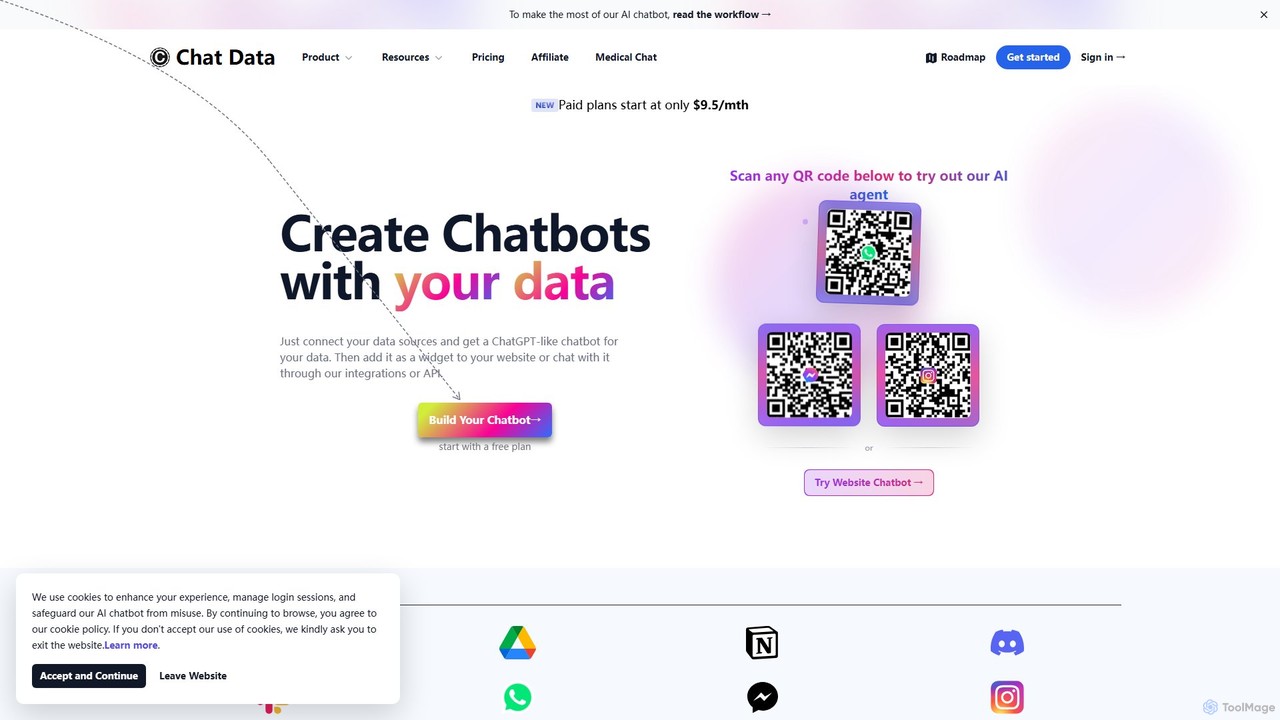
Chat Data
Chat Data is an AI platform to create custom 24/7 AI agents and live chatbots from your own data. Connect websites, documents, or e-commerce stores to build an intelligent assistant. It features real-time voice chat, multi-modal inputs, deep integrations (WhatsApp, Slack), and advanced capabilities like AI actions, full white-labeling with SSO, and HIPAA-compliant models for comprehensive business automation.
Chatbot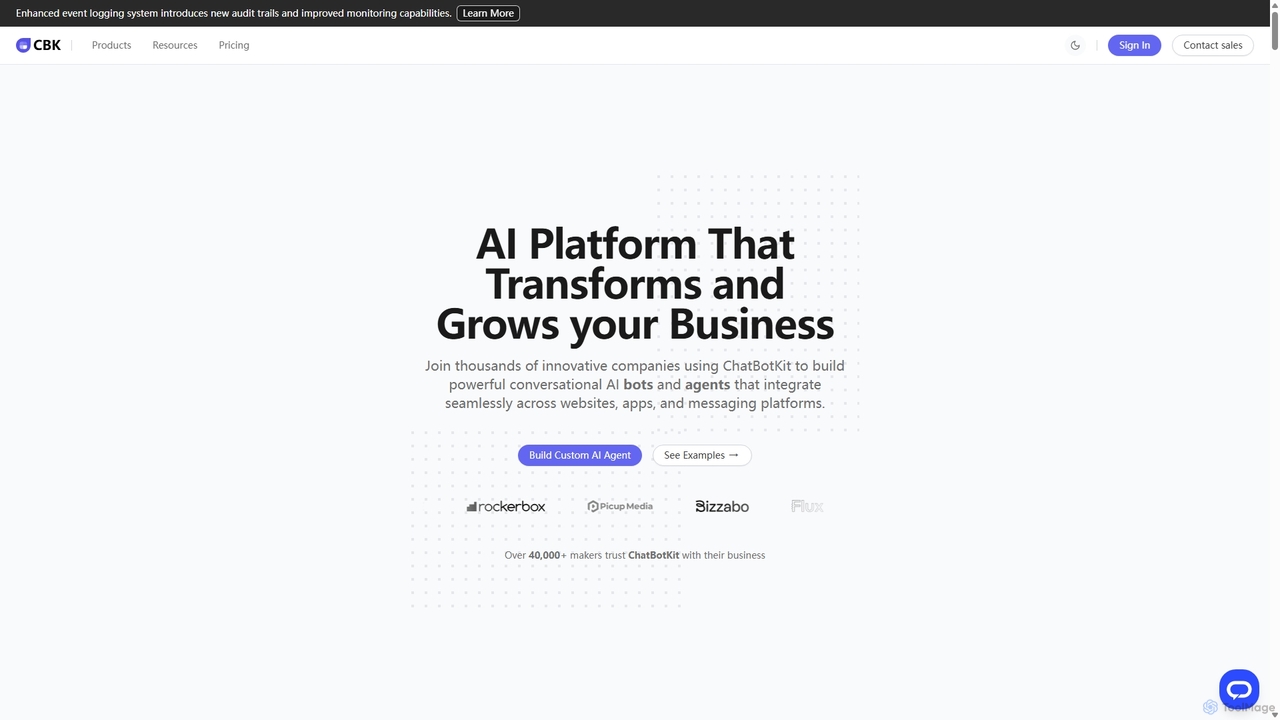
ChatBotKit
ChatBotKit is a comprehensive conversational AI platform for building, deploying, and managing custom AI bots and agents. It offers a suite of modular tools, seamless integrations with websites and messaging apps like Slack and WhatsApp, and intuitive templates for rapid development. Ideal for businesses seeking to enhance customer engagement, automate tasks, and streamline workflows with powerful, customizable AI solutions.
ChatbotsDocumentero Categories
Documentero Embed Widget
Copy this embed code to place the badge on your blog, article, or product site and send readers directly to this ToolMage detail page.

Related AI tools
Chatbase
Chatbase is a comprehensive platform for building and deploying AI-powered support agents. Train custom chatbots on your business data to provide instant, personalized answers, automate tasks, and enhance customer experiences. It integrates with your existing tools, supports over 80 languages, and offers enterprise-grade security, making it a complete solution for modern customer service.
ChatbotTemplated
Templated is an API-first platform for automating the generation of images and PDFs from dynamic templates. It empowers businesses to create personalized marketing assets, social media content, ad creatives, and documents at scale. With an AI template generator, a user-friendly drag-and-drop editor, and seamless integrations with no-code platforms like Zapier and Make, Templated streamlines creative workflows for developers and marketers alike.
Image GenerationSimplescraper
Simplescraper is a powerful web scraping tool that extracts data from any website in seconds. It offers a user-friendly Chrome extension for no-code data selection, cloud-based automation for large-scale scraping, and an innovative AI Enhance feature to pull insights using simple prompts. Turn websites into structured data (CSV, JSON) or instant APIs, and integrate with tools like Google Sheets and Airtable.
Web ScrapingChat Data
Chat Data is an AI platform to create custom 24/7 AI agents and live chatbots from your own data. Connect websites, documents, or e-commerce stores to build an intelligent assistant. It features real-time voice chat, multi-modal inputs, deep integrations (WhatsApp, Slack), and advanced capabilities like AI actions, full white-labeling with SSO, and HIPAA-compliant models for comprehensive business automation.
ChatbotChatBotKit
ChatBotKit is a comprehensive conversational AI platform for building, deploying, and managing custom AI bots and agents. It offers a suite of modular tools, seamless integrations with websites and messaging apps like Slack and WhatsApp, and intuitive templates for rapid development. Ideal for businesses seeking to enhance customer engagement, automate tasks, and streamline workflows with powerful, customizable AI solutions.
Chatbots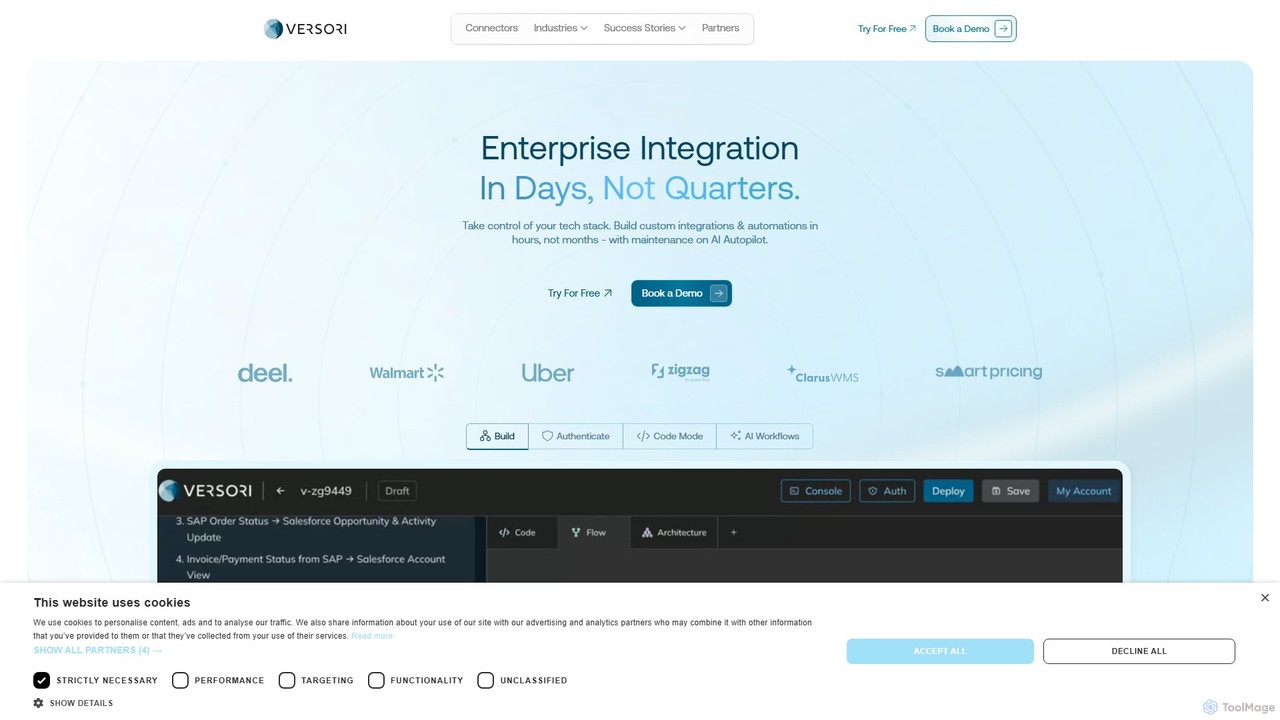
Versori
Versori is an Agentic Integration Platform that uses AI to build custom software integrations in days, not months. It empowers sales-led teams to close deals faster by fulfilling any integration request without relying on engineering resources, featuring self-healing agents and a white-glove service.
Sales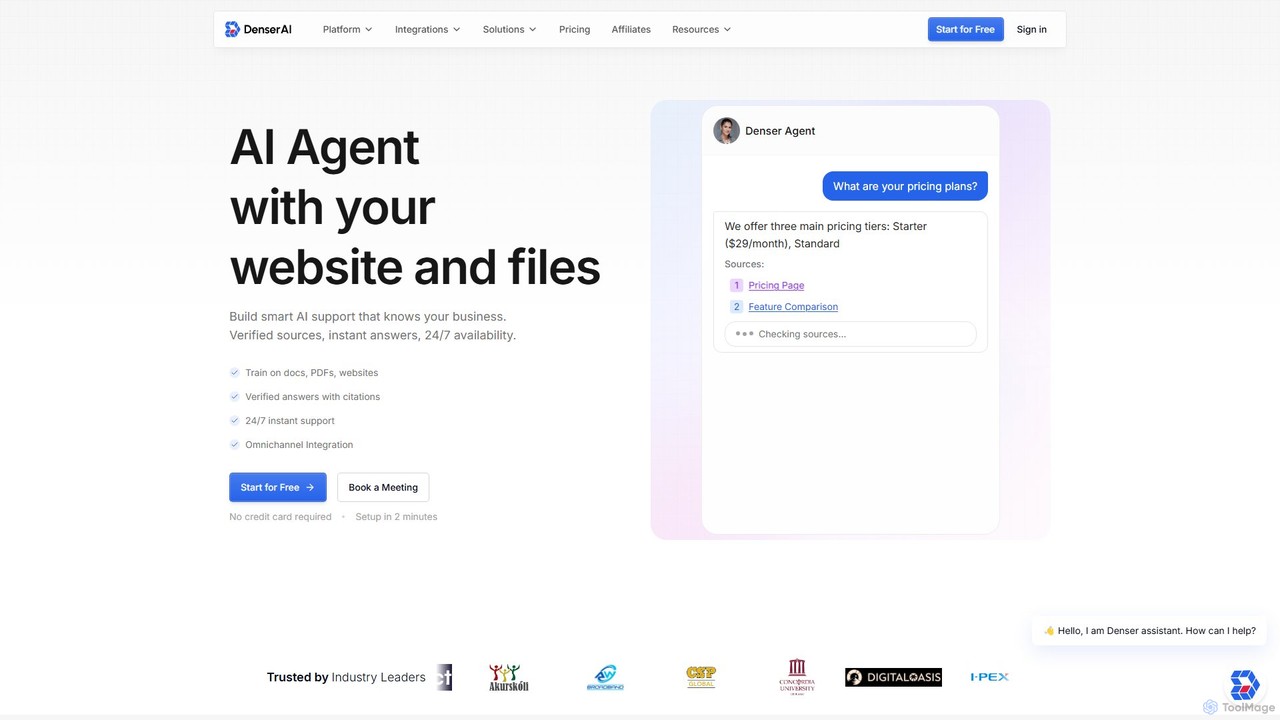
Denser
Denser is a no-code AI platform for building enterprise-grade AI agents and chatbots. Train AI on your website content, documents, and files to provide instant, verified answers for customer support, lead generation, and internal automation, complete with source citations.
Chatbot
Chatwith
Chatwith is a no-code platform for creating custom AI chatbots trained on your own data, such as websites, documents, and videos. It instantly answers customer queries 24/7, integrates with over 5000 apps to perform actions, and supports 95+ languages. Fully customizable and easy to embed, it helps businesses boost sales, improve support, and generate leads without any coding required.
Chatbot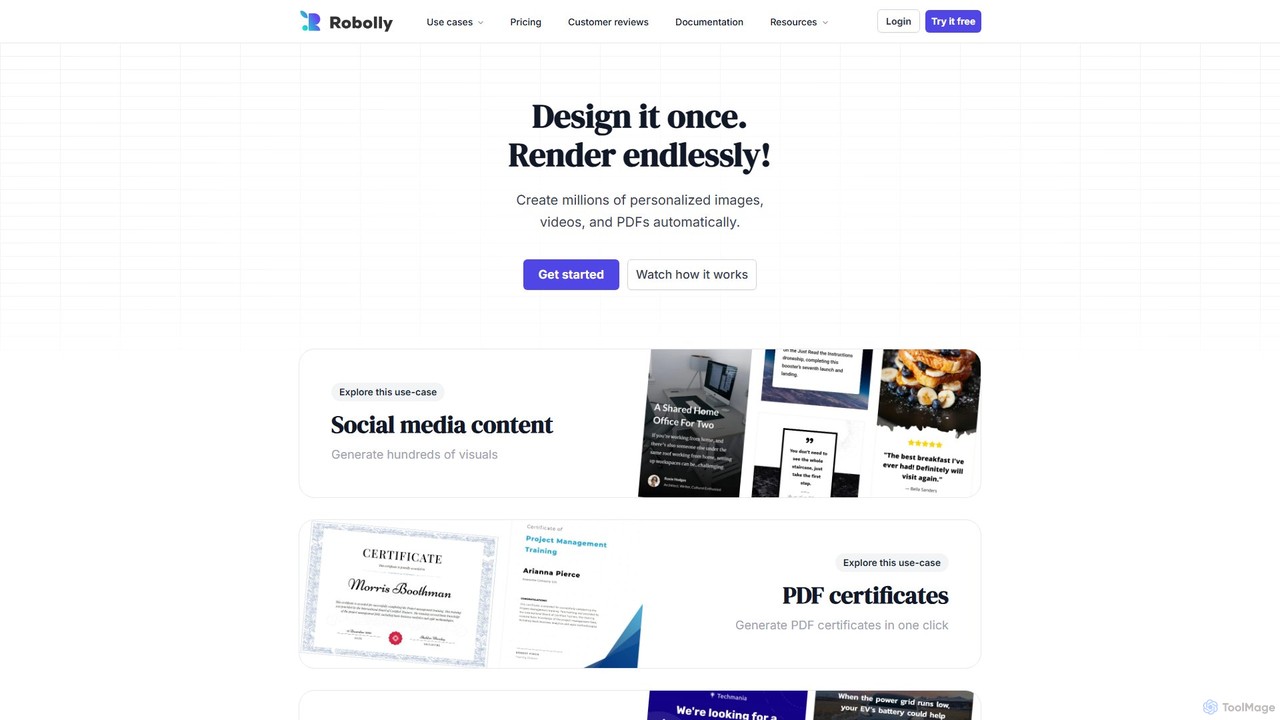
Robolly
Robolly is an all-in-one platform for automated visual content generation. Design a template once and use its API and bulk generation tools to create millions of personalized images, videos, and PDFs on-demand. It's ideal for marketers, developers, and businesses looking to scale their content production efficiently.
Image Generation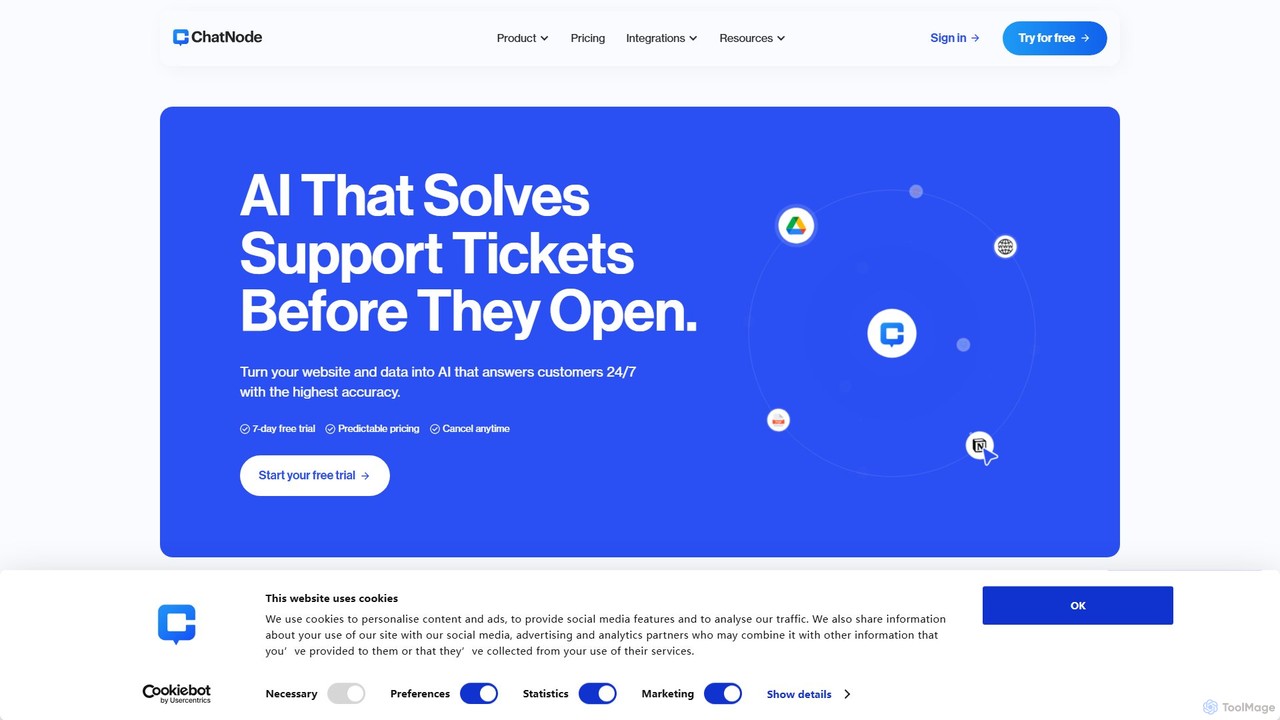
ChatNode
ChatNode is a no-code AI chatbot builder that allows you to create custom chatbots trained on your own data. Easily add a ChatGPT-like assistant to your website to automate customer support, answer questions 24/7, and generate leads, significantly reducing response times and improving user engagement.
Chatbot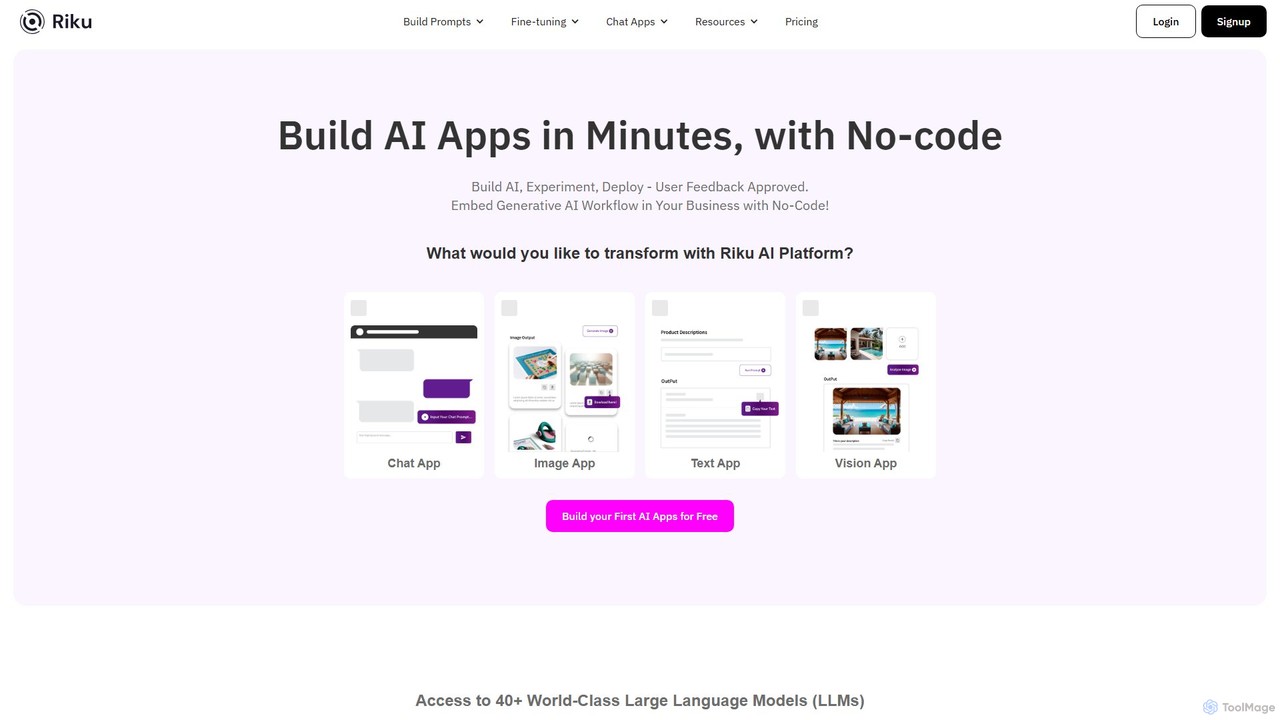
Riku.AI
Riku.AI is a powerful no-code platform that enables users to build, experiment with, and deploy custom AI applications in minutes. It provides a centralized hub to access over 40 world-class Large Language Models (LLMs), allowing you to create chatbots, generate content, and automate workflows without any coding knowledge. It's designed for solopreneurs, businesses, and developers alike.
Api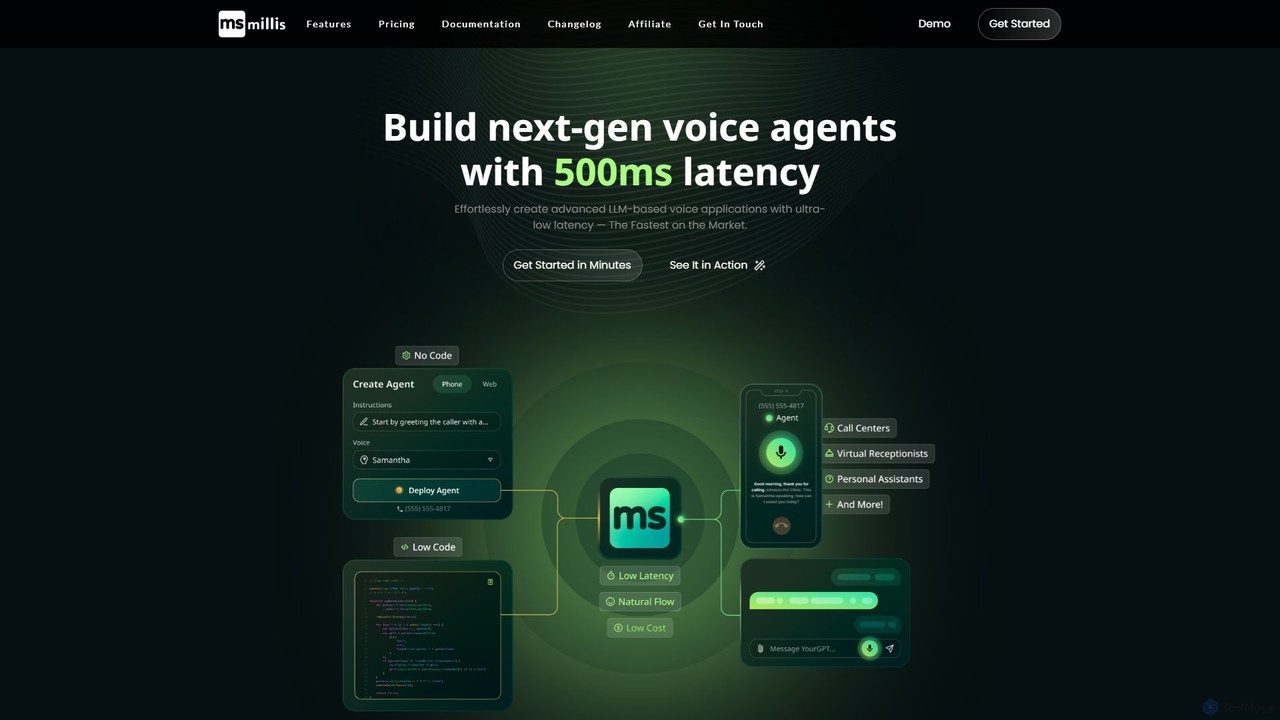
Millis AI
Millis AI is a platform for building next-generation voice agents with ultra-low 600ms latency. It enables both developers and non-technical users to create and deploy human-like, affordable voice agents for inbound and outbound calls in minutes, with easy integration capabilities.
Voice Agents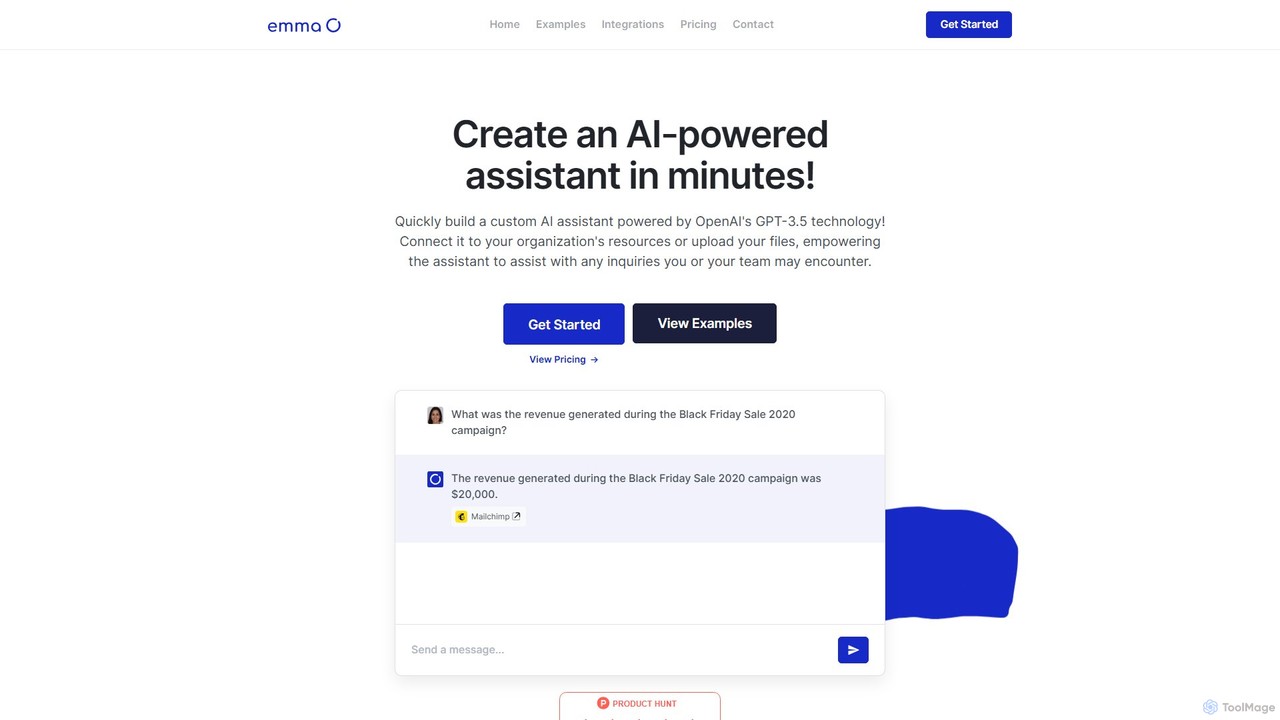
getemma
getemma is an AI platform that enables you to build a custom AI assistant powered by GPT-4 technology in minutes. Connect it to your business data, files, and integrations like Slack, Shopify, and Gmail to automate information retrieval, answer complex queries, and supercharge team productivity across departments such as sales, HR, and customer support.
Knowledge Management
Jyek
Jyek is an AI agent platform that understands objectives, creates execution plans, uses tools, and delivers verifiable results for complex, multi-step tasks.
Automation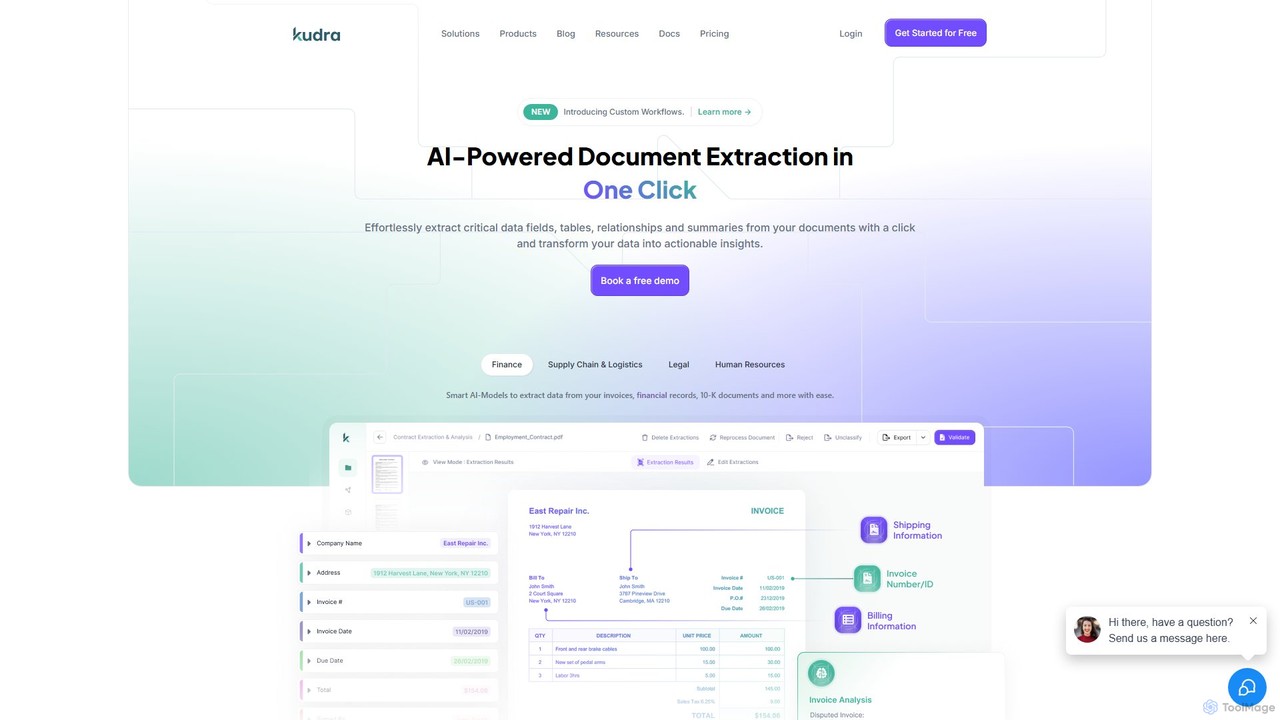
Kudra
Kudra is an AI-powered platform that automates data extraction from any document in one click. It transforms unstructured data from PDFs, emails, and images into structured, actionable information. Ideal for finance, logistics, legal, and HR, Kudra offers customizable models, workflow automation, and seamless integrations to boost efficiency and reduce errors.
Data Analysis
Documentero Comments (0)
Sign in to comment.
Sign inNo comments yet.