Productivity Best in category 11 results Document Automation AI Tool

Popular AI tools in the Document Automation field of Productivity include Documentero、Inventive AI、AutoRFP.ai、Craxy、DocLegal.AI、Chekable、Lawformer、delilegal、WayOfThat、Beacon, etc., helping you quickly improve efficiency.

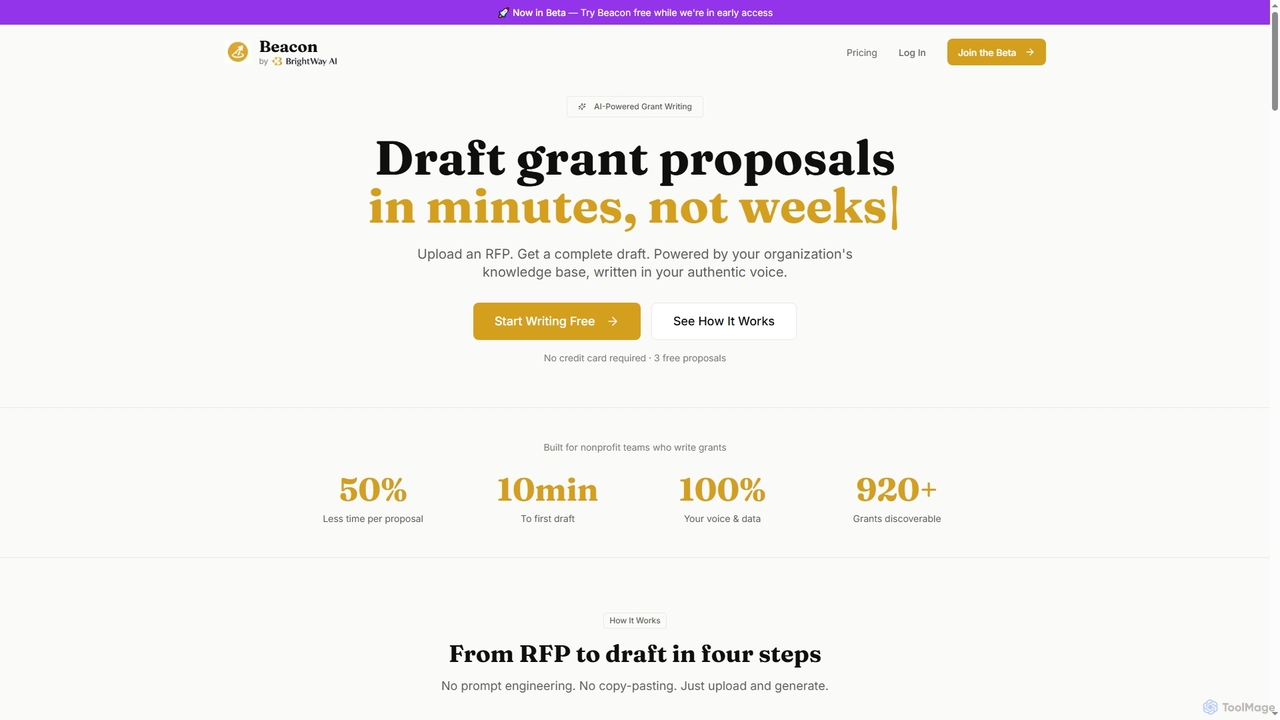
Beacon

Beacon

Beacon is an AI-powered grant writing tool designed for nonprofit organizations. It streamlines the grant proposal process by …

2.8K
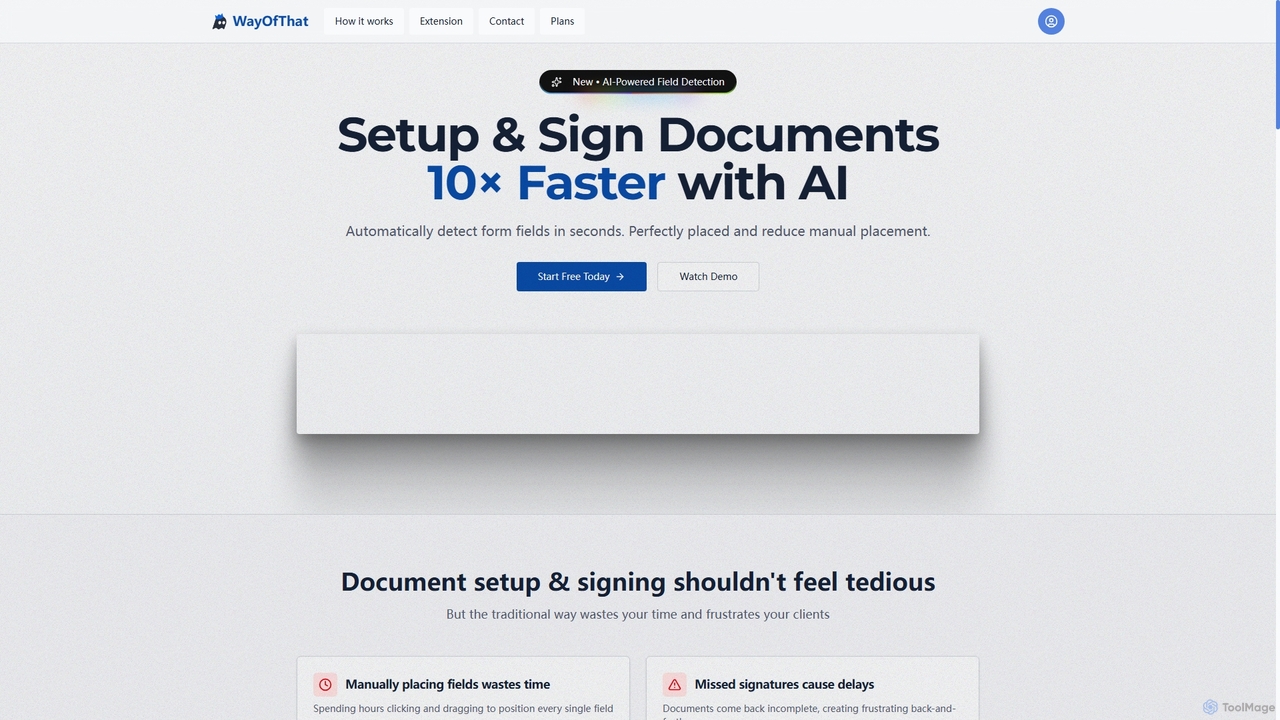
WayOfThat

WayOfThat

WayOfThat is an AI-powered document setup and e-signature platform designed to automate the detection and placement of form …

2.8K
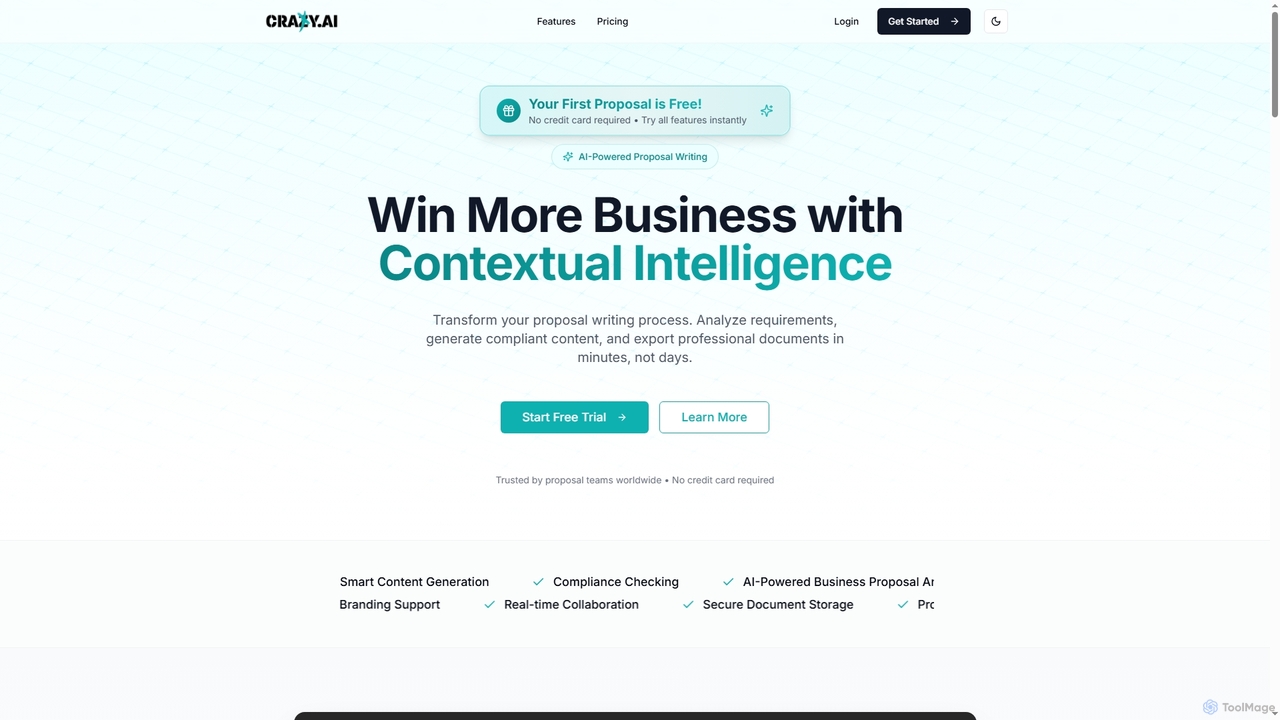
Craxy

Craxy

Craxy is an AI-powered business proposal writing platform designed to streamline the creation of winning proposals. It automates …

14.5K
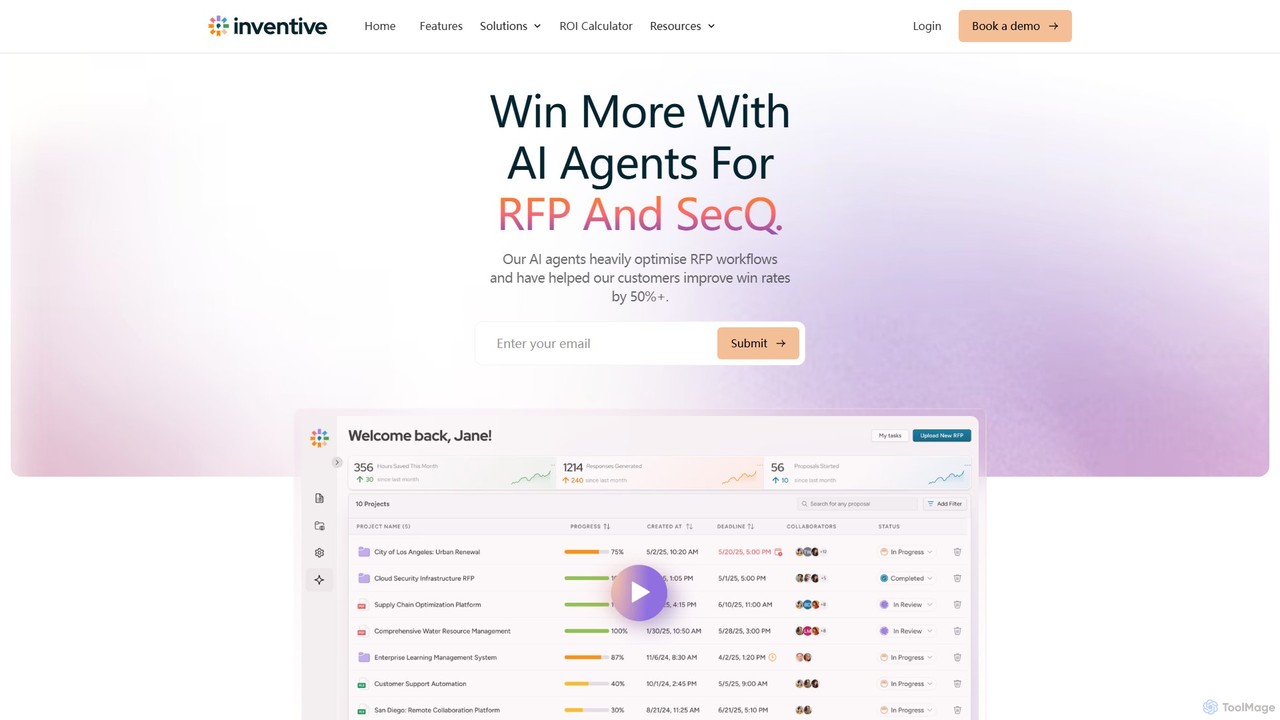
Inventive AI

Inventive AI

Inventive AI is an advanced AI-powered platform designed to automate and streamline the Request for Proposal (RFP), RFI, …

30.8K
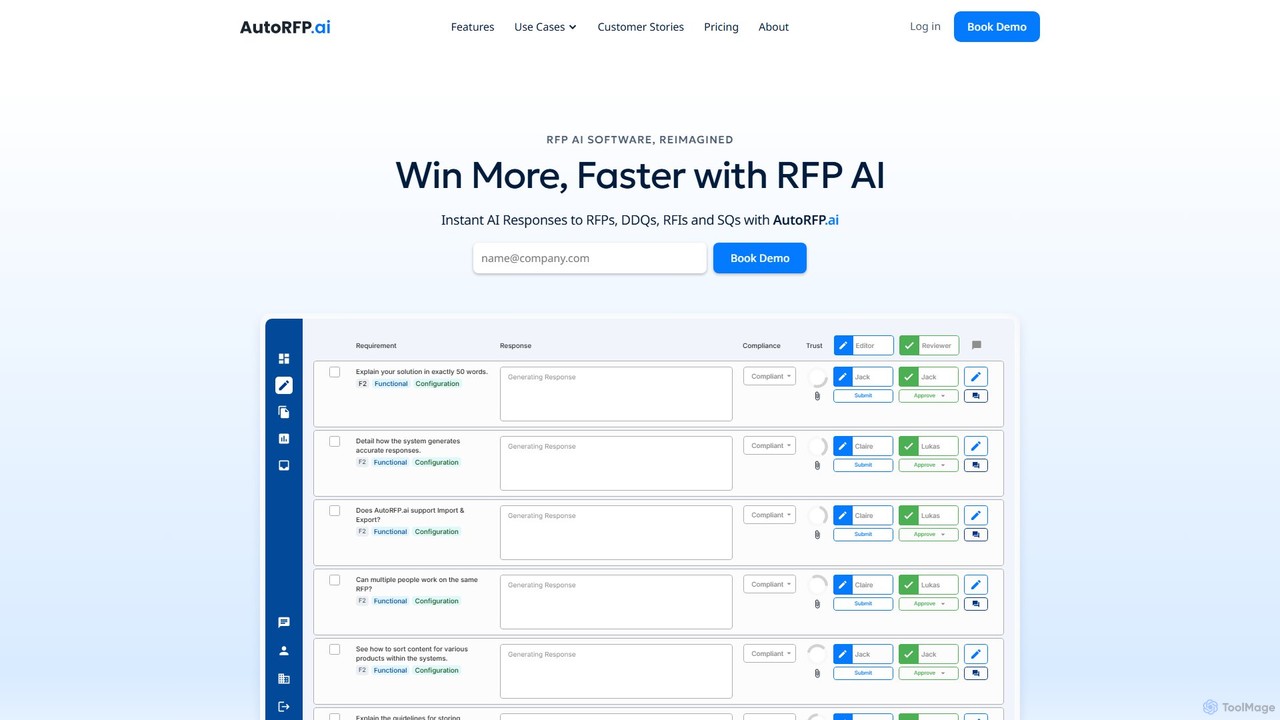
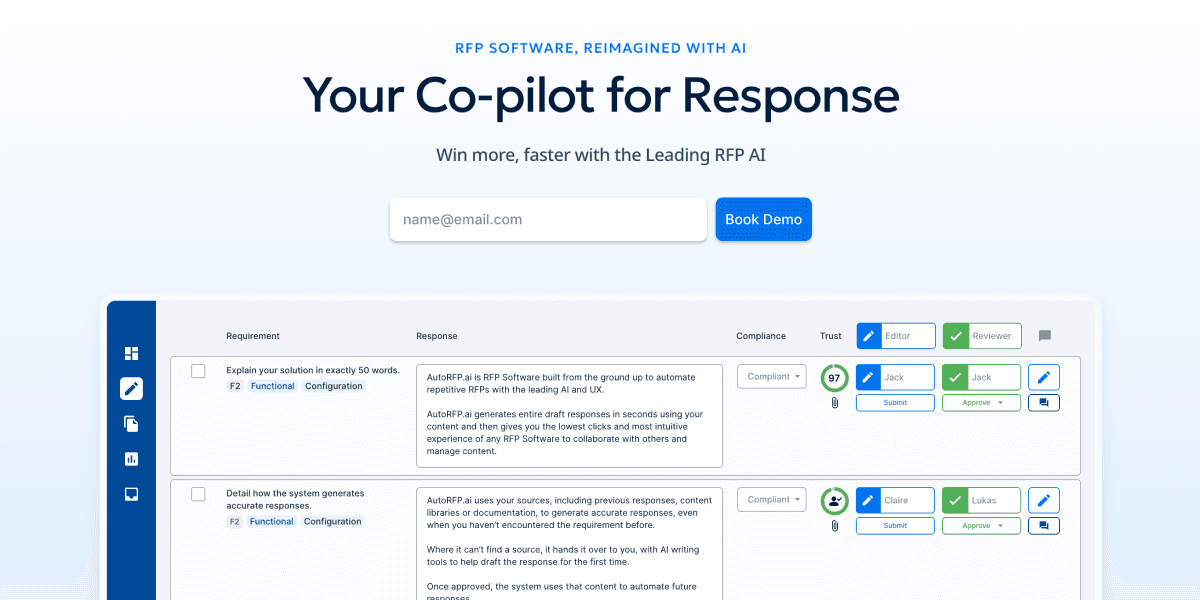
AutoRFP.ai

AutoRFP.ai

AutoRFP.ai is an AI-powered software designed to automate and streamline the response process for RFPs, RFIs, DDQs, and …

29.7K
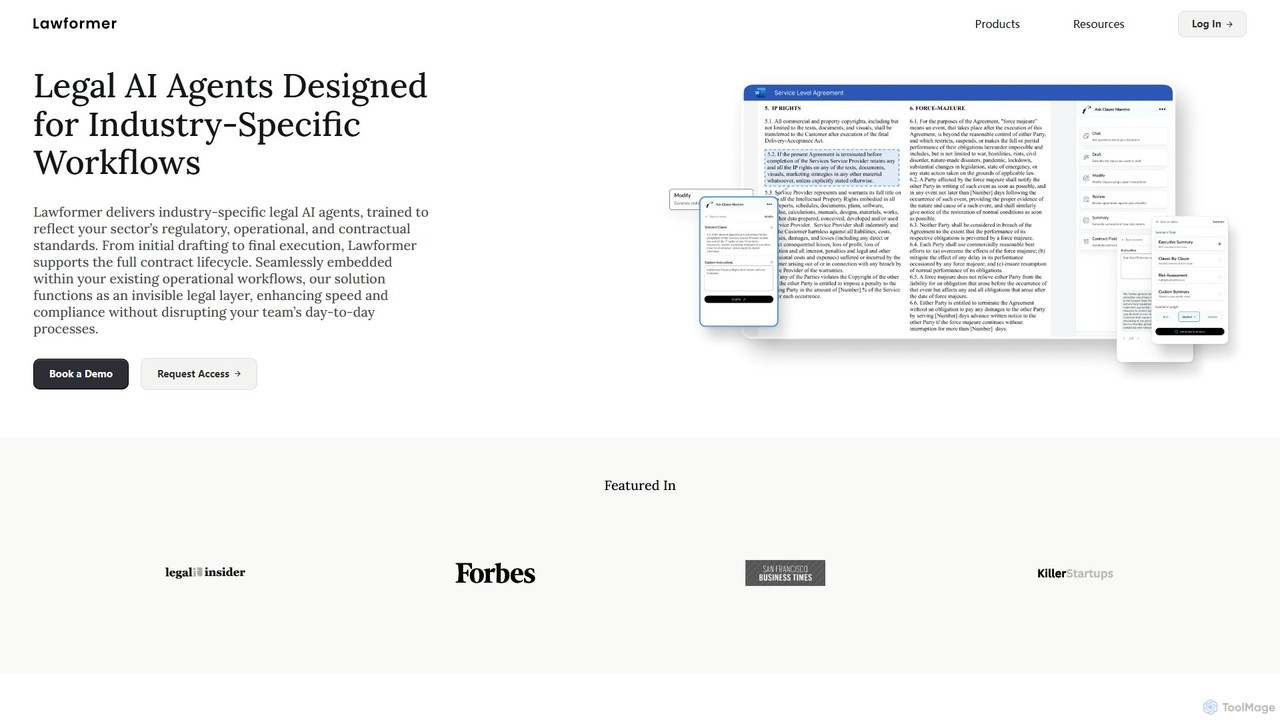
Lawformer

Lawformer

Lawformer provides industry-specific legal AI agents to automate the entire contract lifecycle. It integrates with existing workflows like …

4.3K
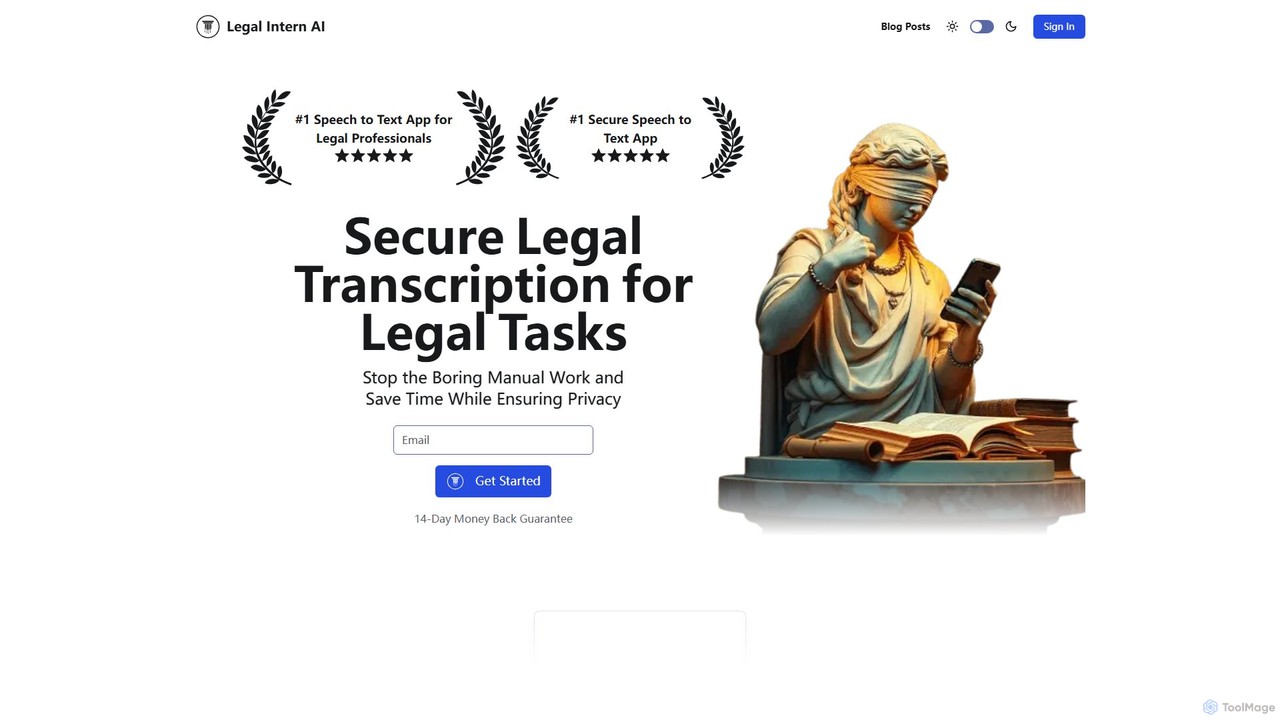
Legal Intern AI

Legal Intern AI

Legal Intern AI is a secure, AI-powered speech-to-text and document automation platform designed for legal professionals. It transforms …

2.7K
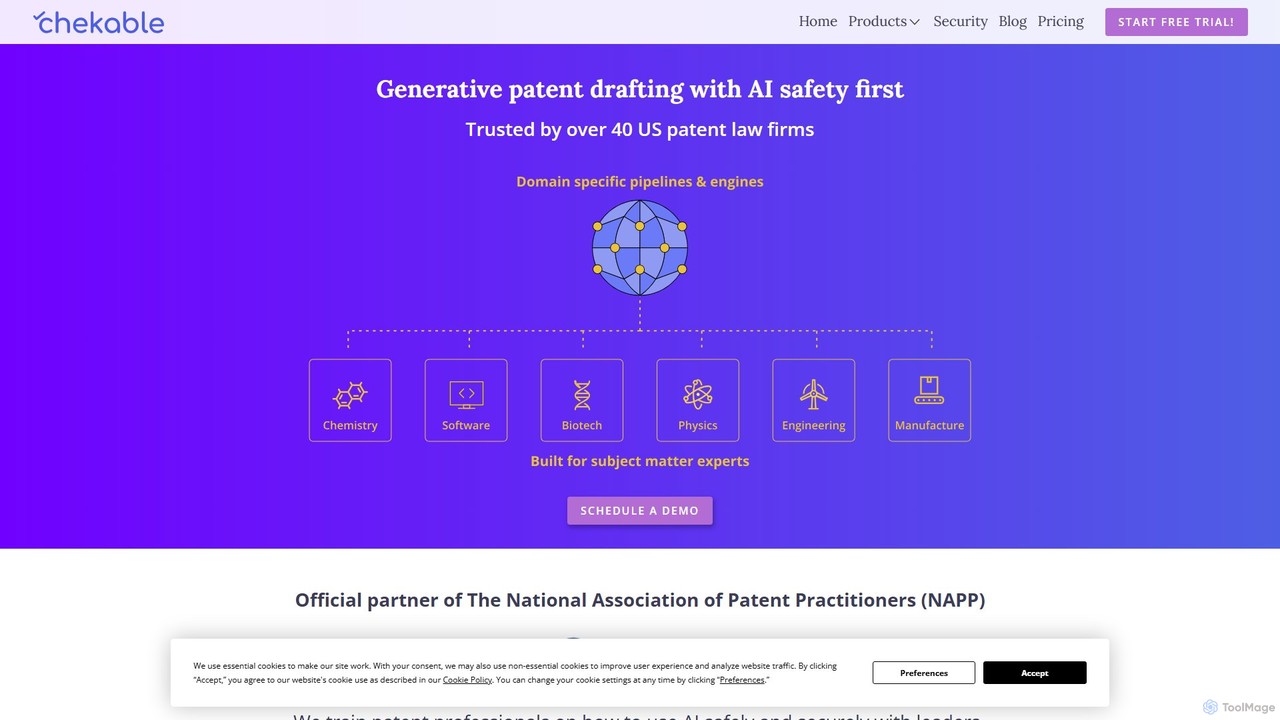
Chekable

Chekable

Chekable is an AI-powered software suite designed for patent professionals. It streamlines the entire patent prosecution lifecycle, from …

4.7K
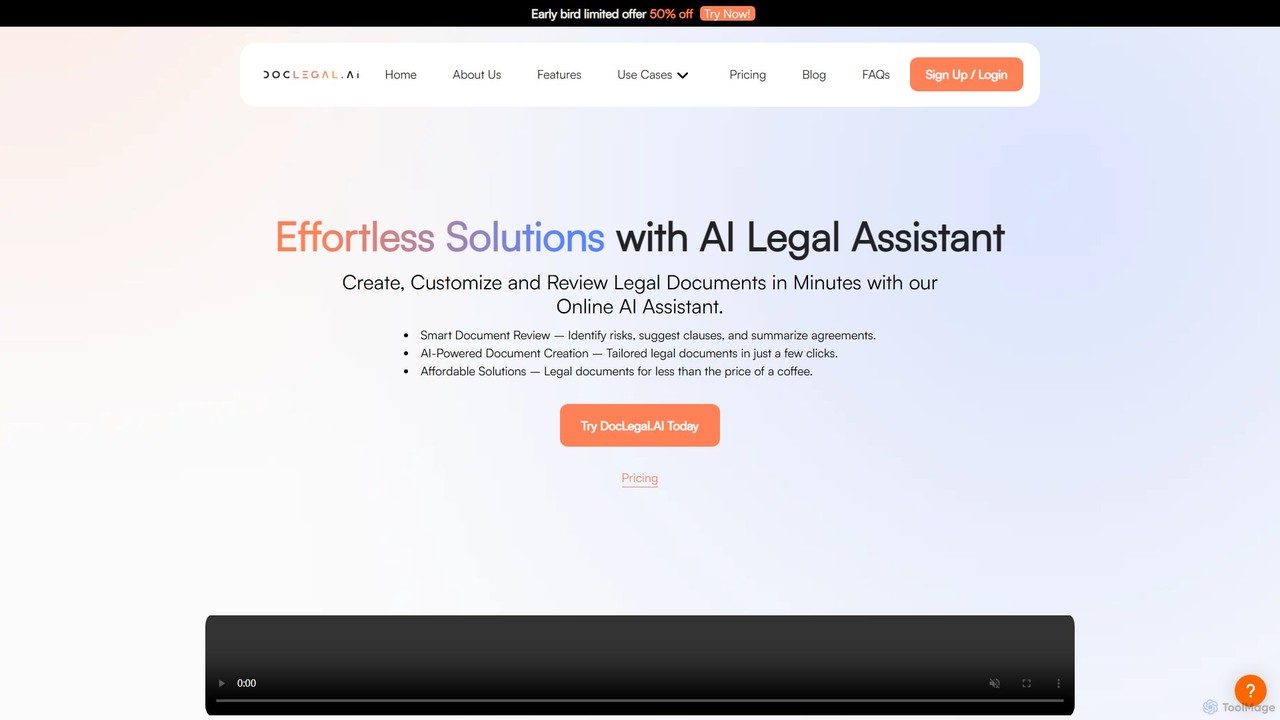
DocLegal.AI

DocLegal.AI

DocLegal.AI is an AI-powered legal assistant designed to streamline the creation, customization, and review of legal documents. It …

14.1K
delilegal

delilegal

delilegal is an AI-powered, one-stop legal service platform designed for legal professionals, businesses, and individuals. Leveraging a specialized …

3.1K
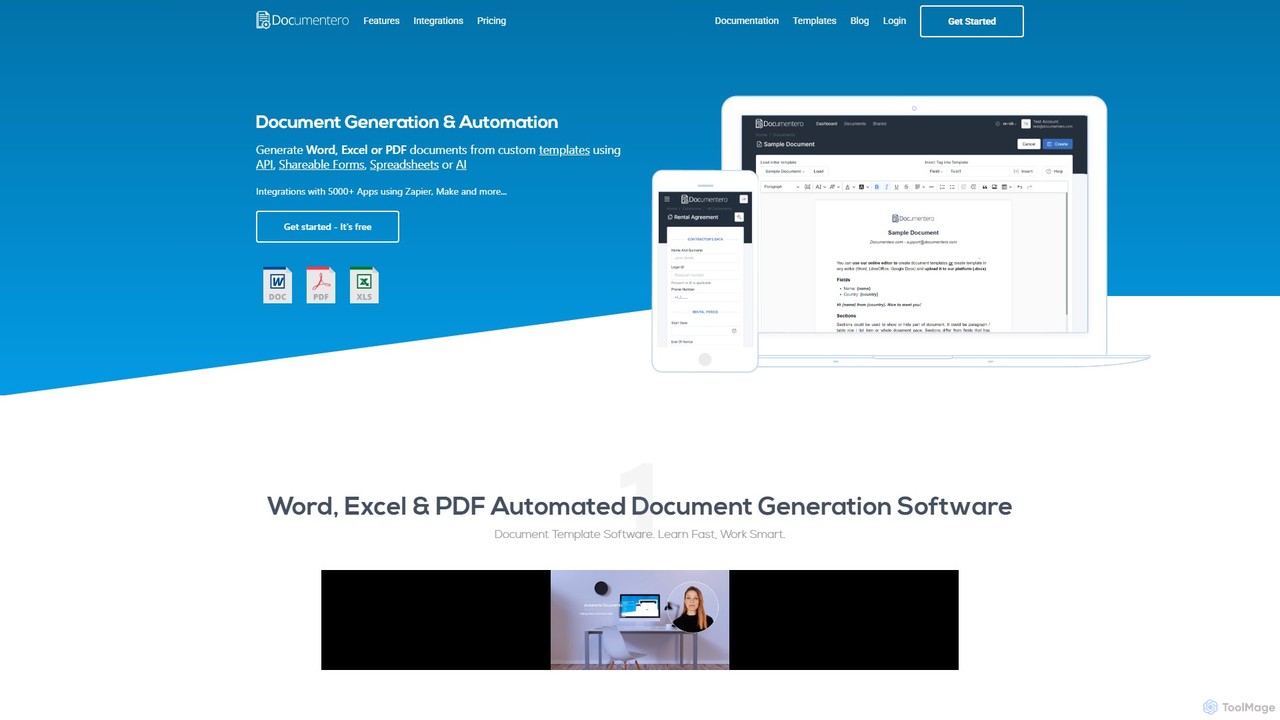
Documentero

Documentero

Documentero is a powerful document automation platform that enables users to generate personalized Word (.docx) and Excel (.xlsx) …

100.5K

About Document Automation

Document Automation tools are a class of AI-powered software designed to create, manage, and process business documents with minimal human intervention. They leverage technologies like Natural Language Processing (NLP) and Optical Character Recognition (OCR) to automatically generate documents from templates, extract structured data from files like invoices or contracts, and route them through predefined workflows. The primary value of Document Automation is in reducing manual data entry, minimizing errors, and accelerating core business processes, making it a crucial component of modern productivity strategies.

Core Features

  • Template-Based Generation: Automatically create customized documents like contracts or reports by populating templates with data from other systems.
  • Intelligent Data Extraction: Use AI to identify and extract specific information (e.g., names, dates, amounts) from PDFs, scans, and images.
  • Workflow Automation: Design and execute multi-step processes for document review, approval, and e-signature collection.
  • Document Analysis & Classification: Analyze the content of documents to summarize key points, identify risks, or automatically sort them into correct categories.

Use Cases

These tools are widely used in departments that handle high volumes of standardized documents. For example, legal teams automate contract creation and review, finance departments streamline invoice processing, and HR teams manage employee onboarding paperwork efficiently. They are essential for any business looking to scale operations without a proportional increase in administrative staff.

How to Choose

When selecting a Document Automation tool, consider its integration capabilities with your existing software (like CRM or ERP), the types of documents it supports, and the sophistication of its workflow builder. Also, evaluate its data extraction accuracy for your specific document formats and the scalability of its pricing model based on your document volume and user count.

Document AutomationUse Cases

1

Automating Accounts Payable Invoice Processing

Accounts payable clerks in a mid-sized company often spend hours manually entering data from hundreds of vendor invoices into their accounting software. This process is tedious and prone to errors. By implementing a Document Automation tool, they can create a workflow that automatically ingests incoming invoices via email. The AI uses intelligent data extraction to capture key fields like invoice number, date, amount, and line items. The system then validates this data against purchase orders and routes the invoice to the appropriate manager for approval before syncing the final data to the ERP system. This reduces processing time per invoice from minutes to seconds and significantly lowers the error rate.

2

Streamlining Legal Contract Generation

Paralegals and lawyers frequently draft standard contracts like NDAs or employment agreements, a repetitive task that consumes valuable time. A document automation platform allows them to create dynamic templates for these documents. When a new contract is needed, a user simply fills out a web form with key details (e.g., names, dates, specific clauses). The system then instantly generates a compliant, error-free contract in PDF format by populating the template with this information. The workflow can also automatically send the generated document for internal review and then to the client for e-signature, creating a complete, auditable trail and accelerating the entire contract lifecycle.

3

Automating HR Employee Onboarding Paperwork

HR managers handle a large volume of paperwork for each new hire, including offer letters, tax forms, and policy agreements. This manual process can lead to delays and inconsistent information. With document automation, the HR department can set up an onboarding workflow. Once a candidate accepts an offer, the system automatically generates a personalized onboarding packet. It sends these documents to the new employee for completion and e-signature via a secure portal. The tool can track completion status, send automatic reminders, and once signed, file the documents in the correct employee folder, ensuring compliance and providing a smooth, professional experience for new hires.

4

Generating Personalized Sales Proposals and Quotes

A sales team needs to create customized proposals for dozens of potential clients each week. Manually creating each one is time-consuming and can lead to inconsistencies in branding and pricing. A document automation tool integrated with their CRM allows a sales representative to generate a professional proposal in minutes. By selecting the client from the CRM, the tool automatically pulls in contact information, product details, and pricing. The representative can add custom notes, and the system generates a branded, accurate quote ready to be sent. This not only saves significant time but also ensures all proposals are consistent and professional, improving the chances of closing a deal.

5

Managing Real Estate Lease Agreements

Real estate agents and property managers create numerous lease agreements, each requiring specific details like tenant names, property addresses, rent amounts, and lease terms. Using a document automation system, they can create a master lease template. When a new tenant is found, the agent inputs the specific details into a simple form. The system then generates the complete lease agreement, addendums, and disclosure forms instantly. This process ensures all legally required clauses are included, reduces the risk of manual errors, and allows agents to finalize leases much faster, improving both efficiency and client satisfaction.

6

Automating Patient Intake and Medical Records Processing

Healthcare administrators at clinics and hospitals deal with a constant flow of patient intake forms, insurance claims, and medical records. Manually processing this sensitive data is slow and carries a high risk of error. A document automation platform can digitize this entire process. Patients can fill out forms online before their appointment. The system uses AI to extract relevant data and automatically populate the patient's electronic health record (EHR). It can also process insurance claims by extracting data and routing it to the correct billing system, ensuring HIPAA compliance, reducing administrative burden, and allowing medical staff to focus more on patient care.

Document AutomationFrequently Asked Questions