

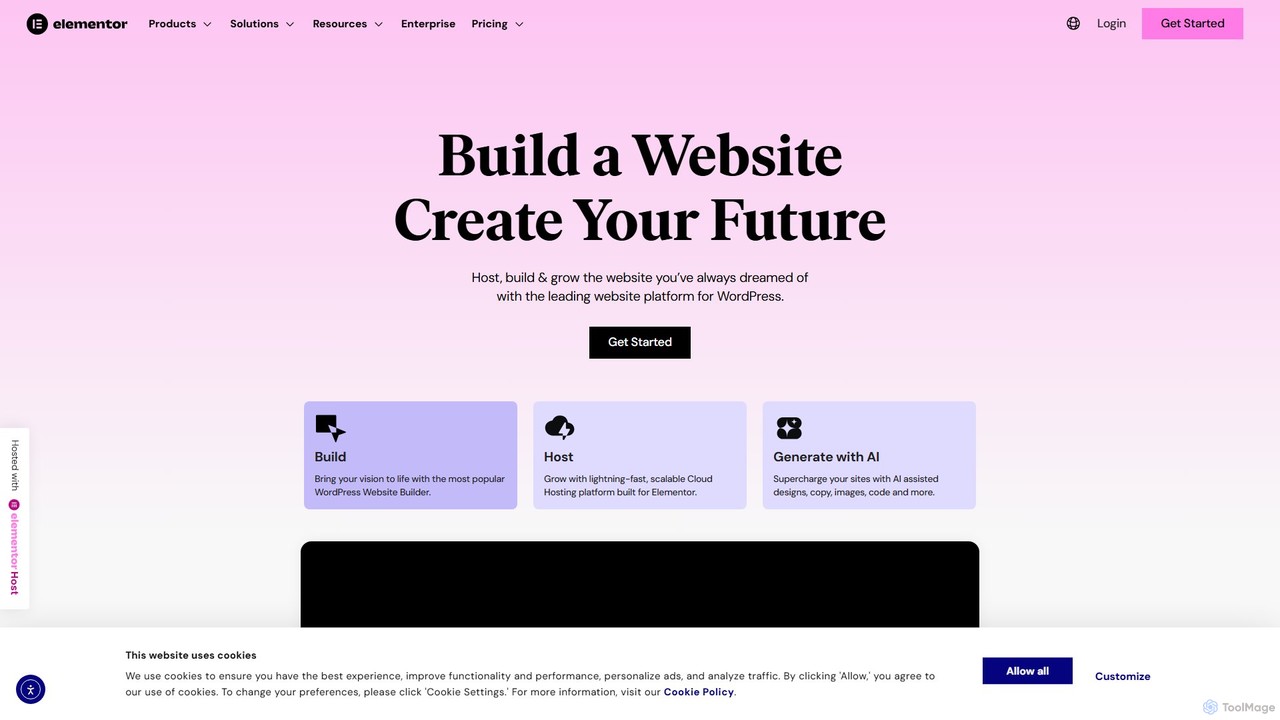
Elementor Overview
Elementor is a revolutionary drag-and-drop website builder for WordPress, empowering millions of web creators to build professional, pixel-perfect websites with complete design freedom. It replaces the basic WordPress editor with a live, front-end editor, allowing you to create complex layouts and design your website live, without having to switch between the editor and the preview mode. Recently, Elementor has integrated a powerful suite of AI tools, transforming it into an even more efficient platform for content creation and web design.
Elementor AI is seamlessly integrated into the editor, acting as your creative partner. It can generate compelling text for headlines and paragraphs, create unique and royalty-free images from text prompts, and even write custom CSS and HTML code to achieve specific design tweaks. This significantly accelerates the building process, overcomes creative blocks, and allows users to add sophisticated elements without deep technical knowledge.
How to use Elementor
Using Elementor is an intuitive process designed for both beginners and professionals:
- Installation: Start by installing the Elementor plugin from the WordPress repository on your website. You can use the free version or upgrade to Elementor Pro for advanced features.
- Start Editing: Create a new page or post in WordPress and click the 'Edit with Elementor' button. This will launch the live visual editor.
- Drag & Drop: The left panel contains a wide array of widgets (e.g., text, images, buttons, forms). Simply drag a widget and drop it onto your page on the right.
- Customize: Click on any element to open its settings. You can customize content, styling (colors, fonts, spacing), and advanced settings (motion effects, responsive controls) for each widget.
- Leverage AI: Within text widgets, click the 'Write with AI' icon to generate or refine copy. In image widgets, use the 'Create with AI' feature to generate images from descriptions. For custom styling, go to a widget's 'Advanced' tab and use the AI to generate Custom CSS.
- Build Site-Wide: With Elementor Pro, use the Theme Builder to design your site's header, footer, blog post templates, and archive pages, ensuring a consistent design across your entire website.
- Publish: Once you are satisfied with your design, click 'Publish'. You can also use the responsive mode to ensure your page looks perfect on tablets and mobile devices.
Core Features of Elementor
- Live Drag-and-Drop Editor: A true WYSIWYG (What You See Is What You Get) experience that makes website creation fast and intuitive.
- Elementor AI: A built-in suite of artificial intelligence tools to generate text, images, and code, and even build entire container layouts from prompts.
- Extensive Widget Library: Over 100 powerful widgets for every need, including forms, sliders, testimonials, price tables, and social media icons.
- Theme Builder: (Pro Feature) Go beyond single pages and design your entire WordPress theme, including headers, footers, 404 pages, and dynamic templates for posts and products.
- WooCommerce Builder: (Pro Feature) Get full control over your e-commerce store's design by customizing product pages, shop archives, and the entire checkout process.
- Popup Builder: (Pro Feature) Create engaging popups, fly-ins, and notification bars with advanced targeting and trigger options to boost conversions.
- Responsive Design Controls: Fine-tune every element for desktop, tablet, and mobile to ensure a flawless user experience on any device.
- Template & Kit Library: Access hundreds of professionally designed templates and full website kits that you can import and customize to kickstart your project.
Use Cases for Elementor
Elementor is versatile enough for nearly any web project:
- Business Websites: Create professional websites for corporations, small businesses, and startups.
- E-commerce Stores: Build and customize online shops with deep WooCommerce integration.
- Marketing Landing Pages: Design high-converting landing pages for campaigns without leaving WordPress.
- Portfolios: Showcase your work with visually stunning portfolio and gallery widgets.
- Blogs: Craft unique blog layouts and post designs that stand out.
- Agency Work: Agencies can use Elementor to build client websites faster and more efficiently, with features like role manager to control client access.
Advantages of Elementor
Elementor offers a clear competitive edge for web creators:
- All-in-One Platform: It eliminates the need for dozens of other plugins by combining page design, theme building, form creation, popup marketing, and AI tools into one solution.
- No-Code Empowerment: It democratizes web design, allowing marketers, business owners, and designers to build what they envision without writing a single line of code.
- Unmatched Design Flexibility: With granular control over every element, custom positioning, and advanced effects, the design possibilities are limitless.
- Workflow Acceleration: Features like Global Colors & Fonts, the Template Library, and especially Elementor AI dramatically speed up the entire design and content creation process.
- Huge Ecosystem: A massive global community and a thriving market of third-party add-ons provide endless resources, tutorials, and extended functionality.
Pricing and Plans
Elementor operates on a freemium model, making it accessible to everyone.
- Free Plan: A powerful free version is available on the WordPress.org repository. It includes the core drag-and-drop editor and a solid selection of basic widgets, perfect for simple websites and landing pages.
- Elementor Pro Plans: For professionals and businesses, Pro plans unlock advanced features. These are typically tiered:
- Essential: For 1 Pro website activation.
- Advanced: For 3 Pro website activations.
- Expert: For 25 Pro website activations.
- Agency: For 1,000 Pro website activations.
- Elementor AI: The AI features are priced separately via a subscription or credit-based system. There is often a free trial to test the capabilities, after which users can purchase a plan that suits their usage needs for generating text, code, and images.
Traffic
Latest traffic
Status
Monthly traffic trend
- 2025-9: 3.9M
- 2026-1: 4.4M
- 2026-2: 3.8M
- 2026-3: 4.2M
- 2026-4: 3.9M
- 2026-5: 3.5M
Geography
Top 5 countries / regions
- 🇺🇸United States52.6%
- 🇮🇳India20.7%
- 🇬🇧United Kingdom9.1%
- 🇩🇪Germany8.9%
- 🇪🇸Spain8.7%
Traffic sources
| Source type | Percentage |
|---|---|
Direct | 65.0% |
Referral | 29.9% |
Email | 5.1% |
Top keywords
| Keyword | Cost per click |
|---|---|
| elementor | $1.22 |
| elementor pro | $1.68 |
| elementor pro price | $0.66 |
| elementors | $1.33 |
| wordpress | $1.17 |
Elementor Videos on YouTube
Inkspire Pixels

Blocksy Starter Sites

Digital Coach Archana
Blocksy Starter Sites


Darrel Wilson

Nomadic Steph | Tutoriels IA, SEO & Site web
Elementor Alternatives
LandingPro
LandingPro is an AI-powered platform designed to help marketers and businesses create high-converting landing pages in minutes. By leveraging advanced AI, it automates copywriting, design, and optimization, eliminating the need for technical skills. Simply describe your product, and LandingPro generates stunning, conversion-focused pages tailored to your audience.
Landing Page Builder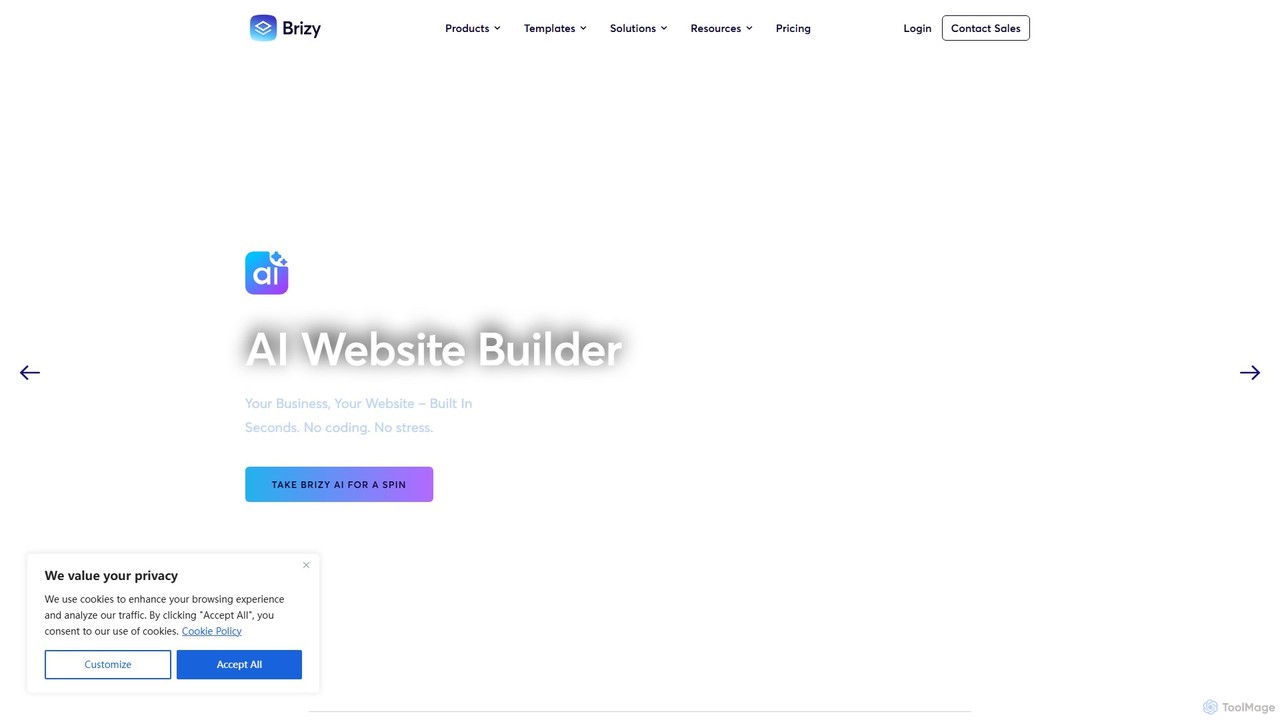
Brizy
Brizy is a powerful yet user-friendly no-code website builder featuring an AI generator. Designed for non-techies, agencies, and SaaS companies, it offers intuitive drag-and-drop editing, 180+ templates, e-commerce capabilities, and a complete white-label solution. Available as both a WordPress plugin and an all-in-one cloud platform.
Landing Page Builder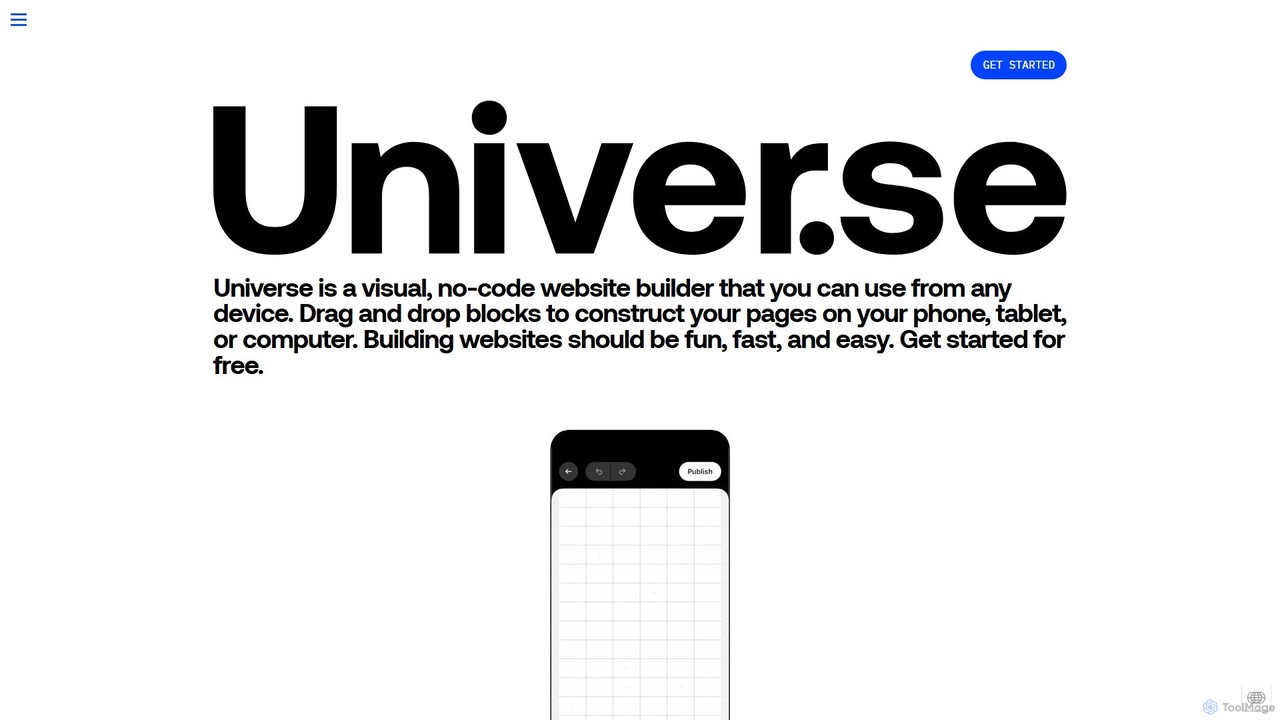
onuniverse
onuniverse is an AI-powered, no-code website builder that allows you to design and launch stunning websites, online stores, and portfolios from any device. Featuring an intuitive drag-and-drop grid editor and AI to generate site elements, it makes web creation fast, fun, and accessible to everyone, from creators to small businesses. Start for free and build your online presence in minutes.
Store Builder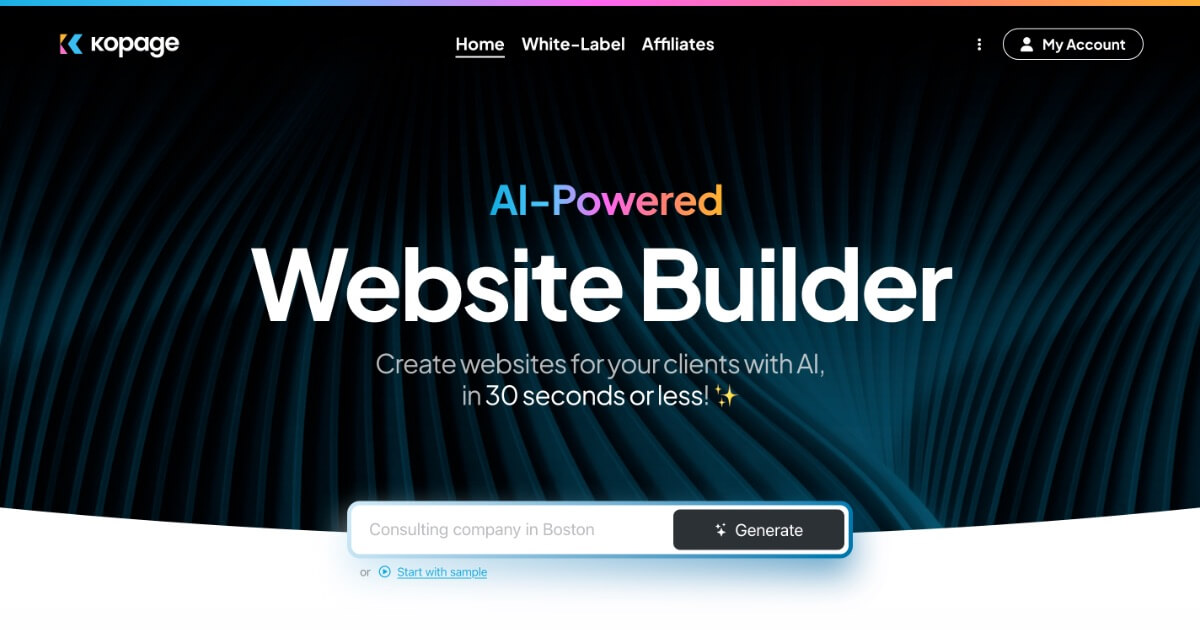
Kopage
Kopage is a white-label AI website builder that empowers users to create professional, feature-rich websites in 30 seconds or less. It combines AI generation with an intuitive drag-and-drop editor, making it ideal for agencies, small businesses, and individuals without technical skills. The platform includes e-commerce, blogging, SEO tools, and robust white-label options for creating and managing client websites.
E Commerce
ailandingpagegenerator
ailandingpagegenerator is a free AI-powered tool that creates high-converting landing pages in seconds. Powered by Meta's Llama 3, it allows users to generate complete page content, including headlines, body text, and calls-to-action, simply by describing their product or service. Ideal for startups, marketers, and non-coders, it offers a fast, efficient, and cost-free way to build a professional online presence without any technical skills.
Landing Page BuilderElementor Categories
Elementor Embed Widget
Copy this embed code to place the badge on your blog, article, or product site and send readers directly to this ToolMage detail page.

Related AI tools
Elegant Themes
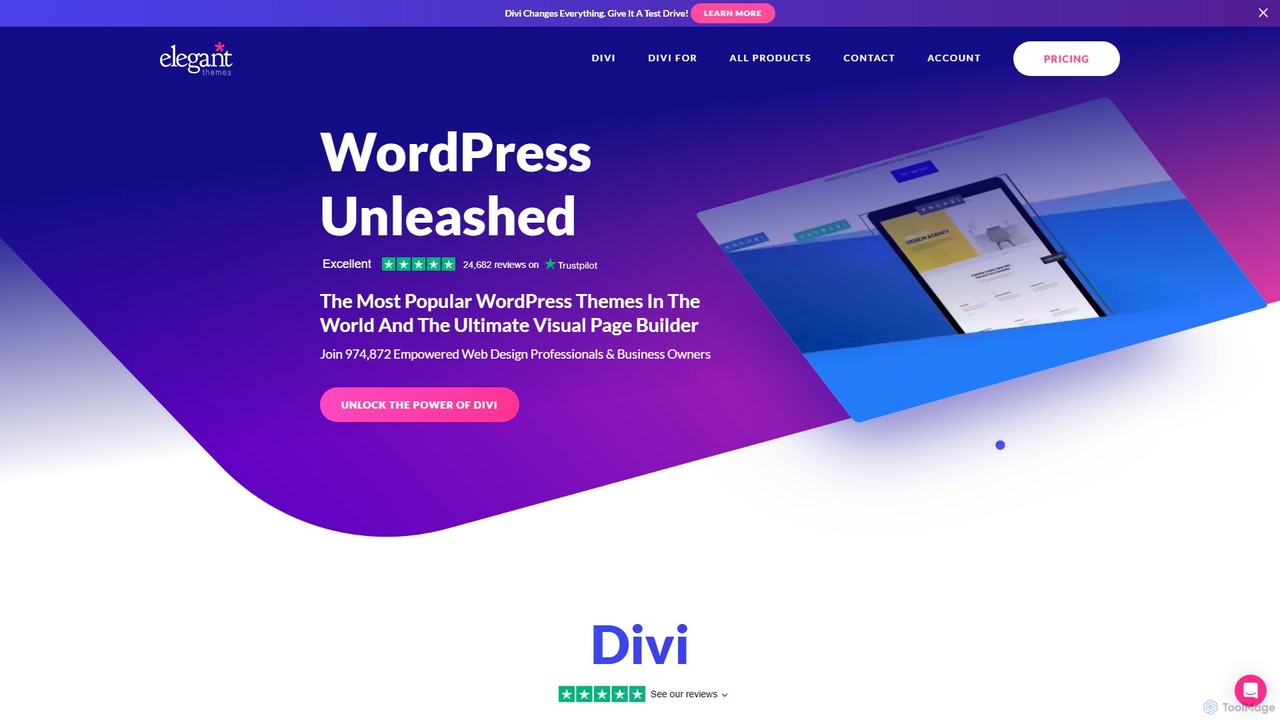
Elegant Themes is a leading WordPress development company, renowned for its flagship product, Divi. Divi is a powerful visual page builder and theme framework that allows users of all skill levels to create stunning, professional websites without coding. It includes a suite of marketing tools, e-commerce integration, and the innovative Divi AI to streamline the web design process.
Lead Generation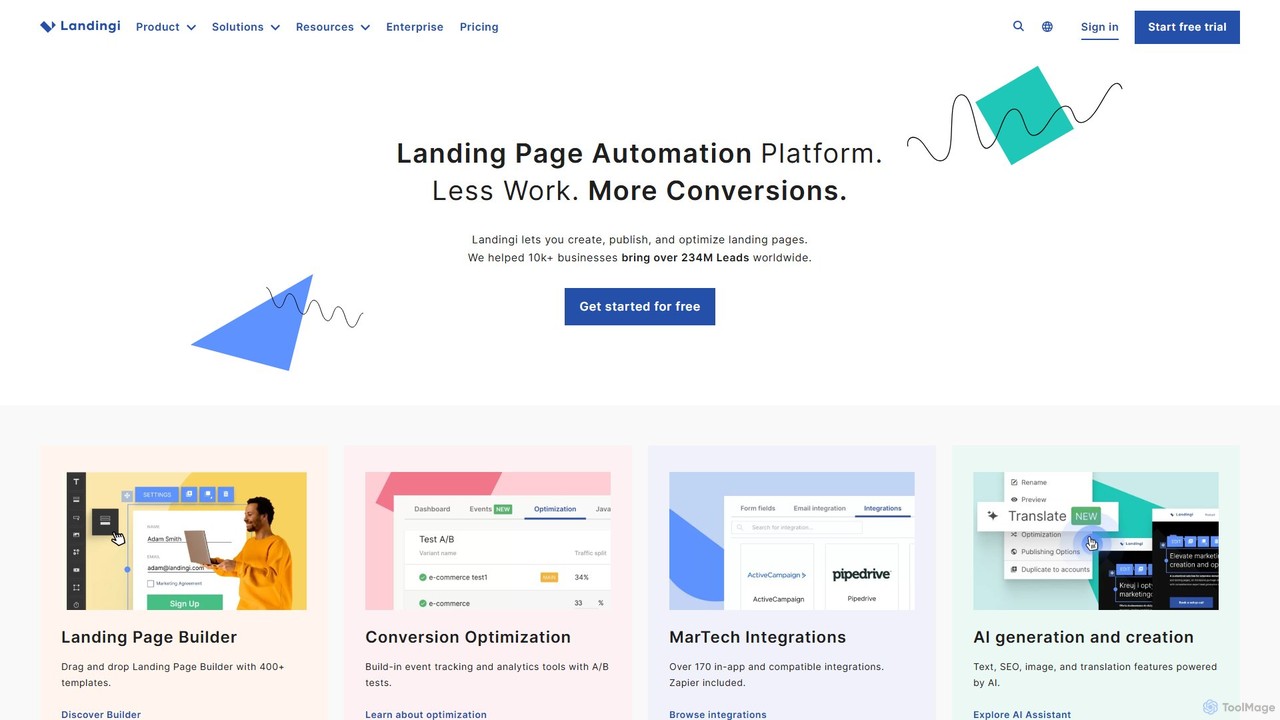
Landingi
Landingi is an AI-powered, no-code landing page automation platform for digital marketers. It features a drag-and-drop builder, 400+ templates, A/B testing, and an AI Assistant for content, SEO, and image creation. It helps businesses create, publish, and optimize high-converting landing pages with minimal effort to boost leads and sales.
Landing Page Builder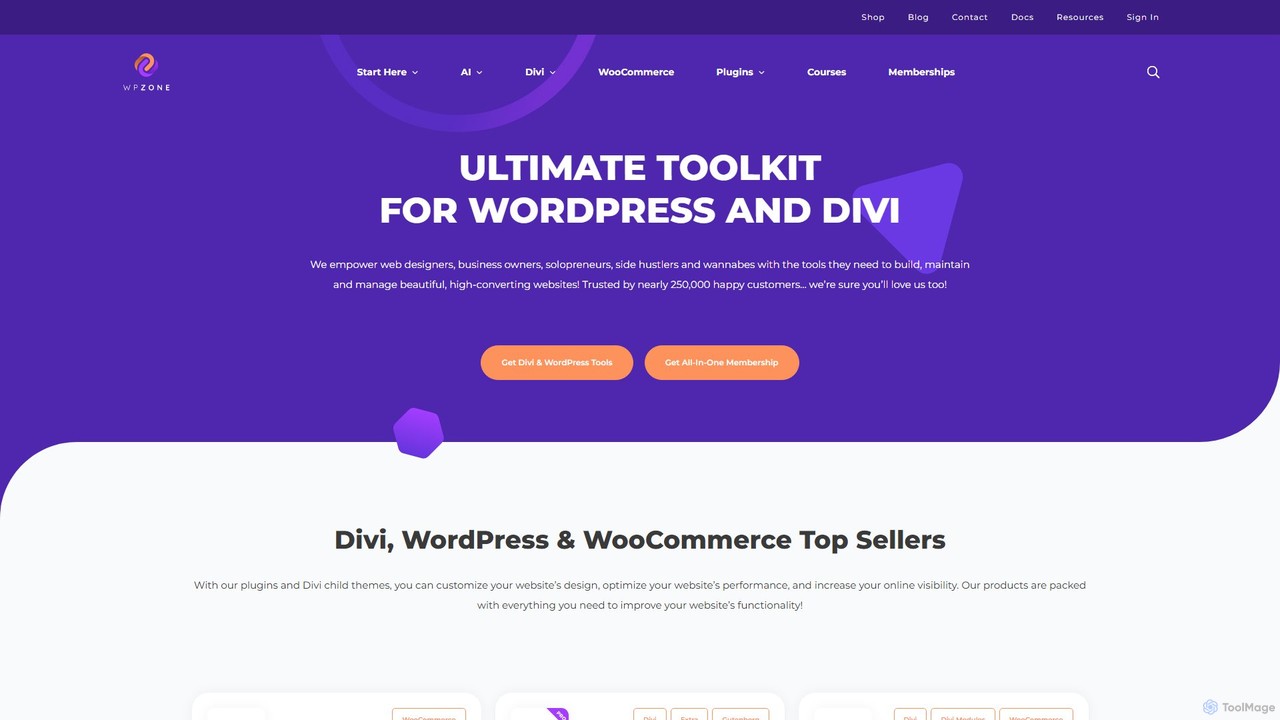
WP Zone
WP Zone is the ultimate toolkit for WordPress and Divi users, offering a comprehensive suite of plugins, themes, layouts, and courses. It empowers web designers, business owners, and developers to build, manage, and optimize high-converting websites with ease. With a focus on extending the functionality of Divi and WooCommerce, WP Zone provides everything from advanced e-commerce reporting and page-building enhancements to extensive icon packs and professionally designed child themes, trusted by over 250,000 users.
Web Design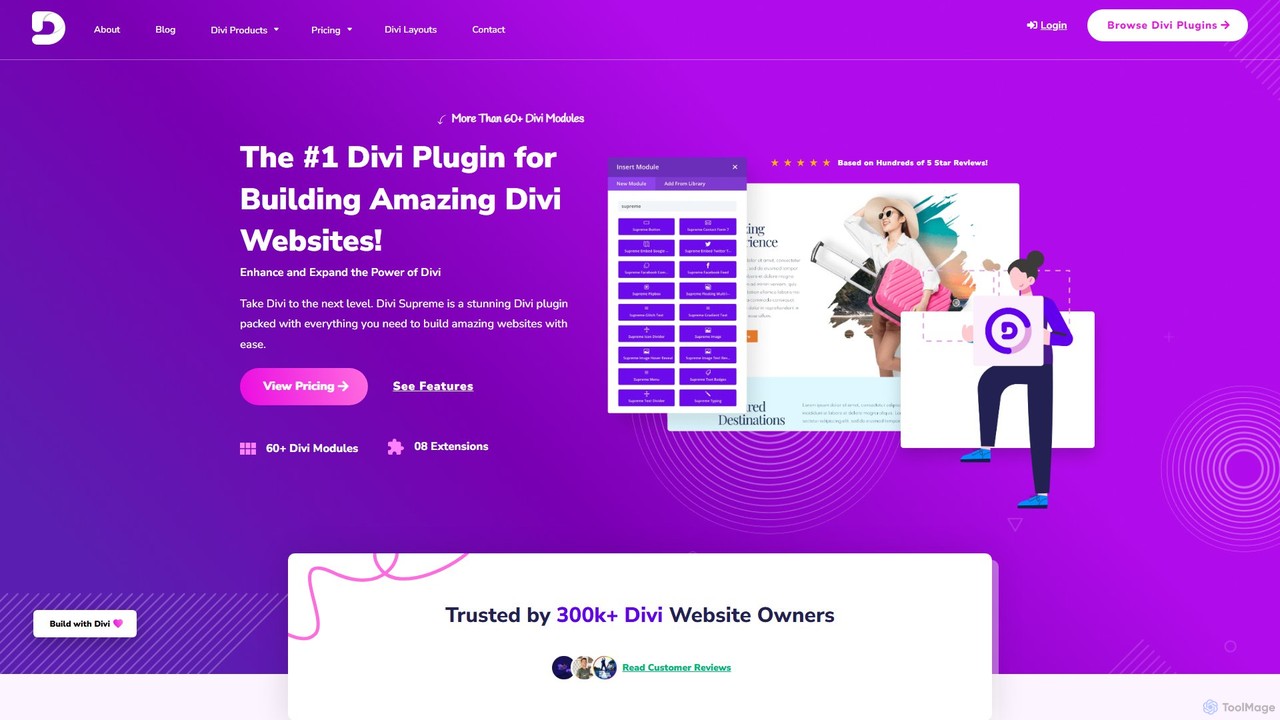
Divi Supreme
Divi Supreme is a powerful WordPress plugin that supercharges the Divi theme with over 60 creative modules and 8+ unique extensions. Trusted by 300,000+ users, it enables agencies, freelancers, and website owners to build stunning, professional websites with ease and without any coding. Features include advanced carousels, Lottie animations, popups, and an integrated AI writer, making it an essential toolkit for any Divi user.
Web DesignLandingPro
LandingPro is an AI-powered platform designed to help marketers and businesses create high-converting landing pages in minutes. By leveraging advanced AI, it automates copywriting, design, and optimization, eliminating the need for technical skills. Simply describe your product, and LandingPro generates stunning, conversion-focused pages tailored to your audience.
Landing Page BuilderBrizy
Brizy is a powerful yet user-friendly no-code website builder featuring an AI generator. Designed for non-techies, agencies, and SaaS companies, it offers intuitive drag-and-drop editing, 180+ templates, e-commerce capabilities, and a complete white-label solution. Available as both a WordPress plugin and an all-in-one cloud platform.
Landing Page Builderonuniverse
onuniverse is an AI-powered, no-code website builder that allows you to design and launch stunning websites, online stores, and portfolios from any device. Featuring an intuitive drag-and-drop grid editor and AI to generate site elements, it makes web creation fast, fun, and accessible to everyone, from creators to small businesses. Start for free and build your online presence in minutes.
Store BuilderKopage
Kopage is a white-label AI website builder that empowers users to create professional, feature-rich websites in 30 seconds or less. It combines AI generation with an intuitive drag-and-drop editor, making it ideal for agencies, small businesses, and individuals without technical skills. The platform includes e-commerce, blogging, SEO tools, and robust white-label options for creating and managing client websites.
E Commerceailandingpagegenerator
ailandingpagegenerator is a free AI-powered tool that creates high-converting landing pages in seconds. Powered by Meta's Llama 3, it allows users to generate complete page content, including headlines, body text, and calls-to-action, simply by describing their product or service. Ideal for startups, marketers, and non-coders, it offers a fast, efficient, and cost-free way to build a professional online presence without any technical skills.
Landing Page Builder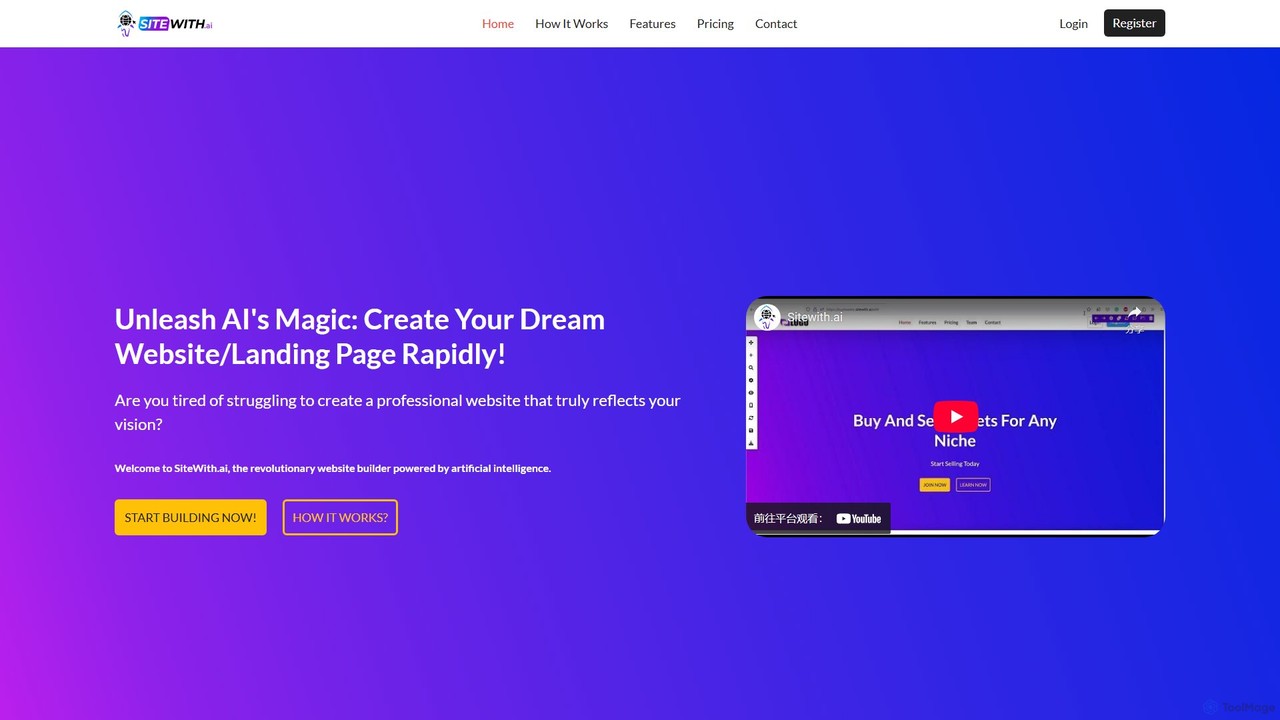
SiteWith.ai
SiteWith.ai is a revolutionary AI-powered website builder that allows users to create professional, fully-customized websites and landing pages in minutes. Without needing any coding skills, you can describe your project, and the AI will generate all the necessary content and design elements. It features a user-friendly drag-and-drop editor, responsive templates, and built-in SEO tools, making it ideal for entrepreneurs, marketers, and small businesses to establish an online presence rapidly.
Landing Page Builder
pagen.so
pagen.so is an AI-powered landing page builder that enables users to create high-converting, professionally designed web pages in minutes without any coding. It's designed for marketers, startups, and businesses to quickly launch campaigns, validate ideas, and generate leads with AI-driven content and design.
Content Generation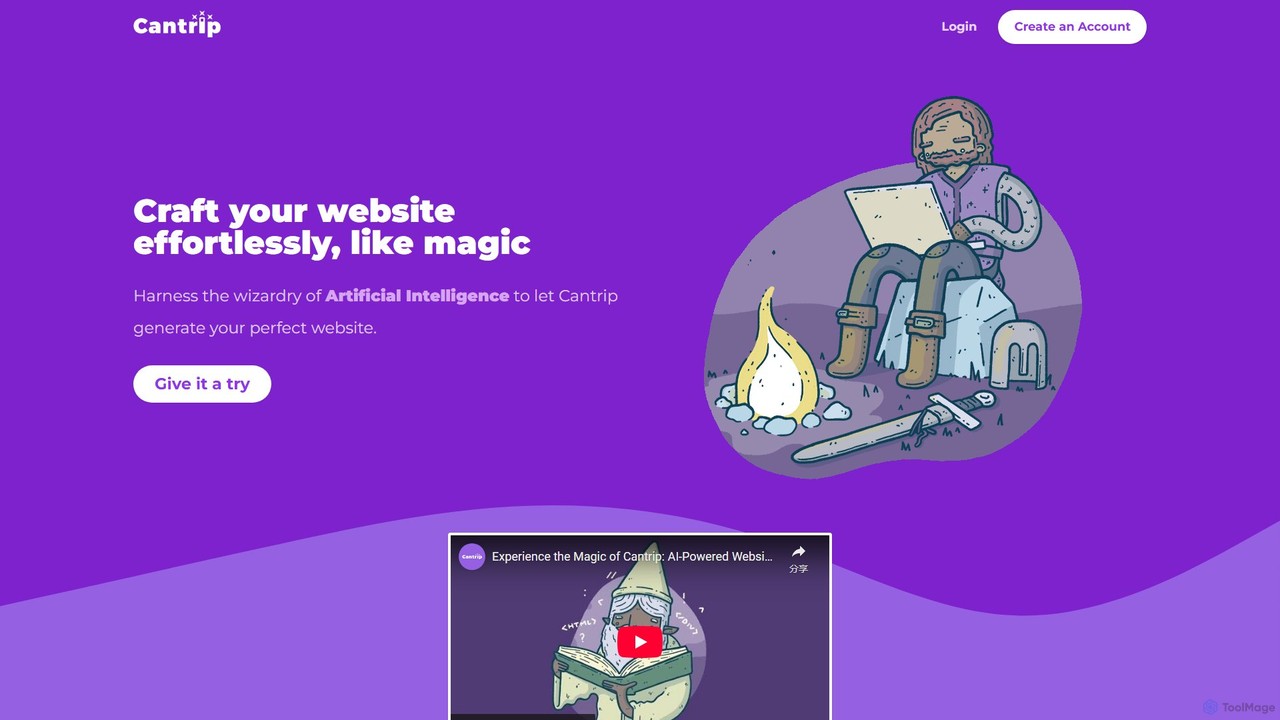
Cantrip
Cantrip is an AI-powered website builder that magically crafts stunning, professional websites in minutes. Simply describe your vision, and let the AI generate a complete site with custom content, layouts, and themes. Features include a drag-and-drop editor, AI content creation, custom domain support, and built-in analytics, all for a simple, affordable price.
Landing Page Builder
Bookmark
Bookmark is an AI-powered website builder that uses its design assistant, AiDA, to create professional, fully-functional websites in minutes. Users answer a few questions, and AiDA generates a unique website with relevant content and images, which can then be customized with a drag-and-drop editor.
Store Builder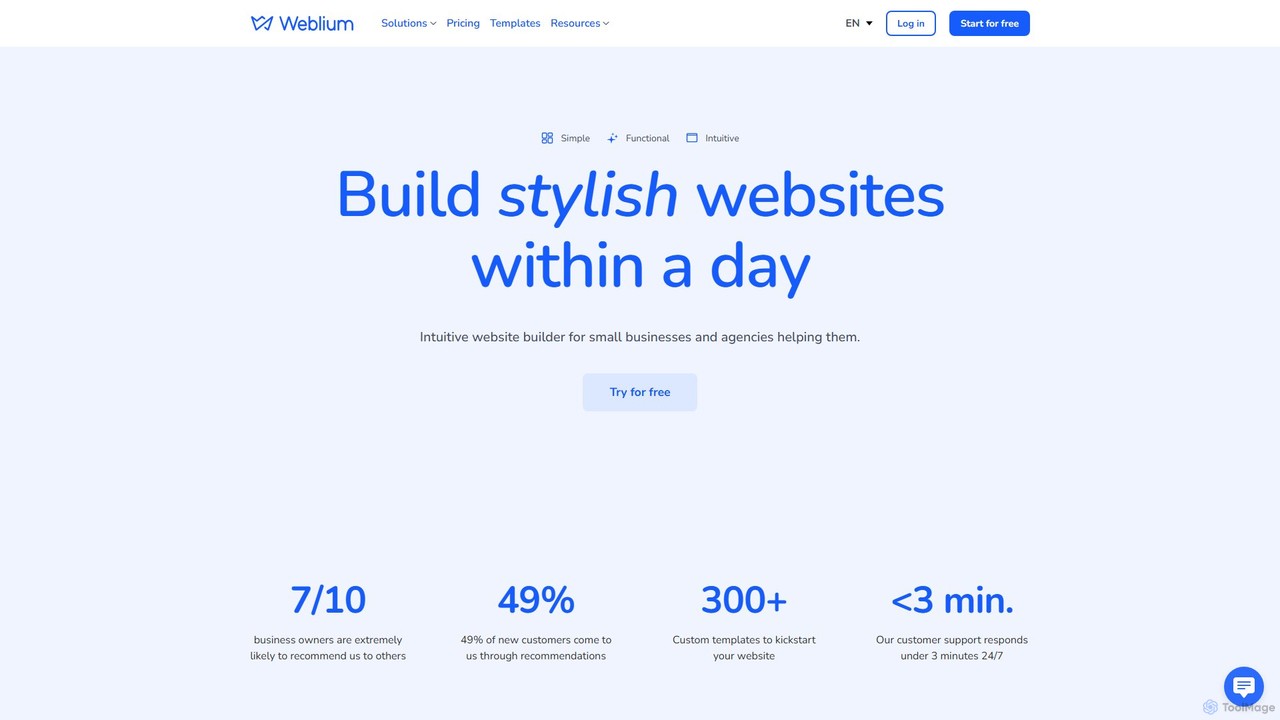
Weblium
Weblium is an AI-powered, no-code website builder that enables users to create professional websites and online stores with ease. It features an intuitive editor, over 300 templates, an integrated AI writer (ChatGPT), e-commerce functionality, and marketing tools. Ideal for small businesses, freelancers, and agencies, Weblium offers a complete solution with free hosting, an SSL certificate, and 24/7 human support.
Store Builder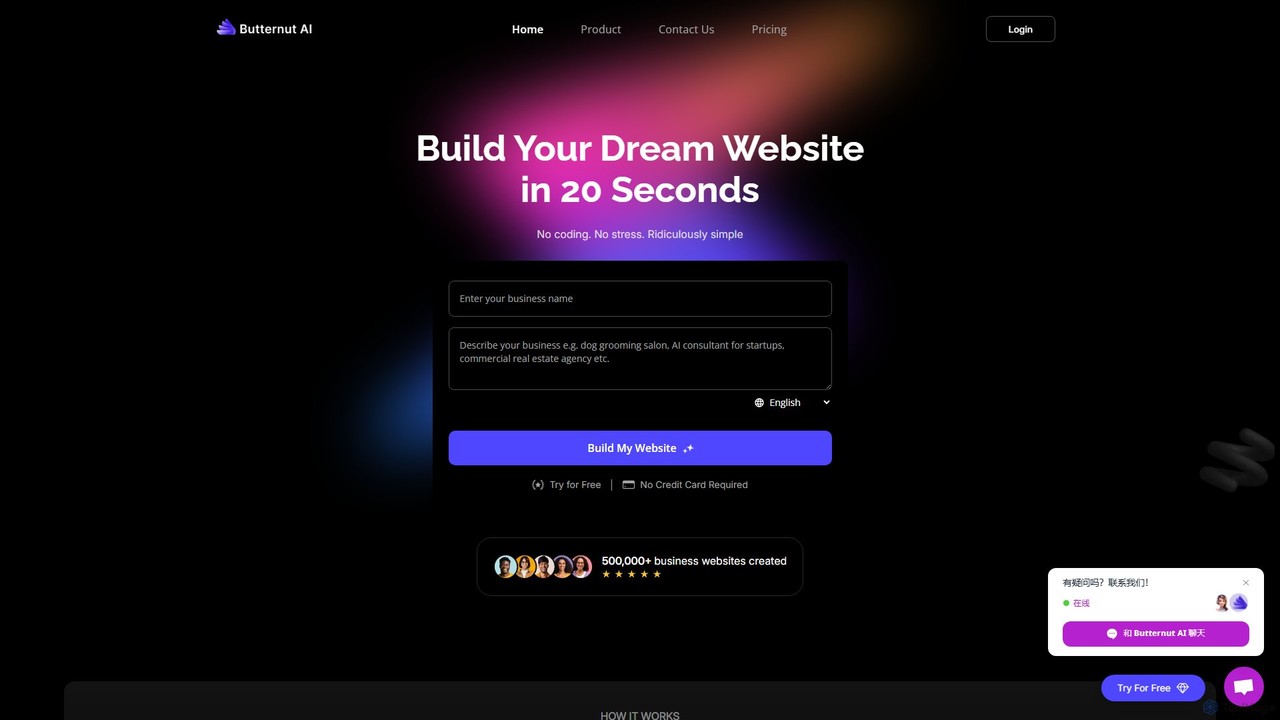
butternut.ai
Butternut.ai is an AI-powered website builder designed for small businesses, freelancers, and entrepreneurs. It enables users to generate a fully functional, professional website in just 20 seconds by simply describing their business. The platform requires no coding or design skills and provides an all-in-one solution including hosting, SEO, an AI blog writer, and e-commerce capabilities.
Store Builder
Elementor Comments (0)
Sign in to comment.
Sign inNo comments yet.