

Emojifyer Overview
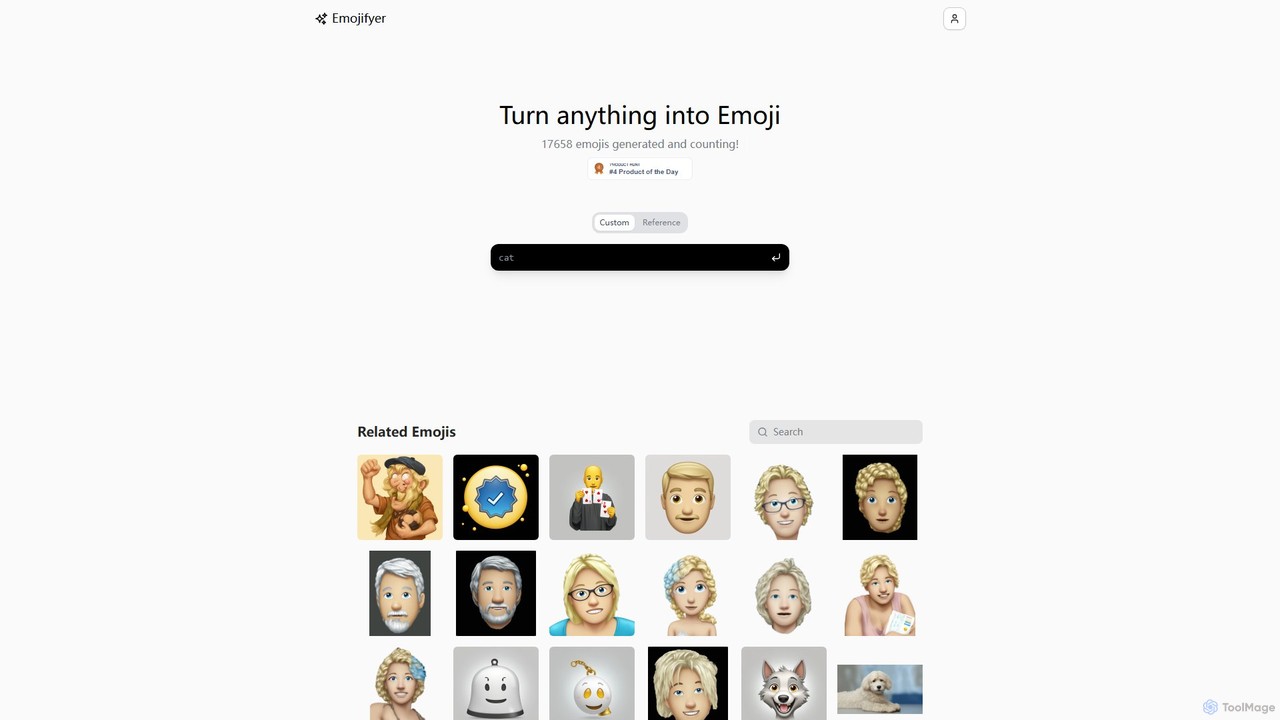
Emojifyer is an innovative AI-powered platform designed to revolutionize how we use emojis. It empowers users to create completely new, custom emojis from simple text descriptions or reference images. By leveraging advanced generative AI models, Emojifyer can interpret nuanced prompts—like "an alarm bell with a smile emoji face" or "a cartoon wolf waving a friendly greeting"—and turn them into high-quality, expressive emoji graphics. The platform's core mission is to break the limitations of standard emoji keyboards, offering endless possibilities for personal expression, branding, and digital communication.
The tool is incredibly intuitive, catering to both casual users looking for fun and professionals seeking unique visual assets. The homepage features a continuous stream of emojis generated by the community, providing inspiration and showcasing the tool's capabilities. Whether you want to create an emoji of your pet, a mascot for your brand, or a visual representation of an inside joke, Emojifyer provides the tools to do so instantly.
How to use Emojifyer
Using Emojifyer is a straightforward and enjoyable process. Follow these simple steps to create your own custom emoji:
- Visit the Website: Navigate to the Emojifyer homepage.
- Provide Your Input: You have two main options. You can either type a detailed text description of the emoji you envision into the input box, or you can choose the 'Custom Reference' option to upload an image (e.g., a photo of yourself, a pet, or a logo).
- Generate the Emoji: After submitting your prompt or image, the AI will process your request. This usually takes just a few seconds. The platform may also perform tasks like automatic background removal if you upload an image, ensuring a clean, sticker-like result.
- Review and Refine: The generated emoji will be displayed on the screen. You can see how the AI interpreted your idea.
- Save and Share: Once you are happy with the result, you can easily save the emoji to your device or use the built-in sharing options to send it to friends or post it on social media platforms. You can also mark it as a favorite for future access.
Core Features of Emojifyer
- Text-to-Emoji Generation: The primary feature allows users to create emojis by describing them in natural language. The more detailed the description, the more accurate the result.
- Image-to-Emoji Transformation: Upload any image and let the AI convert it into an emoji-style graphic. This is perfect for creating personalized avatars or 'emojifying' real-world objects.
- AI-Powered Background Removal: When using a reference image, the tool can automatically detect and remove the background, creating a professional and clean emoji ready for use anywhere.
- Community Gallery: The website displays a live feed of recently generated emojis, offering a source of inspiration and demonstrating the creative potential of the tool.
- Simple Sharing and Downloading: Generated emojis can be easily downloaded as image files (e.g., PNG) or shared directly from the platform.
- Customization Control: Users can specify fine details in their text prompts, such as colors, expressions, accessories, and actions, giving them significant creative control over the final output.
Use Cases for Emojifyer
Emojifyer is a versatile tool with a wide range of applications:
- Personalized Messaging: Create unique emojis for chats on platforms like WhatsApp, Telegram, or Discord to express specific emotions or inside jokes that standard emojis can't capture.
- Social Media Enhancement: Stand out on Instagram, Twitter, or Facebook by using custom emojis in your posts, stories, or as a profile picture.
- Branding and Marketing: Businesses can design branded emojis featuring their logo, mascot, or products to use in marketing campaigns, newsletters, or internal communications (e.g., on Slack).
- Content Creation: Bloggers, YouTubers, and streamers can generate custom emojis to engage their audience and build a unique community identity.
- Fun and Entertainment: A perfect tool for creative experimentation, generating funny memes, or simply exploring the possibilities of AI-driven art.
Advantages of Emojifyer
The main advantage of Emojifyer is its ability to provide limitless creative freedom. Unlike a fixed set of standard emojis, it allows for infinite variations tailored to any context. Its user-friendly interface makes emoji creation accessible to everyone, regardless of their technical or design skills. The speed of generation is another key benefit, delivering results in seconds. This combination of ease of use, speed, and creative power makes Emojifyer a highly engaging and practical tool for modern digital communication.
Pricing and Plans
Emojifyer operates on a freemium model. Users can generate a certain number of emojis for free, making it easy to try out the platform's capabilities. For users who require more extensive use, such as for commercial purposes or high-volume creation, there are likely premium plans available. These paid tiers may offer benefits like unlimited generations, higher-resolution downloads, priority processing, no watermarks, and access to advanced features or an API for developer integration. Specific details on pricing tiers can be found on their official website.
Traffic
Latest traffic
Status
Monthly traffic trend
- 2025-9: 1.5K
- 2026-1: 2.9K
- 2026-2: 2.1K
- 2026-3: 3.7K
- 2026-4: 1.7K
- 2026-5: 1.7K
Geography
Top 5 countries / regions
- 🇻🇳Vietnam95.3%
- 🇺🇸United States4.7%
Top keywords
| Keyword | Cost per click |
|---|---|
| emoji armadura | $0.00 |
| emojifiner | $0.00 |
| mog emoji generator | $0.00 |
| nigga emoji | $0.00 |
| nigger emoji | $0.00 |
Emojifyer Alternatives
AIGenEmoji
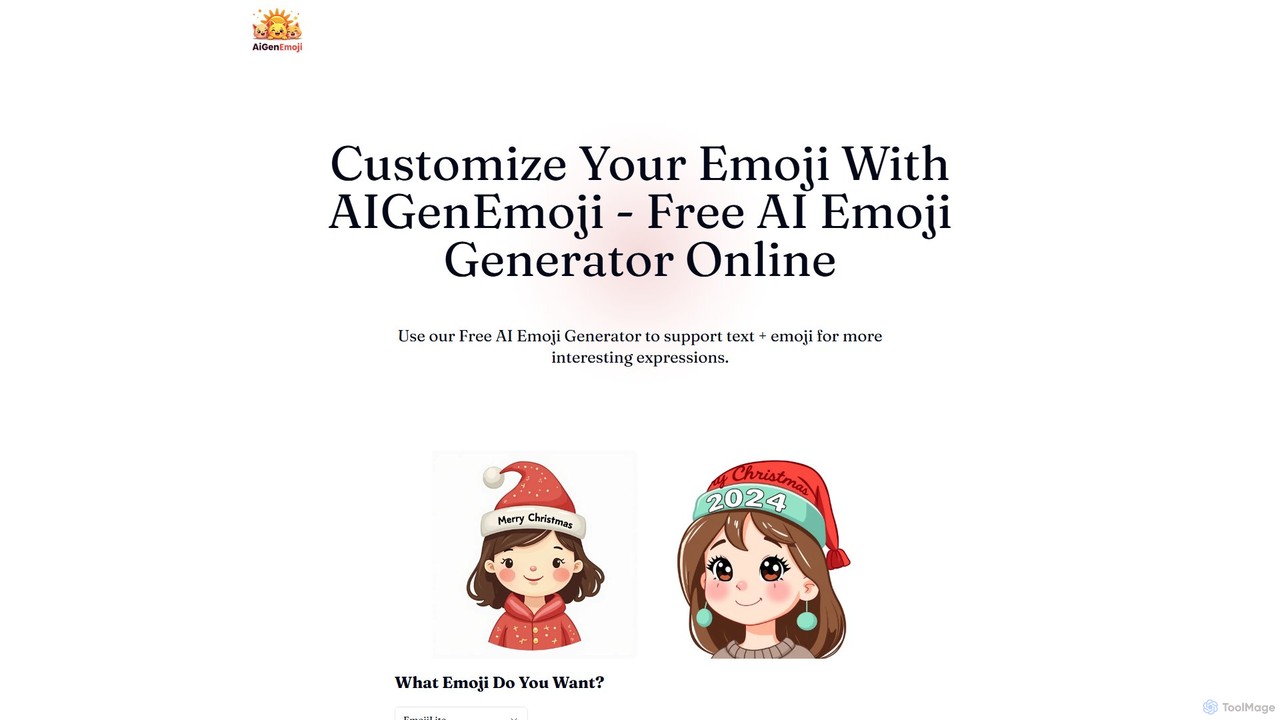
AIGenEmoji is a free online AI-powered tool that generates unique, custom emojis from simple text descriptions. It allows users to create expressive and personalized emojis in various styles, including options to embed text directly into the image.
Meme Generator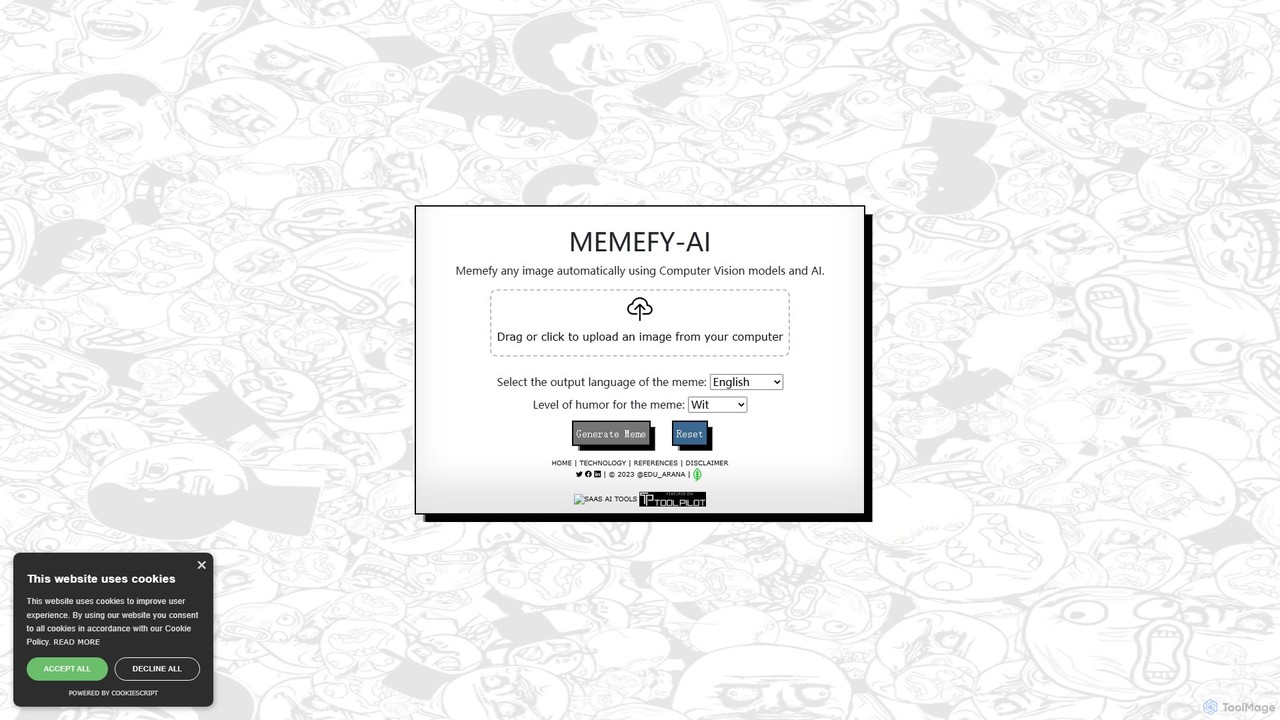
memefy_ai
memefy_ai is a free, AI-powered meme generator that automatically transforms any image into a humorous meme. Using advanced computer vision, it analyzes your image and creates a witty caption. You can customize the meme by selecting the output language and choosing from various humor styles like sarcasm, parody, or dark humor.
Meme Generator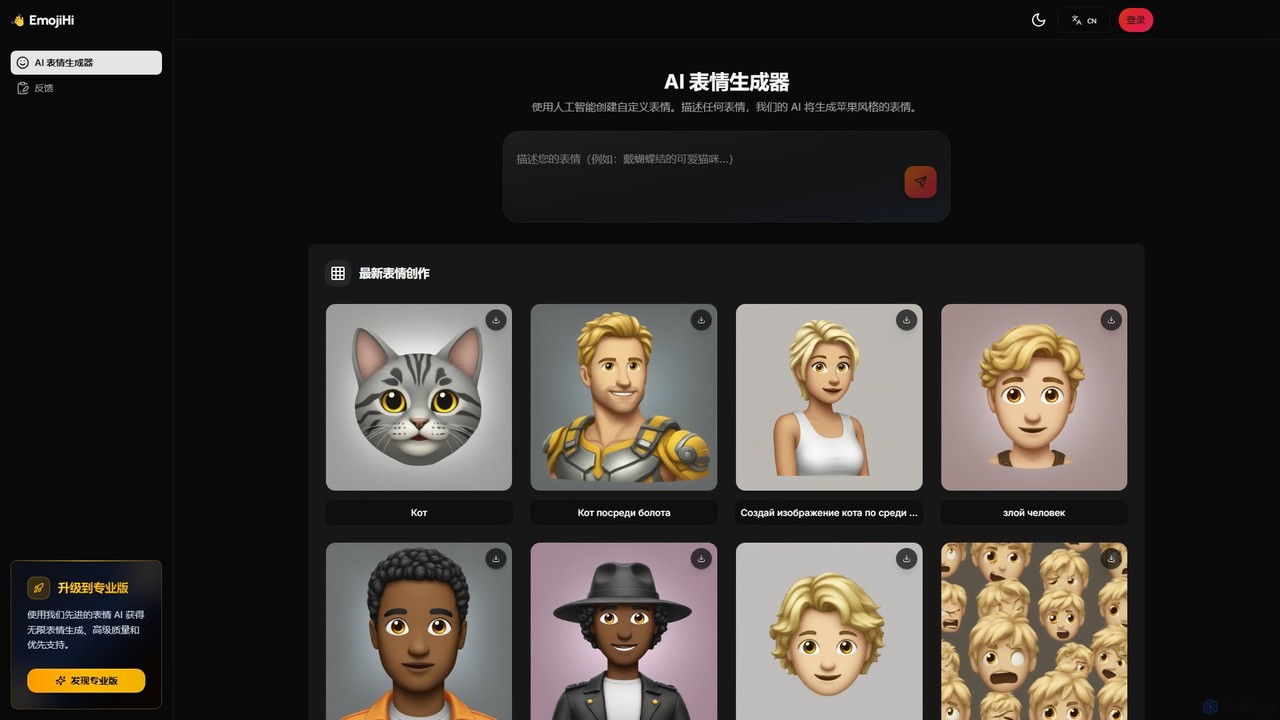
EmojiHi
EmojiHi is an AI-powered emoji generator that creates unique, custom emojis from text descriptions. Leveraging advanced generative AI, it produces high-quality, Apple-style emojis instantly. It's perfect for personalizing chats, social media content, and creative projects. A free plan is available, with a Pro version for unlimited generations and enhanced features.
Image Generator

EmojAI
EmojAI is an AI-powered emoji generator that creates unique, custom emojis from text prompts. Generate multiple emoji variations at once, adjust creativity levels, and easily copy them for use in any app. Perfect for spicing up conversations, marketing materials, and digital content.
GraphicsEmojifyer Categories
Emojifyer Embed Widget
Copy this embed code to place the badge on your blog, article, or product site and send readers directly to this ToolMage detail page.

Related AI tools
EmojAI
EmojAI is an AI-powered emoji generator that creates unique, custom emojis from text prompts. Generate multiple emoji variations at once, adjust creativity levels, and easily copy them for use in any app. Perfect for spicing up conversations, marketing materials, and digital content.
GraphicsAIGenEmoji
AIGenEmoji is a free online AI-powered tool that generates unique, custom emojis from simple text descriptions. It allows users to create expressive and personalized emojis in various styles, including options to embed text directly into the image.
Meme GeneratorEmojiHi
EmojiHi is an AI-powered emoji generator that creates unique, custom emojis from text descriptions. Leveraging advanced generative AI, it produces high-quality, Apple-style emojis instantly. It's perfect for personalizing chats, social media content, and creative projects. A free plan is available, with a Pro version for unlimited generations and enhanced features.
Image Generator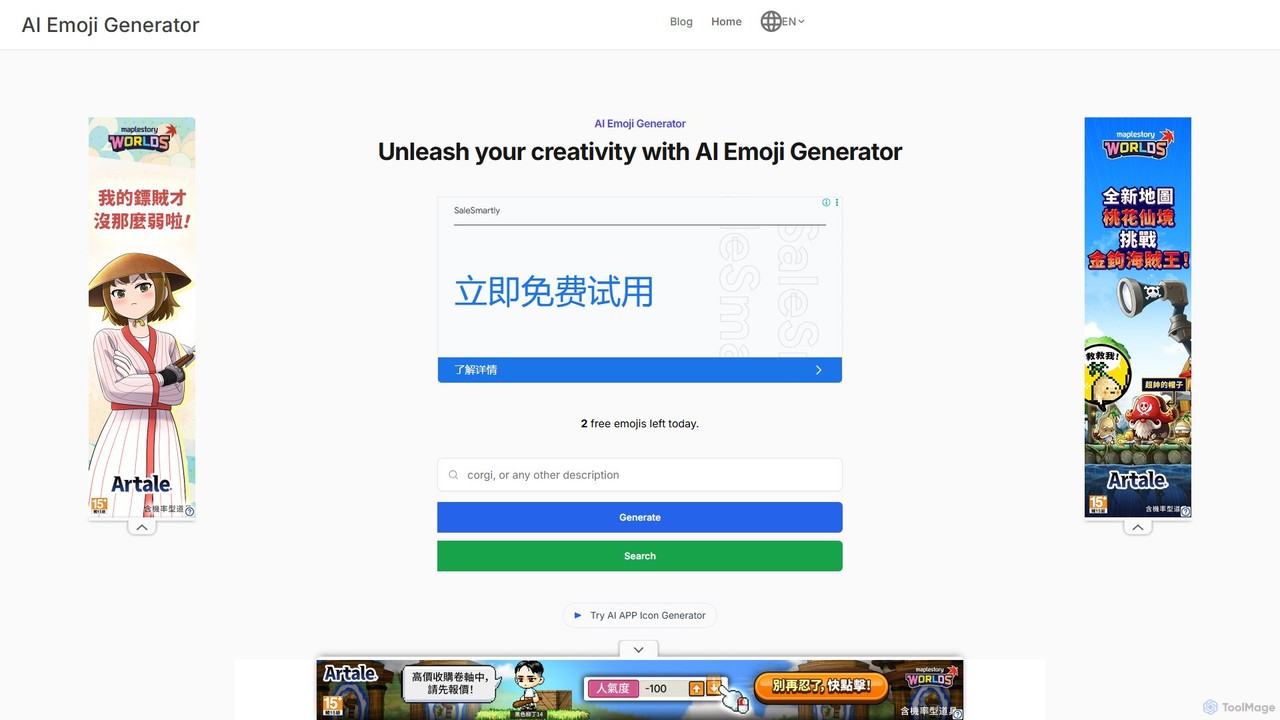
aiemojigenerator
An AI-powered tool that transforms text prompts into unique, high-quality emojis using Stable Diffusion. Create personalized emojis for messaging, social media, and content creation, or browse a vast database for inspiration.
Image Generation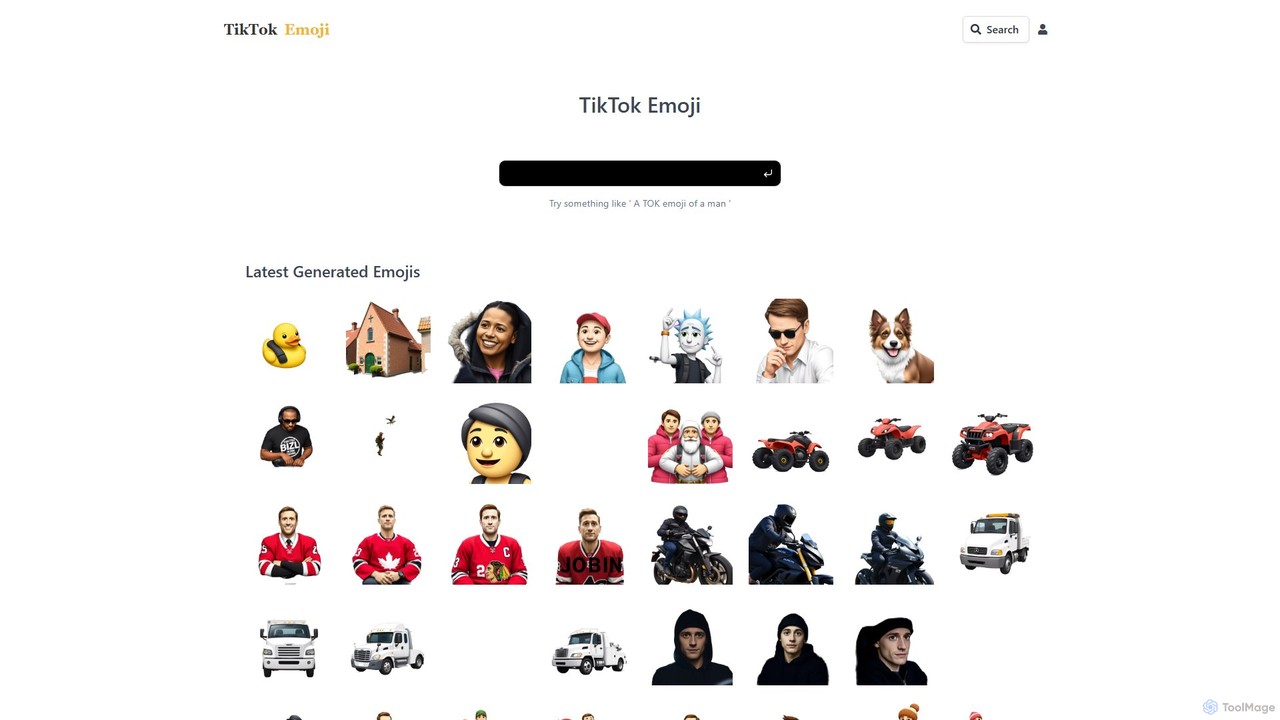
tiktokemoji.com
An AI-powered platform to generate unique custom emojis from text prompts, translate emoji meanings across 100+ languages, and search a massive library of over 2 million emojis. Perfect for content creators, marketers, and social media users looking to enhance their digital communication.
Image Generation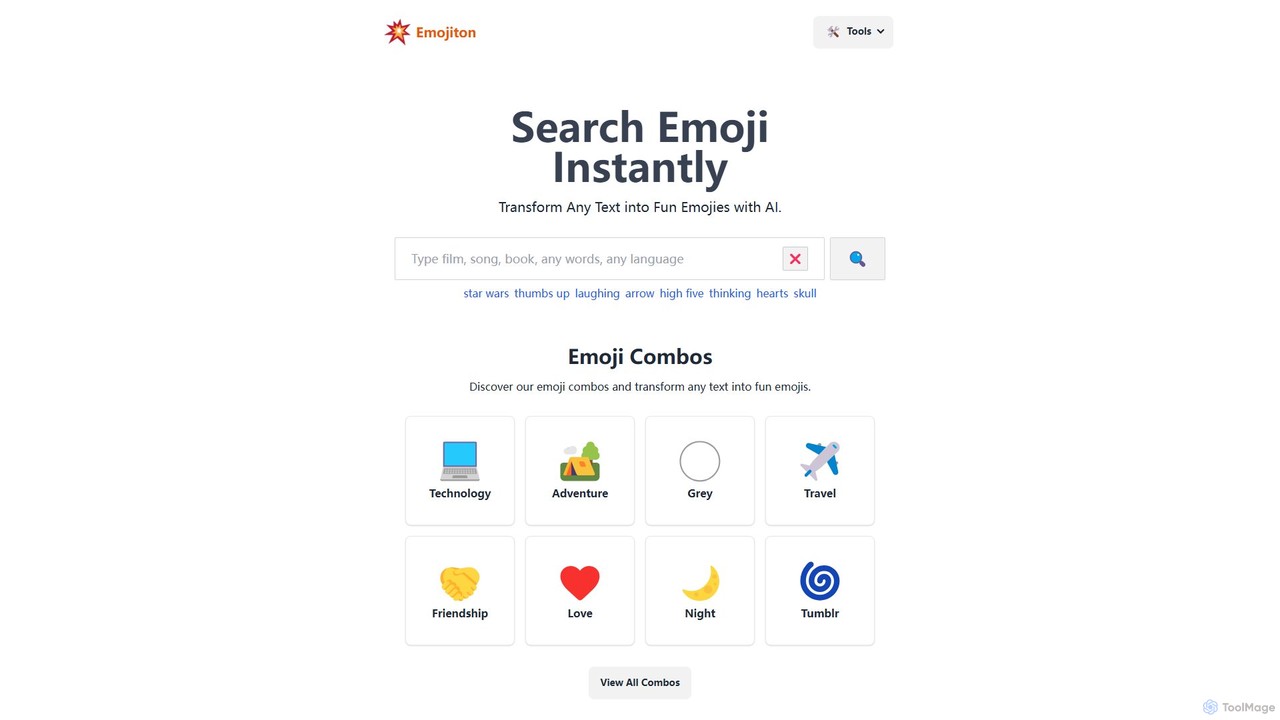
Emojiton
Emojiton is an AI-powered tool that instantly transforms your text into expressive emojis. It also features a vast, searchable library of emoji combinations for various themes and a fun 'Emoji Movies' game. Perfect for enhancing social media posts, messages, and digital content with creativity and emotion.
Entertainment
emojisoul
emojisoul is an AI-powered platform that enhances digital communication by generating context-aware emojis, analyzing emotional tone, and suggesting the perfect emoji for any message. Elevate your expression and connect more deeply with your audience.
Generators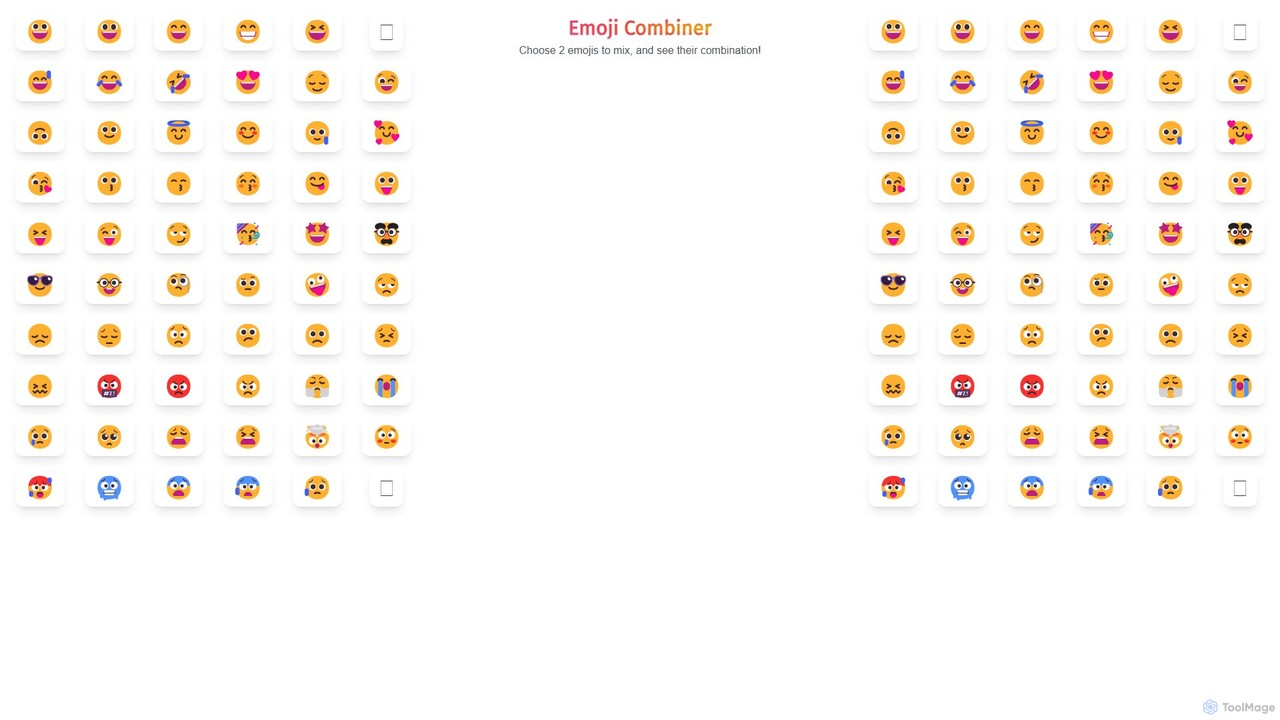
Emoji Combiner
Emoji Combiner is a free online tool that lets you mix any two emojis to create a completely new, unique one. Powered by Google's Emoji Kitchen, it offers an infinite playground for creativity. Simply select two emojis, and the tool instantly generates a combination that you can download, copy, or share directly on social media. It's perfect for enhancing your chats, posts, and personal expression with custom-made emojis.
Graphics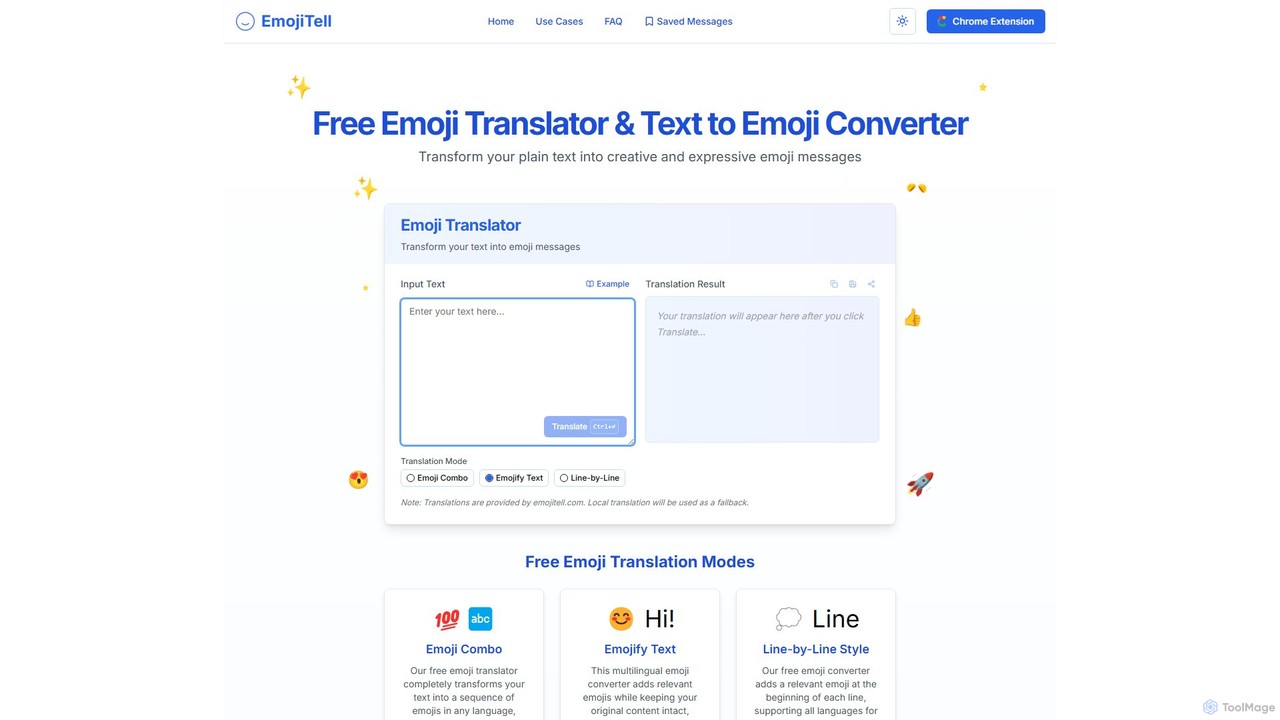
emojitell
emojitell is a free, AI-powered emoji translator that converts plain text into expressive emoji messages. It supports multiple languages and offers three creative modes: Emoji Combo, Emojify Text, and Line-by-Line Style. With a user-friendly interface and a convenient Chrome extension, it helps users enhance their digital communication on social media, chats, and emails by adding emotional context and visual appeal.
Communication
Jyek
Jyek is an AI agent platform that understands objectives, creates execution plans, uses tools, and delivers verifiable results for complex, multi-step tasks.
Automationmemefy_ai
memefy_ai is a free, AI-powered meme generator that automatically transforms any image into a humorous meme. Using advanced computer vision, it analyzes your image and creates a witty caption. You can customize the meme by selecting the output language and choosing from various humor styles like sarcasm, parody, or dark humor.
Meme Generator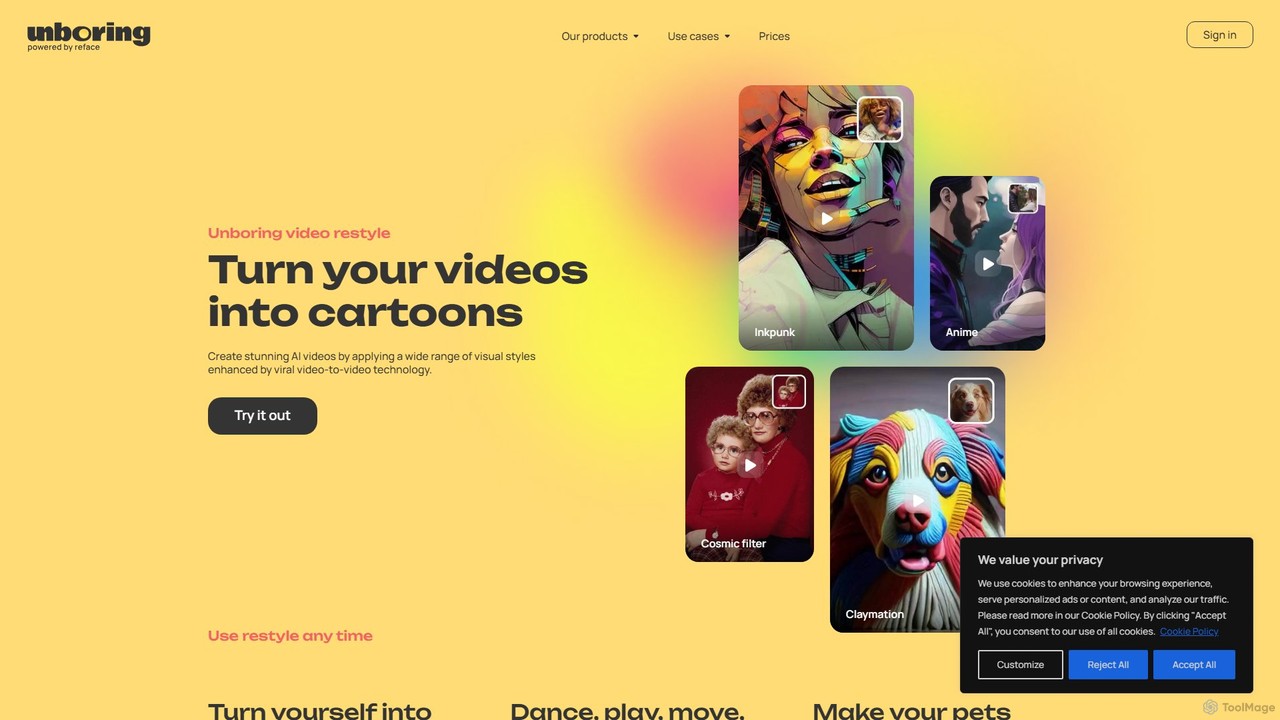
unboring
unboring is an AI-powered online tool by Reface that specializes in high-quality face swapping and photo animation. It allows users to transform static images into dynamic, entertaining content like memes, animated portraits, and funny videos, making content creation simple and fun.
Meme Generator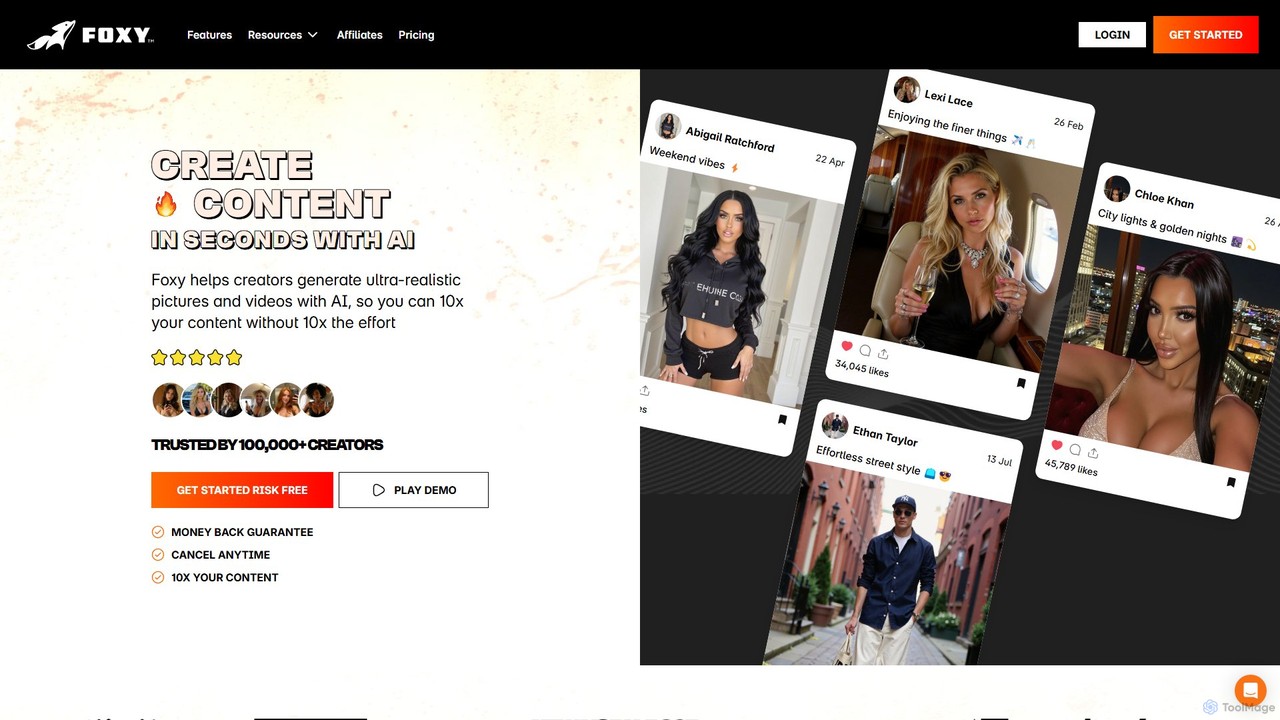
Foxy AI
Foxy AI is a powerful platform for content creators to generate ultra-realistic AI photos and videos of themselves. By creating a personal AI model from just a few photos, users can produce a high volume of diverse, high-quality content for social media, saving significant time and resources.
Avatars
vidwud
Vidwud is a free, all-in-one AI creative suite for generating videos and images. It offers tools like Text-to-Video, Image-to-Video, AI Face Swap, Talking Avatars, and a vast library of trendy effects and templates to make content creation fast, fun, and accessible for everyone.
Face Swap
Emojifyer Comments (0)
Sign in to comment.
Sign inNo comments yet.