

EmojAI Overview
EmojAI is a cutting-edge tool that harnesses the power of world-class artificial intelligence to revolutionize how we use emojis. It moves beyond the standard, limited set of emojis available on keyboards, allowing users to generate completely new, unique, and context-specific emojis from simple text descriptions. Powered by a sophisticated GPT-based model, EmojAI can interpret nuanced prompts and create a variety of expressive and relevant visual icons, effectively giving you a personal emoji factory.
Whether you're a community manager looking to create a unique identity for your Discord server, a marketer aiming to enhance a campaign's visual appeal, or just someone who wants to make their chats more fun and personal, EmojAI provides an intuitive and powerful solution. The platform is designed for speed and ease of use, ensuring that anyone can create stunning emojis without any design experience.
How to use EmojAI
Using EmojAI is a straightforward and creative process. Follow these simple steps to generate your own custom emojis:
- Navigate to the EmojAI web application.
- In the main input field, type a clear and descriptive text prompt for the emoji you want to create. For example, 'a meditating fox wearing headphones' or 'a slice of pizza celebrating with a party hat'.
- Use the 'Adjust creativity' slider to control the AI's output. A lower setting will produce results that are more literal to your prompt, while a higher setting will allow the AI to be more imaginative and abstract.
- Click the 'Make new Emojis with AI' button to start the generation process.
- EmojAI will generate a batch of multiple emoji variations based on your prompt. Your query history is saved for the current session, allowing you to revisit previous ideas before you refresh the page.
- Review the generated emojis. You can click on any individual emoji to instantly copy it to your clipboard. Alternatively, use the 'Copy ALL' button to copy the entire set.
- Paste your new custom emoji into your favorite applications, such as Slack, Discord, Twitter, WhatsApp, or any other platform that supports custom images.
Core Features of EmojAI
- AI-Powered Generation: Utilizes an advanced AI model (EmojAI GPT) to understand text prompts and convert them into high-quality, original emojis.
- Batch Creation: Generates multiple emoji options from a single prompt, providing a range of styles and interpretations to choose from.
- Creativity Control: Features an adjustable creativity slider, giving users fine-grained control over the uniqueness and artistic style of the generated emojis.
- One-Click Copy & Paste: A seamless workflow allows users to copy single or multiple emojis to their clipboard with a single click for immediate use.
- Session History: Automatically saves all queries within a session, making it easy to track and reuse ideas until the page is refreshed.
- Risk-Averse Technology: Incorporates content filters and safety measures to prevent the generation of inappropriate or harmful content, ensuring a safe user experience.
- Custom Background Options: Offers the ability to generate emojis with transparent or custom backgrounds, making them versatile for use on any color or design.
Use Cases for EmojAI
EmojAI is a versatile tool with applications across various professional and personal domains:
- Community Management: Create custom emoji packs for Discord servers or Slack workspaces to build a unique community culture and enhance member engagement.
- Social Media Marketing: Design on-brand emojis for marketing campaigns, product launches, or daily posts on platforms like Instagram, Twitter, and Facebook to increase brand recall and engagement.
- Content Creation: Bloggers, YouTubers, and streamers can create unique emojis for their content, thumbnails, or merchandise to build a recognizable personal brand.
- Business Communication: Enhance internal communications, presentations, and reports with custom emojis that represent company projects, values, or inside jokes.
- Personal Expression: Make personal chats and group conversations more lively and expressive by creating emojis for any situation, emotion, or idea that standard emojis can't capture.
Advantages of EmojAI
EmojAI offers significant advantages over using standard emoji sets or manual design tools:
- Limitless Creativity: Break free from the constraints of pre-defined emojis. If you can describe it, you can create it.
- Speed and Efficiency: Generate dozens of emoji concepts in seconds, a task that would take a designer hours to complete manually.
- No Design Skills Required: The intuitive text-based interface makes emoji creation accessible to everyone, regardless of their artistic ability.
- Enhanced Engagement: Custom, unique visuals are more eye-catching and memorable, leading to higher engagement rates in social media and community platforms.
- Brand Consistency: Businesses can create emojis that perfectly align with their brand's color palette, style, and messaging.
Pricing and Plans
EmojAI is currently available for free. Users can access the core features of the tool, including AI-powered emoji generation, creativity adjustment, and one-click copying, without any cost. This makes it an accessible tool for everyone to explore and use. While the service is free at present, premium plans with advanced features such as higher-resolution downloads, API access, or team collaboration tools may be introduced in the future to cater to professional and commercial users.
EmojAI Alternatives
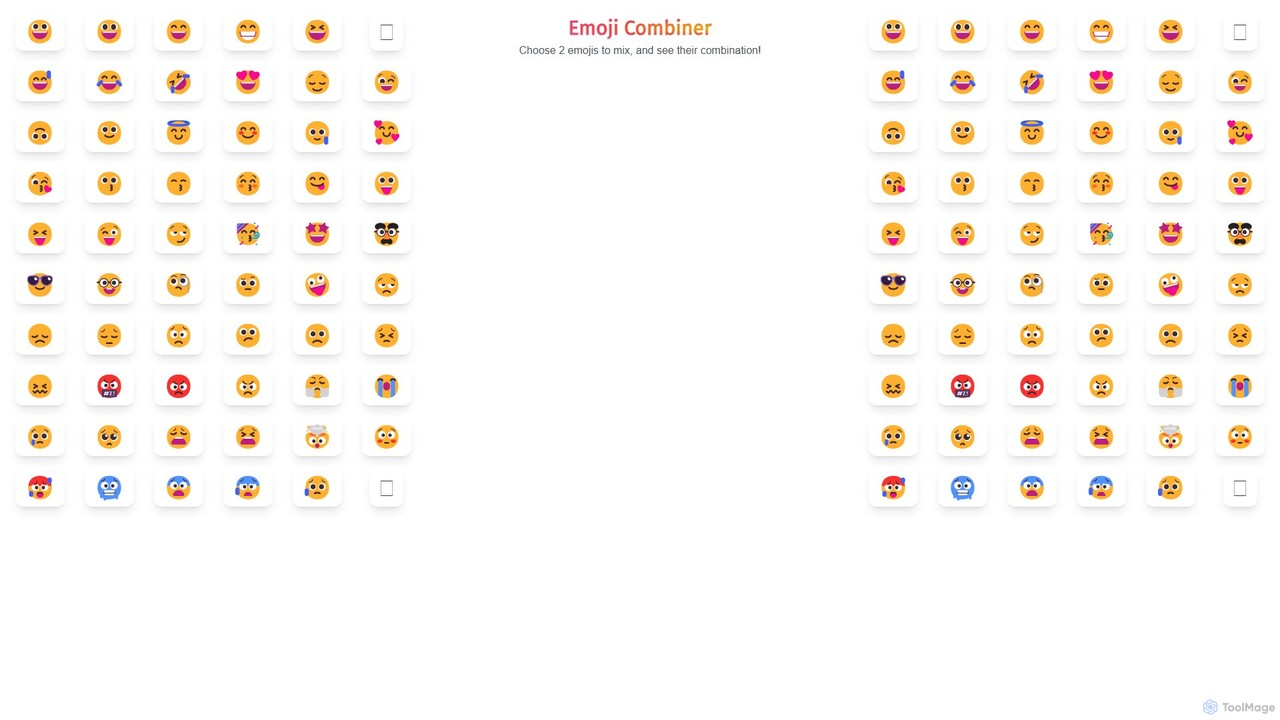
Emoji Combiner
Emoji Combiner is a free online tool that lets you mix any two emojis to create a completely new, unique one. Powered by Google's Emoji Kitchen, it offers an infinite playground for creativity. Simply select two emojis, and the tool instantly generates a combination that you can download, copy, or share directly on social media. It's perfect for enhancing your chats, posts, and personal expression with custom-made emojis.
Graphics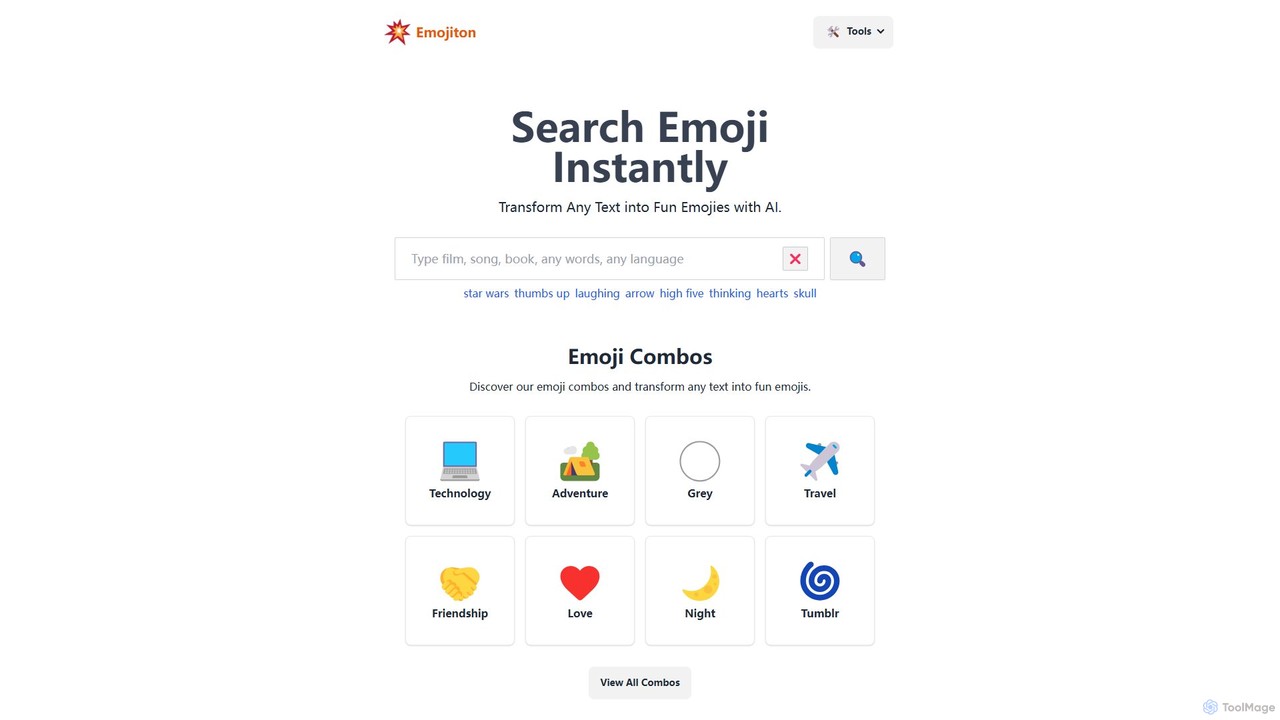
Emojiton
Emojiton is an AI-powered tool that instantly transforms your text into expressive emojis. It also features a vast, searchable library of emoji combinations for various themes and a fun 'Emoji Movies' game. Perfect for enhancing social media posts, messages, and digital content with creativity and emotion.
Entertainment
emojisoul
emojisoul is an AI-powered platform that enhances digital communication by generating context-aware emojis, analyzing emotional tone, and suggesting the perfect emoji for any message. Elevate your expression and connect more deeply with your audience.
Generators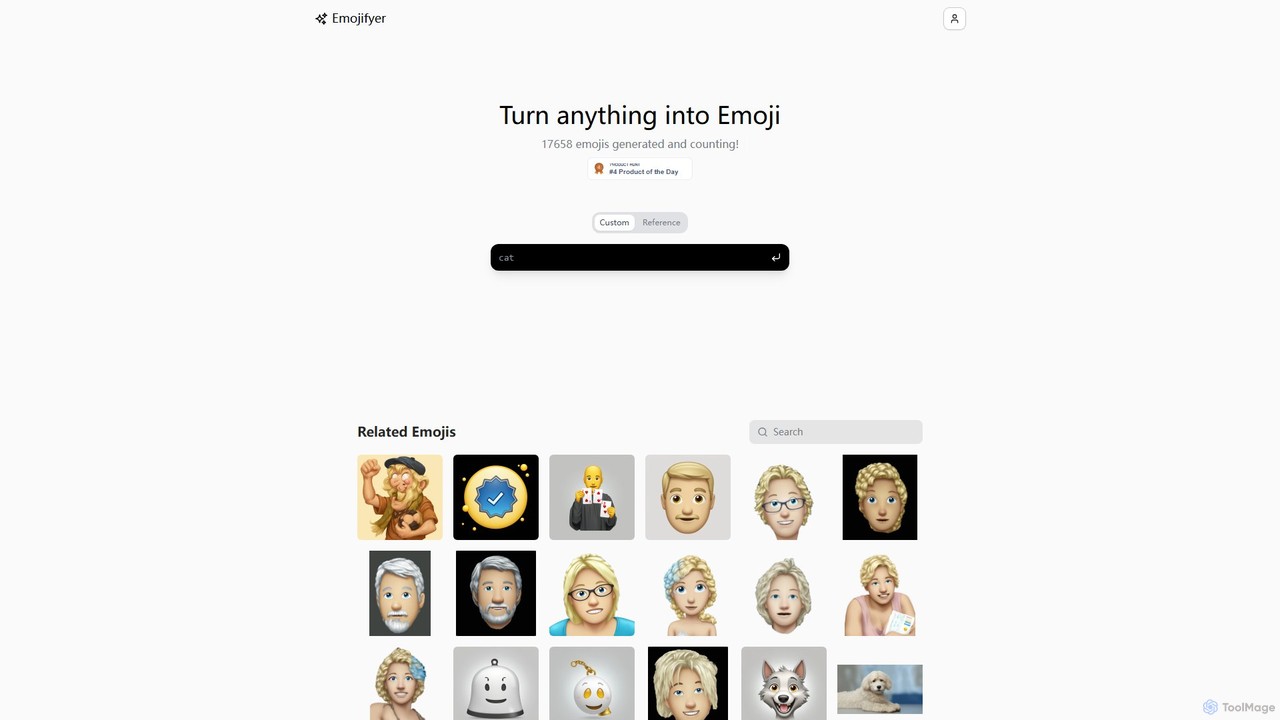
Emojifyer
Emojifyer is an AI-powered tool that transforms your ideas into unique, custom emojis. Simply describe what you want or upload a reference image, and the AI will generate a brand-new emoji in seconds. Perfect for personalizing chats, enhancing social media content, or just having fun with creative expression. Go beyond the standard emoji set and bring any concept to life.
Icon GenerationEmojAI Categories
EmojAI Embed Widget
Copy this embed code to place the badge on your blog, article, or product site and send readers directly to this ToolMage detail page.

Related AI tools
Emojifyer
Emojifyer is an AI-powered tool that transforms your ideas into unique, custom emojis. Simply describe what you want or upload a reference image, and the AI will generate a brand-new emoji in seconds. Perfect for personalizing chats, enhancing social media content, or just having fun with creative expression. Go beyond the standard emoji set and bring any concept to life.
Icon Generation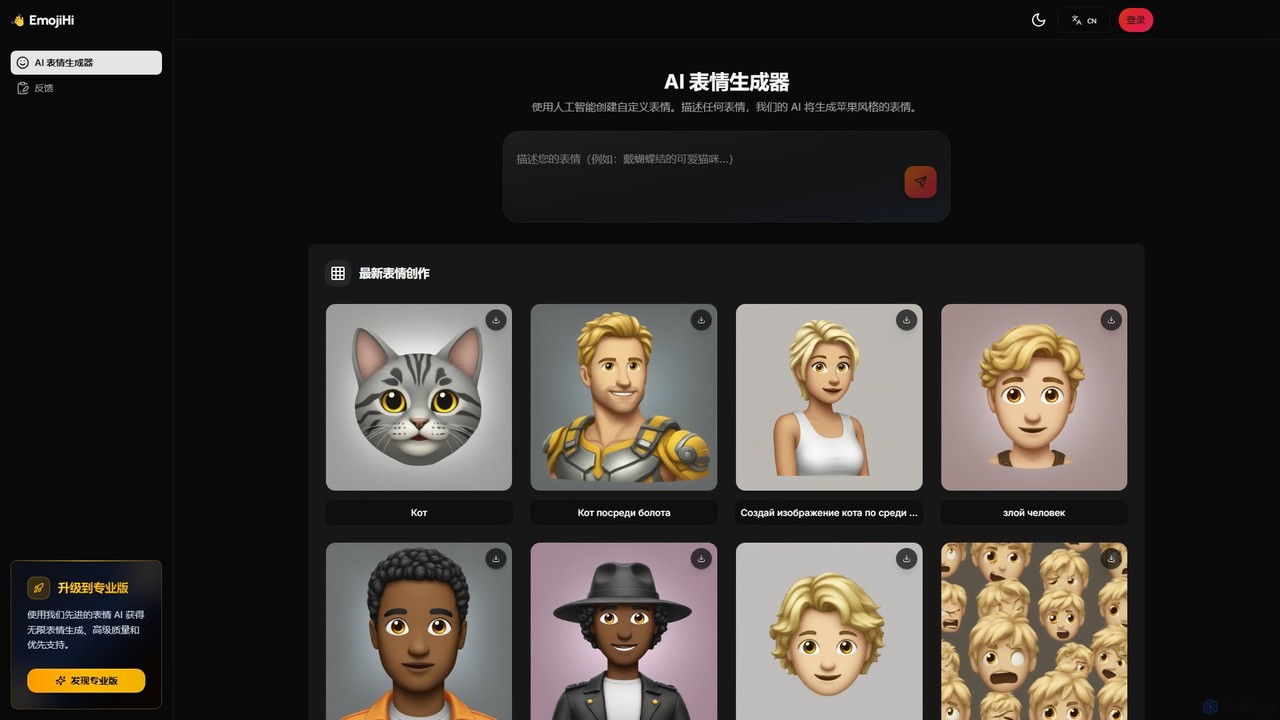
EmojiHi
EmojiHi is an AI-powered emoji generator that creates unique, custom emojis from text descriptions. Leveraging advanced generative AI, it produces high-quality, Apple-style emojis instantly. It's perfect for personalizing chats, social media content, and creative projects. A free plan is available, with a Pro version for unlimited generations and enhanced features.
Image GeneratorEmojiton
Emojiton is an AI-powered tool that instantly transforms your text into expressive emojis. It also features a vast, searchable library of emoji combinations for various themes and a fun 'Emoji Movies' game. Perfect for enhancing social media posts, messages, and digital content with creativity and emotion.
Entertainmentemojisoul
emojisoul is an AI-powered platform that enhances digital communication by generating context-aware emojis, analyzing emotional tone, and suggesting the perfect emoji for any message. Elevate your expression and connect more deeply with your audience.
Generators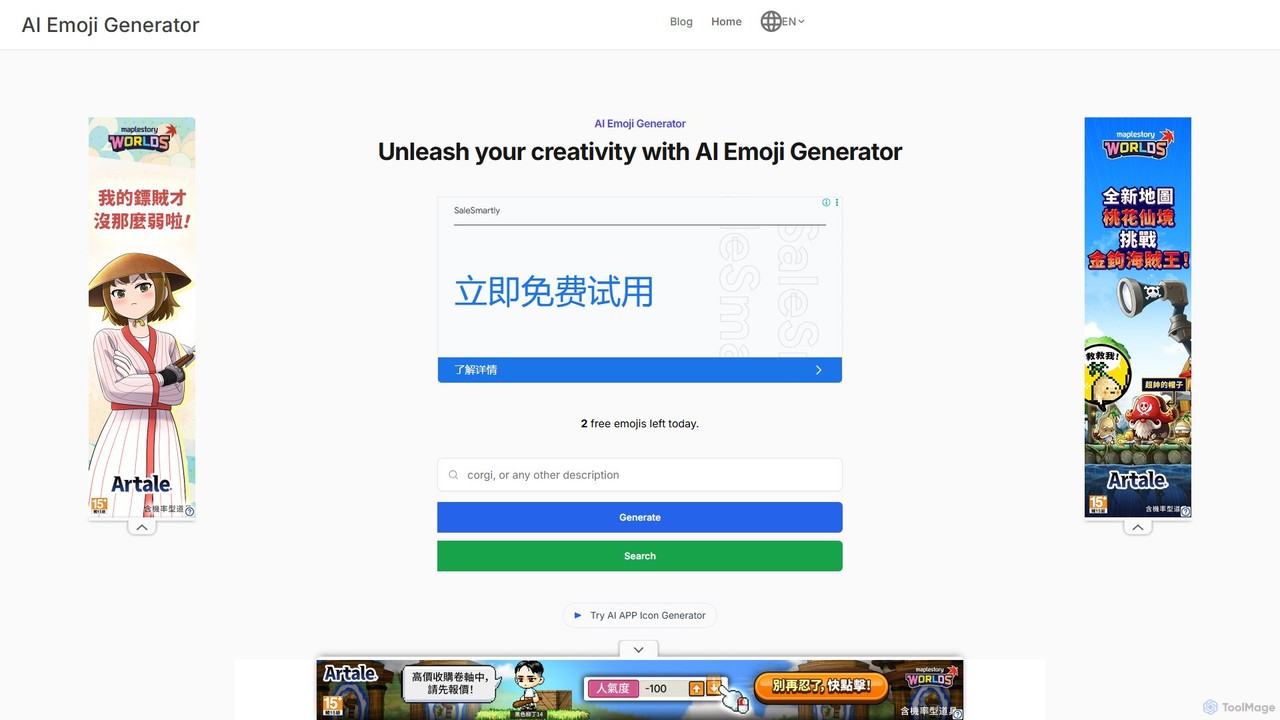
aiemojigenerator
An AI-powered tool that transforms text prompts into unique, high-quality emojis using Stable Diffusion. Create personalized emojis for messaging, social media, and content creation, or browse a vast database for inspiration.
Image Generation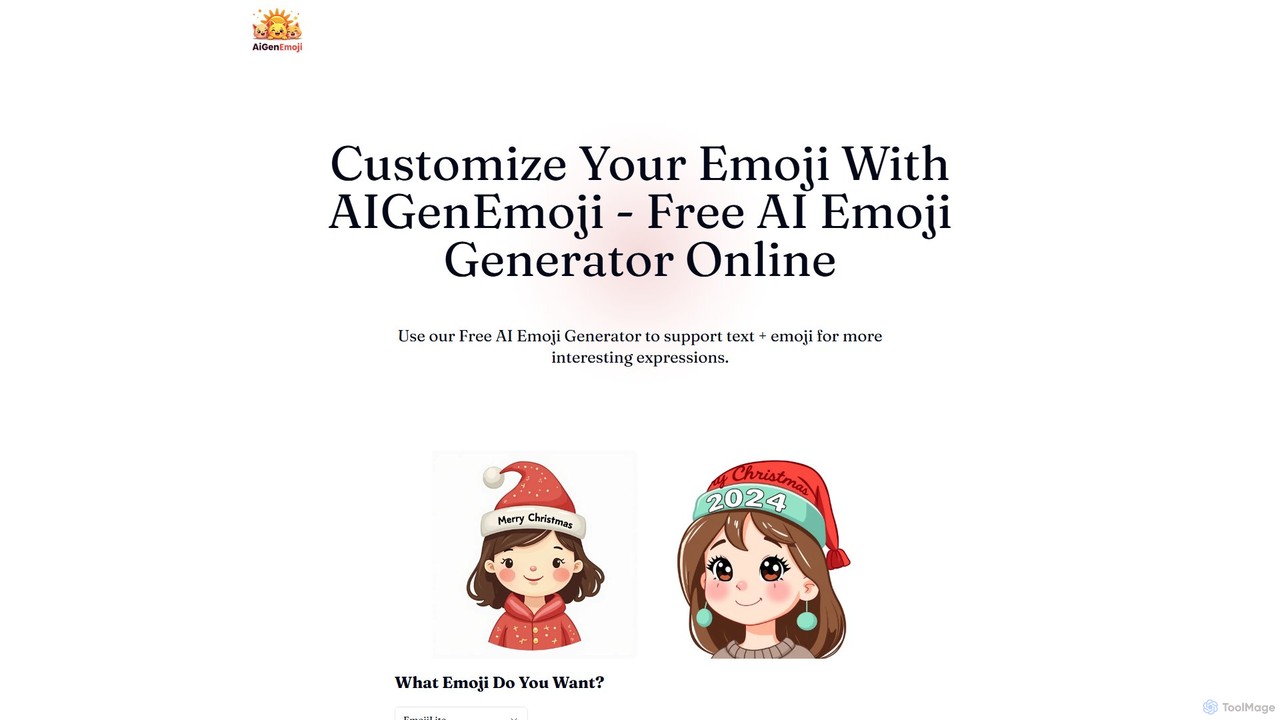
AIGenEmoji
AIGenEmoji is a free online AI-powered tool that generates unique, custom emojis from simple text descriptions. It allows users to create expressive and personalized emojis in various styles, including options to embed text directly into the image.
Meme Generator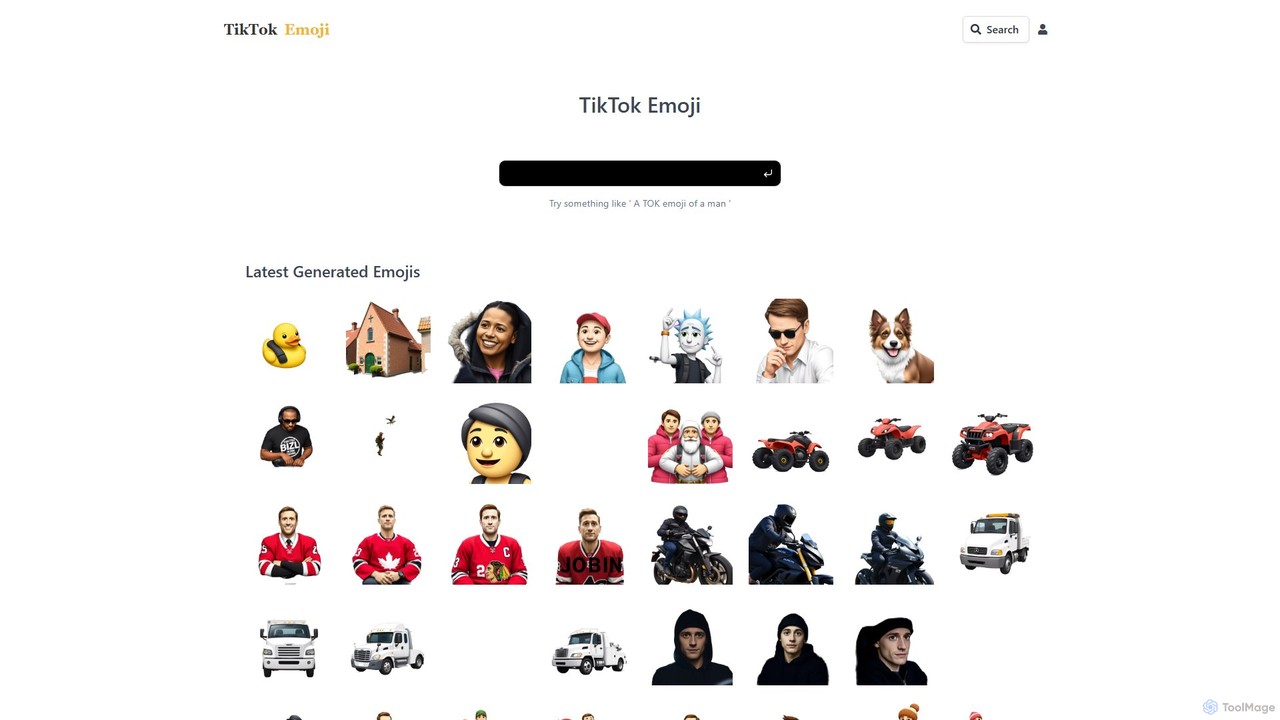
tiktokemoji.com
An AI-powered platform to generate unique custom emojis from text prompts, translate emoji meanings across 100+ languages, and search a massive library of over 2 million emojis. Perfect for content creators, marketers, and social media users looking to enhance their digital communication.
Image Generation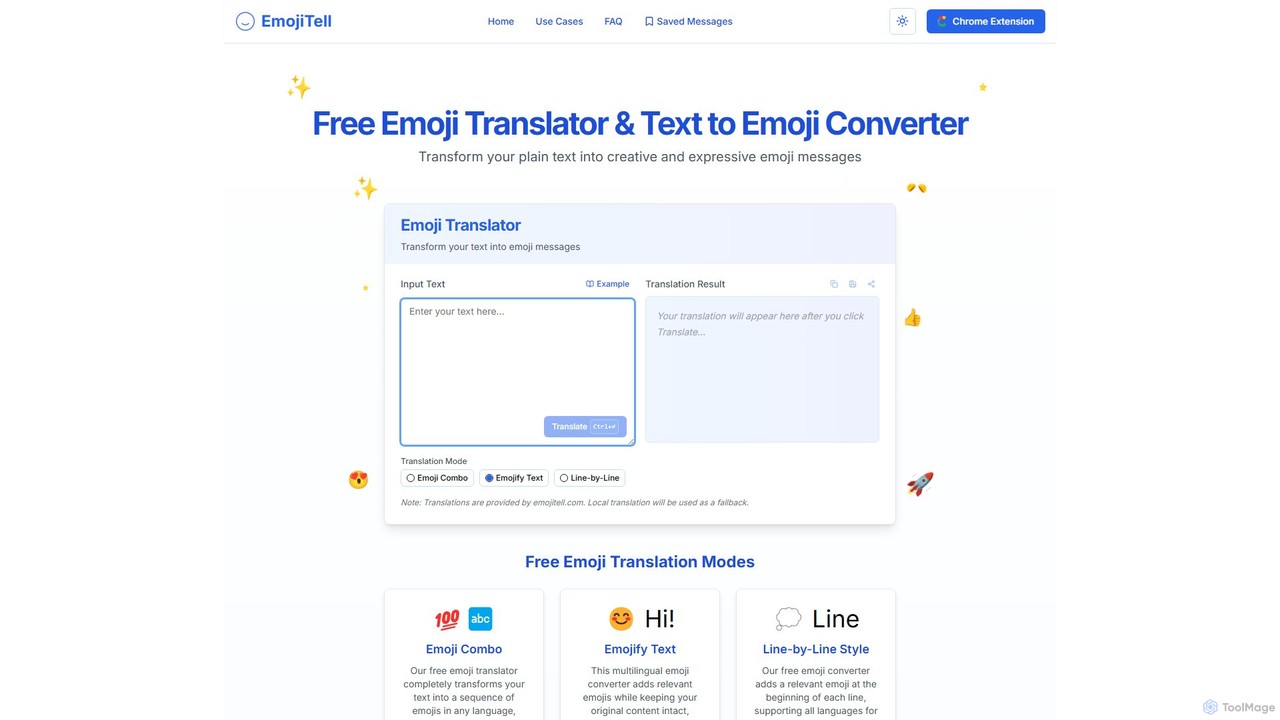
emojitell
emojitell is a free, AI-powered emoji translator that converts plain text into expressive emoji messages. It supports multiple languages and offers three creative modes: Emoji Combo, Emojify Text, and Line-by-Line Style. With a user-friendly interface and a convenient Chrome extension, it helps users enhance their digital communication on social media, chats, and emails by adding emotional context and visual appeal.
CommunicationEmoji Combiner
Emoji Combiner is a free online tool that lets you mix any two emojis to create a completely new, unique one. Powered by Google's Emoji Kitchen, it offers an infinite playground for creativity. Simply select two emojis, and the tool instantly generates a combination that you can download, copy, or share directly on social media. It's perfect for enhancing your chats, posts, and personal expression with custom-made emojis.
Graphics
Designs.ai
Designs.ai is an all-in-one AI-powered creative suite that enables users to effortlessly create stunning logos, videos, images, voiceovers, and marketing materials. It integrates multiple generative AI tools into a single platform, streamlining the creative workflow for businesses, marketers, and content creators.
Graphic Design
Adobe Express
Adobe Express is an all-in-one AI-powered content creation app for designing stunning social media posts, videos, flyers, logos, and more. Powered by Adobe Firefly, it integrates generative AI features like Text to Image and Generative Fill, making professional design accessible to everyone, from beginners to experts.
Graphic Design
Jyek
Jyek is an AI agent platform that understands objectives, creates execution plans, uses tools, and delivers verifiable results for complex, multi-step tasks.
Automation
GalilAI
GalilAI is an AI-powered platform designed to help entrepreneurs and professionals create and schedule high-quality Instagram and Facebook posts in seconds. It automates both content and design generation, providing fully customizable templates, AI-written captions, and an integrated content calendar to save time and grow your business online.
Social Media Marketing
Pykaso
Pykaso is an all-in-one AI content creation suite designed for creating realistic AI influencers and digital characters. It offers a powerful set of tools including high-quality face swapping, an AI image and video generator, a character creator for maintaining consistency, and advanced image editing features like a skin upscaler. It's ideal for content creators, marketers, and social media managers looking to produce unique and engaging visual content effortlessly.
Character Creator
EmojAI Comments (0)
Sign in to comment.
Sign inNo comments yet.