ToolMage
Sign in

Best 3 Emoji Generator for Fun Tools

Popular Emoji Generator in Fun Tools include Emoji Combiner, movietoemoji, and EmojAI, helping you work more efficiently.

Emoji Combiner
Free

Emoji Combiner

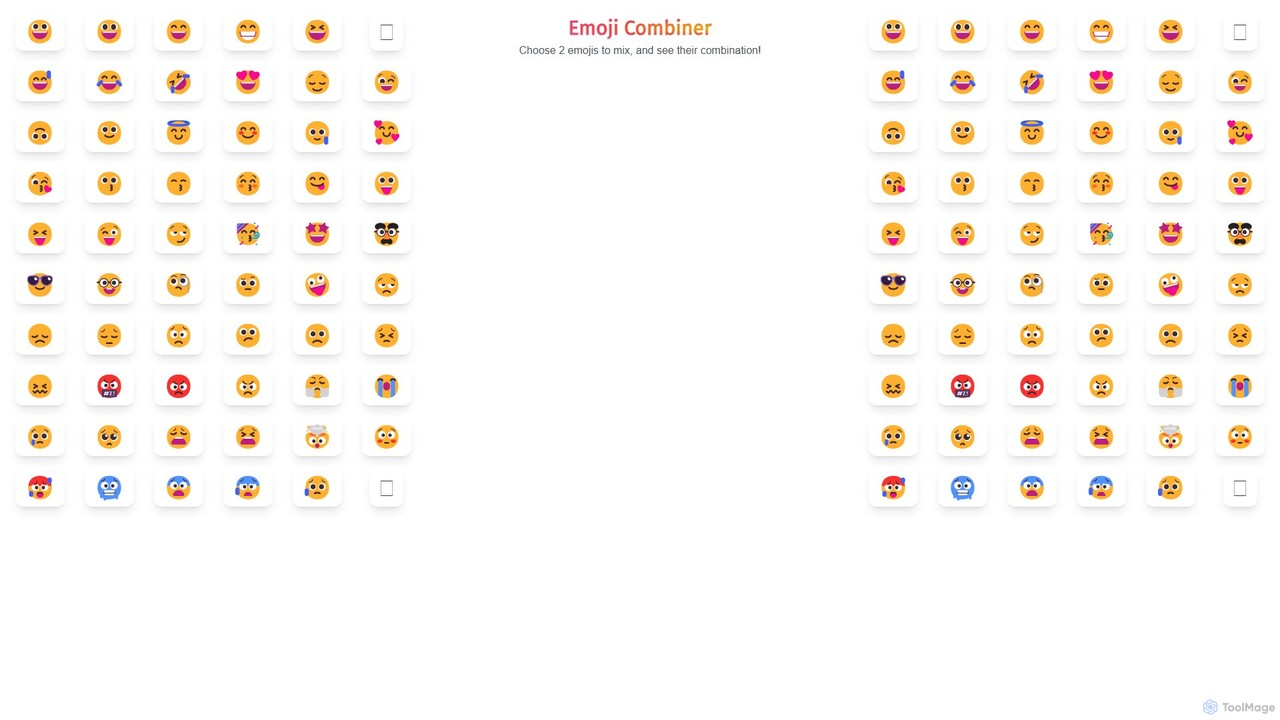
Emoji Combiner is a free online tool that lets you mix any two emojis to create a completely new, unique one. Powered by Google's Emoji Kitchen, it offers an infinite playground for creativity. Simply select two emojis, and the tool instantly generates a combination that you can download, copy, or share directly on social media. It's perfect for enhancing your chats, posts, and personal expression with custom-made emojis.

Graphics
Visits 64.1KFavorites 118Likes 136
EmojAI
Free

EmojAI

EmojAI is an AI-powered emoji generator that creates unique, custom emojis from text prompts. Generate multiple emoji variations at once, adjust creativity levels, and easily copy them for use in any app. Perfect for spicing up conversations, marketing materials, and digital content.

Graphics
Visits 5.4KFavorites 129Likes 120
movietoemoji
Free

movietoemoji

movietoemoji is a fun AI-powered tool that creatively translates movie titles into a series of emojis. Simply enter a film's name, and the AI generates a clever emoji sequence representing its plot or title. It's perfect for social media games, movie quizzes, or sharing film recommendations in a unique, visual way. This free and easy-to-use web tool brings a playful twist to movie fandom.

Movies
Visits 9.2KFavorites 136Likes 130

About Emoji Generator

Emoji Generators are AI-powered tools designed to create new, custom, or hybrid emojis from text prompts or by combining existing ones. These tools leverage generative AI models to produce unique visual expressions that go beyond the standard Unicode emoji set. They are primarily used to personalize digital communication, enhance brand identity in online communities, and create engaging content for social media. The ability to generate emojis in various styles, from 3D renders to pixel art, makes them a versatile asset for creative expression.

Core Features

  • Text-to-Emoji Generation: Creates unique emojis based on descriptive text prompts, turning ideas into visual icons.
  • Emoji Fusion (Mixing): Merges two or more existing emojis to create a novel hybrid expression (e.g., a crying laughing cowboy).
  • Style Customization: Allows users to specify an artistic style for the generated emoji, such as cartoon, 3D, realistic, or pixel art.
  • Platform-Specific Formatting: Optimizes and exports emojis in formats (like PNG with transparent backgrounds) suitable for platforms like Slack, Discord, and Twitch.
  • Batch Creation: Generates multiple emoji variations from a single prompt, providing a range of options to choose from.

Use Cases

Emoji Generators are widely used by community managers for creating custom reactions on Discord and Slack, enhancing community culture. Social media managers and marketers use them to design on-brand emojis for campaigns and posts, increasing engagement. Individuals also use these tools to create personalized stickers and reactions for messaging apps, making conversations more expressive and fun.

How to Choose

When selecting an Emoji Generator, consider the quality and coherence of the AI model's output. Evaluate the range of available artistic styles and the tool's ability to interpret complex prompts. Check for essential features like transparent background exports and pre-formatted sizes for specific platforms like Slack or Discord. Finally, assess the user interface for ease of use and the pricing model to ensure it aligns with your needs, whether for occasional personal use or frequent professional creation.

Emoji Generator use cases

1

Create Custom Emojis for Online Communities

A community manager for a gaming server on Discord or a company Slack workspace needs to foster a unique culture and sense of belonging. Using an Emoji Generator, they can input text prompts related to inside jokes, team members, or brand mascots (e.g., 'a happy cat wearing a headset, pixel art style'). The tool generates a set of custom emojis. The manager then uploads these unique, perfectly sized PNG files to the platform, allowing members to use them as reactions and in messages, strengthening community identity and engagement.

2

Enhance Social Media Marketing Content

A social media marketer is planning a campaign for a new eco-friendly product. To make the content more visually appealing and on-brand, they use an Emoji Generator to create emojis that align with the campaign's theme, such as 'a smiling leaf holding a water droplet' or 'a planet earth giving a thumbs up'. These custom visuals are then incorporated into Instagram stories, Twitter posts, and Facebook ads. This unique imagery helps the campaign stand out from competitors, captures audience attention, and reinforces the brand's message in a fun, shareable format.

3

Personalize Digital Messaging and Stickers

An individual wants to make their chats with friends and family more personal and fun. They use an Emoji Generator to create stickers based on their pet, for example, by inputting 'a fluffy corgi wearing a party hat'. They can also use the emoji fusion feature to combine a heart and a pizza emoji for when they want to suggest dinner. After generating a few options, they save the images and use them as custom stickers in messaging apps like WhatsApp or Telegram, adding a unique and personal touch to their daily conversations that standard emojis cannot offer.

4

Create Themed Icons for Presentations

An educator or business professional is creating a presentation and wants to use unique, consistent icons instead of generic clipart. They use an Emoji Generator with a specific style prompt, such as 'minimalist line art style, a lightbulb for ideas', 'a rising chart for growth', and 'a handshake for partnership'. The tool provides a cohesive set of icons in the desired style. These are then used throughout the slide deck to visually represent key points, making the presentation more engaging, professional, and memorable for the audience.

5

Generate Unique Avatars and Profile Pictures

A user wants a new, creative profile picture for their social media accounts but doesn't want to use a real photo. They turn to an Emoji Generator, inputting a description of themselves or a character they like, such as 'a cartoon fox wearing glasses and reading a book, 3D style'. The AI generates several variations. The user selects their favorite, which now serves as a unique and personalized avatar across platforms like Twitter, Instagram, and gaming profiles, reflecting their personality without revealing their actual identity.

6

Design Merchandise and T-shirt Graphics

A content creator or small business owner wants to design simple, fun graphics for merchandise like t-shirts, mugs, and stickers. They use an Emoji Generator to quickly prototype ideas. For instance, they might generate a 'cool sunglasses emoji merged with a ghost emoji' for a Halloween-themed collection. After finding a design they like, they can use the high-resolution output as a basis for their final merchandise graphic, significantly speeding up the creative process and allowing them to produce unique products for their audience without needing advanced design skills.

Emoji Generator FAQ

What is an AI Emoji Generator?

An AI Emoji Generator is a tool that uses artificial intelligence, typically generative models, to create new and custom emojis from text descriptions or by combining existing emojis. Unlike a standard emoji keyboard which offers a fixed set of Unicode characters, these generators produce unique image files (like PNGs or GIFs). This allows for infinite creative possibilities, such as creating emojis in specific artistic styles, fusing concepts, or designing icons that match a brand's identity.

How to choose the right Emoji Generator?

To choose the right Emoji Generator, consider these factors:

  • Generation Quality: Assess how well the AI interprets prompts and the visual quality of the output. Look for tools that produce clear, coherent images.
  • Feature Set: Determine if you need text-to-emoji, emoji fusion, or style transfer features. Check for essential options like transparent backgrounds.
  • Platform Compatibility: If you're creating emojis for Slack or Discord, choose a tool that offers correctly sized and formatted exports for those platforms.
  • Ease of Use: A simple, intuitive interface is crucial for a fast and enjoyable creative process.
  • Pricing: Compare free and paid plans to find one that matches your usage frequency and budget.
What's the difference between a generated emoji and a standard emoji?

The main difference lies in their format and universality. A standard emoji (like 🙂) is a Unicode character, meaning it's part of a universal text standard and will render consistently across most devices and platforms. A generated emoji is an image file (e.g., a PNG or GIF). It is not a character and must be uploaded or embedded to be displayed. While this makes them less universal than standard emojis, it allows for unlimited creativity, detail, and customization that Unicode characters cannot support.

Can I use generated emojis for commercial purposes?

The rights to use generated emojis for commercial purposes depend entirely on the terms of service of the specific Emoji Generator tool you use. Many tools offer different licenses for personal and commercial use. Some may allow commercial use on paid plans, while others might restrict it. It is crucial to always read and understand the usage rights and licensing agreement of the tool before using any generated content for business, marketing, or merchandise to avoid copyright issues.

What kind of inputs do Emoji Generators accept?

Most AI Emoji Generators primarily accept text prompts as input. This allows users to describe the desired emoji in natural language (e.g., 'a sad avocado crying'). Some more advanced tools also offer an 'emoji fusion' or 'mixing' feature, where you can select two or more standard emojis as input to be combined into a new one. A few generators might also support image inputs, allowing you to upload a picture to influence the style or subject of the generated emoji, but text-based input remains the most common method.