
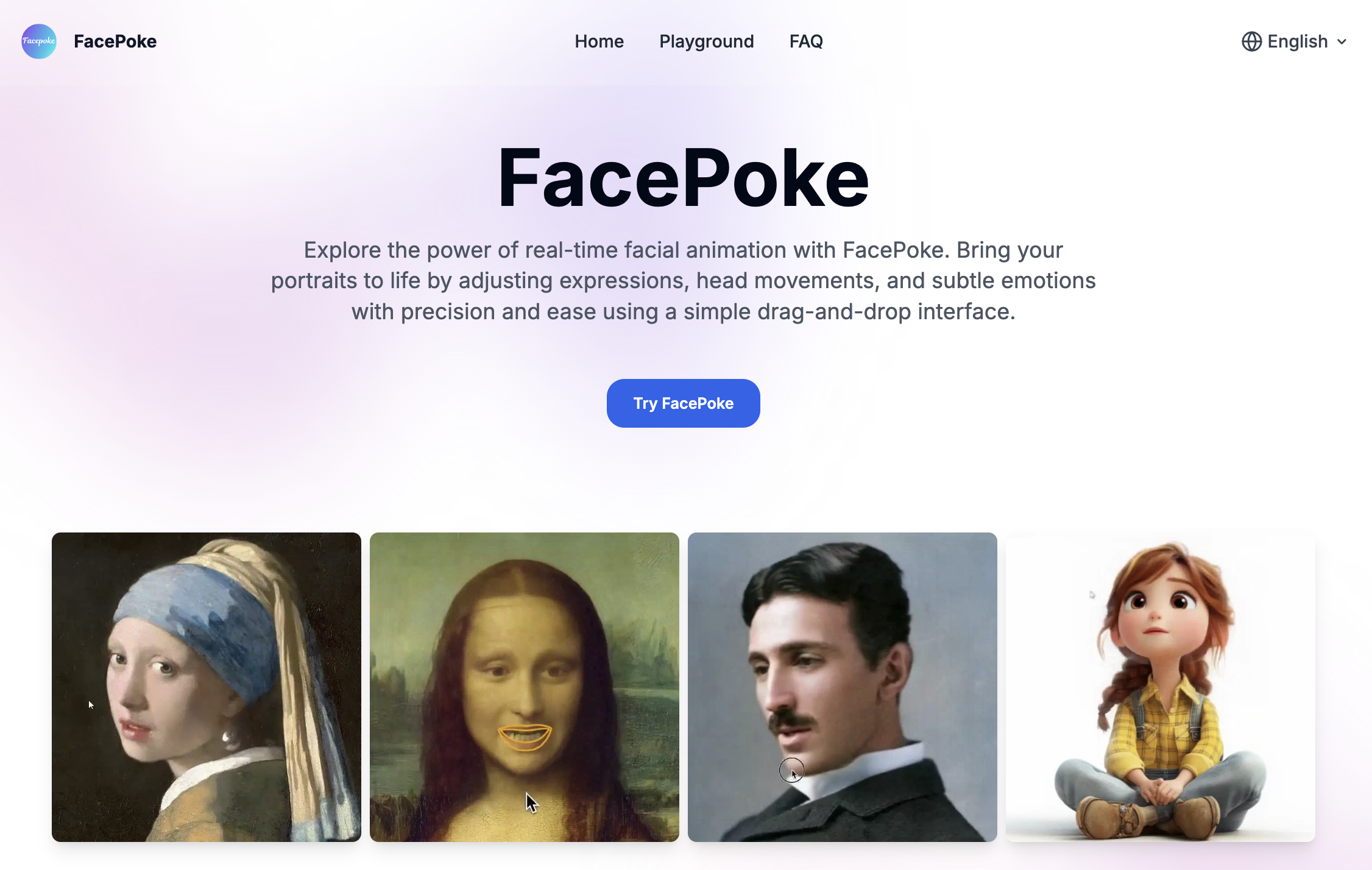
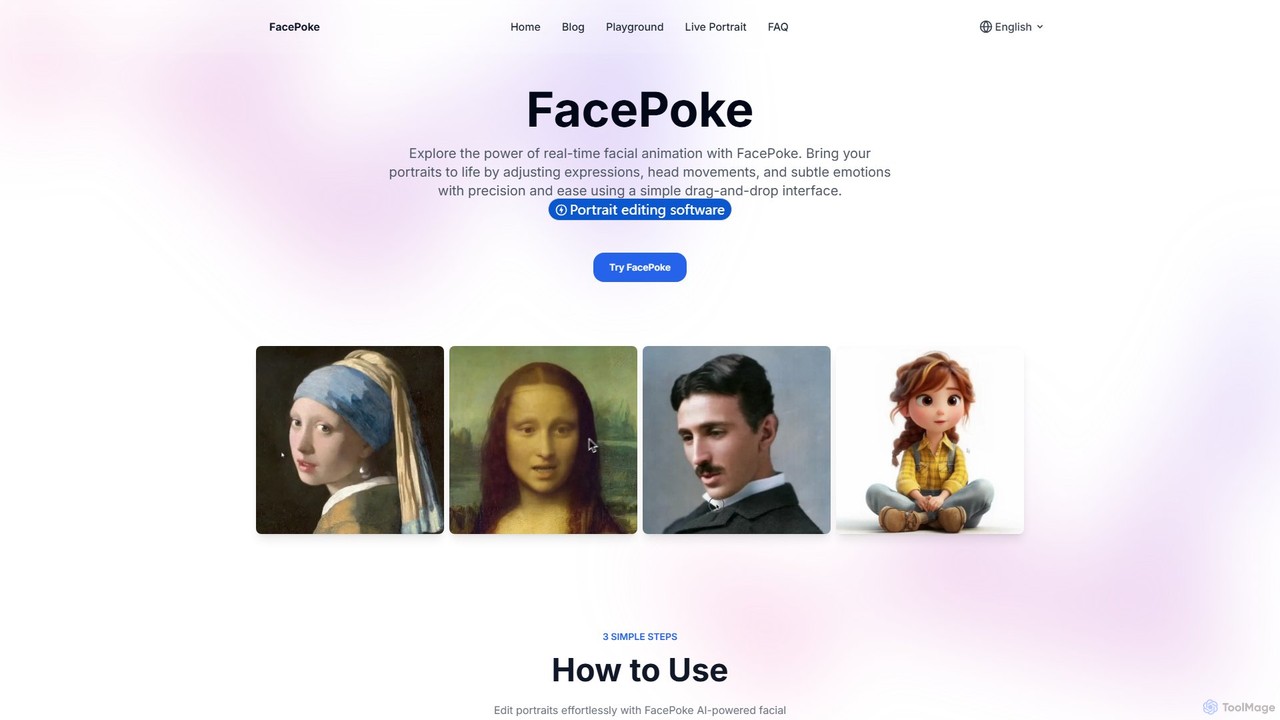
FacePoke Overview
FacePoke is a revolutionary free online tool that harnesses the power of artificial intelligence to transform static portraits into dynamic, expressive images. It redefines facial editing by providing an intuitive, real-time platform where users can manipulate facial features, adjust head positions, and craft subtle emotions with unparalleled ease. Using a simple drag-and-drop interface, FacePoke empowers digital artists, content creators, marketers, and designers to bring their creative visions to life without the steep learning curve of traditional editing software. The tool's advanced AI ensures that all adjustments are seamless and lifelike, resulting in high-resolution outputs perfect for professional projects.
How to use FacePoke
Editing portraits is effortless with FacePoke's streamlined three-step process, designed for maximum efficiency and creativity:
- Step 1: Upload Your Portrait
Begin by clicking the 'Choose a portrait photo' button to upload an image from your device. For the best results, select a high-resolution portrait with a clear and centered view of the face. A quality source image allows the AI to perform more precise adjustments and provides a smoother editing experience. - Step 2: Adjust Facial Features
Once your image is loaded, simply click and drag on key facial areas like the eyebrows, mouth, or eyes to alter their shape and position. You can also drag near the jawline or forehead to change the head's angle and orientation. For more granular control, enable the 'Show Face Markers' option. This reveals specific control points around the facial features, allowing for highly precise and detailed manipulation of expressions. - Step 3: Preview and Save
After making your adjustments, you can instantly preview the edited image. If you are satisfied with the transformation, click the 'Download' button to save a high-resolution version of your new portrait to your device. You can always return to the editor to continue fine-tuning or experiment with different expressions.
Core Features of FacePoke
- Advanced AI Face Editing: Leverages cutting-edge AI algorithms to seamlessly and realistically manipulate facial features and expressions.
- Real-Time Interactive Editing: Provides instant visual feedback as you make adjustments, ensuring a smooth, lag-free, and engaging workflow.
- High-Resolution Output: Maintains the original quality of your images, delivering sharp, clear, and professional-grade results suitable for any project.
- Intuitive Drag-and-Drop Interface: Designed for simplicity and ease of use, making advanced facial editing accessible to everyone, regardless of skill level.
- Precision Control with Face Markers: Offers an optional overlay of control points for fine-tuning specific facial areas, giving you ultimate control over the final look.
- Versatile Creative Applications: A flexible tool that adapts to a wide range of needs, from digital art and animation to marketing and content creation.
Use Cases for FacePoke
FacePoke is a valuable asset for a diverse range of professionals and hobbyists:
- Digital Artists & Character Designers: Effortlessly craft unique characters with subtle or dramatic expressions, adding depth and personality to their digital art.
- Content Creators & Social Media Managers: Quickly modify images to match the tone and emotion of their content, enhancing storytelling and boosting audience engagement.
- Marketing & Advertising Specialists: Create dynamic and personalized ad visuals that resonate with target audiences. A/B test different expressions to optimize campaign performance.
- Animators & Video Producers: Use FacePoke to create keyframes for facial animations, which can be exported and integrated into video projects for added realism.
- Graphic Designers & Freelancers: Improve workflow efficiency and offer enhanced portrait editing services, delivering high-quality, custom visuals that exceed client expectations.
Advantages of FacePoke
FacePoke stands out with its unique combination of power and simplicity:
- Enhanced Creativity: Unlocks new creative possibilities for expressing emotion and personality in digital portraits.
- Increased Productivity: The real-time, intuitive workflow significantly reduces the time and effort required for complex facial edits.
- Professional Quality: Delivers high-resolution results that meet the standards of commercial and professional projects.
- Cost-Effective: As a completely free tool, it provides access to advanced AI technology without any financial barrier.
- User-Friendly: Its straightforward design ensures that both beginners and seasoned professionals can achieve stunning results with ease.
Pricing and Plans
FacePoke is currently available completely free of charge. Users can access all its powerful features without any subscription, usage limits, or hidden costs. This commitment to accessibility makes it an invaluable tool for everyone. While the core service is free, the platform may introduce optional premium plans in the future to cater to enterprise and power users. Potential future features could include batch processing for multiple images, API access for developers, and advanced export formats for professional animation workflows.
Traffic
Latest traffic
Status
Monthly traffic trend
- 2025-9: 46.3K
- 2026-1: 11.7K
- 2026-2: 9.2K
- 2026-3: 11.4K
- 2026-4: 14.1K
- 2026-5: 16.1K
Geography
Top 5 countries / regions
- 🇺🇸United States36.0%
- 🇻🇳Vietnam18.6%
- 🇲🇽Mexico15.4%
- 🇩🇪Germany15.2%
- 🇮🇹Italy14.8%
Top keywords
| Keyword | Cost per click |
|---|---|
| change eye expression in images online free complier | $0.00 |
| face poke | $0.00 |
| facepoke | $0.23 |
| free no login face expession ai changer | $0.00 |
| hej. przerobisz mi jej zdjęcie jak wystawia język na wierzch? | $0.00 |
FacePoke Alternatives
Visuali
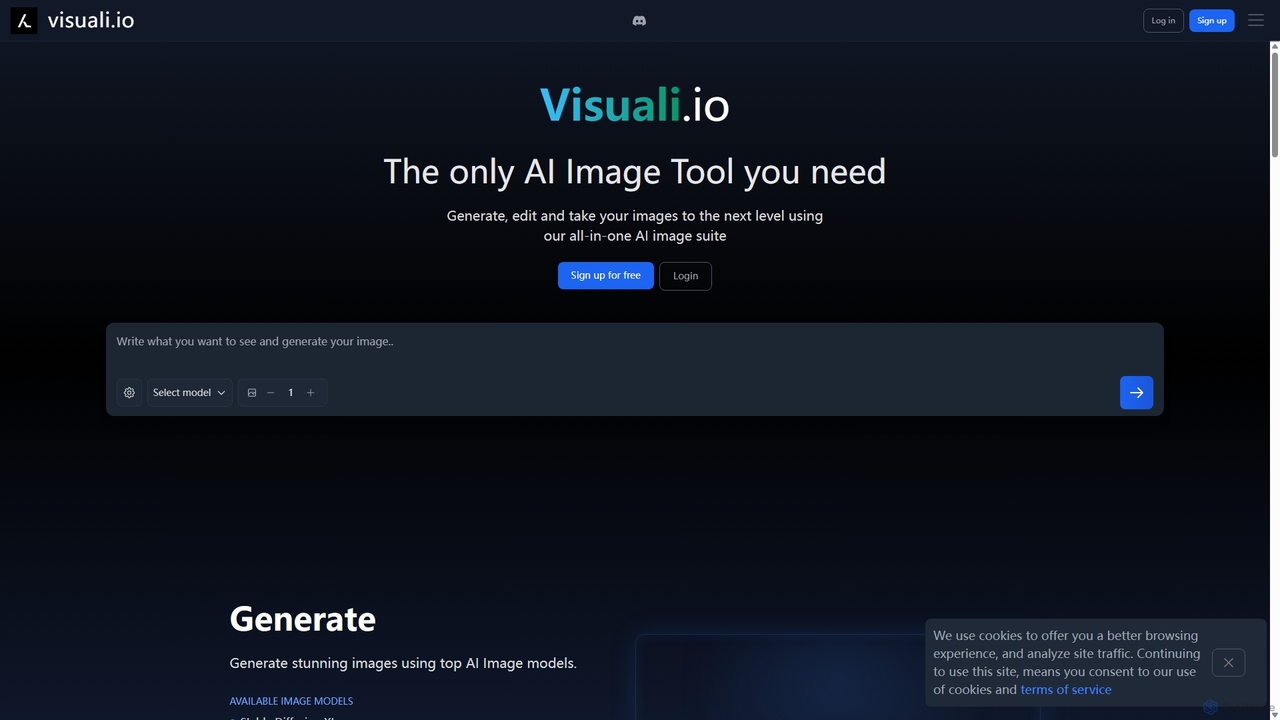
Visuali is an all-in-one AI image suite that allows you to generate, edit, and enhance images directly in your browser. Leveraging top AI models like Stable Diffusion XL, it offers powerful features including text-to-image generation, natural language editing, seamless inpainting and outpainting on an infinite canvas, and the ability to transform sketches into photorealistic images. It's a versatile tool for creators, marketers, and designers.
3D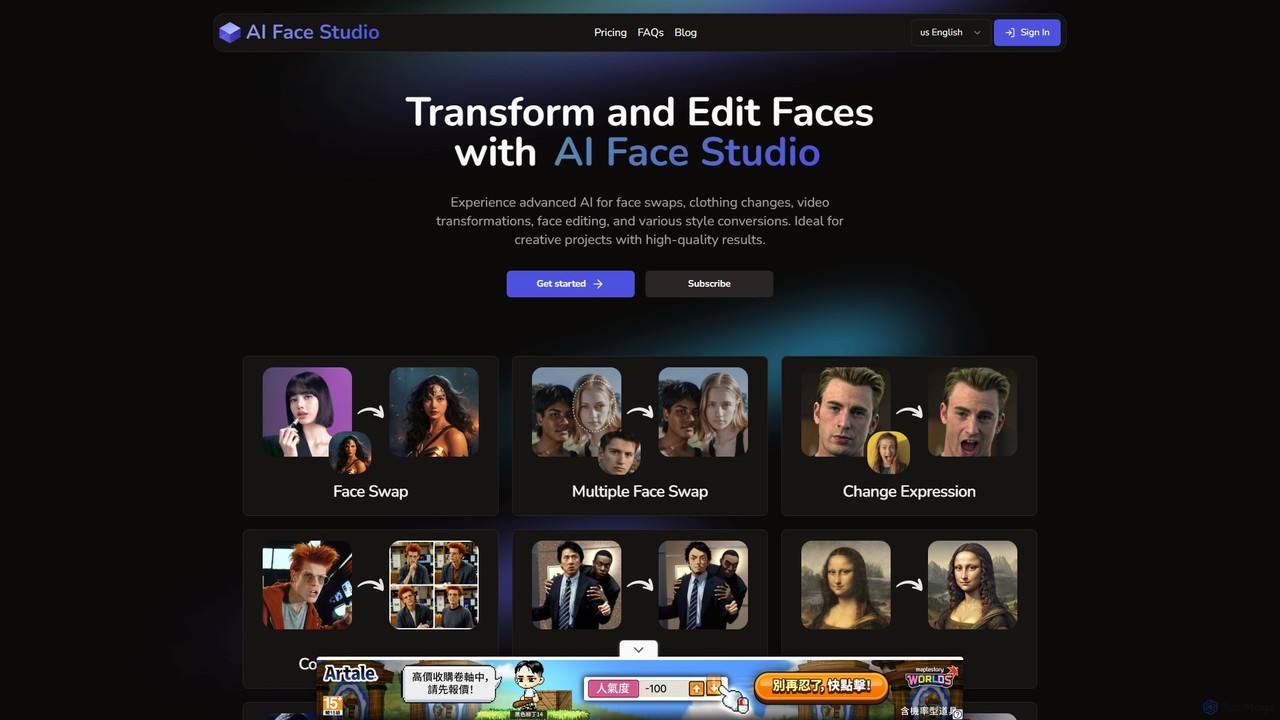
AI Face Studio
AI Face Studio is a powerful platform for AI-driven face transformation and editing. It specializes in creating seamless, high-resolution face swaps and offers a groundbreaking solution for maintaining character consistency across multiple AI-generated images. Ideal for digital artists, game developers, and content creators seeking to produce realistic and consistent visual narratives.
3D
Lumen Digital
Lumen Digital is an AI-powered creative suite for generating and enhancing stunning visual content. Ideal for artists, marketers, and creators, it offers advanced tools for AI image generation, video enhancement, and dynamic lighting effects to bring your creative visions to life with cinematic quality.
Digital Art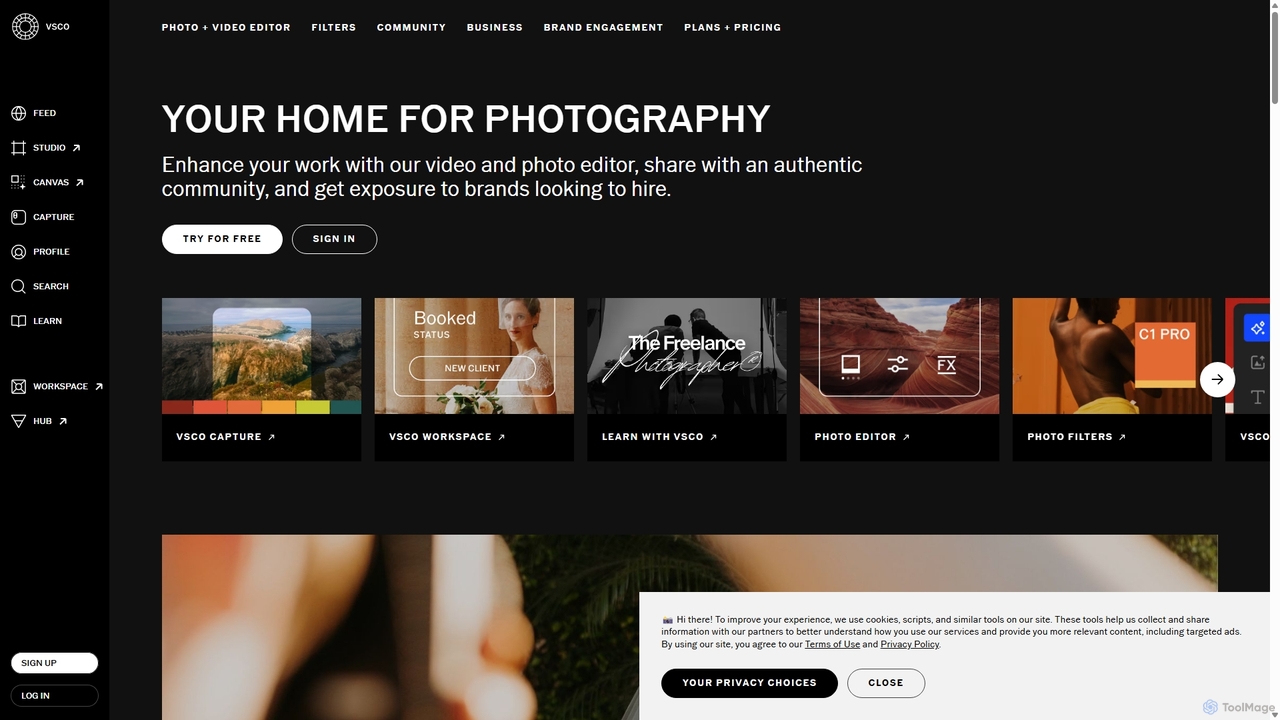
VSCO
VSCO is an all-in-one platform for photographers, offering a powerful photo and video editor with over 200 presets, AI-powered tools, and a vibrant creative community. It also provides professional tools like portfolio websites, studio management software, and opportunities to get hired, supporting creators at every stage of their journey.
3D
Picsart
Picsart is an all-in-one AI-powered creative platform for photo and video editing. It offers a comprehensive suite of tools, including AI image generation, background removal, photo enhancement, and a vast library of templates and stock content. Designed for everyone from beginners to professionals, Picsart simplifies the creation of stunning visuals for social media, marketing, and personal projects, accessible on both web and mobile.
3DFacePoke Categories
FacePoke Embed Widget
Copy this embed code to place the badge on your blog, article, or product site and send readers directly to this ToolMage detail page.

Related AI tools
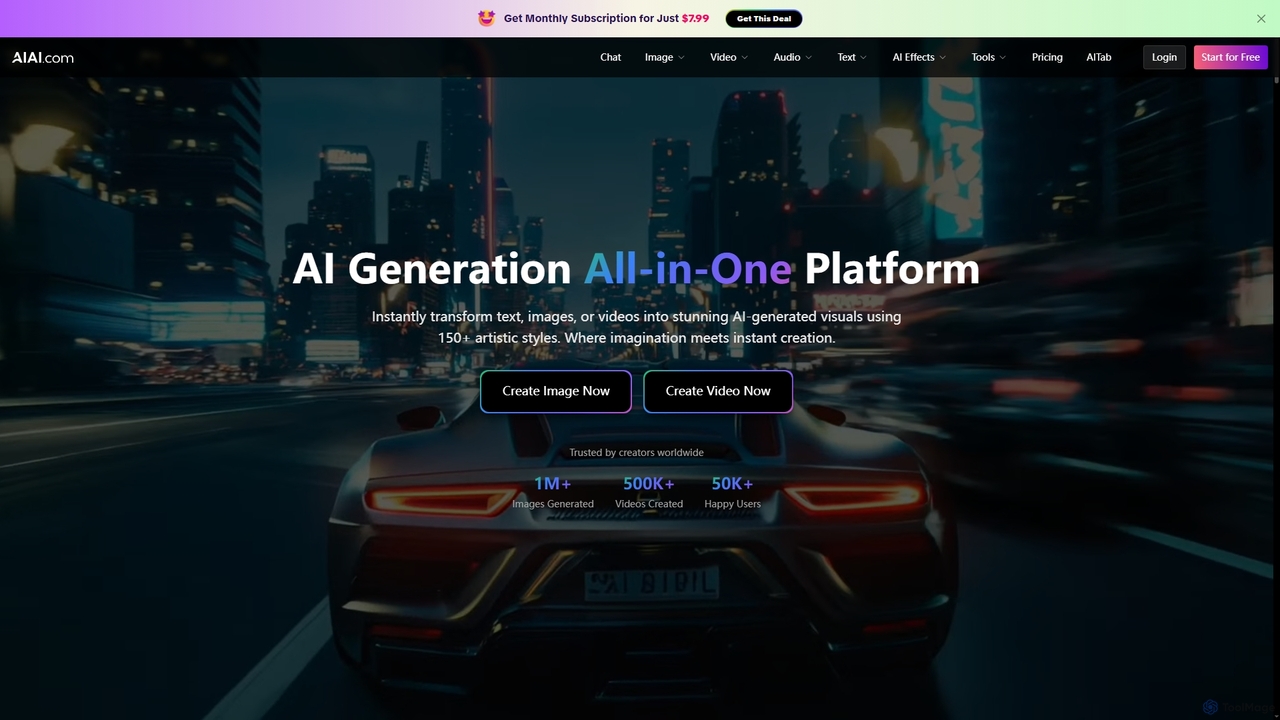
AIAI
AIAI is an all-in-one AI creative suite designed to transform ideas into stunning visuals and provide intelligent assistance. It offers powerful tools for generating images, videos, and text content, alongside specialized features like an AI Homework Helper and a productivity-boosting browser extension.
Homework Assistance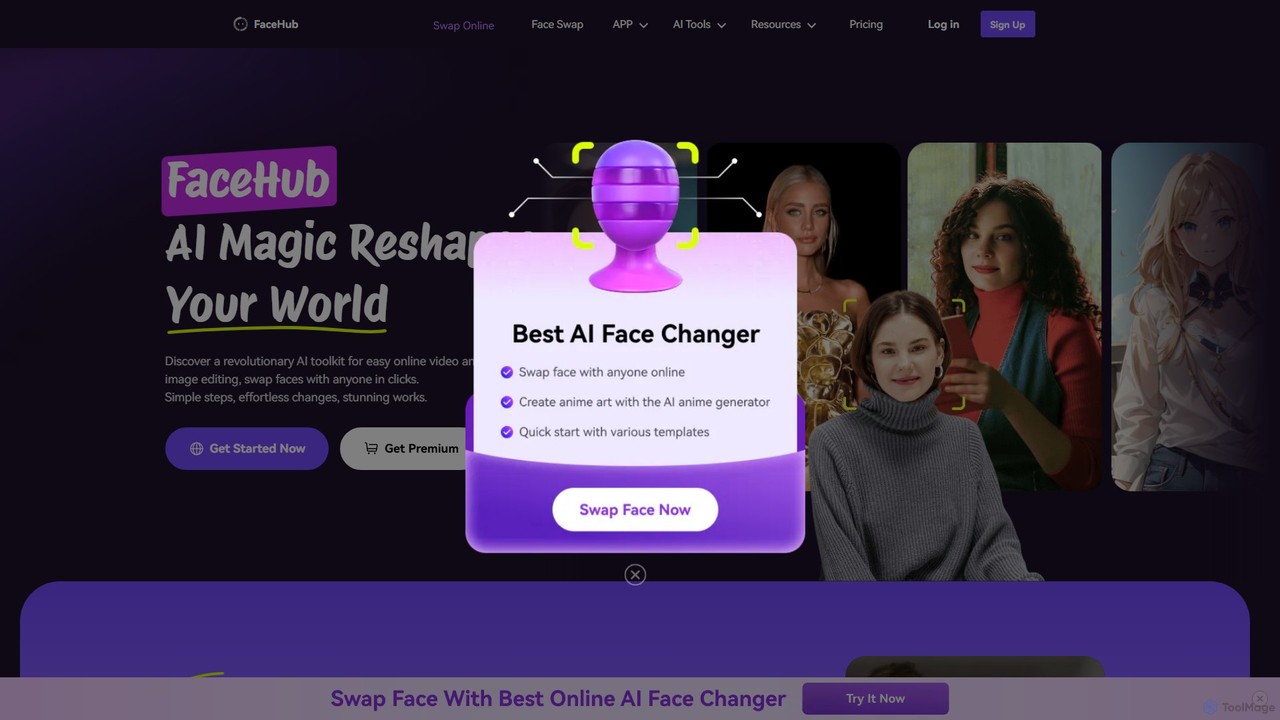
FaceHub
FaceHub is a powerful AI toolkit for instant face swapping in videos and photos. It offers a wide range of creative features, including AI portrait and anime generation, virtual try-ons, and meme creation. With a vast library of templates and high-speed processing, it's designed for both fun and professional use.
3D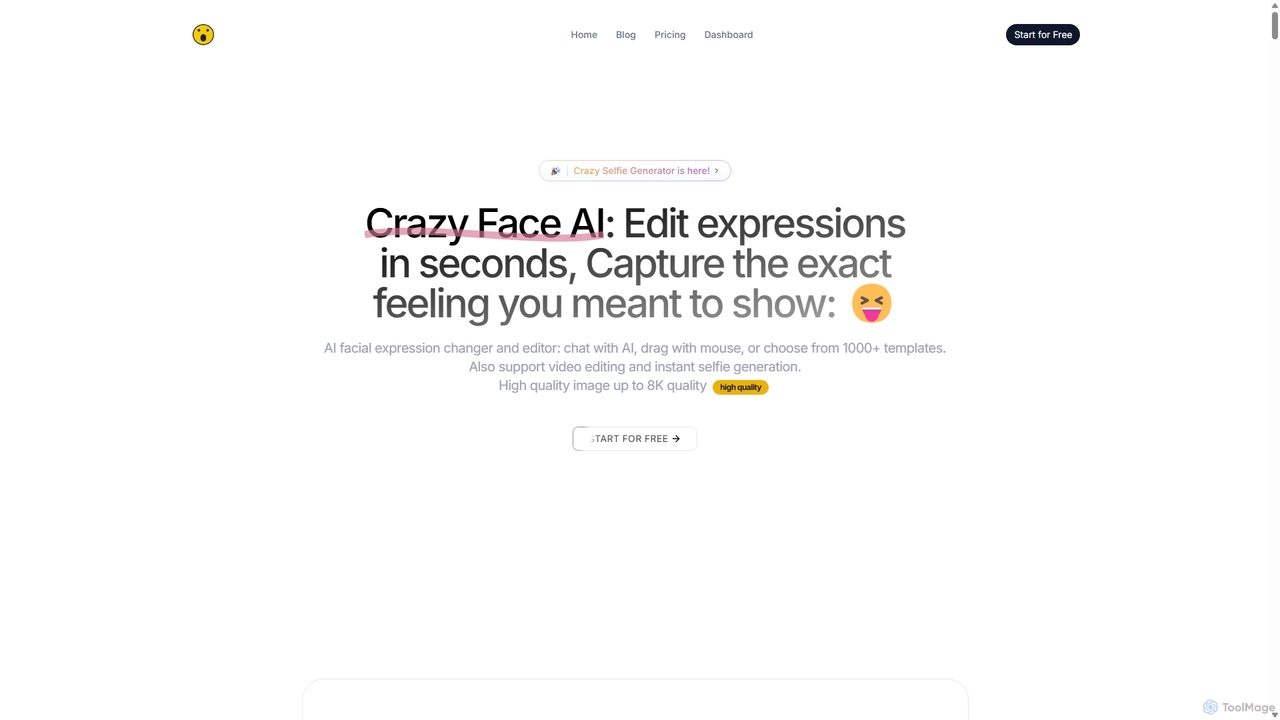
CrazyFaceAI
CrazyFaceAI is a powerful AI-driven platform for editing facial expressions in photos and videos. It allows users to change expressions using text prompts, templates, or a unique live-drag editor. The tool also features a selfie generator, hairstyle try-on, pet photo editor, and video animation capabilities, all supporting up to 8K resolution for professional-quality results.
3D
Jyek
Jyek is an AI agent platform that understands objectives, creates execution plans, uses tools, and delivers verifiable results for complex, multi-step tasks.
Automation
changeface.online
An AI-powered online tool for seamlessly swapping faces in photos and videos. Create funny memes, engaging social media content, or professional visual effects with just a few clicks. Supports high-resolution output and realistic results.
3D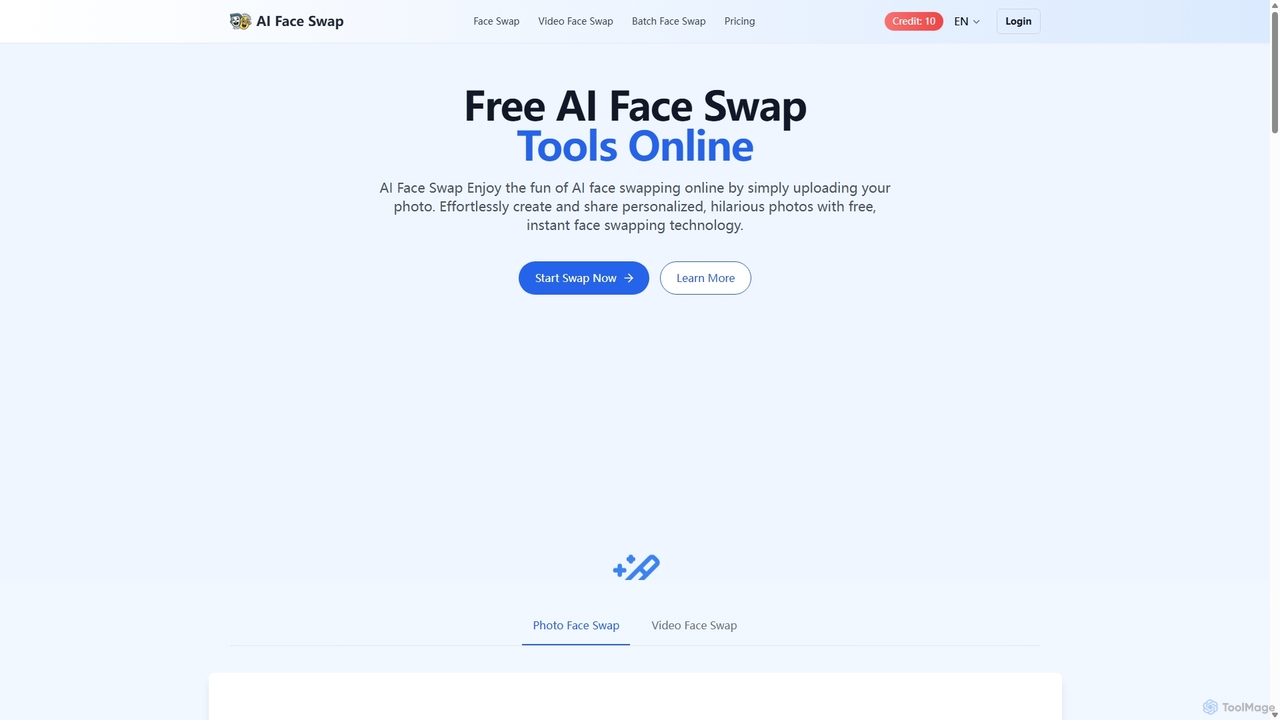
Aifaceswap
Aifaceswap is a free online AI tool that allows users to seamlessly swap faces in photos and videos. It offers features for single image swaps, batch processing for multiple photos, and dynamic video face swapping. With a user-friendly interface and a credit-based system, it's accessible for both casual fun and professional content creation, ensuring high-quality, realistic results instantly without any software installation.
Entertainment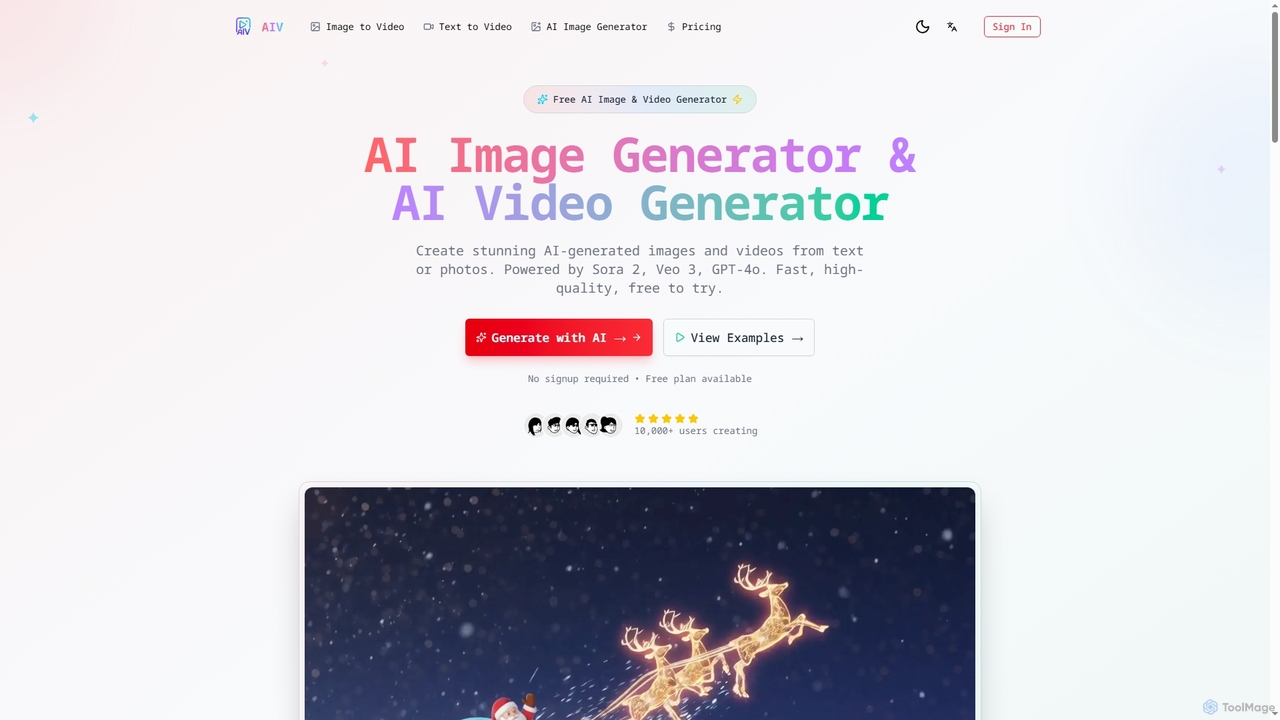
AI Image Video
AI Image Video is a powerful platform that leverages advanced AI models like Sora 2, Veo 3, and GPT-4o to generate stunning images and cinematic videos from text prompts or existing photos. It offers fast, high-quality content creation for various needs, from social media to professional marketing, with an easy-to-use interface and commercial use rights.
Content Creation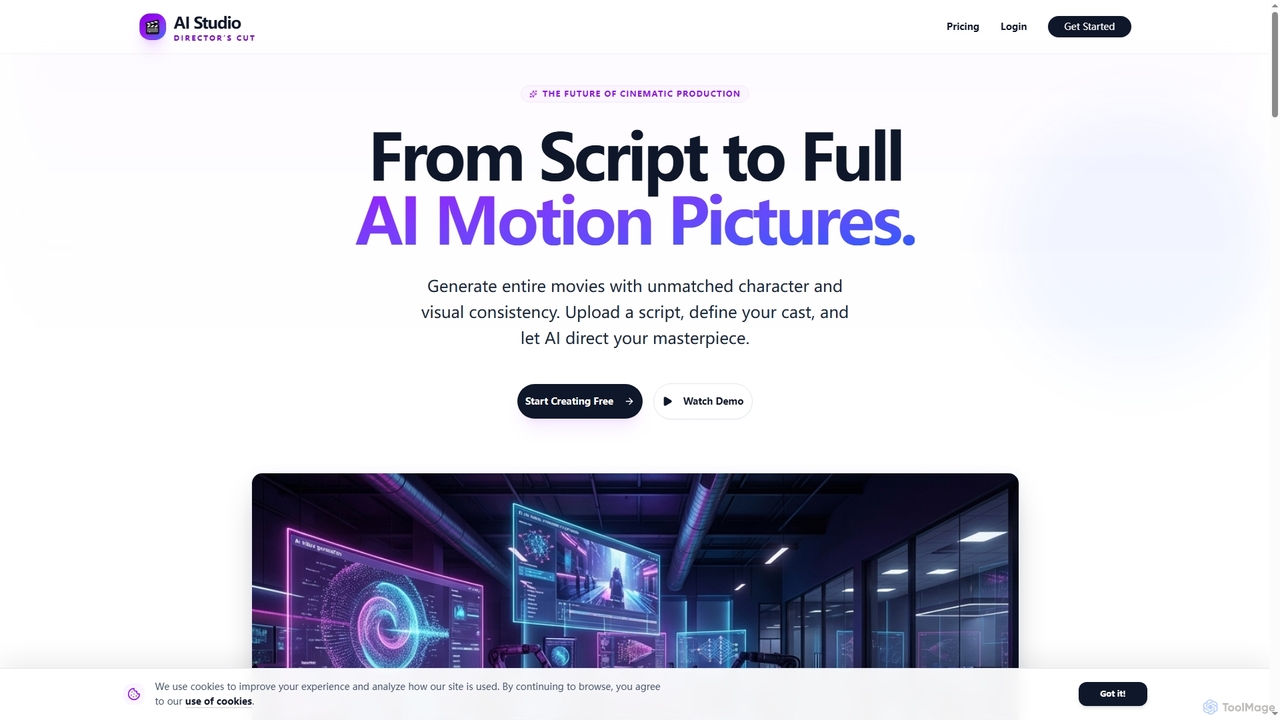
AIStudio247
AIStudio247 is an advanced AI movie generator that transforms scripts into full cinematic productions with unparalleled character and visual consistency. Leveraging Actor Lock™ technology and diverse artistic styles, it empowers creators to produce high-quality videos, from 720p to 4K, without extensive filmmaking or editing expertise.
Movie Production
swapper_ai
swapper_ai is an advanced AI-powered tool for creating realistic face swaps in images and videos. With a user-friendly interface, it allows anyone to seamlessly exchange faces in just a few clicks. Ideal for content creators, marketers, and individuals looking to create fun and engaging visual content with high-quality, natural-looking results.
EntertainmentVisuali
Visuali is an all-in-one AI image suite that allows you to generate, edit, and enhance images directly in your browser. Leveraging top AI models like Stable Diffusion XL, it offers powerful features including text-to-image generation, natural language editing, seamless inpainting and outpainting on an infinite canvas, and the ability to transform sketches into photorealistic images. It's a versatile tool for creators, marketers, and designers.
3DAI Face Studio
AI Face Studio is a powerful platform for AI-driven face transformation and editing. It specializes in creating seamless, high-resolution face swaps and offers a groundbreaking solution for maintaining character consistency across multiple AI-generated images. Ideal for digital artists, game developers, and content creators seeking to produce realistic and consistent visual narratives.
3DLumen Digital
Lumen Digital is an AI-powered creative suite for generating and enhancing stunning visual content. Ideal for artists, marketers, and creators, it offers advanced tools for AI image generation, video enhancement, and dynamic lighting effects to bring your creative visions to life with cinematic quality.
Digital Art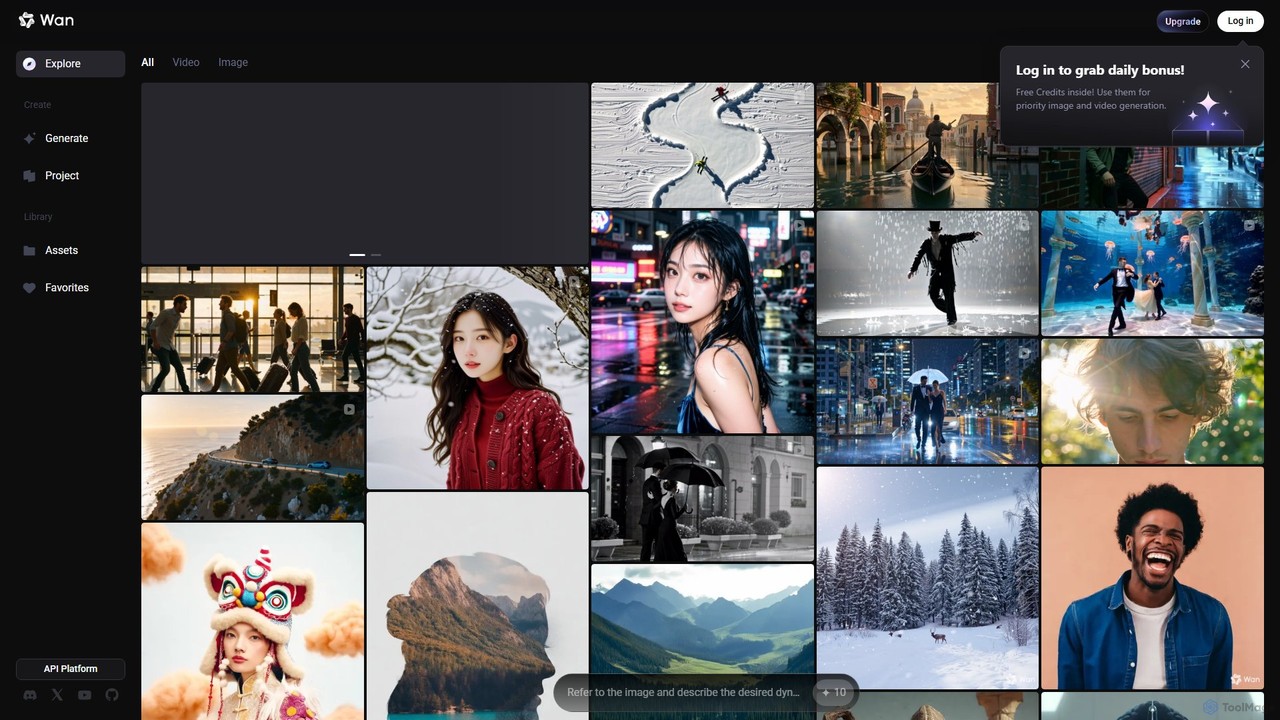
Wan AI
Wan AI is a leading AI video generation platform powered by the Wan 2.2 model. It transforms text prompts and static images into high-quality, dynamic video clips. Ideal for creators, marketers, and developers, it offers an intuitive interface, a project library, and a powerful API for seamless integration.
Generative Art
RoboNeo
RoboNeo is an AI agent by Meitu, focused on visual productivity. It streamlines content creation by integrating AI-powered photo editing, graphic design, and video generation into a single, intuitive platform. Ideal for marketers, creators, and businesses to produce high-quality visuals effortlessly.
Graphic Design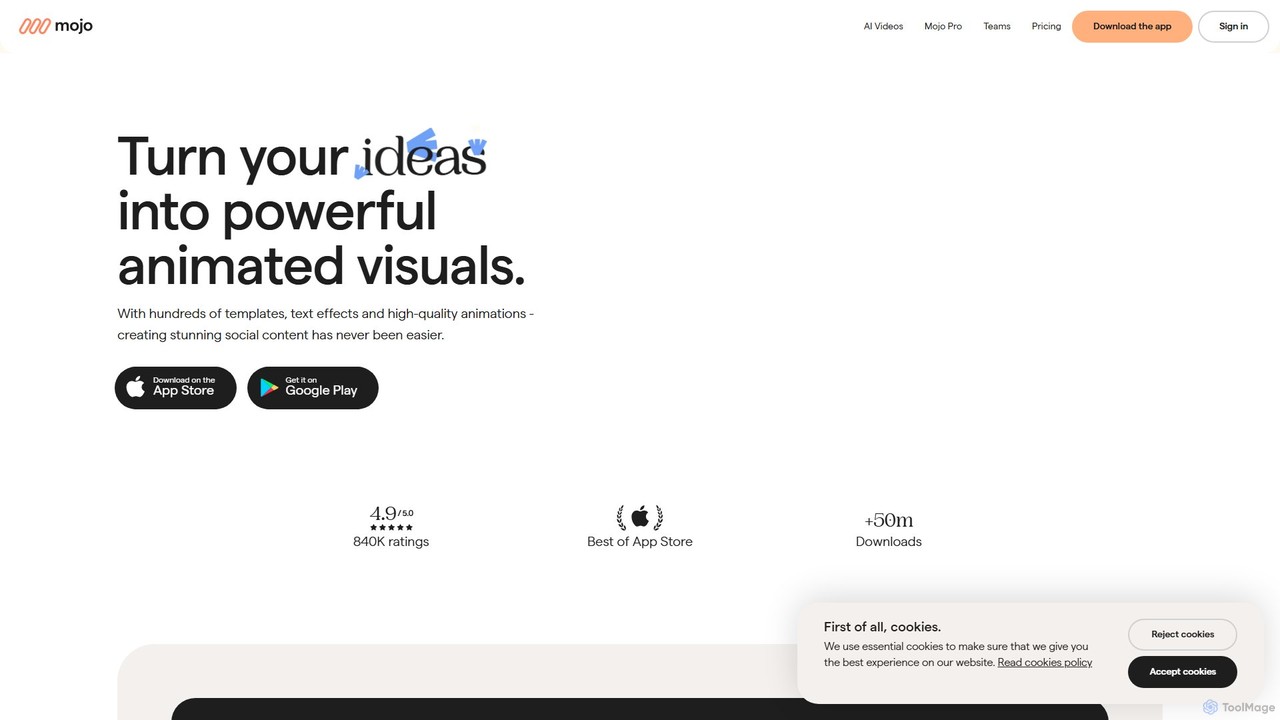
Mojo
Mojo is a powerful mobile app for creating stunning animated social media content. Designed for small businesses, creators, and teams, it offers hundreds of templates, advanced editing tools, and brand kits to produce professional-looking videos, stories, and posts for platforms like Instagram, TikTok, and more.
Templates
FacePoke Comments (0)
Sign in to comment.
Sign inNo comments yet.