

flarecut Overview
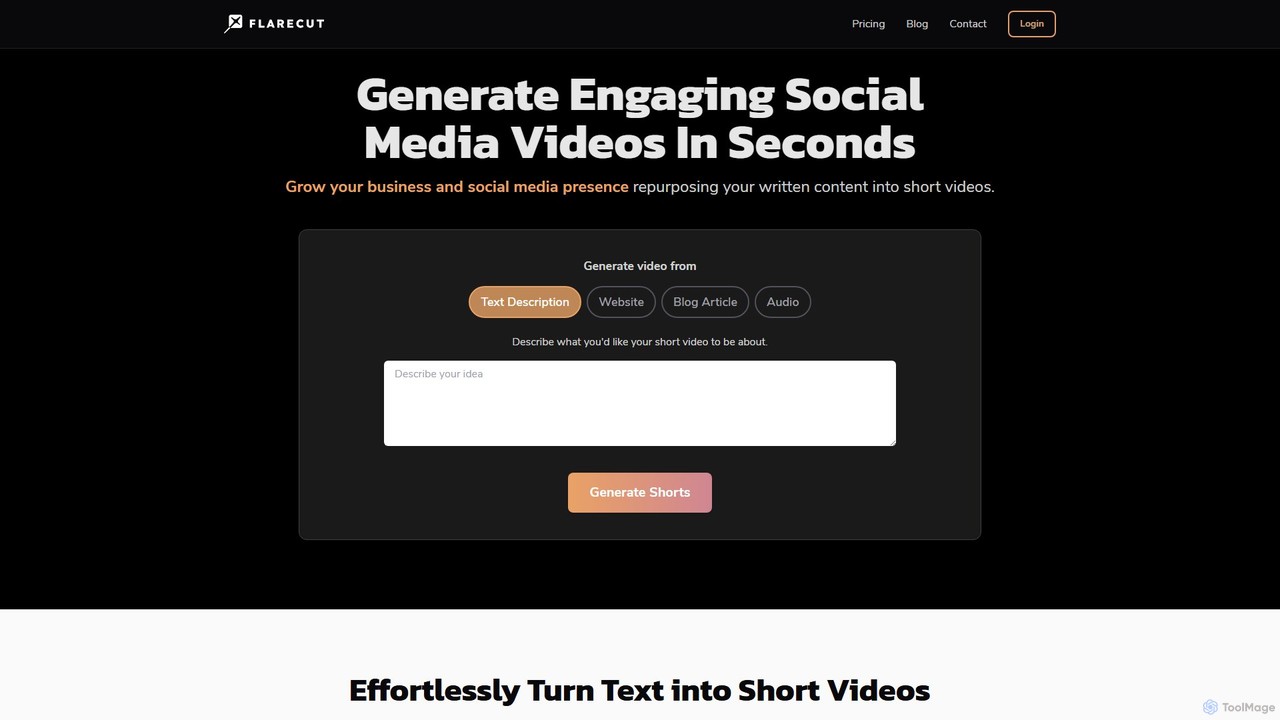
Flarecut is a powerful AI tool designed to revolutionize social media content creation. It serves as a versatile video generator that allows users to effortlessly convert written content—such as blog posts, articles, scripts, or simple text descriptions—into captivating short videos. These videos are specifically optimized for high-engagement platforms like YouTube Shorts, TikTok, and Instagram. The core concept behind Flarecut is to enable the creation of "faceless" content, empowering creators, marketers, and businesses to build a strong online presence without the need for on-camera appearances or complex video production equipment.
The platform streamlines the entire video creation process. By simply providing a URL or a piece of text, Flarecut's AI analyzes the content, extracts key points, and generates a compelling video complete with a natural-sounding AI voiceover, automatically synchronized subtitles, and visually appealing background footage. This makes it an ideal solution for repurposing existing blog content, automating YouTube channels, and consistently publishing fresh material to keep audiences engaged.
How to use flarecut
Using Flarecut is designed to be intuitive and requires no technical expertise. The process can be broken down into a few simple steps:
- Input Your Content: Start by choosing your source material. You can paste the URL of a blog post or website article, type or paste a written script, or simply describe the video you want to create in a text prompt.
- Generate and Customize: The AI will process your input and generate up to three short video clips. You can then customize various elements to match your brand's style. This includes selecting from a wide range of male and female AI voices (such as Aria, Roger, Sarah, etc.), editing the auto-generated subtitles for accuracy, and choosing different background visuals.
- Regenerate if Needed: If the initial result isn't perfect, you can take advantage of unlimited regenerations to tweak the output until it meets your expectations.
- Export and Share: Once you are satisfied with the video, you can export the final, high-quality clip. The videos are formatted for vertical viewing, making them ready to be uploaded directly to YouTube Shorts, TikTok, Instagram Reels, and other social media platforms.
Core Features of flarecut
- Article-to-Video Converter: Instantly transforms entire blog posts or articles into multiple short, digestible video clips by simply pasting a URL.
- Text/Script-to-Video: Converts any written script, story, quote, or idea (up to 150 words) into a complete video.
- Faceless Video Generation: Creates professional-looking videos without requiring you to show your face, perfect for privacy-focused creators and brand channels.
- Natural AI Voiceovers: Offers a diverse library of high-quality, natural-sounding male and female AI voices to narrate your content with the right tone and emotion.
- Automatic Subtitles: Automatically generates and embeds synchronized subtitles, which is crucial for capturing attention on social media where many users watch with the sound off.
- AI-Powered Visuals: The tool automatically selects and adds relevant, stunning background videos and images to complement your script.
- Multi-Language Support: Enables content creation for a global audience by supporting various languages.
- Platform Optimization: Videos are generated in the vertical format (9:16) ideal for YouTube Shorts, TikTok, and Instagram Reels.
Use Cases for flarecut
Flarecut is a versatile tool suitable for a wide range of applications:
- Content Repurposing: Marketers and bloggers can breathe new life into their existing written content, reaching new audiences who prefer video.
- YouTube Automation: Creators can build and grow "cash cow" or faceless YouTube channels by consistently producing content with minimal effort.
- Social Media Marketing: Businesses can promote their products, services, and brand message on TikTok, Instagram, and YouTube to drive engagement and traffic.
- Educational Content: Educators and experts can convert guides, tutorials, and informative articles into easily shareable micro-lessons.
- Personal Branding: Individuals can share their ideas, stories, or advice without the pressure of being on camera.
Advantages of flarecut
The primary advantage of Flarecut is its efficiency and accessibility. It dramatically reduces the time, cost, and technical skill required for video production. Users can generate multiple pieces of content in minutes, not hours. This allows for consistent posting schedules, which is key to growing on social media. Furthermore, it taps into the power of YouTube SEO, as video content is highly favored by search algorithms. The focus on faceless content opens up opportunities for many who are camera-shy but still want to build a successful online presence.
Pricing and Plans
Flarecut offers a straightforward and flexible pricing model without requiring a subscription.
- Free Trial: Users can test the tool's capabilities by generating videos for free. These videos will include a watermark.
- Pay As You Go: For watermark-free videos, Flarecut uses a credit-based system. You can purchase a package of 10 video exports for a one-time payment of $7.99.
- No Expiration: The purchased credits do not expire, allowing you to use them whenever you need them.
- Unlimited Regenerations: The plan includes the ability to regenerate videos as many times as needed before exporting.
Traffic
Latest traffic
Status
Monthly traffic trend
- 2025-9: 10.7K
- 2026-1: 11.2K
- 2026-2: 10.0K
- 2026-3: 9.6K
- 2026-4: 12.3K
- 2026-5: 10.9K
Geography
Top 5 countries / regions
- 🇺🇸United States29.9%
- 🇧🇷Brazil20.1%
- 🇹🇭Thailand17.9%
- 🇮🇳India16.0%
- 🇵🇰Pakistan16.0%
Top keywords
| Keyword | Cost per click |
|---|---|
| bulk video generator | $0.22 |
| cool social media faceless posts examples | $0.00 |
| faceless reels | $1.17 |
| linkedin 動画 作成 | $0.00 |
| what are some easy niches to make a faceless instagram account | $0.00 |
flarecut Alternatives
aireelgenerator
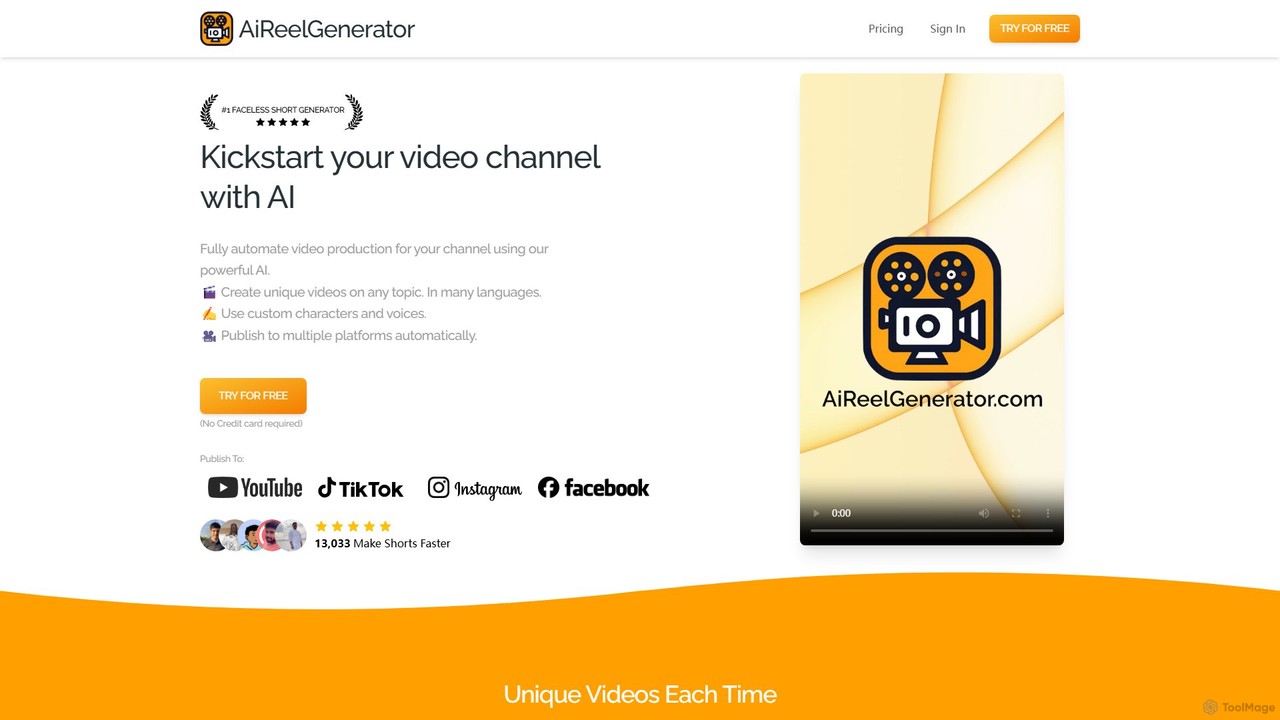
aireelgenerator is an AI-powered platform that automates the creation of faceless short videos for social media. Define a topic or series, and the tool automatically generates unique, engaging video content with AI-generated scripts, voices, and imagery, ready for platforms like TikTok, Instagram, and YouTube.
Social Media Marketing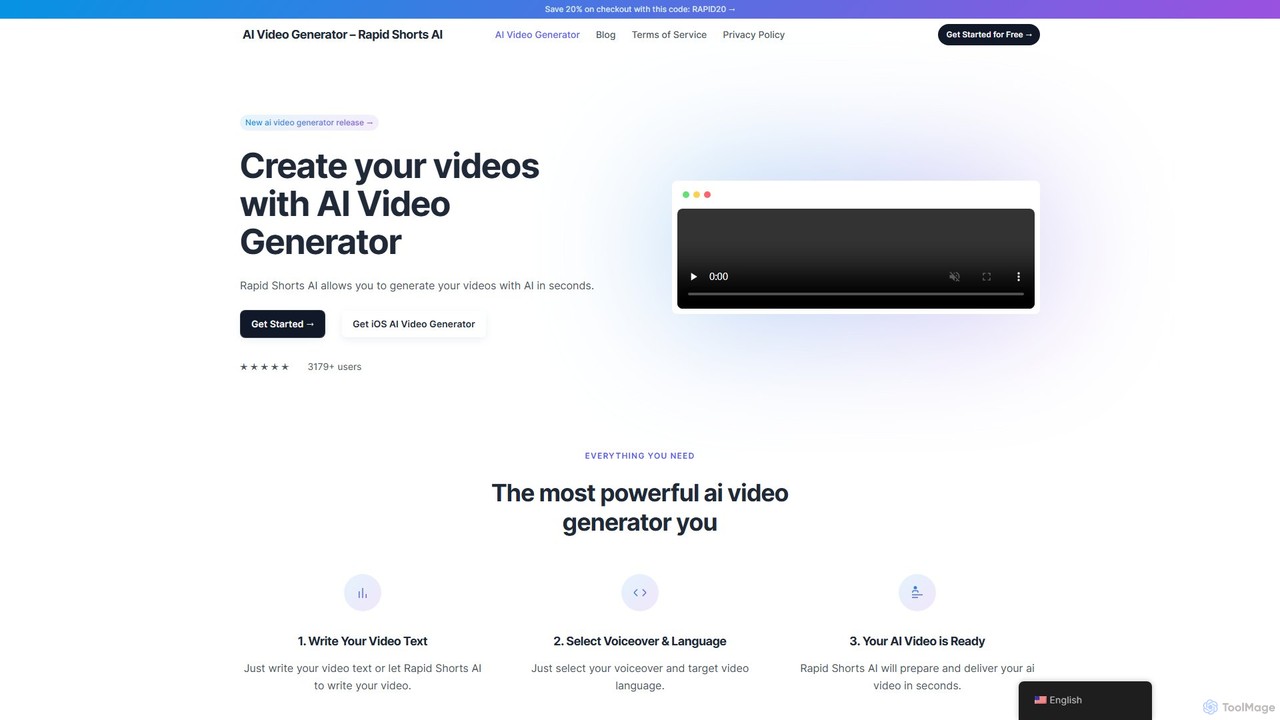
rapidshorts
rapidshorts is an AI-powered video generator that transforms text into engaging short-form videos in seconds. Designed for content creators and marketers, it automates the entire video creation process, from scriptwriting and voiceovers to sourcing visuals and adding captions, supporting multiple languages and styles.
Social Media Marketing
shortsfaceless
ShortsFaceless is an AI-powered platform designed to automate the creation of engaging, faceless short videos for YouTube, TikTok, and Instagram. It handles everything from script generation and AI-powered visuals to high-quality voiceovers and animated subtitles. This all-in-one solution allows content creators to effortlessly start and scale their channels, producing high-quality videos in minutes without needing to show their face or have any video editing skills.
Social Media Marketing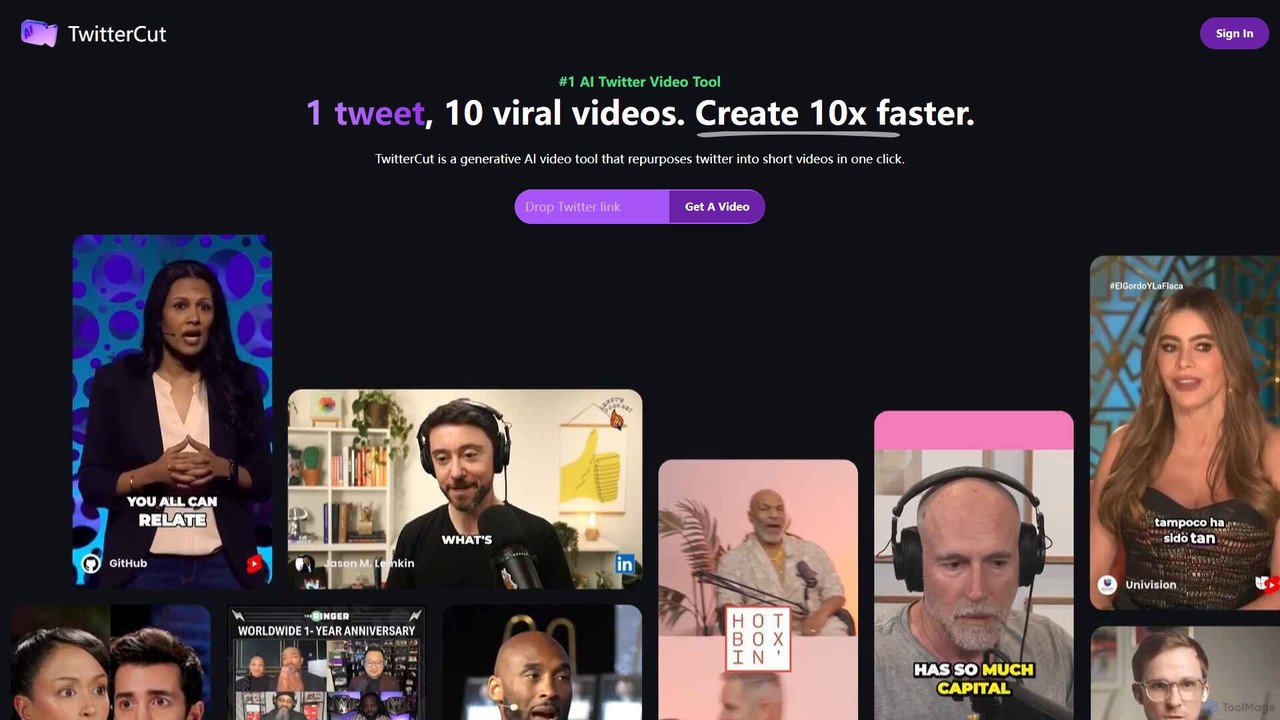
twittercut
twittercut is a revolutionary AI video tool that transforms Twitter content into engaging, shareable short videos in a single click. It automates the entire process, from narration and visual selection to adding dynamic captions, making it perfect for marketers, creators, and brands looking to repurpose their tweets for platforms like TikTok, Reels, and Shorts.
Social Media Marketing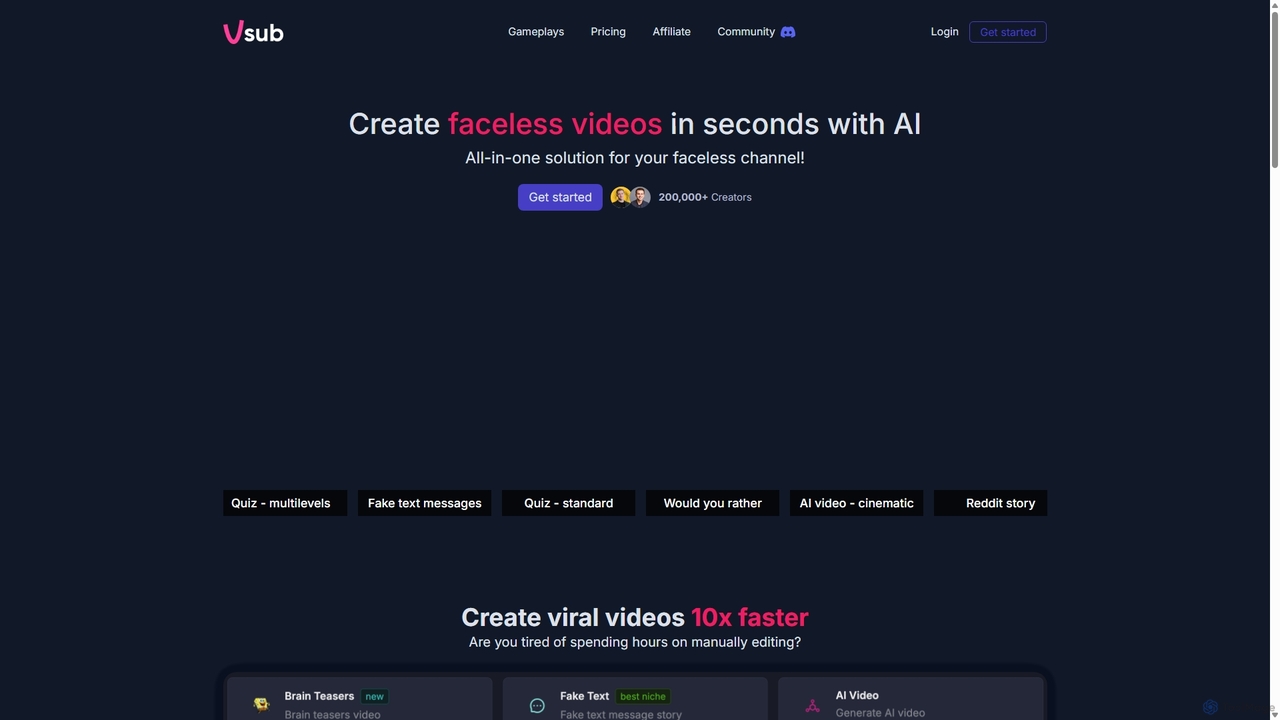
Vsub
Vsub is an AI-powered platform designed for creating engaging, faceless short videos in seconds. It serves as an all-in-one solution for content creators, enabling them to produce viral content for platforms like YouTube Shorts, TikTok, and Instagram Reels 10x faster than traditional methods.
Automationflarecut Categories
flarecut Embed Widget
Copy this embed code to place the badge on your blog, article, or product site and send readers directly to this ToolMage detail page.

Related AI tools
shortsfaceless
ShortsFaceless is an AI-powered platform designed to automate the creation of engaging, faceless short videos for YouTube, TikTok, and Instagram. It handles everything from script generation and AI-powered visuals to high-quality voiceovers and animated subtitles. This all-in-one solution allows content creators to effortlessly start and scale their channels, producing high-quality videos in minutes without needing to show their face or have any video editing skills.
Social Media Marketingtwittercut
twittercut is a revolutionary AI video tool that transforms Twitter content into engaging, shareable short videos in a single click. It automates the entire process, from narration and visual selection to adding dynamic captions, making it perfect for marketers, creators, and brands looking to repurpose their tweets for platforms like TikTok, Reels, and Shorts.
Social Media Marketing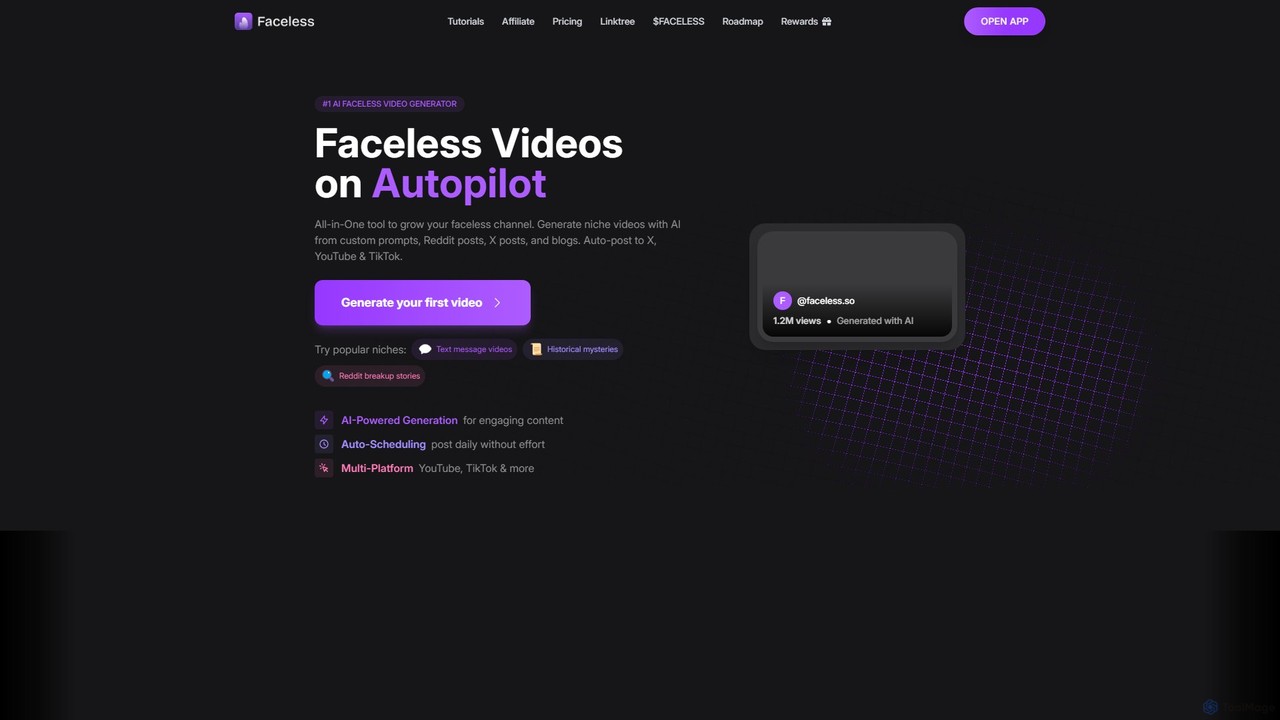
Faceless.so
Faceless.so is an all-in-one AI video generator for creating and automating faceless videos for social media. It transforms text from prompts, Reddit, X (Twitter), and blogs into engaging short-form videos, complete with captions, music, and B-roll, and auto-posts them to YouTube, TikTok, and X.
Marketing Automation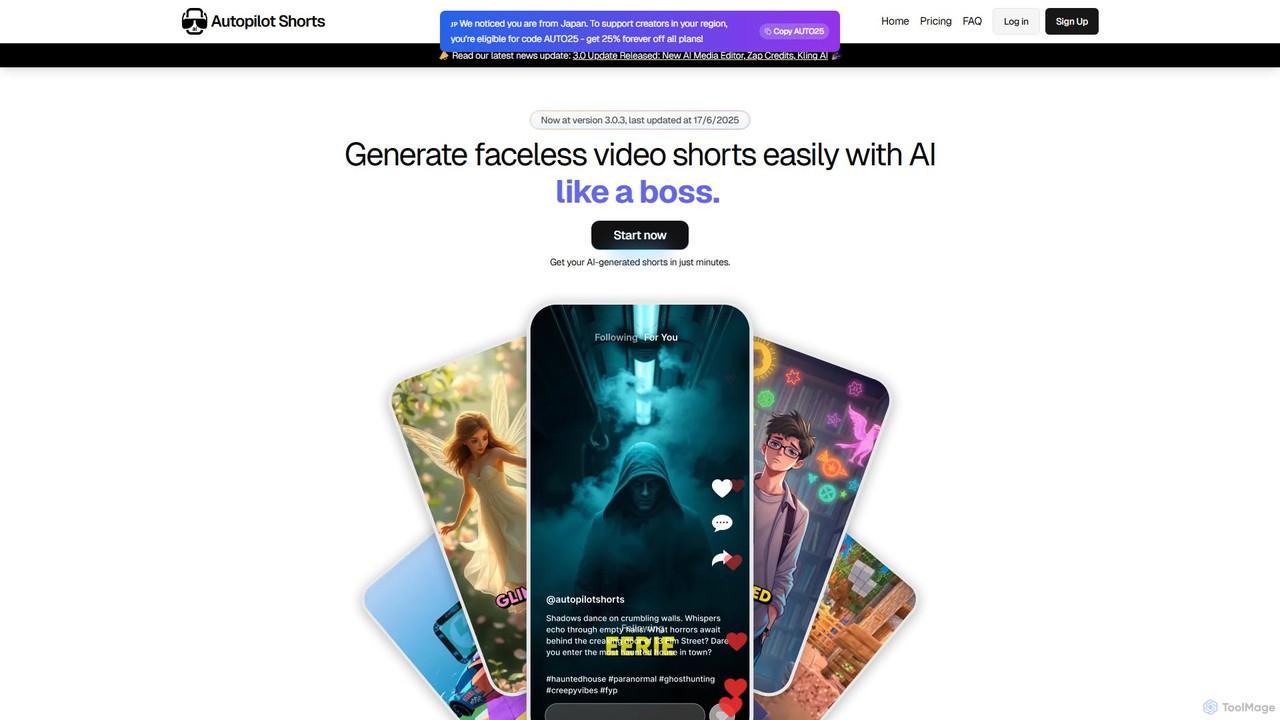
Autopilot Shorts
Autopilot Shorts is an AI-powered platform that automates the creation of faceless short-form videos for platforms like YouTube and TikTok. It transforms text into engaging videos with AI-generated scripts, voiceovers, visuals, and captions, requiring no video editing skills. The tool is designed for creators and businesses to effortlessly produce and schedule unique, viral content.
Automationaireelgenerator
aireelgenerator is an AI-powered platform that automates the creation of faceless short videos for social media. Define a topic or series, and the tool automatically generates unique, engaging video content with AI-generated scripts, voices, and imagery, ready for platforms like TikTok, Instagram, and YouTube.
Social Media Marketingrapidshorts
rapidshorts is an AI-powered video generator that transforms text into engaging short-form videos in seconds. Designed for content creators and marketers, it automates the entire video creation process, from scriptwriting and voiceovers to sourcing visuals and adding captions, supporting multiple languages and styles.
Social Media MarketingVsub
Vsub is an AI-powered platform designed for creating engaging, faceless short videos in seconds. It serves as an all-in-one solution for content creators, enabling them to produce viral content for platforms like YouTube Shorts, TikTok, and Instagram Reels 10x faster than traditional methods.
Automation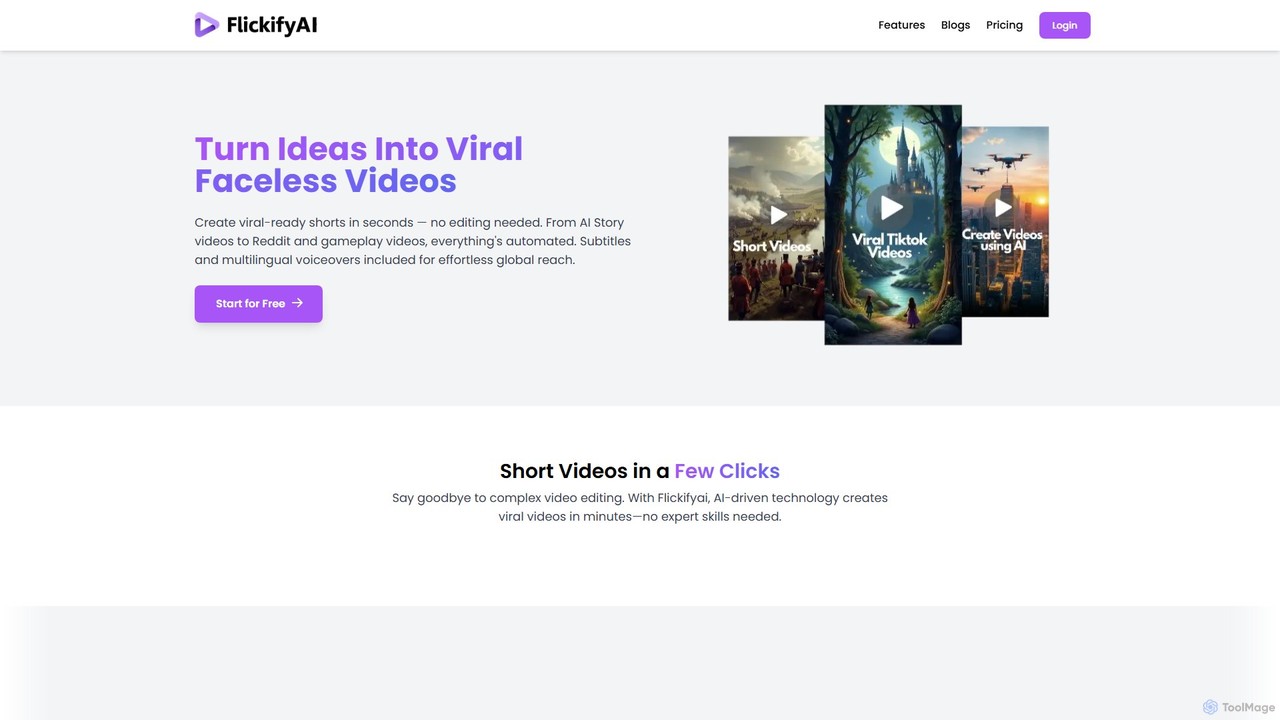
FlickifyAI
FlickifyAI is an AI-powered video creation platform that effortlessly transforms text, blog posts, or Reddit links into engaging, viral-ready short videos. It automates scriptwriting, voiceovers, subtitles, and visual selection, making it ideal for creating faceless content for social media without any editing skills.
Automation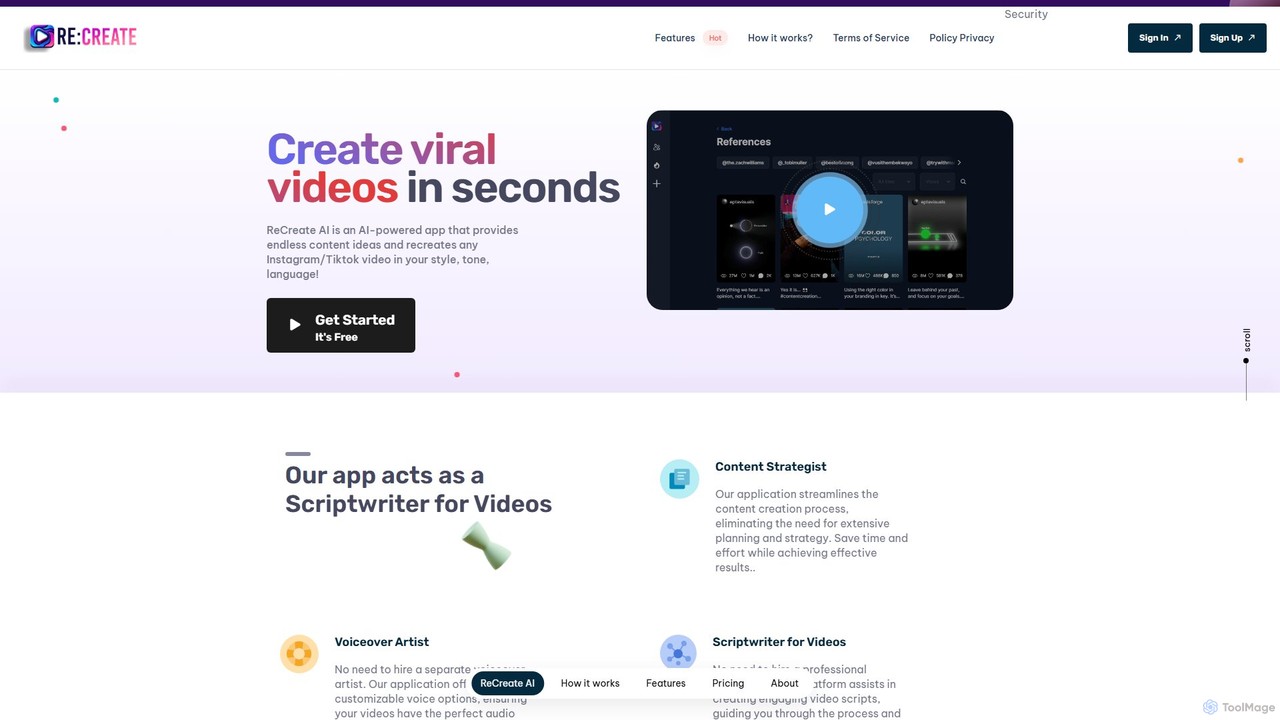
ReCreate AI
ReCreate AI is an AI-powered platform for content creators to generate viral short videos effortlessly. It analyzes popular videos from Instagram, TikTok, and YouTube, and helps you recreate them in your unique style, tone, and language. The tool acts as your content strategist, scriptwriter, and voiceover artist, streamlining the entire video creation process from idea to script.
Social Media Marketing
magicshorts
magicshorts is an AI-powered platform that automates the creation of unique, faceless short videos for social media. Simply provide a topic, and the tool generates a script, adds a lifelike AI voiceover, and pairs it with stunning artistic visuals and background music. It's designed for content creators who want to produce engaging content for YouTube Shorts, TikTok, and Reels without appearing on camera.
Automation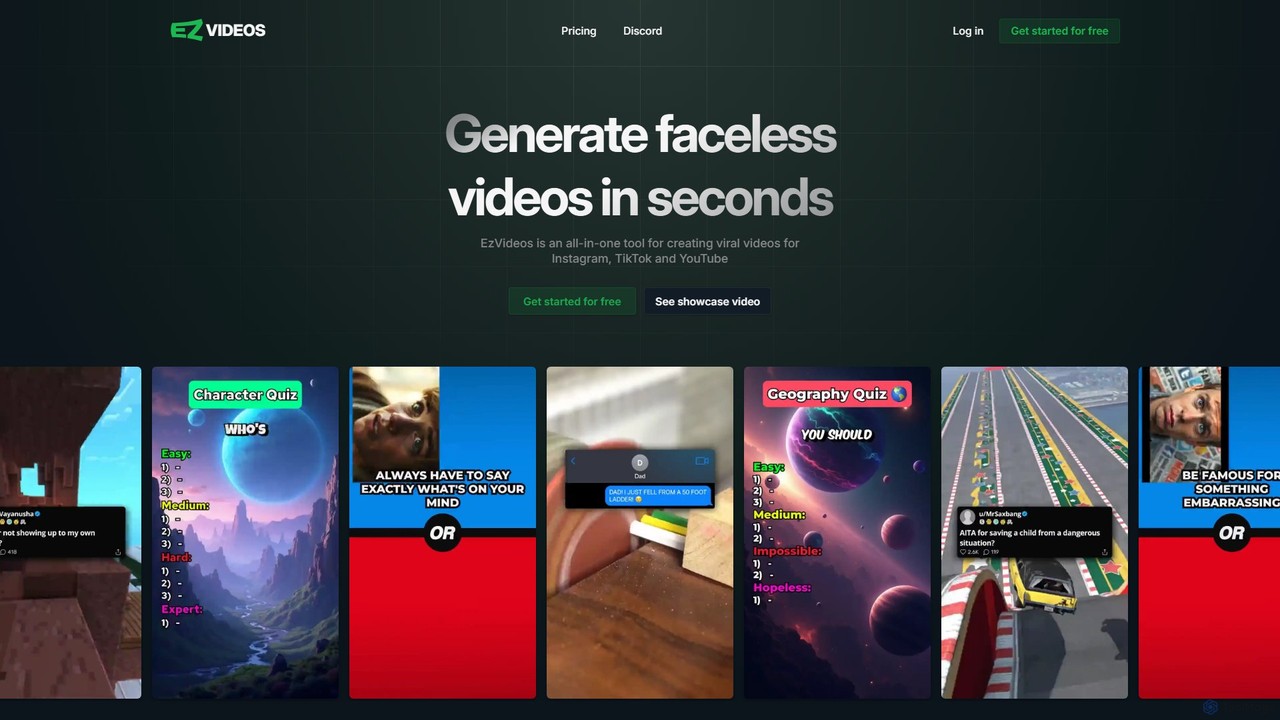
ezvideos
ezvideos is an AI-powered platform designed for creating viral, faceless videos for social media like TikTok, Instagram, and YouTube. It streamlines video creation with AI-generated content, a premium media library, and high-quality text-to-speech voices, enabling creators to produce engaging content 10 times faster than traditional methods.
Automation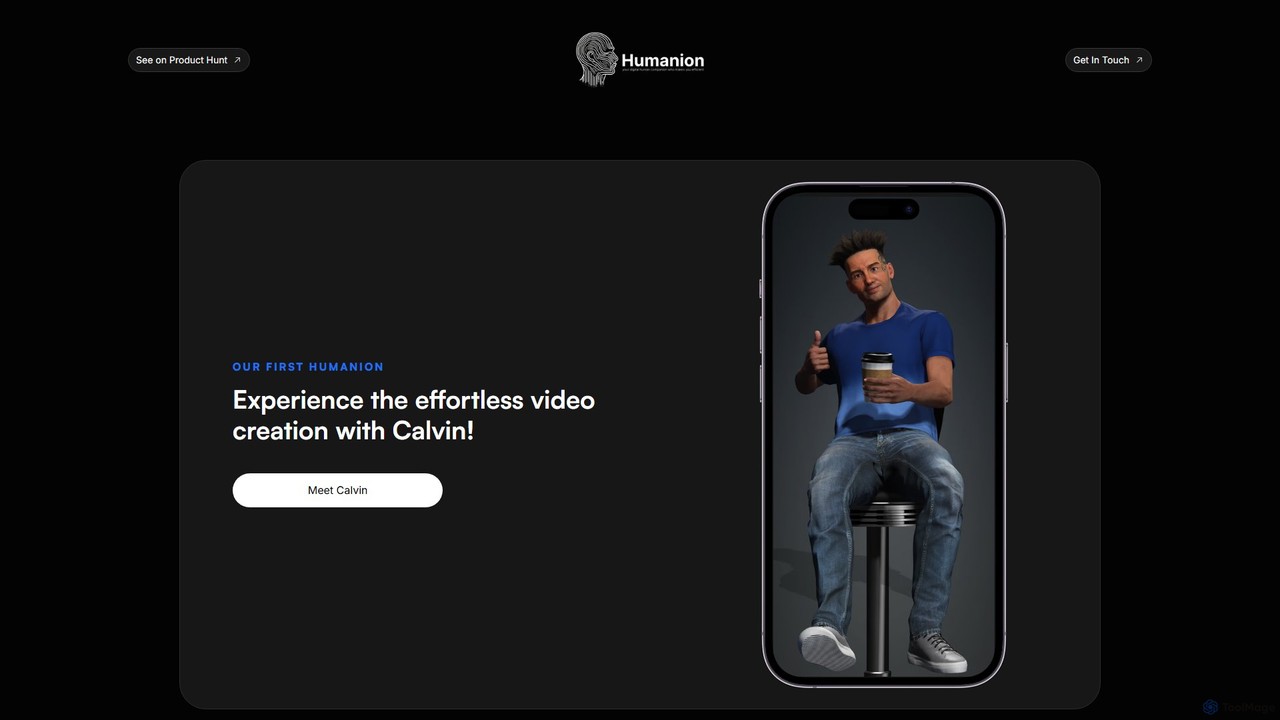
Humanion.ai
Humanion.ai introduces Calvin, a revolutionary AI-powered mobile app that transforms your spoken or typed ideas into captivating short videos. Designed for social media, Calvin automates the entire editing process, allowing you to create viral content for TikTok, Reels, and Shorts effortlessly. Simply describe your vision, and the AI assistant brings it to life with visuals, music, and text, no technical skills required.
Automation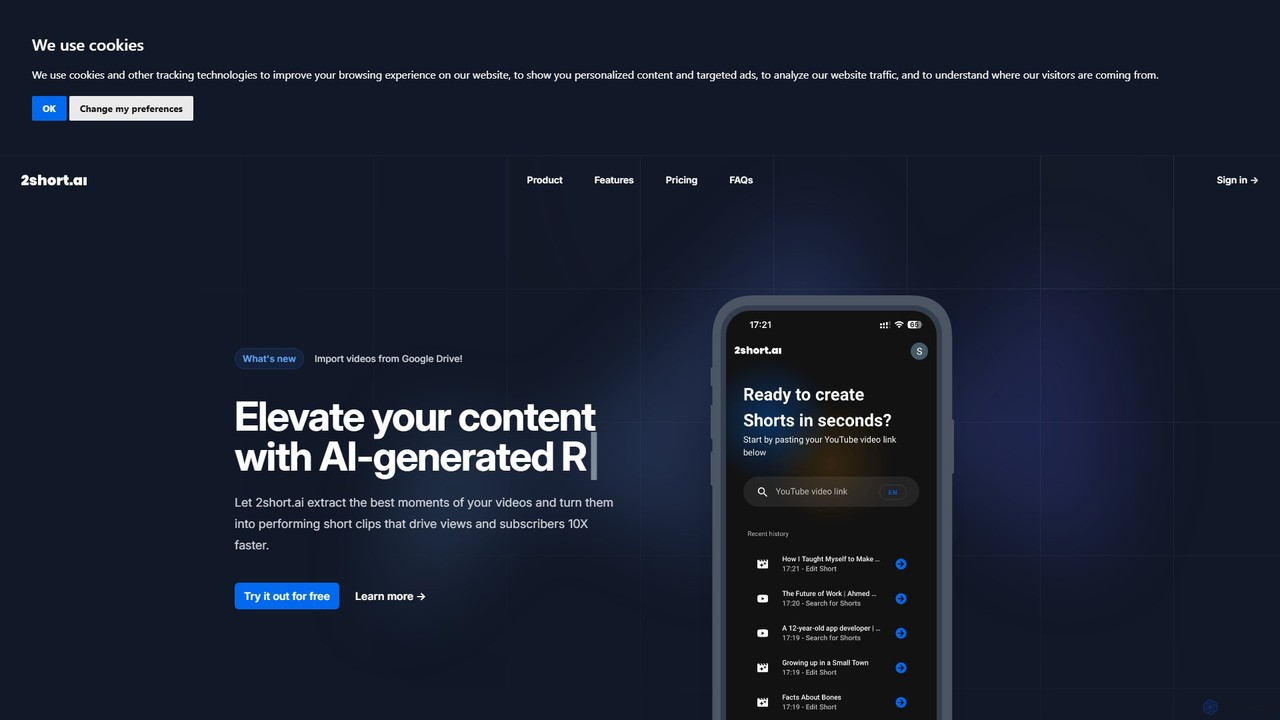
2short.ai
2short.ai is an AI-powered tool that transforms long-form videos into engaging, high-performing short clips. It automatically identifies the most captivating moments, adds animated subtitles, and uses facial tracking to perfectly frame speakers. This helps content creators save hours of editing time and grow their audience on platforms like YouTube Shorts, TikTok, and Reels 10x faster.
Automation
Latte Social
Latte Social is an AI-powered creative studio designed to simplify video production for social media. It automates content creation by transforming long-form videos into viral short clips, editing raw footage, adding animated subtitles, and even generating videos from text. It's built for creators and businesses looking to grow their audience with professional content, effortlessly.
Automation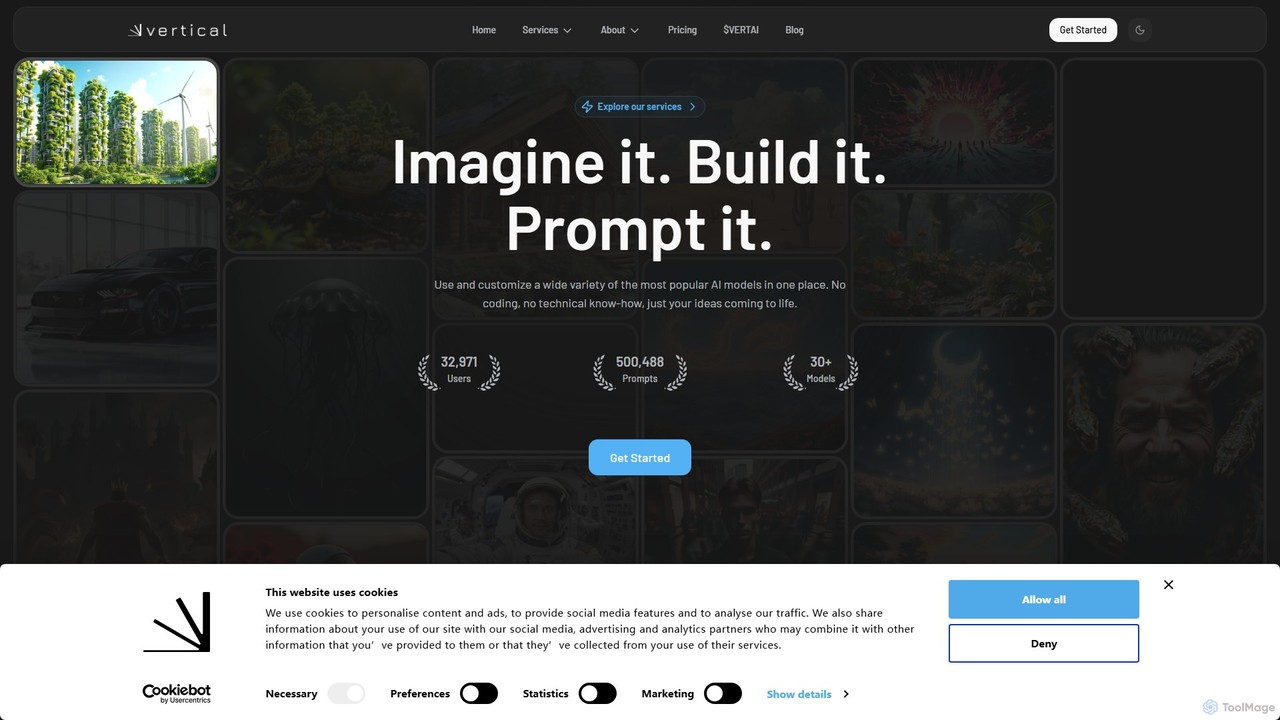
verticalstudio
Vertical Studio is an AI-powered video creation platform designed to effortlessly transform text, articles, or simple ideas into engaging vertical videos for social media. Ideal for marketers, content creators, and businesses looking to boost their presence on platforms like TikTok, Instagram Reels, and YouTube Shorts.
Video Marketing
flarecut Comments (0)
Sign in to comment.
Sign inNo comments yet.