


Microsoft Power BI Overview
Microsoft Power BI is a unified, scalable platform for self-service and enterprise business intelligence (BI). As a core part of the Microsoft Power Platform (and now Microsoft Fabric), it enables users to connect to and visualize any data, creating a single source of truth for their organization. Power BI stands out by integrating powerful AI capabilities, making advanced analytics accessible to everyone, from business analysts to C-level executives. It transforms raw data from hundreds of sources into beautiful, interactive, and easy-to-understand dashboards and reports, fostering a data-driven culture.
How to use Microsoft Power BI
The workflow in Power BI is designed to be intuitive, following a logical progression from data to insights:
- Connect to Data: Start with Power BI Desktop (a free authoring tool). Connect to a vast array of data sources, including Excel files, SQL databases, Azure services, Salesforce, Google Analytics, and many more.
- Transform and Model Data: Use the integrated Power Query Editor to clean, shape, and transform your raw data. You can merge tables, change data types, and pivot columns. Then, build a data model by creating relationships between tables, which is crucial for accurate analysis.
- Create Visualizations and Reports: In the report view, drag and drop fields onto the canvas to create stunning visualizations. Choose from a wide range of charts, graphs, maps, and tables. Arrange these visuals across multiple pages to build a comprehensive report.
- Leverage AI Features: Enhance your analysis with AI. Use the Q&A visual to ask questions in natural language (e.g., "show top 10 products by sales last year"). Employ AI visuals like 'Key Influencers' to understand what drives your metrics or 'Anomaly Detection' to automatically find outliers in time-series data.
- Publish and Share: Once your report is ready, publish it to the Power BI Service (the cloud-based component). From there, you can assemble dashboards, share them with colleagues, set up automated data refreshes, and collaborate in workspaces.
- Access Insights Anywhere: View and interact with your reports and dashboards on the web or through the Power BI mobile app for iOS and Android.
Core Features of Microsoft Power BI
- AI-Powered Insights: Includes features like Natural Language Q&A, Quick Insights which automatically surfaces patterns, and AI visuals like Key Influencers and Decomposition Tree for deep-dive analysis.
- Comprehensive Data Connectivity: Natively connects to hundreds of on-premises and cloud-based data sources.
- Power Query Editor: A powerful and intuitive tool for data ingestion, transformation, and preparation (ETL).
- DAX (Data Analysis Expressions): A formula language used to create custom calculations and measures, enabling sophisticated data modeling.
- Interactive and Customizable Visualizations: A rich library of built-in visuals, with access to a marketplace (AppSource) for hundreds more custom visuals.
- Real-time Dashboards: Ability to display and update data in real-time from streaming sources.
- Seamless Microsoft Integration: Deeply integrated with Excel, Teams, SharePoint, Azure Synapse Analytics, and the entire Microsoft Fabric ecosystem.
- Enterprise-Grade Security and Governance: Features like row-level security (RLS), data sensitivity labels, and centralized management ensure data is secure and governed.
Use Cases for Microsoft Power BI
Power BI is versatile and can be applied across all departments:
- Sales and Marketing: Analyzing sales funnels, tracking campaign ROI, monitoring social media sentiment, and segmenting customers.
- Finance: Creating financial statements, performing budget vs. actual analysis, forecasting revenue, and monitoring key financial KPIs.
- Operations: Optimizing supply chains, monitoring manufacturing floor performance, managing inventory levels, and tracking quality control metrics.
- Human Resources: Analyzing employee turnover rates, tracking recruitment pipelines, visualizing workforce demographics, and managing compensation data.
- IT: Monitoring system uptime and performance, analyzing helpdesk ticket trends, and managing IT project budgets.
Advantages of Microsoft Power BI
Power BI offers a compelling value proposition through its unique strengths:
- Accessibility: Its user-friendly interface empowers business users to perform complex analyses without needing to be data scientists.
- Cost-Effective: The 'freemium' model, with a free Desktop version and an affordable Pro license, makes it accessible to individuals and small businesses, while the Premium tier scales for enterprise needs.
- Powerful Ecosystem: Unmatched integration with the Microsoft stack (Office 365, Azure, Dynamics 365) creates a seamless workflow for many organizations.
- Continuous Innovation: Microsoft consistently invests in Power BI, regularly releasing updates with new features, particularly in the AI and machine learning space.
- Strong Community: A large and active global community provides extensive support, tutorials, and custom solutions.
Pricing and Plans
Power BI offers a flexible pricing structure to suit different needs:
- Power BI Desktop: Free. For individual users to create reports and perform data analysis on their local machine.
- Power BI Pro: A per-user monthly subscription (typically around $10/user/month). It is required for sharing reports, collaborating with other users, and publishing content to workspaces.
- Power BI Premium: Offered on a per-user or per-capacity basis. The per-user plan (around $20/user/month) includes Pro features plus larger model sizes and advanced AI. The per-capacity plan is for large enterprises, providing dedicated resources for better performance, larger datasets, and distribution of content to free users.
- Microsoft Fabric: Power BI is now integrated into Microsoft Fabric, an all-in-one analytics solution. Pricing can also be based on Fabric capacity, which includes Power BI Premium capabilities.
Traffic
Latest traffic
Status
Monthly traffic trend
- 2026-1: 53.0M
- 2026-2: 51.8M
- 2026-3: 58.7M
- 2026-4: 56.0M
- 2026-5: 53.6M
Geography
Top 5 countries / regions
- 🇺🇸United States46.6%
- 🇧🇷Brazil27.1%
- 🇮🇳India10.3%
- 🇬🇧United Kingdom8.9%
- 🇦🇺Australia7.2%
Traffic sources
| Source type | Percentage |
|---|---|
Direct | 55.9% |
Referral | 39.5% |
Email | 4.6% |
Top keywords
| Keyword | Cost per click |
|---|---|
| power bi | $1.06 |
| powerbi | $1.11 |
| tamil nadu election results | $0.00 |
| tamilnadu election results | $0.00 |
| tn election results | $0.00 |
Microsoft Power BI Videos on YouTube

Microsoft Power BI

Microsoft Power BI

Microsoft Power BI
Microsoft Power BI Alternatives
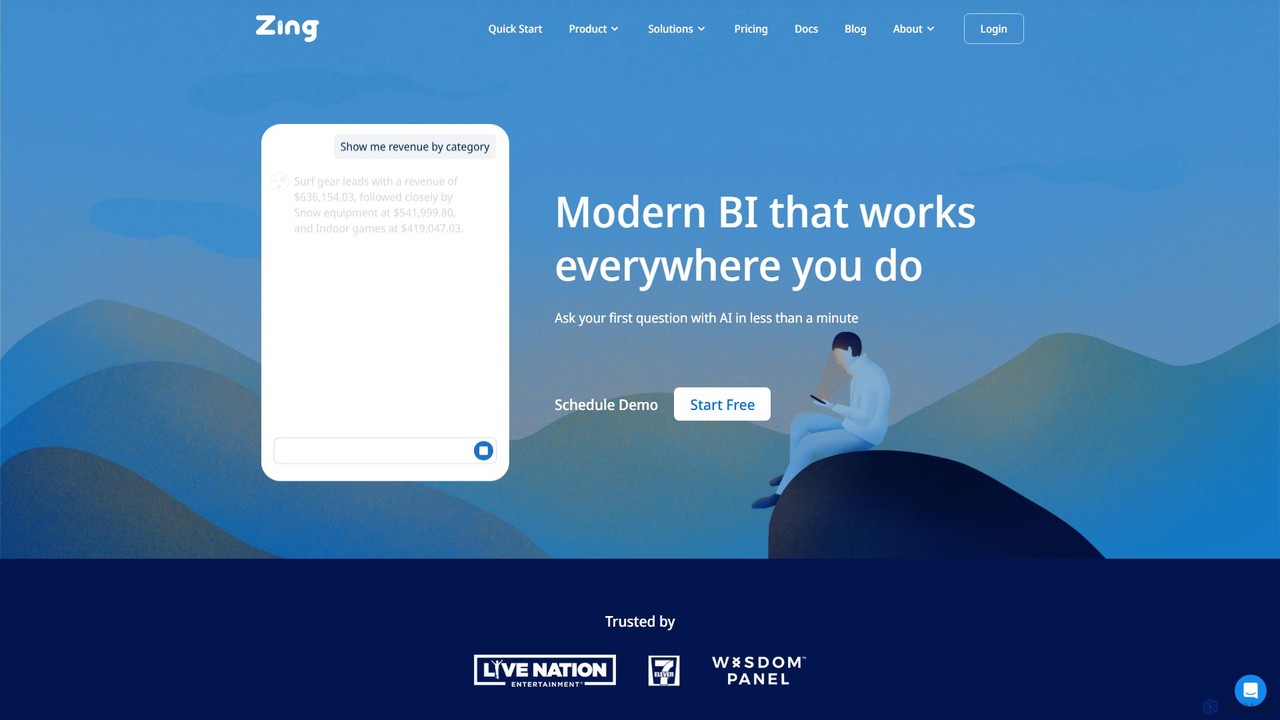
Zing Data
Zing Data is a GenAI-powered business intelligence (BI) platform that enables users to query data using natural language. It works across web and mobile, connecting to various data sources to create interactive visualizations and real-time alerts without complex data modeling, making data analysis accessible to everyone.
Business Intelligence
prisms.ai
Prisms.ai is an AI-powered data analytics and visualization platform that transforms complex data into clear, interactive dashboards. It allows users to ask questions in natural language and receive instant, AI-generated insights, charts, and reports, making data-driven decision-making accessible to everyone in an organization.
Business Intelligence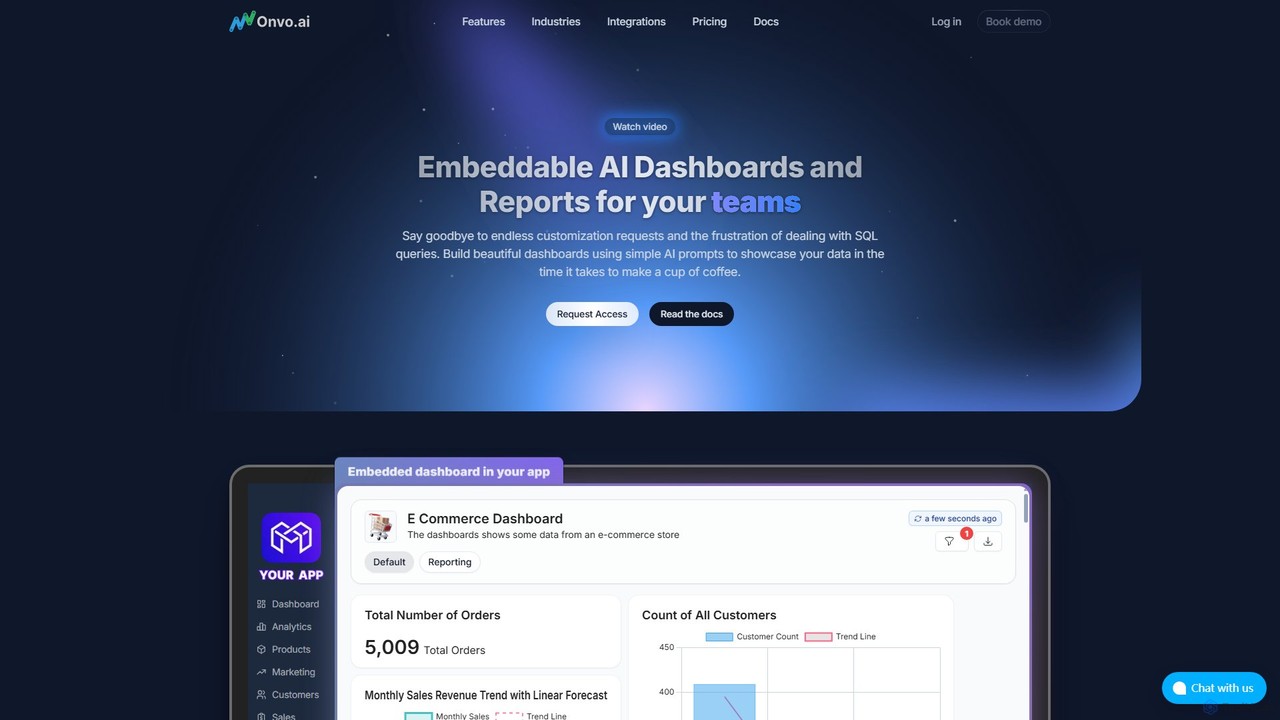
Onvo AI
Onvo AI is a powerful platform for building and embedding AI-driven dashboards and reports directly into your applications. It replaces complex SQL queries with simple natural language prompts, allowing both technical and non-technical users to create stunning data visualizations effortlessly. This solution saves significant engineering resources and empowers your teams and customers with secure, self-service analytics.
Business Intelligence
Sisense
Sisense is an AI-powered embedded analytics platform that enables businesses to infuse analytics into their products, applications, and workflows. It provides a comprehensive suite of tools for data integration, visualization, and delivering actionable insights to both internal users and customers.
Business Intelligence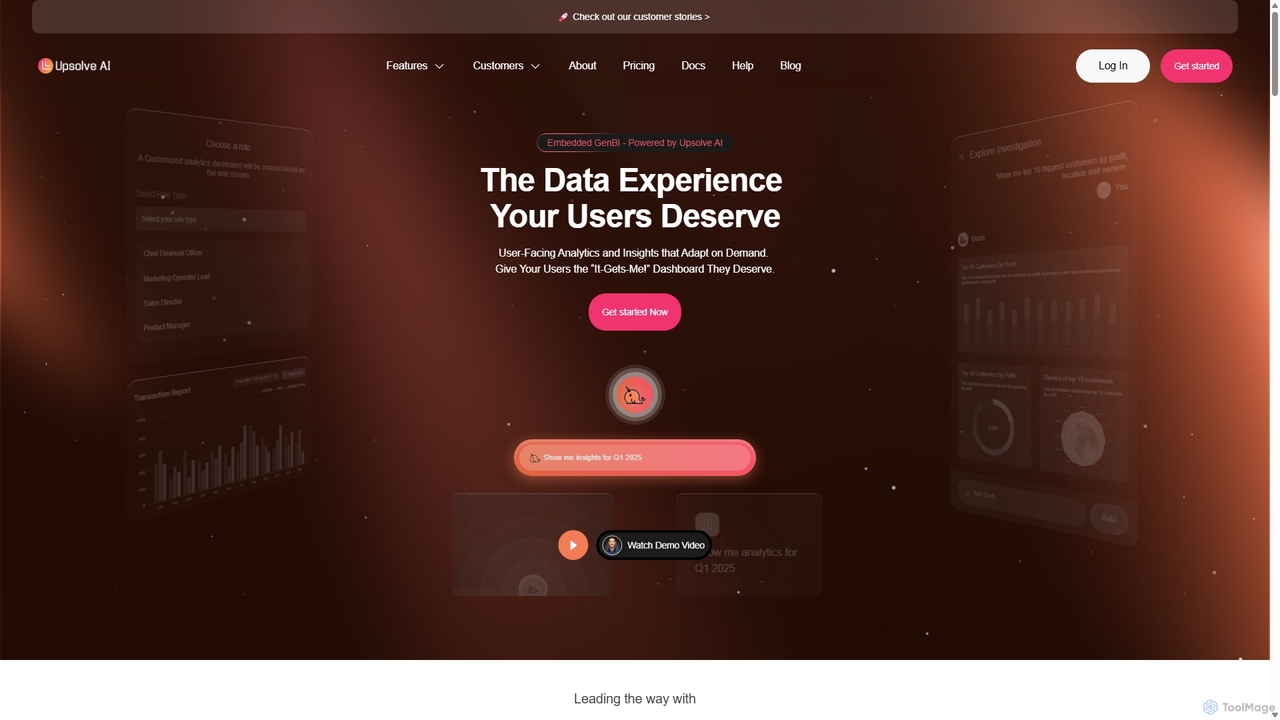
Upsolve AI
Upsolve AI is an embedded Generative Business Intelligence (GenBI) platform that enables SaaS companies to integrate AI-powered, hyper-personalized analytics dashboards directly into their products. It allows end-users to interact with data using natural language, providing actionable insights and a seamless, self-service data experience without requiring extensive development resources.
Business IntelligenceMicrosoft Power BI Categories
Microsoft Power BI Embed Widget
Copy this embed code to place the badge on your blog, article, or product site and send readers directly to this ToolMage detail page.

Related AI tools
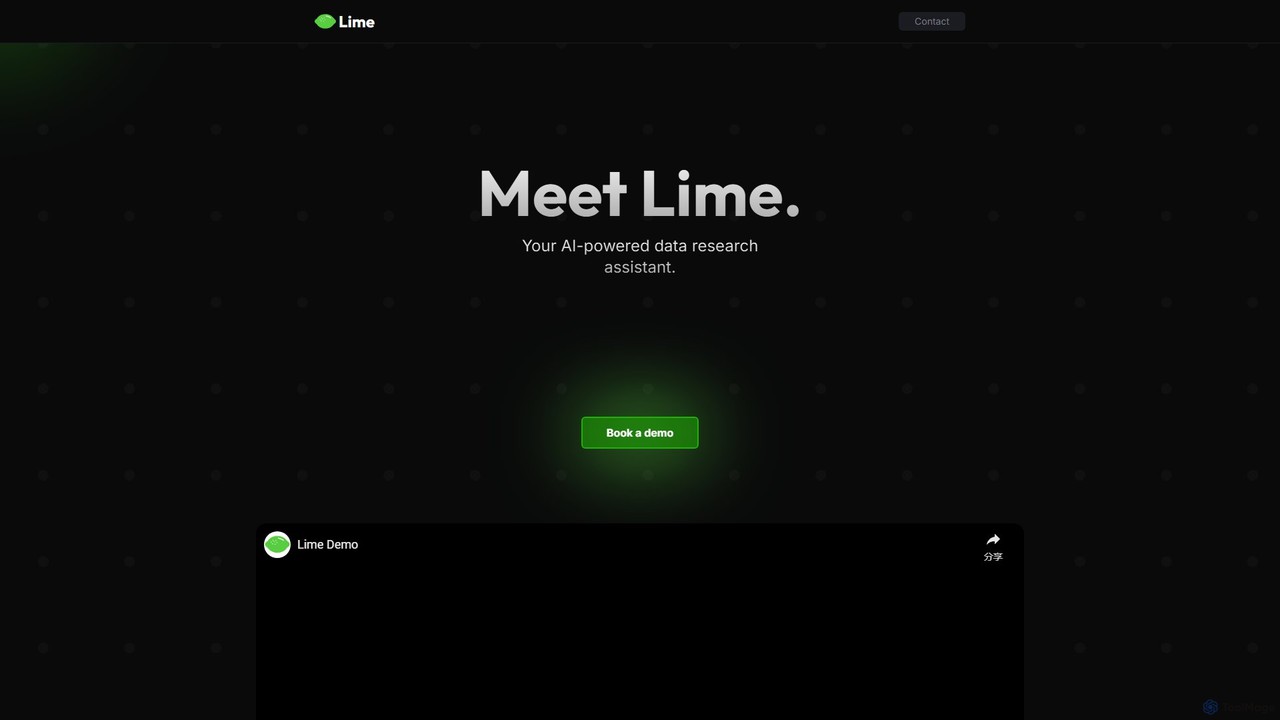
datalimeai
datalimeai is an AI-powered data research assistant that simplifies complex data analysis. It allows users to ask questions in natural language, automates data collection and visualization, and generates insightful reports to accelerate business intelligence and decision-making.
Business IntelligenceZing Data
Zing Data is a GenAI-powered business intelligence (BI) platform that enables users to query data using natural language. It works across web and mobile, connecting to various data sources to create interactive visualizations and real-time alerts without complex data modeling, making data analysis accessible to everyone.
Business Intelligenceprisms.ai
Prisms.ai is an AI-powered data analytics and visualization platform that transforms complex data into clear, interactive dashboards. It allows users to ask questions in natural language and receive instant, AI-generated insights, charts, and reports, making data-driven decision-making accessible to everyone in an organization.
Business IntelligenceOnvo AI
Onvo AI is a powerful platform for building and embedding AI-driven dashboards and reports directly into your applications. It replaces complex SQL queries with simple natural language prompts, allowing both technical and non-technical users to create stunning data visualizations effortlessly. This solution saves significant engineering resources and empowers your teams and customers with secure, self-service analytics.
Business Intelligence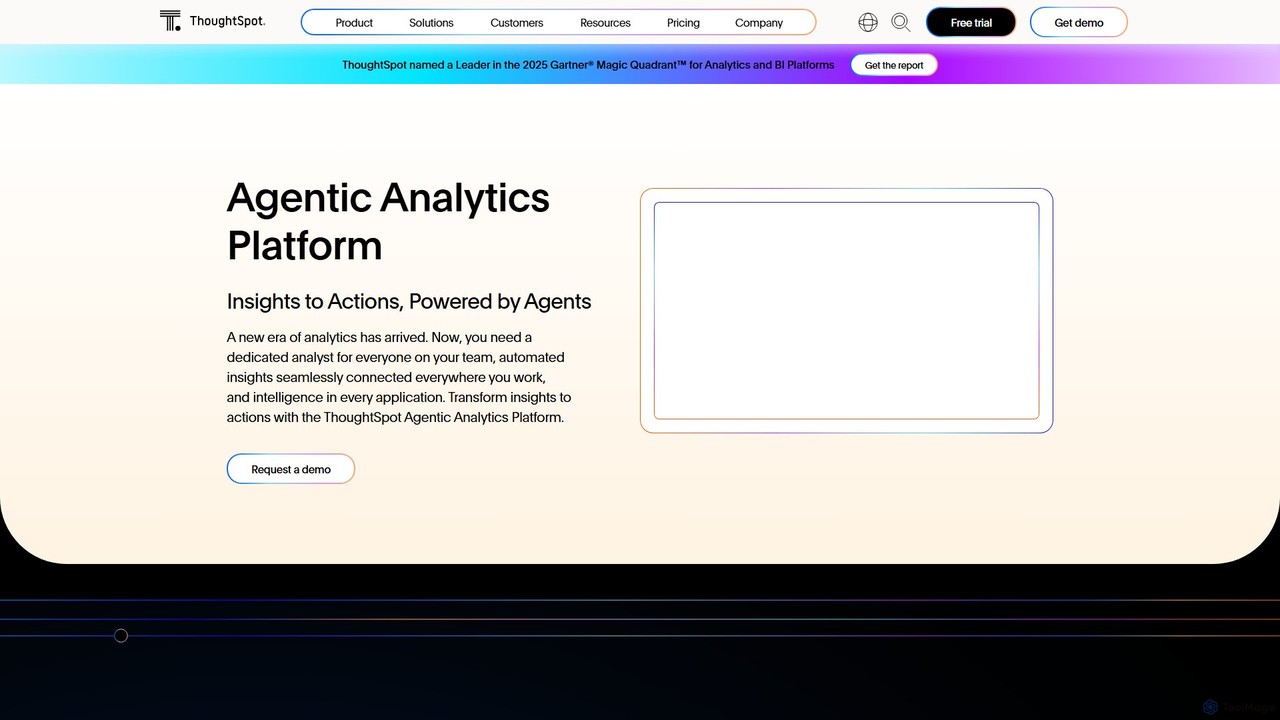
ThoughtSpot
ThoughtSpot is an AI-powered Agentic Analytics platform that enables anyone to get granular, data-driven insights using natural language search. It features AI agents, interactive dashboards, and embedded analytics to democratize data and accelerate decision-making across enterprises.
Business Intelligence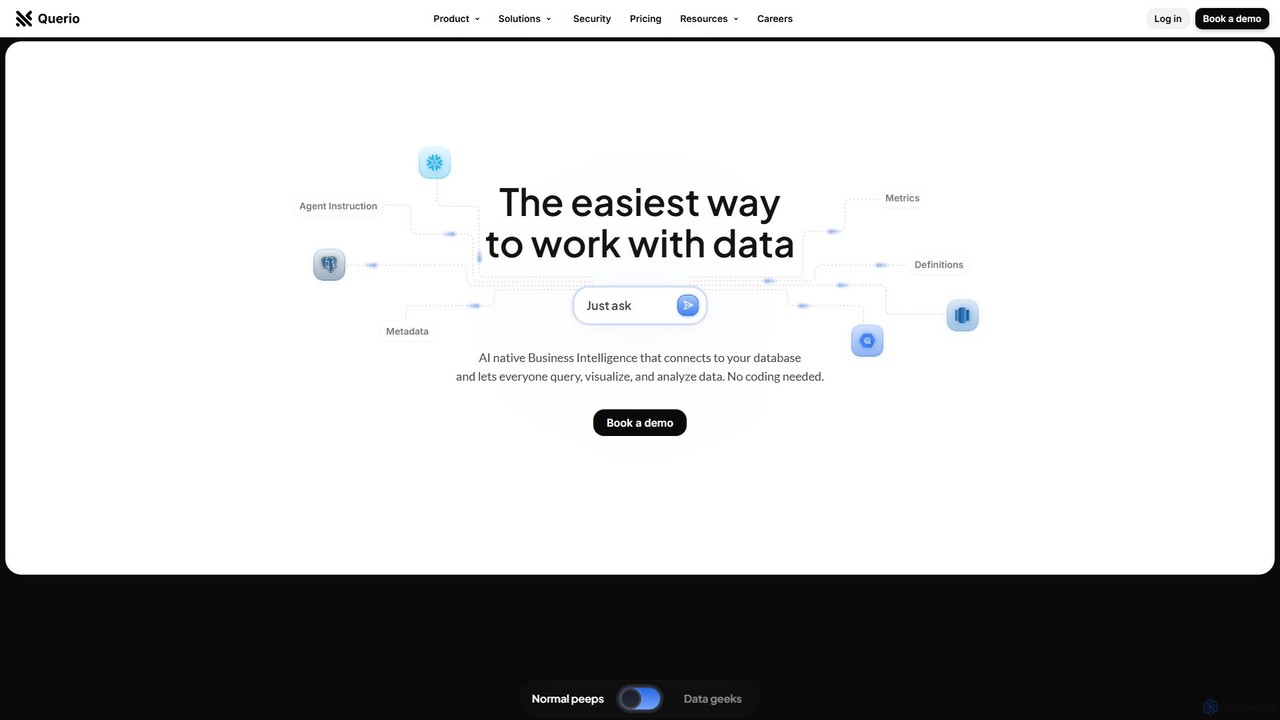
Querio
Querio is an AI-native Business Intelligence (BI) platform that allows teams to analyze their data using natural language. Connect directly to your database and ask questions to generate queries, visualizations, and reports without writing any code. It's designed for both technical and non-technical users to make data-driven decisions quickly.
Business Intelligence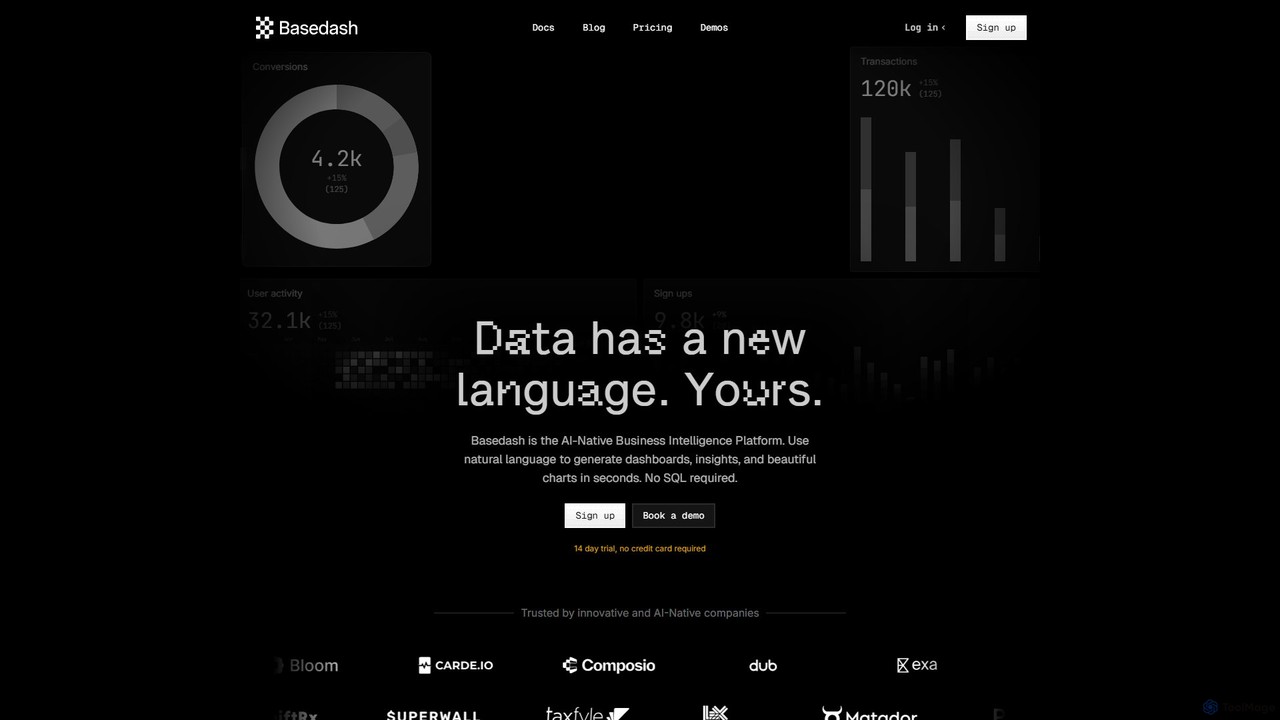
Basedash
Basedash is an AI-native business intelligence platform that allows teams to interact with their data using natural language. Generate beautiful dashboards, charts, and insights in seconds without writing any SQL code. Connect your data sources and simply ask questions to get answers.
Business Intelligence
Jyek
Jyek is an AI agent platform that understands objectives, creates execution plans, uses tools, and delivers verifiable results for complex, multi-step tasks.
Automation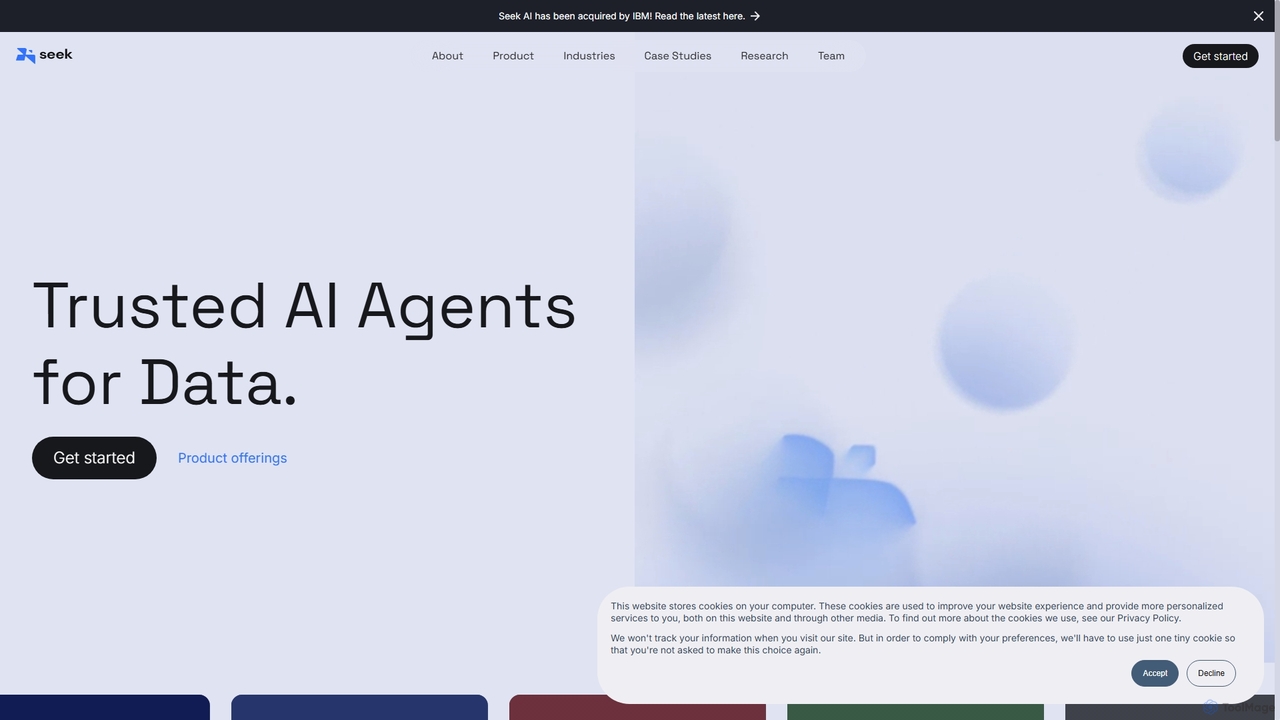
Seek AI
Seek AI is a generative AI platform for data analytics that empowers users to query databases, generate reports, and create visualizations using natural language. It automates the text-to-SQL process, making data accessible to non-technical users and accelerating insights for data teams.
Business Intelligence
insyte
insyte is an AI-powered business intelligence platform that transforms complex data into clear, actionable insights. Ask questions in natural language, create interactive dashboards, and uncover hidden trends to drive business growth without needing a data scientist.
Business Intelligence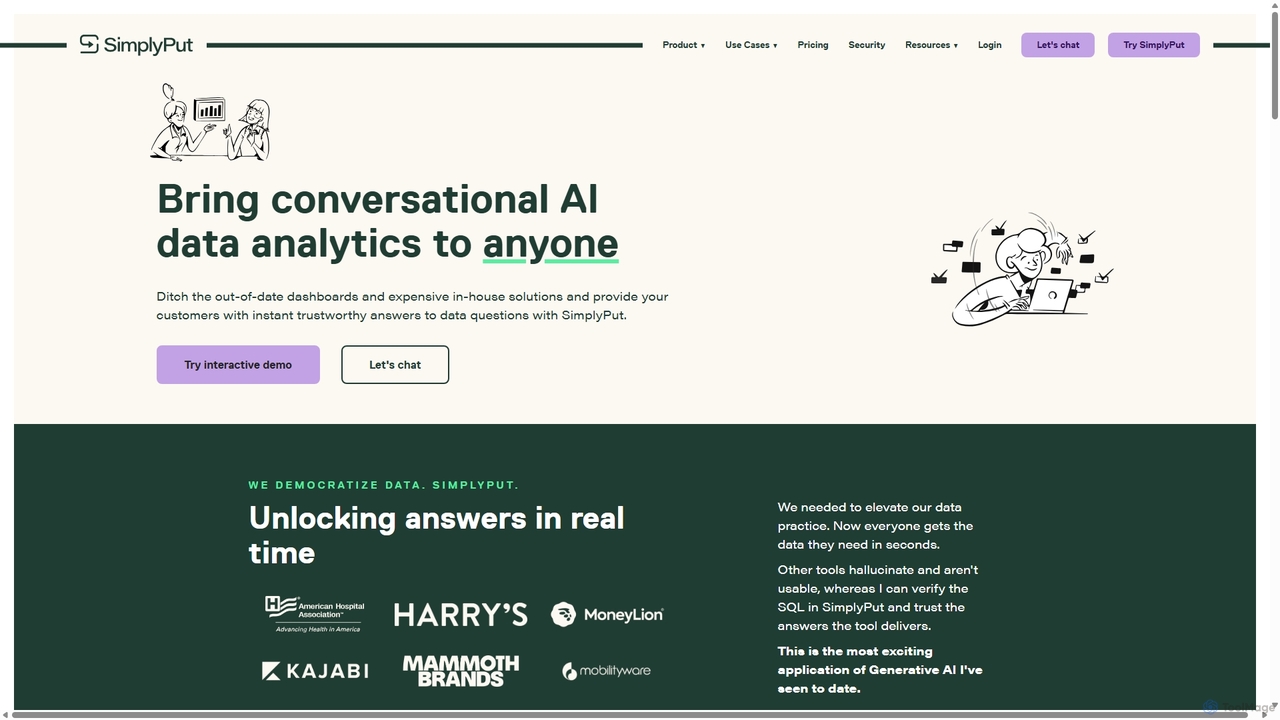
SimplyPut
SimplyPut is a conversational AI data analytics platform that empowers anyone to get instant, trustworthy answers from their data. By asking questions in natural language, users can bypass static dashboards and complex queries, making data-driven decision-making accessible to all teams, from marketing to finance.
Business Intelligence
QueryHub
QueryHub is an AI-powered business intelligence platform that allows users to query their data using natural language. Connect to various data sources, ask complex questions in plain English, and instantly receive answers, visualizations, and reports. It democratizes data analysis, making it accessible to non-technical team members.
Business Intelligence
viewlocity
viewlocity is an AI-powered business intelligence platform that transforms complex data into clear, actionable insights. It enables users to create interactive dashboards, perform predictive analysis, and query data using natural language, accelerating data-driven decision-making for teams of all sizes.
Business Intelligence
EzInsights
EzInsights is an AI-powered business intelligence platform that enables users to interact with their data using natural language. It combines generative AI with advanced analytics and visualization tools to provide instant, data-driven insights, automated reports, and predictive analytics, empowering teams to make smarter decisions without technical expertise.
Data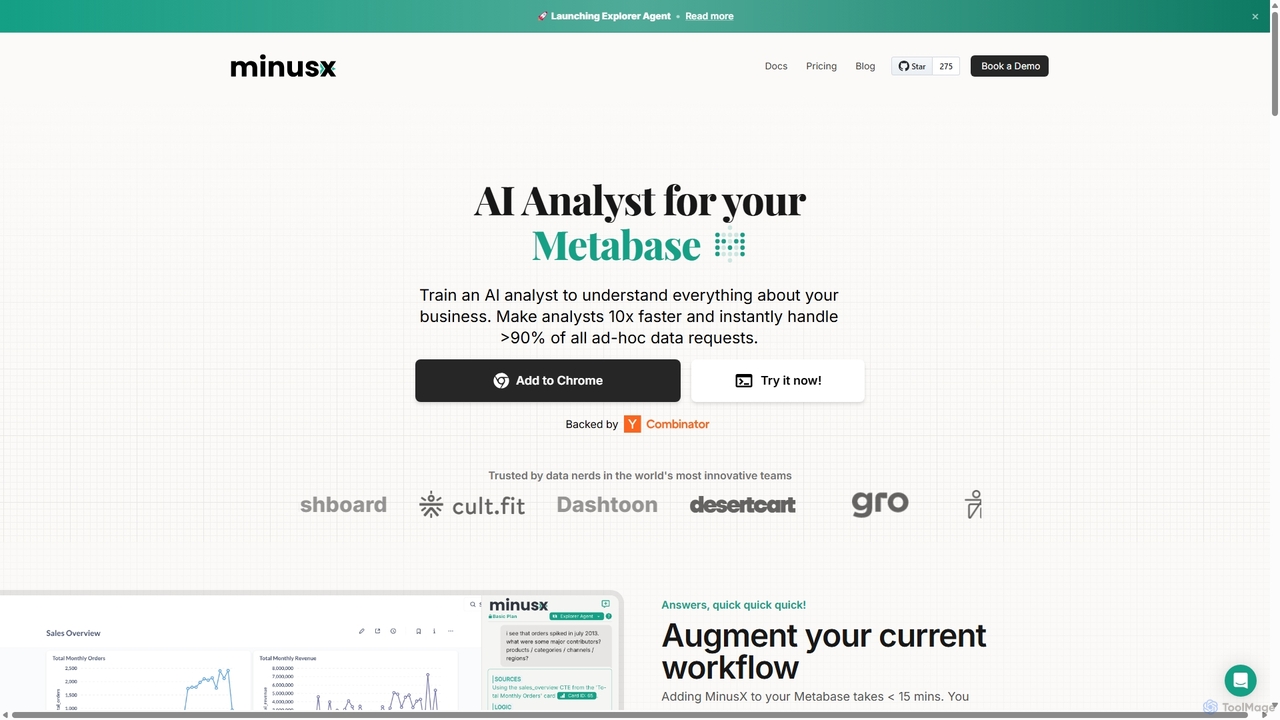
Minusx
Minusx is an AI data analyst designed to integrate seamlessly with Metabase. It empowers data analysts, business users, and executives to query data using natural language, handling over 90% of ad-hoc requests instantly. By acting as a Chrome extension within your existing workflow, Minusx enhances productivity, codifies business knowledge through 'Context Engineering', and provides quick, accurate insights directly from your dashboards and reports, all while ensuring data security.
Analytics
Microsoft Power BI Comments (0)
Sign in to comment.
Sign inNo comments yet.