


rephrasee Overview
rephrasee is an advanced AI-powered writing assistant engineered to transform and elevate your writing. At its core, rephrasee is a sophisticated paraphrasing tool that goes beyond simple synonym replacement. It utilizes cutting-edge natural language processing (NLP) models to understand the context and meaning of your original text, allowing it to generate new versions that are clearer, more engaging, and stylistically appropriate for your intended audience. Whether you're a student striving for academic integrity, a content creator looking to repurpose material, or a business professional drafting a crucial email, rephrasee provides the support you need to articulate your ideas perfectly.
The platform is designed with user-friendliness in mind, offering a clean and intuitive interface that makes the process of rewriting seamless. It aims to not only improve the final written product but also to serve as a learning tool, helping users discover new ways to express themselves and enhance their overall writing skills.
How to use rephrasee
Using rephrasee is a straightforward and efficient process designed for users of all skill levels. Follow these simple steps to refine your text:
- Input Your Text: Begin by typing or pasting the text you wish to modify directly into the editor on the rephrasee website.
- Select a Mode: Choose from various rephrasing modes to match your goal. Options might include 'Standard' for general improvements, 'Formal' for professional documents, 'Creative' for more imaginative language, 'Simple' for improved readability, or 'Academic' for scholarly work.
- Generate and Review: Click the 'Rephrase' button to let the AI work its magic. Within seconds, rephrasee will provide one or more rewritten versions of your text. You can compare the output with the original side-by-side.
- Customize and Refine: Fine-tune the result. Click on individual words to see a list of synonyms and select the best fit. Adjust sentences manually if needed to achieve the perfect tone and message.
- Finalize and Use: Once you are satisfied with the rephrased content, simply copy it to your clipboard and paste it into your document, email, or social media post.
Core Features of rephrasee
- Multi-Mode Paraphrasing: Offers several distinct modes (e.g., Standard, Formal, Creative, Academic, Shorten, Expand) to ensure the output perfectly matches the context and purpose of your writing.
- Tone and Style Adjustment: Allows users to easily switch the tone of their text, from professional and assertive to friendly and casual, ensuring the message resonates with the intended audience.
- Grammar and Fluency Checker: Integrates a powerful grammar, spelling, and punctuation checker that corrects errors and improves the overall fluency of the text, making it sound more natural and polished.
- Built-in Plagiarism Checker: Helps users ensure the originality of their work by scanning the rephrased content against a vast database of online sources, providing peace of mind for academic and professional submissions.
- Advanced Synonym Library: Features a context-aware thesaurus that suggests relevant synonyms, helping to enrich vocabulary and avoid repetitive language.
- Multi-Language Support: Capable of understanding and rephrasing text in numerous languages, making it a valuable tool for international users and language learners.
- Text Summarizer: Includes a feature to condense long articles, reports, or papers into concise summaries, extracting key points and main ideas efficiently.
Use Cases for rephrasee
rephrasee is a versatile tool with applications across various fields:
- For Students and Academics: To paraphrase research findings, avoid plagiarism in essays and dissertations, and improve the clarity of complex academic arguments.
- For Content Creators and Bloggers: To overcome writer's block, repurpose existing content for different platforms (e.g., blog post to Twitter thread), and generate unique article variations for SEO purposes.
- For Marketers: To craft compelling ad copy, A/B test different versions of marketing emails and landing pages, and create engaging social media updates.
- For Business Professionals: To write clear and concise reports, proposals, and presentations. It's also perfect for polishing important emails to ensure a professional tone.
- For Non-Native English Speakers: To improve their written English, making it sound more natural and fluent, and to learn new vocabulary and sentence structures.
Advantages of rephrasee
rephrasee offers significant advantages over manual writing and other basic tools. It dramatically increases writing efficiency, saving hours of time spent on editing and rewriting. The AI-driven suggestions enhance the quality and clarity of the text, ensuring your message is powerful and easily understood. By providing multiple perspectives on the same idea, it helps break through creative barriers and fosters a more dynamic writing process. Most importantly, it champions originality, giving users the confidence that their work is unique and free from plagiarism.
Pricing and Plans
rephrasee likely operates on a freemium model to cater to a wide range of users:
- Free Plan: Ideal for casual users, this plan would offer basic rephrasing features with certain limitations, such as a character or word count limit per submission and a cap on daily usage.
- Premium Plan: Aimed at individuals like students, freelancers, and professionals, this plan would unlock unlimited usage, access to all advanced modes (Creative, Formal, etc.), a more powerful grammar checker, and the integrated plagiarism checker.
- Team Plan: Designed for businesses and educational institutions, this plan would include all premium features, plus centralized billing, user management dashboards, and priority customer support.
For the most accurate and current pricing information, please visit the official rephrasee website.
rephrasee Alternatives
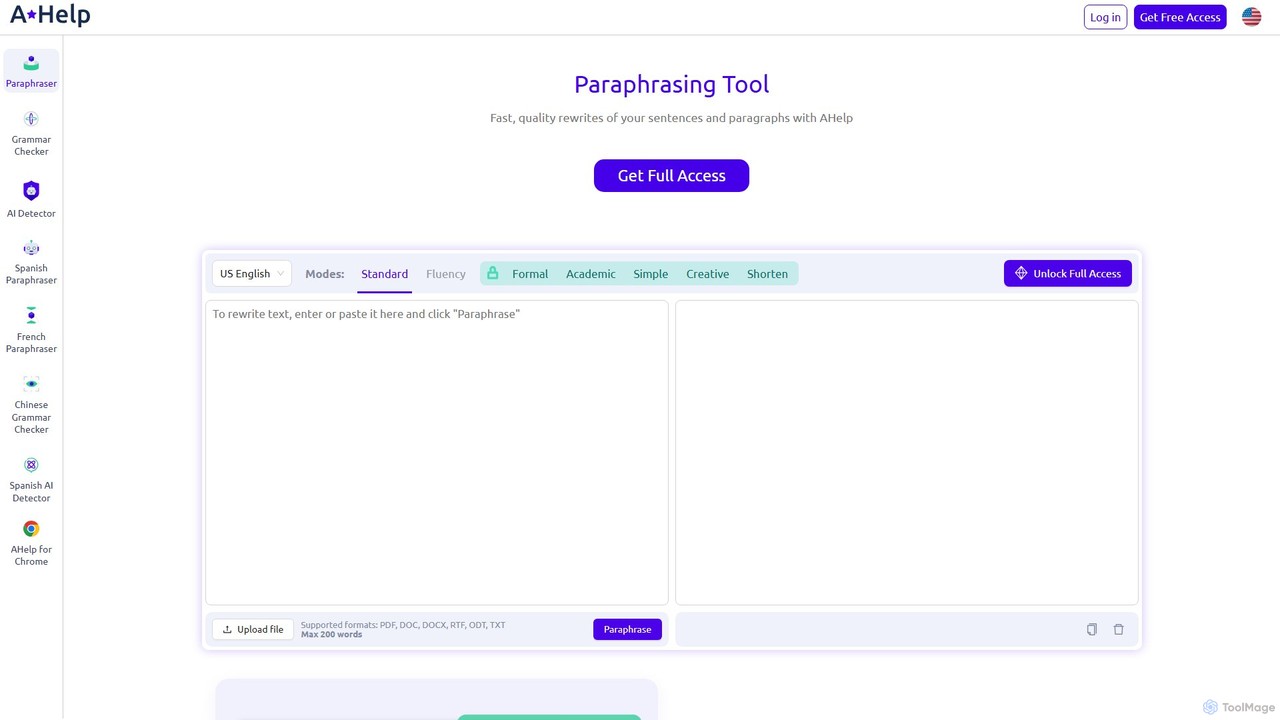
Paraphraser.io
Paraphraser.io is a comprehensive AI-powered writing suite designed to enhance text quality. It offers a multi-mode paraphrasing tool, a plagiarism checker, a grammar corrector, a text summarizer, and an AI humanizer. Ideal for students, writers, and professionals, it helps create unique, fluent, and error-free content for any purpose, from academic papers to social media posts.
Academic Writing
Paraphrase Tool
An advanced AI-powered paraphrasing tool designed to rephrase text, remove plagiarism, and humanize AI-generated content. It offers multiple writing modes, including Creative, Academic, and SEO, to enhance text quality for writers, students, and marketers. It operates on a freemium model, providing both free and premium features.
Academic Writing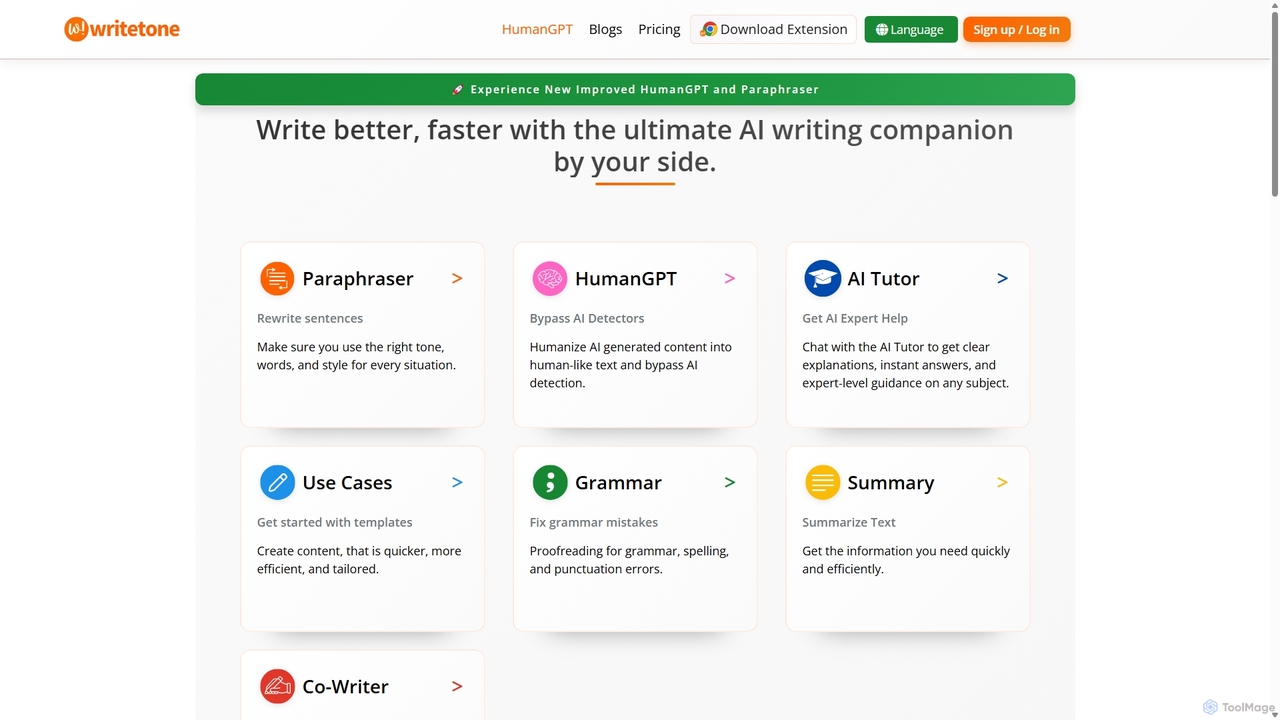
Writetone
Writetone is an AI-powered writing companion designed to help users write better and faster. It offers a comprehensive suite of tools including a paraphraser, grammar checker, summarizer, and a unique HumanGPT feature to bypass AI detection. With over 90 writing tones and support for 50+ languages, it adapts to any writing style for emails, academic papers, marketing copy, and more. It's an all-in-one platform for students, marketers, and writers.
Academic Writing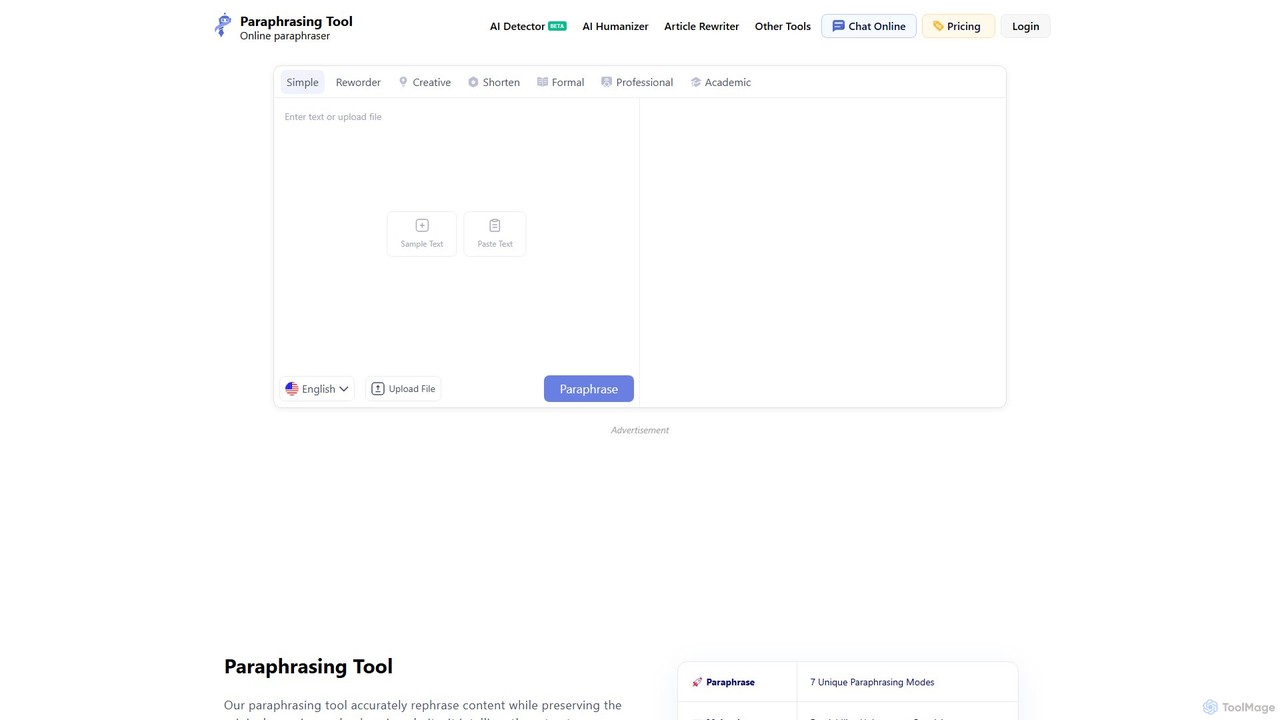
Paraphrasing.io
Paraphrasing.io is an advanced AI-powered paraphrasing tool designed to rephrase text accurately while preserving its original meaning. It offers seven unique writing modes to cater to various needs, from academic to professional. Supporting over 17 languages, it helps users create unique, clear, and plagiarism-free content, enhancing readability and overall quality. The tool is ideal for students, writers, SEO specialists, and copywriters.
Academic Writing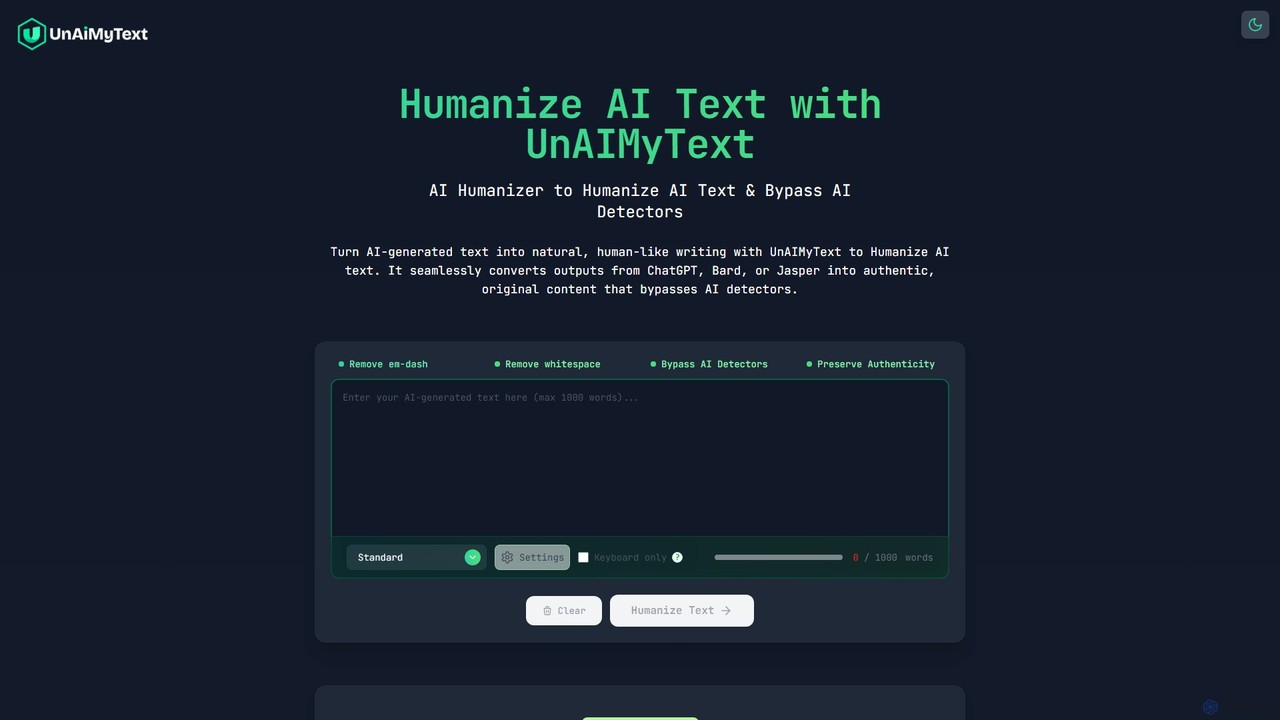
UnAIMyText
A free, unlimited AI humanizer that transforms robotic AI-generated text into natural, human-like writing. It helps bypass AI detectors, preserves the original meaning, and supports multiple languages without requiring any sign-up.
Academic Writingrephrasee Categories
rephrasee Embed Widget
Copy this embed code to place the badge on your blog, article, or product site and send readers directly to this ToolMage detail page.

Related AI tools
Paraphraser.io
Paraphraser.io is a comprehensive AI-powered writing suite designed to enhance text quality. It offers a multi-mode paraphrasing tool, a plagiarism checker, a grammar corrector, a text summarizer, and an AI humanizer. Ideal for students, writers, and professionals, it helps create unique, fluent, and error-free content for any purpose, from academic papers to social media posts.
Academic Writing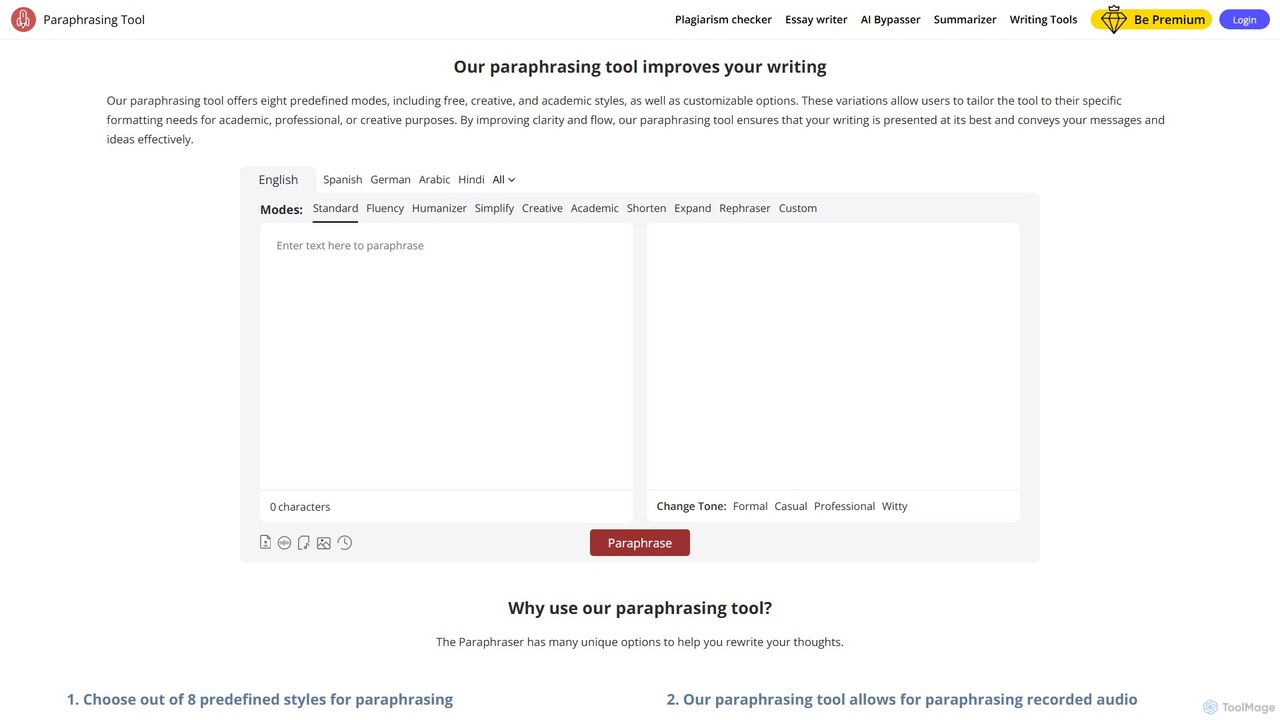
Paraphrasingtool.ai
Paraphrasingtool.ai is a comprehensive AI-powered writing assistant that helps users improve their writing. It offers multiple paraphrasing modes, a tone changer, grammar checking, and a plagiarism detector. It supports various input methods, including text, documents, voice, and images, making it a versatile tool for students, writers, marketers, and professionals to create clear, original, and engaging content.
Academic Writing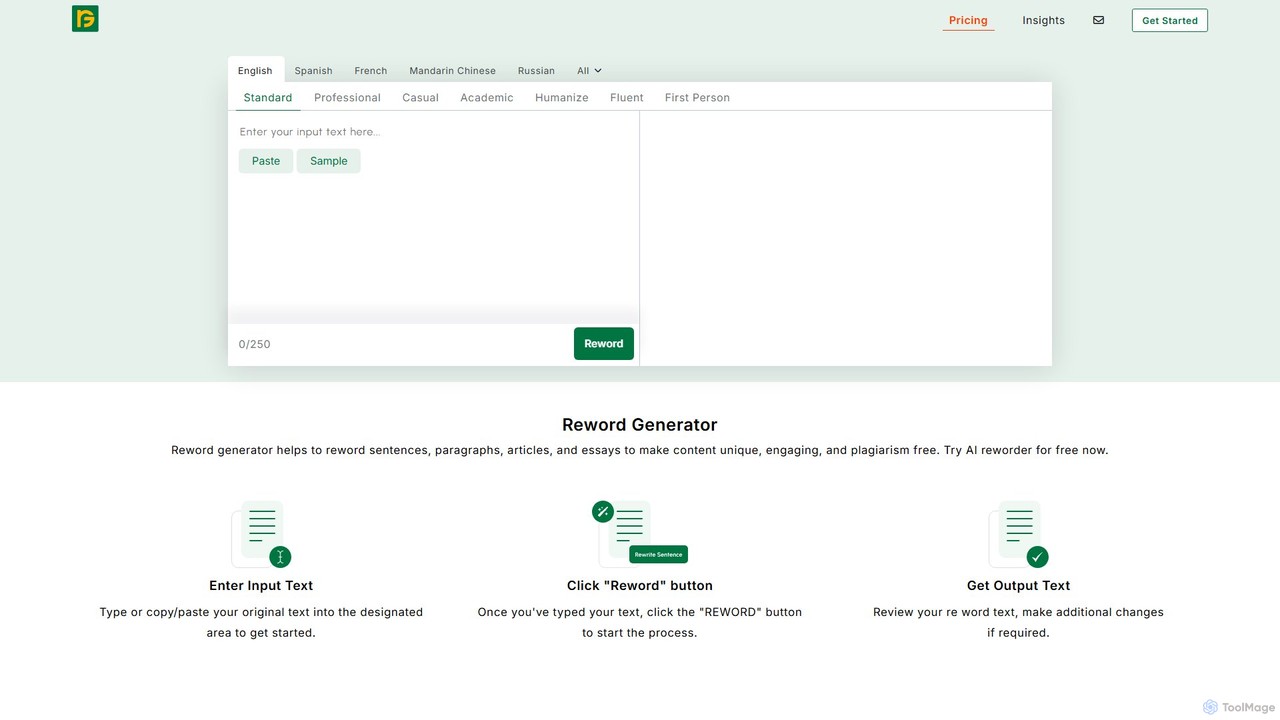
Reword Generator
Reword Generator is an advanced AI-powered tool designed to rephrase sentences, paragraphs, and entire articles. It helps users create unique, engaging, and plagiarism-free content by improving writing style, fixing grammatical errors, and adjusting the tone. It supports multiple languages and writing modes, making it a versatile writing assistant for students, writers, and professionals.
Academic Assistance
Paraphrase Tool
An advanced AI-powered paraphrasing tool designed to rephrase text, remove plagiarism, and humanize AI-generated content. It offers multiple writing modes, including Creative, Academic, and SEO, to enhance text quality for writers, students, and marketers. It operates on a freemium model, providing both free and premium features.
Academic WritingWritetone
Writetone is an AI-powered writing companion designed to help users write better and faster. It offers a comprehensive suite of tools including a paraphraser, grammar checker, summarizer, and a unique HumanGPT feature to bypass AI detection. With over 90 writing tones and support for 50+ languages, it adapts to any writing style for emails, academic papers, marketing copy, and more. It's an all-in-one platform for students, marketers, and writers.
Academic Writing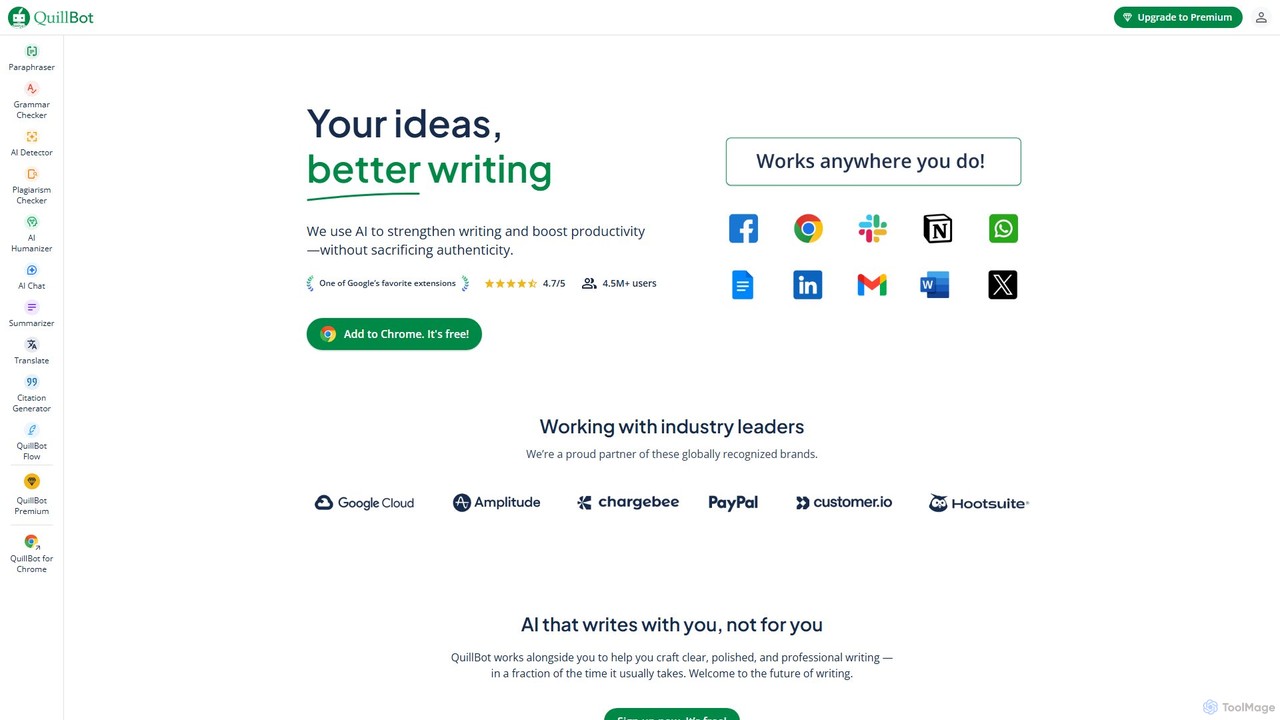
QuillBot
QuillBot is a comprehensive AI-powered writing platform designed to enhance writing quality and productivity. It offers a suite of tools including a state-of-the-art paraphraser, grammar checker, summarizer, plagiarism checker, and citation generator. Ideal for students, professionals, and content creators, QuillBot helps users articulate their ideas clearly, confidently, and efficiently, ensuring every piece of writing is polished and professional.
Academic
Paraphrase Tool
An AI-powered writing assistant that offers paraphrasing in over 100 languages with 18+ writing modes. It also includes a plagiarism checker, grammar checker, text generator from keywords, and an automatic citation creator, making it an all-in-one solution for students, writers, and content creators.
Academic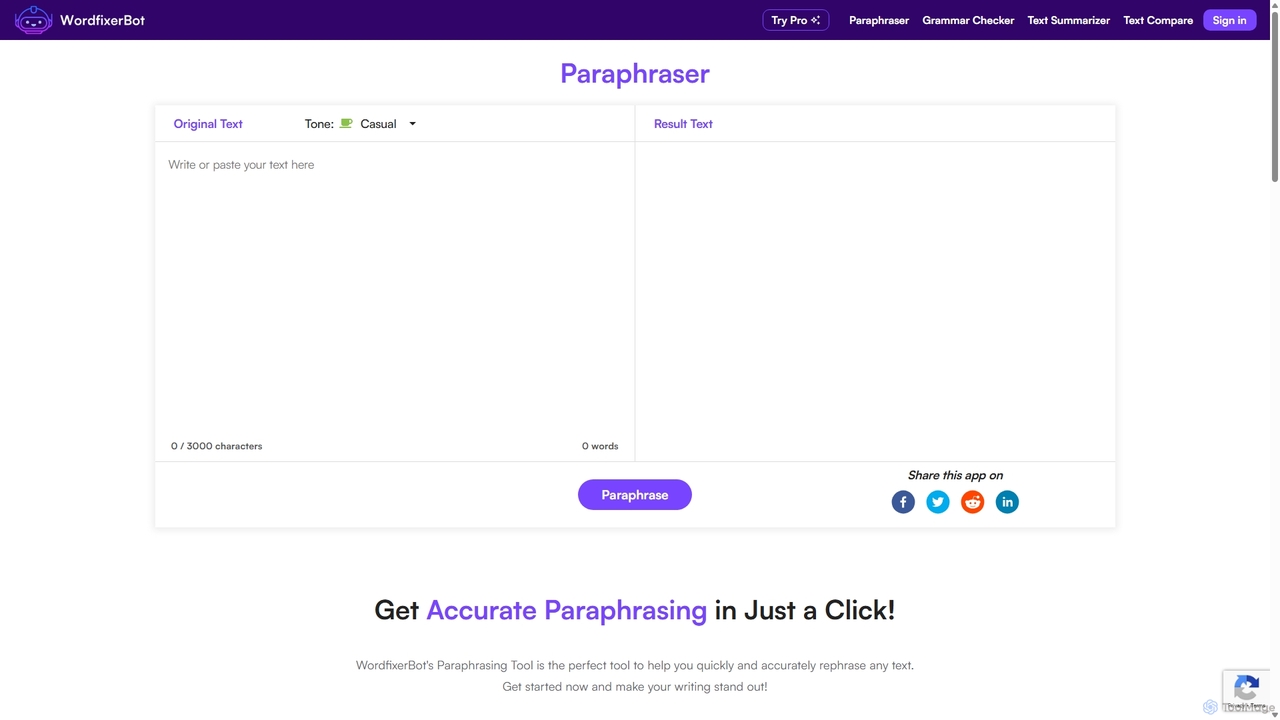
WordfixerBot
WordfixerBot is an AI-powered writing suite designed to enhance text quality. It offers a versatile paraphrasing tool with multiple tones, an accurate grammar checker, a concise text summarizer, and a text comparison tool. Ideal for students, writers, and professionals to improve clarity, avoid plagiarism, and streamline their writing process.
Learning
Wordtune
Wordtune is an AI-powered writing companion and paraphrasing tool that helps you rewrite, rephrase, and improve your text. It offers features like tone adjustment, text shortening/expansion, summarization, and translation into English, ensuring your writing is clear, compelling, and authentic across various platforms.
Email Assistant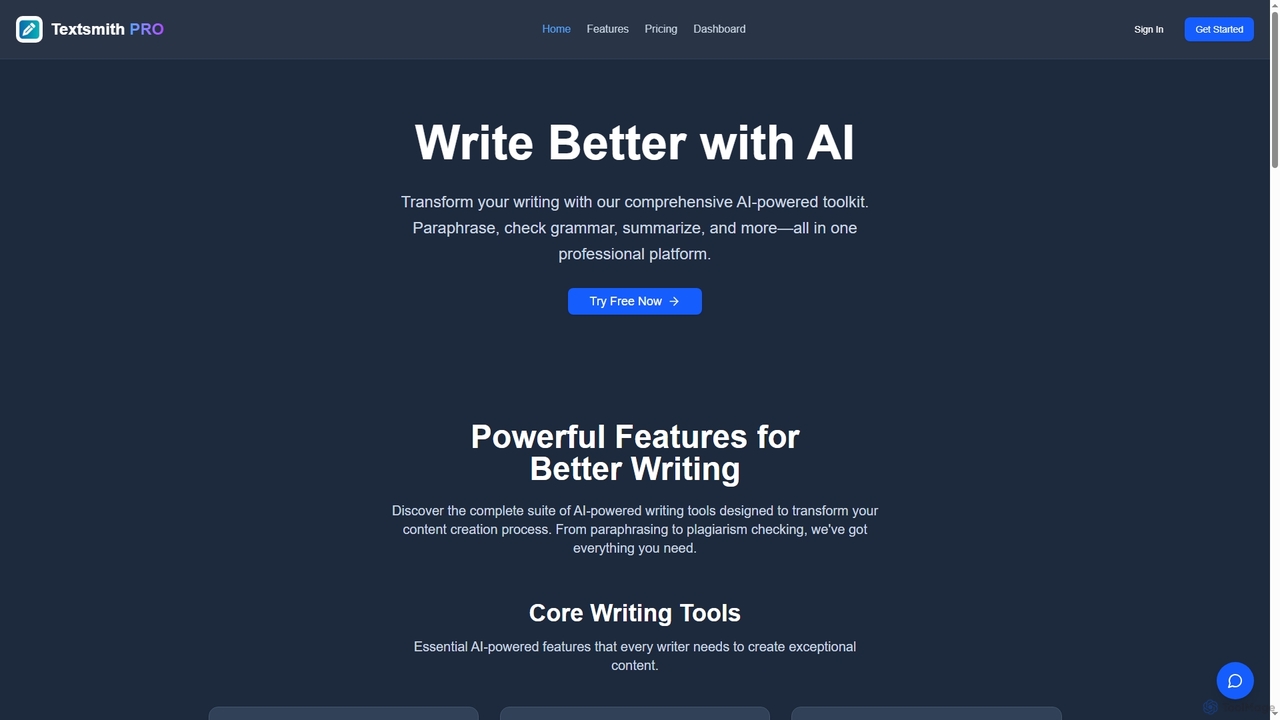
Textsmith Pro
Textsmith Pro is a comprehensive AI writing assistant designed to enhance writing quality and productivity. It offers a suite of tools including an advanced paraphraser with 10+ modes, a grammar checker, plagiarism detection, an AI humanizer, a smart translator for over 20 languages, and a citation generator. Ideal for writers, students, and professionals, it helps create clear, original, and publication-ready content efficiently.
ResearchParaphrasing.io
Paraphrasing.io is an advanced AI-powered paraphrasing tool designed to rephrase text accurately while preserving its original meaning. It offers seven unique writing modes to cater to various needs, from academic to professional. Supporting over 17 languages, it helps users create unique, clear, and plagiarism-free content, enhancing readability and overall quality. The tool is ideal for students, writers, SEO specialists, and copywriters.
Academic WritingUnAIMyText
A free, unlimited AI humanizer that transforms robotic AI-generated text into natural, human-like writing. It helps bypass AI detectors, preserves the original meaning, and supports multiple languages without requiring any sign-up.
Academic Writing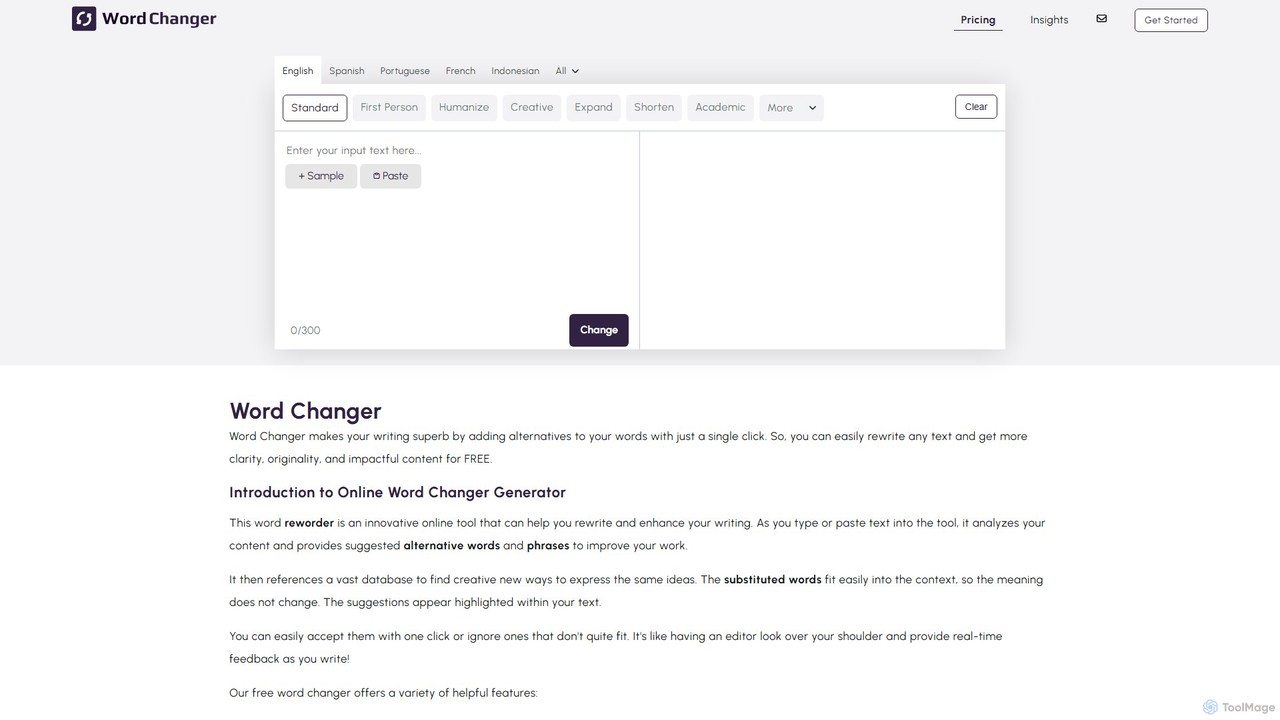
WordChanger
WordChanger is an AI-powered writing assistant that helps you rewrite and enhance text. It offers multiple modes for paraphrasing, improves vocabulary, adjusts tone, checks for plagiarism, and supports multiple languages to make your writing clear, original, and impactful.
Academic Writing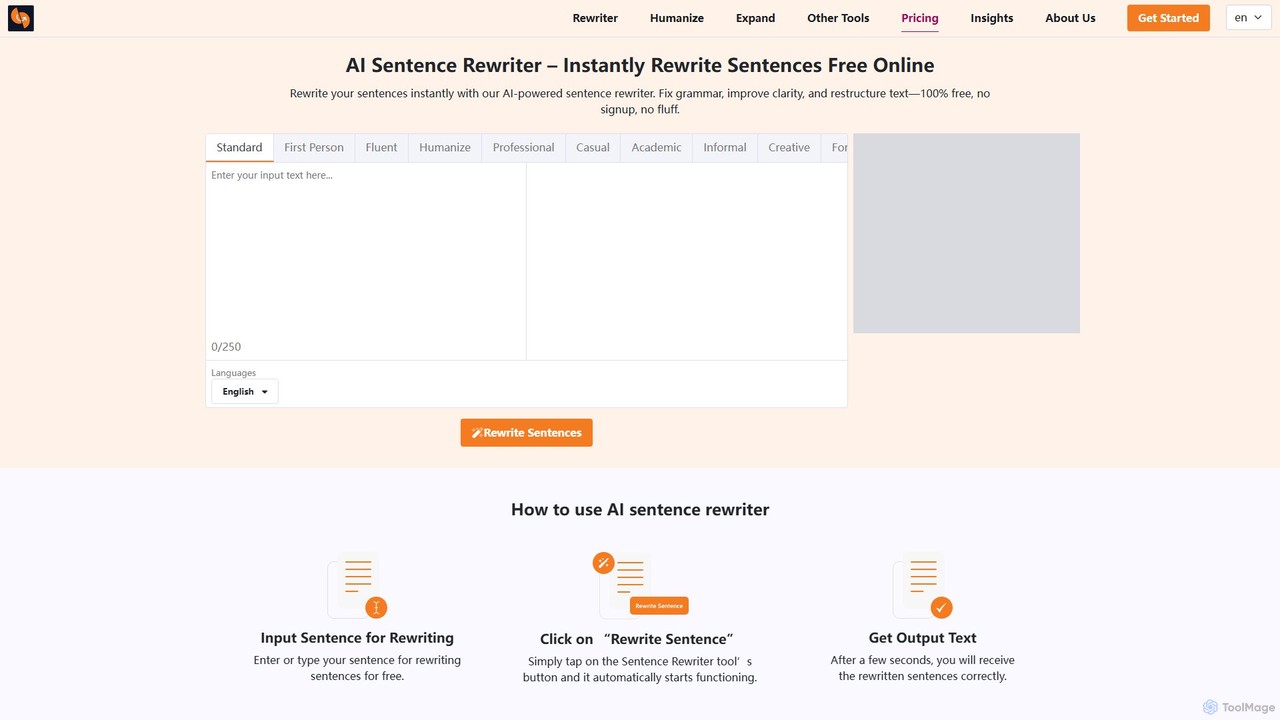
sentencerewriter.net
sentencerewriter.net is a free, AI-powered tool that instantly rewrites sentences, paragraphs, and articles. It helps fix grammar, improve clarity, adjust tone, and humanize AI-generated text to avoid plagiarism and AI detection. With multiple writing modes and a user-friendly interface, it's an essential assistant for students, writers, marketers, and ESL learners looking to enhance their content quality effortlessly.
Academic Writing
rephrasee Comments (0)
Sign in to comment.
Sign inNo comments yet.