

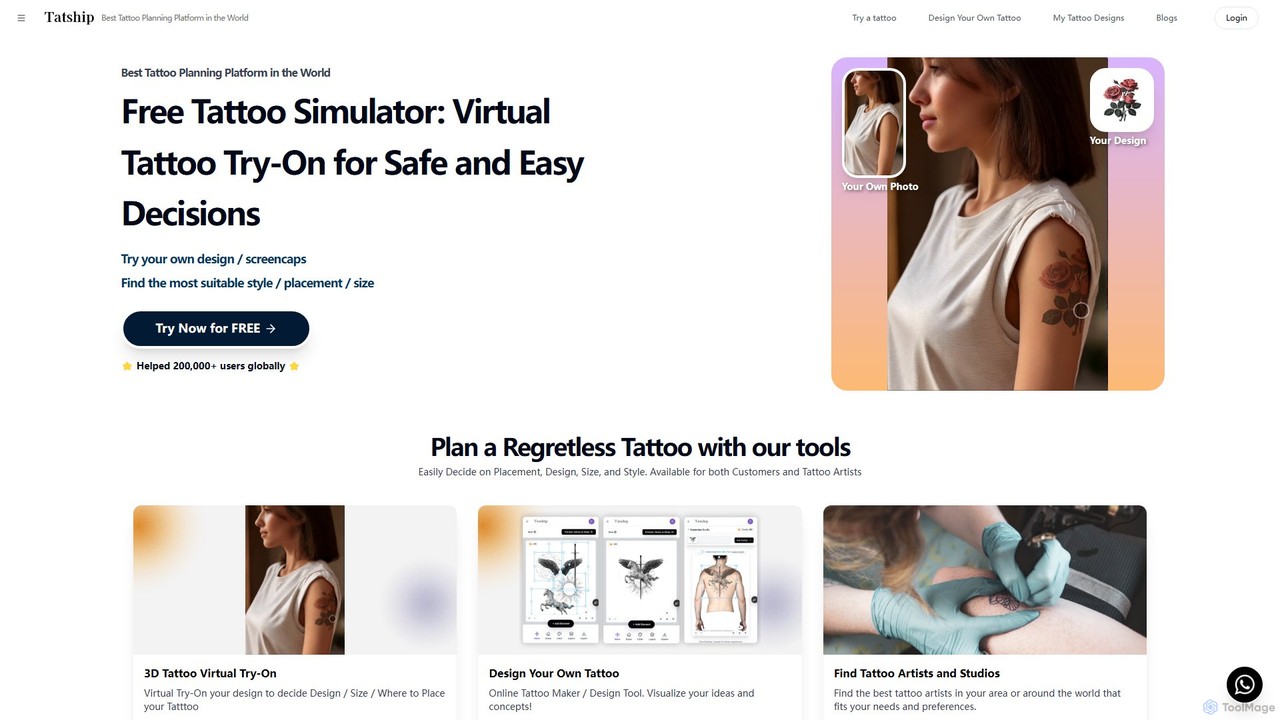
Tatship Overview
Tatship is a comprehensive tattoo planning platform designed to eliminate the uncertainty and regret often associated with getting a new tattoo. It serves as a crucial bridge between an idea and a permanent piece of art on your skin. By leveraging advanced AI technology, Tatship offers a suite of tools for both individuals planning their next tattoo and professional artists seeking to improve client collaboration. The platform's core philosophy is "try before you ink," empowering users to visualize, refine, and perfect their tattoo choices in a risk-free virtual environment.
The platform has already assisted over 200,000 users globally in making more informed decisions. It addresses the common anxieties of choosing the right design, size, and placement by providing a realistic and easy-to-use simulation. For artists, it's a powerful tool to translate a client's vision into a concrete visual, ensuring clear communication and reducing the chances of misunderstanding.
How to use Tatship
Using Tatship is a simple and intuitive process designed to give you a realistic preview in seconds:
- Upload Your Photo: Begin by uploading a clear photograph of the body part where you envision your tattoo.
- Select or Create a Design: You have multiple options. You can upload a design you already have, use a screencap of something that inspires you, or leverage the built-in AI Tattoo Generator. To use the AI generator, simply type a text description of your desired tattoo, and the AI will create unique designs for you.
- Simulate and Adjust: Place the chosen design onto your photo. The platform's tools allow you to freely resize, rotate, and reposition the tattoo to find the perfect fit. The AI-powered skin analysis feature helps blend the design realistically with your skin tone and body contours.
- Finalize and Collaborate: Once you are satisfied with the virtual preview, you can save the image. This visual reference is perfect for sharing with your tattoo artist to communicate your exact requirements, or you can use Tatship's directory to find a new artist that fits your style.
Core Features of Tatship
- AI Virtual Tattoo Try-On: Upload a photo of yourself and any tattoo design to see a realistic preview on your skin in real-time.
- AI Tattoo Generator: Generate unique and custom tattoo designs from simple text prompts, turning your ideas into visual art.
- Online Tattoo Design Tool: An intuitive editor to visualize, create, and refine your tattoo concepts from scratch.
- Artist & Studio Directory: A searchable database to discover and connect with professional tattoo artists and studios near you or around the world.
- Realistic Simulation Technology: Advanced AI skin analysis ensures the virtual tattoo looks authentic, adapting to your skin tone and body shape for a true-to-life preview.
- Business Solutions: Tatship offers its try-on technology as an embeddable solution for tattoo studio websites, enhancing the client consultation and decision-making process.
Use Cases for Tatship
Tatship is versatile and valuable for various users:
- Individuals Planning a Tattoo: Anyone feeling hesitant about the size, placement, or style of a new tattoo can use Tatship to experiment with unlimited options without risk, preventing future regret.
- Tattoo Artists & Studios: Professionals can use the platform to provide clients with accurate mockups, improving communication, streamlining the design approval process, and ensuring client satisfaction.
- Temporary Tattoo Sellers: E-commerce businesses can integrate the technology to allow customers to virtually "try on" temporary tattoos before purchasing, boosting sales and customer engagement.
- Creative Exploration: Individuals can use the AI generator to explore novel and unconventional tattoo ideas, pushing the boundaries of their personal style.
Advantages of Tatship
Tatship stands out by offering significant benefits:
- Eliminates Regret: Make confident, informed decisions by visualizing the final result before making a permanent commitment.
- User-Friendly Interface: Far more accessible and faster for creating tattoo mockups than complex graphic design software like Photoshop.
- Enhanced Communication: Creates a clear visual reference that bridges the communication gap between a client's idea and an artist's execution.
- Fosters Creativity: The AI generator and design tools empower users to create deeply personal and unique tattoo designs that truly represent them.
- Accessible to All: With a free-to-try model, the core features are available to anyone curious about getting a tattoo, removing financial barriers to planning.
Pricing and Plans
Tatship operates on a freemium model. The platform offers a robust Free Plan that allows users to access the core virtual try-on features at no cost, making it easy for anyone to start planning their tattoo. While specific details of paid tiers are not listed, it is common for such platforms to offer premium plans that may include features like unlimited AI design generations, high-resolution image exports, an ad-free experience, and access to advanced business solutions, such as the website embedding tool for tattoo studios. Users are encouraged to start with the free version and explore any available upgrades directly on the platform.
Traffic
Latest traffic
Status
Monthly traffic trend
- 2025-9: 340.3K
- 2026-1: 345.3K
- 2026-2: 250.4K
- 2026-3: 236.3K
- 2026-4: 201.3K
- 2026-5: 221.0K
Geography
Top 5 countries / regions
- 🇺🇸United States48.3%
- 🇩🇪Germany15.9%
- 🇫🇷France13.7%
- 🇪🇸Spain11.3%
- 🇧🇷Brazil10.7%
Traffic sources
| Source type | Percentage |
|---|---|
Direct | 93.4% |
Referral | 4.8% |
Email | 1.9% |
Top keywords
| Keyword | Cost per click |
|---|---|
| art design tattoo | $0.00 |
| demon slayer tattoo | $0.00 |
| half sleeve tatoos | $0.00 |
| tatouage avant bras homme | $0.14 |
| tatship | $1.02 |
Tatship Alternatives
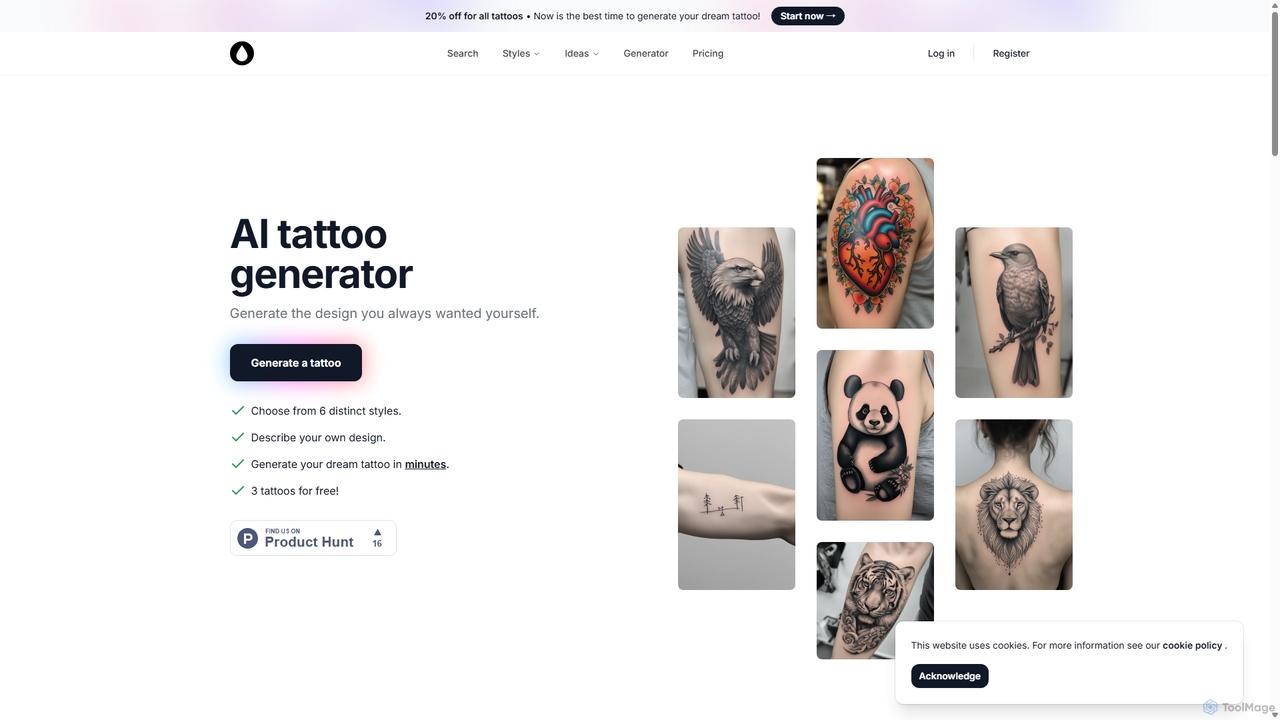
AI Tattoo Generator
AI Tattoo Generator is a specialized tool that creates unique, custom tattoo designs from text descriptions. Users can choose from various styles like Realism, Tribal, and Neo-Traditional to visualize their ideas in minutes. It offers a cost-effective, one-time payment model, providing a wealth of inspiration before consulting a professional tattoo artist.
Generative Art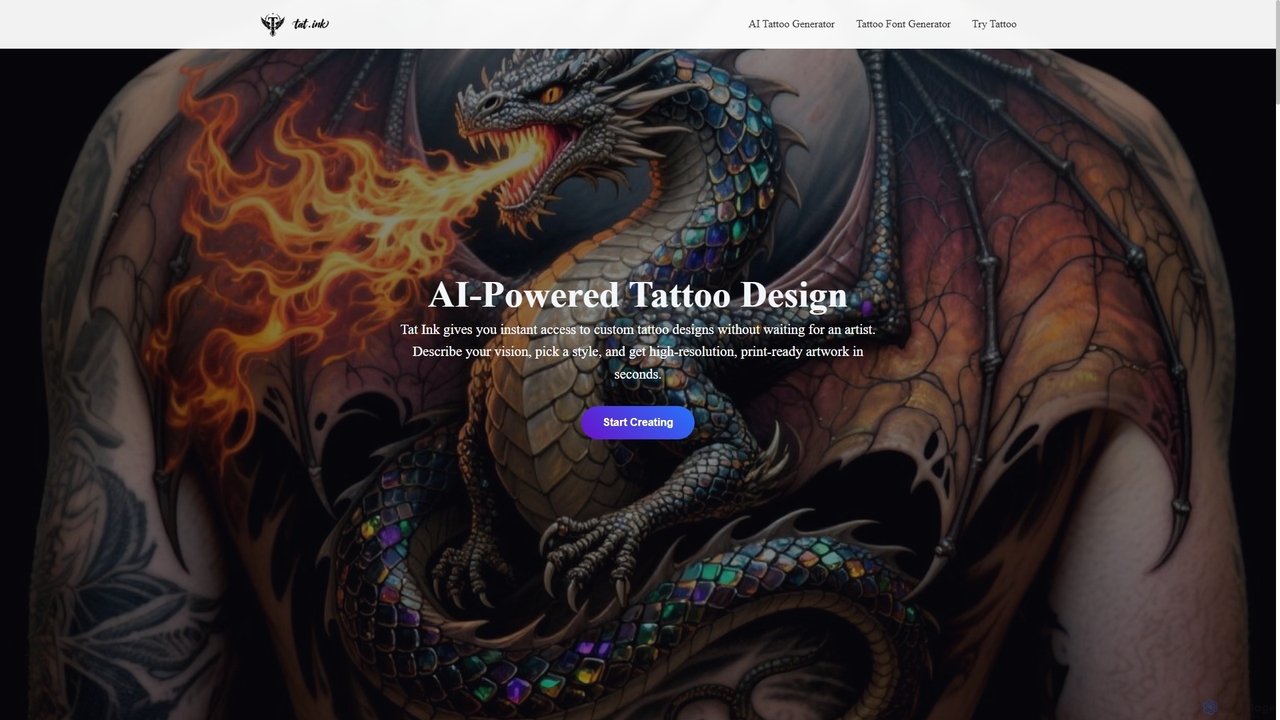
Tat Ink
Tat Ink is an innovative AI-powered platform that transforms your tattoo ideas into unique, high-resolution designs in seconds. It offers an AI tattoo generator, a vast idea explorer, a versatile font generator, and a realistic virtual try-on feature, allowing users to visualize custom ink on their skin before commitment. Perfect for enthusiasts, artists, and designers seeking creative inspiration and personalized body art.
Idea Generation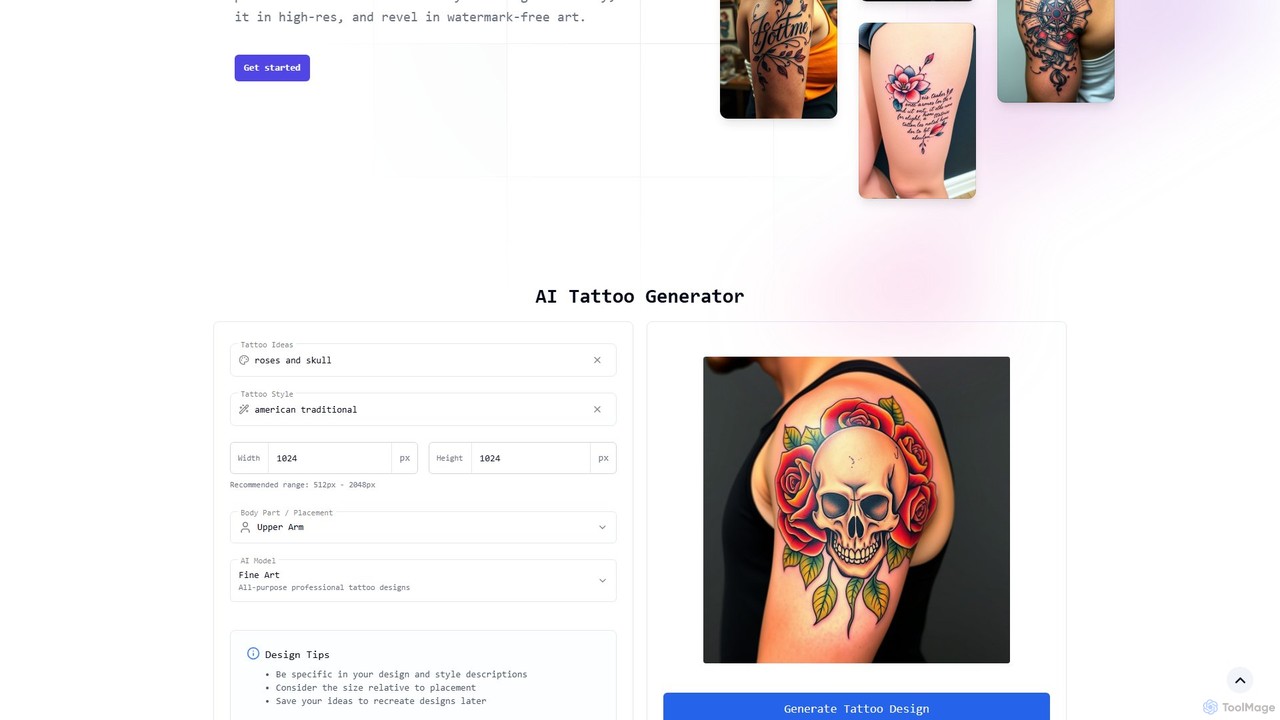
tattoogen
tattoogen is a completely free AI tattoo generator that transforms your ideas into unique, personalized tattoo designs. It offers a wide range of styles, high-resolution downloads without watermarks, and a virtual preview feature, all with no account required.
Tattoo Design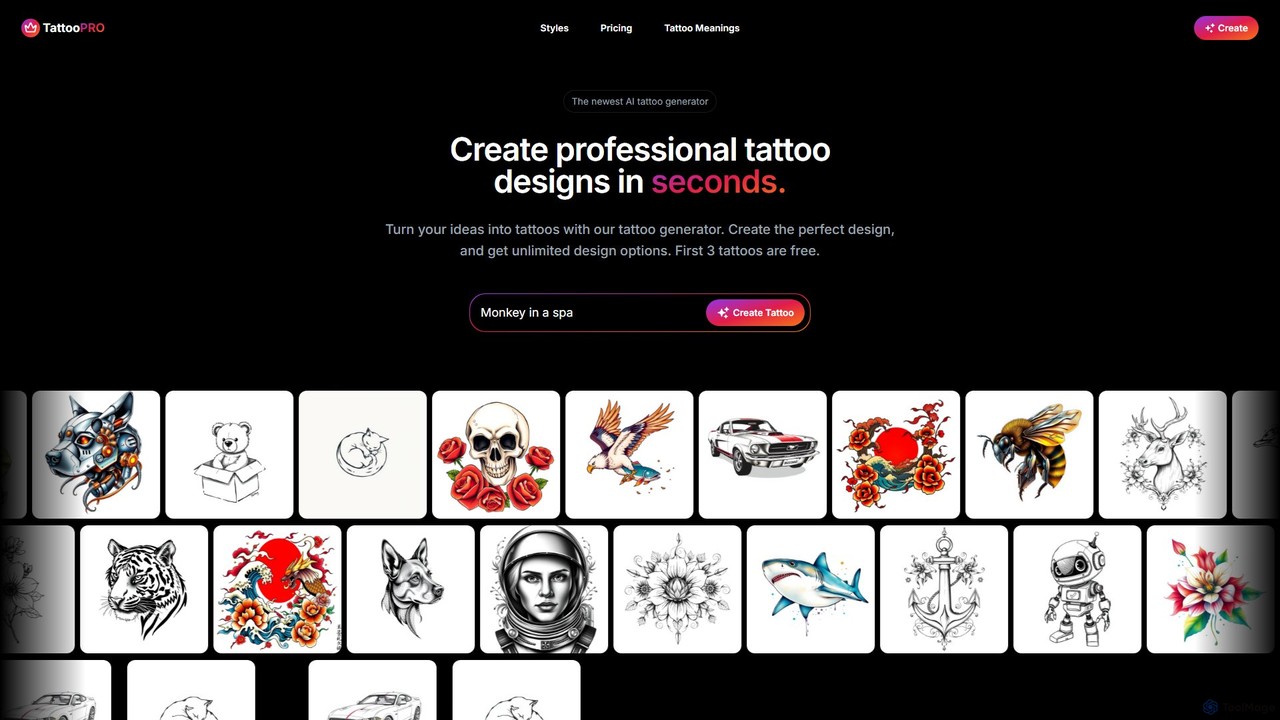
tattoopro
tattoopro is an AI-powered tattoo generator that transforms your ideas into unique, professional tattoo designs in seconds. Simply describe your concept, choose from a vast library of styles like Realistic, Japanese, or Minimalist, and get unlimited high-resolution design options. It's perfect for finding inspiration and visualizing your next tattoo before committing. Features a simple, non-subscription pricing model.
Tattoo Design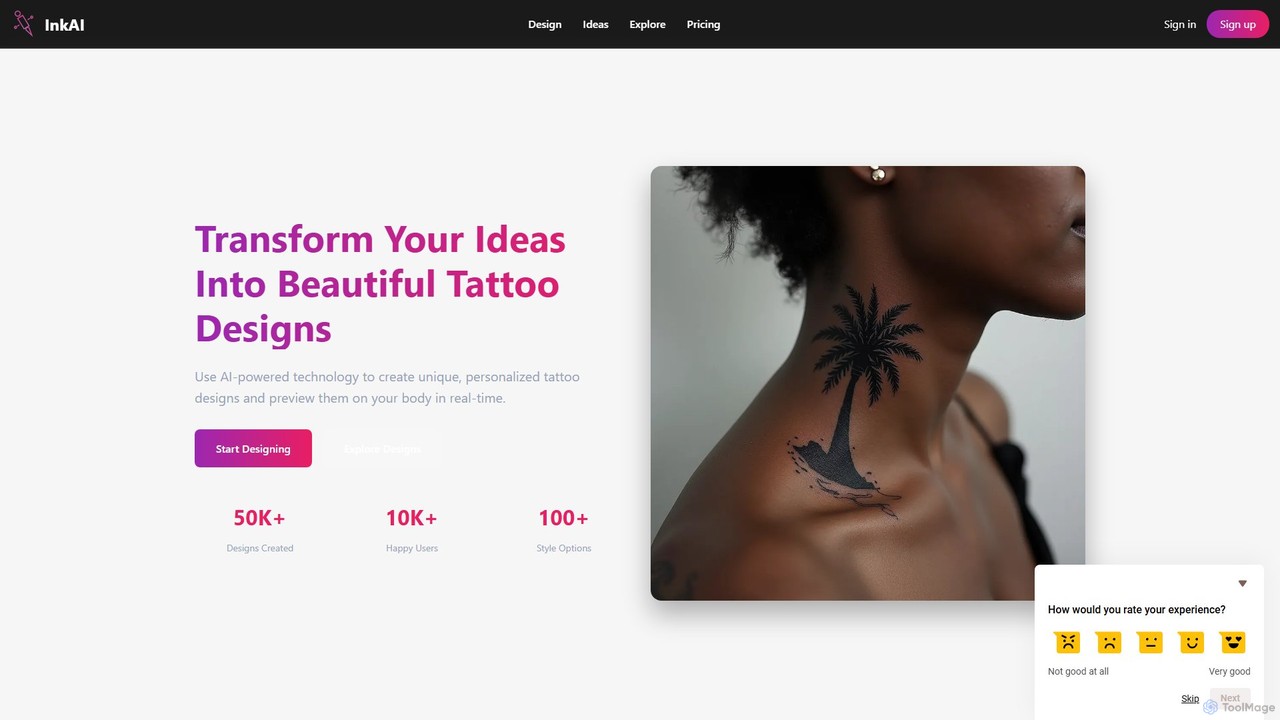
ink_ai
InkAI is an AI-powered tattoo generator that transforms your ideas into unique, personalized tattoo designs. Describe your vision, choose from over 100 styles, and let the AI create a one-of-a-kind concept. With its advanced body mapping feature, you can upload your photos and virtually preview how different tattoos will look on your skin, ensuring you make the perfect choice before getting inked. It's an ideal tool for both individuals and professional tattoo artists.
Tattoo DesignTatship Categories
Tatship Embed Widget
Copy this embed code to place the badge on your blog, article, or product site and send readers directly to this ToolMage detail page.

Related AI tools
AI Tattoo Generator
AI Tattoo Generator is a specialized tool that creates unique, custom tattoo designs from text descriptions. Users can choose from various styles like Realism, Tribal, and Neo-Traditional to visualize their ideas in minutes. It offers a cost-effective, one-time payment model, providing a wealth of inspiration before consulting a professional tattoo artist.
Generative ArtTat Ink
Tat Ink is an innovative AI-powered platform that transforms your tattoo ideas into unique, high-resolution designs in seconds. It offers an AI tattoo generator, a vast idea explorer, a versatile font generator, and a realistic virtual try-on feature, allowing users to visualize custom ink on their skin before commitment. Perfect for enthusiasts, artists, and designers seeking creative inspiration and personalized body art.
Idea Generationtattoogen
tattoogen is a completely free AI tattoo generator that transforms your ideas into unique, personalized tattoo designs. It offers a wide range of styles, high-resolution downloads without watermarks, and a virtual preview feature, all with no account required.
Tattoo Designtattoopro
tattoopro is an AI-powered tattoo generator that transforms your ideas into unique, professional tattoo designs in seconds. Simply describe your concept, choose from a vast library of styles like Realistic, Japanese, or Minimalist, and get unlimited high-resolution design options. It's perfect for finding inspiration and visualizing your next tattoo before committing. Features a simple, non-subscription pricing model.
Tattoo Designink_ai
InkAI is an AI-powered tattoo generator that transforms your ideas into unique, personalized tattoo designs. Describe your vision, choose from over 100 styles, and let the AI create a one-of-a-kind concept. With its advanced body mapping feature, you can upload your photos and virtually preview how different tattoos will look on your skin, ensuring you make the perfect choice before getting inked. It's an ideal tool for both individuals and professional tattoo artists.
Tattoo Design
Jyek
Jyek is an AI agent platform that understands objectives, creates execution plans, uses tools, and delivers verifiable results for complex, multi-step tasks.
Automation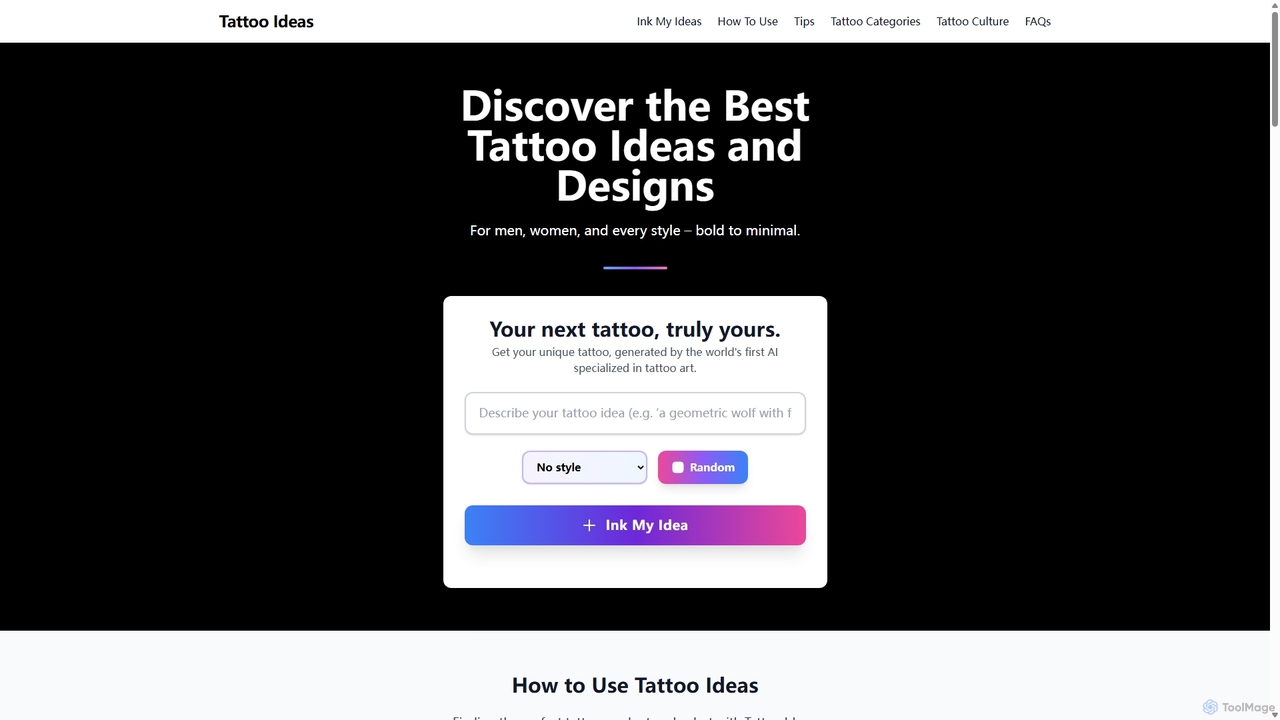
TattooIdeas.tech
An AI-powered platform for tattoo inspiration, offering a vast gallery of high-resolution designs and a unique AI generator to create custom tattoo art from text prompts. Explore styles, meanings, and find the perfect ink for you.
Tattoo Design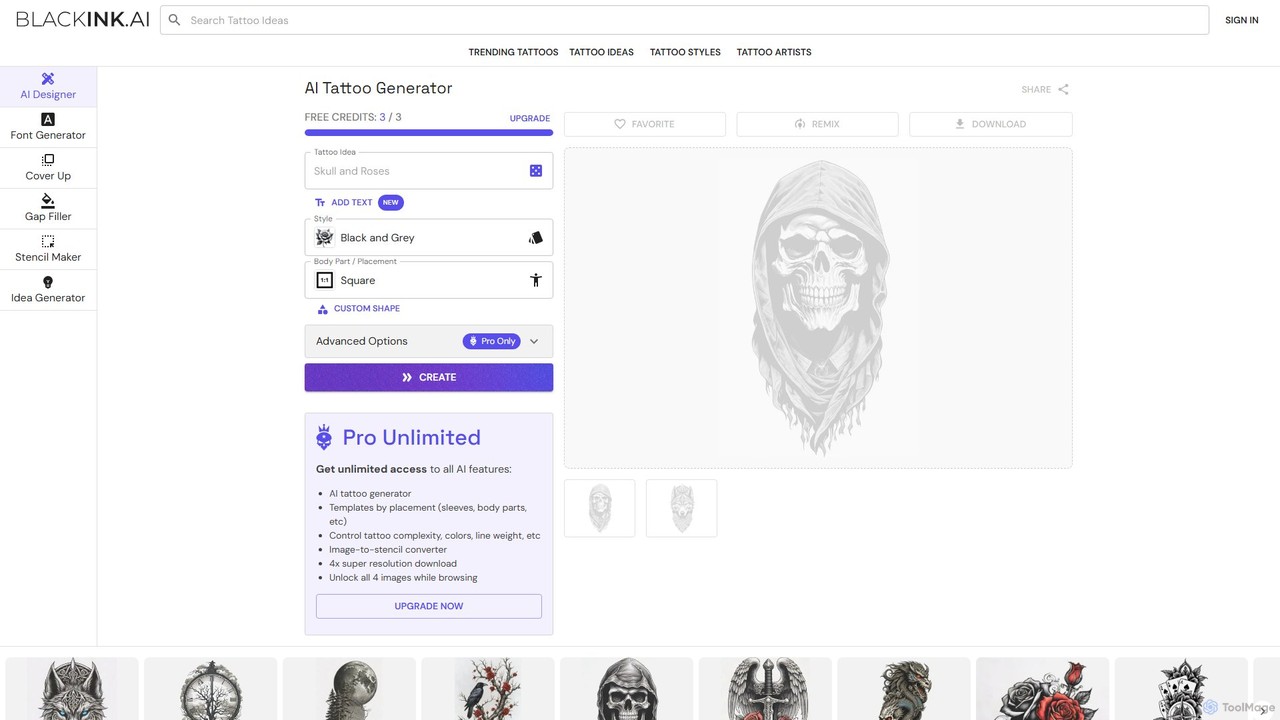
BlackInk
BlackInk is an AI-powered tattoo generator that allows users to create unique, custom tattoo designs in seconds. Simply describe your idea, choose a style, and the AI brings it to life. It offers features like a stencil converter, cover-up and gap filler tools, and high-resolution downloads, making it perfect for tattoo enthusiasts and artists seeking inspiration.
Tattoo Design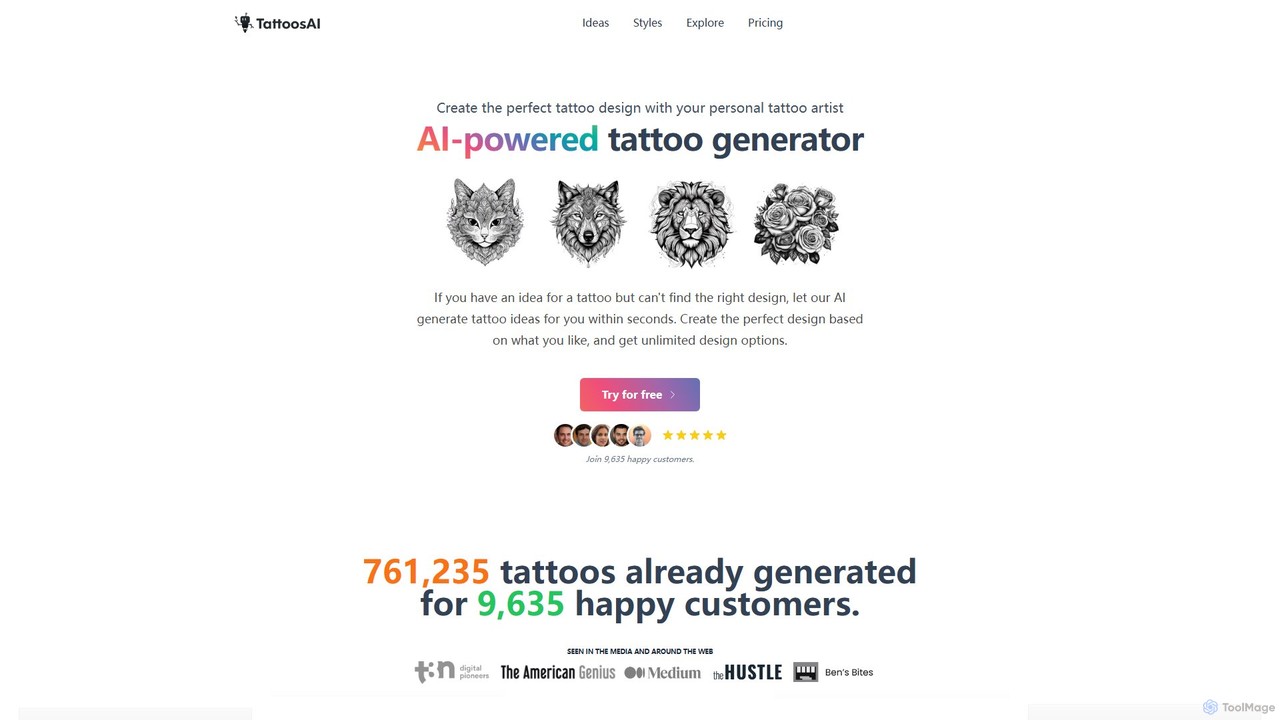
TattoosAI
TattoosAI is an AI-powered tattoo generator that transforms your ideas into unique, custom tattoo designs in seconds. Describe your concept, choose from over 18 distinct styles, and receive unlimited design options. It's your personal digital tattoo artist, perfect for finding inspiration, visualizing ideas, and creating a one-of-a-kind piece before you get inked.
Tattoo Design
Ink Studio AI
Ink Studio AI is an advanced AI-powered tattoo generator that transforms your ideas into unique, high-quality tattoo designs in minutes. It offers multiple styles, a photo-to-tattoo converter, and a virtual try-on feature, making it easy to visualize and perfect your ideal tattoo before consulting an artist.
Tattoo Design
inkgen
inkgen is an AI-powered tattoo generator that transforms your text descriptions into unique, custom tattoo designs. Instantly visualize your ideas in various styles, from minimalist to traditional. Perfect for individuals seeking inspiration and artists looking for a creative boost.
Tattoo Design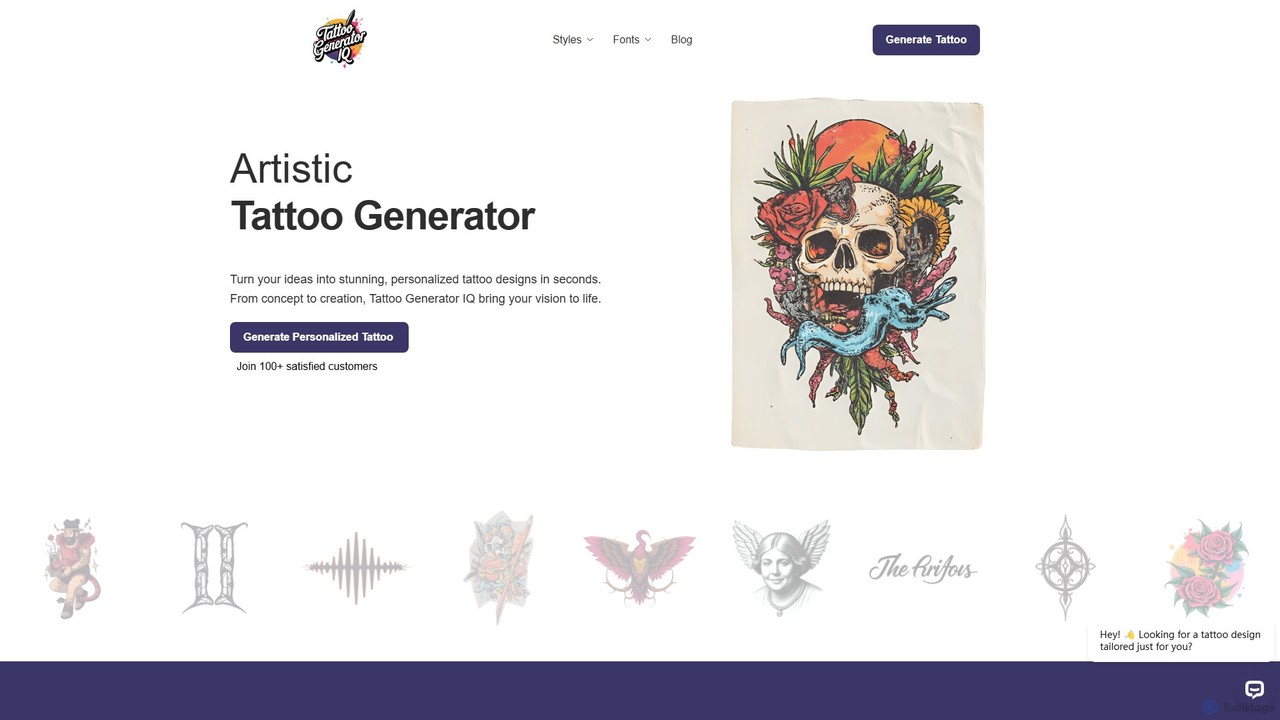
TattooGeneratorIQ
TattooGeneratorIQ is an advanced AI-powered tool that transforms your ideas into stunning, personalized tattoo designs in seconds. It offers a vast library of styles, from Japanese and Tribal to Fine Line and Geometric, allowing you to visualize and refine your perfect tattoo before getting inked. Ideal for both first-timers and seasoned collectors, it provides artist-ready references to bring your unique vision to life.
Tattoo Design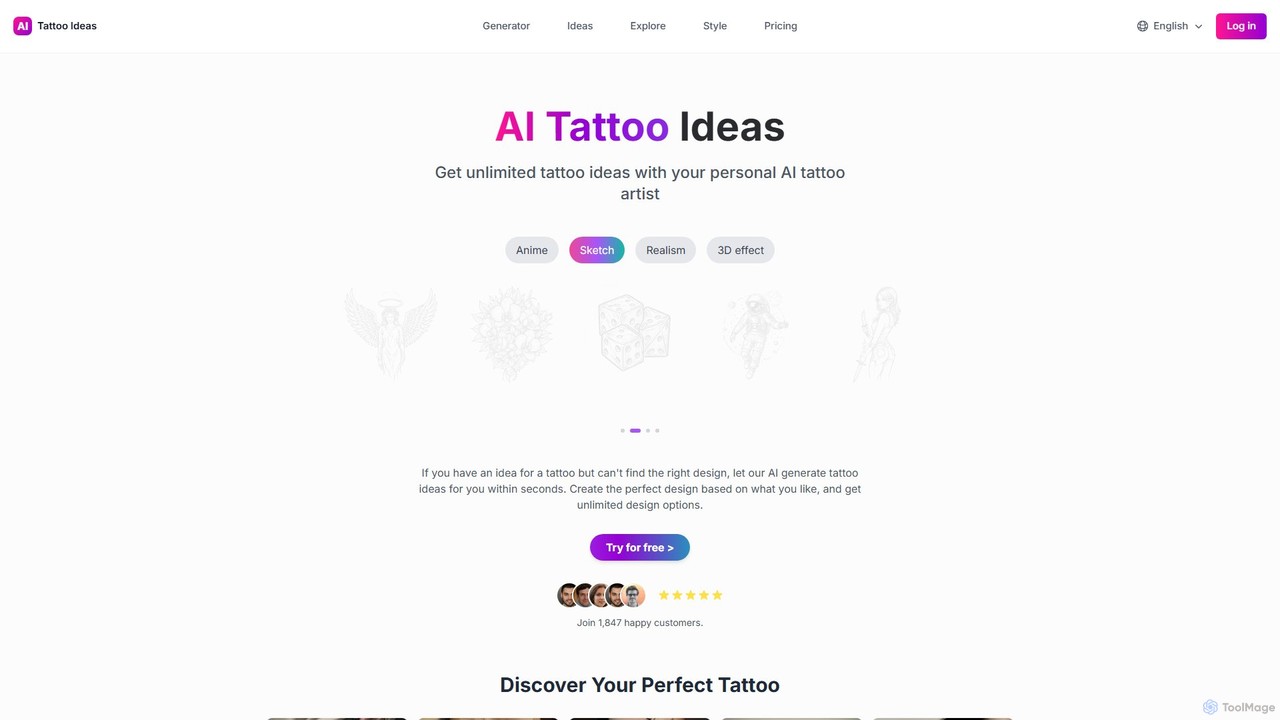
Tattoo Ideas AI
Tattoo Ideas AI is an AI-powered tattoo generator that transforms your ideas into unique, custom tattoo designs. Simply describe your vision, select from a wide range of artistic styles, and receive unlimited design options in seconds. It's your personal digital tattoo artist, available 24/7.
Tattoo Design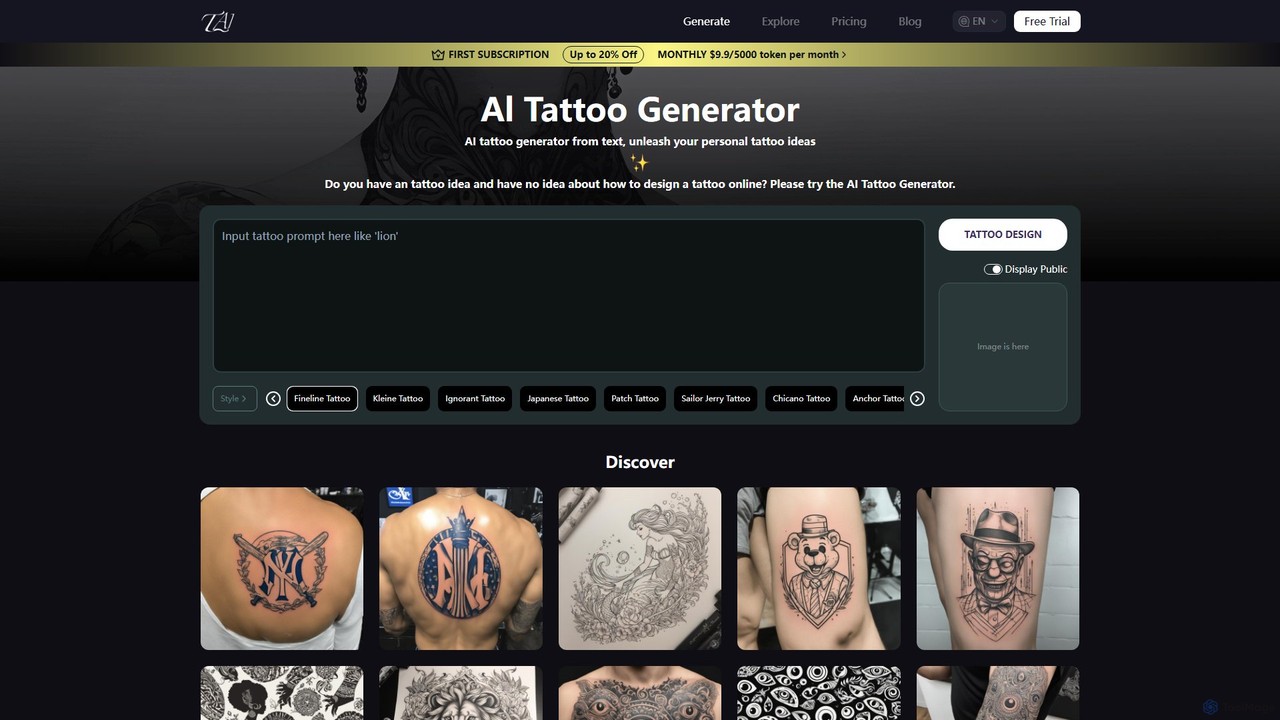
TattooAI
TattooAI is an advanced AI-powered tattoo generator that transforms your text descriptions into unique and personalized tattoo designs. Explore a vast array of styles, from Fineline and Japanese to Watercolor and Realism. Whether you're an individual seeking inspiration for your next piece or a tattoo artist looking for a creative starting point, TattooAI provides a seamless and intuitive platform to visualize your ideas instantly. It offers free exploration and premium plans for private generation.
Tattoo Design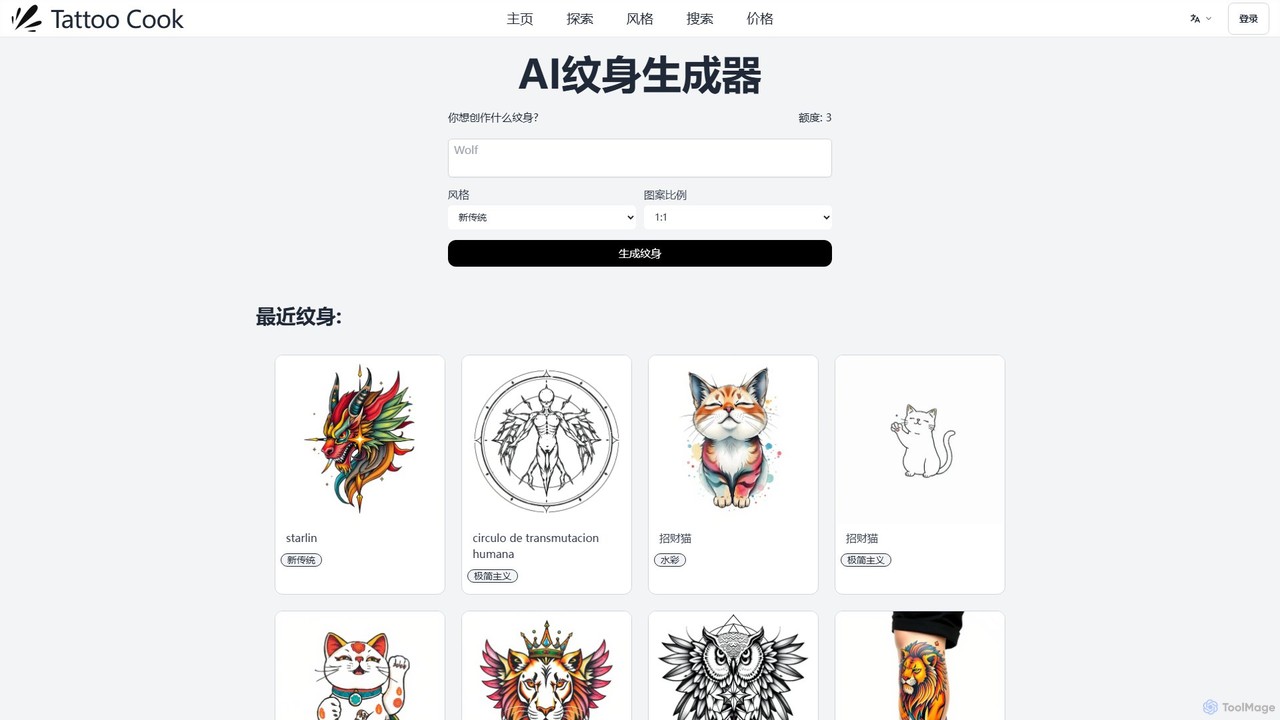
tattoocook
tattoocook is an AI-powered tattoo generator that transforms your text descriptions into unique tattoo designs. It offers over 20 distinct styles, customizable aspect ratios, and a free trial without requiring a login. Ideal for individuals seeking inspiration and tattoo artists looking for a rapid concept creation tool.
Tattoo Design
Tatship Comments (0)
Sign in to comment.
Sign inNo comments yet.