Voice Out
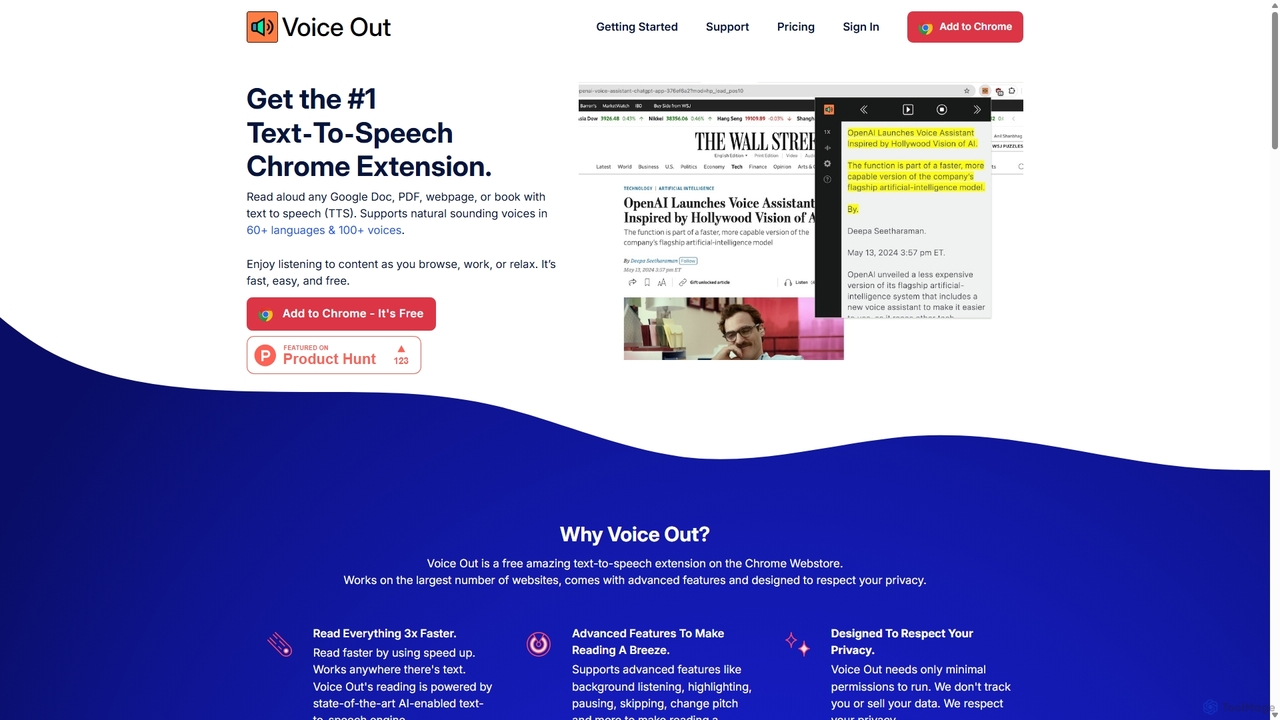
Voice Out is a leading text-to-speech (TTS) Chrome extension that converts any written content—from webpages and PDFs to …
Voice Out is a leading text-to-speech (TTS) Chrome extension that converts any written content—from webpages and PDFs to Google Docs—into natural-sounding audio. Supporting over 60 languages with 100+ AI-powered voices, it enhances productivity, aids learning, and improves accessibility for all users. Listen to content while multitasking, proofread documents, or give your eyes a rest.
Read This
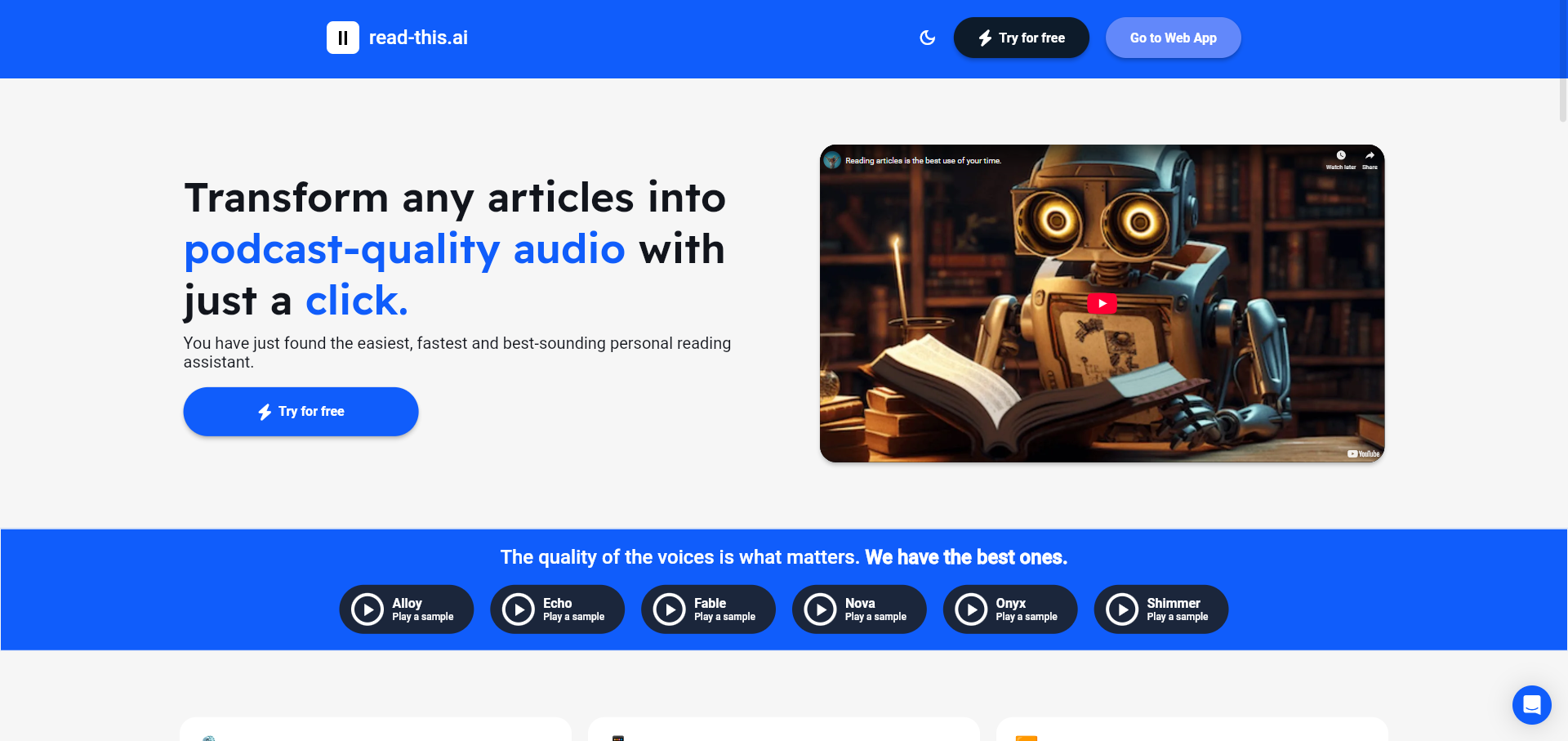
An AI-powered text-to-speech tool that transforms any article, text, or webpage into natural, podcast-quality audio with a single …
An AI-powered text-to-speech tool that transforms any article, text, or webpage into natural, podcast-quality audio with a single click. It supports multiple languages and offers a variety of high-quality AI voices, making content accessible and easy to consume on the go.
Narrator: Audiobook Maker
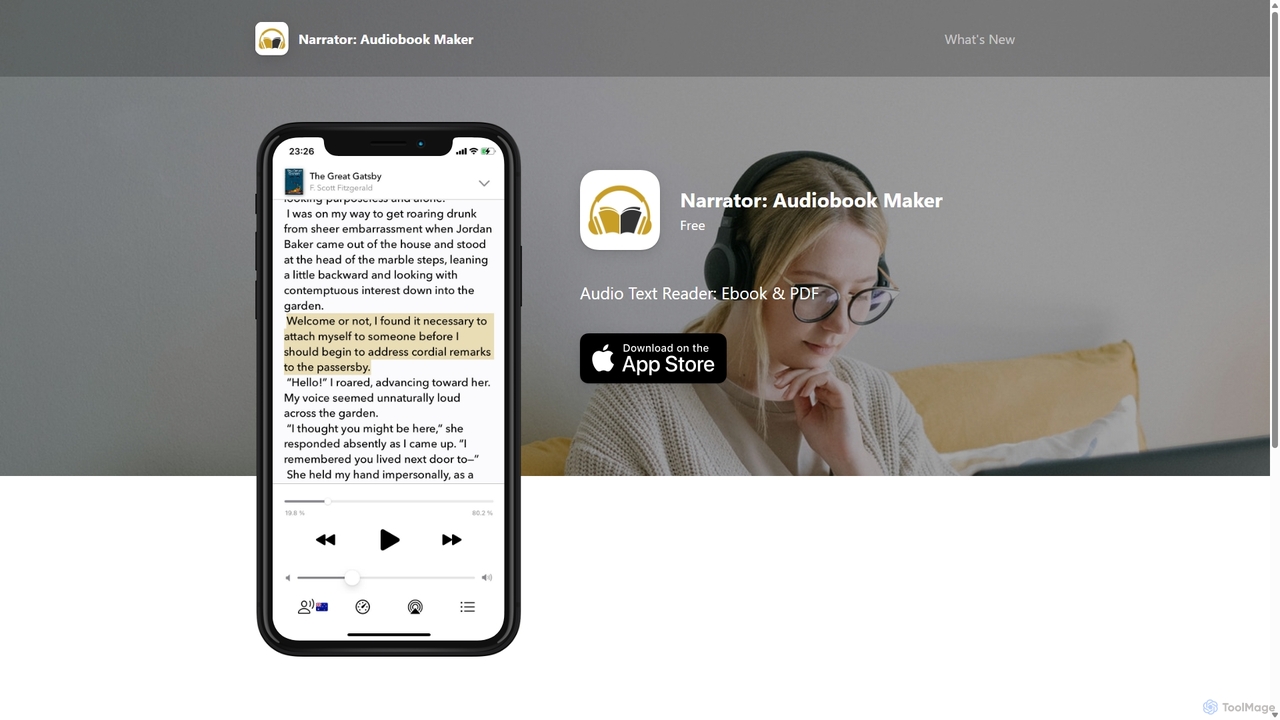
Narrator is an AI-powered mobile app that converts text from various formats like ePub, PDF, and DOCX into …
Narrator is an AI-powered mobile app that converts text from various formats like ePub, PDF, and DOCX into natural-sounding audiobooks. Supporting over 25 languages, it offers features like adjustable reading speed, AI-powered summaries, and premium voices, making it easy to listen to any document on the go.
getwoord
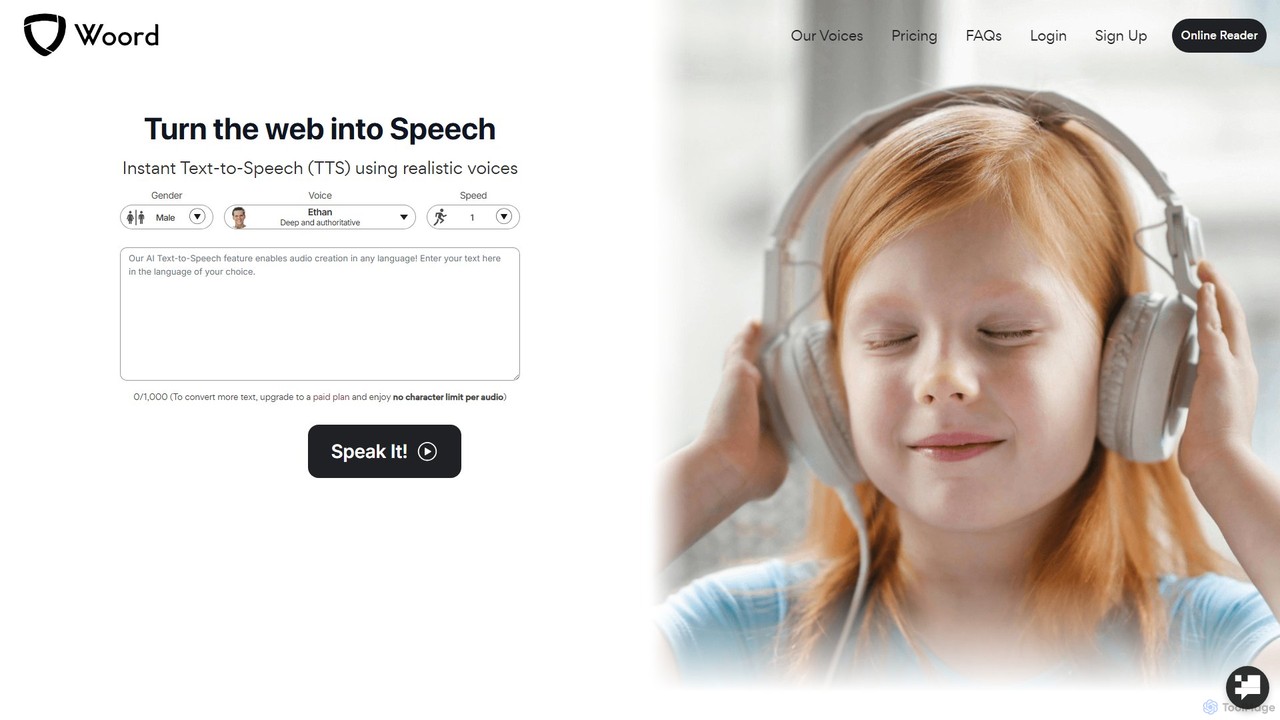
getwoord is an advanced AI text-to-speech (TTS) platform that converts any text into high-quality, natural-sounding audio. It offers …
getwoord is an advanced AI text-to-speech (TTS) platform that converts any text into high-quality, natural-sounding audio. It offers over 100 realistic voices across more than 34 languages and various accents. Ideal for content creators, educators, and businesses, getwoord provides MP3 downloads, commercial usage rights, and API access, making it easy to create audio for videos, podcasts, e-learning, and more.
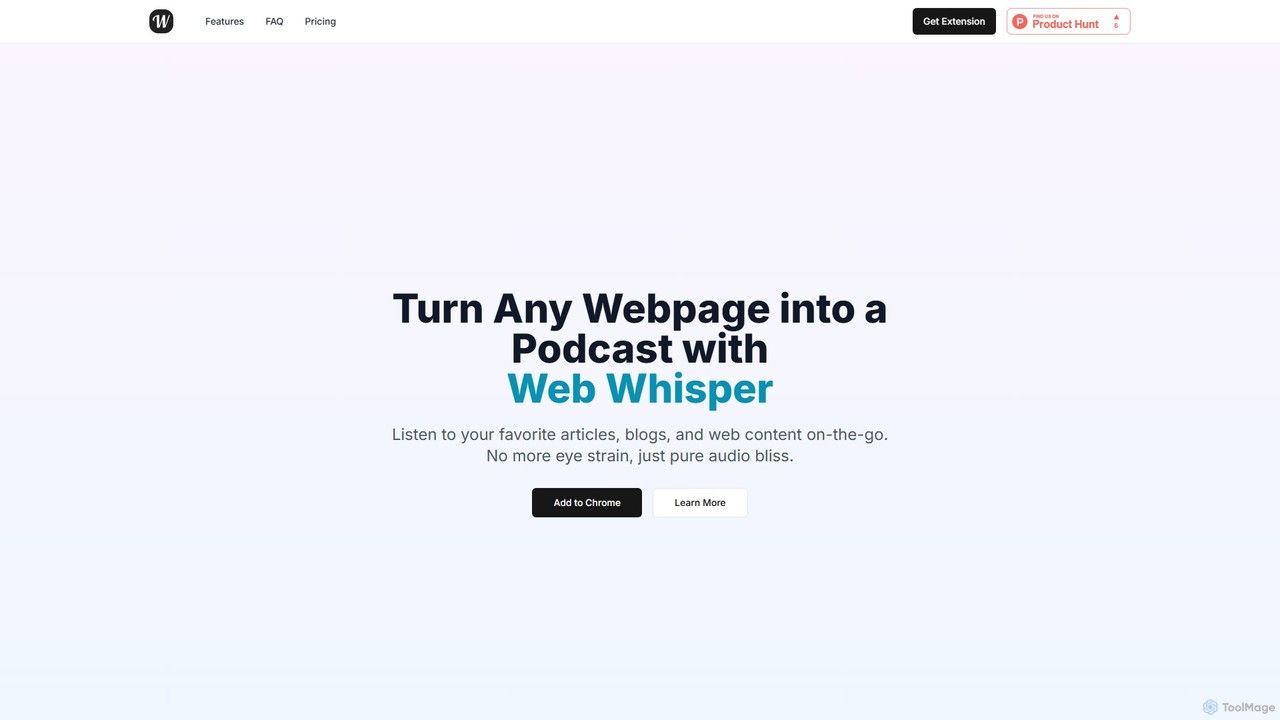
WebWhisper
WebWhisper is a free Chrome extension that instantly converts any webpage, article, or blog post into a high-quality …
WebWhisper is a free Chrome extension that instantly converts any webpage, article, or blog post into a high-quality audio podcast. It allows you to listen to web content on the go, create playlists for later, and even access them offline. With natural-sounding AI voices and automatic language detection, it transforms your reading experience into an effortless listening one, reducing eye strain and boosting productivity.
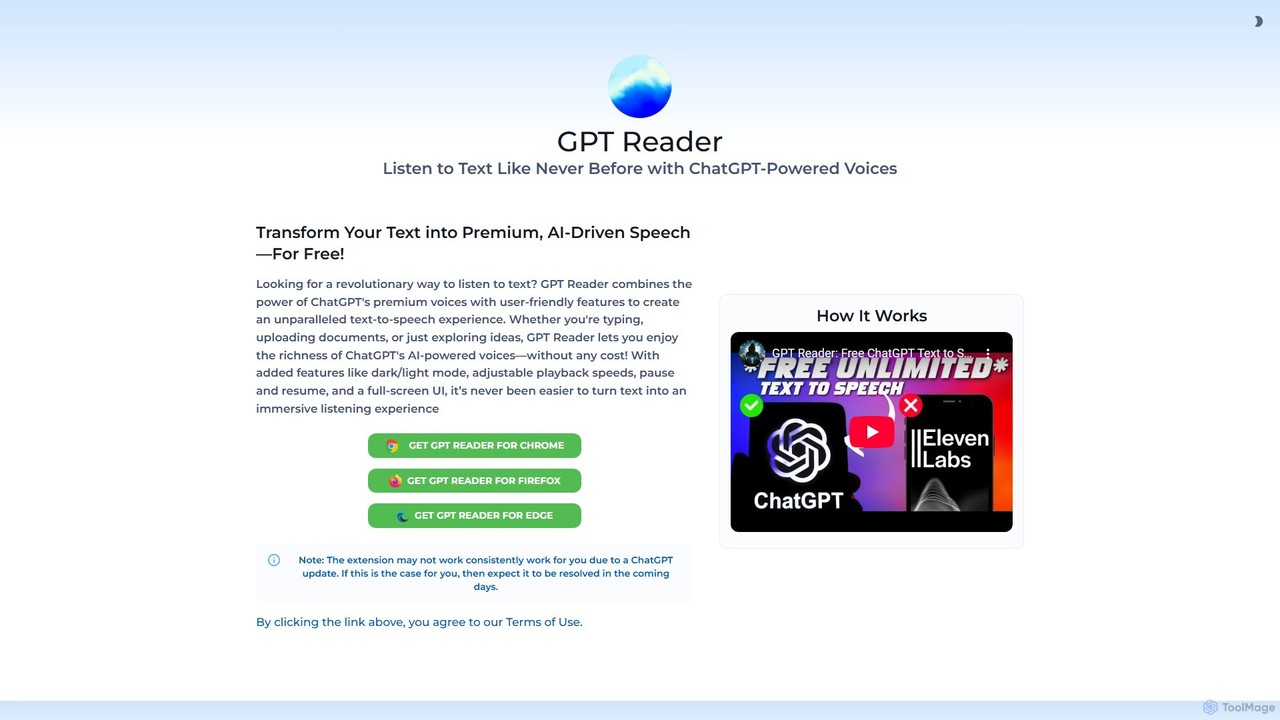
GPT Reader
A free text-to-speech browser extension that uses premium, natural-sounding voices from ChatGPT. Convert articles, documents, and any selected …
A free text-to-speech browser extension that uses premium, natural-sounding voices from ChatGPT. Convert articles, documents, and any selected text into high-quality audio for enhanced productivity and accessibility.
About Screen Reader
A Screen Reader is a form of assistive technology that translates on-screen information into synthesized speech or braille output. It functions by interfacing directly with a computer's operating system to interpret and convey user interface elements, text, and web content. This enables individuals with visual impairments to independently navigate websites, use software applications, and access digital documents. Modern screen readers support complex web standards like ARIA, providing a rich, interactive experience beyond simple text-to-speech.
Core Features
- Text-to-Speech (TTS) Conversion: Reads aloud all on-screen text, including menus, buttons, and content.
- Interactive Navigation: Allows users to navigate through headings, links, forms, and other page elements using keyboard commands.
- Braille Display Support: Outputs text to a connected refreshable braille display for tactile reading.
- Verbosity Control: Offers customizable settings for how much detail is announced, such as punctuation and formatting.
- Web Standards Support: Interprets ARIA (Accessible Rich Internet Applications) roles and properties to describe dynamic content and complex widgets.
Use Cases
Screen readers are essential for students, professionals, and home users with visual impairments. They are used for academic research, professional work involving documents and software, and daily tasks like online banking and communication. Additionally, web developers and QA testers use them as a primary tool to ensure their products meet accessibility standards like WCAG.
How to Choose
When selecting a screen reader, consider its compatibility with your operating system (e.g., JAWS for Windows, VoiceOver for macOS/iOS). Evaluate its support for the applications you use most frequently, such as web browsers and office suites. Also, compare features like voice customization, braille device support, and cost, as some are built-in and free while others are commercial products with advanced features.
Screen ReaderUse Cases
Academic Research for Visually Impaired Students
A university student with a visual impairment uses a screen reader to access digital textbooks, academic journals, and online library databases. The tool reads aloud complex PDF documents and web pages, allowing the student to navigate by headings and links to find specific information efficiently. This enables them to conduct research, write essays, and participate in online courses on an equal footing with their peers, fostering academic independence and success.
Web Accessibility Testing for Developers
A front-end developer or QA tester uses a screen reader to audit a new website for WCAG (Web Content Accessibility Guidelines) compliance. By navigating the site using only keyboard commands, they can identify issues such as missing alt text for images, improperly labeled form fields, and illogical navigation order. This process is crucial for ensuring the website is usable by everyone, including those with disabilities, and helps avoid potential legal issues related to accessibility.
Professional Document Review and Editing
An office worker with low vision uses a screen reader integrated with a word processor and email client. The software reads out document text, formatting details, and comments, allowing them to review reports, edit proposals, and compose professional emails efficiently. Keyboard shortcuts for navigation and editing commands enable a workflow that is as fast, or even faster, than using a mouse. This integration empowers professionals with visual impairments to excel in roles that are heavily document-dependent.
Navigating Complex Software Applications
A programmer who is blind uses a screen reader with a powerful code editor like Visual Studio Code. The screen reader announces syntax, indentation, and errors as they type, and provides auditory cues for debugging. They can navigate complex file structures, use version control, and interact with command-line interfaces entirely through audio feedback and keyboard commands. This demonstrates that screen readers are not limited to web pages but are crucial for professional access to specialized software.
Daily Online Tasks for Independent Living
An elderly individual with age-related vision loss uses a screen reader on their tablet to stay connected and manage daily life. They listen to news articles, manage their online banking, shop for groceries, and communicate with family via email and social media. The ability to adjust the speech rate and voice preferences makes the experience comfortable. This technology is a key enabler for digital inclusion, allowing users to maintain independence and participate fully in a digital society.
Consuming Social Media and Digital Content
A user navigates their favorite social media platform using a screen reader on their smartphone. The tool announces posts, describes images using available alt text, and reads comments, allowing for active participation in online communities. They can also use it to listen to long-form articles or ebooks during their commute. This application highlights how screen readers transform passive content consumption into an interactive and accessible experience, breaking down barriers to information and social connection.